Best Academic Writing Software in 2026: 8 Tools Compared

How we put this together: we compare official feature and pricing pages, app store listings, privacy policies and public user reviews. Prices change, so check the provider's site before you pay.
Key takeaways
- Scrivener suits long theses and books, while Overleaf suits maths-heavy papers and collaborative LaTeX work.
- Zotero and EndNote handle references, with Zotero free for most students and EndNote suited to labs with a site licence or a one-time purchase budget.
- Grammarly and ProWritingAid handle the editing pass, with Grammarly stronger on grammar and ProWritingAid stronger on style and structure.
- No single tool covers drafting, citations and editing well, so most researchers need a small set: a drafting tool, a reference manager and an editing tool.
Quick comparison
| Name | Who it suits | Starting price | Free option | |
|---|---|---|---|---|
 Scrivener | Long-form theses and books | $59.99 one-time | Free trial | Visit |
 Overleaf | Collaborative LaTeX papers | Free | Yes | Visit |
 Grammarly | Grammar, clarity and tone checks | Free | Yes | Visit |
 ProWritingAid | Style and structure analysis | Free | Yes | Visit |
 Hemingway Editor | Readability and conciseness | See website | Yes | Visit |
 Zotero | Free reference management | Free | Yes | Visit |
 EndNote | Large reference libraries in labs | $275 one-time | Free trial | Visit |
 QuillBot | Paraphrasing and summarising help | Free | Yes | Visit |
The best academic writing software
The best app for writing depends on the stage of the work. Drafting a thesis, writing a LaTeX paper, managing references and editing a final draft are different jobs, and they call for different tools. We compared official feature pages, pricing pages and public documentation, and we kept the focus on academic use: long documents, citations, collaboration with a supervisor, and journal formatting. We also avoided essay mills and tools that write a paper for you, because those do not help you learn, and they can breach university rules.
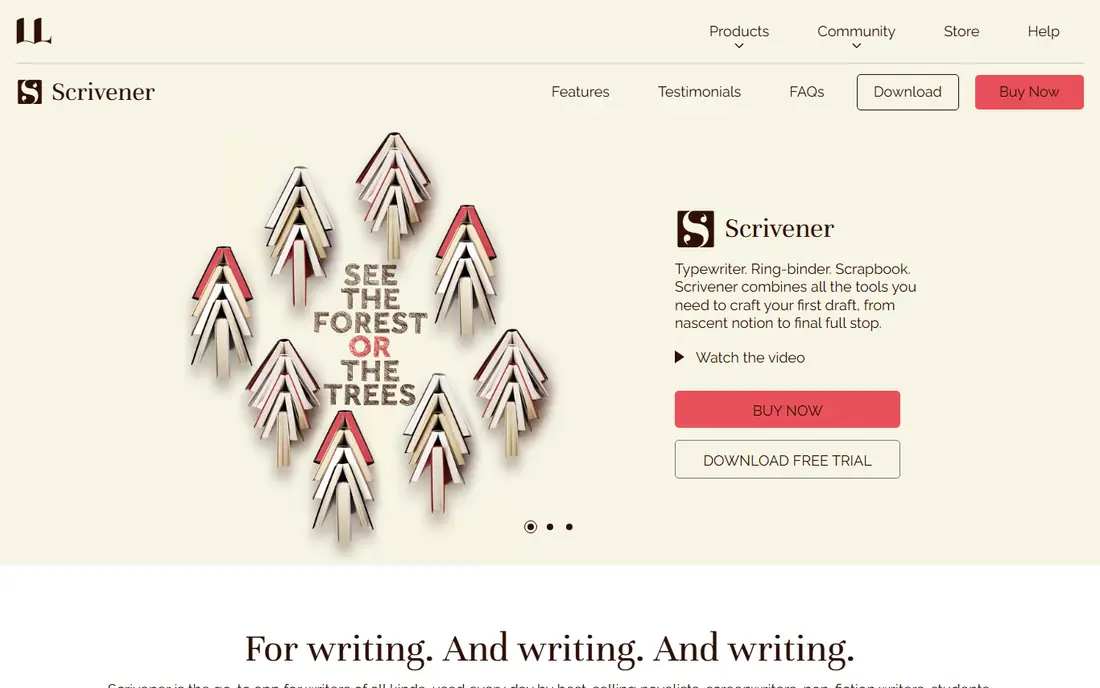
Scrivener is built for long, complex documents, which is why it suits theses and book-length manuscripts. You can break a thesis into chapters and sections, rearrange them on a corkboard or in an outliner, and keep notes, PDFs and web material beside the draft. That structure helps when a chapter moves, a section splits, or a supervisor asks you to reorder an argument.
The trade-off is collaboration and learning time. Scrivener is not a real-time co-editing tool like Google Docs or Overleaf, so supervisor feedback usually moves through exported drafts. It also takes a few days to learn well. If your main job is a long, solo manuscript, Scrivener is worth that learning time. If your main job is fast co-editing, start with Overleaf or Google Docs.
- Corkboard and outliner for rearranging chapters
- Research material beside the draft
- One-time purchase, not a subscription
- Learning curve for new users
- Collaboration is weaker than Google Docs or Overleaf
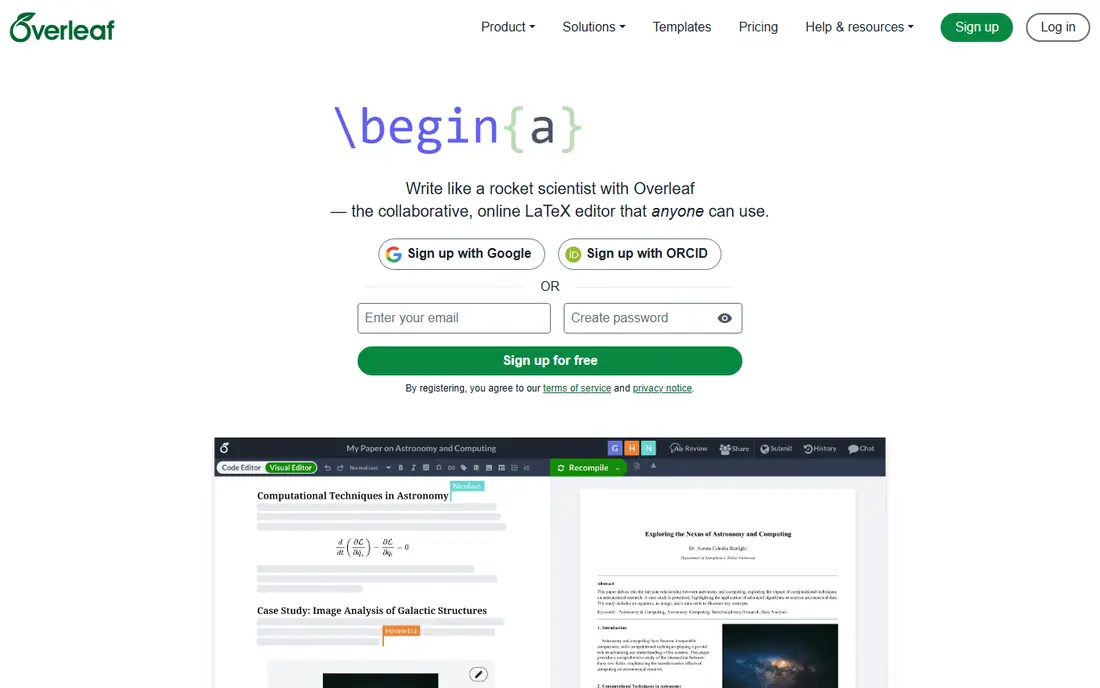
Overleaf is the easiest way to write a LaTeX paper with co-authors. It runs in a browser, shows the compiled PDF beside the source, offers journal templates, and lets several authors edit at once with tracked changes and comments. For maths, physics, computer science and other fields where equations and journal formatting matter, that combination is hard to beat.
The free plan covers solo work well, but limits projects and collaborators, so a busy lab may need a paid plan. LaTeX also takes learning time if you have only used Word. If your field uses LaTeX and your paper has several authors, Overleaf is the clear pick. If your field uses Word and your supervisor edits in Word, a Word-based workflow with Zotero may fit better.
- Real-time LaTeX collaboration
- Wide journal template library
- No local LaTeX install needed
- Free plan limits projects and collaborators
- LaTeX itself has a learning curve for new users
Grammarly is the most widely used editing aid in this list, and it works where you type: in a browser, in Word, in Google Docs and in many other apps. The free tier catches grammar, spelling and punctuation errors, while Premium adds clarity, tone and style suggestions. For a student whose first language is not English, or for any writer who wants a clean proofreading pass, that coverage helps.
The limit is judgement. Grammarly can fix a sentence, but it cannot tell you if an argument is weak, if a citation is wrong, or if a paragraph belongs in a different chapter. Treat its suggestions as a proofreading aid, not as an editor. Accept changes one by one, keep your own voice, and check every factual claim yourself.
- Strong grammar and spelling checks across apps
- Tone and clarity suggestions
- Free tier for basic checks
- Premium suggestions can feel generic for academic style
- It cannot judge the quality of an argument
ProWritingAid suits the style pass after Grammarly has handled grammar. It reports on sentence variety, repetition, pacing, readability and structure, which helps when a thesis chapter feels flat or repetitive. Authors who write books also use it for manuscript-level reports, because it can show patterns across a whole document, not just one paragraph.
The free tier limits how much you can check at once and how often you can run some reports, so a long thesis may need a paid plan or a lifetime licence. The interface also feels busy if you only want a quick typo check. Use Grammarly for proofreading and ProWritingAid for style, and you will get more from both than from either alone.
- Deep style reports on pacing, repetition and sentence variety
- Useful for long manuscripts
- Lifetime licence option in published terms
- Free tier limits word counts and report use
- Interface can feel busy for a quick proofread
Hemingway Editor highlights long sentences, adverbs, passive voice and hard-to-read passages in colour, so you can see at a glance where a paragraph needs tightening. The free online editor is enough for a quick pass on a section, and the tool is simple enough to learn in minutes. For writers who tend toward long, dense academic sentences, that visual feedback is useful.
The catch is style. Hemingway favours short, plain sentences, and some academic fields need longer, careful sentences to express a precise idea. Do not accept every highlight. Use it to find sentences that are long because they are tangled, not sentences that are long because the idea needs care. For that focused job, it is a good free companion to Grammarly.
- Clear readability highlights for long sentences and passive voice
- Free online editor for a quick pass
- Simple to learn
- It favours short, plain style, which does not suit every academic field
- Desktop app terms need checking on the vendor site
Zotero is the reference manager most students should start with, because it is free and does the core job well. A browser connector captures a paper, its authors and its metadata in one click, PDFs are organised beside the reference, and Word and Google Docs plugins insert citations and build a bibliography in your chosen style. That workflow saves hours over manual reference lists.
Free storage covers most student needs, with paid upgrades from $20 a year in published terms for larger libraries. Group libraries and collaboration have their own limits, so a large lab should check those terms. For a solo student or a small research group, Zotero plus Scrivener or Overleaf covers drafting and citations for no software cost at all.
- Free reference capture from browsers
- PDF organisation
- Word and Google Docs integration
- Low-cost storage upgrades
- Free storage is limited, so large PDF libraries need a paid upgrade
- Group library limits vary by plan
EndNote suits labs and universities that manage very large reference libraries and need a wide range of journal styles. It is common in institutional settings, where a site licence may cover the cost, and it handles large libraries, deduplication and manuscript formatting with a depth that free tools match only partly. For a researcher who manages thousands of references, that scale matters.
For a solo student, the $275 one-time price in published terms is hard to justify when Zotero is free. The interface also feels dated beside Zotero. Choose EndNote when your lab already uses it, when your university provides it, or when your library is large enough to need its scale. Otherwise, start with Zotero and spend the saving elsewhere.
- Strong for very large reference libraries
- Wide journal style library
- Common in universities and labs with site licences
- One-time price is high for a solo student
- Interface feels dated beside Zotero for new users
QuillBot helps you rework your own draft, not write a paper from nothing. Its paraphrasing tool can suggest a clearer wording for a clumsy sentence, and its summariser can shorten a long passage for a literature review note. That reworking aid suits writers who know what they want to say but struggle to phrase it cleanly in academic English.
Use it with care. Paraphrasing can change meaning, and it must never be used to disguise copied text, because that breaches academic integrity rules. Always check a paraphrase against your original, keep citations for every idea that is not your own, and use QuillBot on your own words. The free tier limits length and modes, so heavy users will need a paid plan.
- Paraphrasing and summarising tools for reworking your own draft
- Grammar checker included
- Free tier for light use
- Free tier limits paraphrasing length and modes
- Paraphrasing must be used carefully to avoid changing meaning or masking plagiarism
How we picked these
We compared official feature pages, pricing pages and public documentation for tools that serve a distinct academic writing job: drafting, LaTeX collaboration, reference management or editing. We favoured tools that are live now, that state a price or free tier, and that are widely used in universities. We did not claim hands-on testing we did not do, and we excluded essay mills and general word processors that add no academic-specific value.
What to check before you choose
Your field and your supervisor
A LaTeX field points to Overleaf. A Word-based field points to Scrivener or Word plus Zotero. Ask your supervisor which format and citation style they expect before you buy anything.
Drafting, citations and editing are separate jobs
Do not expect one app to do all three well. A good set is Scrivener or Overleaf for drafting, Zotero or EndNote for citations, and Grammarly or ProWritingAid for editing.
Check university licences first
Many universities provide EndNote, Grammarly Premium or Overleaf paid plans free to students. Check your library before you pay for a tool you may already have.
Academic integrity comes first
Use editing and paraphrasing tools on your own work, cite every source, and never submit text you did not write or understand. If a tool's use would breach your university rules, do not use it that way.
Frequently asked questions
What is the best free writing software for academic work?
Zotero for references, Overleaf for LaTeX papers and Grammarly Free for grammar checks form a strong free set. Scrivener and EndNote are paid, but a free drafting tool plus Zotero covers most student needs at no cost.
What is the best app for writing a thesis?
Scrivener is the strongest thesis drafting pick, because its outliner and corkboard handle long, multi-chapter work. Pair it with Zotero for references and Grammarly or ProWritingAid for editing, and export drafts for supervisor feedback.
What are the best tools for writing a book?
Scrivener suits book-length drafting, ProWritingAid suits manuscript-level style analysis, and Grammarly suits proofreading. Overleaf suits a book with heavy maths or LaTeX formatting, while Zotero suits a non-fiction book with many sources.
What are the best writing apps for authors?
For authors, Scrivener for drafting, ProWritingAid for style and Grammarly for proofreading form a strong set. Hemingway Editor adds a readability pass, while QuillBot helps rework a clumsy sentence in your own draft.
What are the best writing editing apps for academic papers?
Grammarly suits grammar and clarity, ProWritingAid suits style and structure, and Hemingway Editor suits readability. Use them in that order: grammar first, style second, readability last, and check every suggestion against your meaning.
Sources we checked (8)

Online Jobs is an independent blog about careers, online work, learning new skills and the tools that help people earn. More about us.
Keep reading
All posts
Zoom Alternatives
Zoom alternatives compared for 2026: Google Meet, Microsoft Teams, Webex, Jitsi and more for free calls, large meetings and webinars for teams and classrooms.

Which Software Is Best for Data Entry
Compare the best data entry software for forms, OCR scanning, and spreadsheets, with free plans, pricing, and honest limits for each tool before you commit.

What Is the Best Free Tool to Rotate a PDF
What is the best free tool to rotate a PDF? We compare eight free rotation tools on per-page control, limits, privacy and saved output quality in detail.