Best 3D Scanner App in 2026: 8 Apps Compared

How we put this together: we compare official feature and pricing pages, app store listings, privacy policies and public user reviews. Prices change, so check the provider's site before you pay.
Key takeaways
- Start with Scaniverse if you want a free first scan, because its on-device processing and exports make it easy to test phone scanning without paying.
- Polycam suits rooms, outdoor scenes and general use, while KIRI Engine suits object scanning, especially on Android.
- Check export formats before you pay, because some free plans limit you to formats that do not work for 3D printing.
- LiDAR helps with rooms and large scenes on supported iPhones, but photogrammetry works on more phones and is often better for small objects.
- Phone scans are a starting point, not a finished model, so allow time for cleanup in a 3D editor before printing or sharing.
Quick comparison
| Name | Who it suits | Starting price | Free option | |
|---|---|---|---|---|
 Polycam | Rooms, scenes and general scanning | $30 per month | Yes | Visit |
 Scaniverse | Free first scans on phone | See website | Yes | Visit |
 KIRI Engine | Object scanning and 3D printing | $17.99 per month | Yes | Visit |
 RealityScan | Photo captures for games and design | See website | Yes | Visit |
 Luma AI | Cinematic 3D scenes and splats | See website | Yes | Visit |
 MagiScan | Simple object scans on mobile | See website | Free trial | Visit |
 Qlone | Guided object scanning with a mat | See website | Free trial | Visit |
 Widar | Quick object scans on iOS and Android | See website | Yes | Visit |
The best 3d scanner app list
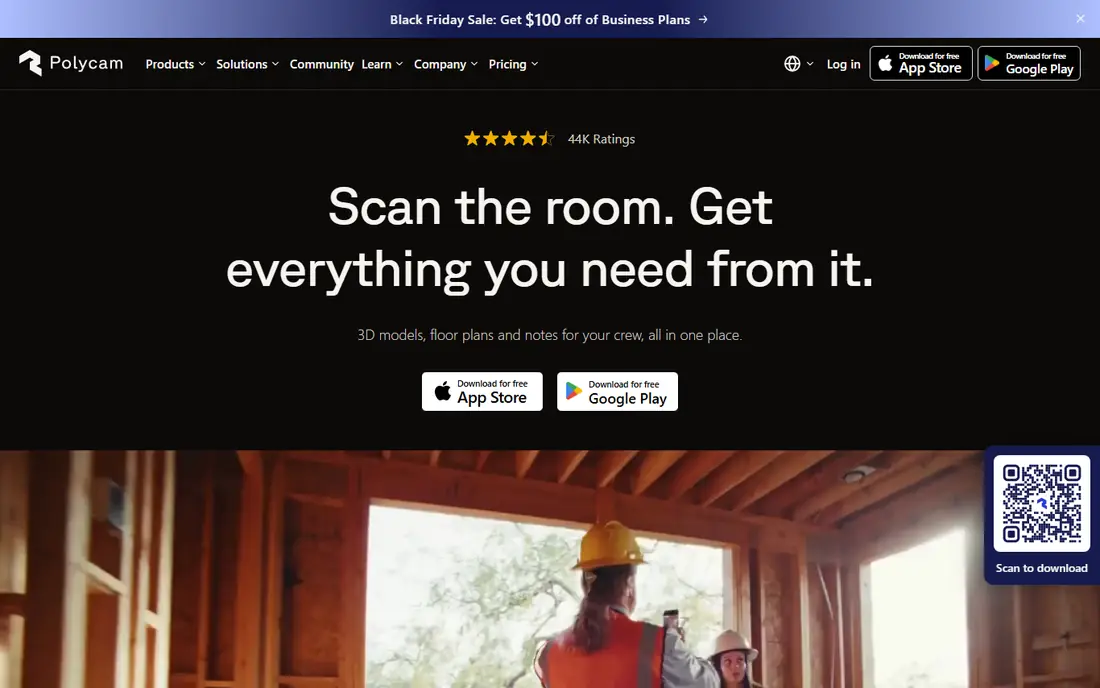
Polycam is the default choice for many phone scanners, because it combines photogrammetry, LiDAR capture on supported iPhones and Gaussian splat capture in one app. It works well for rooms, buildings, outdoor scenes and larger objects, and its community and guides help beginners learn capture technique. For a first project, such as scanning a room for design or a large object for reference, Polycam is easy to recommend.
The main cost warning is exports. Capturing is free, but the free tier exports only a limited format, while printable formats such as STL and OBJ need a paid plan. That means a user who wants to print a scan must pay, even if capture was free. Polycam fits best for general scanning, rooms and scenes, with a paid plan if printing or professional exports are needed.
- Photogrammetry, LiDAR and splat capture in one app
- Widely used and well documented
- Good for rooms and outdoor scenes
- Free tier exports only limited formats
- Printable formats need a paid plan
- Annual plan is the better value
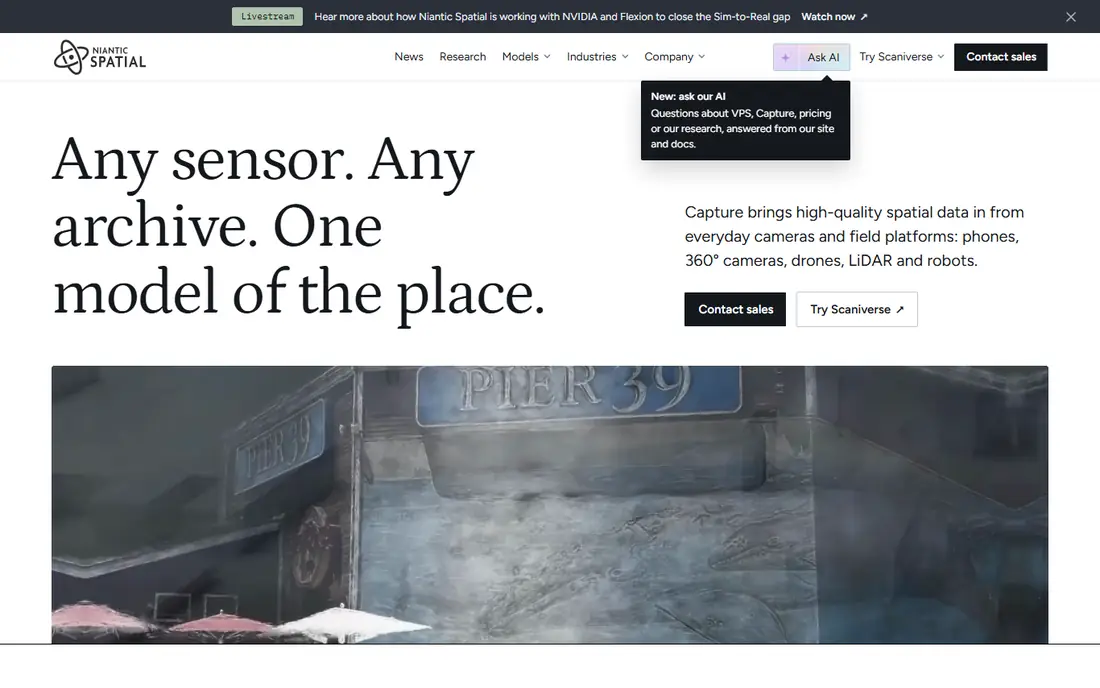
Scaniverse, from Niantic Spatial, is the best free starting point for phone scanning. It uses LiDAR on supported iPhones for fast room and object capture, and photogrammetry on other phones, with processing on the device so results appear quickly without waiting in a cloud queue. Exports are included on the free tier, which is a major advantage over apps that charge for exports.
The trade-off is advanced features. Paid plans add cloud processing and commercial options, and Scaniverse does not replace desktop cleanup software for a print-ready model. For beginners, students and hobbyists who want to learn scanning without paying, Scaniverse is the first app to try, especially on an iPhone with LiDAR.
- Free on-device processing with exports included
- LiDAR capture on supported iPhones
- Fast results without a cloud queue
- Paid cloud processing and commercial features cost extra
- Fewer advanced editing tools than desktop software
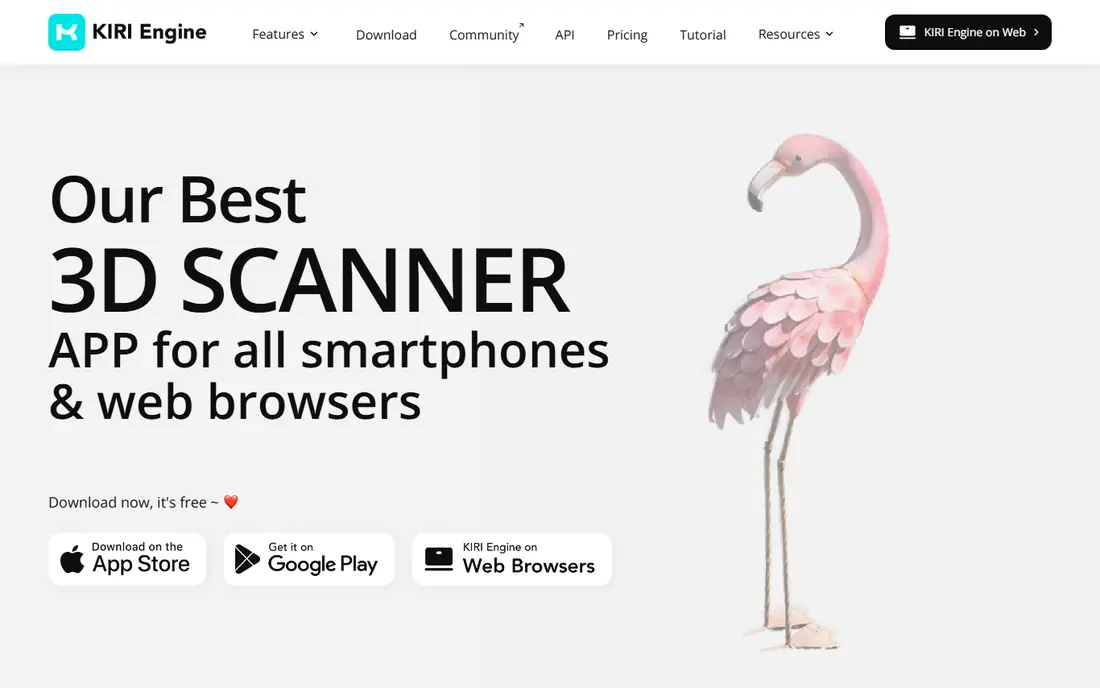
KIRI Engine is widely regarded as the strongest object scanner on Android, and it also works well on iOS. It uses cloud photogrammetry plus newer splat and neural reconstruction modes that cope better with difficult surfaces than classic photogrammetry alone. Exports cover formats for printing, modelling and games, including OBJ and STL, which makes the path from scan to print clearer than in apps with limited free exports.
The free tier limits photos per scan, which can matter for large or detailed objects, and Pro lifts that limit. Cloud processing also needs an internet connection, so field work without signal is harder. KIRI Engine fits best for object scanning, 3D printing preparation and Android users who want a capable free start with a clear paid upgrade.
- Strong object scanning on Android and iOS
- Exports in formats for printing and games
- Cloud photogrammetry and splat modes
- Free scans limit photos per scan
- Cloud processing depends on a connection
RealityScan, from Epic Games, suits users who capture objects and scenes with photos for use in games, design and visualisation. Its photo-based capture is strong, and its link to game engines makes it a natural choice for creators who already work in Unreal Engine or similar tools. For many individual users, it is free under a revenue threshold, which lowers the barrier to trying serious photogrammetry.
The limit is commercial scale. Users above the revenue threshold need a paid seat, and a phone capture alone will not always give a clean, print-ready model without cleanup. RealityScan fits best for game and design creators who want free, capable photo capture and are comfortable cleaning models in a desktop editor.
- Free for many users under a revenue threshold
- Strong photo-based capture
- Good path to game engines
- Higher revenue users need a paid seat
- Desktop cleanup still needed for best results
Luma AI is known for cinematic 3D scenes built from phone captures, using Gaussian splatting to create realistic, viewable scenes. It suits creators who want to showcase a product, place or object online in an interactive 3D view, rather than print it. Capture is simple on mobile, and the resulting scenes look impressive in a browser or app.
The key limit for makers is that splats are not printable meshes. Until a splat is converted to a mesh, it has no solid surface for printing, so Luma AI is a detour for a scan-to-print workflow. It fits best for visual showcases, product presentation and creative scenes, with a different app chosen if printing is the main goal.
- High-quality splat scenes for viewing
- Easy capture on mobile
- Good for visual showcases
- Splats are for viewing, not direct printing
- Printable mesh needs conversion and cleanup
MagiScan offers a simple mobile workflow for scanning objects, with exports in common formats such as OBJ, STL and FBX. It suits users who want a quick object capture without learning a complex desktop tool, and its interface is approachable for beginners. For a small object, a home project or a quick reference model, MagiScan can be enough.
The drawback is processing time on the free version, which some users report as very long, making the paid plan effectively necessary for regular use. Check current trial terms and processing times before relying on MagiScan for a time-sensitive project. It fits best as a simple object scanner for occasional use, with a paid plan if you scan often.
- Simple mobile workflow for objects
- Exports in common 3D formats
- Useful for quick captures
- Free version has long processing times in some reports
- Paid plan needed for practical use
Qlone uses a printed mat to guide capture, which helps beginners get a usable object scan without learning photogrammetry technique. You place a small object on the mat, follow the on-screen guide, and the app builds a model that can be exported in formats for printing, games and design. That guided approach is useful for education, small products and hobby projects.
The limit is size and setup. Objects must fit the mat workflow, and larger objects or rooms are not a good fit for Qlone. It also works mainly on iOS, so Android users should choose KIRI Engine or Scaniverse instead. Qlone fits best for small object scanning, teaching and quick product captures where guidance matters more than scale.
- Guided capture with a printed mat helps beginners
- Exports in several 3D formats
- Works on iOS
- Needs a mat for best results
- Object size is limited by the mat and phone camera
Widar is a mid-tier mobile scanner that works on both iOS and Android and suits quick object captures. It is easy to start with, and it gives casual users a way to turn a small object into a 3D model without a desktop workflow. For a hobbyist who wants to try scanning a figurine, a product sample or a keepsake, Widar is a low-friction option.
The trade-off is depth. Widar does not match Polycam for rooms and scenes, nor KIRI Engine for detailed object work at scale, and some exports need a paid plan. It fits best as a quick, casual scanner, or as a second app to try if Polycam or KIRI Engine feel too complex for a first project.
- Works on iOS and Android
- Quick object capture
- Useful for casual scanning
- Advanced features and exports may need a paid plan
- Less deep than Polycam or KIRI Engine for large scenes
How we picked these
We compared official feature pages, pricing pages and app listings for each app, and we checked that each product is a current 3D scanning offering in October 2026. We favoured apps with usable free plans, clear export formats, LiDAR or photogrammetry capture, and support for printing, games or design workflows. We also weighed fit for different users, because a room scanner and an object scanner serve different projects.
We did not claim hands-on testing for every product. Where pricing varied by plan, platform or billing period, we marked it as See website, so you can confirm the current figure in your app store before you subscribe.
What to check before you pay
Start with your end use, because that decides the app. For 3D printing, you need a printable mesh in STL or OBJ, not only a viewable splat. For games, you need a clean mesh with textures. For a room plan, you need LiDAR or photogrammetry that captures scale and layout. Buying an app for the wrong end use wastes time even if capture looks good.
Check exports on the free plan
Test a full export before you pay, and check the format, resolution and whether the file opens in your editor or slicer. Some free plans limit exports to a single format, require publishing, or add a watermark. A scan you cannot export in a usable format is not a finished scan.
Learn capture technique before judging quality
Phone scanning quality depends heavily on technique. Take many overlapping photos with even lighting, avoid shiny or transparent surfaces where possible, and include a known dimension or scale reference if size matters. A second scan with better lighting often beats a paid upgrade with poor capture.
Allow time for cleanup
Phone scans usually need cleanup: removing background noise, filling holes, smoothing surfaces and scaling the model. Check whether your editor can import the app export, and allow time for that step in any project plan. For measurement use, phone scans alone are not reliable without calibration and scale references, so do not use them for precise engineering without checks.
Frequently asked questions
What is the best 3D scanner app for 3D printing?
KIRI Engine and Polycam suit 3D printing best in this list, because both export printable mesh formats, with KIRI Engine stronger for objects and Polycam stronger for general scenes. Scaniverse is a good free start, but check that your export opens in your slicer and needs only normal cleanup before printing.
What is the best free 3D scanner app?
Scaniverse suits free scanning best, because its on-device processing and exports are included on the free tier. KIRI Engine and Polycam also offer free capture, but with export or photo limits that matter for printing. Try Scaniverse first, then test KIRI Engine or Polycam if you need different export options.
What is the best 3D scanning app for iPhone?
Scaniverse and Polycam suit iPhone users best, because both support LiDAR capture on supported Pro iPhones alongside photogrammetry. Scaniverse is the better free start, while Polycam offers broader capture modes in one app. For object work on iPhone, KIRI Engine is also a strong choice.
What is the best LiDAR app?
Scaniverse and Polycam both offer LiDAR capture on supported iPhones, with Scaniverse focused on fast on-device LiDAR scans and Polycam offering LiDAR alongside photogrammetry and splats. The best LiDAR app depends on whether you need rooms, objects or visual scenes, and on your export needs.
Can a phone scan replace a professional 3D scanner?
A phone scan can replace a professional scanner for visualisation, hobby printing and reference models, but not for precise measurement or industrial inspection without careful calibration. Professional scanners offer higher accuracy, better handling of difficult surfaces and reliable scale, which phone apps cannot guarantee on their own.
How many photos do I need for a good scan?
For photogrammetry, take many overlapping photos around the object, usually dozens for a small object and more for a detailed one, with each photo overlapping the last by a large amount. Even lighting, a steady hand and a plain background help more than simply taking more photos, and a scale reference helps if size matters.
Sources we checked (8)

Online Jobs is an independent blog about careers, online work, learning new skills and the tools that help people earn. More about us.
Keep reading
All posts
iPhone Alternatives
Looking for iPhone alternatives in 2026? Compare 9 Android phones from Samsung, Google, OnePlus, and more, with cameras, battery life, and honest trade-offs.

Who Has the Best Home Internet Service
Find who has the best home internet service for your address, with fiber, cable, 5G, and satellite providers compared on price, speed, and coverage here.

Software Engineering Best Practices
Learn software engineering best practices through 8 tools for CI, testing, code review, and observability that support better engineering for growing teams.