Best 3D Modeling Software for 3D Printing in 2026: 9 Tools Compared

How we put this together: we compare official feature and pricing pages, app store listings, privacy policies and public user reviews. Prices change, so check the provider's site before you pay.
Key takeaways
- Tinkercad is free and browser-based, making it the best first tool for beginners and classrooms.
- Blender is free and open source, and suits makers who want organic shapes and sculpting alongside print-ready modeling.
- Fusion 360 offers a free personal-use tier and is the strongest choice for precise mechanical parts.
- FreeCAD and OpenSCAD are free and open source, and suit makers who like parametric or code-based design.
- The best tool depends on what you print: simple shapes need Tinkercad, mechanical parts need Fusion 360 or FreeCAD, and figures need Blender or ZBrush.
Quick comparison
| Name | Who it suits | Starting price | Free option | |
|---|---|---|---|---|
 Tinkercad Tinkercad | Beginners and classrooms | Free | Yes | Visit |
 Blender Blender | Organic shapes and sculpting | Free | Yes | Visit |
 Fusion 360 Fusion 360 | Precise mechanical parts | Free | Yes | Visit |
 FreeCAD FreeCAD | Parametric open-source design | Free | Yes | Visit |
 OpenSCAD OpenSCAD | Code-based modeling | Free | Yes | Visit |
 SketchUp SketchUp | Quick architectural shapes | Free | Yes | Visit |
 Onshape Onshape | Cloud CAD collaboration | See website | Yes | Visit |
 SolidWorks SolidWorks | Professional engineering | See website | Free trial | Visit |
 ZBrush ZBrush | Detailed sculpting | See website | Free trial | Visit |
The best 3D modeling software for 3D printing
A model made for 3D printing needs to be watertight, manifold, and sized for your printer, which is not true of every 3D tool. The options below range from browser toys to professional engineering software. We compared official feature pages, pricing pages, and documentation to sort them by skill level and print type.
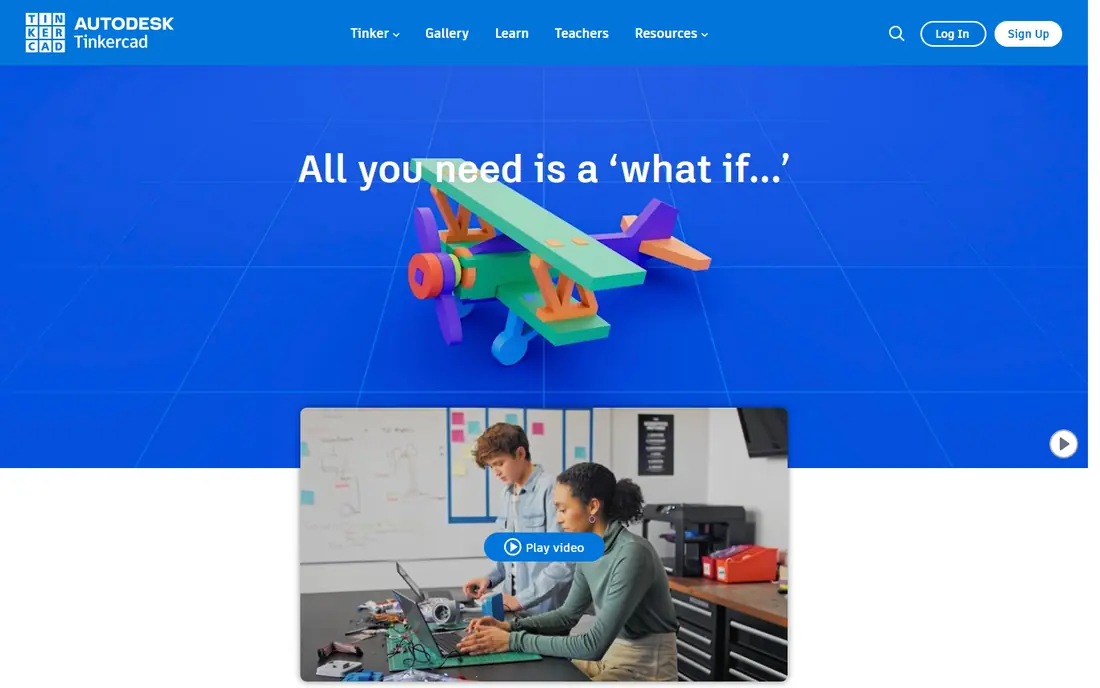
Tinkercad is Autodesk's free browser-based modeler, and it is our pick for anyone starting out. You combine and subtract basic shapes, group them into objects, and export STL files ready for a slicer, all without installing software. Classrooms use it widely because students can start modeling within minutes of opening a browser.
The limits show on precise work. Tinkercad lacks parametric dimensions and engineering constraints, so a mechanical part with exact tolerances belongs in Fusion 360 or FreeCAD. For a first print, a gift, or a classroom project, Tinkercad is the fastest route from idea to plastic.
- Free and browser-based
- No install needed
- Simplest learning curve in 3D modeling
- Limited precision for engineering parts
- Basic shape library
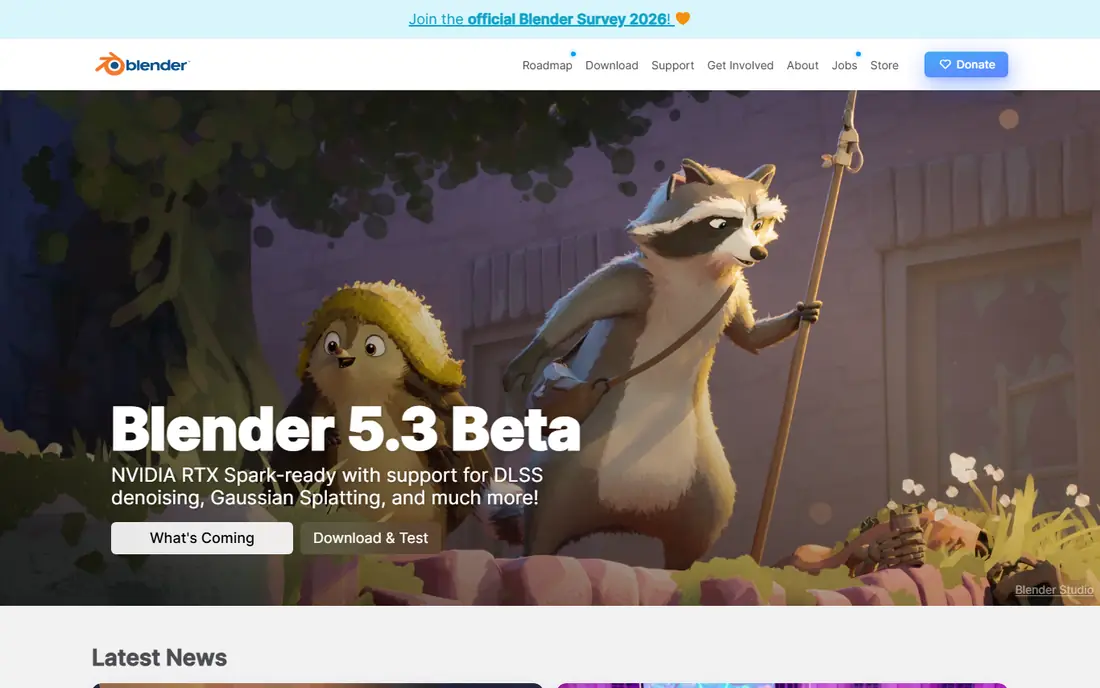
Blender is free, open source, and enormously capable. Its sculpting tools handle organic shapes like figures, creatures, and terrain that parametric CAD struggles with, and its mesh editing, modifiers, and 3D print toolbox add-on help prepare models for printing. A huge community means tutorials exist for nearly every technique.
The learning curve is real. Blender's interface packs animation, rendering, and video tools alongside modeling, which can overwhelm a maker who only wants to print. For artistic prints and figures, though, no free tool matches it.
- Free and open source
- Powerful sculpting and mesh tools
- Huge community and tutorials
- Steep learning curve
- Not parametric, so precise dimensions take extra work
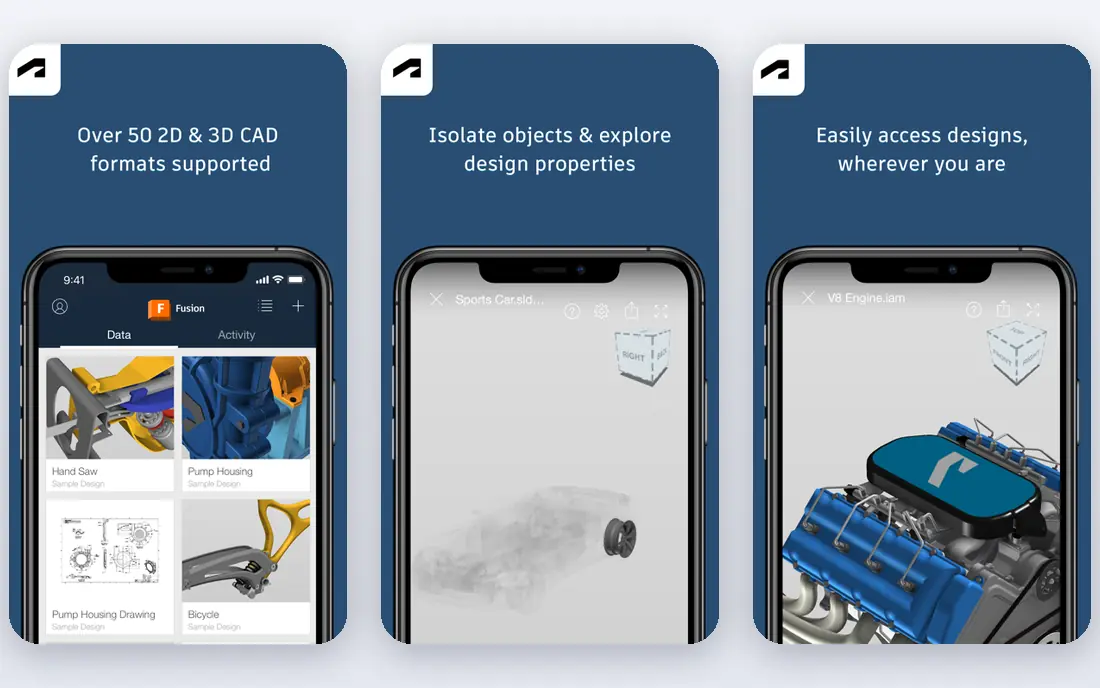
Fusion 360 is Autodesk's parametric CAD tool and our pick for mechanical parts. You sketch profiles, add exact dimensions and constraints, and extrude, revolve, or loft them into parts that fit together. A free personal-use tier covers non-commercial makers, while commercial use needs a paid subscription. Built-in CAM, simulation, and rendering extend it beyond printing.
The cloud-based file system annoys some users who prefer local files, and the commercial subscription is a real cost for a small business. For brackets, enclosures, gears, and replacement parts that must fit, Fusion 360's precision is worth learning.
- Parametric modeling with real dimensions
- Free personal-use tier
- Integrated CAM and simulation
- Commercial use needs a paid subscription
- Cloud-based file handling
FreeCAD is the open-source answer to parametric CAD. It offers sketching, constraints, part design, and assemblies, with a workbench system that extends it into architecture, sheet metal, and more. It runs on Windows, Mac, and Linux, and its files stay local and open, which matters to makers who dislike subscriptions and cloud lock-in.
The interface is rougher than Fusion 360, and some workbenches feel unfinished or inconsistent. For a maker who wants parametric precision without paying or depending on a vendor, FreeCAD is the best free engineering option.
- Free and open source
- Parametric modeling like commercial CAD
- Runs on Windows, Mac, and Linux
- Interface is rougher than Fusion 360
- Some workbenches feel unfinished
OpenSCAD takes a different approach: you write code that describes shapes, and the program renders them. That makes models parametric by nature, easy to version in git, and simple to customize with variables, which suits programmers making parametric parts like boxes, mounts, and gears. It is free, open source, and tiny to install.
There is no mouse-driven modeling, so artists and casual makers will bounce off it. For a programmer who wants a printable part defined in a script that can be tweaked and re-rendered, OpenSCAD is uniquely satisfying.
- Free and open source
- Models defined in code, so they are parametric and version-controllable
- Tiny install
- No interactive modeling
- Preview and render workflow suits programmers only
SketchUp's free web version is one of the fastest ways to block out a building, a room layout, or a simple object. Its push-pull modeling feels intuitive, and the 3D Warehouse offers millions of shared models to start from. Exporting print-ready STL files works from the free version with an extension, and the paid Pro version adds desktop use and precision tools.
The free version runs in a browser only, and serious engineering precision needs Pro. For architectural prints, dioramas, and quick prototypes, SketchUp's speed is a genuine advantage.
- Free web version
- Very fast for buildings and simple shapes
- Large 3D Warehouse library
- Free version is web-only
- Precision tools need the Pro version
Onshape is professional parametric CAD that runs entirely in a browser, with built-in version control and real-time collaboration like a Google Doc for engineering. Teams can branch, merge, and comment on designs without files or installs, and its feature set rivals desktop CAD for mechanical parts.
The free plan makes your documents public, which rules it out for commercial secrets, and paid plans are priced for professionals. For a maker team or a student group that collaborates on designs, Onshape's cloud workflow is the most modern on this list.
- Full cloud CAD with version control
- Real-time collaboration
- Runs in a browser
- Free plan makes documents public
- Paid plans are priced for professionals
SolidWorks is the industry standard for professional mechanical design, used across manufacturing for parts, assemblies, and drawings. Its parametric modeling, simulation, and part libraries are deeper than any hobby tool, and files from SolidWorks are the norm in engineering supply chains. A free trial lets you test it before committing.
The price is professional-level and it runs on Windows only, which makes it overkill for most hobby printing. For an engineer or a business printing functional parts to spec, SolidWorks remains the benchmark other tools are measured against.
- Industry-standard engineering CAD
- Huge part libraries and simulation
- Strong for assemblies
- Expensive and Windows-only
- Overkill for hobby printing
ZBrush is the sculpting standard for film, games, and collectibles, handling models with millions of polygons and fine surface detail that Blender approaches but rarely matches. Makers printing miniatures, busts, and detailed figures get the finest results from ZBrush, and its Decimation Master tool prepares dense sculpts for printing.
It is subscription-priced and takes real time to learn, and it is useless for a bracket that needs exact dimensions. For a maker whose prints are art pieces rather than parts, ZBrush is the tool the professionals use.
- Best-in-class digital sculpting
- Handles millions of polygons
- Standard in film and games
- Subscription pricing
- Steep learning curve
- Not for mechanical parts
How we picked these
We compared official feature pages, pricing pages, and documentation for modeling tools that export print-ready files today. Prices are the standard published rates from each vendor's own site, and where pricing is custom or subscription-based we say so rather than guessing. We favored tools with real export support for STL and 3MF, and we included beginner, artistic, and engineering options rather than only one style.
What to check before you choose
Start with what you print. Simple shapes and classroom projects need Tinkercad, mechanical parts need Fusion 360, FreeCAD, or Onshape, and figures need Blender or ZBrush. Picking a sculpting tool for a bracket, or a CAD tool for a dragon, wastes weeks.
Check the export path to your slicer
A model is only useful if it exports cleanly. Test an STL or 3MF export from your chosen tool into your slicer, and check for manifold errors, wall thickness, and scale. Most tools here export STL directly, while some need an extension or a paid tier for the best export options.
Learn one tool deeply before collecting more
Every tool here rewards depth. A month spent learning Fusion 360's sketches and constraints beats a week each in five tools. Pick the tool that matches your main print type, finish a few real projects in it, and only then add a second tool for a different style.
Mind the license for commercial prints
Free tiers often cover personal use only. Tinkercad and Blender are free for commercial work, while Fusion 360's free tier is personal-use only and Onshape's free plan makes documents public. If you sell prints, check the license before building a business on a free tier.
Frequently asked questions
What is the best 3D modeling software for 3D printing?
Tinkercad is our pick for beginners, Fusion 360 for precise mechanical parts, and Blender for organic shapes and figures. FreeCAD suits makers who want parametric CAD without a subscription, while Onshape suits teams collaborating in the cloud. The best tool follows what you print.
What is the best modeling software for 3D printing for beginners?
Tinkercad is the best beginner tool, since it is free, browser-based, and teaches 3D thinking in minutes. Blender and Fusion 360 are the natural next steps once you outgrow it, with Blender for art and Fusion 360 for parts. Start with Tinkercad and move up when a project demands more.
What is the best 3D print design software for mechanical parts?
Fusion 360 leads for mechanical parts, with parametric sketches, constraints, and exact dimensions. FreeCAD is the best free alternative, and Onshape suits teams that collaborate. SolidWorks remains the professional benchmark for engineering work.
What is the best software to design 3D prints for free?
Tinkercad, Blender, FreeCAD, and OpenSCAD are all free, covering beginners, artists, engineers, and programmers respectively. SketchUp's free web version and Onshape's free plan add more options. Between them, a maker can design nearly anything printable without paying.
Can I use Blender for 3D printing?
Yes. Blender exports STL files and includes a 3D print toolbox add-on that checks for manifold errors, wall thickness, and overhangs. It suits organic shapes and figures best, while precise mechanical parts are easier in Fusion 360 or FreeCAD.
What file format do 3D printers use?
Most printers use STL files produced by a slicer from your model, while 3MF is a newer format that carries more information like color and materials. All the tools on this list export STL, and most support 3MF as well. Check your slicer's supported formats before choosing a tool.
Sources we checked (9)

Online Jobs is an independent blog about careers, online work, learning new skills and the tools that help people earn. More about us.
Keep reading
All posts
Zoom Alternatives
Zoom alternatives compared for 2026: Google Meet, Microsoft Teams, Webex, Jitsi and more for free calls, large meetings and webinars for teams and classrooms.

What Is the Best Free Tool to Rotate a PDF
What is the best free tool to rotate a PDF? We compare eight free rotation tools on per-page control, limits, privacy and saved output quality in detail.

What Is the Best AI Dubbing Tool
We compared the best AI dubbing tools in 2026, from ElevenLabs and HeyGen to Rask AI, Dubverse and Veed, for videos and creators in many languages worldwide.