Best 3D Animation Software in 2026: 8 Tools Compared


Free all-round 3D animation for beginners and professionals · Starting price: Free
How we put this together: we compare official feature and pricing pages, app store listings, privacy policies and public user reviews. Prices change, so check the provider's site before you pay.
Key takeaways
- Blender is the best free starting point, because it covers modelling, animation, and rendering at a professional level for no cost.
- Maya remains the studio standard for film and game character animation, while Cinema 4D leads for motion graphics and advertising.
- Houdini leads for procedural visual effects and simulation, and ZBrush leads for digital sculpting, but both need specialist learning.
- Beginners should start with a free tool, learn rigging and keyframe basics, and only pay for a studio tool when a job or project requires it.
Quick comparison
| Name | Who it suits | Starting price | Free option | |
|---|---|---|---|---|
| Blender | Free all-round 3D animation for beginners and professionals | Free | Yes | Visit |
 Autodesk Maya | Film and game character animation | See website | Free trial | Visit |
 Cinema 4D | Motion graphics and advertising animation | See website | Free trial | Visit |
 Houdini | Visual effects and procedural simulation | See website | Free trial | Visit |
 ZBrush | Digital sculpting for characters and creatures | See website | Free trial | Visit |
 Daz 3D | Character creation without modelling from scratch | Free | Yes | Visit |
 SketchUp | Architecture and quick 3D visualisation | See website | Free trial | Visit |
 Unreal Engine | Real-time animation and game development | Free | Yes | Visit |
The best 3D animation software
Three dimensional animation covers many jobs: character animation for film, motion graphics for advertising, product visualisation, game art, and visual effects. No single tool leads in all of them, so the right choice depends on what you want to make, how much you can spend, and whether you need a studio standard skill for employment. The tools below range from free all-round suites to specialist sculpting and simulation software.
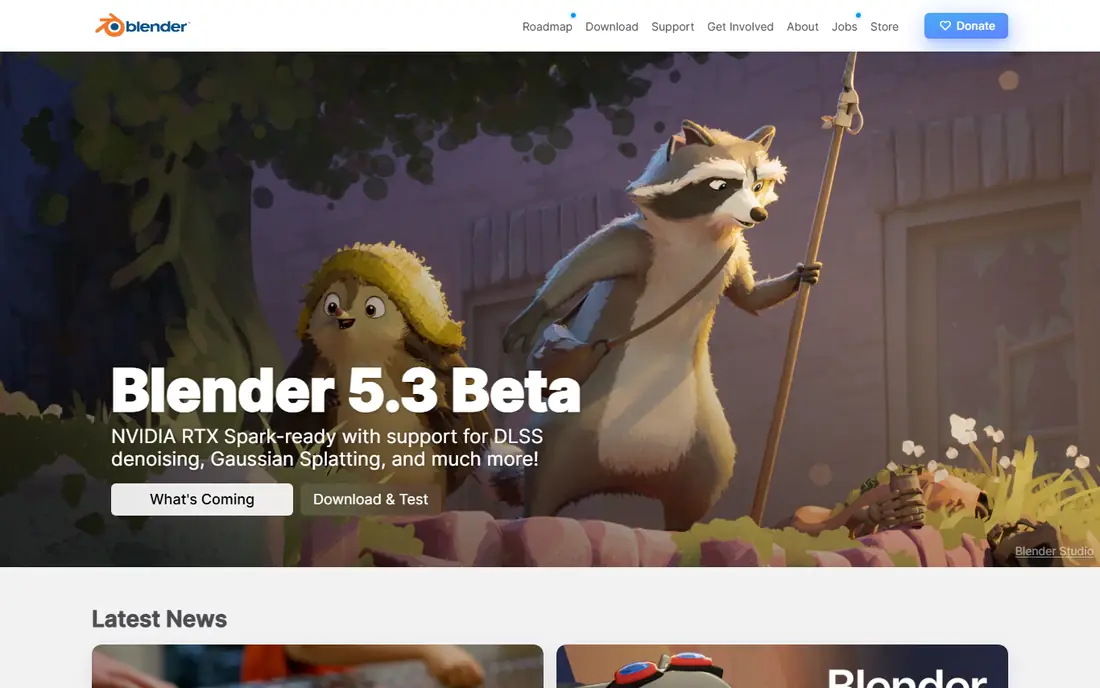
Blender is the obvious starting point for almost everyone, because it is free, open source, and covers the full pipeline: modelling, sculpting, rigging, animation, simulation, rendering with Cycles and Eevee, and compositing. A beginner can learn every stage of 3D animation without paying, and a professional can deliver client work in the same tool. The tutorial community is the largest free resource for any 3D tool.
The learning curve is real. Blender's interface packs a huge amount into one application, and beginners often feel lost in the first weeks. Some large studios still standardise on Maya, so Blender skills may need translating for certain jobs. If you are serious about learning 3D animation and want one tool you will never outgrow, start here and be patient with the first month.
- Free and open source
- Full pipeline from modelling to rendering
- Huge free tutorial community
- Steep initial learning curve
- Interface can overwhelm beginners
- Not the default in some large studios
Maya is the studio standard for character animation in film and games, and learning it is still the most direct route into those industries. Its rigging, animation, and motion capture workflows are built for large teams and complex characters, and it integrates with Arnold rendering and with game engines through clean FBX export. Studios hiring animators often list Maya as a required skill.
Cost and complexity are the barriers. A full commercial subscription is expensive, though a lower cost Indie licence exists for qualifying independent creators, and students can access it free through education programmes. Maya also demands a serious time investment before work looks professional. Choose Maya when a studio career or a complex character project justifies it, not for a first experiment.
- Studio standard for character rigging and animation
- Strong motion capture and Arnold rendering workflows
- Deep studio pipeline support
- Subscription cost is high
- Steep learning curve
- Overkill for simple motion graphics or hobby projects
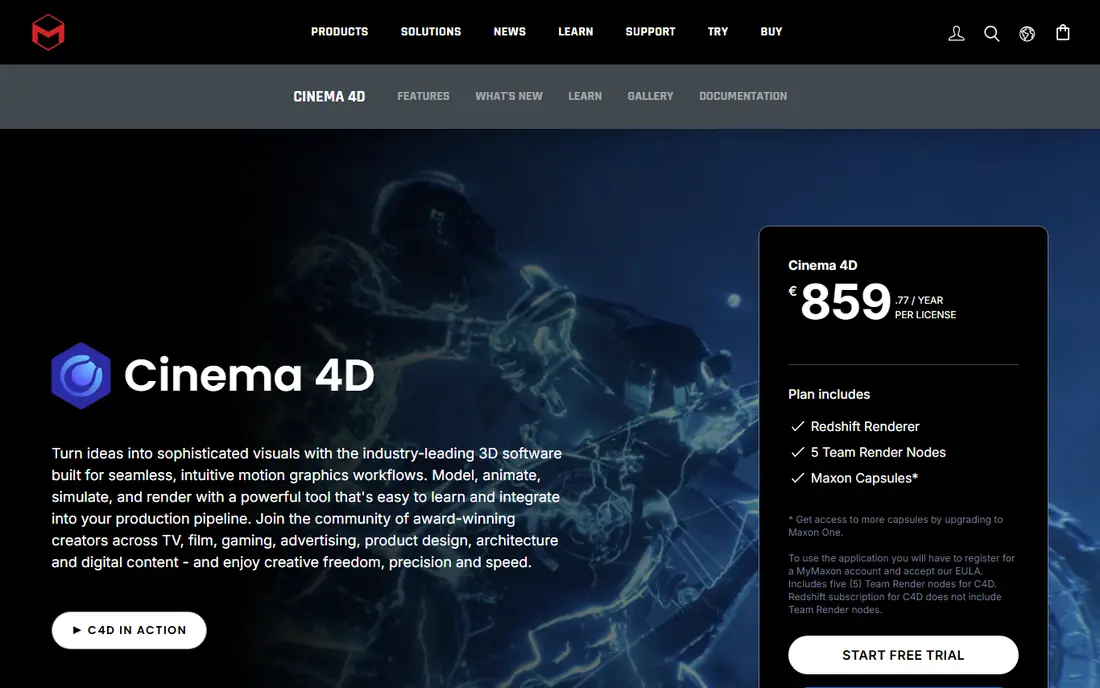
Cinema 4D, from Maxon, is the friendliest professional 3D tool, and it leads for motion graphics, advertising, and broadcast design. Its MoGraph toolset makes animated type, clones, and procedural motion fast to build, and its integration with After Effects suits studios that already work in Adobe tools. Beginners reach good looking results faster in Cinema 4D than in Maya or Houdini.
The trade-off is character depth. Cinema 4D can rig and animate characters, but it does not match Maya for complex character pipelines, and high end rendering often needs Redshift, also from Maxon. Cinema 4D suits motion designers, advertisers, and small studios that value speed and a clean workflow over film character depth.
- Friendliest professional interface
- Strong motion graphics and MoGraph tools
- Tight After Effects integration
- Subscription cost
- Less depth for complex character rigging than Maya
- Rendering often needs Redshift for best results
Houdini, from SideFX, is the visual effects specialist. Its procedural, node based workflow lets artists build simulations for destruction, smoke, water, and crowds that would be painful in a keyframe tool, and it is the standard for effects heavy film and television work. The free Apprentice edition lets you learn the full tool without paying, and a lower cost Indie licence exists for small creators.
Houdini is the hardest tool here to learn, because procedural thinking is different from modelling and keyframing. A beginner who wants a character animation will be frustrated, and full commercial pricing is high. Choose Houdini when effects and simulation are the goal, and pair it with Blender or Maya for character work rather than forcing one tool to do everything.
- Procedural node workflow for effects and simulation
- Unmatched for destruction, fluids, and crowds
- Free Apprentice edition for learning
- Steepest learning curve on this list
- Node thinking is unfamiliar to beginners
- Full commercial pricing is high
ZBrush, now from Maxon, is the sculpting standard for characters and creatures in games and film. Artists sculpt high detail organic forms with brushes that feel closer to clay than to polygon modelling, then retopologise and texture the result for animation in Maya, Blender, or a game engine. For creature and character detail, no other tool on this list comes close.
ZBrush is not a full animation tool. You still need another application for rigging, animation, and rendering, and the subscription adds cost on top of that pipeline. It also suits organic sculpting more than hard surface modelling, where other tools may be faster. Choose ZBrush when character and creature sculpting is your focus, and budget for the rest of the pipeline alongside it.
- Unmatched digital sculpting detail for characters and creatures
- Industry standard for game and film sculpting
- Large brush and material library
- Sculpting only, not a full animation pipeline
- Subscription model
- Learning curve for hard surface modelling
Daz 3D lets you build character scenes without modelling characters from scratch. The base software is free, and a large library of ready made characters, poses, clothing, and environments lets a storyteller, comic creator, or indie filmmaker create scenes quickly. For someone who wants to tell a story in 3D without spending months learning modelling, that speed is a real advantage.
The cost hides in assets. Individual characters and props are paid, and a library built for many projects can cost more than a subscription tool. Output can also look generic if you use stock characters without customisation, lighting, and posing work. Daz 3D suits storytellers and hobbyists who value speed over full creative control, and who will invest time in posing and rendering to make scenes their own.
- Free base software
- Large library of ready made characters and poses
- Fast character scenes for storytelling
- Asset costs add up
- Less control than modelling your own characters
- Output can look generic without customisation
SketchUp is the easiest tool here to learn, and it leads for architecture, interior design, and quick product visualisation. You can model a room, a building, or a product in hours rather than weeks, and the 3D Warehouse library provides ready made furniture and components. For an architect or designer who needs a clear visual, not a film, SketchUp is often enough.
Animation is not its strength. SketchUp can create simple camera moves and scenes, but it does not offer character rigging or advanced animation workflows, so it should not be your choice for character work. The free web version covers basics, while Pro adds desktop features and export options. Choose SketchUp for visualisation speed, and Blender or Maya for animation depth.
- Very easy to learn
- Fast architectural and product visualisation
- Large 3D Warehouse library
- Not a character animation tool
- Animation features are basic
- Pro subscription needed for full features
Unreal Engine is a game engine that has become a serious animation tool through real-time rendering, Sequencer, and virtual production workflows. Animators can build a scene, light it, and render it in real time, which changes how directors and clients review work, and game developers can animate and test in the same tool they ship in. It is free to download, with royalty terms that apply only above a revenue threshold for commercial games.
Unreal Engine is not a modelling tool, so you still need Blender, Maya, or a similar application to create characters and props. The engine learning curve is also steep for someone who only wants a short animation. Choose Unreal Engine when real-time output, virtual production, or game development is the goal, and pair it with a modelling tool for assets.
- Free for many creators
- Real-time rendering and virtual production
- Strong animation and sequencing tools
- Game engine learning curve
- Not a traditional modelling tool
- Revenue terms apply above a threshold for commercial games
How we picked these
When we compared 3D animation software, we checked official product and pricing pages, app store and education listings, and current comparison material on features and learning curves. We favoured tools that are live in 2026, cover animation rather than modelling alone, and state their pricing or free tier clearly. We left out tools that are discontinued, that only render, or that only generate assets without animation control.
How to choose your first 3D tool
Start free, and start with a project. Blender costs nothing and covers every stage, so build a short character walk, a product turntable, or a motion graphics title, and learn rigging, keyframes, and rendering through that project. A tool you use for a real project teaches faster than a tool you only watch tutorials about.
Match the tool to the job you want
Film and game character work points to Maya, motion graphics points to Cinema 4D, effects point to Houdini, and sculpting points to ZBrush. If you are not sure yet, Blender keeps every door open while you discover which kind of animation you enjoy. Do not pay for a studio tool until you know which door you are walking through.
Check hardware before you pay
3D rendering, especially with Cycles, Arnold, or Redshift, needs a capable graphics card and enough memory, and a weak machine will frustrate you in any tool. Check the system requirements for your chosen tool, test the free version or trial on your own machine, and confirm that rendering times are acceptable before committing to a subscription.
Frequently asked questions
What is the best 3D animation software for beginners?
Blender is the best free choice for beginners who are serious about learning the full pipeline, while Daz 3D suits storytellers who want ready made characters. Cinema 4D is the friendliest paid option, especially for motion graphics.
What is the best free 3D animation software?
Blender is the strongest free option, with a full pipeline and a huge tutorial community. Houdini Apprentice and Unreal Engine are also free to learn, but they serve specialist effects and real-time goals rather than general animation.
What 3D animation software do professionals use?
Film and game studios standardise on Maya for character animation, Houdini for effects, and ZBrush for sculpting, with Blender growing in indie and mid-size studios. Motion graphics studios favour Cinema 4D.
What is the best 3D animation software for motion graphics?
Cinema 4D leads for motion graphics, thanks to its MoGraph tools and After Effects integration. Blender can also handle motion graphics, but Cinema 4D reaches polished results faster for advertising and broadcast work.
Is Blender good enough for professional work?
Yes, for indie and mid-size studios and for many client projects, Blender handles modelling, rigging, animation, and rendering at a professional level. Large film studios may still require Maya, but Blender skills and output are widely respected.
Sources we checked (8)

Online Jobs is an independent blog about careers, online work, learning new skills and the tools that help people earn. More about us.
Keep reading
All posts
What's the Best AI App for Creating Images
Find what's the best AI app for creating images, from Midjourney and Adobe Firefly to Ideogram and Leonardo AI, with free plans and honest limits for beginners.
Best AI Photo Generator Apps
We compared the best ai photo generator app options for art, posters, and social posts, covering free plans, pricing, text handling, and commercial use.
Best AI Image Generation Tools
Looking for the best ai image generation tools in 2026? We compare 8 leading options on price, text handling, commercial use, ease of use and free plans.