AWS Alternatives in 2026: 8 Platforms Compared


Large workloads and data tools · Starting price: See website
How we put this together: we compare official feature and pricing pages, app store listings, privacy policies and public user reviews. Prices change, so check the provider's site before you pay.
Key takeaways
- Google Cloud and Microsoft Azure are the closest like-for-like AWS alternatives for large, complex workloads and enterprise needs.
- DigitalOcean, Vultr, and Akamai Cloud suit smaller teams that want simple virtual servers with predictable monthly pricing.
- Render, Heroku, and Fly.io suit app deployment without managing servers, with different trade-offs on price and control.
- Egress fees, managed database costs, and support tiers often matter more than the headline server price, so price a full stack.
- Start with the workload: a static site, a small app, and a global enterprise system need very different platforms.
Quick comparison
| Name | Who it suits | Starting price | Free option | |
|---|---|---|---|---|
| Google Cloud | Large workloads and data tools | See website | Yes | Visit |
 Microsoft Azure | Enterprise and Microsoft shops | See website | Yes | Visit |
 DigitalOcean | Simple VPS and app hosting | $4 per month | No | Visit |
 Vultr | Global VPS at low cost | $2.50 per month | No | Visit |
 Akamai Cloud | VPS with edge network | $5 per month | Free trial | Visit |
 Render | Simple app deployment | Free | Yes | Visit |
 Heroku | Easiest app deployment | $5 per month | No | Visit |
 Fly.io | Global apps close to users | See website | No | Visit |
The best AWS alternatives
AWS is the largest cloud platform, with the widest service range, but it is also the most complex to price and manage. The platforms below win in different ways: some match AWS breadth, some undercut it on simple servers, and some hide server management entirely so a small team can ship faster.
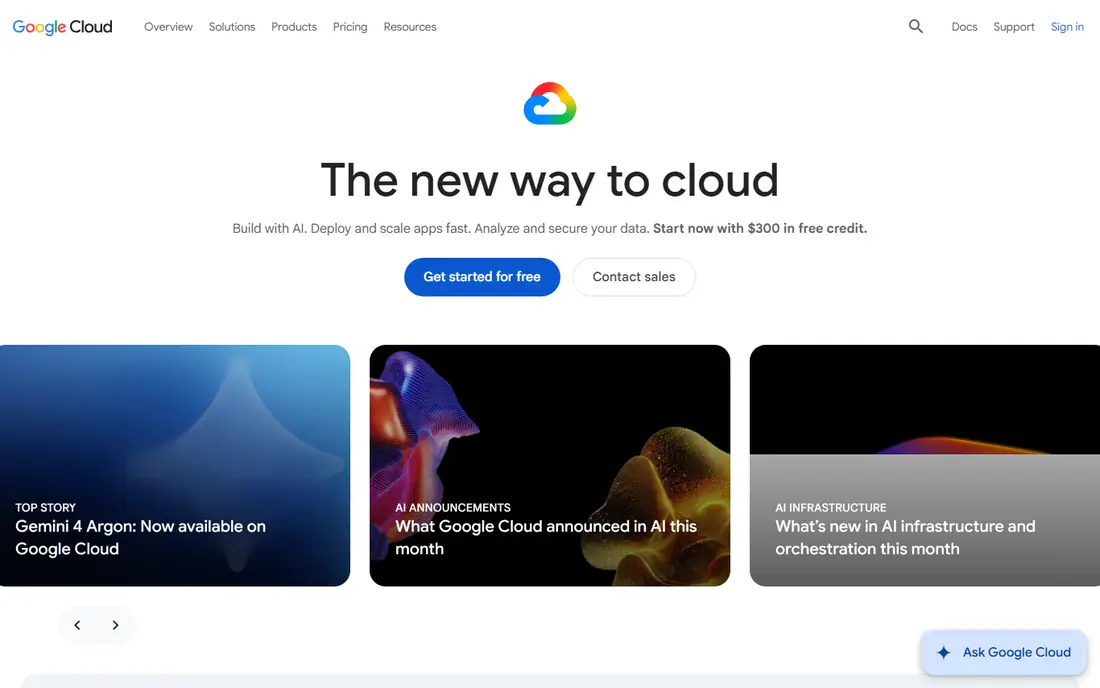
Google Cloud Platform is the most direct AWS alternative for teams running large or data-heavy workloads. Compute Engine, Cloud Storage, BigQuery, and Google Kubernetes Engine cover the core AWS jobs, and Google data and AI tools are a genuine draw for analytics and machine learning teams. A free tier and trial credits let new users test services before committing.
Complexity is the catch. Like AWS, Google Cloud pricing varies by region, machine type, storage class, and egress, so a small test can cost more than expected if left running. It suits teams with cloud experience or a clear architecture, rather than beginners who want a single server price. For data-led teams, though, it is often the strongest AWS alternative.
- Broad services to match AWS
- Strong data, AI, and Kubernetes tools
- Free tier for testing
- Pricing is complex across services
- Smaller enterprise support footprint than AWS in some regions
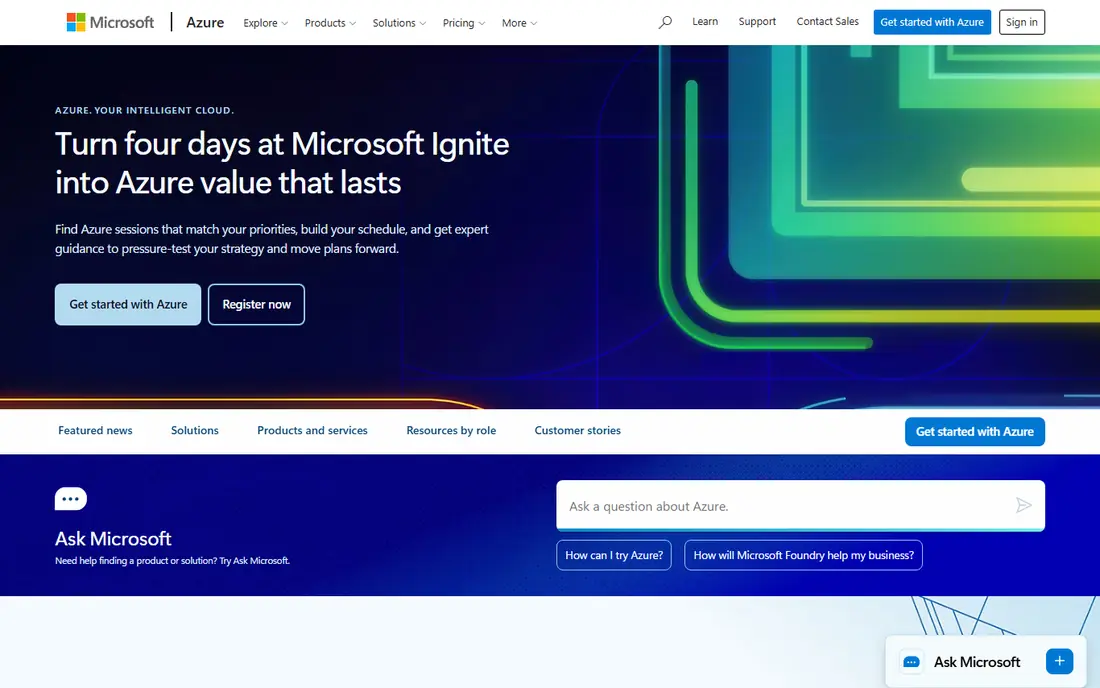
Microsoft Azure is the natural AWS alternative for companies already using Microsoft 365, Active Directory, or Windows Server. Integration with those tools, plus hybrid options that connect on-premises systems to the cloud, makes Azure attractive to enterprises and regulated industries. Its service range rivals AWS, from virtual machines and databases to AI and analytics.
Azure pricing and portal navigation can feel sprawling, and a workload spread across many services needs careful cost management, just like AWS. Free tier services help for testing, but production pricing is usage-based and region-dependent. Choose Azure when Microsoft integration or enterprise agreements matter, not just for a single virtual server.
- Deep Microsoft integration
- Broad enterprise services
- Hybrid cloud options
- Portal and pricing can feel sprawling
- Costs rise fast with many services
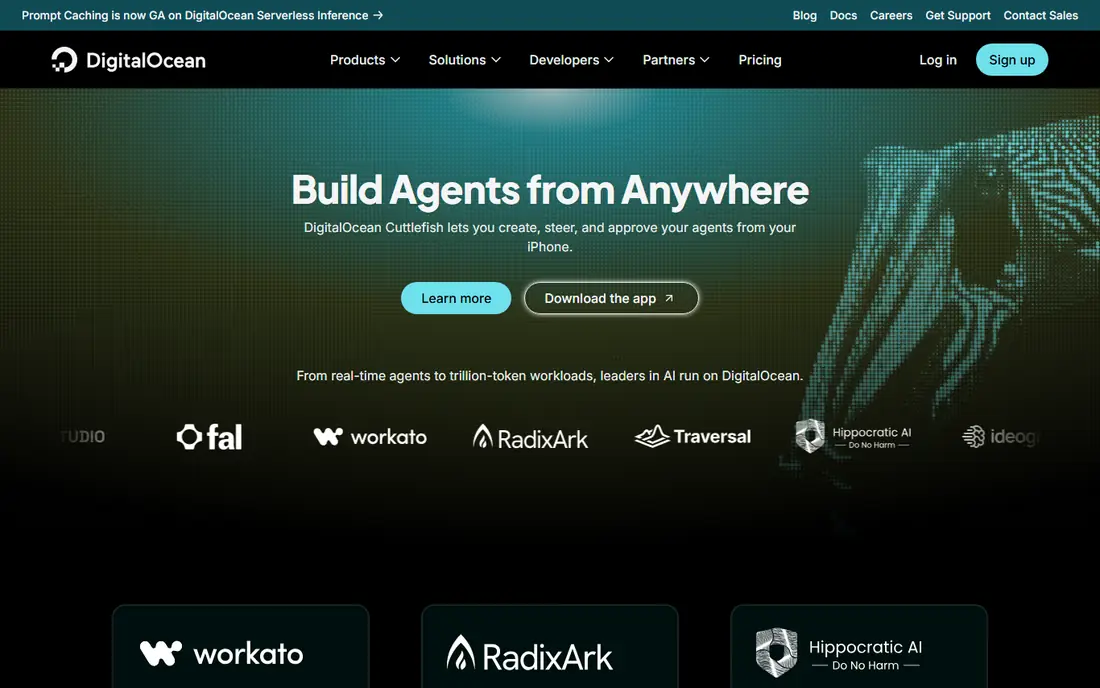
DigitalOcean is the AWS alternative most small teams actually switch to. Droplets are virtual servers with a flat monthly price from $4 per month, and App Platform deploys code from Git without managing servers. Managed databases, object storage, and Kubernetes are available as add-ons, but the core pitch stays simple: pick a size, pay a flat price, and get on with building.
DigitalOcean lacks the sheer service breadth of AWS, and larger enterprises may miss specialised managed services and compliance options. For startups, agencies, side projects, and small SaaS apps, that gap rarely matters. If your stack is a web app, a database, and object storage, DigitalOcean gives you AWS-like basics at a price you can predict.
- Simple Droplet pricing
- App Platform for easy deploys
- Good docs and community
- Fewer managed enterprise services than AWS
- Support tiers cost extra for production needs
Vultr competes with DigitalOcean on simple, low-cost virtual servers, with plans from $2.50 per month for IPv6-only instances and a wide global footprint. Billing is hourly with a monthly cap, which suits short-lived servers and test environments. Bare metal, block storage, and managed Kubernetes options cover teams that outgrow a single server.
Vultr offers less hand-holding than DigitalOcean App Platform or Render, so it suits developers comfortable managing a server, firewall, and backups themselves. If you want a cheap, global VPS and you can handle the ops, Vultr is one of the best value AWS alternatives. If you want deployment without server work, look at Render or Heroku instead.
- Low entry price
- Many global locations
- Simple hourly and monthly billing
- Less managed platform tooling than DigitalOcean
- Support is leaner for complex setups
Akamai Cloud, formerly Linode, is a veteran VPS provider now backed by Akamai edge network. Shared and dedicated instances from $5 per month cover most small to mid-size workloads, with object storage, managed databases, and Kubernetes available. The Akamai connection helps for content delivery and edge use cases, where serving users close to their location matters.
Akamai Cloud will not match AWS or Google Cloud for specialised managed services, and its platform tools are simpler by design. That simplicity is the appeal for developers who want a reliable VPS with clear pricing. Test the region closest to your users, check egress terms for your workload, and compare instance specs, not just headline price, against DigitalOcean and Vultr.
- Long VPS track record as Linode
- Global regions
- Edge and CDN strengths from Akamai
- Platform tooling is leaner than hyperscalers
- Pricing varies by instance type and region
Render is the closest Heroku-style AWS alternative for teams that want to deploy from Git without managing servers. Web services, workers, cron jobs, and managed Postgres are available, with preview environments for pull requests. A free tier lets you test a small app, and paid instances from $7 per month keep pricing predictable for small teams.
Render costs add up once you count the database, workers, and workspace fees alongside the web service, so price the full stack before comparing with a VPS. It also offers fewer regions and managed services than AWS. For a small app, an internal tool, or an early SaaS product, Render removes most ops work and lets a tiny team ship fast.
- Free tier for testing
- Flat per-instance pricing
- Managed Postgres and preview environments
- Paid instances start at $7 per month plus workspace fees on some plans
- Fewer regions than hyperscalers
Heroku remains the easiest way to deploy an app if you value simplicity above all else. Push code from Git, pick a dyno size, add Postgres or another add-on, and the platform handles routing, logs, and scaling basics. Eco dynos from $5 per month suit hobby and small production apps, with higher tiers for more memory and performance.
Heroku has no free tier now, and its move to a sustaining engineering model in 2026, with new features no longer the priority, makes it a less forward-looking pick for brand-new products. Still, for existing Heroku apps and for teams that know its model well, it remains a dependable AWS alternative for simple deployment. Compare its full dyno plus database cost with Render before starting a new project there.
- Simplest deployment model
- Managed Postgres and add-ons
- Long track record
- No free tier left
- Dyno plus database costs add up
- New features are no longer the priority
Fly.io runs your app as Machines in dozens of regions, so users connect to a nearby instance rather than a single distant server. That global model suits latency-sensitive apps, realtime tools, and products with users on several continents. Machines can scale to zero for idle services, which helps keep costs down for spiky workloads.
Pricing is usage-based, with shared instances from around $2 per month in published comparisons, so we list the starting price as See website and advise pricing your real usage in the Fly.io calculator. Managed Postgres here means running Postgres in a container you manage, not a fully managed database service, so factor in that ops work. For global, latency-first apps, Fly.io is a distinctive AWS alternative.
- Runs apps in many regions close to users
- Scale-to-zero options
- Good for latency-sensitive apps
- Usage-based pricing needs monitoring
- Managed Postgres is self-managed in containers
How we picked these
We compared official pricing pages, product documentation, and public comparisons for platforms that replace AWS for hosting, app deployment, or full cloud workloads. We favoured platforms with published pricing or a clear pricing calculator, a track record in 2026, and a distinct reason to switch, whether breadth, simplicity, or global reach. Where pricing was usage-based or region-dependent, we list it as See website rather than inventing a single figure. We did not claim hands-on testing; our comparison rests on vendor pages, pricing, and public documentation.
How to choose an AWS alternative without a costly mistake
Start by listing your actual workload: web app, database, storage, background jobs, and any specialised services such as queues, search, or machine learning. A platform that covers those five basics well beats a hyperscaler with hundreds of services you will never use. Then price the full stack in each candidate, including egress, database, backups, and support, not just the server or dyno price.
Next, test migration with a non-critical app first. Move a staging environment, measure latency and cost over two weeks, and check deployment, logging, and backup workflows with the people who will run them. Watch for lock-in: managed services that only exist on one platform make a future move harder, while standard Postgres, object storage, and containers keep your options open. A short trial with real traffic tells you more than any pricing page.
When to stay on AWS
Stay on AWS if you rely on specialised managed services, need the widest region coverage, or have enterprise agreements and compliance needs that smaller platforms cannot match. AWS complexity is a cost, but its breadth, ecosystem, and hiring pool are real advantages for large teams. The best AWS alternative is the one that fits your workload and team size, not the one with the lowest headline server price.
Frequently asked questions
What are the best alternatives to AWS?
Google Cloud and Microsoft Azure are the best full AWS alternatives for large workloads, while DigitalOcean, Vultr, and Akamai Cloud are best for simple VPS hosting. Render, Heroku, and Fly.io are best for app deployment without server management. Pick by workload size and team ops capacity.
What is a good alternative to AWS for small projects?
DigitalOcean and Render are the best small-project picks. DigitalOcean gives a flat-price VPS from $4 per month plus an app platform, while Render deploys from Git with a free tier for testing. Vultr is cheaper still for developers comfortable managing a server themselves.
Is Google Cloud cheaper than AWS?
It can be, depending on workload, region, and discounting, but neither platform is simply cheaper across the board. Compare your specific services, including compute, storage, database, and egress, using each vendor pricing calculator. For simple servers, DigitalOcean, Vultr, and Akamai Cloud are usually cheaper than either hyperscaler.
Can I migrate from AWS to DigitalOcean or Render?
Yes, for standard workloads such as web apps, Postgres databases, and object storage, migration is straightforward with containers and standard database tools. Specialised AWS services, such as proprietary queues or serverless features, need rework. Test with a staging environment first and plan for DNS, backups, and downtime windows.
Does Heroku still work as an AWS alternative?
Yes, Heroku still works for simple app deployment, with dynos from $5 per month and managed Postgres add-ons. It has no free tier, and its focus has shifted to sustaining engineering rather than new features, so new projects should also compare Render and Fly.io before committing.
Sources we checked (8)

Online Jobs is an independent blog about careers, online work, learning new skills and the tools that help people earn. More about us.
Keep reading
All posts
ZoomInfo Alternatives
The best ZoomInfo alternatives in 2026, compared on price, free plans, data coverage, and which tool fits small teams or large sales teams best in detail.

Workday Alternatives
We compared the best workday alternatives for HR, payroll, and global hiring, from BambooHR and Gusto to Rippling, Deel, and HiBob for growing teams in 2026.
Which SaaS Tools Have the Best Customer Support
Which SaaS tools have the best customer support? Compare eight popular tools on help centres, live help, response options and overall support quality.