AnyDesk Alternatives in 2026: 8 Tools Compared

How we put this together: we compare official feature and pricing pages, app store listings, privacy policies and public user reviews. Prices change, so check the provider's site before you pay.
Key takeaways
- TeamViewer suits enterprise support and compliance needs, while Splashtop and Zoho Assist offer strong value for support teams.
- RustDesk and Chrome Remote Desktop cover free and self-hosted use, with RustDesk giving you control of your own relay server.
- ConnectWise ScreenConnect fits MSPs and IT departments that need unattended access and session management at scale.
- RealVNC Connect and RemotePC suit personal and small-team always-on access across platforms.
- Turn on two-factor authentication, use strong passwords, and never expose remote desktop ports directly to the internet.
Quick comparison
| Name | Who it suits | Starting price | Free option | |
|---|---|---|---|---|
 TeamViewer | Enterprise remote support | See website | Yes | Visit |
 Splashtop | Support teams on a budget | See website | No | Visit |
 RustDesk | Free and self-hosted access | Free | Yes | Visit |
 Chrome Remote Desktop | Free basic access | Free | Yes | Visit |
 Zoho Assist | Small support teams | See website | Yes | Visit |
 ConnectWise ScreenConnect | MSPs and IT departments | See website | Yes | Visit |
 RealVNC Connect | Cross-platform VNC access | See website | No | Visit |
 RemotePC | Cheap always-on access | See website | No | Visit |
The best AnyDesk alternatives
We compared remote desktop tools on access type, unattended access, file transfer, security features, platform support, and pricing. The list mixes commercial support tools with free and open-source options, so you can match the tool to personal, small-team, or MSP use.
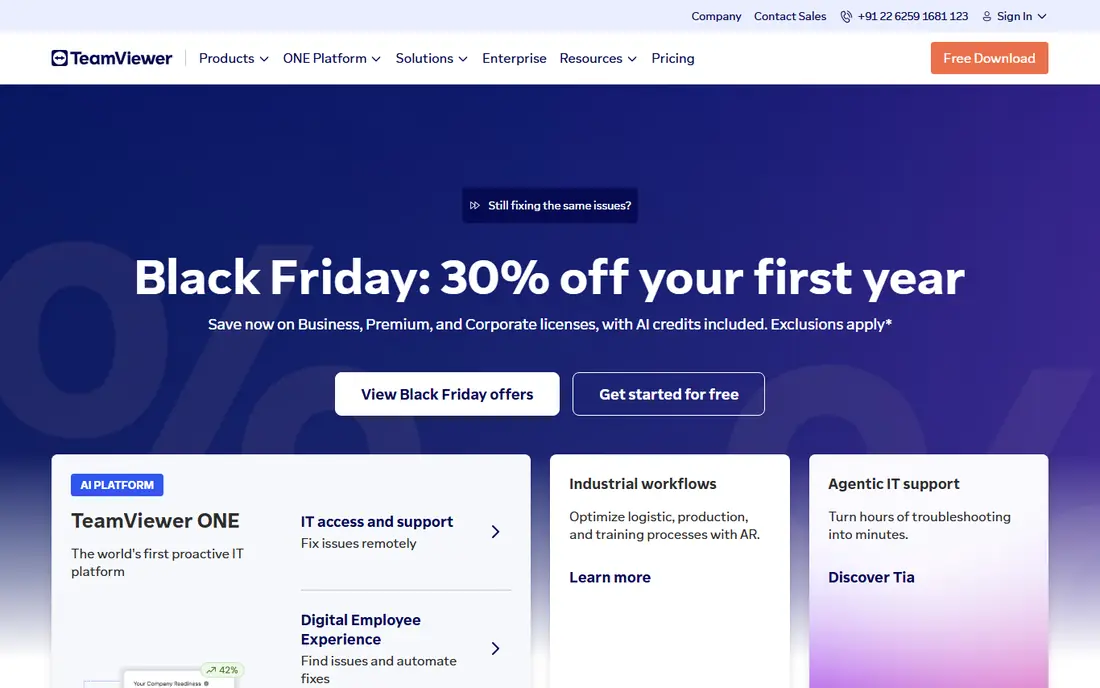
TeamViewer is the most established name in this category, and that maturity shows in platform coverage and enterprise features. It supports Windows, macOS, Linux, Android, and iOS, with unattended access, file transfer, session recording, and management tools for larger teams. For organisations that need audit trails, user management, and compliance documentation, TeamViewer remains a safe shortlist option.
The price is the main drawback, and the free personal plan is strict about commercial use detection. Small teams that only need occasional support may find Splashtop or Zoho Assist cheaper, while personal users may prefer Chrome Remote Desktop or RustDesk. Choose TeamViewer when enterprise support, compliance, and broad device coverage justify the higher cost.
- Wide platform support
- Unattended access and file transfer
- Strong enterprise and compliance features
- Higher price than most rivals
- Free plan flags suspected commercial use
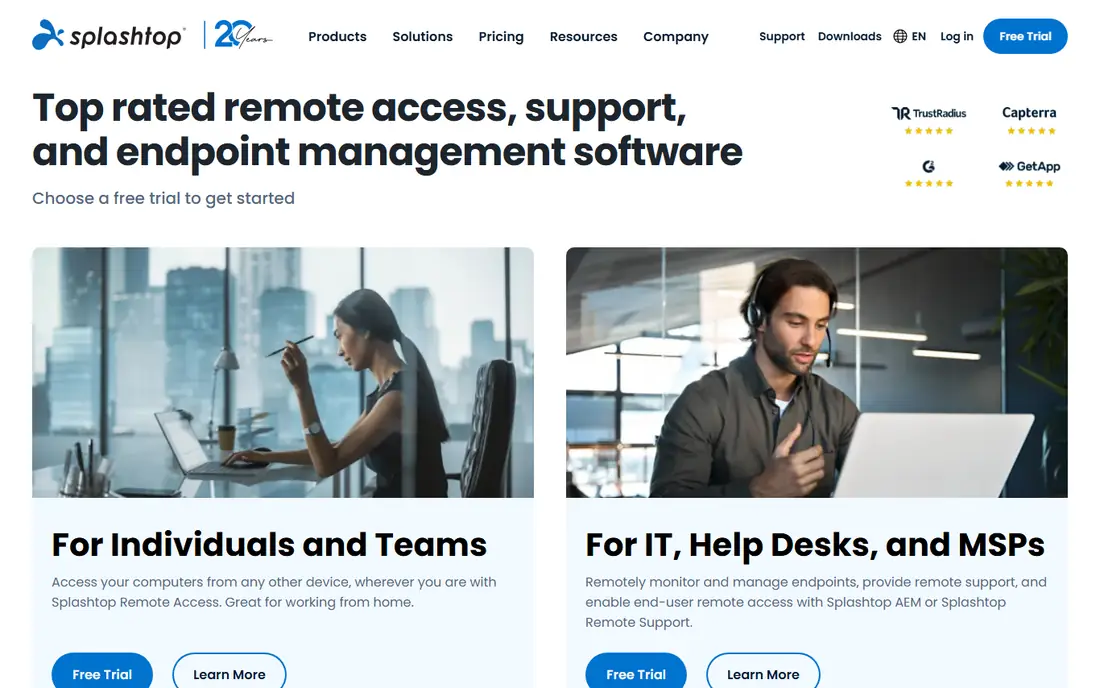
Splashtop offers a strong balance of price and performance for IT support teams. Its SOS plans suit technicians who support clients on demand, while Business Access plans suit always-on access to office computers. Connections are generally fast, file transfer and remote printing are included on many plans, and the admin console is straightforward for small teams.
Check plan details carefully, because SOS, Business Access, and Remote Support plans cover different use cases. Splashtop suits teams that want TeamViewer-style support at a lower price, without self-hosting complexity. It is less suited to personal users who need a free plan, where Chrome Remote Desktop or RustDesk fit better.
- Good value for support technicians
- Fast connections and file transfer
- Unattended access options
- Plan differences affect features
- Enterprise add-ons raise the total
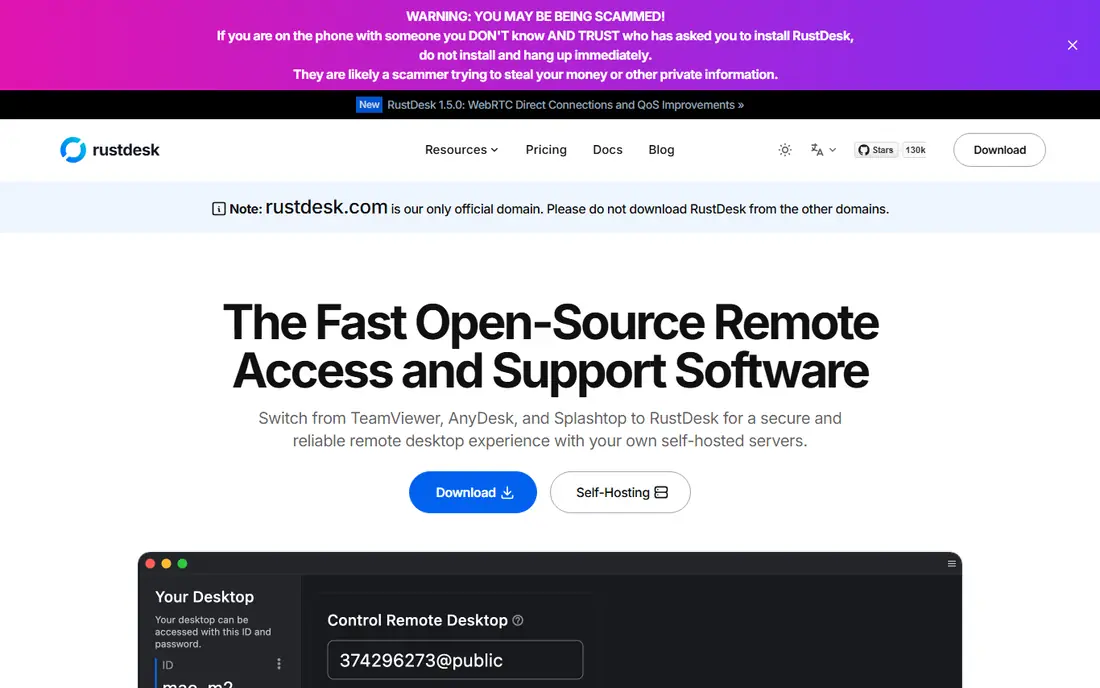
RustDesk is the open-source alternative that most closely matches AnyDesk for everyday remote access. You can use its public relay for quick sessions, or host your own relay and signalling server to keep traffic inside infrastructure you control. Clients cover Windows, macOS, Linux, Android, and iOS, with file transfer, clipboard sync, and unattended access.
Self-hosting is both the advantage and the work. You gain privacy and control, but you also own updates, security hardening, and uptime. RustDesk suits technical users, small IT teams, and privacy-conscious organisations that can run a server. Less technical users who want a managed service should look at Splashtop, Zoho Assist, or Chrome Remote Desktop instead.
- Open source and free to use
- Optional self-hosted relay for privacy
- Cross-platform clients
- Self-hosting needs setup and maintenance
- Commercial support is more limited than TeamViewer
Chrome Remote Desktop is the simplest free option for personal access and helping family members. You install a browser extension or app, sign in with a Google account, and connect to your own computers or accept a one-time support session. There is no subscription, and setup takes minutes rather than an afternoon of configuration.
The simplicity comes with limits. Chrome Remote Desktop lacks the technician console, session recording, and multi-user management that support teams need. It also depends on a Google account, which may not suit every workplace policy. For personal use and occasional family support, though, it is hard to beat on price and ease.
- Completely free
- Simple setup with a Google account
- Works in a browser and on mobile
- Fewer support features than commercial tools
- No advanced session management for teams
Zoho Assist suits small support teams that need on-demand and unattended access without enterprise pricing. You can start a support session from a browser, transfer files, reboot a remote computer, and manage unattended devices. Integration with other Zoho products helps if your team already uses Zoho for CRM, helpdesk, or workplace tools.
Larger MSPs may find ConnectWise ScreenConnect or Splashtop Remote Support a better fit for scale, session queues, and integrations. For a small business with one or two technicians, Zoho Assist offers a practical balance of price, features, and ease of use, and its free plan lets you test basic support before paying.
- Low cost for small teams
- Unattended access and file transfer
- Free plan for basic use
- Feature depth is narrower than TeamViewer
- Larger MSP workflows need a bigger platform
ConnectWise ScreenConnect, formerly ConnectWise Control, is built for MSPs and IT departments that manage many endpoints. It offers unattended access, session recording, grouping, and permissions, with cloud or on-premises deployment. A free tier for a single technician and a limited number of agents lets small teams test it before scaling.
The platform rewards teams that already use ConnectWise PSA or RMM tools, since integrations reduce duplicate work. Standalone small teams may find the setup heavier than Zoho Assist or Splashtop. Choose ScreenConnect when you manage many devices, need strong access control, and want a platform that grows with an MSP practice.
- Strong unattended access and session management
- On-premises option
- Integrations with ConnectWise tools
- Pricing rises with technicians
- Setup takes more time than simpler tools
RealVNC Connect is the long-running VNC option for users who need reliable cross-platform access. It supports Windows, macOS, Linux, Raspberry Pi, and mobile devices, with cloud connections for ease and direct connections for networks where cloud relay is not wanted. File transfer, printing, and chat are available on paid plans, and the VNC standard gives it a broad device footprint.
The experience is more traditional than TeamViewer or Splashtop, and team management features sit on higher plans. RealVNC suits technical users, Raspberry Pi projects, and mixed-platform environments where VNC compatibility matters. For polished support workflows, Splashtop or ScreenConnect may feel more modern.
- Long-standing VNC standard
- Cross-platform support
- Cloud and direct connection options
- Interface feels less modern than newer rivals
- Advanced team features need higher plans
RemotePC is a low-cost option for always-on access to your own computers. It suits remote workers who need to reach a home or office PC from a laptop or phone, with file transfer, remote printing, and session recording on many plans. Setup is simple, and pricing for personal plans is lower than most commercial rivals.
It is less suited to support teams that handle many client computers, where Splashtop SOS or Zoho Assist offer better technician workflows. RemotePC works best as a personal or small-team always-on tool, where the main need is reliable access to a few known computers at a low annual cost.
- Low cost for always-on personal access
- File transfer and remote printing
- Simple setup
- Support-team features are limited
- Plan limits affect computers and users
How we picked these
We checked each vendor homepage to confirm the product is active, offers remote desktop access, and provides a current plan, trial, or free tier in 2026. We compared access type, unattended access, platform support, security features, and pricing model. We read public reviews and documentation to check limits such as commercial-use detection, self-hosting requirements, and plan differences. Where pricing could not be verified from the vendor site on the day of writing, we wrote See website rather than repeating a third-party figure.
Choosing a remote desktop tool safely
Remote access is powerful, which is why security settings matter as much as speed. A fast tool with weak authentication is a risk, not a bargain. Set up access controls before you invite anyone to connect, and review who has unattended access regularly.
Lock down unattended access
Use strong, unique passwords, turn on two-factor authentication where available, and limit unattended access to devices you own or manage. Disable access when a staff member leaves, and check session logs for unusual connections. Never share a permanent access code publicly, and use one-time codes for support sessions with people you do not know well.
Match the tool to the job
Personal access, on-demand support, and MSP management are different jobs. Chrome Remote Desktop and RemotePC suit personal access, Zoho Assist and Splashtop suit on-demand support, and ScreenConnect suits MSP scale. RustDesk suits technical users who want self-hosting, while TeamViewer suits enterprise teams that need compliance and broad coverage. Picking by job avoids paying for features you will not use.
Frequently asked questions
What is the best AnyDesk alternative?
TeamViewer suits enterprise support, Splashtop suits support teams on a budget, and RustDesk suits free or self-hosted use. Chrome Remote Desktop suits simple personal access, while ConnectWise ScreenConnect suits MSPs. The best choice depends on whether you need personal access, client support, or managed endpoints at scale.
Is there a free alternative to AnyDesk?
Yes, RustDesk and Chrome Remote Desktop are free for personal and basic use, and Zoho Assist and TeamViewer offer free plans with limits. RustDesk also lets you self-host for privacy and control. Check commercial-use terms, since free plans for TeamViewer and similar tools are intended for personal use only.
Can I self-host a remote desktop alternative?
Yes, RustDesk is the clearest self-hosted option, with a relay and signalling server you can run yourself. RealVNC Connect also offers direct connections without a cloud relay in some setups. Self-hosting gives you control, but you must handle updates, firewall rules, and security hardening yourself.
Is remote desktop software safe?
It is safe when configured well, with strong passwords, two-factor authentication, and limited unattended access. Risks rise when users share access codes, reuse passwords, or expose remote desktop ports to the internet. Keep software updated, review access lists regularly, and use a VPN or private relay where your policy requires it.
Do I need a paid plan for remote support work?
Paid plans are usually needed for commercial support, unattended access at scale, and team management. Free plans suit personal use and testing, but vendor terms often block commercial use on free tiers. If you support clients for work, choose a paid support plan from Splashtop, Zoho Assist, TeamViewer, or ScreenConnect to stay within licence terms.
Sources we checked (8)

Online Jobs is an independent blog about careers, online work, learning new skills and the tools that help people earn. More about us.
Keep reading
All posts
Windows 11 Alternatives
Explore Windows 11 alternatives that run on your current PC, from beginner-friendly Linux systems to ChromeOS Flex, with install notes and trade-offs.
Microsoft Access Alternatives
Microsoft access alternatives compared: 9 real database and app builders, with pricing, free plans, and honest trade-offs for small teams switching in 2026.

Eventbrite Alternatives
Compare the best Eventbrite alternatives for ticketing fees, free events and event pages, with honest notes on cost, discovery and fit for organisers.