Alternatives to TP-Link in 2026: 8 Networking Brands Compared

How we put this together: we compare official feature and pricing pages, app store listings, privacy policies and public user reviews. Prices change, so check the provider's site before you pay.
Key takeaways
- Netgear is our pick for the closest all round range, covering routers, mesh systems, switches, and gaming models.
- Asus suits gamers and power users who want strong firmware options and mesh expansion, while Linksys suits simple mesh setups.
- Ubiquiti UniFi suits homes and small businesses that want managed, expandable networks, but setup takes more effort.
- eero and Google Nest suit buyers who want simple app setup and whole home coverage without deep network settings.
Quick comparison
| Name | Who it suits | Starting price | Free option | |
|---|---|---|---|---|
 Netgear | All round routers and mesh | See website | No | Visit |
 Asus | Gaming and power users | See website | No | Visit |
 Linksys | Simple mesh systems | See website | No | Visit |
 Ubiquiti UniFi | Managed home and office networks | See website | No | Visit |
 D-Link | Value routers and switches | See website | No | Visit |
 Zyxel | Small business networking | See website | No | Visit |
 eero | Simple whole home mesh | See website | No | Visit |
 Google Nest Wifi | Easy smart home mesh | See website | No | Visit |
The best alternatives to tp-link
TP-Link is known for value routers, Deco mesh systems, and switches, so a good alternative needs a similar range or a clear strength. We compared routers, mesh systems, switches, and software, using official sites and product pages. Prices vary by model, Wi-Fi generation, and retailer, so we used See website where a single price would be misleading.
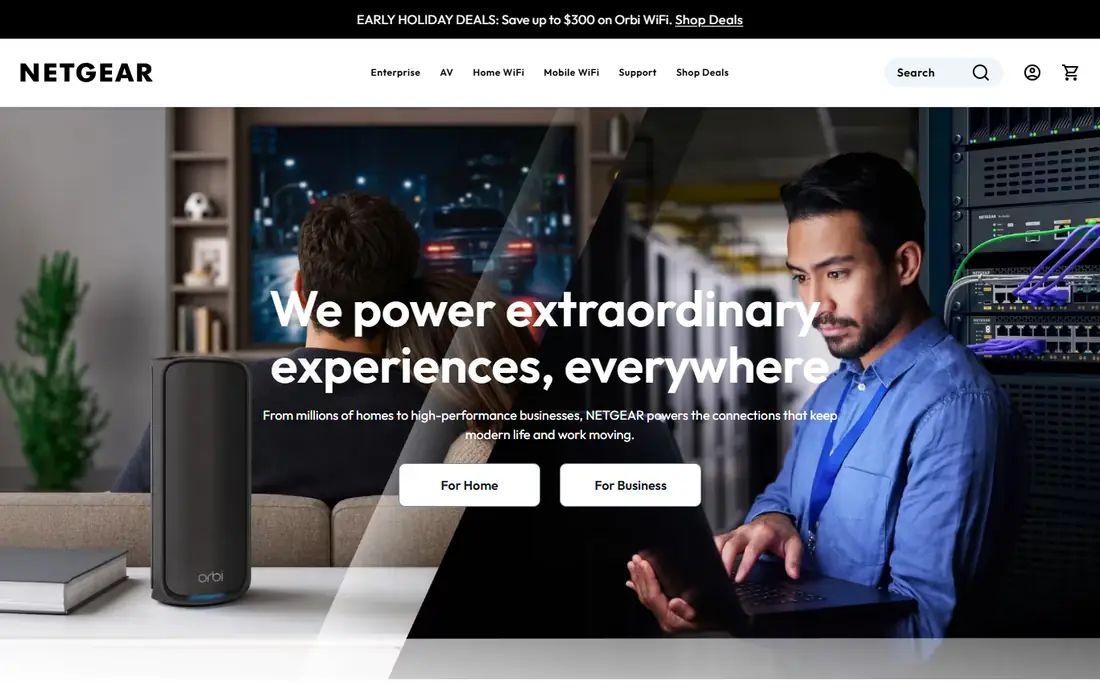
Netgear is the closest all round rival to TP-Link, with routers from budget to Wi-Fi 7, Orbi mesh systems for large homes, and switches for wired networks. Nighthawk routers suit gamers and heavy streamers, while Orbi mesh suits homes with dead spots and many devices.
The catch is subscriptions. Some parental controls and security features in the Netgear app need a paid plan after a trial, so check what is included before you buy. For range, performance, and mesh choice, Netgear remains a strong default alternative.
- Broad router, mesh, and switch range
- Nighthawk models for gaming and speed
- Orbi mesh for large homes
- Some advanced features need a paid subscription
- Premium models are costly
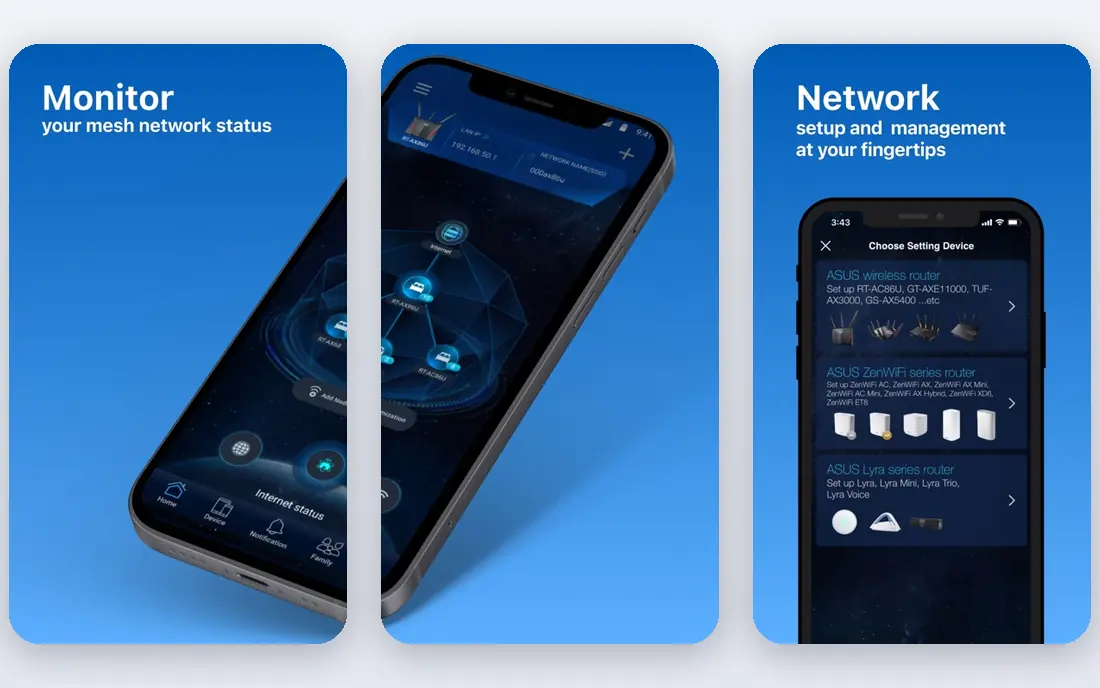
Asus routers suit power users, with detailed settings, traffic prioritisation, VPN options, and AiProtection security features on many models. AiMesh lets you combine compatible Asus routers into a mesh system, so you can start with one router and expand later without buying a whole new system.
That depth can overwhelm beginners, and the best gaming models carry premium prices. For gamers, streamers, and households with many devices and a need for control, Asus is one of the best TP-Link alternatives, especially if you like to tune your network.
- Strong firmware with AiProtection and QoS
- AiMesh expands routers into mesh
- Good gaming router range
- Interface can overwhelm beginners
- Premium gaming models are costly
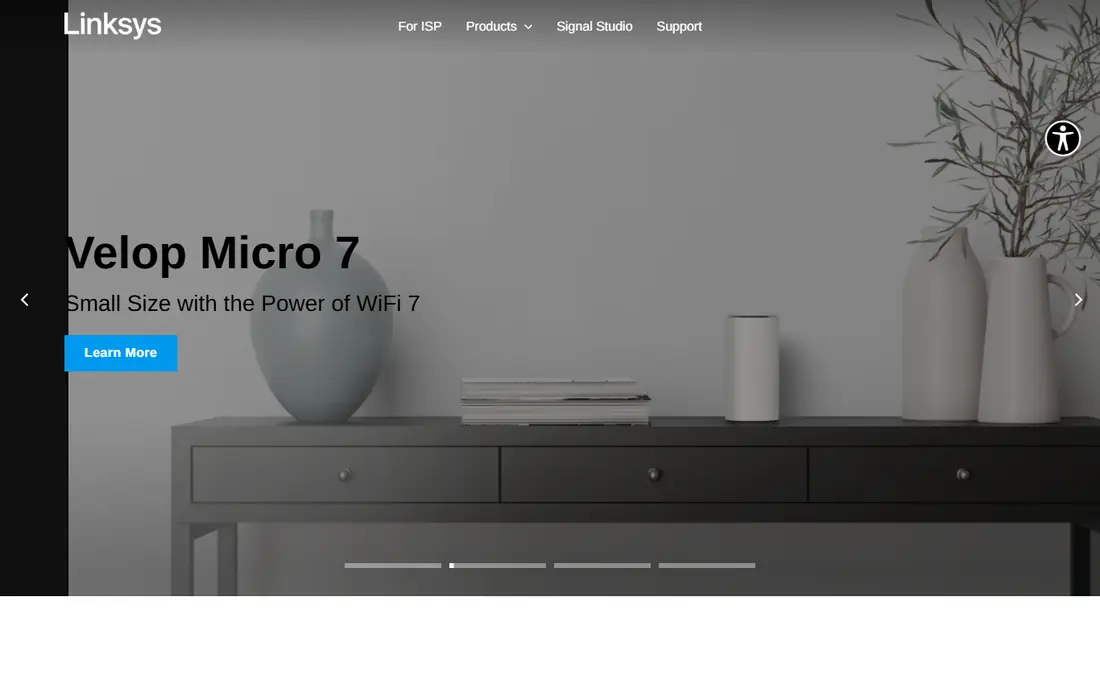
Linksys, known for Velop mesh systems and traditional routers, suits buyers who want whole home Wi-Fi without a steep learning curve. Setup is app guided, nodes expand coverage, and the range covers small flats through large houses, with Wi-Fi 6 and Wi-Fi 7 models in the lineup.
Power users may miss the deep firmware options of Asus, and some Linksys models are less distinctive for their price. For a family home or small office that wants reliable mesh Wi-Fi with minimal fuss, Linksys is a dependable pick.
- Easy mesh setup with Velop
- Solid router range
- Good for families and small offices
- Advanced settings are less deep than Asus
- Some models feel plain for the price
Ubiquiti UniFi is a step up in control. You build a network from access points, switches, and a gateway, managed through UniFi controller software, which gives you VLANs, guest networks, traffic stats, and central management. It suits tech savvy homes, small businesses, and offices that want a network they can grow and manage properly.
The trade off is effort and cost. UniFi is not a plug in single router, and a full setup needs planning, cabling, and a controller. If you want that level of control, UniFi is excellent, but casual buyers will be happier with a mesh system from Netgear, Linksys, or eero.
- Managed access points, switches, and routers in one system
- Scalable for homes and offices
- Strong controller software
- Setup takes more knowledge
- Costs add up across access points, switches, and controller hardware
D-Link covers routers, mesh systems, switches, and cameras at value focused prices, making it a natural TP-Link rival for budget and mid range buyers. Its Eagle Pro AI mesh and standard routers suit flats, family homes, and small offices where price matters and demands are moderate.
App and firmware polish can vary by model, and its flagship performance does not match the fastest Asus or Netgear routers. For a straightforward, affordable network, D-Link is a solid choice, especially when a TP-Link model you wanted is out of stock or priced higher.
- Good value routers, mesh, and switches
- Wide retail availability
- Simple setup on many models
- Firmware and app polish varies by model
- Premium performance lags Asus and Netgear flagships
Zyxel serves homes and, more strongly, small businesses, with routers, switches, firewalls, and access points, plus Nebula cloud management for multi site networks. Its business features, such as VLANs, VPN, and central management, suit offices, shops, and rental properties that need more than a home router.
Home buyers may find Zyxel guides and apps less friendly than eero or Linksys, and some business models are overkill for a flat. For a small business or a tech savvy home that wants business grade control, Zyxel is a credible TP-Link alternative.
- Strong small business routers, switches, and access points
- Nebula cloud management
- Good security options
- Home user guides are less friendly
- Some products are business focused and costly for a flat
eero, from Amazon, is built for simple whole home mesh. You plug in nodes, follow the app, and get coverage across a house, with options to add nodes as needed. It suits non technical households, renters, and families who want Wi-Fi that just works, with app based controls for guests and devices.
Advanced users will miss deep settings, and some security and parental features need a paid eero Plus plan. If simplicity and coverage matter more than firmware control, eero is one of the easiest TP-Link Deco alternatives to live with.
- Very simple app setup
- Mesh expands easily
- Good for non technical households
- Some features need a paid subscription
- Advanced settings are limited
Google Nest Wifi suits households already using Google Home, with mesh routers and points managed in the Google Home app. Some points include a smart speaker, which saves space and adds voice control, and setup is guided and simple for most users.
Network control is lighter than Asus or UniFi, and the system fits best inside the Google ecosystem. For a Google smart home, or a household that wants mesh Wi-Fi with minimal settings, Nest Wifi is a clean and friendly alternative to TP-Link Deco.
- Simple Google Home app setup
- Mesh points double as smart speakers on some models
- Good smart home fit
- Fewer advanced network settings
- Google ecosystem focus may not suit everyone
How we picked these
We reviewed official product ranges, mesh options, and software features, and we confirmed that each official site loads and matches the brand named. We favoured brands with a real US presence, a router or mesh range, and a distinct strength, from value to gaming to managed business networks. We did not claim hands on testing; our comparison rests on published specs, product ranges, and public community material. Prices vary by model and retailer, so we used See website where a single figure would mislead.
Choosing the right networking brand
Start with your home and internet speed. A small flat with a modest plan needs only a good single router, while a large house, thick walls, or many devices need mesh or access points. Check your internet plan speed too, since a Wi-Fi 7 router will not make a slow plan faster.
Next, decide how much control you want. Mesh systems from eero, Linksys, and Google suit simple setups, Netgear and Asus suit power users, and UniFi or Zyxel suit managed homes and offices. Place nodes or access points well, use wired backhaul where you can, and update firmware, since placement and updates affect real speed more than headline Wi-Fi numbers.
Frequently asked questions
Which brand is closest to TP-Link overall?
Netgear is closest, with routers, mesh, switches, and gaming models at many price points. D-Link is closer on value, Asus is closer for power users, and Linksys is closer for simple mesh.
Do I need mesh Wi-Fi or just a router?
Mesh helps in large homes, homes with thick walls, and homes with dead spots far from the router. A single good router is enough for a small flat or a home where devices stay near the router.
Is Wi-Fi 7 worth it in 2026?
Wi-Fi 7 helps if you have a fast internet plan, Wi-Fi 7 devices, and many simultaneous users, but Wi-Fi 6 and 6E remain good for most homes. Buy Wi-Fi 7 if you plan to keep the router for years, otherwise a good Wi-Fi 6 model saves money.
Can I mix brands in one network?
You can mix a router from one brand with switches or access points from another, but mesh systems usually work best within one brand and model family. Mixing mesh nodes across brands often loses smooth roaming and central management.
Should I pay for router security subscriptions?
It depends on what you need. Built in firmware updates, guest networks, and basic parental controls are often free, while advanced threat blocking and detailed parental reports may need a subscription. Check what is included before you pay.
Sources we checked (8)

Online Jobs is an independent blog about careers, online work, learning new skills and the tools that help people earn. More about us.
Keep reading
All posts
Best Robotics Companies
Compare the best robotics companies in 2026, from humanoids to factory robots, with focus areas, deployments, and honest limits for buyers and pilots.

Best Phone Company to Switch To
Compare the best phone company to switch to, from low-cost Visible and Mint Mobile to full-service T-Mobile, Verizon and AT&T, with prices and trade-offs.

Best Phone Company
Looking for the best phone company in 2026? We compared 9 US carriers on price, coverage, data and perks so you can pick the right plan for your line.