Alternatives to Power BI in 2026: 9 Tools Compared


Teams that want deep visual analysis and polished dashboards · Starting price: See website
How we put this together: we compare official feature and pricing pages, app store listings, privacy policies and public user reviews. Prices change, so check the provider's site before you pay.
Key takeaways
- Tableau is the strongest all-round alternative for visual analysis and polished dashboards.
- Looker Studio is the best free starting point for Google ecosystem teams with simple reporting needs.
- ThoughtSpot suits business users who want to ask questions in plain words and get charts back fast.
- Metabase is the best open-source pick for small teams that want self-hosted dashboards at low cost.
- Zoho Analytics offers strong value for small businesses that already use Zoho apps.
Quick comparison
| Name | Who it suits | Starting price | Free option | |
|---|---|---|---|---|
| Tableau | Teams that want deep visual analysis and polished dashboards | See website | No | Visit |
 Looker Studio | Google ecosystem teams that need free, simple dashboards | Free | Yes | Visit |
 Qlik Sense | Associative exploration across many data sources | See website | No | Visit |
 ThoughtSpot | Business users who want search-led analytics | See website | No | Visit |
 Metabase | Small teams that want open-source, self-hosted dashboards | See website | Yes | Visit |
 Zoho Analytics | Small businesses already using Zoho apps | See website | Yes | Visit |
 Sisense | Companies that embed analytics into their own products | See website | No | Visit |
 Domo | Midsize companies that want data integration plus BI in one platform | See website | No | Visit |
 Amazon QuickSight | AWS teams that want pay-per-session dashboard pricing | See website | No | Visit |
The best alternatives to Power BI
Power BI works well for Microsoft-centered teams, but it is not the right fit for every company. Some teams want stronger visual exploration, a free starting point, open-source control, or a tool that fits a different cloud. We compared Power BI alternatives on dashboard quality, self-service ease, data connections, governance, and price, so you can find a tool that matches how your team actually works with data.
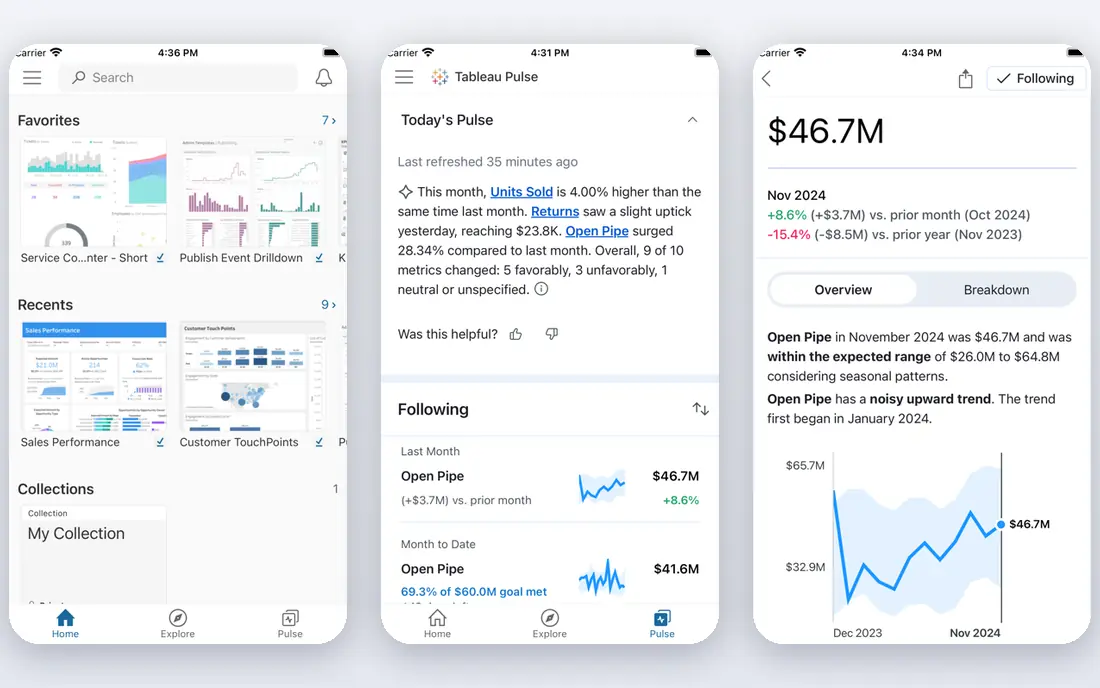
Tableau is the most direct rival to Power BI for serious visual analytics. Drag-and-drop exploration makes it easy to test a question, change a chart type, and spot patterns without writing code. Dashboards look polished with less effort, which helps when reports go to executives or clients who judge clarity at a glance.
Cost is the main drawback. Viewer, explorer, and creator roles add up, and advanced setup needs planning. Teams that already use Salesforce may also value the integration. For companies that put visual analysis first and can fund the licenses, Tableau remains the benchmark among Power BI alternatives.
- Excellent visual exploration, strong dashboard design, wide data connections, large community
- Higher cost for larger teams, learning curve for advanced features, licensing can be complex
Looker Studio
Who it suits: Google ecosystem teams that need free, simple dashboards
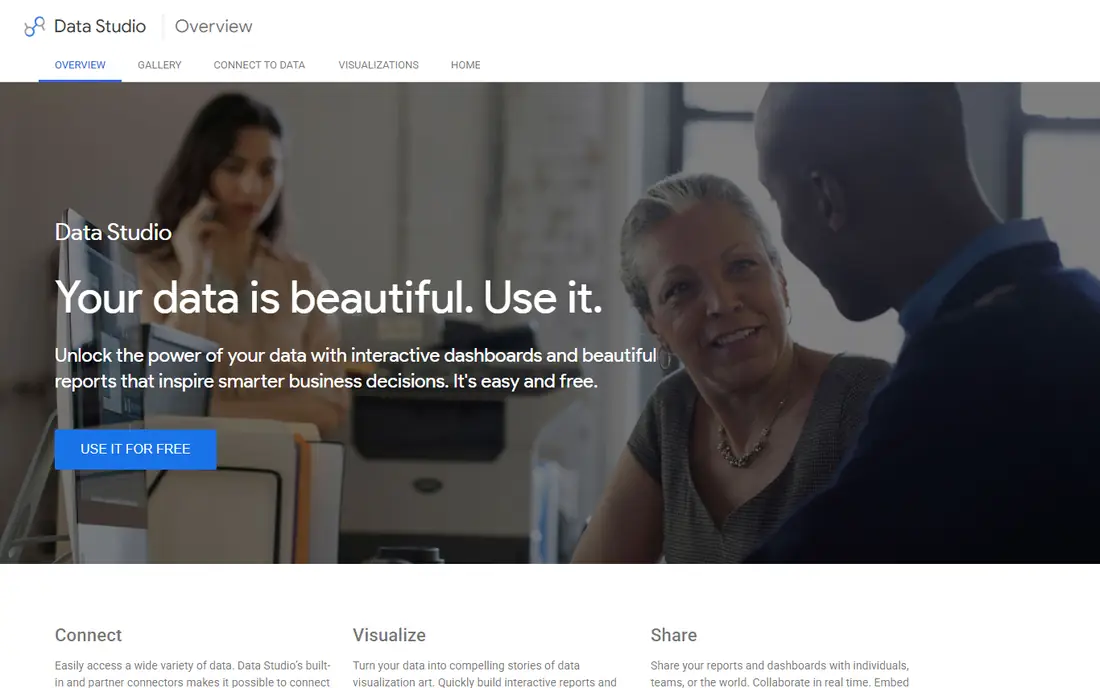
Looker Studio, formerly Data Studio, is the easiest free alternative to try. If your data already lives in Google Sheets, Google Analytics, or BigQuery, you can build a dashboard in an afternoon and share it with a link. The interface is friendly for non-technical users, and the price is hard to beat.
Advanced teams will hit limits. Data modeling is simpler than in Looker or Tableau, and governance controls are lighter. Large or complex data sets can also slow down. For small teams, agencies, and startups that need clear client or internal dashboards without a license budget, Looker Studio is a practical first step.
- Free to use, easy Google Sheets and Analytics connections, simple sharing, quick setup
- Limited advanced modeling, fewer enterprise controls, performance limits on large data
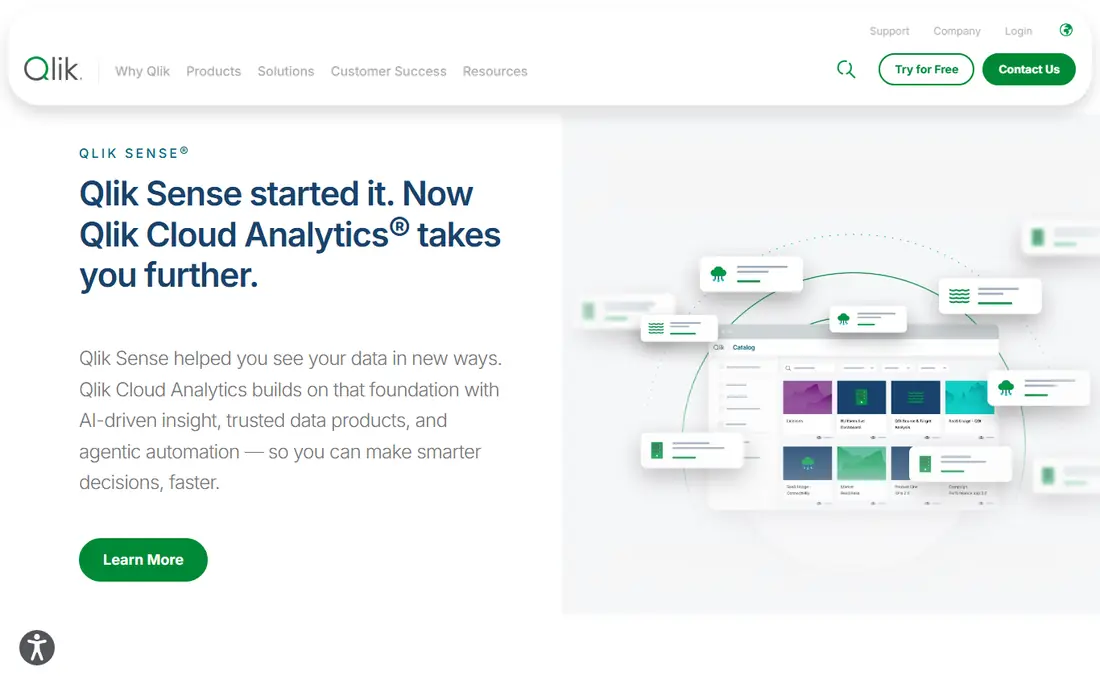
Qlik Sense uses an associative engine that lets users click a value and see how every other chart changes. That approach helps analysts explore data without predefining every question in advance. It handles complex, related data well, which suits companies with many sources and tangled relationships between tables.
New users may find the interface less intuitive than Tableau or Looker Studio at first. Dashboard design also needs care to look polished. For teams that value exploration over fixed reports, and that work with complex data, Qlik Sense is a strong and distinctive Power BI alternative.
- Associative engine for flexible exploration, strong data preparation, good mobile dashboards, AI-assisted insights
- Interface takes time to learn, pricing needs a quote for larger setups, design polish needs effort
ThoughtSpot changes the workflow from building dashboards to asking questions. A sales manager can type a question about revenue by region and get a chart back in seconds, then refine it with follow-up questions. That search-led style suits business users who do not want to wait for an analyst for every new question.
The catch is data preparation. ThoughtSpot works best when tables are clean and well modeled in a cloud warehouse. Without that groundwork, answers can mislead. For companies with solid data foundations that want true self-service, ThoughtSpot is one of the most useful Power BI alternatives available.
- Natural language search, fast answers from clean data, easy sharing, good cloud warehouse support
- Needs well-modeled data to shine, higher price, less suited to pixel-perfect report design
Metabase is popular with startups and small teams because the open-source edition is free and the question builder is easy to learn. Non-technical users can build charts by picking tables, filters, and summaries, while SQL users can write custom queries when needed. Self-hosting gives control over data and hosting costs.
Larger companies may need paid features for permissions, single sign-on, and support. Very large data volumes also need tuning. For a small team that wants internal dashboards without a large license bill, Metabase offers excellent value and a gentle learning curve.
- Free open-source edition, easy question builder, self-hosting option, quick dashboard setup
- Advanced modeling is limited, enterprise features need paid plans, scaling needs care
Zoho Analytics suits small and midsize businesses that want reporting without enterprise prices. It connects well to Zoho CRM, Zoho Books, and other Zoho apps, plus spreadsheets, databases, and popular cloud services. Prebuilt dashboards help new users get started fast, and the AI assistant can suggest insights from your data.
Enterprise teams with strict governance or huge data volumes may prefer Tableau, Qlik Sense, or Looker. For a growing business that already uses Zoho, or that wants a low-cost BI tool with solid features, Zoho Analytics is a sensible and affordable Power BI alternative.
- Affordable plans, good Zoho integrations, AI assistant, many prebuilt dashboards
- Less strong for very large enterprises, advanced modeling is modest, interface can feel busy
Sisense is best known for embedded analytics. If you build software and want customers to see charts inside your product, Sisense provides the tools, APIs, and white-label options to do that well. It also handles data preparation and blending from many sources, which helps product teams ship analytics without a separate stack.
Pricing is quote-based, and a full rollout needs technical planning. Teams that only need internal dashboards may find simpler tools faster and cheaper. For product-led companies that treat analytics as a feature, Sisense is a strong choice among Power BI alternatives.
- Strong embedding tools, flexible data preparation, good API support, handles varied sources
- Quote-based pricing, implementation takes planning, less suited to casual internal reporting alone
Domo combines data connectors, preparation, dashboards, and collaboration in one cloud platform. That breadth suits midsize companies that want to connect sales, marketing, finance, and operations data without managing many separate tools. Mobile dashboards are a particular strength for managers who check numbers on the go.
Pricing is quote-based and can rise as usage grows, so budget planning matters. A clear data plan also helps, since connecting many sources without structure can create messy dashboards. For teams that want an all-in-one platform rather than a dashboard tool alone, Domo is worth a serious look.
- Many connectors, built-in data preparation, mobile-friendly dashboards, collaboration tools
- Quote-based pricing, can be costly at scale, setup needs data planning
Amazon QuickSight
Who it suits: AWS teams that want pay-per-session dashboard pricing
Amazon QuickSight fits naturally into an AWS setup. Data in S3, Redshift, RDS, and other AWS services connects with little friction, and reader pricing charges per session rather than per named user in many cases. That model can save money when many people view dashboards only occasionally.
Dashboard design is capable but less flexible than Tableau for highly polished executive reports. Teams outside AWS gain less from the integration. For AWS-centered companies that want scalable, cost-aware reporting, QuickSight is a practical Power BI alternative with a pricing model that matches occasional use.
- Pay-per-session reader pricing, strong AWS integration, fast setup for AWS data, embedded options
- Less polished than Tableau for complex design, best within AWS, advanced features need planning
How we picked these
We focused on tools that cover the core Power BI job: connecting data, building dashboards, and sharing insights with a team. We compared visual quality, self-service ease, data modeling, governance, embedding, and price transparency. Tools that only offered charts without data connections, or that only served a single niche, did not make the final list.
We also considered team size and cloud fit. A free tool can be right for a startup and wrong for a regulated enterprise, while an embedded platform can be right for a software company and wrong for an internal reporting team. That is why this list mixes free, open-source, mid-market, and enterprise tools.
Buying guide: how to choose a Power BI alternative
Start with your data sources and your users. List where your data lives, who needs to see it, and whether those users can build their own charts or need ready-made dashboards. A search-led tool helps business users with clean data, while a visual tool helps analysts who explore freely. A free tool helps small teams, while an enterprise tool helps regulated companies.
Next, run a pilot with real data, not sample data. Build three dashboards your team actually uses each week, test filters and sharing, and check performance on your largest table. Note how long setup takes and how much help users need. A tool that looks simple in a demo can feel different with your own messy data.
Finally, compare total cost for your real user mix. Count viewers, creators, and admins separately, since many tools price roles differently. Add data preparation, embedding, and support costs. A lower headline price can hide role costs, while a higher price can include features you would otherwise buy separately.
Frequently asked questions
What is the best Power BI alternative overall?
Tableau is the strongest overall alternative for visual analysis and dashboard quality. Looker Studio is the best free option, and Metabase is the best open-source option. Your data, team size, and budget will narrow the choice further.
Is there a free alternative to Power BI?
Yes. Looker Studio is free, and Metabase offers a free open-source edition. Both cover basic dashboards well. Free tools have limits on governance and scale, so larger teams should test paid plans before committing.
What is the best Power BI alternative for small businesses?
Zoho Analytics and Metabase are strong small-business picks. Zoho Analytics suits Zoho users and teams that want affordable plans. Metabase suits technical small teams that want self-hosted control at low cost.
What is the best Power BI alternative for Google Cloud users?
Looker Studio is the simplest free choice for Google Sheets and Analytics data. Looker, the governed Google Cloud BI tool, suits larger teams that need a semantic layer and consistent metric definitions. Both fit naturally into a Google setup.
Can I migrate Power BI dashboards to another tool?
You can usually migrate data connections and rebuild dashboards, but exact designs rarely transfer automatically. Plan to rebuild key reports, check calculations, and test totals against Power BI before you switch off the old tool.
Do Power BI alternatives work with Excel and SQL databases?
Most tools on this list connect to Excel, spreadsheets, and SQL databases, plus cloud warehouses and popular apps. Check the connector list for your exact source, and test a live connection during a trial before you buy.
Sources we checked (9)

Online Jobs is an independent blog about careers, online work, learning new skills and the tools that help people earn. More about us.
Keep reading
All posts
DocuSign Alternatives
We compared the best DocuSign alternatives on price, free plans, templates, audit trails and ease of use, including free DocuSign alternatives for small teams.
Best subscription billing software
Looking for the best subscription billing software? We compare 9 platforms for billing, dunning, tax, revenue recognition, and team workflows in 2026.
Best Workforce Management Software
Looking for the best workforce management software? We compare 8 tools for scheduling, time tracking, payroll, and compliance for hourly teams and managers.