Best Alternatives to Microsoft Publisher in 2026: 9 Tools Compared

How we put this together: we compare official feature and pricing pages, app store listings, privacy policies and public user reviews. Prices change, so check the provider's site before you pay.
Key takeaways
- Affinity by Canva is our pick for most former Publisher users, because it offers real page layout, master pages and press ready PDF export free in 2026.
- Canva is the fastest switch for simple flyers, brochures and social posts, with a huge template library and a generous free tier.
- Scribus is the best free print ready option for technical users, with CMYK and bleed support, but it has a steeper learning curve.
- Adobe InDesign remains the professional standard for complex commercial print, but it is a subscription and a larger learning step.
- Publisher files do not import directly into most alternatives, so plan to rebuild key documents from PDF or images.
Quick comparison
| Name | Who it suits | Starting price | Free option | |
|---|---|---|---|---|
 Affinity by Canva | Professional layout free | Free | Yes | Visit |
 Canva | Fast templates | Free | Yes | Visit |
 Adobe InDesign | Commercial print | See website | Free trial | Visit |
 Scribus | Free print ready output | Free | Yes | Visit |
 Microsoft Word | Simple documents you already own | See website | Free trial | Visit |
 Marq | Brand locked templates | Free | Yes | Visit |
 Visme | Data rich reports | Free | Yes | Visit |
 LibreOffice Draw | Offline basic layout | Free | Yes | Visit |
 Swift Publisher | Mac Publisher style layout | See website | Free trial | Visit |
The best alternatives to microsoft publisher
Microsoft Publisher reached end of support in October 2026, leaving many users to find a replacement for flyers, newsletters, brochures and booklets. The right replacement depends on whether you need print ready output, simple templates, or team brand control. The nine tools below cover those needs. Our pick for most former Publisher users is Affinity by Canva for professional layout at no cost, with Canva as the fastest simple switch.
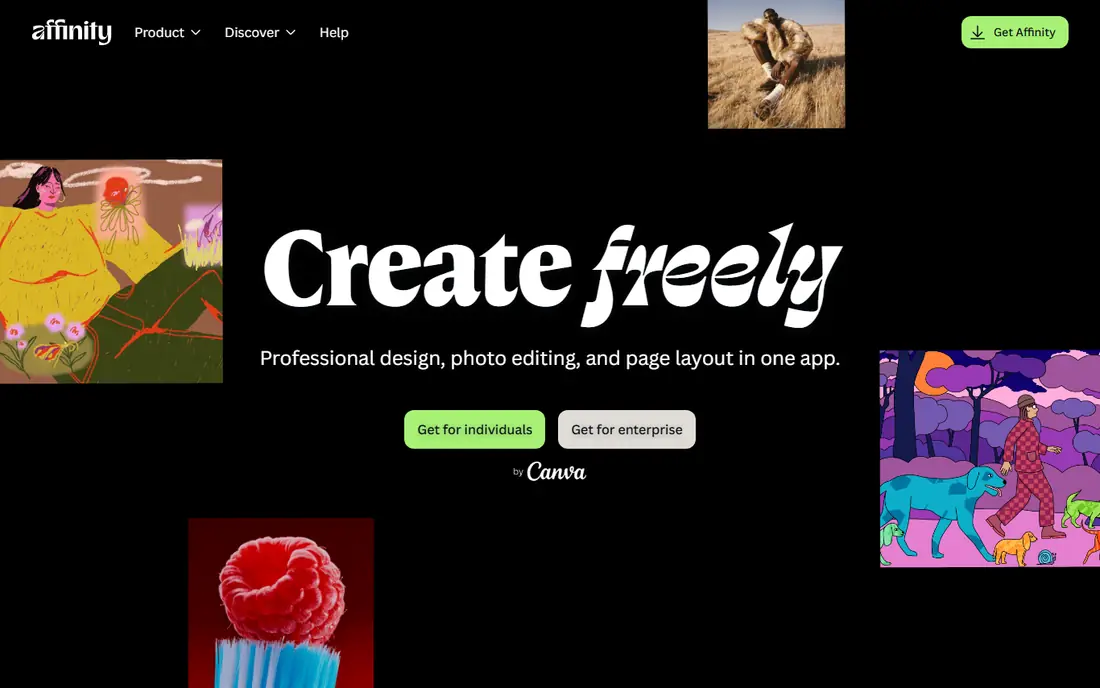
Affinity by Canva is the closest true successor to Publisher for print work. Canva merged the former Affinity Photo, Designer and Publisher apps into a single desktop program for Windows and macOS, with real page layout, master pages, linked text frames, CMYK colour and press ready PDF export. For a user who made multi page brochures, newsletters or catalogues in Publisher, that feature set matches the old workflow more closely than a template tool. The trade offs are account activation and collaboration. Recent guides note that Affinity requires a free Canva account to activate, which may matter for organisations with strict cloud sign in policies. It is also not built for simultaneous live editing, so teams that need real time co-editing should pair it with Canva or Marq for template work.
- Real page layout with master pages
- CMYK and press ready PDF export
- Free in 2026 after Canva merger
- Requires a free Canva account to activate in recent guides
- Not designed for simultaneous live editing
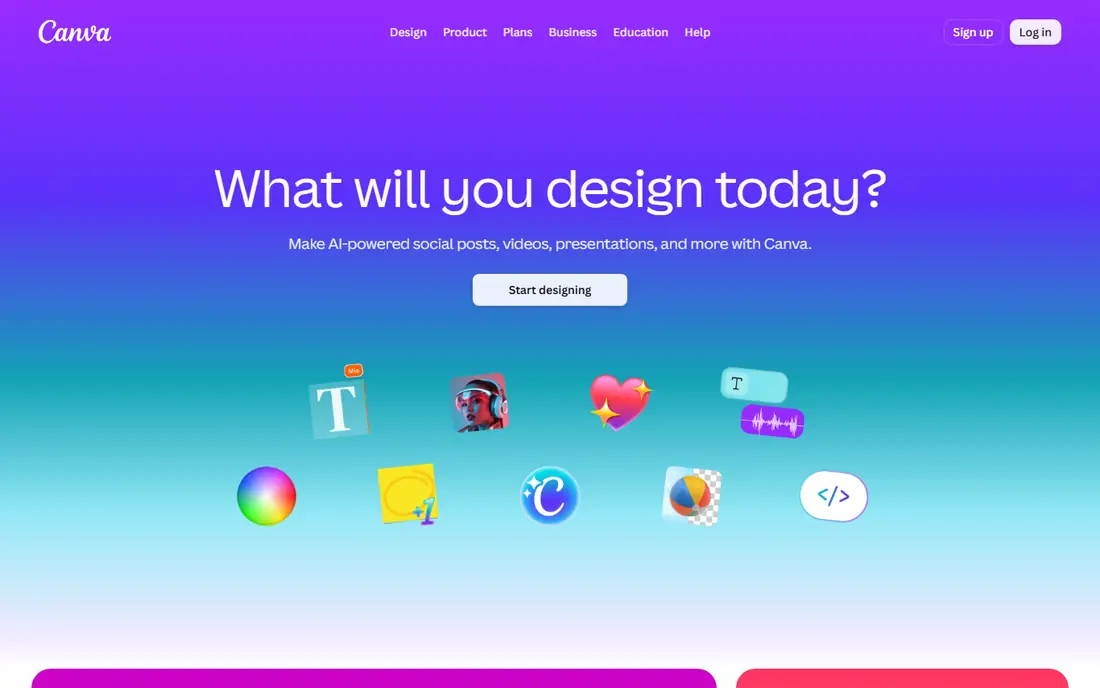
Canva is the most frequently recommended Publisher replacement for non designers, and for good reason. It runs in a browser, its template library covers flyers, brochures, newsletters and social posts, and a non designer can produce a respectable flyer in minutes. Team sharing and brand kits help when two or three people share marketing materials, and free exports to PDF and image formats cover most digital and simple print needs. The honest limit is print depth. Canva handles simple brochures well, but it lacks the full CMYK, bleed and preflight control of Affinity or InDesign for complex print jobs. It also struggles with long multi page documents with linked text frames. Use Canva for fast, digital first work, and Affinity or Scribus for print heavy jobs.
- Huge template library
- Drag and drop editing
- Browser based with team sharing
- Limited advanced prepress control
- Pro templates and assets are locked
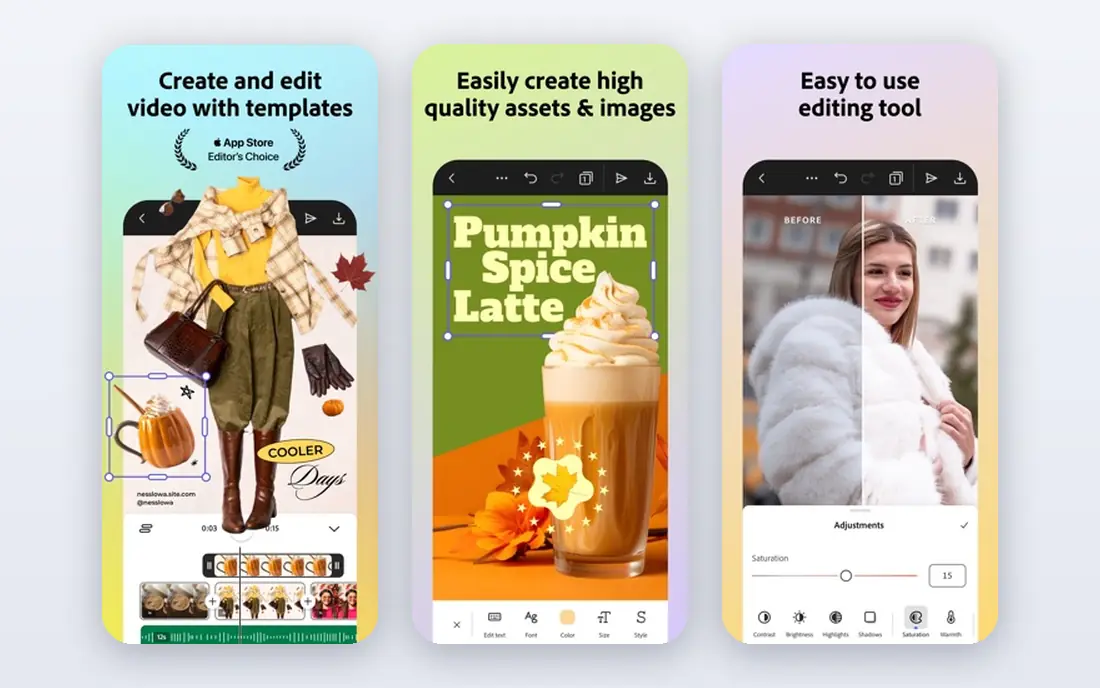
Adobe InDesign is the professional standard for desktop publishing, used for magazines, books, catalogues and commercial print. It offers full prepress tools, preflight checks, advanced typography, linked text frames and complex pagination, which no simple template tool can match. For an agency or publisher with commercial print clients, InDesign is the expected tool and the safest choice for file exchange. The cost is subscription and learning time. InDesign is priced per month in recent guides, and its depth can overwhelm a Publisher user who only made simple flyers. It is worth the investment only if you regularly produce complex or commercial print work, or if clients require InDesign files.
- Industry standard for publishing
- Full prepress and preflight tools
- Complex document handling
- Subscription cost
- Steep learning curve for former Publisher users
Scribus is the best free print ready alternative for technical users. It is open source, runs on Windows, Mac and Linux, and offers genuine CMYK support, bleed settings, ICC colour management and press ready PDF export. For a non profit or small publisher producing a regular newsletter on zero budget, nothing else at this price matches its print capability. The interface feels dated and the workflow takes time to learn, especially for a Publisher user used to drag and drop templates. Scribus has fewer ready made templates than Canva, so a beginner should expect to build layouts from scratch or from community templates. It rewards patience with professional output at no cost.
- Free and open source
- Genuine CMYK, bleed and colour management
- Professional PDF export
- Interface feels dated
- Learning curve is real for beginners
Microsoft Word is an overlooked Publisher alternative for simple work, and it is Microsoft own recommendation for many former Publisher users. Modern Word handles text boxes, columns, image placement and simple brochure layouts far better than it did a decade ago, and for single page flyers or internal newsletters it is often adequate. Since many users already pay for Microsoft 365, there is no new cost or learning curve. Word is not a page layout tool, so it struggles with complex multi page documents, linked text frames, master pages and precise print control. Use Word for simple documents you already own, and move to Affinity or InDesign when layout complexity or print quality becomes the priority.
- Already in many Microsoft 365 plans
- Familiar interface
- Improved text boxes and columns
- Not a true page layout tool
- Weak for complex multi page print layouts
Marq, formerly Lucidpress, suits distributed teams that need brand consistency across many locations or staff. It offers locked templates that staff can edit for local details without breaking brand colours, fonts or logos, with web based collaboration and PDF export. For a franchise, charity or multi site business, that control prevents off brand flyers and brochures. Marq is template led, not a full desktop publishing tool, so it lacks the deep prepress and typography control of Affinity or InDesign. Paid plans are needed for advanced brand and team controls, while the free tier covers basic use. Choose Marq when brand control matters more than complex layout freedom.
- Locked brand templates for teams
- Web based collaboration
- PDF export
- Template led, not a full prepress tool
- Paid plans needed for advanced brand controls
Visme suits users who make data rich reports, proposals and presentations rather than traditional print brochures. It offers charts, infographics, diagrams and interactive elements in a web based editor, with templates for reports, pitch decks and social graphics. For a small business that needs a polished report with charts, Visme can be faster than a page layout tool. The limit is print layout depth. Visme is not built for complex multi page print documents with master pages and preflight, so it should not be the first choice for a magazine or catalogue. Use it for digital reports and proposals, and Affinity or Scribus for print heavy work.
- Data visualisations and infographics
- Reports and proposals
- Web based templates
- Less suited to multi page print layouts
- Premium features are paid
LibreOffice Draw is part of the free LibreOffice suite, and it covers basic desktop publishing tasks offline on Windows, Mac and Linux. It handles shapes, text boxes, images and simple page layouts, with PDF export for sharing and printing. For a user who wants a free offline tool without an account or subscription, Draw is a practical starting point. Draw is not a professional publishing tool, so it lacks the master pages, preflight and advanced typography of Affinity or InDesign. It is best for simple flyers, posters and diagrams, or as a companion to LibreOffice Writer for documents. Teams that need print ready output should check Scribus or Affinity instead.
- Free and offline
- Part of LibreOffice suite
- PDF export
- Basic layout features compared with Affinity
- Interface is less polished
Swift Publisher is the closest Publisher style experience on a Mac, with a desktop app built around drag and drop layouts, text boxes, images, shapes and templates. It includes master pages, linked text boxes, layers, bleed settings and CMYK export, and recent guides list more than 500 templates and a one time price around $19.99. For a Mac user who made regular newsletters, invitations and booklets in Publisher, Swift Publisher feels familiar. The limits are platform and collaboration. Swift Publisher is Mac only, so Windows users need another tool, and it does not offer live simultaneous editing. It also lacks agency level prepress depth, but for home, school and small business print jobs, that trade off is acceptable.
- Publisher style desktop app for Mac
- Master pages and linked text boxes
- CMYK export
- Mac only
- One time price in recent guides
- No live collaboration
How we picked these
We checked vendor homepages and recent Publisher alternative guides published after the October 2026 cutoff, and we favoured tools that are actively available and that cover flyers, newsletters, brochures or print layouts. We used vendor and guide pricing where available, and See website where pricing is subscription based or varies by plan. We did not claim hands on testing, and we noted that Publisher file import is limited, so readers should plan a rebuild rather than expecting a direct conversion.
How to move from Publisher to a new tool
Start by exporting your most important Publisher files to high quality PDF, and save the original images and text separately. That PDF becomes your visual reference for rebuilding, even if the new tool cannot import the PUB file directly. Rebuild your top five documents first, not your whole archive, and use that work to learn the new tool.
Match the tool to the document type
Use Canva or Word for simple flyers and one page documents, Affinity or Scribus for multi page print work, and InDesign for commercial print. Use Marq when brand control across a team matters more than layout freedom. Matching by document type avoids paying for professional depth you do not need, or struggling with a simple tool for a complex job.
Test print before you commit
Print a test brochure or newsletter on your usual printer or through your print supplier, and check colours, bleed, margins and text size. A PDF that looks fine on screen can shift in print, especially with CMYK conversion. A single test print saves a full run of misprinted materials.
Frequently asked questions
What are the best alternatives to Publisher for free?
The best free alternatives to Publisher are Affinity by Canva for professional layout, Canva for templates, and Scribus for print ready output. Affinity offers the most Publisher like layout features free, Canva is fastest for simple work, and Scribus is best for technical print users. Choose based on whether you need templates, layout depth or print control.
Is Affinity Publisher really free now?
Yes, in recent guides Affinity by Canva is free in 2026 after Canva merged the former Affinity apps into one desktop program. It requires a free Canva account to activate in recent reports, and it offers page layout, master pages and press ready PDF export. Check the official Affinity site for current activation terms before you install.
Can I open Publisher files in Canva or Affinity?
There is no direct PUB import in most alternatives, so you cannot open a Publisher file as an editable document in Canva or Affinity in the usual way. Convert PUB files to high resolution PDF or images first, then use them as a visual reference and rebuild the editable elements. For simple documents, that rebuild is fast. For complex documents, allow more time.
What is the best Microsoft Publisher alternative for Mac?
Swift Publisher is the closest Publisher style app for Mac, with master pages, linked text and CMYK export at a one time price in recent guides. Affinity by Canva is also strong on Mac for professional layout, and Canva works well for simple template work. Choose Swift Publisher for familiarity, Affinity for print depth, and Canva for speed.
Should I use Word instead of Publisher?
Word works well for simple flyers, newsletters and one page documents, especially if you already pay for Microsoft 365. It is not a true page layout tool, so it struggles with complex multi page layouts, master pages and precise print control. Use Word for simple work, and move to Affinity, Scribus or InDesign when layout or print quality becomes the priority.
What happened to Microsoft Publisher?
Microsoft Publisher reached end of support in October 2026, which means no new features or security updates from Microsoft after that date. Existing Publisher installs may still open, but Microsoft recommends moving to Word, Designer or another publishing tool for new work. That cutoff is why many guides in late 2026 list Affinity, Canva and Scribus as replacements.
Sources we checked (9)

Online Jobs is an independent blog about careers, online work, learning new skills and the tools that help people earn. More about us.
Keep reading
All posts
What Software Is Best for Thumbnails
Compare the best software for thumbnails in 2026, with templates, photo editing, text effects and brand kits for YouTube, blogs and social posts in one guide.
Best Software for UI UX Design
Compare the best software for UI UX design in 2026, from Figma and Sketch to Penpot and Axure RP, with pricing, strengths, limits and team advice for buyers.
Best Logo Design Software
Best logo design software compared in 2026: Canva, Adobe Express, Looka and more for small businesses, with templates, brand kits, prices, pros and cons.