Alternatives to Google Docs in 2026: 9 Apps Compared

How we put this together: we compare official feature and pricing pages, app store listings, privacy policies and public user reviews. Prices change, so check the provider's site before you pay.
Key takeaways
- Microsoft Word for the web is the closest free alternative to Google Docs, with real-time coauthoring and the best compatibility for Word files.
- Notion suits teams that want docs, wikis and databases in one workspace, with a free plan and Plus from $10 per member per month.
- Zoho Writer is the best free Google Docs replacement for everyday writing, with offline mode and strong Word compatibility at no cost.
- LibreOffice Writer is the pick for offline, no-account writing, since it is free, open source and runs fully on your own computer.
- Proton Docs and CryptPad-style privacy tools matter if data control is the reason you are leaving Google, while Coda and ONLYOFFICE suit teams that build on documents.
Quick comparison
| Name | Who it suits | Starting price | Free option | |
|---|---|---|---|---|
 Microsoft Word Microsoft Word | Word file compatibility | Free | Yes | Visit |
 Notion Notion | Docs, wikis and databases | Free | Yes | Visit |
 Zoho Writer Zoho Writer | Free everyday writing | Free | Yes | Visit |
 LibreOffice Writer LibreOffice Writer | Offline no-account writing | Free | Yes | Visit |
 Apple Pages Apple Pages | Apple device users | Free | Yes | Visit |
 Coda Coda | Docs that act like apps | Free | Yes | Visit |
 ONLYOFFICE Docs ONLYOFFICE Docs | Office compatibility and self-hosting | Free | Yes | Visit |
 Proton Docs Proton Docs | Privacy-first collaboration | Free | Yes | Visit |
 ClickUp Docs ClickUp Docs | Docs inside project work | Free | Yes | Visit |
The best Google Docs alternatives
People leave Google Docs for different reasons, including privacy, offline access, better Word compatibility or a need for databases inside documents. The tools below cover those reasons, and most of them are free to start, so you can test two or three with a real document before you commit.
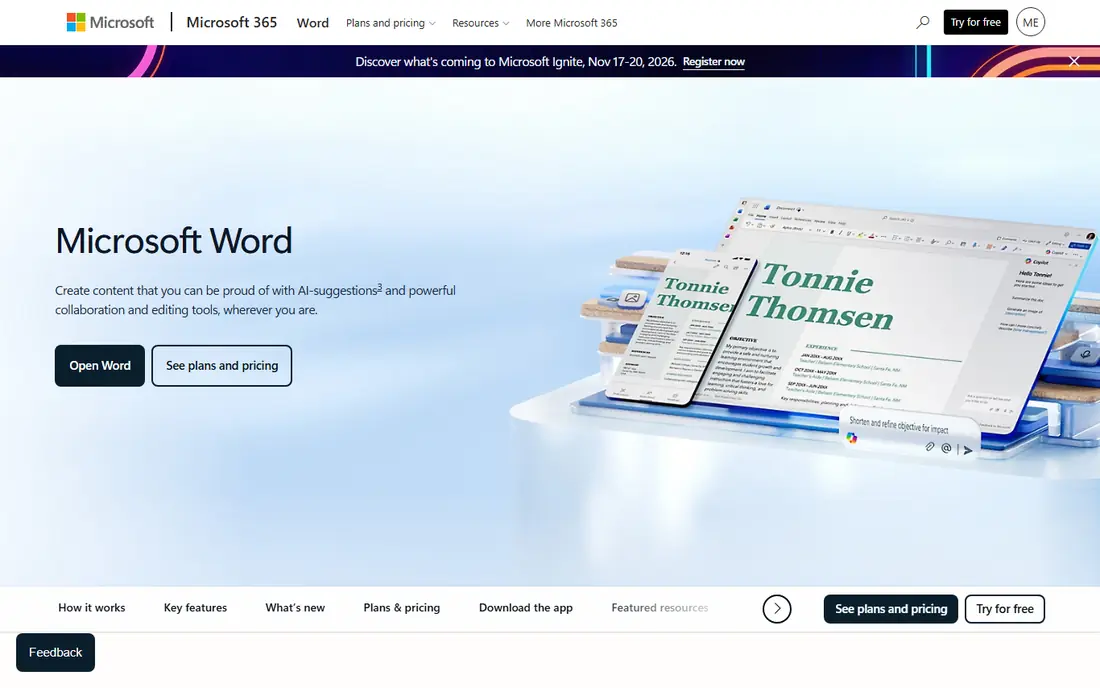
Microsoft Word for the web is the most direct Google Docs replacement for anyone who exchanges Word files. It coauthors in real time, handles Word formatting more faithfully than any rival, and works free in a browser with a Microsoft account. Paid Microsoft 365 Personal costs $9.99 per month and adds the full desktop apps plus 1 TB of OneDrive storage.
The web version is simpler than the desktop app, so heavy formatting work still benefits from the paid plan. If your clients, school or employer send Word files daily, Word for the web removes the formatting surprises that come with other editors, and that alone justifies the switch.
- Best compatibility for Word files exchanged with clients and schools
- Real-time coauthoring on the web
- 1 TB of OneDrive storage on paid plans
- Full desktop app needs a Microsoft 365 plan from $9.99 per month
- Web version is simpler than the desktop app
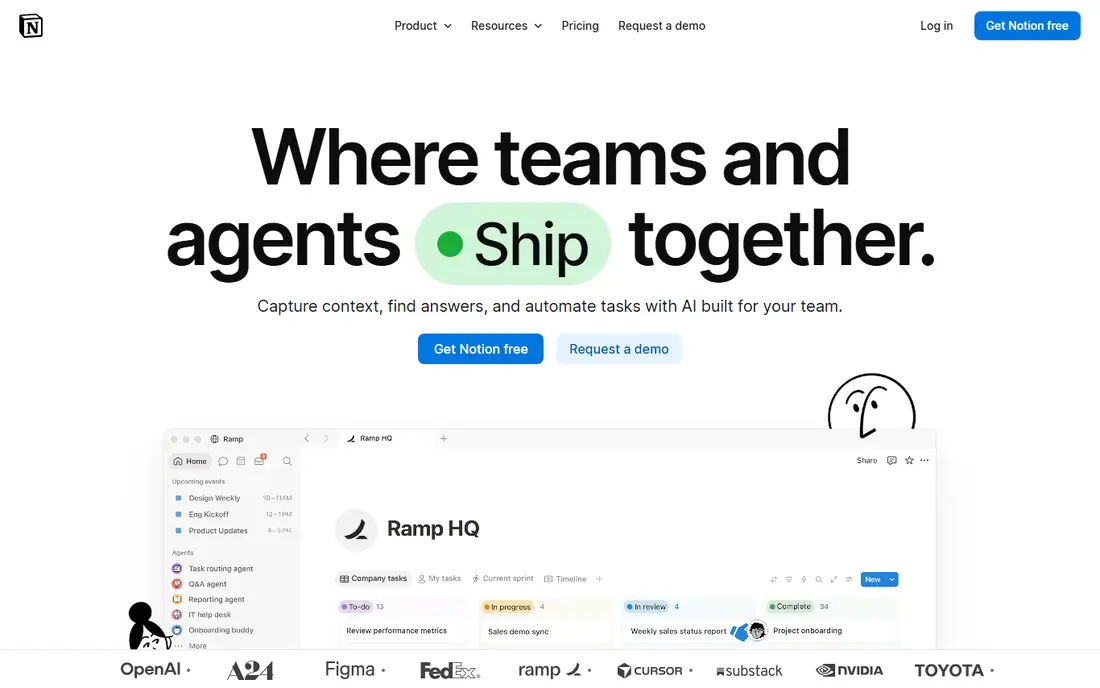
Notion is less a word processor and more a workspace where documents live alongside databases, task boards and wikis. A team can keep meeting notes, project docs and a knowledge base in one place, with templates for almost every use. The free plan covers personal use well, and Plus costs $10 per member per month on annual billing.
The trade off is writing depth. Long documents with complex formatting feel clumsier in Notion than in Word or Zoho Writer, and exporting a polished print document takes extra work. Pick Notion when your docs connect to projects and knowledge, not when you only need a clean page to write on.
- Docs, wikis and databases in one flexible workspace
- Large template library
- Real-time collaboration with comments
- Weaker as a pure word processor for long formatted documents
- Plus costs $10 per member per month on annual billing
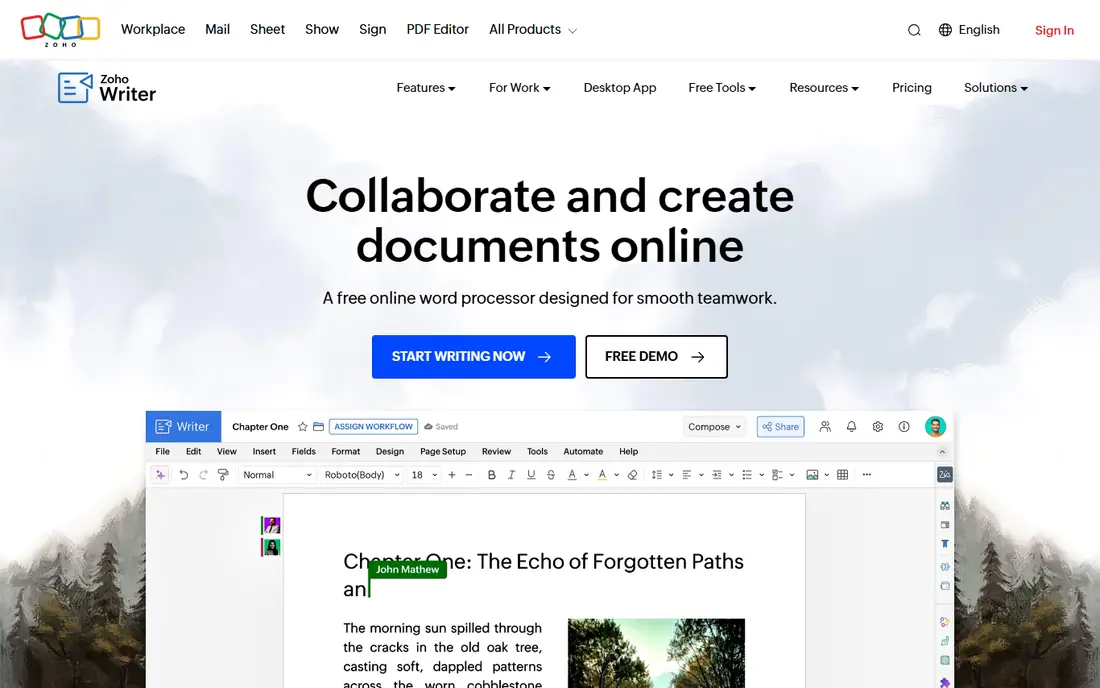
Zoho Writer is the best free Google Docs replacement for straightforward writing. It covers real-time collaboration, comments, track changes and version history, plus offline editing that syncs when you reconnect. File compatibility is strong, so importing Word and Google Docs files works with few surprises.
The ecosystem is the limit. Fewer collaborators use Zoho than Google or Microsoft, so sharing outside your team may mean exporting files more often. Advanced automation features may also need paid add-ons. For everyday writing at no cost, though, Zoho Writer is hard to fault.
- Free for individuals and teams with a Zoho account
- Offline mode that syncs on reconnect
- Strong Word and Google Docs file compatibility
- Collaboration ecosystem is smaller than Google or Microsoft
- Mobile experience is less smooth than Google Docs
LibreOffice Writer is the pick for writers who want no account, no cloud and no subscription. It runs fully offline on Windows, Mac and Linux, opens and saves Word files, and includes the full Writer, Calc and Impress suite at no cost. Extensions add features such as grammar tools and templates.
The gap is collaboration. There is no built-in real-time coauthoring, so teams must share files through a cloud drive or a self-hosted server. For a solo writer, a student or anyone with privacy concerns, that trade is easy to accept, and the price is right.
- Completely free and open source with no account needed
- Full offline writing on Windows, Mac and Linux
- Broad format support including Word files
- No built-in real-time collaboration
- Interface looks dated next to cloud editors
Apple Pages suits anyone already in the Apple ecosystem. It is free on Mac, iPhone and iPad, and iCloud web access lets Windows users open and edit documents in a browser. Templates are clean, typography is strong, and real-time collaboration works well for small teams and families.
Complex Word files can still shift formatting on import and export, so Word heavy teams should test a real document first. For casual writing, school work and polished one-page documents on Apple gear, Pages is a pleasant free tool that needs no extra subscription.
- Free on Apple devices and on the web through iCloud
- Clean templates and typography
- Real-time collaboration with iCloud sharing
- Word compatibility is good but not perfect for complex files
- Windows and Android users rely on the web version
Coda turns documents into tools. A single Coda doc can hold text, tables, buttons and automations, so a team can build a tracker, a content calendar or a lightweight CRM without separate software. The free plan covers personal use, and Pro costs $10 per month per Doc Maker, with editors free, which keeps team costs lower than per-seat rivals.
The learning curve is real. Building a doc app takes more thought than writing a page, and teams that only need simple documents will find Coda heavier than Zoho Writer or Word. For teams that live in documents and want those documents to do work, Coda is the most capable option here.
- Docs with tables, buttons and automations that behave like small apps
- Large integration catalog through Packs
- Editors are free on paid plans
- Learning curve for building doc apps
- Pro costs $10 per month per Doc Maker
ONLYOFFICE Docs is built for teams that need Office compatibility plus control over where documents live. Its editors handle Word, Excel and PowerPoint formats faithfully, coauthoring works in real time, and the community server is free for self-hosting. Cloud plans start with a free tier and Business costs $20 per admin per month.
The pricing model takes a moment to grasp, since cloud plans charge per admin rather than per user. Self-hosting also needs technical setup and maintenance. For an organization that wants Office compatibility without sending documents to a US cloud vendor, ONLYOFFICE is a strong and serious choice.
- Strong Microsoft format compatibility
- Real-time coauthoring
- Self-hosted community server free for teams that want data control
- Cloud pricing is per admin, which confuses small teams
- Setup for self-hosting needs technical effort
Proton Docs is the pick when privacy is the reason you are leaving Google Docs. Documents are end-to-end encrypted, the company is based in Switzerland, and editing works in real time with sharing controls. A free Proton account includes Docs with 5 GB of storage, while Drive Plus costs $3.99 per month on annual billing for more space.
The feature set is thinner than Google Docs or Word, with fewer templates and integrations. For sensitive writing, such as legal notes, journalism or personal health documents, that trade is worth it. For everyday team docs, a more capable editor may suit you better.
- End-to-end encrypted collaboration from a privacy focused company
- Included with a free Proton account
- Clean real-time editing
- Feature set is thinner than Google Docs or Word
- Storage limits apply on the free plan
ClickUp Docs suits teams that already run projects in ClickUp. Documents sit beside tasks, so a project brief can link directly to the work it describes, and the free plan covers core docs with collaboration. Unlimited costs $7 per user per month on annual billing for the wider ClickUp feature set.
Outside ClickUp, ClickUp Docs is a weaker standalone editor than Word or Zoho Writer, and exporting polished documents takes extra steps. If your team already lives in ClickUp, Docs removes the need for a separate writing tool. If not, pick a dedicated editor first.
- Docs live next to tasks, boards and goals in ClickUp
- Free plan covers core docs
- Good for teams already managing projects in ClickUp
- Weak as a standalone word processor outside ClickUp
- Unlimited costs $7 per user per month for the full feature set
How we picked these
We compared official feature pages, pricing pages and public reviews for document editors, and we tested the logic against the main reasons people leave Google Docs: privacy, offline access, Word compatibility and database style workspaces. We favored tools with a usable free plan, since most readers can trial an editor at no cost, and we noted where collaboration, formatting or privacy falls short rather than repeating marketing claims.
What to check before you switch
A document editor switch fails most often on one real file, not on a feature list. Test your finalists with your own work before you move a team.
Test with a real document
Import a complex document you actually use, with tables, images and comments, and export it back. Formatting shifts that look minor in a demo become daily friction in real work, especially with Word files.
Check collaboration needs
If several people edit at once, you need real-time coauthoring, comments and version history, which rules out LibreOffice as a primary team tool. If you write alone, offline access and privacy may matter more.
Decide what happens to old docs
Google Docs files export to Word or PDF, but comments and suggested edits do not always survive the move. Export important documents before you close anything, and keep a backup of the originals.
Count the real cost
Most tools here are free to start, but team plans, storage and AI add-ons change the bill. Price the plan your whole team needs, not the free tier you tested alone.
Frequently asked questions
What is the best free alternative to Google Docs?
Zoho Writer is the best free alternative for everyday writing, with offline mode and strong Word compatibility at no cost. Microsoft Word for the web is the best free pick for Word file compatibility, while LibreOffice Writer suits offline writing with no account.
What is the best Google Docs alternative for privacy?
Proton Docs is the best privacy-first alternative, with end-to-end encrypted collaboration and a Swiss based company behind it. LibreOffice Writer and self-hosted ONLYOFFICE also keep documents off third-party clouds, since files stay on your own machine or server.
Is Notion a good Google Docs alternative?
Notion is a good alternative when you want docs, wikis and databases in one workspace, with templates and real-time collaboration. It is weaker as a pure word processor for long formatted documents, so writers who only need clean pages may prefer Zoho Writer or Word.
Can I use Microsoft Word for free instead of Google Docs?
Yes, Word for the web is free with a Microsoft account and covers real-time coauthoring and basic editing. The full desktop apps and 1 TB of OneDrive storage need Microsoft 365 Personal at $9.99 per month.
What is the best Google Docs alternative for teams?
Notion and Coda suit teams that want docs connected to projects and data, while Microsoft Word suits teams that exchange Word files daily. Zoho Writer is the best low cost team editor, since it is free for individuals and teams with a Zoho account.
How do I move my documents out of Google Docs?
Export documents from Google Drive in Word or PDF format, then import them into your new editor and check formatting on a complex file first. Comments and suggested edits may not carry over cleanly, so resolve or copy important feedback before you export.
Sources we checked (9)

Online Jobs is an independent blog about careers, online work, learning new skills and the tools that help people earn. More about us.
Keep reading
All posts
Zoom Alternatives
Zoom alternatives compared for 2026: Google Meet, Microsoft Teams, Webex, Jitsi and more for free calls, large meetings and webinars for teams and classrooms.

What Is the Best Free Tool to Rotate a PDF
What is the best free tool to rotate a PDF? We compare eight free rotation tools on per-page control, limits, privacy and saved output quality in detail.

What Is the Best AI Dubbing Tool
We compared the best AI dubbing tools in 2026, from ElevenLabs and HeyGen to Rask AI, Dubverse and Veed, for videos and creators in many languages worldwide.