Best Alternatives to ChatGPT Enterprise in 2026: 8 Platforms Compared

How we put this together: we compare official feature and pricing pages, app store listings, privacy policies and public user reviews. Prices change, so check the provider's site before you pay.
Key takeaways
- Claude, Gemini, and Microsoft Copilot are the closest enterprise-ready replacements, with admin controls, access management, and data protections built for teams.
- Perplexity stands out for research with cited sources, while Mistral and DeepSeek appeal to teams that want more control over models and hosting.
- Enterprise pricing is often custom, so the starting prices below are team or business tiers where published, and "See website" means you need a sales quote.
- The best choice depends less on raw model skill and more on where your documents already live, how strict your privacy rules are, and how much IT support you have.
Quick comparison
| Name | Who it suits | Starting price | Free option | |
|---|---|---|---|---|
 Claude | Writing, coding, and long documents | $20 per month | Yes | Visit |
 Google Gemini | Google Workspace teams | See website | Yes | Visit |
 Microsoft Copilot | Microsoft 365 teams | See website | Yes | Visit |
 Perplexity | Cited research | $20 per month | Yes | Visit |
 Mistral AI | European hosting and open models | See website | Yes | Visit |
 DeepSeek | Low-cost API and self-hosting | Free | Yes | Visit |
 Cohere | Enterprise search and retrieval | See website | Yes | Visit |
 Grok | Real-time information on X | See website | Yes | Visit |
The best alternatives to ChatGPT Enterprise
ChatGPT Enterprise sets a high bar for team chat, shared workspaces, and admin controls. The options below match it in different ways. Some fit better if your team already uses Google or Microsoft tools. Others fit better if you need cited research, tighter data control, or a lower bill.
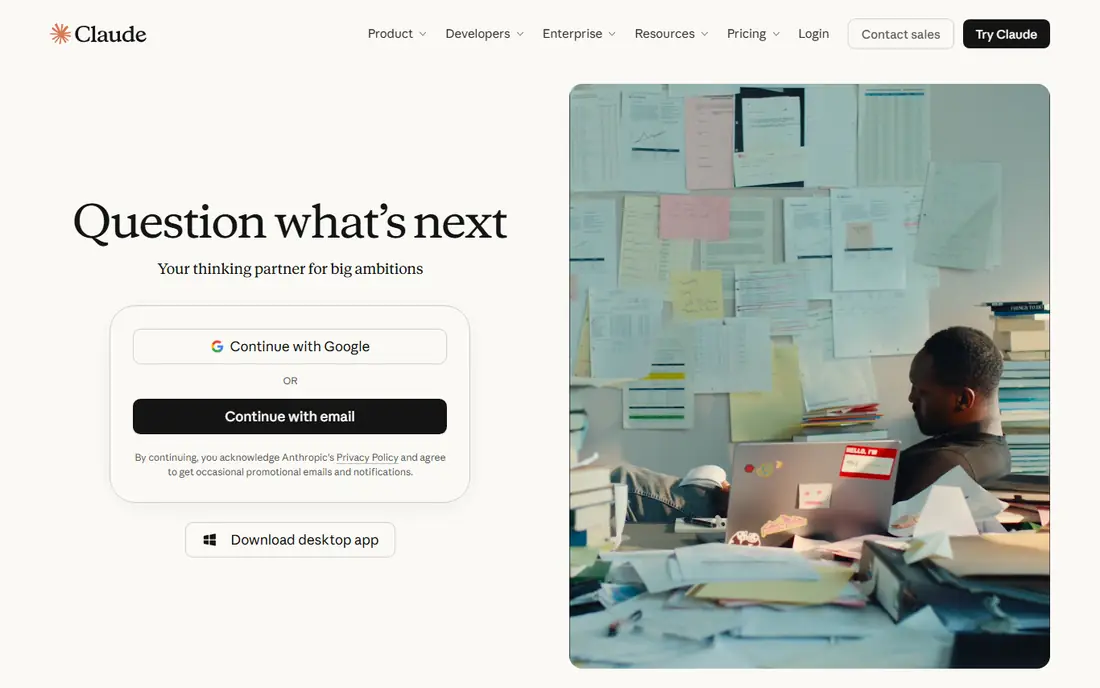
Claude from Anthropic is the first place many teams look when they leave ChatGPT Enterprise. It reads long reports, contracts, and codebases with care, and it tends to keep tone and structure steady across a long draft. Teams use it for drafting, editing, summarising, and working through technical documents where small errors matter.
The admin side is what makes it a real enterprise option rather than just a good chatbot. Team plans add shared workspaces and user management, while enterprise tiers add stronger controls for larger organisations. The trade-off is that Claude is less of an all-in-one media studio. If your team needs image or video generation in the same tool, you may still need a second product.
- Strong writing and reasoning
- Handles long documents well
- Team and enterprise plans with admin controls
- Image and video tools are more limited than some rivals
- Enterprise pricing is not fully public
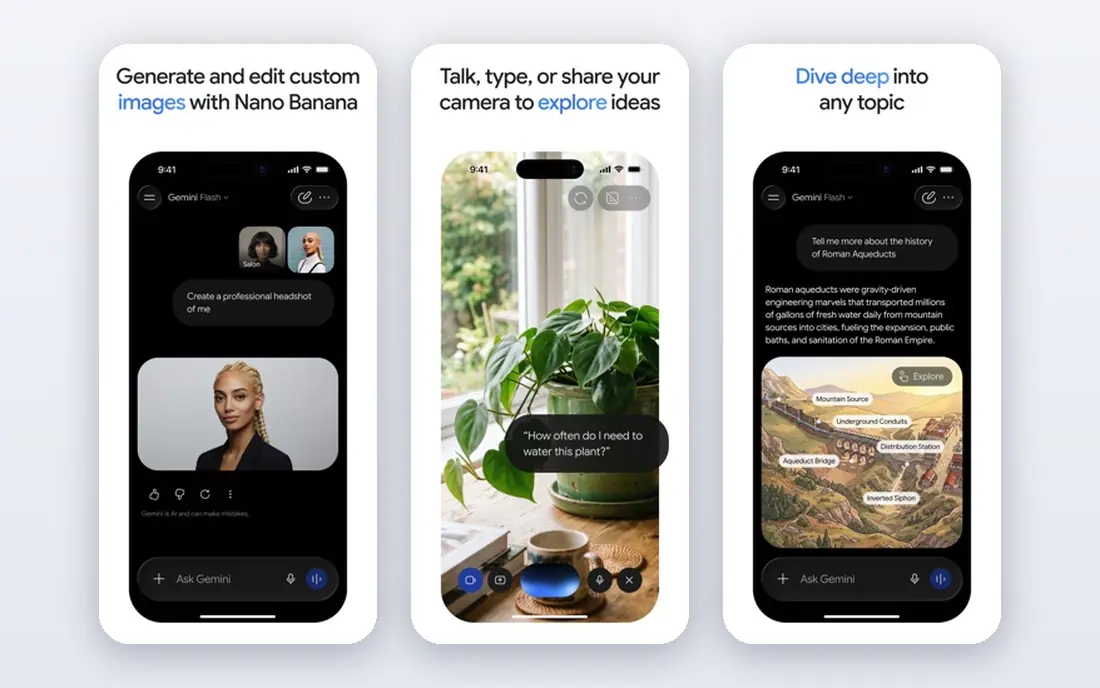
Gemini makes most sense for teams that already live in Google Workspace. It can work across Gmail, Docs, Sheets, and Drive, which cuts down on copying text between apps. That matters for everyday work like summarising a thread, drafting from a doc, or pulling figures from a sheet without starting over.
Gemini also handles text, images, and other inputs in one conversation, which helps when a question starts with a screenshot or a file. The catch is that the full enterprise experience depends on your Workspace edition and admin settings. Check what your current plan includes before you assume every Gemini feature is switched on.
- Deep Gmail, Docs, and Drive integration
- Strong multimodal input
- Large context for long files
- Enterprise pricing varies by Workspace plan
- Some features depend on your Google setup
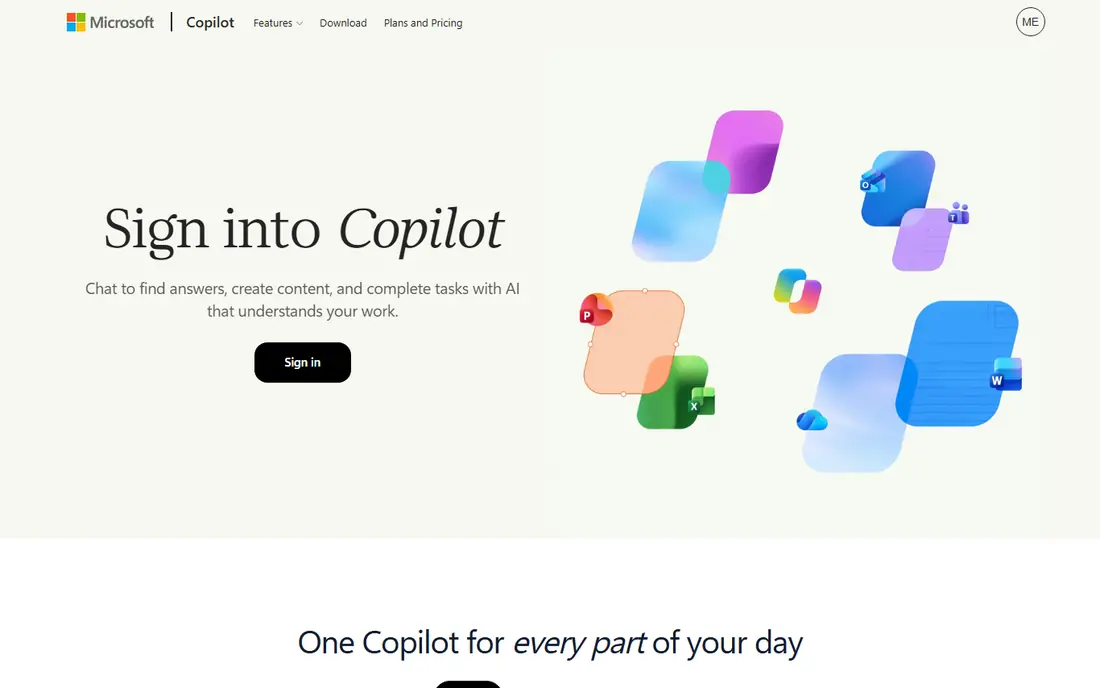
Microsoft Copilot is the natural alternative for organisations standardised on Microsoft 365. It drafts in Word, summarises in Outlook, and helps build slides in PowerPoint, all inside tools staff already know. For IT teams, the appeal is control through existing Microsoft admin and identity systems rather than a separate platform to manage.
That strength is also its limit. Teams outside the Microsoft world get less benefit, and licence costs can add up across a large workforce. Still, if your documents, email, and meetings already sit in Microsoft 365, Copilot often needs the least change in daily habits.
- Built into Word, Excel, Outlook, and Teams
- Enterprise data protection options
- Familiar admin tools
- Best value requires Microsoft 365
- Pricing can be hard to compare across licence types
Perplexity is built around a different job from most chatbots. It searches the web, reads sources, and answers with links you can open and verify. That makes it useful for research briefs, competitor checks, and questions where being current matters more than sounding polished.
For enterprise use, Perplexity offers a business tier with admin and security controls, but it works best as a research companion rather than a full replacement for document drafting. Many teams pair it with a general chatbot. Use Perplexity when the source matters, and use your main assistant when the draft matters.
- Answers include sources you can check
- Strong for current events and market research
- Enterprise plan available
- Less suited to long creative writing
- Team features are newer than those of larger rivals
Mistral AI, based in France, appeals to teams with strict data residency or procurement rules. Its Le Chat product gives staff a familiar chat interface, while its open-weight models let technical teams run models on their own infrastructure. That combination is rare among major providers.
The trade-off is scale. Mistral has fewer third-party integrations and a smaller app ecosystem than Google or Microsoft. For a team that values control and European hosting over breadth of features, that trade is often worth making.
- European company with EU hosting options
- Open-weight models for self-hosting
- Fast, compact models
- Smaller ecosystem than US rivals
- Enterprise support details vary by plan
DeepSeek is best known for strong reasoning and coding at a low price. Its chat app is free to start, and its API is priced well below many rivals, which makes it attractive for developers and smaller teams building AI features into their own products. Open-weight models also allow self-hosting for teams that want full control.
It is not a like-for-like ChatGPT Enterprise replacement for a large company on its own. Admin controls, support, and compliance documentation need careful review, and data handling depends on whether you use the hosted app, the API, or a local deployment. Treat DeepSeek as a strong technical option, not an out-of-the-box enterprise suite.
- Free chat app
- Low-cost API pricing
- Open-weight models can be run locally
- Fewer enterprise admin tools
- Teams must check hosting and data rules carefully
Cohere takes a different route to enterprise AI. Rather than leading with a consumer-style chatbot, it focuses on search, retrieval, and grounding answers in your own documents. That fits companies with large knowledge bases, support content, or internal wikis where staff need accurate answers drawn from approved sources.
Cohere also offers deployment options for regulated or security-conscious organisations. The downside is familiarity. Staff expecting a ChatGPT-style workspace may need training, and smaller teams may find the sales-led pricing harder to compare. For document-heavy enterprises, though, its retrieval strength is a genuine advantage.
- Strong retrieval and search over company documents
- Enterprise deployment options
- Focus on business use
- Less known as a general team chatbot
- Pricing is sales-led for larger deals
Grok from xAI is useful when a question is about what is happening right now. Its close link to X gives it a view of live discussion that other assistants do not match in the same way. Teams in media, communications, and public affairs sometimes use it to track breaking topics and public reaction.
For general enterprise work, Grok is less proven as a managed team platform than Claude, Gemini, or Copilot. Admin, retention, and compliance details need checking against your own policy. Consider it a specialist addition for real-time work rather than your only enterprise assistant.
- Strong on current events and social discussion
- Multimodal input
- Business options through xAI
- Enterprise controls are less established
- Some teams may prefer a more neutral research source
How we picked these
We started with web search for enterprise AI platforms that offer team chat, admin controls, or business deployment options, then checked each vendor's own feature and pricing pages, app-store listings, privacy pages, and public reviews. We kept only products that are real, working in October 2026, and genuinely usable by a business team. Where a vendor does not publish a single enterprise price, we wrote "See website" rather than guessing a figure.
We also weighed fit over hype. A strong model alone was not enough. We looked for access controls, data handling statements, integration with common workplace tools, and a clear route for IT to manage users. That is why this list mixes general assistants with specialist tools for research and retrieval.
What to check before you switch
Start with where your work already lives
If your files are in Google Drive, Gemini will feel easier. If they are in Microsoft 365, Copilot will feel easier. A better model that forces staff to copy files by hand will lose to a good model that works where they already work.
Ask about data handling in writing
Check whether the vendor trains on your prompts, how long data is kept, where it is hosted, and what happens when you cancel. Enterprise tiers usually offer stronger terms than free or consumer plans, so do not judge a vendor by its free tier alone.
Run a small pilot with real tasks
Give two teams the same set of real jobs, such as summarising a report, drafting a client note, and answering questions from internal docs. Score accuracy, time saved, and how often staff need to fix the output. A short pilot tells you more than a long feature list.
Compare total cost, not just seat price
Add admin time, training, integrations, and any second tool you still need. A cheaper chatbot that needs a separate research tool and a separate search tool may cost more in total than a pricier all-in-one platform.
Frequently asked questions
What is the closest alternative to ChatGPT Enterprise?
Claude, Google Gemini, and Microsoft Copilot are the closest overall matches, because each offers team workspaces, admin controls, and business-grade data terms. The best of the three depends on your existing tools. Claude suits writing and coding, Gemini suits Google Workspace, and Copilot suits Microsoft 365.
Do ChatGPT Enterprise alternatives train on company data?
It depends on the plan. Most enterprise and business tiers state that they do not train on your business data, while free and consumer tiers may have different terms. Always check the vendor's current privacy page and your contract, and do not assume a free plan carries enterprise protections.
Is there a free alternative to ChatGPT Enterprise?
Most options on this list have a free tier for individual use, including Claude, Gemini, Perplexity, Mistral, and DeepSeek. Free tiers usually lack team admin controls, shared workspaces, and enterprise support, so they are useful for testing but not a direct replacement for an enterprise plan.
Which alternative is best for research with sources?
Perplexity is the strongest choice for research that needs checkable sources, because its answers link back to the pages they draw on. Cohere is also strong when the sources are your own internal documents rather than the public web.
Can I self-host a ChatGPT Enterprise alternative?
Yes, in part. Mistral and DeepSeek offer open-weight models that technical teams can run on their own infrastructure, and Cohere and others offer enterprise deployment options. Self-hosting gives more control but adds maintenance, security, and support work that a hosted plan would handle for you.
How much do ChatGPT Enterprise alternatives cost?
Prices vary widely because many enterprise plans are custom. Team tiers that are published often start around $20 per user per month, while larger enterprise deals are quoted by sales. Use the starting prices in this guide as a rough guide only, and get a written quote for your team size and required controls.
Sources we checked (8)

Online Jobs is an independent blog about careers, online work, learning new skills and the tools that help people earn. More about us.
Keep reading
All posts
n8n Alternatives
n8n alternatives compared for 2026, with Zapier, Make, Activepieces, and more, covering visual builders, code steps, self-hosting, and pricing models.

ZoomInfo Alternatives
The best ZoomInfo alternatives in 2026, compared on price, free plans, data coverage, and which tool fits small teams or large sales teams best in detail.

Workday Alternatives
We compared the best workday alternatives for HR, payroll, and global hiring, from BambooHR and Gusto to Rippling, Deel, and HiBob for growing teams in 2026.