Best Airtable Alternatives in 2026: 9 Tools Compared

How we put this together: we compare official feature and pricing pages, app store listings, privacy policies and public user reviews. Prices change, so check the provider's site before you pay.
Key takeaways
- The best Airtable alternative depends on whether your base is really a database, a project tracker, or a document workspace.
- Free Airtable alternatives exist, but self-hosted options need setup and maintenance in return for control.
- Import from Airtable usually covers basic tables, while linked records and automations often need rebuilding.
- Per-user pricing can rise fast, so count active editors separately from occasional viewers.
Quick comparison
| Name | Who it suits | Starting price | Free option | |
|---|---|---|---|---|
 Notion | docs plus databases in one workspace | Free | Yes | Visit |
 ClickUp | all-in-one projects and databases | Free | Yes | Visit |
 monday.com | visual boards and workflows | See website | No | Visit |
 Asana | structured project management | Free | Yes | Visit |
 Smartsheet | spreadsheet-style project tracking | See website | No | Visit |
 Coda | doc-database hybrids | Free | Yes | Visit |
 Baserow | open-source Airtable-style database | Free | Yes | Visit |
 NocoDB | database UI over existing data | Free | Yes | Visit |
 SmartSuite | work management with databases | See website | Free trial | Visit |
The best Airtable alternatives
We compared tools that replace Airtable for databases, project tracking, and team workspaces. This guide covers database-first options, project-first options, and doc-first options, so you can pick based on the job your base actually does.
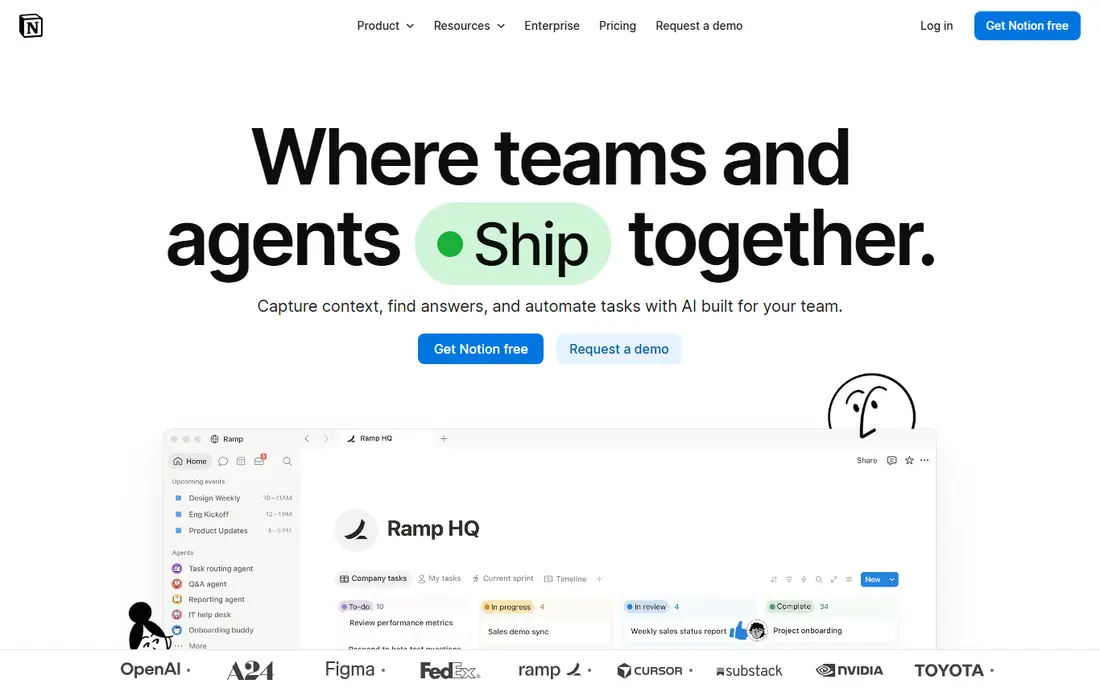
For teams, Notion offers a clear starting point. Notion provides docs, wikis, and databases in a single workspace. It is designed for teams who need docs plus databases in one workspace, and it can be arranged around your existing routines rather than forcing one fixed process. What stands out is combining notes and structured records. That strength is most useful when your base is really a workspace. It also helps keep records in one place, so follow-up work is easier to trace than it would be in separate files and messages. The honest catch is large database work may feel limited. Before you commit, check free tier limits, plan pricing, and database limits on the vendor site and confirm it covers your main use case. A short trial or demo, where one is offered, is the simplest way to test that fit before you move a full workflow across.
- Docs, wikis, and databases together
- Templates
- Free tier for personal use
- Database features are less deep than Airtable for large structured data
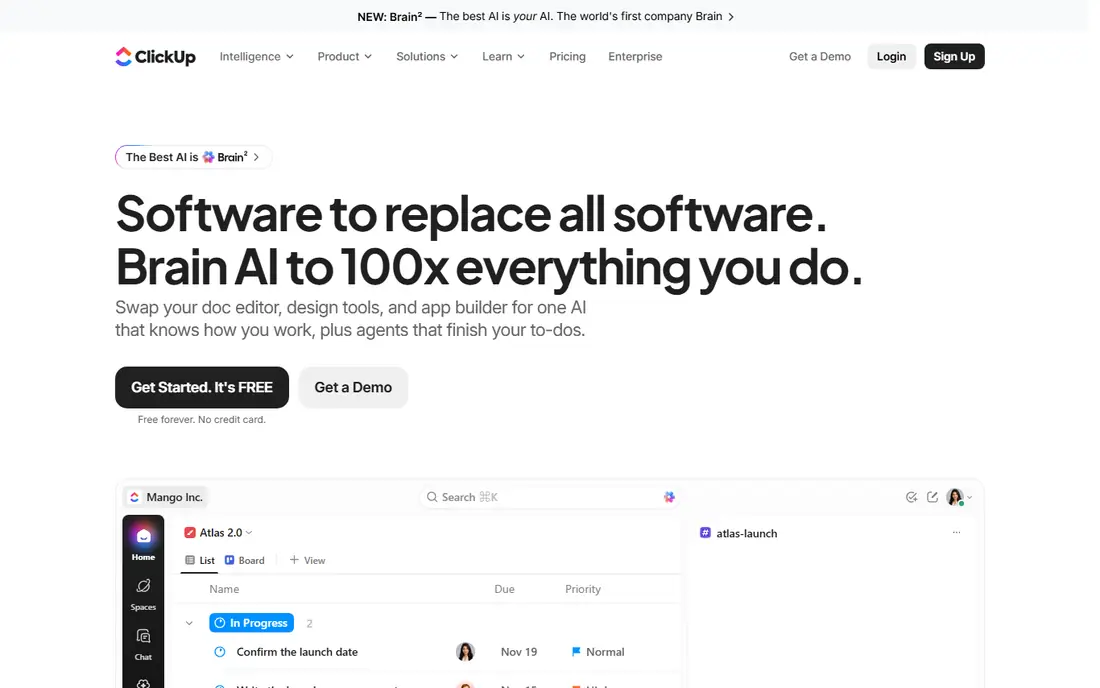
If all-in-one projects and databases matters most, ClickUp deserves a close look. ClickUp provides tasks, docs, goals, and custom fields in one platform. It is designed for buyers who need all-in-one projects and databases, and it can be arranged around your existing routines rather than forcing one fixed process. What stands out is replacing several tools with one workspace. That strength is most useful when your base is really project delivery. It also helps keep records in one place, so follow-up work is easier to trace than it would be in separate files and messages. The honest catch is over-customisation can slow adoption. Before you commit, check free tier limits, plan pricing, and view options on the vendor site and confirm it covers your main use case. A short trial or demo, where one is offered, is the simplest way to test that fit before you move a full workflow across.
- Tasks, docs, and custom fields
- Many views
- Free tier
- Interface can feel crowded
- Setup takes time
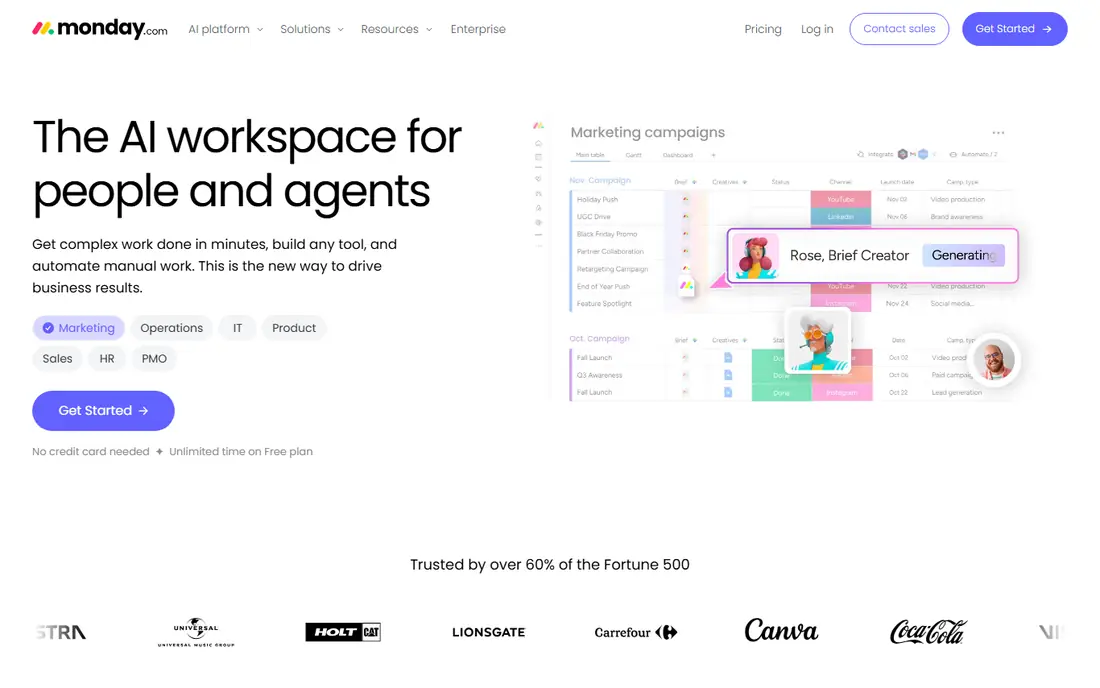
monday.com suits teams who want a defined way to handle visual boards and workflows. monday.com provides visual boards with automations and workflow templates. It is designed for teams who need visual boards and workflows, and it can be arranged around your existing routines rather than forcing one fixed process. What stands out is visual project tracking for cross-functional teams. That strength is most useful when your base is really team delivery. It also helps keep records in one place, so follow-up work is easier to trace than it would be in separate files and messages. The honest catch is per-seat costs rise with team size. Before you commit, check plan pricing, seat minimums, and automation limits on the vendor site and confirm it covers your main use case. A short trial or demo, where one is offered, is the simplest way to test that fit before you move a full workflow across.
- Visual boards
- Automations
- Many views and integrations
- Pricing is per seat with minimums
- Free tier is limited
Teams that need structured project management often shortlist Asana early. Asana provides structured task and project management with timelines. It is designed for buyers who need structured project management, and it can be arranged around your existing routines rather than forcing one fixed process. What stands out is structured delivery with clear ownership. That strength is most useful when your base is really task tracking. It also helps keep records in one place, so follow-up work is easier to trace than it would be in separate files and messages. The honest catch is pure database use may feel limited. Before you commit, check free tier limits, plan pricing, and timeline access on the vendor site and confirm it covers your main use case. A short trial or demo, where one is offered, is the simplest way to test that fit before you move a full workflow across.
- Task and project tracking
- Timelines
- Rules and integrations
- Database depth is less than Airtable
- Advanced features need paid plans
When spreadsheet-style project tracking is the main job, Smartsheet keeps the focus narrow. Smartsheet provides spreadsheet-style grids with Gantt, reports, and automations. It is designed for teams who need spreadsheet-style project tracking, and it can be arranged around your existing routines rather than forcing one fixed process. What stands out is a grid interface for project tracking. That strength is most useful when your team thinks in spreadsheets. It also helps keep records in one place, so follow-up work is easier to trace than it would be in separate files and messages. The honest catch is cost and setup need checking for small teams. Before you commit, check plan pricing, user limits, and report options on the vendor site and confirm it covers your main use case. A short trial or demo, where one is offered, is the simplest way to test that fit before you move a full workflow across.
- Grid interface familiar to spreadsheet users
- Gantt and reports
- Automations
- Pricing is per user
- Interface can feel enterprise heavy
A practical pick for buyers, Coda covers the basics well. Coda provides documents that contain tables, formulas, and automations. It is designed for buyers who need doc-database hybrids, and it can be arranged around your existing routines rather than forcing one fixed process. What stands out is building tools inside documents. That strength is most useful when your base is really a doc with data. It also helps keep records in one place, so follow-up work is easier to trace than it would be in separate files and messages. The honest catch is maker pricing needs careful counting. Before you commit, check free tier limits, maker pricing, and pack options on the vendor site and confirm it covers your main use case. A short trial or demo, where one is offered, is the simplest way to test that fit before you move a full workflow across.
- Documents with tables, formulas, and packs
- Automations
- Templates
- Pricing is by maker
- Large docs can get complex
Baserow is a good match for teams with a defined workflow. Baserow provides an open-source database with grids, forms, and API access. It is designed for teams who need open-source Airtable-style database, and it can be arranged around your existing routines rather than forcing one fixed process. What stands out is database control without vendor lock-in. That strength is most useful when your base is really structured data. It also helps keep records in one place, so follow-up work is easier to trace than it would be in separate files and messages. The honest catch is hosting and maintenance fall to you. Before you commit, check cloud pricing, self-hosting needs, and integration list on the vendor site and confirm it covers your main use case. A short trial or demo, where one is offered, is the simplest way to test that fit before you move a full workflow across.
- Open-source database
- Self-hosted option
- Grids, forms, and API
- Self-hosting needs maintenance
- Integrations are fewer than Airtable
For buyers who value clarity and control, NocoDB is worth comparing. NocoDB provides a spreadsheet interface over existing databases. It is designed for buyers who need database UI over existing data, and it can be arranged around your existing routines rather than forcing one fixed process. What stands out is a friendly UI for an existing database. That strength is most useful when you already have a database to manage. It also helps keep records in one place, so follow-up work is easier to trace than it would be in separate files and messages. The honest catch is setup needs technical help. Before you commit, check cloud pricing, self-hosting needs, and database support on the vendor site and confirm it covers your main use case. A short trial or demo, where one is offered, is the simplest way to test that fit before you move a full workflow across.
- Turns databases into smart spreadsheets
- Self-hosted option
- API access
- Setup needs technical skill
- Polished views are fewer than Airtable
If you are moving from spreadsheets or manual work, SmartSuite gives teams a structured step up. SmartSuite provides work management databases with workflows and reports. It is designed for teams who need work management with databases, and it can be arranged around your existing routines rather than forcing one fixed process. What stands out is structured work with reporting. That strength is most useful when your base mixes projects and records. It also helps keep records in one place, so follow-up work is easier to trace than it would be in separate files and messages. The honest catch is pricing and scale need a demo check. Before you commit, check plan pricing, trial terms, and template range on the vendor site and confirm it covers your main use case. A short trial or demo, where one is offered, is the simplest way to test that fit before you move a full workflow across.
- Databases, workflows, and reports
- Templates
- Permissions
- Pricing needs checking
- Smaller community than larger rivals
How we picked these
We compared official feature pages, pricing pages, app store listings, privacy policies, and public reviews for each option. We focused on features that affect daily use, including setup, core workflows, limits, and support, rather than marketing claims alone. We did not claim hands-on testing, and we used vendor pages as the source for prices and plan details. Where a vendor did not publish a clear price, we wrote See website rather than guessing a figure. Readers should confirm current terms on the vendor site before they buy, because plans change.
How to choose an Airtable alternative without losing your data
Start by naming the job your Airtable base does most often. A content calendar, a CRM, and an inventory tracker need different strengths, even when they all live in Airtable today. That job should drive your shortlist, not a general feature count.
Decide database, project, or doc first
Database tools suit structured records, forms, and API access. Project tools suit tasks, timelines, and team delivery. Doc tools suit notes and databases in one workspace. Pick the category that matches your daily work, then compare inside it.
Test import with a real base
Export a real base and test import, including linked records, attachments, and formulas. Expect some rebuilding for complex automations and views. Budget time for that rebuild, rather than assuming a one-click migration.
Check pricing by editor, not by team size
Many tools charge per user, but some charge only for makers or editors. Count who edits data versus who only views it. That count often changes the final cost more than the headline monthly price.
Frequently asked questions
What are the best Airtable alternatives?
The best airtable alternatives include Notion for docs plus databases, ClickUp and monday.com for projects, and Baserow and NocoDB for database-first work. Alternatives to Airtable vary by job, so match the tool to your main use. Free airtable alternatives are strongest for small teams and self-hosted setups.
Are there free Airtable alternatives?
Yes, Airtable alternatives free options include Notion, ClickUp, and Asana free tiers, plus self-hosted Baserow and NocoDB. Free tiers limit records, automations, or users, so check limits against your base size. Self-hosted free options need your own server and maintenance.
Can I import an Airtable base directly?
Most alternatives support CSV import for basic tables, but linked records, lookups, and complex formulas often need rebuilding. Test import with a copy of a real base before you migrate. Plan time to rebuild views and automations that do not transfer cleanly.
Which alternative is best for small businesses?
Small businesses often do well with Notion, ClickUp, or Smartsheet, depending on whether docs, tasks, or grids matter most. A free tier can cover a small team, while paid plans add automations and permissions. Start with one base and expand only after the workflow works.
Is Baserow a full replacement for Airtable?
For core database work, grids, filtering, forms, and API access, Baserow covers the fundamentals well. It trails Airtable in third-party integrations and some polished views. Teams with mainly internal tracking rarely hit those gaps, while integration-heavy teams should test first.
Sources we checked (9)

Online Jobs is an independent blog about careers, online work, learning new skills and the tools that help people earn. More about us.
Keep reading
All posts
Zoom Alternatives
Zoom alternatives compared for 2026: Google Meet, Microsoft Teams, Webex, Jitsi and more for free calls, large meetings and webinars for teams and classrooms.

What Is the Best Free Tool to Rotate a PDF
What is the best free tool to rotate a PDF? We compare eight free rotation tools on per-page control, limits, privacy and saved output quality in detail.

What Is the Best AI Dubbing Tool
We compared the best AI dubbing tools in 2026, from ElevenLabs and HeyGen to Rask AI, Dubverse and Veed, for videos and creators in many languages worldwide.