AI Writing Tools Alternatives in 2026: 8 Tools Compared

How we put this together: we compare official feature and pricing pages, app store listings, privacy policies and public user reviews. Prices change, so check the provider's site before you pay.
Key takeaways
- Grammarly suits everyday editing, while QuillBot and Wordtune suit rewriting and paraphrasing.
- Jasper and Copy.ai suit marketing teams that need on-brand drafts at volume.
- Rytr suits tight budgets, and ProWritingAid suits long-form writers who want deep style analysis.
- Hemingway Editor suits writers who want shorter, clearer sentences, with a free web editor to test first.
Quick comparison
| Name | Who it suits | Starting price | Free option | |
|---|---|---|---|---|
 Grammarly Grammarly | grammar, clarity, and tone | Free | Yes | Visit |
 QuillBot QuillBot | paraphrasing and summarising | Free | Yes | Visit |
 Jasper Jasper | brand-voice marketing drafts | $59 per month | No | Visit |
 Rytr Rytr | budget short-form drafting | Free | Yes | Visit |
 Copy.ai Copy.ai | sales and marketing workflows | $29 per month | No | Visit |
 ProWritingAid ProWritingAid | long-form style analysis | See website | Yes | Visit |
 Wordtune Wordtune | sentence-level rewrites | See website | Yes | Visit |
 Hemingway Editor Hemingway Editor | clear, bold prose | Free | Yes | Visit |
The best ai writing tools alternatives
AI writing tools cover different jobs, so the best alternative depends on whether you draft, edit, or rewrite. Grammar checkers polish your own words, paraphrasers rework sentences, and drafting tools generate first drafts from a brief. The picks below cover each job, with free plans where they exist.
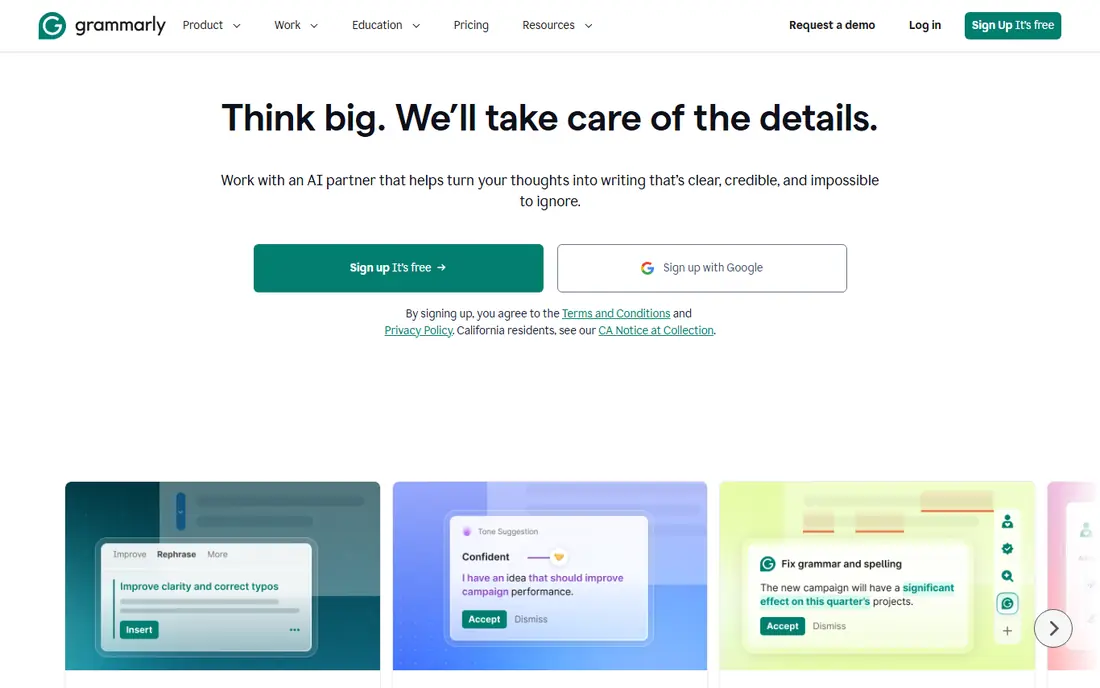
Grammarly is the editing layer most writers install first, because it works wherever you type: email, docs, browser, and chat. The free plan covers basic grammar and spelling checks, plus a limited number of AI prompts per month in recent listings, while Pro adds deeper clarity, tone, and rewrite suggestions. Pro has been listed at about $12 per month on annual billing, or $30 per month on monthly billing.
Grammarly's rewrites are more conservative than a dedicated paraphraser, so it will not rework a paragraph as boldly as QuillBot or Wordtune. Its strength is catching errors and improving tone in your own draft, not generating a full article from scratch. For everyday writing, that editing focus makes Grammarly a strong default pick.
- Works across browser, desktop, and docs
- Free plan covers basic checks
- Pro adds clarity, tone, and AI prompts
- Paraphrasing is more conservative than QuillBot
- Pro price rises on monthly billing
- Team features cost extra
QuillBot is the paraphrasing specialist in this list. It offers several rewrite modes, such as standard, fluency, formal, and creative, plus a summariser, grammar checker, and citation generator. That mix suits students, researchers, and content writers who need to rework their own drafts for clarity, or condense long texts into key points.
The free plan limits paraphrases to 125 words and two modes, so serious users will need Premium, listed at about $8.33 per month on annual billing or $19.95 per month on monthly billing in recent summaries. QuillBot is less suited to generating long marketing articles from a brief, where Jasper or Copy.ai fit better. For rewriting and summarising, though, it is the clearest pick here.
- Multiple paraphrase modes
- Summariser and citation tools
- Free plan to test basic paraphrasing
- Free paraphrases are limited to 125 words
- Premium price varies by billing term
- Not a full long-form drafting tool
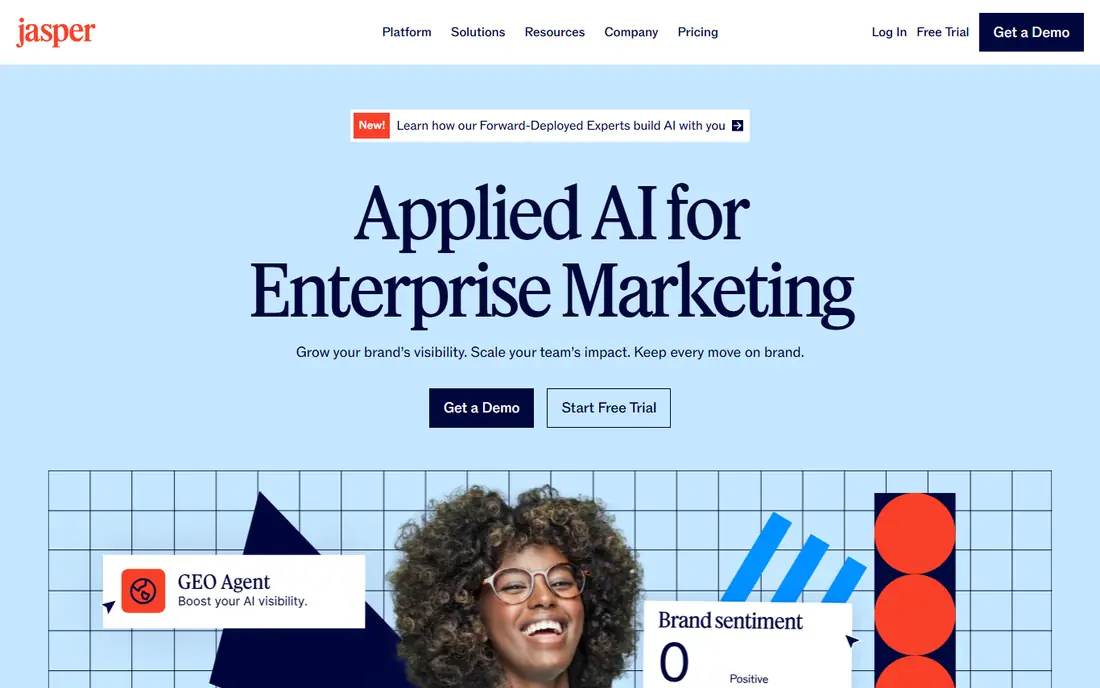
Jasper is built for marketing teams that need a lot of on-brand content fast. You can set a brand voice, add product and audience context, and generate blog drafts, ad variations, and product descriptions that sound closer to your house style than a general chatbot. That brand control is the main reason teams pay more for Jasper than for a budget drafting tool.
Jasper offers a trial rather than a free plan, and Pro has been listed at about $59 per month on annual billing or $69 per month on monthly billing in recent summaries. Solo writers who only need occasional drafts will likely find Rytr or a general chatbot cheaper. For teams producing regular marketing content, Jasper's brand voice and workflow features can justify the cost, provided a human still edits every draft.
- Brand voice settings keep tone consistent
- Templates for blogs, ads, and product copy
- Team collaboration features
- No free plan, trial only
- Price is high for solo writers
- Output still needs human editing
Rytr is the budget pick in this list. Its free plan offers 10,000 characters per month, which is enough to test short drafts, social posts, and emails, while the paid Unlimited plan has been listed at about $7.50 per month on annual billing or $9 per month on monthly billing. Use cases and tone controls help you start a draft quickly without writing a long prompt.
Rytr's output for long articles needs more human editing than Jasper's, and it lacks the deep brand and SEO workflows of larger tools. For short-form copy, social posts, and first drafts on a tight budget, though, Rytr is excellent value. If you write mainly short content and want a cheap AI helper, start here.
- Free plan with monthly character allowance
- Low paid price
- Many use cases and tone options
- Long-form output needs more editing
- Smaller feature set than Jasper
- Character limits shape how you use it
Copy.ai suits teams that repeat the same writing jobs, such as product descriptions, outreach emails, and social variations. Its workflow features let you automate multi-step copy tasks, and its chat plan has been listed at about $29 per month for several seats on monthly billing, with lower annual rates in some summaries. That seat model can make it cheaper per person than per-seat tools for small teams.
Copy.ai is less focused on long-form article drafting than Jasper, and it no longer offers a free tier in recent listings, so test it during any trial period. For sales and marketing teams that want repeatable workflows rather than one-off drafts, Copy.ai is a strong alternative to general chatbots.
- Workflows for repetitive marketing and sales tasks
- Chat plan covers several seats
- Templates for common copy types
- No free tier in recent listings
- Less suited to long-form articles alone
- Output needs human review
ProWritingAid suits authors and long-form writers who want more than a grammar check. It analyses style, sentence length, repeated words, readability, and structure, and offers reports that help you revise a full chapter or article, not just fix typos. That depth makes it a favourite for fiction, non-fiction, and academic long-form work.
ProWritingAid offers a free tier with limited checks, while paid plans have varied in recent summaries, so check the current price on its site before subscribing. It is slower for quick email edits than Grammarly, because its reports invite deeper revision. If you write long documents and want to improve style over time, ProWritingAid is the specialist pick.
- Deep reports on style, readability, and overused words
- Good for books and long articles
- Integrations with docs and browsers
- Interface can feel detailed for quick edits
- Paid price varies by plan
- Less focused on short marketing copy
Wordtune is the closest direct alternative to QuillBot for sentence rewrites. Highlight a sentence, and Wordtune offers natural alternatives, with casual or formal tone options, plus summarising for longer passages. The free plan has covered about 10 rewrites a day in recent summaries, which is enough to test whether its style suits your writing.
Wordtune lacks QuillBot's mode selector and plagiarism checker, so academic users may still need QuillBot or a separate checker. Paid plans have been listed at about $9.99 per month on annual billing for the Unlimited tier, with higher monthly rates, so check the current price before subscribing. For quick, natural rewrites inside your own draft, Wordtune is a clean, focused tool.
- Natural sentence alternatives
- Casual and formal tone options
- Summarising tools
- No paraphrase mode selector like QuillBot
- No plagiarism checker
- Paid price varies by plan
Hemingway Editor takes a different path: instead of generating text, it helps you cut and clarify your own writing. The free web editor highlights long sentences, passive voice, and hard-to-read passages, so you can revise for clarity. That focus on bold, readable prose suits bloggers, business writers, and anyone whose drafts tend to run long.
Editor Plus, its paid tier, has been listed at about $8.33 per month on annual billing in recent summaries, adding AI features to the free editor. Hemingway will not check grammar as deeply as Grammarly, and it will not draft articles like Jasper. Use it as a second pass after drafting, to tighten sentences before you publish.
- Free web editor highlights hard sentences
- Readability guidance is easy to follow
- Desktop app available
- AI features need a paid Editor Plus plan
- Guidance is stylistic, not a grammar checker
- Not a drafting tool
How we picked these
We compared official product pages, pricing pages, and help documentation for AI writing tools that draft, edit, or rewrite text, and are still sold in 2026. We kept a mix of editing, paraphrasing, drafting, and style tools, with free and trial options where they exist, and we marked prices as See website where recent summaries disagreed. We did not claim hands-on testing, and we noted that AI output always needs human checking for accuracy, tone, and originality.
What to check before you subscribe
Start with the job, not the tool. If you mainly polish your own writing, an editor such as Grammarly or ProWritingAid fits. If you mainly rework sentences, a paraphraser such as QuillBot or Wordtune fits. If you mainly need first drafts at volume, a drafting tool such as Jasper, Copy.ai, or Rytr fits. Buying a drafting tool to fix grammar wastes money, just as buying an editor to write articles does.
Accuracy, originality, and privacy
AI tools can invent facts, repeat phrases, and produce text that sounds confident but is wrong, so check every claim, quote, and number before publishing. For academic or professional work, check your institution or employer rules on AI use and originality, and use plagiarism checks where required. Also read the privacy policy: avoid pasting confidential, unpublished, or sensitive text into a tool whose data handling you have not checked.
Free tiers and billing terms
Free tiers differ sharply: Grammarly offers unlimited basic checks, QuillBot limits paraphrase length, Rytr limits characters, and Jasper offers only a trial. Test the exact job you need on the free tier or trial, then compare annual versus monthly billing, because monthly rates are often much higher. Cancel promptly if a tool does not improve a real draft within the trial period.
Frequently asked questions
What is the best AI app for writing?
Grammarly suits everyday editing, QuillBot suits paraphrasing, and Jasper suits marketing drafts. There is no single best app, because drafting, editing, and rewriting are different jobs, so pick by the job you do most.
What are good alternatives to ChatGPT for writing?
Grammarly, QuillBot, Jasper, Rytr, and ProWritingAid all offer more specialised writing workflows than a general chatbot. Grammarly and ProWritingAid edit your draft, QuillBot and Wordtune rewrite sentences, and Jasper and Copy.ai draft marketing copy.
Is there a free AI writing tool?
Yes, Grammarly, QuillBot, Rytr, Wordtune, Hemingway Editor, and ProWritingAid all offer free tiers, though limits vary. Grammarly's free basic checks are the most generous for editing, while Rytr's free characters suit short drafts.
Which AI writing tool is best for students?
QuillBot suits paraphrasing and summarising, Grammarly suits grammar and clarity, and ProWritingAid suits long essays. Students should check their school rules on AI use, and always cite sources properly rather than submitting AI text as original work.
Do AI writing tools replace human writers?
No, AI tools draft and polish, but humans must check facts, tone, originality, and audience fit. The best results come from a human draft plus AI editing, or an AI first draft plus careful human revision, not from publishing raw AI output.
Sources we checked (8)

Online Jobs is an independent blog about careers, online work, learning new skills and the tools that help people earn. More about us.
Keep reading
All posts
Zoom Alternatives
Zoom alternatives compared for 2026: Google Meet, Microsoft Teams, Webex, Jitsi and more for free calls, large meetings and webinars for teams and classrooms.

What Is the Best Free Tool to Rotate a PDF
What is the best free tool to rotate a PDF? We compare eight free rotation tools on per-page control, limits, privacy and saved output quality in detail.

What Is the Best AI Dubbing Tool
We compared the best AI dubbing tools in 2026, from ElevenLabs and HeyGen to Rask AI, Dubverse and Veed, for videos and creators in many languages worldwide.