Best AI Receptionist for Home Services Alternatives in 2026: 8 Tools Compared

How we put this together: we compare official feature and pricing pages, app store listings, privacy policies and public user reviews. Prices change, so check the provider's site before you pay.
Key takeaways
- An AI receptionist can answer, qualify, and book, but the best tool depends on whether you need a message, a booking, or a live person.
- Pricing models differ sharply, by call, by minute, by unique caller, or by flat plan, so estimate monthly call volume before comparing prices.
- Field service integration matters for plumbers, HVAC, and electricians, because a booking should land on the dispatch board, not just in an email.
- Emergency handling needs a clear rule, with an on-call transfer and a spoken summary, not just a generic after-hours message.
- Test the AI on real trade calls, including urgent, vague, and price sensitive callers, before rolling it out to all numbers.
Quick comparison
| Name | Who it suits | Starting price | Free option | |
|---|---|---|---|---|
 Smith.ai | Live plus AI hybrid answering | See website | Yes | Visit |
 Goodcall | Repeat callers with long calls | See website | No | Visit |
 NextPhone | Trades with variable call volume | See website | No | Visit |
 Avoca | Larger ServiceTitan shops | See website | No | Visit |
 Sameday AI | ServiceTitan shops booking directly | See website | No | Visit |
 Housecall Pro CSR AI | Housecall Pro users | See website | No | Visit |
 Jobber Receptionist | Jobber users needing voice and text | See website | No | Visit |
 Podium AI Employee | Missed call text plus AI follow-up | See website | No | Visit |
The best AI receptionist for home services alternatives
We focused on tools that answer home service calls, qualify the job, and book or transfer where possible, with integrations for ServiceTitan, Housecall Pro, or Jobber where relevant. The eight below cover AI only, live plus AI, and platform add-ons, so a shop should start from call volume and its current field service software.

Smith.ai suits a shop that wants a safety net. AI can screen and book routine calls, while live receptionists can handle complex, sensitive, or high value calls that an AI should not guess at. The free AI tier lets a small shop test answering without a large commitment, and escalation rules can send urgent calls to an on-call technician. Per-call pricing is the watch point. A shop with high call volume can see costs rise quickly, especially if many calls are long or need a live agent. Smith.ai fits best when call quality matters more than call volume, and when a live person is worth paying for on important jobs.
- AI tier plus live receptionists
- Free AI calls to test
- Escalation rules for urgent calls
- Per-call pricing can grow at volume
- Live tiers cost more than AI only
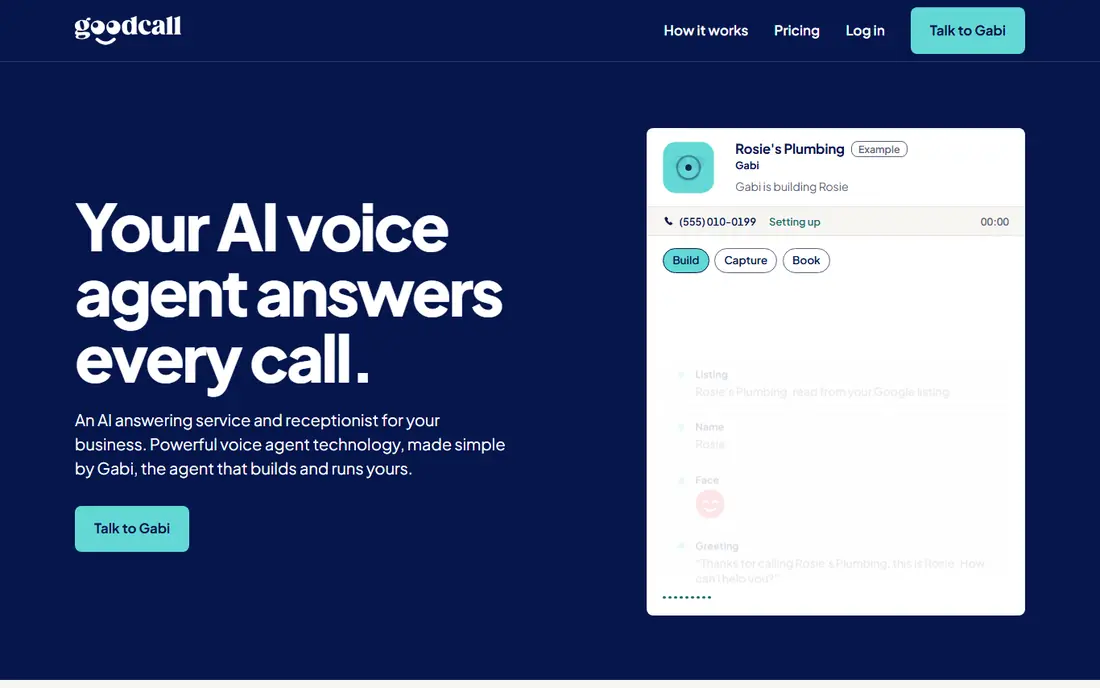
Goodcall suits businesses with repeat callers and longer conversations, because pricing by unique caller rather than by minute removes the penalty for a long call. A customer who calls twice about the same job counts once in that model, which can make budgeting simpler for service businesses with follow-up calls. The model needs a clear count of unique callers per month, because that number decides the plan. A shop with many one-off callers may pay more than on a minute model, while a shop with repeat customers may save. Check how Goodcall counts a caller and what happens over the limit before signing.
- Pricing by unique caller, not minutes
- Unlimited minutes for those callers on some plans
- Calendar links
- Unique caller model needs careful counting
- Less field service depth than some rivals
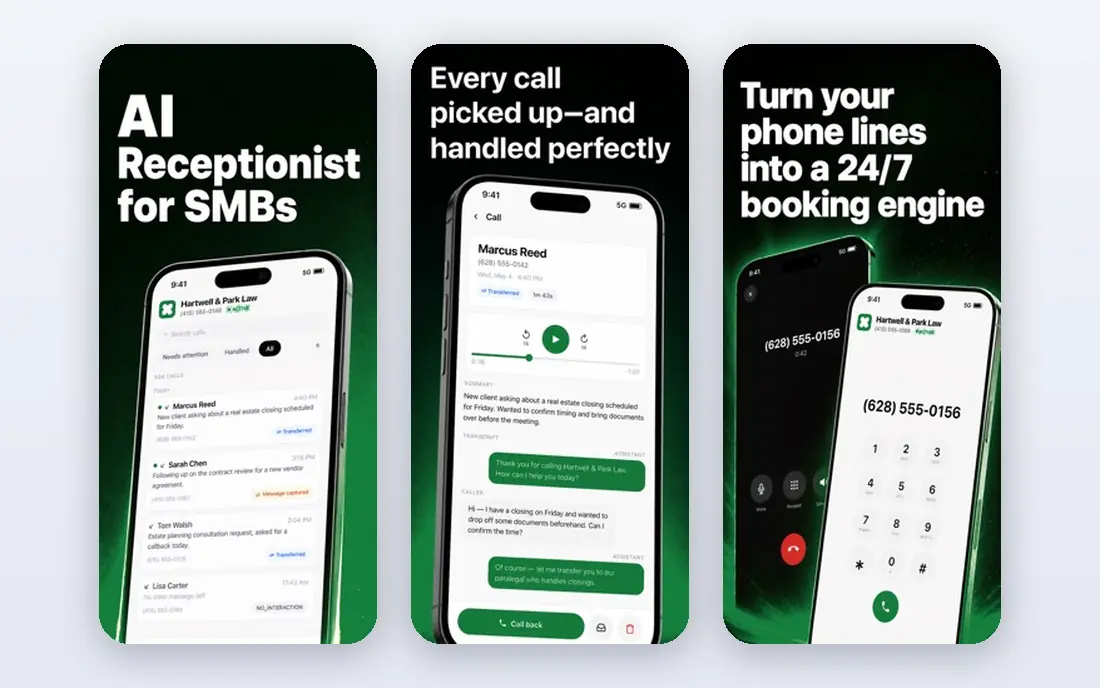
NextPhone appeals to trades whose call volume swings with seasons, storms, or freezes. A flat plan with unlimited calls removes the worry that a busy week will create a large bill, and emergency transfer rules can send urgent calls to an on-call number with a summary first. That predictability helps a shop plan its monthly costs. A very low volume shop may find a flat plan expensive compared with a per-call or per-minute tool, so compare the flat price with your quiet month, not just your busy month. For a shop with variable volume and a Jobber workflow, NextPhone is a strong shortlist option.
- Flat monthly plans
- Unlimited calls on some plans
- Direct Jobber integration on higher plans
- Flat price can be high for very low volume shops
- Some integrations need a higher plan
Avoca is built for larger home service shops, especially those running ServiceTitan. The AI answers, qualifies, and books into the ServiceTitan workflow, with emergency escalation for urgent jobs. That deep integration matters, because a booking that lands directly on the board saves dispatch time and reduces double entry. Pricing is not published in full, so a shop needs a demo and a quote to compare total cost. That sales process suits a larger shop that wants a tailored setup, but it is less convenient for a small shop that wants a quick trial price. Avoca fits best when ServiceTitan is already the core system.
- AI answering built for home services
- ServiceTitan integration
- Emergency escalation
- Pricing is not published in full
- Sales process needed for a quote
Sameday AI focuses on booking home service jobs directly into the dispatch board, rather than just taking a message. That matters for a busy shop, because a caller who gets a booked slot is less likely to call a competitor. Night and weekend coverage also helps, since many urgent jobs happen outside office hours. The starting price is higher than some AI tools, and minute bundles need planning, so a shop should estimate monthly minutes carefully. For a ServiceTitan shop with steady call volume and a need for direct booking, Sameday AI is a credible, if pricier, option.
- Home service focused AI
- Direct booking into field service boards
- Night and weekend coverage
- Higher starting price
- Minute bundles need volume planning
Housecall Pro CSR AI is the simplest choice for a shop already running Housecall Pro. Because it lives inside the platform, bookings, customer records, and dispatch stay in one place, and staff do not need to learn a second system. That simplicity often beats a more powerful standalone tool for a small shop. The limit is obvious: it only makes sense inside Housecall Pro. A shop that plans to switch field service software, or that uses another system, should choose a standalone AI receptionist instead. For a loyal Housecall Pro user, it is the lowest friction way to test AI answering.
- Built for Housecall Pro
- Books into the existing workflow
- No separate system to learn
- Only useful inside Housecall Pro
- Sold separately from core plans in many cases
Jobber Receptionist suits a Jobber shop that wants voice answering plus missed call text back in one add-on. When a caller hangs up early, the system can send a text, and when a call is answered, the job can flow into Jobber without manual retyping. That link helps a small team that already lives in Jobber. Conversation limits on lower tiers need attention, because overage charges apply after the included allowance. A shop should count monthly conversations, including text backs, before choosing a tier. For a Jobber user with moderate call volume, the integration benefit usually outweighs the add-on cost.
- Voice and text handling
- Jobber integration
- Missed call text back
- Conversation limits on lower tiers
- Add-on cost on top of Jobber
Podium AI Employee suits a shop that wants missed call recovery plus broader customer messaging. A missed caller receives a text, the AI can continue the conversation, and the same platform can handle reviews and messaging. That breadth helps a shop that already uses Podium for customer communication. A shop that only needs call answering may find Podium broader and pricier than a dedicated AI receptionist. It fits best when messaging, reviews, and missed call recovery are all needed, and when the team will actually use the wider platform, not just the AI answering feature.
- Missed call text back
- AI follow-up conversations
- Review and messaging tools in the same platform
- Broader platform cost
- AI reception is one part of a larger system
How we picked these
We compared official feature pages, pricing pages, app store listings, and privacy policies, and we checked public reviews and trade specific comparisons for recurring points about booking, emergency handling, and integration. We kept only tools that were still offered in October 2026 and that could answer home service calls, qualify jobs, or book appointments, not just send a generic text. We did not claim hands-on testing that we did not do, and where a vendor did not publish a clear starting price, we wrote See website rather than guessing. We gave weight to field service integration and emergency handling, because those decide whether an AI receptionist helps a trade shop or just creates extra work. A tool that books into ServiceTitan, Housecall Pro, or Jobber scored higher for shops on those platforms than a generic answering tool with no integration.
Choosing an AI receptionist for a trade shop
Start with your current system and your call pattern. If you run ServiceTitan, Housecall Pro, or Jobber, test that platform's own reception feature first, because integration alone can save hours each week. If you use another system or no field service software, shortlist standalone tools by pricing model and booking ability, not by marketing claims about voice quality alone. Write the rules before you go live. Define what counts as an emergency, who gets called first, what happens if no one answers, and what the AI should never promise, such as a fixed price for a job it has not seen. Test those rules with real scenarios: a burst pipe at night, a vague boiler noise, a price shopper, and a caller who refuses to give an address. Listen to the recordings, fix the failures, and only then route all calls through the AI. Track results for a month. Count answered calls, booked jobs, missed emergencies, and complaints about the AI. Compare booked jobs with the same month last year, and check whether dispatch time fell. If bookings rise but complaints rise too, adjust the script and the escalation rules before scaling. An AI receptionist should reduce missed work, not replace good judgement on urgent or complex jobs.
Pricing models explained
Per-call pricing suits low volume shops, per-minute suits shops with short calls, per-unique-caller suits repeat customers, and flat pricing suits variable volume. Estimate your monthly calls, minutes, and unique callers, then price each model on those numbers, not on the headline price.
Emergency and after-hours rules
Set a clear emergency script, an on-call rotation, and a backup contact. Test the transfer at night, check that the on-call person receives a summary, and review emergency calls weekly at first. A missed emergency costs far more than a month of receptionist fees.
Frequently asked questions
What is the best AI receptionist for plumbers?
For plumbers, a tool with emergency escalation and field service booking matters most. Avoca and Sameday AI suit larger ServiceTitan shops, NextPhone suits variable volume shops, and Smith.ai suits shops that want live backup for complex calls. Test emergency handling first, because a burst pipe call cannot wait for a callback the next morning.
How much does an AI receptionist for home services cost?
Costs vary by model, from a low cost add-on inside Jobber or Housecall Pro to several hundred dollars a month for a standalone AI service with minute bundles. Per-call, per-minute, per-unique-caller, and flat plans all lead to different totals, so price your actual call volume, not the starting price alone. Ask what happens over the included allowance.
Can an AI receptionist book jobs directly?
Yes, on some tools, especially those integrated with ServiceTitan, Housecall Pro, or Jobber. The AI can check availability, book a slot, and write the job onto the dispatch board. Other tools only take a message or send a text back, so confirm booking ability and integration before buying, and test it with a real booking.
Is an AI receptionist better than a live receptionist?
It depends on the call. AI suits routine booking, after-hours coverage, and high volume, while live receptionists suit complex, sensitive, or high value calls. Many shops use a hybrid, with AI first and a live agent for escalation, which is the model Smith.ai offers. A hybrid often gives the best balance of cost and customer care.
What happens if the AI misunderstands a caller?
A good system should transfer, take a message, or offer a callback when confidence is low, rather than guessing. Check the fallback rules, listen to recordings, and review misunderstood calls weekly at first. If a tool has no clear fallback, it is not ready for urgent trade calls.
Do I need ServiceTitan, Housecall Pro, or Jobber to use an AI receptionist?
No, standalone tools such as Smith.ai, Goodcall, and NextPhone work without those platforms, though booking may then go to a calendar or CRM instead of a dispatch board. Platform add-ons are simpler inside their own system, but standalone tools give more choice if you use another system or plan to switch.
Sources we checked (8)

Online Jobs is an independent blog about careers, online work, learning new skills and the tools that help people earn. More about us.
Keep reading
All posts
ZoomInfo Alternatives
The best ZoomInfo alternatives in 2026, compared on price, free plans, data coverage, and which tool fits small teams or large sales teams best in detail.

Workday Alternatives
We compared the best workday alternatives for HR, payroll, and global hiring, from BambooHR and Gusto to Rippling, Deel, and HiBob for growing teams in 2026.

Which SaaS Tools Have the Best Customer Support
Which SaaS tools have the best customer support? Compare eight popular tools on help centres, live help, response options and overall support quality.