Adobe Illustrator Alternatives in 2026: 9 Tools Compared

How we put this together: we compare official feature and pricing pages, app store listings, privacy policies and public user reviews. Prices change, so check the provider's site before you pay.
Key takeaways
- Affinity is our pick for most people leaving Illustrator, because it is free and covers vector, photo and layout work in one app.
- Inkscape is the best fully free open source option, especially for SVG work and for Linux users.
- Figma and Sketch suit screen and product work, while CorelDRAW suits print and sign studios.
- Check file compatibility before you switch, since complex Illustrator files may need fixes after import.
- Start free where you can, and pay only when a paid feature solves a problem you actually hit.
Quick comparison
| Name | Who it suits | Starting price | Free option | |
|---|---|---|---|---|
 Affinity | Free professional vector design | Free | Yes | Visit |
 Inkscape | Free open source vector drawing | Free | Yes | Visit |
 CorelDRAW | Full professional illustration suite | See website | Free trial | Visit |
 Figma | Vector design for screens and teams | Free | Yes | Visit |
 Sketch | Vector design on Mac | See website | Free trial | Visit |
 Linearity Curve | Vector drawing on Apple devices | Free | Yes | Visit |
 Boxy SVG | Simple SVG editing in the browser | See website | Yes | Visit |
 Canva | Template based design for non-designers | Free | Yes | Visit |
 Krita | Free illustration and painting | Free | Yes | Visit |
The best adobe illustrator alternatives
Illustrator is a strong tool, but its subscription price and large feature set are more than many users need. Some people want a one off purchase, some want a free tool, and some only draw icons or social graphics. The tools below cover those cases, and each one was checked against its official site for current availability and pricing.
Affinity is now the most direct free rival to Illustrator for many designers, because it combines vector drawing, photo editing and page layout in one app. You can draw with pen and shape tools, work with layers and effects, and export files in common formats for print and screen. For a freelancer who wants professional tools without a monthly bill, that combination is hard to ignore.
The catch is habit. Shortcuts, panel names and some file handling differ from Adobe, so complex Illustrator files may need a check after import. Give yourself a small real project first, such as a logo or a poster, before you move a whole client workflow across.
- Free full design app
- Vector, photo and layout tools in one place
- No subscription needed
- Requires a free account to download
- Some Illustrator workflows need adjustment
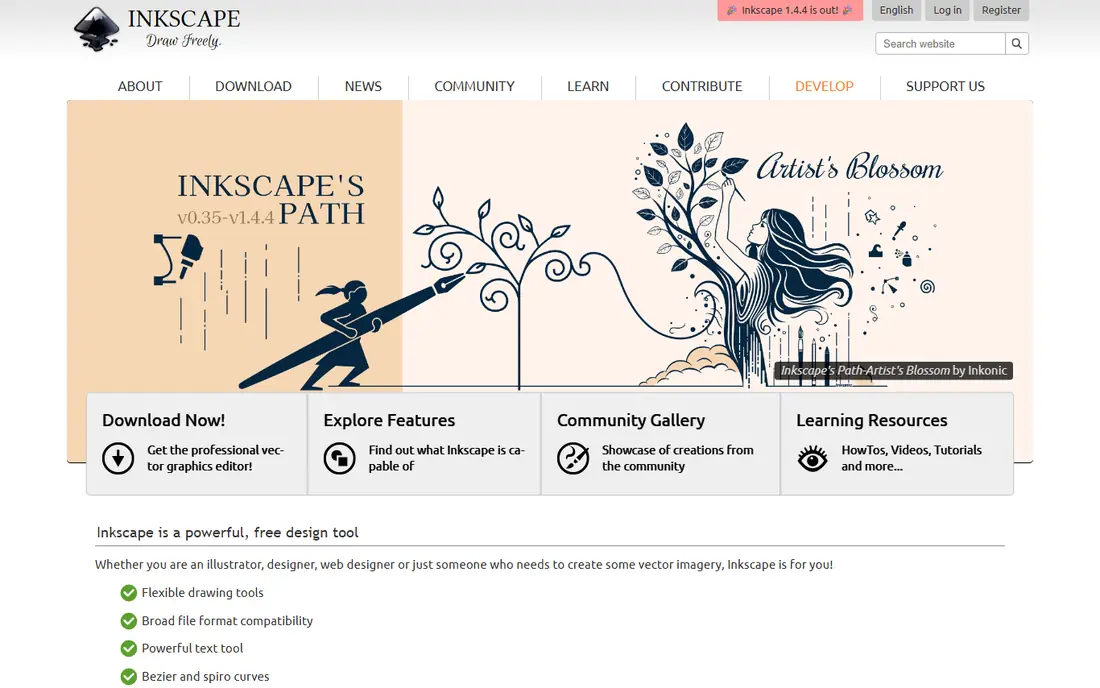
Inkscape has served designers, illustrators and makers for years as a free vector editor built around SVG. It offers node editing, path operations, text on paths and a wide set of extensions, which makes it a serious choice for logos, diagrams and print work. If you value open formats and no subscription, it remains the clearest free starting point.
Its interface can feel crowded, and some tasks take more clicks than in a paid app. It also lacks the cloud libraries and stock assets that larger suites bundle in. For careful vector work on a budget, though, those trade-offs are easy to accept.
- Completely free and open source
- Strong SVG support
- Runs on Windows, Mac and Linux
- Interface feels less polished than paid rivals
- Learning curve for new vector users
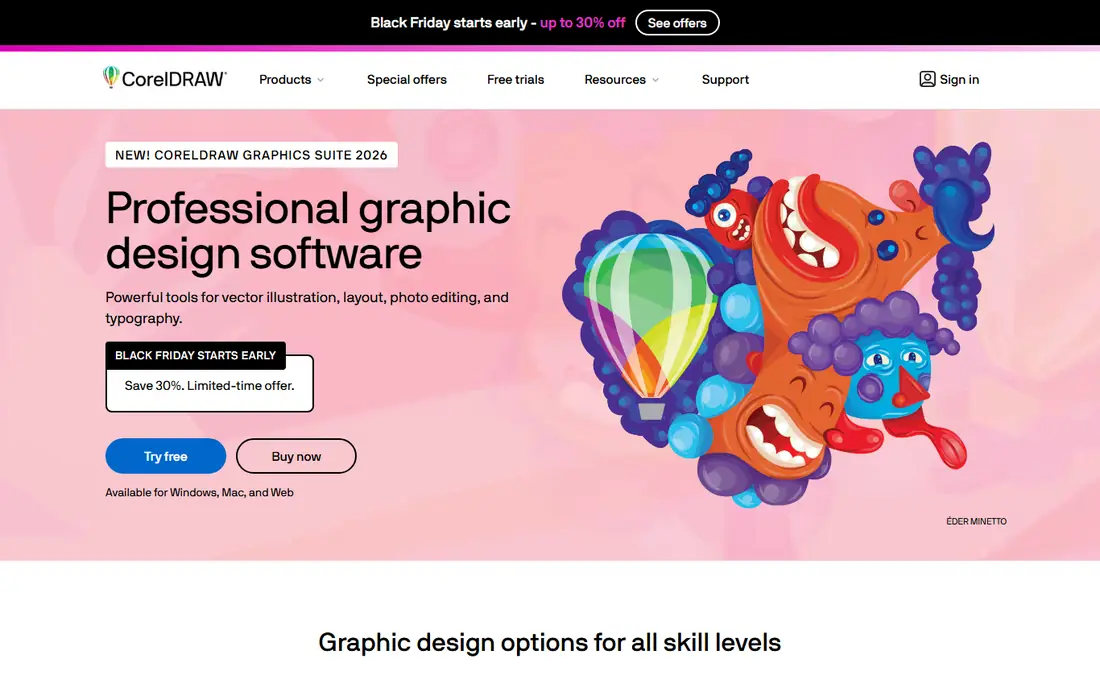
CorelDRAW suits print shops, sign makers and studios that need vector drawing plus layout in one package. Its toolset covers illustration, typography, photo editing and page design, and it handles many file types used in commercial print. Teams that already work with Corel files will find the move from Illustrator less disruptive than starting from scratch.
The main drawback is cost and scope. Casual users may pay for a large suite they only partly use, and the interface carries years of added features. Check the current trial and plan pages before you commit, and compare the graphics suite against the standalone vector option.
- Long track record in print and sign work
- Broad vector and layout tools
- Strong file compatibility
- Price and suite size suit professionals more than casual users
- Some features take time to learn
Figma is best known for interface design, but it is also a capable vector tool for icons, illustrations and social graphics. Its browser based canvas, shared libraries and live collaboration make it easy for a team to review work without sending files back and forth. For screen work, that workflow often beats a desktop only editor.
Print designers should be careful. Colour handling, bleed and large print files are not its main strengths, and offline access is limited. Use Figma where the final output is a screen, and keep a dedicated print tool for work that must go to press.
- Free plan for personal projects
- Real-time collaboration
- Strong for web and app graphics
- Browser based, so offline work is limited
- Less suited to complex print illustration
Sketch remains a favourite for Mac based product designers who draw icons, screens and brand assets. Its symbols, shared libraries and tidy canvas help small teams keep a consistent look across many files. If your whole team works on Macs and your output is digital, it feels fast and focused.
The limit is platform. There is no Windows version, and print production is not its centre. Pricing is subscription based, so check the current plan before you switch. For Mac only screen teams, it is still a strong Illustrator alternative.
- Clean Mac focused interface
- Strong symbols and libraries
- Popular for product design
- Mac only
- Subscription pricing
- Print features are thinner than Illustrator
Linearity Curve, formerly Vectornator, is a vector app built for Mac, iPad and iPhone. It offers pen tools, shape building, auto trace and text on path, and it works well with Apple Pencil for hand drawn illustration. For designers who sketch on an iPad and finish on a Mac, that pairing is a real advantage.
The trade-off is platform and depth. Windows and Android users need another tool, and the most advanced features require a paid plan. As a free Apple focused vector editor, though, it covers logos, posters and social art with confidence.
- Free plan with vector tools
- Apple Pencil support
- Exports SVG, PDF and common formats
- Apple platforms only
- Advanced features sit behind paid plans
Boxy SVG is a good pick when the job is simple and the format is SVG. It gives you shapes, paths, text and gradients in a clear interface, without the weight of a full design suite. Web designers who need a clean icon or a small illustration will get to a finished file quickly.
It is not a replacement for a large illustration studio. Complex artwork, advanced brushes and print layout sit outside its scope. Use it for focused SVG work, and pair it with a fuller editor when a project grows.
- Lightweight and easy to learn
- Strong SVG focus
- Works on desktop and in the browser
- Smaller feature set than full suites
- Less suited to large illustration projects
Canva is the right alternative for people who need a finished graphic fast rather than fine vector control. Templates, drag and drop editing and a large asset library let a small business owner make a poster, a social post or a flyer in minutes. Its free plan is generous for everyday marketing work.
Serious illustrators will hit limits quickly. Pen control, path editing and print colour tools are far thinner than in Illustrator or Affinity. Treat Canva as a fast production tool, and keep a true vector editor for logos and artwork that must scale cleanly.
- Very easy for beginners
- Huge template and asset library
- Free plan covers many jobs
- Limited precision vector editing
- Free assets and exports have limits
Krita is mainly a painting app, but it belongs here for illustrators whose work starts with a brush rather than a pen path. Its brush engine, layer handling and colour tools suit comics, concept art and book illustration, and it costs nothing. Many artists pair it with a vector tool for final logos and text.
Vector editing in Krita is limited compared with the dedicated tools above, so text heavy or logo work is better done elsewhere. If your main need is painted illustration with some vector support, Krita is an excellent free choice.
- Free and open source
- Strong brushes for digital painting
- Good for raster illustration
- Vector tools are secondary to painting
- Interface can overwhelm beginners
How we picked these
We compared official feature pages, pricing pages, app store listings, privacy information and public reviews, and we kept only products that exist today and fit the topic closely. We gave weight to clear pricing, a usable free option where one exists, and honest limits, and we treated vendor claims as claims rather than verified facts. We did not claim hands-on testing that did not happen, and where a price could not be confirmed on the vendor site, we wrote See website rather than guessing.
How to choose an Illustrator alternative
Match the tool to the output
Screen graphics, print work and painted illustration need different strengths. A browser tool is fine for icons and social posts, but print work needs careful colour and export controls. Painted work needs brushes, while logo work needs clean paths that scale. Name your main output before you compare prices, or you may buy a tool that is strong in the wrong place.
Test a real file, not just a demo
Open one of your own files, or rebuild a small logo, and export it in the format your printer or client needs. Check text, gradients, masks and layers after export, and look at the result at full size. A tool that looks good in a demo can still fail on a file you use every week.
Count the full cost
A free app can be the cheapest option, but training time, file conversion and missing features also cost time. A paid suite can be good value if it replaces two tools or saves hours on print work. Compare the price against the work you do each month, and use a free plan or trial for at least one real project before you pay.
Frequently asked questions
What are the best alternatives to Adobe Illustrator?
Affinity is our pick for most people, because it is free and covers vector, photo and layout work. Inkscape is best if you want a fully free open source editor, while Figma suits screen teams. Your choice should follow your main output, print or screen, rather than price alone.
What are the best Adobe Illustrator alternatives that are free?
Affinity and Inkscape are the strongest free options, and both cover serious vector work. Boxy SVG and Krita also offer free use for narrower jobs, such as SVG editing and painting. Canva and Figma have free plans too, but their vector controls are more limited.
Is there a free alternative to Illustrator for beginners?
Canva is easiest for a complete beginner who needs a finished graphic quickly, while Affinity gives a beginner more room to grow into professional work. Inkscape is free and powerful, but its interface takes longer to learn. Start with Canva for speed, or Affinity for a longer term vector tool.
Can Affinity replace Illustrator completely?
For many logo, poster and illustration jobs, yes, especially when files are exported in standard formats. Complex Illustrator files with unusual effects or linked assets may need checking after import. Test your most complex file type before you move a whole studio across.
What is the best Illustrator alternative for Mac?
Affinity and Linearity Curve are both strong on Mac, and Sketch suits Mac only product teams. Affinity covers print and screen in one app, while Linearity Curve is a good free choice for iPad and Mac drawing. Choose Affinity if you also need photo and layout tools.
Do Illustrator alternatives work on Linux?
Inkscape and Krita both run on Linux and are free, which makes them the natural picks there. Figma and Canva run in a browser on Linux, so they work for screen graphics. CorelDRAW and Sketch do not offer Linux versions, so check platform support before you choose.
Sources we checked (9)

Online Jobs is an independent blog about careers, online work, learning new skills and the tools that help people earn. More about us.
Keep reading
All posts
Top Rated Poster Maker Software
Top rated poster maker software compared for 2026: Canva, Adobe Express, VistaCreate, PosterMyWall and more for events, sales and classrooms for US users.
Best Tools for Print Design
Compare the best tools for print design, from professional layout and vector software to browser tools, free editors, team publishing platforms and press prep.
Best Tools for Motion Design
Compare the best tools for motion design in 2026. We review 8 apps for 2D animation, 3D motion, interactive graphics, pricing and free plans. Start here.