Accounting Software With Best Invoicing Features in 2026: 8 Tools Compared

How we put this together: we compare official feature and pricing pages, app store listings, privacy policies and public user reviews. Prices change, so check the provider's site before you pay.
Key takeaways
- FreshBooks leads on polished invoicing for service businesses, while QuickBooks Online leads when invoicing must sit inside full accounting.
- Xero suits teams that need unlimited users, and Wave and Zoho Books suit very small businesses that want low cost invoicing.
- Recurring invoices, automatic reminders and online payment links are the features that most improve cash flow.
- Check invoice limits, payment processing fees and bank feed terms on each plan, because those details affect the real monthly cost.
Quick comparison
| Name | Who it suits | Starting price | Free option | |
|---|---|---|---|---|
 FreshBooks | Service invoicing | See website | Free trial | Visit |
 QuickBooks Online | Full accounting plus invoicing | See website | Free trial | Visit |
 Xero | Teams and unlimited users | See website | Free trial | Visit |
 Zoho Books | Low cost growing firms | See website | Yes | Visit |
 Wave | Free core invoicing | Free | Yes | Visit |
 Sage | Inventory and invoicing | See website | Free trial | Visit |
 FreeAgent | Small business invoicing | See website | Free trial | Visit |
 Square Invoices | Simple payment invoicing | Free | Yes | Visit |
The best accounting software with invoicing features
Invoicing is where accounting software meets cash flow. A good invoice tool should create a clear invoice quickly, send it by email, remind the client when it is overdue, accept online payment and record that payment in your books without manual re-entry. We compared official feature pages, pricing pages and app store listings for accounting tools that serve US small businesses and freelancers. The list below focuses on invoicing strength inside a full accounting system, rather than on standalone invoice apps alone.
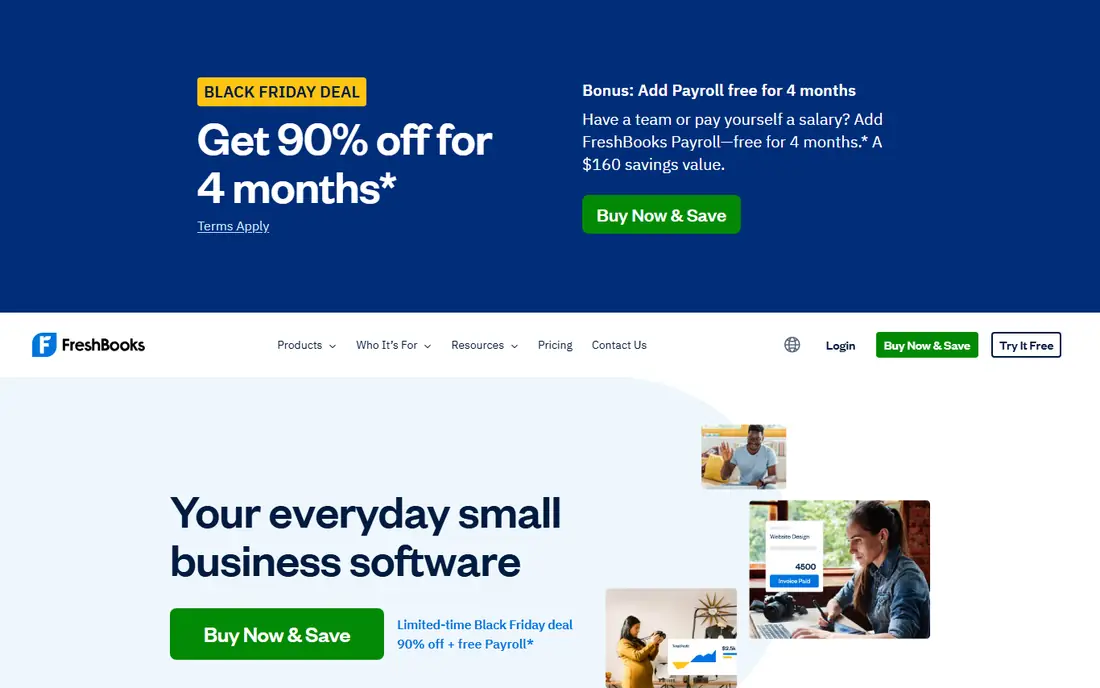
FreshBooks is our pick for invoicing quality in a service business. Invoices look professional, clients can view and pay them through a portal, and recurring invoices and late payment reminders run without manual chasing. Time tracking links hours to invoices, which helps consultants, designers and other service firms bill accurately. The client view is clear, which can reduce questions about what was charged.
The limit is accounting depth. FreshBooks handles core bookkeeping well, but firms with complex inventory, multi-entity reporting or deep accounting needs may prefer QuickBooks or Xero. Check client limits on the plan you choose, because lower tiers limit how many clients you can bill. For a service firm that lives on invoices, FreshBooks is a strong first choice.
- Polished invoices and client portal
- Recurring invoices and reminders
- Time tracking for service billing
- Lighter on complex accounting than QuickBooks
- Client and invoice limits vary by plan
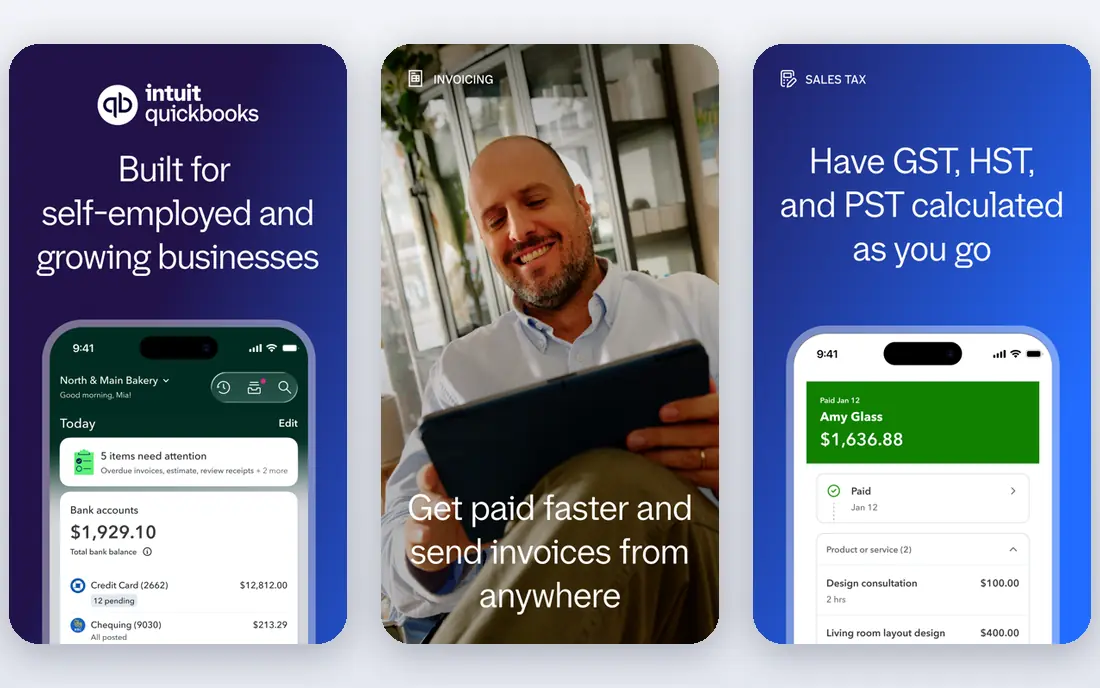
QuickBooks Online is the best choice when invoicing must sit inside a complete accounting system. Invoices, expenses, bank reconciliation, sales tax and reporting all connect, so a paid invoice updates your books at once. A large integration library and a wide accountant network make it easy to find help and connect other tools. Payroll and payments can be added where needed.
The cost is the main drawback. Prices rise across tiers, and payroll, payments and other add-ons add to the monthly total. New users may also find the interface busy at first. For a growing small business that needs invoicing plus full books, tax support and scale, QuickBooks Online remains the default to compare against.
- Invoicing inside full accounting
- Many integrations
- Accountant network and payroll add-ons
- Price rises with tiers and add-ons
- Interface can feel busy for new users
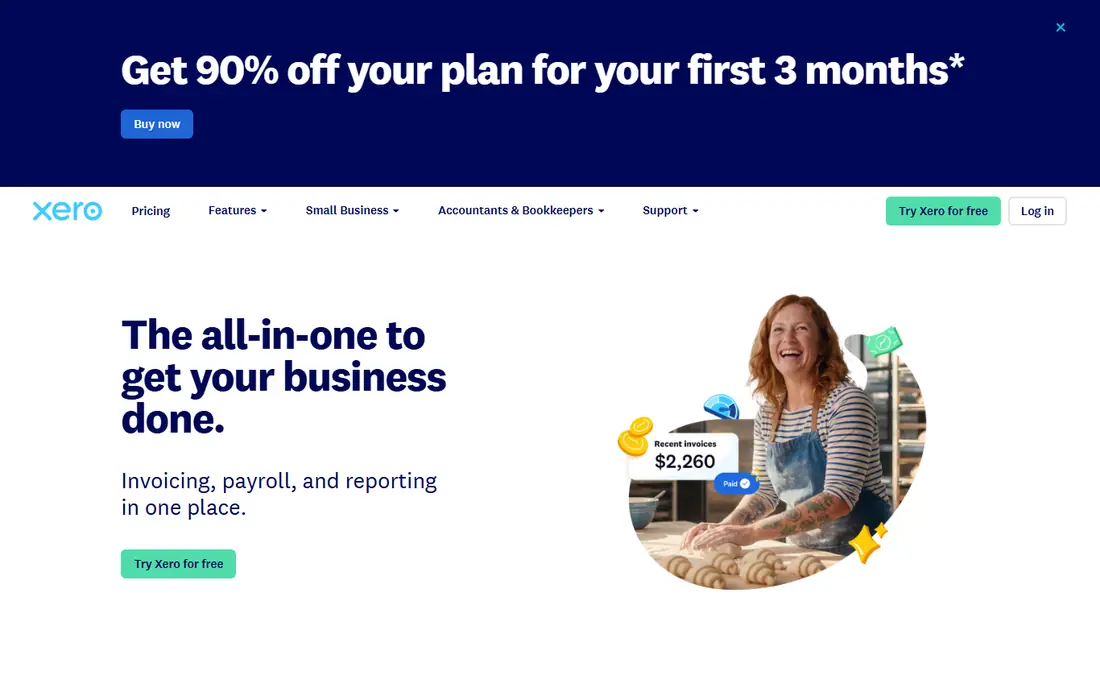
Xero suits teams because every plan includes unlimited users, so adding staff or an accountant does not add a per-seat fee. Invoicing is clean and flexible, with recurring invoices, reminders and online payment options. Bank reconciliation is strong, and multi-currency support helps firms that invoice clients abroad. The dashboard gives a clear view of who owes money and what is overdue.
The lowest plan limits invoice and bill volume, so growing firms should check those caps before choosing it. US payroll is handled through partner tools rather than built-in payroll in the same way as QuickBooks. For a team that shares invoicing and bookkeeping work, Xero offers good value and a calm interface.
- Unlimited users on all plans
- Clean invoicing and bank reconciliation
- Multi-currency support
- Invoice and bill limits on the lowest plan
- US payroll needs a partner add-on
Zoho Books is a strong low cost option for growing firms, especially those already using other Zoho tools. It includes invoicing, recurring invoices, payment reminders, expense tracking and reporting, with automation that can send reminders and follow up on overdue invoices. The free plan suits very small firms with low revenue, as described on the vendor site.
The trade-off is ecosystem. Zoho Books works best when paired with other Zoho apps, and it has fewer third-party integrations than QuickBooks Online. Firms that rely on many outside tools should check connections first. For a cost-conscious firm that wants solid invoicing and automation, Zoho Books is hard to beat on price.
- Free plan for small firms
- Automation for invoices and reminders
- Zoho ecosystem connections
- Fewer third-party integrations than QuickBooks
- Full value is higher inside Zoho tools
Wave offers free core invoicing and accounting for freelancers and very small businesses in the US and Canada. You can create and send unlimited invoices, accept payments and track income and expenses without a monthly subscription for the core tools. That makes Wave a good starting point for a side business or a new freelancer who sends only a few invoices a month.
Wave is not built for complex accounting, inventory or large teams. Some features, such as automated bank feeds, sit on paid plans, and payment processing fees still apply when clients pay by card. For a solo operator who needs clean invoices and basic books at no monthly cost, Wave is a practical choice.
- Free invoicing and accounting for small firms
- Simple invoice creation
- Payment acceptance
- Bank feeds need a paid plan in some cases
- Fewer advanced features than paid rivals
Sage covers several accounting products, and its small business tools combine invoicing with inventory, job costing and reporting. Firms that sell products or track stock alongside services can invoice from inventory quantities and keep costs linked to jobs. That depth helps businesses that outgrow a simple invoice app but do not yet need a full enterprise system.
Sage can feel more complex than FreshBooks or Wave, and plan names vary, so compare the exact product on the Sage site for your country and business type. For a product or job-based business that needs invoicing plus inventory, Sage is a solid mid-market step up.
- Invoicing with inventory and job costing
- Reporting for growing firms
- Long history in accounting
- Learning curve can be steeper
- Plan names and prices vary by product line
FreeAgent is a small business accounting tool with clear invoicing, expense tracking and time tracking. Invoices are easy to create and send, recurring invoices save time for retainer clients, and project views help service firms see which work is billed and which is still open. The interface is calm and aimed at non-accountants.
FreeAgent has a smaller US presence than QuickBooks or Xero, and some tax features are built for UK users, so US firms should check tax and payroll support carefully. For a small service firm that wants simple invoicing and books without a busy interface, FreeAgent is worth a trial.
- Clear invoicing and expense tracking
- Time tracking and project views
- Tax timeline features
- Smaller US presence than QuickBooks or Xero
- Some tax features are UK focused
Square Invoices suits firms that mainly need to send an invoice and get paid, rather than run full books. You can create an invoice, send a payment link and accept card payments, with Square handling the payment side. Setup is fast, and firms that already use Square for in-person payments can keep sales and invoices in one place.
Square Invoices is not a replacement for full accounting. Firms that need bank reconciliation, payroll, tax reporting and inventory will still need an accounting tool, and may export Square data into it. For a small firm that prioritises getting paid quickly, Square Invoices is a simple and low cost option.
- Free invoicing with payment links
- Simple setup
- Good for in-person and online payments
- Not a full accounting system
- Reporting and bookkeeping depth is limited
How we picked these
We compared official feature pages, pricing pages and app store listings for accounting tools that include invoicing as a core feature. We looked for recurring invoices, reminders, online payment links, client portals and how paid invoices update the books. We included free, low cost and full accounting options, so firms at different stages could compare. We did not claim hands-on testing, and where a vendor does not publish a simple price, we wrote See website.
What to check before you buy
Start with invoice volume and payment method. If you send many invoices, check invoice limits on low tiers. If clients pay by card, add payment processing fees to the subscription price. Next, check reminders and recurring billing. Automatic reminders save time and improve cash flow, but only if you can control the timing and wording so clients do not receive too many messages.
Also check tax and reporting needs. A freelancer may only need income, expenses and a year-end summary, while a growing firm may need sales tax, payroll and inventory reports. Finally, test the client view. Send yourself a test invoice, pay it, and check how the payment appears in the books. A smooth client experience reduces late payments and support questions.
Invoicing habits that help cash flow
Send invoices promptly, state payment terms clearly and include a payment link on every invoice. Use recurring invoices for retainer clients, and set a reminder schedule that follows up politely before an invoice becomes seriously overdue. Review overdue invoices weekly, and contact large overdue clients directly rather than relying only on automated messages.
Frequently asked questions
What are the best invoicing features in accounting software?
The best invoicing features are clear invoice templates, recurring invoices, automatic reminders, online payment links and a client portal. FreshBooks leads on invoice polish, QuickBooks Online leads on invoicing inside full accounting, and Xero leads on team access with unlimited users.
What is the top accounting software with invoicing feature for freelancers?
Freelancers often do best with Wave for free core invoicing, FreshBooks for polished service invoicing, or Zoho Books for low cost automation. Choose based on how many invoices you send, whether you track time, and whether you need full bookkeeping.
What is the best accounting software invoicing features for small businesses?
For small businesses, QuickBooks Online and Xero offer the best balance of invoicing and full accounting. QuickBooks suits firms that want a large accountant network, while Xero suits teams that want unlimited users without per-seat fees.
What are the best invoicing features accounting software options for recurring billing?
FreshBooks, QuickBooks Online, Xero and Zoho Books all support recurring invoices, with reminders and payment links. Check whether recurring invoices can include different line items each cycle, and whether failed payments trigger a clear alert.
Is free accounting software with invoicing good enough?
Free tools such as Wave and the Zoho Books free plan can be enough for a solo freelancer with simple books. Larger firms, or firms with inventory, payroll or complex tax needs, usually need a paid plan for reporting, bank feeds and support.
How do payment fees affect invoicing costs?
Payment processing fees are charged when a client pays by card, and they sit on top of the subscription price. Check the rate on the vendor site, and compare it with your average invoice size. For large invoices, bank transfer or ACH options may cost less than card payments.
Sources we checked (8)

Online Jobs is an independent blog about careers, online work, learning new skills and the tools that help people earn. More about us.
Keep reading
All posts
n8n Alternatives
n8n alternatives compared for 2026, with Zapier, Make, Activepieces, and more, covering visual builders, code steps, self-hosting, and pricing models.

ZoomInfo Alternatives
The best ZoomInfo alternatives in 2026, compared on price, free plans, data coverage, and which tool fits small teams or large sales teams best in detail.

Zoom Alternatives for Webinars
Compare Zoom alternatives for webinars in 2026, from browser-based rooms to enterprise events, with prices, attendee limits, features and honest trade-offs.