Best Zapier Alternatives in 2026: 9 Apps Compared

How we put this together: we compare official feature and pricing pages, app store listings, privacy policies and public user reviews. Prices change, so check the provider's site before you pay.
Key takeaways
- Make is our pick for most Zapier switchers, thanks to a visual canvas, branching logic and a free plan that covers real light automation.
- n8n is the best choice for developers and privacy-conscious teams, with a free self-hosted edition and full code control when needed.
- Pabbly Connect suits high-volume users who prefer flatter pricing over per-task metering, though its free plan is small.
- IFTTT remains the simplest choice for personal and smart home triggers, but it is not a business workflow platform.
- Billing units differ across every tool, so compare credits, tasks, executions and operations on the same workload, not on headline monthly prices alone.
Quick comparison
| Name | Who it suits | Starting price | Free option | |
|---|---|---|---|---|
 Make Make | Visual multi-step automation | See website | Yes | Visit |
 n8n n8n | Self-hosted developer automation | See website | Yes | Visit |
 Pabbly Connect Pabbly Connect | High-volume flat pricing | See website | Yes | Visit |
 IFTTT IFTTT | Personal and smart home triggers | $2.99 per month | Yes | Visit |
 Microsoft Power Automate Microsoft Power Automate | Microsoft 365 teams | See website | Yes | Visit |
 Activepieces Activepieces | Open source automation | See website | Yes | Visit |
 Pipedream Pipedream | Developer API workflows | See website | Yes | Visit |
 Integrately Integrately | Beginner one-click automation | See website | Yes | Visit |
 Workato Workato | Enterprise automation | See website | No | Visit |
The best Zapier alternatives
We compared these tools on app coverage, workflow depth, ease of use, error handling, pricing units and free plans, with a focus on what happens when a workflow runs every day, not just on first setup.
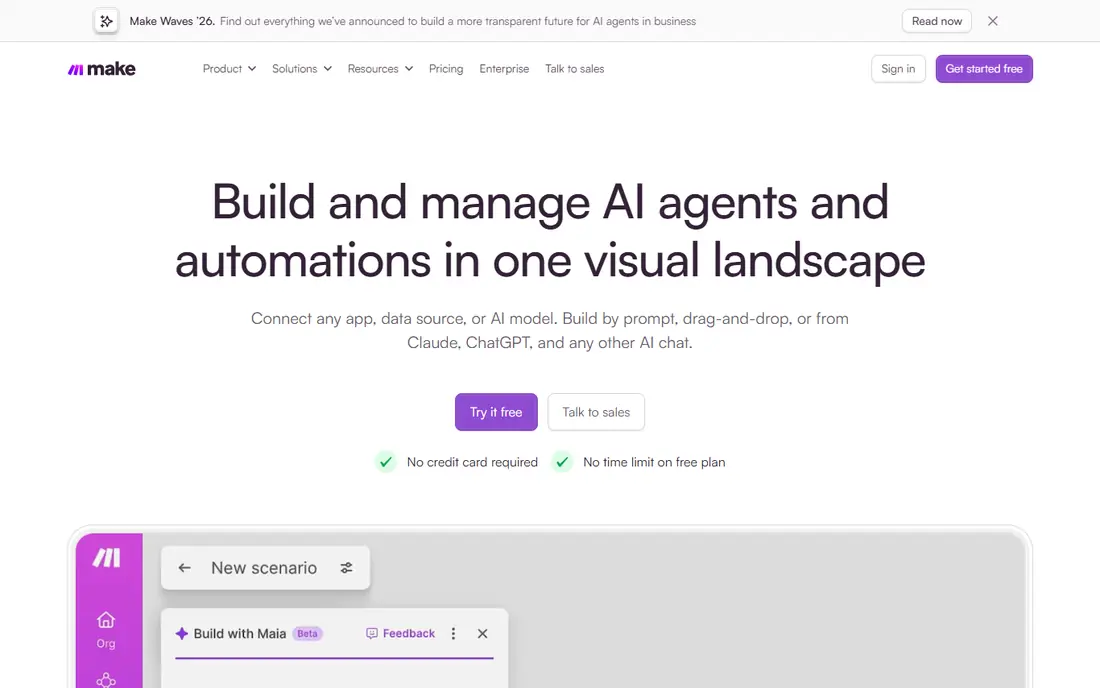
Make, formerly Integromat, is the closest Zapier replacement for most users, with a visual canvas where you see modules, branches, routers and error paths laid out at once. That view makes multi-step workflows easier to build and debug than a linear step list, especially when a workflow splits by condition or needs a fallback when an app fails. App coverage is broad, and the free plan includes 1,000 credits a month, which covers real light automation.
The catch is billing units. Make bills in credits rather than tasks, and credit use depends on workflow design, so a direct task-for-task comparison with Zapier is not exact. The free plan also limits active scenarios and polling frequency. For teams that want Zapier-style ease with more visual control and often lower cost at volume, Make is our pick.
- Visual canvas with branches, routers and error paths
- Broad app coverage
- Free plan with 1,000 credits a month
- Credit billing needs careful reading
- Free plan limits active scenarios and polling frequency
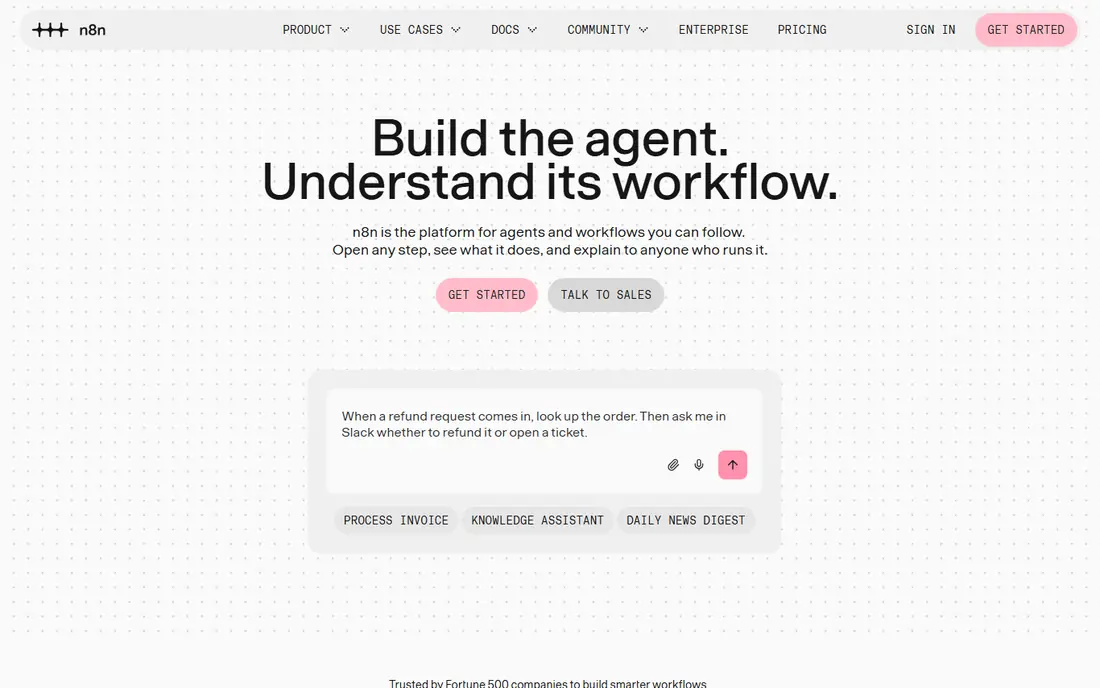
n8n is an automation platform for technical teams, combining a visual workflow editor with code nodes for JavaScript and Python, API calls and custom logic. The self-hosted Community Edition is free and carries no per-execution software charge, which makes it the only genuinely unlimited free option on this list for teams willing to run a server. Data stays on your own infrastructure when self-hosted, which suits privacy-sensitive work.
Self-hosting is also the cost. You provide the server, updates, backups and monitoring, and cloud plans price by executions for teams that prefer managed hosting. The app library is smaller than Zapier, though API and webhook nodes cover many gaps for developers. For developers, data teams and privacy-conscious organisations, n8n offers control that no hosted-only tool matches.
- Free self-hosted Community Edition
- Code nodes alongside visual nodes
- Data stays on your infrastructure when self-hosted
- Self-hosting needs server skills
- Cloud plans are priced by executions
- Smaller app library than Zapier
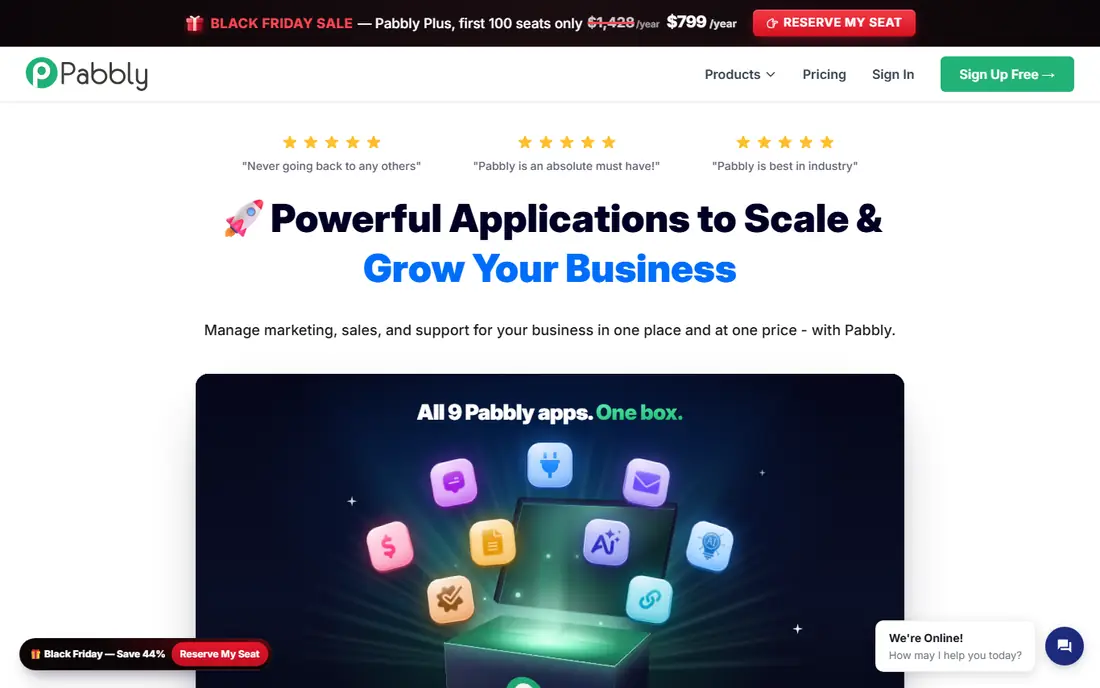
Pabbly Connect appeals to users who dislike per-task meters that grow with every run. Paid plans in vendor descriptions emphasise internal task handling and flat-style pricing, which can make high-volume automation cheaper than task-metered rivals once volume passes a certain point. Workflow creation is straightforward, with triggers, actions, filters and routers covering common business automation.
The free plan is a testing tier rather than a production plan, at 100 tasks a month, so most users will need a paid plan quickly. The interface also feels less refined than Make or Zapier, and some advanced features need more manual setup. For high-volume users who value predictable pricing over polish, Pabbly Connect is worth a trial with a real workload.
- Flatter pricing for high task volumes
- Unlimited workflows on paid plans in vendor descriptions
- Broad app coverage
- Free plan is small at 100 tasks a month
- Interface feels less polished than Make or Zapier
IFTTT, short for If This Then That, connects apps and smart home devices with simple applets: when one thing happens, do another. That simplicity is its strength for personal use, such as saving photos, logging smart home events, or sending a notification when a device changes state. The paid Pro plan is inexpensive compared with business automation tools, and it raises the applet limit well above the free tier.
Business users will hit limits fast. The free plan allows only two applets, multi-step logic is shallow, and business app coverage is narrower than Make or Zapier. IFTTT is not a replacement for a business workflow platform, but for personal and smart home automation it remains the easiest and cheapest option on this list.
- Very simple trigger-and-action setup
- Strong smart home and mobile coverage
- Low paid price
- Free plan allows only two applets
- Shallow logic and limited business integrations
Microsoft Power Automate suits organisations already paying for Microsoft 365, since it connects Outlook, Teams, SharePoint, OneDrive, Dynamics and many other Microsoft services with cloud flows, plus desktop flows for automating older Windows applications. Governance, approval flows and enterprise controls fit larger companies that need audit trails and permission management, not just personal automation.
Outside the Microsoft world, value drops. Standard connectors may be included with Microsoft 365 plans, while premium connectors and per-user plans add cost, and licensing terms vary by plan. Teams that live in Google Workspace or in non-Microsoft tools will usually find Make or n8n a better fit. For Microsoft-centric teams, Power Automate is the natural Zapier alternative.
- Deep Microsoft 365, Teams, SharePoint and Dynamics integration
- Desktop flows for legacy apps
- Enterprise governance
- Best value only inside Microsoft licensing
- Connector tiers and licensing need careful reading
Activepieces is an open source automation platform with a visual builder, AI-assisted steps and a self-hosted Community Edition for teams that want to run automation on their own infrastructure. The cloud free tier lets individuals test workflows without paying, and the builder covers common triggers, actions, branches and schedules without requiring code. For teams that like n8n philosophy but want a simpler interface, Activepieces is an appealing middle ground.
App coverage is smaller than the largest platforms, so users should check that their key apps are supported before migrating. Cloud free tier limits also mean production use usually needs a paid plan. For open source fans, small teams and AI-assisted workflows, Activepieces offers a modern, flexible alternative.
- Open source with a self-hosted option
- Visual builder with AI steps
- Free cloud tier for testing
- Smaller app library than Make or Zapier
- Cloud free tier limits active flows
Pipedream is built for developers who want to connect APIs, webhooks and apps with code, rather than only through visual steps. Workflows can mix prebuilt components with Node.js, Python, Go and Bash code, which suits API-heavy automation, data pipelines and custom integrations that visual-only tools handle awkwardly. Development use is free in vendor descriptions, with paid tiers scaling when workflows go live at volume.
Non-developers will find Pipedream harder than Make or Integrately, since its strength is code-level control. Business teams without developers should usually pick a visual builder instead. For developers building API workflows, event processing or custom integrations, Pipedream offers speed and flexibility that Zapier rarely matches at a similar price.
- Developer-first workflows with code and APIs
- Broad app and API coverage
- Free development use
- Needs coding comfort for full value
- Business users may prefer a visual-only builder
Integrately targets beginners with ready-made, one-click recipes that connect popular apps in minutes, without building a workflow step by step. That approach suits small businesses and individuals who need a handful of standard automations, such as adding form responses to a spreadsheet or sending a message when a sale happens. Setup is faster than any other tool on this list for those common cases.
Depth is the trade-off. Complex branching, custom logic and error handling are weaker than in Make or n8n, and the free tier covers only a small task volume. Integrately works best as a first automation tool or as a quick solution for standard connections, rather than as a platform for complex business workflows. For beginners who want automation running today, it is a friendly starting point.
- One-click recipes for common automations
- Very easy setup for beginners
- Free tier for testing
- Free tier task volume is small
- Less depth for complex branching than Make or n8n
Workato is an enterprise automation platform used by larger companies to connect business systems, automate processes across departments, and manage integrations with governance and security controls. Recipes, connectors and AI-assisted building support high-volume, business-critical workflows, and the platform scales across many teams and systems in a way that consumer tools do not attempt.
Pricing is quote-based and sales-led, with enterprise contracts far above small business automation budgets, and there is no permanent free plan. Small teams and individuals should not consider Workato, since the cost and buying process outweigh any feature benefit. For large organisations that need governed, scalable automation across many systems, Workato belongs on the enterprise shortlist alongside Microsoft Power Automate.
- Enterprise governance, security and scalability
- Broad enterprise app coverage
- Recipe-based automation at scale
- Quote-based enterprise pricing
- Sales-led buying
- Far more system than small teams need
How we picked these
We compared vendor feature pages, pricing pages and public reviews, and we required each product to automate work between apps, not just to offer a single integration. We weighted app coverage, workflow depth, error handling, pricing units and free plans, and we kept visual, developer, beginner and enterprise options so different teams have realistic choices. We excluded tools reported as shut down in 2026, since a discontinued platform cannot be a current recommendation. Where a vendor did not publish a clear starting price, we wrote See website rather than repeating a third-party estimate.
How to switch from Zapier without breaking workflows
List your Zaps first, including triggers, actions, filters, paths and error handling, and note which apps each one touches. That inventory reveals whether you need a visual builder, a developer tool or an enterprise platform, and it prevents the common mistake of picking a cheaper tool that cannot handle one critical workflow. Start with the simplest Zaps, migrate them, and run old and new workflows in parallel for a short period.
Compare billing on your real workload
Credits, tasks, executions and operations all count different things, so a cheap plan on one tool can cost more than an expensive plan on another once your real volume runs through it. Build your most common workflow in a trial, run it for a week, and record the metered units it consumes. Check polling intervals too, since slower polling on free plans can delay time-sensitive workflows. That test, not a pricing page, tells you what switching will actually cost.
Check error handling before you depend on a workflow
Automation fails when apps change, APIs go down or data arrives in an unexpected format. During a trial, test what happens when a step fails: does the tool retry, alert you clearly, show the failed data, and let you replay the run. Good error handling is invisible when workflows succeed and essential when they do not, so judge it before a failed invoice, lead or order depends on it.
Frequently asked questions
What is the best free alternative to Zapier?
Make offers the strongest managed free tier for most users, with 1,000 credits a month, while n8n self-hosted edition is free without a software execution limit for teams that can run a server. IFTTT and Integrately also offer free tiers, but with much smaller limits, so they suit testing and personal use rather than production work.
What is the top Zapier alternative for small businesses?
Make is our pick for most small businesses, thanks to visual building, branching logic and broad app coverage. Pabbly Connect suits high-volume small businesses that prefer flatter pricing, while Integrately suits beginners who only need standard one-click automations.
Is there an open source Zapier alternative?
Yes, n8n and Activepieces both offer open source, self-hosted editions. n8n suits developers who want code control and a larger community, while Activepieces suits teams that want a simpler visual builder with AI steps. Self-hosting is free in software terms, but you still provide the server, updates and backups.
Is Make cheaper than Zapier?
Often, yes, especially once volume passes a few hundred runs a month, but the comparison depends on billing units. Make bills in credits and Zapier bills in tasks, so run your real workflows in a Make trial and compare metered use before assuming savings. For very light use, both free tiers may cover your needs.
Can I automate without coding using a Zapier alternative?
Yes, Make, Pabbly Connect, Integrately, IFTTT and Power Automate all offer visual or recipe-based building without code. n8n and Pipedream also offer visual builders, but their full value needs some coding comfort, so non-technical teams should start with a visual-first tool.
What should I check before leaving Zapier?
Check app coverage for every Zap you run, test error handling and replay, compare billing on your real workload, and confirm polling intervals and premium connector access. Migrate simple workflows first, run old and new systems in parallel briefly, and keep Zapier active until the replacement has handled real failures cleanly.
Sources we checked (9)

Online Jobs is an independent blog about careers, online work, learning new skills and the tools that help people earn. More about us.
Keep reading
All posts
Zoom Alternatives
Zoom alternatives compared for 2026: Google Meet, Microsoft Teams, Webex, Jitsi and more for free calls, large meetings and webinars for teams and classrooms.

Top Rated Poster Maker Software
Top rated poster maker software compared for 2026: Canva, Adobe Express, VistaCreate, PosterMyWall and more for events, sales and classrooms for US users.

Surfshark Alternatives
Looking for Surfshark alternatives? We compare 8 VPN services on price, privacy, streaming, and device limits to help you find a VPN that fits your needs.