8 Wix Alternatives in 2026: Builders Compared

How we put this together: we compare official feature and pricing pages, app store listings, privacy policies and public user reviews. Prices change, so check the provider's site before you pay.
Key takeaways
- Squarespace is the closest like-for-like swap for Wix, with polished templates and strong service business tools.
- WordPress.com is the cheapest flexible option, with a free plan and paid plans from $4 per month, but plugins need a higher tier.
- Shopify is the clear pick for growing online stores, while Square Online suits sellers already using Square.
- Webflow and Framer suit design-led sites, while Hostinger suits buyers who want the lowest price.
- Moving a Wix site is rarely one click, so check export, domain, and store migration before choosing a new builder.
Quick comparison
| Name | Who it suits | Starting price | Free option | |
|---|---|---|---|---|
 Squarespace | Closest Wix swap | $16 per month | Free trial | Visit |
 WordPress.com | Flexible blogging | $4 per month | Yes | Visit |
 Shopify | Growing stores | $29 per month | Free trial | Visit |
 Webflow | Design control | $14 per month | Yes | Visit |
 Framer | Animated marketing sites | $5 per month | Yes | Visit |
 Hostinger | Lowest price | $2.99 per month | No | Visit |
 GoDaddy | Fast simple setup | $9.99 per month | Free trial | Visit |
 Square Online | Square sellers | Free | Yes | Visit |
The best Wix alternatives
We compared official pricing pages, template quality, blogging, store features, and ownership options for website builders. Wix is a strong all-in-one builder, but alternatives win on design polish, store depth, blogging flexibility, price, or control over your site code and data.
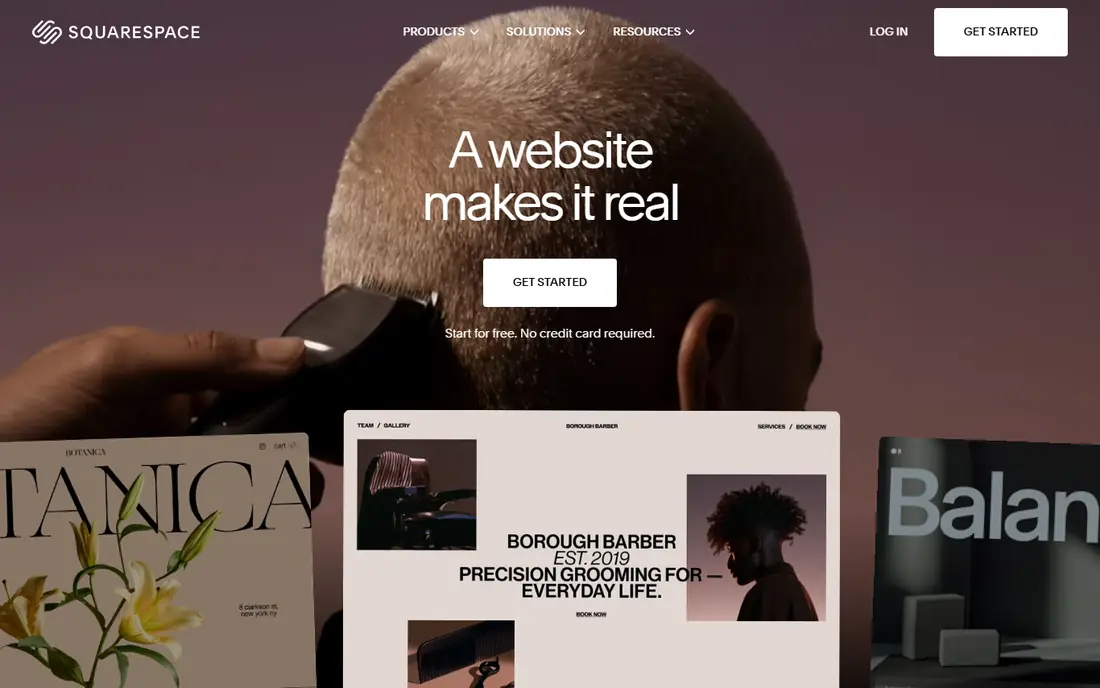
Squarespace is the first alternative most Wix users should try. Its templates are fewer but more curated, so a new site often looks polished with less tweaking. Built-in tools for appointments, blogging, email, and selling suit service businesses, restaurants, portfolios, and creators who want one tidy platform.
The trade-offs are template count and store scale. If you sell hundreds of products with complex inventory, Shopify will handle that better. If you want a beautiful site with booking and a small store, Squarespace is a strong, low-friction move from Wix, with a similar all-in-one feel.
- Polished, curated templates
- Strong scheduling with Acuity
- Selling available from the entry plan
- Fewer templates than Wix
- Large-catalog stores are weaker than Shopify
- No permanent free plan
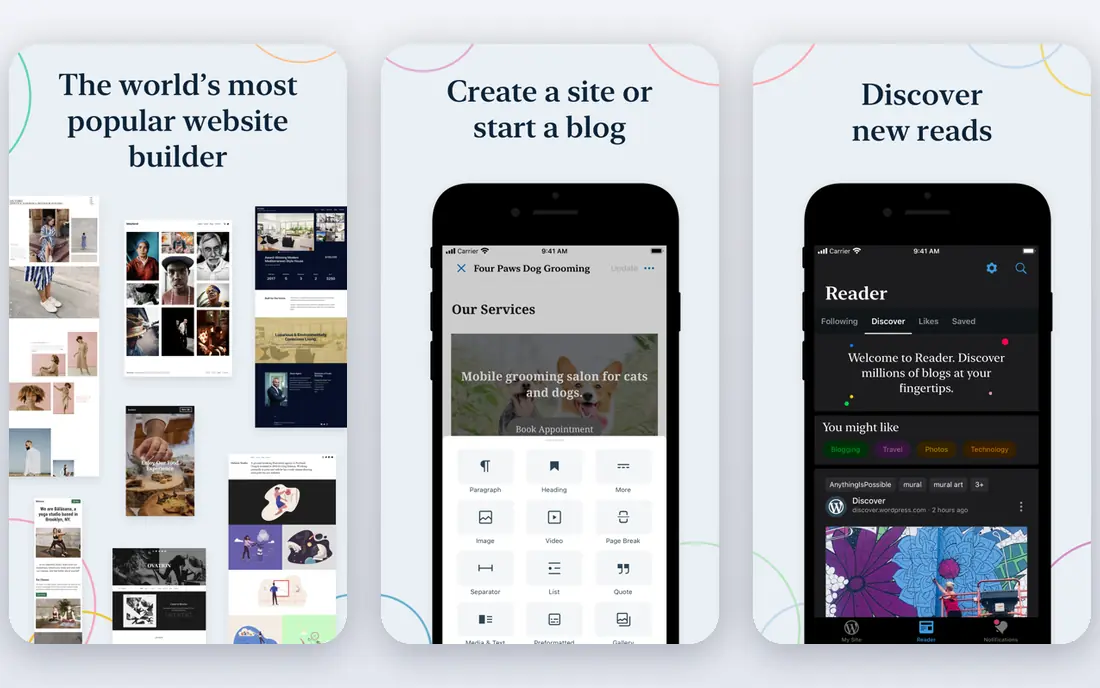
WordPress.com suits bloggers, publishers, and businesses that want long-term flexibility. The free plan lets you start without paying, paid plans from $4 per month remove ads and add a custom domain, and the wider WordPress ecosystem offers thousands of themes and plugins. Self-hosted WordPress gives even more control, at the cost of managing hosting yourself.
The catch sits higher up the pricing ladder. Plugins, custom themes, and deeper customization need a Business plan, which costs more than Squarespace or Wix entry tiers. If you only need a simple site, a drag-and-drop builder may be faster. If blogging, content, and ownership matter, WordPress.com is hard to beat.
- Free plan available
- Strong blogging and SEO tools
- Huge theme and content flexibility
- Self-hosted WordPress option for full control
- Plugins and custom themes need the Business plan at $25 per month in many listings
- Setup is less guided than Wix

Shopify is the clear pick if your main goal is selling online at scale. It handles products, inventory, discounts, shipping, taxes, checkout, and point-of-sale in one system, with apps for almost any extra need. That depth matters once a store grows beyond a few products and a simple buy button.
Cost is the drawback. The $29 per month Basic plan is only the start, since useful apps add monthly fees, and transaction fees apply unless you use Shopify Payments. If you sell fewer than fifty products, Wix or Squarespace may be cheaper. If you plan to scale a store, Shopify earns its price.
- Deep store, checkout, shipping, and POS tools
- Large app ecosystem
- Multichannel selling across web, social, and retail
- No permanent free plan
- Apps often add $30 to $50 per month
- Transaction fees apply on some gateways
Webflow suits designers, agencies, and marketing teams that want pixel-level control without writing every line of code. You design visually, set breakpoints for mobile and desktop, and publish to fast hosting with a CMS for dynamic content. The result can look far more custom than a template builder site.
The learning curve is real. You need basic CSS concepts to use Webflow well, and beginners may find it slower than Wix at first. If design freedom matters more than speed, Webflow is worth the effort. If you want a site live this weekend with minimal learning, Squarespace or GoDaddy will be faster.
- Visual editor that outputs clean HTML and CSS
- Strong CMS for blogs and portfolios
- Animations without code
- Steeper learning curve
- Ecommerce is less mature than Shopify
- Pricing varies by site and workspace plans
Framer fits startups and creators who want a modern marketing site that feels fast and animated. Templates look current, interactions are easy to add, and publishing is quick. The free plan lets you test a design before paying, and paid plans from around $5 per month cover a custom domain and more pages.
It is not a store builder first. If selling is your main job, Shopify or Squarespace will serve you better. If your goal is a sharp landing page, portfolio, or startup site that impresses visitors in seconds, Framer is a strong Wix alternative with less template fuss.
- Fast, modern templates
- Smooth animations and interactions
- Free plan for basic sites
- Quick publishing
- Ecommerce is limited compared with Shopify
- Smaller ecosystem than WordPress
- Advanced CMS needs higher tiers
Hostinger is the budget pick for a simple business site. At $2.99 per month on longer terms, it undercuts most rivals by a wide margin, while still offering a builder, hosting, and AI-assisted setup in one account. That value suits new businesses, side projects, and local firms that need a credible site without a large monthly bill.
Check renewal pricing before you commit, since intro rates rise on renewal. Design depth also trails Squarespace and Webflow, so brands that need a highly custom look may outgrow it. For a clean, affordable site that loads fast, Hostinger is hard to argue against on price alone.
- Lowest entry price on this list
- Hosting and builder in one account
- AI builder tools for fast setup
- No permanent free plan in many listings
- Design flexibility trails Webflow
- Renewal prices are higher than intro prices
GoDaddy suits owners who want a site live quickly without juggling vendors. You register a domain, build pages with guided tools, and add email marketing and social posting from the same account. Support by phone and chat helps owners who prefer talking to a person over reading help docs.
The limit is depth. Templates and design controls are simpler than Squarespace or Webflow, and store features on lower tiers are basic. If speed and consolidation matter most, GoDaddy is a fine Wix alternative. If design or store depth matters more, look at Squarespace or Shopify instead.
- Domain, hosting, and builder in one account
- Fast guided setup
- Phone and chat support
- Basic marketing tools included
- Design flexibility is limited
- Ecommerce and SEO tools are basic on lower tiers
- Higher tiers cost $14.99 to $24.99 per month
Square Online is the natural pick for sellers already using Square for in-person payments. The free plan lets you list products and take orders online, with inventory syncing to Square POS. Paid tiers add a custom domain, lower processing complexity, and more design and shipping features.
It is a store tool first, not a blogging or portfolio platform. Content-heavy sites will feel constrained, and design options are narrower than Squarespace. If you already run a shop, cafe, or market stall on Square, Square Online gives you an online store with the least extra admin. If not, a general builder may fit better.
- Free plan for a basic store
- No platform fee on free plan apart from card processing
- Strong fit with Square POS and payments
- Design flexibility is limited
- Advanced features need paid tiers
- Less suited to content-heavy sites than WordPress
How we picked these
We compared official pricing pages, free plan terms, template quality, blogging, store features, and ownership options for website builders available in 2026. We kept builders that offer a real alternative to Wix for at least one clear use case: design, blogging, stores, price, or speed. Prices change often, so check the live pricing page and renewal rate before buying.
Choosing the right Wix alternative
Start with your main job for the site. A portfolio needs design, a store needs checkout depth, a blog needs content tools, and a local business needs speed and local search basics. Picking a builder for a secondary feature often leads to a site that looks fine but works poorly for its main purpose.
Migration check
Wix sites do not export cleanly to most builders, so plan to rebuild pages, re-upload images, and reset SEO settings. Check whether your domain can transfer, whether product and customer data can export, and whether redirects can preserve search traffic. A rebuild is manageable for a small site, but a large store needs a migration plan before you cancel Wix.
Total cost, not headline price
Add domain renewal, email, store fees, transaction fees, and useful apps to the headline monthly price. A $4 per month plan that needs a $25 Business tier for plugins costs more than a $16 Squarespace plan for some users. Likewise, a $29 Shopify plan plus apps can exceed a Wix store plan, even if the base prices look close.
Free plan or trial first
Use free plans and trials to build a real page, not just browse templates. Test mobile layout, page speed, checkout if you sell, and booking if you take appointments. A builder that feels fast in a demo but slow on your real content will frustrate visitors, so judge it on your own pages.
Frequently asked questions
What are the best Wix alternatives overall?
Squarespace is the closest all-round swap, WordPress.com is best for blogging and flexibility, and Shopify is best for growing stores. Webflow suits design-led sites, while Hostinger suits tight budgets.
Are there free Wix alternatives?
Yes. WordPress.com, Webflow, Framer, and Square Online all offer free plans, though free plans usually include builder branding, a subdomain, and limits on selling or custom domains. Paid plans remove those limits.
Which Wix alternative is best for online stores?
Shopify is best for scaling stores, with deep checkout, shipping, and app support. Square Online suits Square sellers, while Squarespace and Wix itself suit smaller stores with simpler needs.
Is WordPress better than Wix?
WordPress offers more flexibility, blogging depth, and ownership, especially self-hosted. Wix offers faster guided setup and less maintenance. Choose WordPress if content and control matter most, and Wix or Squarespace if speed and simplicity matter more.
Can I move my Wix site to another builder?
You can move your domain and content, but most builders require rebuilding pages, since Wix does not offer a clean full-site export. Export products, posts, and images where possible, set up redirects, and rebuild design on the new platform.
Sources we checked (8)

Online Jobs is an independent blog about careers, online work, learning new skills and the tools that help people earn. More about us.
Keep reading
All posts
eBay Alternatives
Looking for ebay alternatives? We compared 9 marketplaces for sellers on fees, buyer reach, categories and ease of listing, to help you sell with confidence.

ZoomInfo Alternatives
The best ZoomInfo alternatives in 2026, compared on price, free plans, data coverage, and which tool fits small teams or large sales teams best in detail.

Zoom Alternatives
Zoom alternatives compared for 2026: Google Meet, Microsoft Teams, Webex, Jitsi and more for free calls, large meetings and webinars for teams and classrooms.