Best API Documentation Platforms in 2026: 8 Tools Compared

How we put this together: we compare official feature and pricing pages, app store listings, privacy policies and public user reviews. Prices change, so check the provider's site before you pay.
Key takeaways
- The best API documentation platform depends on whether your API is the product, a feature, or an internal system.
- ReadMe and Mintlify suit public developer portals, while SwaggerHub and Stoplight suit design-first and governance-heavy workflows.
- Postman suits teams that already test in Postman, because docs can live beside collections and test runs.
- Redocly and Apidog suit spec-driven teams that want a clean reference without a large enterprise budget.
- Check seats, projects, and AI add-ons before comparing prices, because headline figures hide those charges.
Quick comparison
| Name | Who it suits | Starting price | Free option | |
|---|---|---|---|---|
 ReadMe | Guide-heavy developer portals | $250 per month | Yes | Visit |
 Mintlify | Polished developer docs | $450 per month | Yes | Visit |
 SwaggerHub | OpenAPI design and collaboration | See website | Yes | Visit |
 Postman | Docs beside API testing | See website | Yes | Visit |
 Stoplight | Design-first API governance | $44 per month | Yes | Visit |
 Redocly | Docs-as-code API reference | See website | Yes | Visit |
 Apidog | Design, testing, and docs in one tool | $9 per user per month | Yes | Visit |
 Bump.sh | Clean deploy-and-forget API docs | $50 per month | Yes | Visit |
The best API documentation platforms
A good API documentation platform does three things: it turns a spec into a readable reference, it lets developers try calls without leaving the page, and it keeps guides, changelog, and reference in step as the API changes. The platforms below do those jobs with different strengths, and the right choice follows how your team designs, tests, and supports its API.
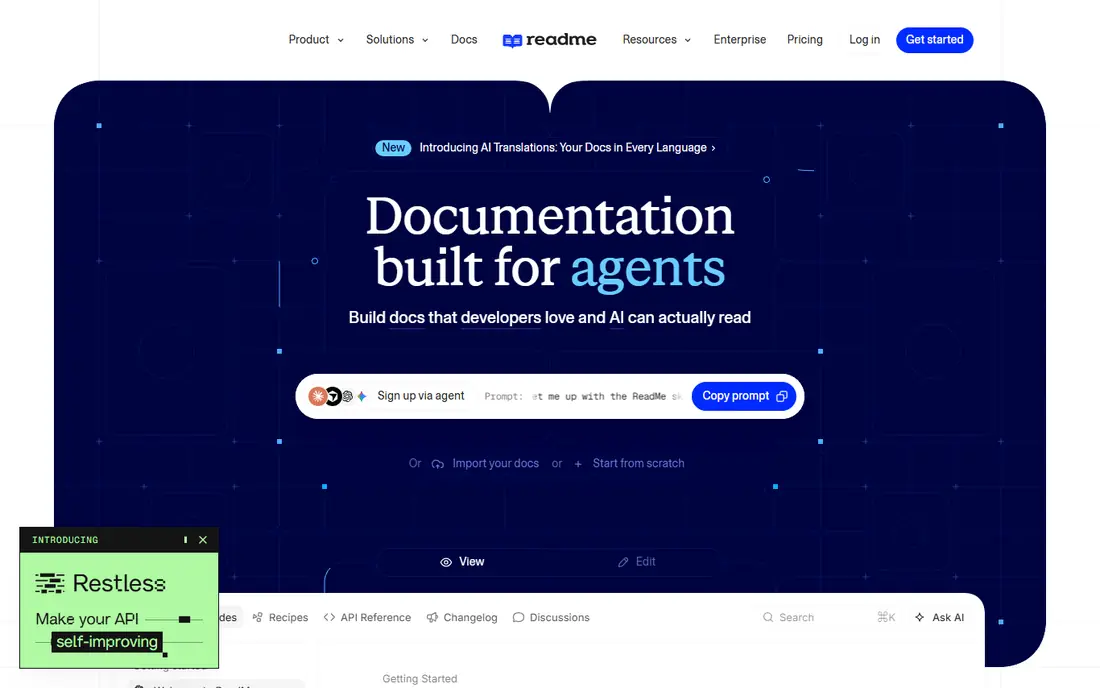
ReadMe suits products where developers need more than a list of endpoints. Guides walk through authentication, common workflows, and error handling, while the interactive explorer lets readers try calls from the docs. Analytics show which guides and endpoints get attention, which helps a team rewrite the pages that cause support tickets. The price reflects that portal focus. Recent comparisons list Pro at $250 per month, with a free starter plan for a single project and a limited team. That structure fits a public API with a clear developer audience. Internal APIs or small projects may find a cheaper spec-driven tool sufficient.
- Strong guides, interactive explorer, and reader analytics
- Higher entry price, and full AI answers are a paid add-on in recent listings
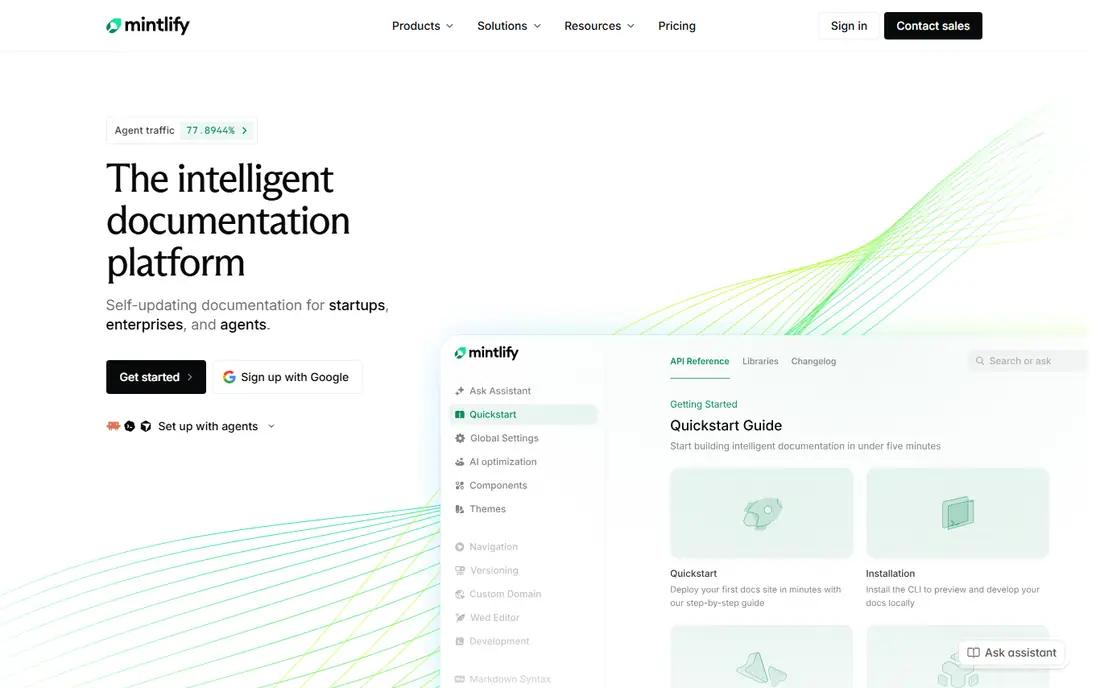
Mintlify gives API docs a polished, modern look with relatively little design work. Teams write in Markdown, sync with Git, and publish a site that reads well on desktop and mobile. API references render from specs, and guides sit beside them in the same navigation, so developers do not need to jump between systems. The cost question is the same as in general documentation: AI features and larger teams sit on higher tiers, with Pro listed at $450 per month in recent comparisons. If your main need is a clean reference without reader AI, the free plan may be enough to test the workflow. If reader AI is central, confirm answer allowances before migrating.
- Clean design, docs-as-code editing, and AI assistant on paid plans
- AI features sit on a high tier, and the free plan has editor limits
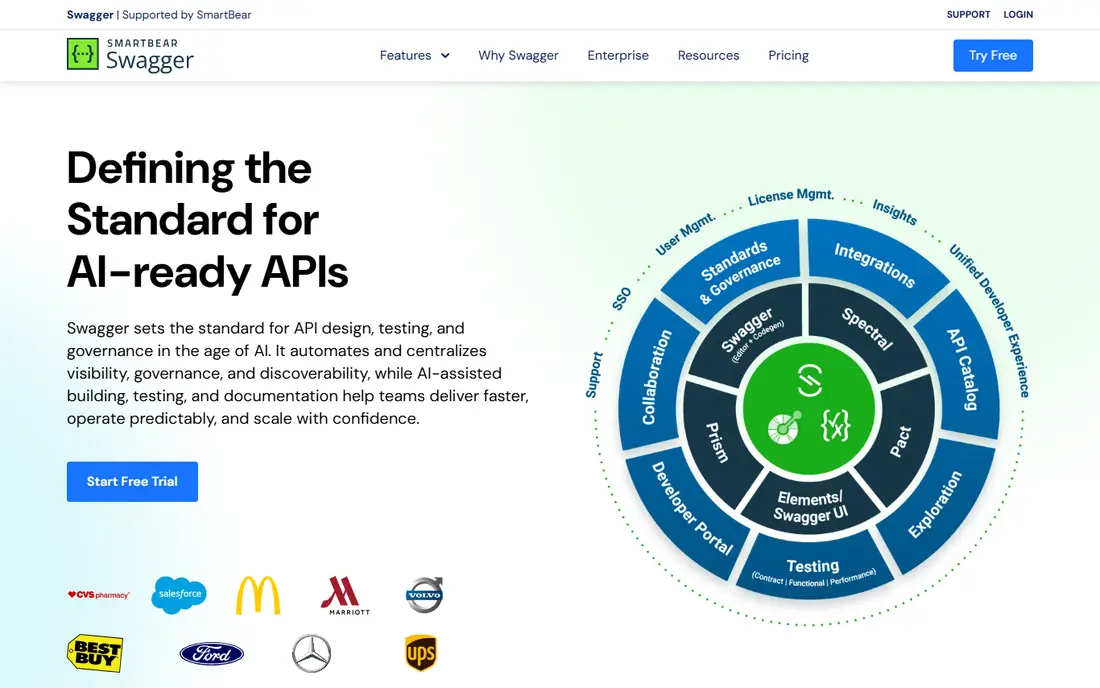
SwaggerHub is built around the OpenAPI standard. Teams design APIs in a shared editor, validate specs, mock responses, and publish docs from the same definition. That workflow suits organisations that treat the spec as a contract between teams, and that need review and versioning before code is written. The docs output is functional rather than marketing-polished, which is fine for developers but less suited to a branded portal with rich guides. Pricing in recent comparisons varies, so check the current vendor page for seats and project limits. Choose SwaggerHub when spec quality and collaboration matter more than portal design.
- OpenAPI editing, collaboration, and mocking for design-first teams
- Pricing varies by plan and team size, and the docs experience is more technical than portal-first tools
Postman is the practical choice when a team already lives in Postman for testing. Collections can be published as documentation, with examples, environments, and test runs close at hand. Developers who already use Postman for daily work need little extra training to keep docs updated. Pricing varies in recent comparisons, with figures from $9 to $14 per user per month for paid tiers, so check the current pricing page for your team size. Postman docs work best for APIs that are tested in Postman already. Teams that need a rich guide-heavy portal may still prefer ReadMe or Mintlify for the public site.
- Collections, testing, and published docs in one familiar tool
- Docs are secondary to testing for some teams, and paid pricing varies by user count
Stoplight suits teams that design APIs visually and enforce style rules before code is written. The editor, linting, and mock servers help a team agree on an API shape early, and docs are generated from the same spec. That reduces the gap between design, documentation, and implementation. Recent comparisons list a starting figure around $44 per month, with higher figures in other listings, so confirm the current plan on the vendor site. Stoplight fits mid-sized and larger API teams, especially where several teams publish APIs and need consistent style. A solo developer with one small API may find a simpler tool faster.
- Visual API design, linting, mock servers, and docs from specs
- Governance features add complexity for very small teams
Redocly builds on the open-source ReDoc renderer and adds docs-as-code tooling for teams that keep specs in Git. The reference is clean and readable, with code samples and versioning, and the command line tools lint, bundle, and validate specs in continuous integration. That workflow suits engineering-led teams that already review docs in pull requests. The trade-off is friendliness for non-developers. Editors who do not work in Git may find the setup harder than a visual portal tool. Hosted features also sit behind paid plans, so check what the free tier covers for your project count and custom domain needs before committing.
- Clean three-panel reference, Git workflow, and OpenAPI linting
- Setup leans technical, and hosted portal features sit behind paid plans
Apidog appeals to small teams that want one tool for the whole API lifecycle. Design, test, mock, and document in the same workspace, without paying separately for a design tool, a testing tool, and a docs portal. Recent comparisons list a starting figure around $9 per user per month, which makes it one of the lower priced options here. The docs output is functional and clear, but guide-heavy portals with rich tutorials may still look better in ReadMe or Mintlify. Apidog fits best when the team is small, the API is evolving fast, and keeping design, tests, and docs in step matters more than portal polish.
- API design, testing, mocking, and docs in a single low-cost tool
- Portal design is less rich than ReadMe or Mintlify for guide-heavy sites
Bump.sh suits teams that want docs to update automatically when a spec is deployed. Publish a new spec version, and the docs site updates with a changelog that shows what changed. That approach reduces manual publishing work and helps developers see breaking changes quickly. Recent comparisons list a starting figure around $50 per month. Bump.sh is less suited to a portal that needs extensive guides, tutorials, and community features. Choose it when the API reference is the main deliverable and you want deployment to handle updates with little manual effort.
- Clean docs from specs, change tracking, and support for event APIs
- Less guide and portal depth than larger developer hub tools
How we picked these
We compared official feature pages, pricing pages, documentation, and public reviews for platforms that publish API documentation, not just tools that edit a spec file. We looked for interactive references, spec support, versioning, and a way for developers to try calls or see examples. We also checked whether a free plan or trial let a team test the reference on a real API. We did not run hands-on tests for this guide, and we did not claim developer adoption or satisfaction scores for any platform. Where pricing sources disagreed, we used See website and noted the pricing unit, such as per user, per project, or per month. Always confirm the current price on the vendor site before purchase.
Choosing the best API documentation platform
Start by naming the primary reader. External developers need guides, try-it features, and clear error handling. Internal teams need spec accuracy, versioning, and governance. A portal tool fits the first group, while a design or docs-as-code tool fits the second. Trying to serve both with one tool often leads to a compromise that serves neither well. Next, check how docs stay updated. A tool that generates docs from a spec or a Postman collection reduces drift, while a tool that requires manual updates needs an owner and a review step for every API change. Finally, test the reference with a real spec, including authentication, pagination, and error responses, because those are the areas where weak docs create the most support work.
Frequently asked questions
Which API documentation platform is the best?
The best platform depends on your API and audience. ReadMe suits guide-heavy public portals, Mintlify suits polished docs-as-code sites, and SwaggerHub suits design-first teams. Shortlist by reader type, then trial two platforms on the same API spec before deciding.
What is the best API documentation tool for a small team?
Apidog and Redocly suit small teams, because they offer lower entry prices and spec-driven workflows. Apidog covers design and testing in one tool, while Redocly suits Git-based teams. Check free plan limits for projects and users, since those limits decide whether a small team can stay on the free tier.
What is the best API documentation software for public developer portals?
ReadMe and Mintlify are strong for public portals, because they combine guides, reference, search, and analytics in a polished site. ReadMe leans toward guides and analytics, while Mintlify leans toward docs-as-code design. Compare AI add-on costs if reader chat is part of your portal plan.
What is the best API documentation platform for OpenAPI specs?
SwaggerHub, Stoplight, Redocly, and Bump.sh all centre OpenAPI specs, but they differ in workflow. SwaggerHub and Stoplight suit design and governance, Redocly suits docs-as-code teams, and Bump.sh suits automatic deployment from specs. Test linting, versioning, and changelog features on your real spec.
How much does API documentation software cost?
Costs range from free plans to $250 per month for ReadMe Pro and $450 per month for Mintlify Pro in recent comparisons, with other tools priced per user or per month. AI features, extra projects, and extra seats can add cost, so ask for the total at your expected team size and project count.
Sources we checked (8)

Online Jobs is an independent blog about careers, online work, learning new skills and the tools that help people earn. More about us.
Keep reading
All posts
n8n Alternatives
n8n alternatives compared for 2026, with Zapier, Make, Activepieces, and more, covering visual builders, code steps, self-hosting, and pricing models.

eBay Alternatives
Looking for ebay alternatives? We compared 9 marketplaces for sellers on fees, buyer reach, categories and ease of listing, to help you sell with confidence.

ZoomInfo Alternatives
The best ZoomInfo alternatives in 2026, compared on price, free plans, data coverage, and which tool fits small teams or large sales teams best in detail.