Home / Employee Scheduling Software
Best When I Work Alternatives in 2026: 8 Tools Compared

How we put this together: we compare official feature and pricing pages, app store listings, privacy policies and public user reviews. Prices change, so check the provider's site before you pay.
Key takeaways
- Deputy and Homebase are the strongest all-round alternatives for shift-based teams that also need time tracking.
- 7shifts suits restaurants and hospitality teams with tip, labour cost, and compliance needs.
- Sling and WhenToWork appeal to small teams that want low cost and simple scheduling.
- Connecteam suits frontline teams that need scheduling plus communication and forms in one app.
- The best alternative depends on your team size, locations, payroll system, and whether time clock is included or paid extra.
Quick comparison
| Name | Who it suits | Starting price | Free option | |
|---|---|---|---|---|
 Deputy | All-round scheduling and time tracking | $5 per month | Free trial | Visit |
 Homebase | Small teams and hourly hiring | Free | Yes | Visit |
 7shifts | Restaurants and hospitality | See website | Free trial | Visit |
 Sling | Low-cost simple scheduling | $2 per month | Yes | Visit |
 Connecteam | Frontline teams and communication | See website | Yes | Visit |
 Shiftbase | European shift planning | See website | Free trial | Visit |
 WhenToWork | Simple low-cost scheduling | $28 per month | Free trial | Visit |
 ZoomShift | Simple schedules with time clock | See website | Yes | Visit |
The best When I Work alternatives
When I Work is popular for employee scheduling, shift swaps, and team messaging, but teams switch for several reasons: time clock may be a paid add-on, pricing may rise with headcount, or a specific feature like labour costing, payroll integration, or hospitality tools may matter more. The alternatives below all handle shift scheduling, and they differ in price model, time tracking, and industry focus.
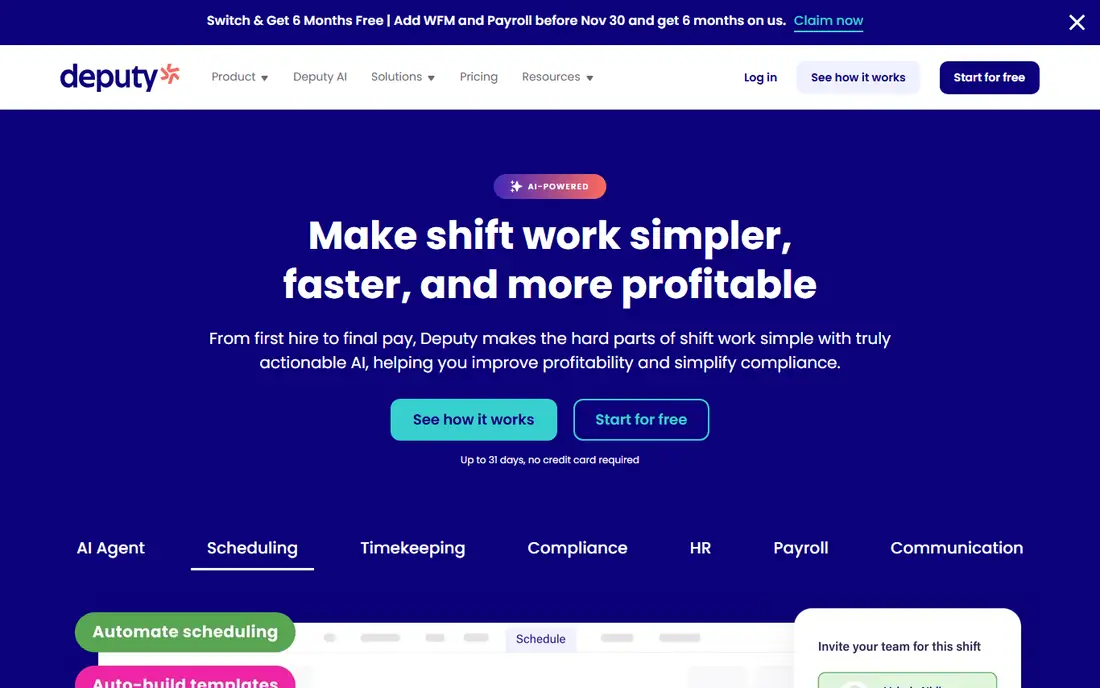
Deputy is the most complete When I Work alternative for many shift-based businesses, because it combines scheduling, time and attendance, leave management, and payroll integrations in one platform. Managers can build schedules, check availability, approve shift swaps, and see labour costs as they plan, while staff can clock in from a mobile app, view schedules, and request time off. That breadth reduces the need for separate tools.
The honest catch is pricing structure. Entry pricing is per user, and some plans carry a minimum monthly spend, so a very small team should calculate the total for its exact headcount before comparing headline rates. Deputy fits retail, hospitality, healthcare, and services teams that want scheduling and time tracking together, with room to grow into forecasting and compliance features later.
- Scheduling, time clock, and leave in one app
- Strong integrations
- AI scheduling help on higher plans
- Minimum spend can apply
- Higher plans needed for forecasting and advanced features
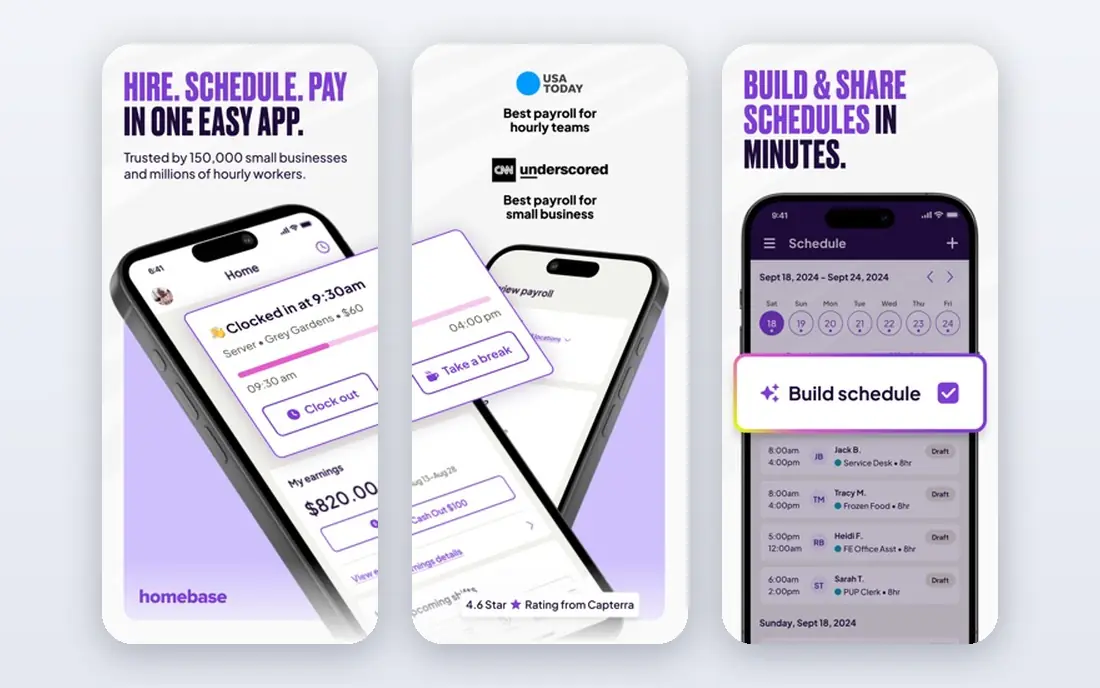
Homebase is a strong choice for small businesses, especially restaurants, cafes, and retail shops, because its free plan covers basic scheduling, time clock, and team messaging for a limited team. It also adds hiring, onboarding, and payroll tools, which helps a small owner who is juggling recruitment alongside rotas. The mobile app is simple for staff, which matters when many team members are hourly workers who check schedules on their phones.
The limitation is scale. The free plan stops at a small team size and a single location in many cases, and features like labour cost controls and advanced reporting sit on paid plans. Homebase fits a single-location small business that wants to start free and upgrade as it grows. Larger multi-location teams will likely find Deputy or 7shifts a better long-term fit.
- Free plan for basic scheduling
- Hiring and onboarding tools
- Payroll add-ons available
- Free plan limits users and locations
- Advanced scheduling features need paid plans
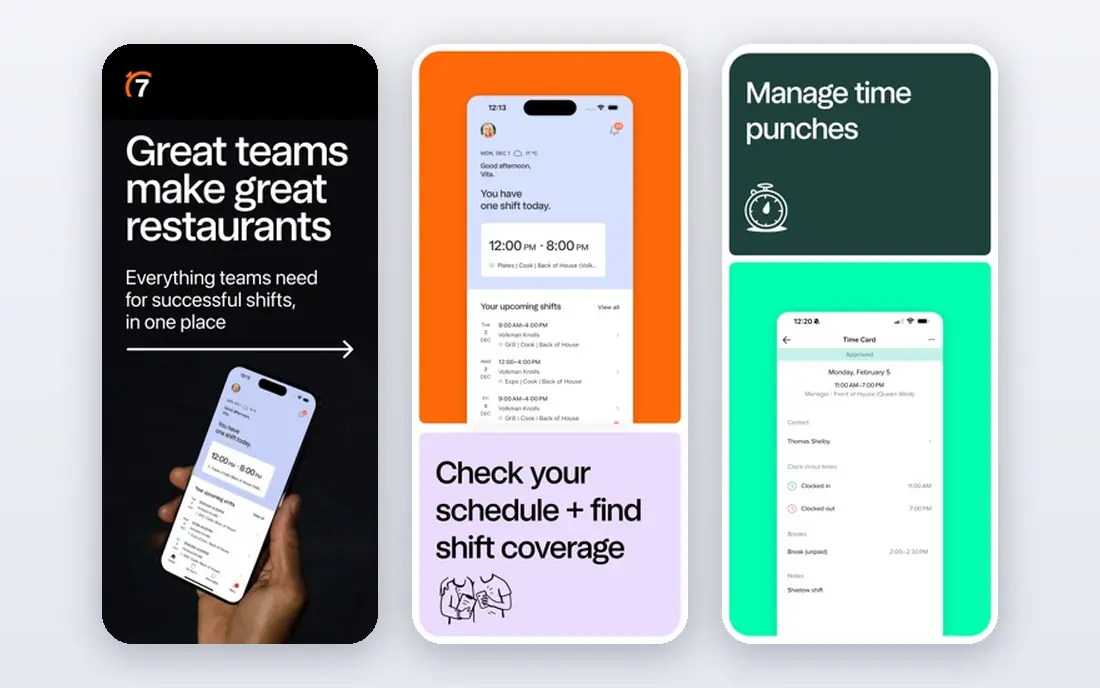
7shifts is designed for restaurants, cafes, and hospitality groups, and that focus shows in its features. Managers can schedule by role and department, track labour costs against sales, manage availability and time off, and handle restaurant-specific needs like tip reporting and compliance. Staff can swap shifts, message managers, and view schedules in a mobile app built for busy service teams.
The trade-off is industry fit. A retail or healthcare team can use 7shifts, but it will not get the same tailored value as a restaurant group. Pricing also varies, so check the plan for your number of locations and staff. 7shifts fits hospitality operators who want scheduling tied closely to labour cost and sales, not just a calendar of shifts.
- Built for restaurants
- Labour cost and sales forecasting
- Tip and compliance tools
- Less suited to non-hospitality industries
- Pricing varies by location and features
Sling appeals to small teams that want scheduling without a large monthly bill. Its free plan covers basic scheduling and communication, while paid plans add time clock, labour cost tracking, and reporting at a low per-user price. The interface is straightforward, which helps managers who want to publish a rota quickly and let staff swap shifts without a long training process.
The honest limit is depth. Sling does not offer the same HR, payroll, and forecasting breadth as Deputy, and its reporting is simpler. That is fine for a small team whose main need is a clear schedule and easy swaps. Sling fits cafes, small shops, and service teams that want a low-cost When I Work alternative and do not need enterprise HR features.
- Very low entry price
- Free plan available
- Simple scheduling and messaging
- Fewer advanced HR features
- Reporting is more basic than Deputy
Connecteam is an all-in-one app for deskless and frontline teams, combining scheduling with team chat, forms, checklists, training, and time clock. That breadth suits businesses where scheduling is only one part of daily operations, such as cleaning, security, logistics, and field services. Managers can publish schedules, send updates, and collect forms in the same app staff already use for communication.
The catch is focus. If you only need scheduling, Connecteam may feel larger than necessary, and its pricing depends on which hubs you use. For a frontline team that currently uses separate apps for chat, forms, and rotas, consolidating into Connecteam can save time and reduce missed messages. Check the free plan limits and the cost for your exact team size before you switch.
- Scheduling plus chat, forms, and training
- Free plan for small teams
- Mobile-first for deskless workers
- Scheduling is part of a wider platform
- Pricing depends on hubs and users
Shiftbase is a shift planning and time registration tool popular in Europe, with features for scheduling, clocking in, absence management, and payroll exports. Its interface is clean, and its per-employee pricing is easy to understand for small and mid-sized teams. For a European business that needs local language support, time rules, and payroll exports, Shiftbase is a practical alternative.
The limitation is familiarity outside Europe, where integrations and support coverage may be thinner than Deputy or Homebase. Pricing is also often shown in euros, so United States teams should check currency and payroll compatibility. Shiftbase fits European retail, hospitality, and healthcare teams that want straightforward scheduling and time tracking without a large enterprise platform.
- Clear shift planning and time registration
- Absence management
- Payroll exports
- Pricing in euros for many plans
- Less well known outside Europe
WhenToWork is a long-running scheduling service with flat monthly pricing, which appeals to teams that dislike per-user costs that rise with every hire. Managers can create schedules, handle shift swaps and time-off requests, and message staff, all through a simple web and mobile interface. For a stable team with predictable scheduling needs, that simplicity and flat price are genuine strengths.
The honest trade-off is modernity. WhenToWork looks older than Deputy, Homebase, or 7shifts, and its integrations are more limited. It fits small and mid-sized teams that want a dependable, low-cost scheduler and do not need advanced HR, payroll, or forecasting features. If a modern mobile experience and deep integrations matter most, a newer platform will feel better.
- Flat monthly pricing
- Simple scheduling and swaps
- Long-running service
- Interface feels older than newer rivals
- Fewer integrations
ZoomShift offers employee scheduling, time clock, and team communication in a simple package, with a free plan that lets small teams test the core workflow before paying. Managers can build schedules by drag and drop, staff can request swaps and time off, and time clock data feeds into basic reporting. That combination covers the daily needs of many small shift-based teams without extra complexity.
The limitation is scale and ecosystem. ZoomShift does not match Deputy on integrations or 7shifts on hospitality depth, and its reporting is more basic. It fits small businesses that want a free or low-cost start, a clear schedule, and a simple time clock in one place. Larger teams with payroll, forecasting, or multi-location needs should shortlist Deputy or Homebase first.
- Free plan available
- Scheduling plus time clock
- Simple team messaging
- Smaller ecosystem than larger rivals
- Advanced features are more limited
How we picked these
We compared official pricing pages, feature pages, and recent scheduling software guides, with a focus on shift scheduling, time clock, shift swaps, and team messaging. We included free and low-cost options alongside full platforms, and we mixed general tools with hospitality and frontline specialists, because When I Work serves many industries. We favoured tools that are actively maintained and that publish enough pricing information to compare total cost for a typical team.
We did not claim hands-on testing of every tool with a live team, and we did not invent prices, user limits, or feature claims. Pricing varies by billing period, headcount, and location, so check the current plan for your team size. Trial your top two choices with a real rota before you migrate, including a shift swap, a time-off request, and a payroll export if you use one.
Choosing by team size and industry
For a single-location small team, Homebase, Sling, or ZoomShift offer the lowest starting cost. For a growing multi-location team, Deputy gives the best balance of scheduling, time tracking, and integrations. For restaurants, 7shifts adds labour cost and hospitality features that general tools lack. For frontline teams that need communication and forms too, Connecteam consolidates several tools into one app.
Check time clock and payroll before you decide
A scheduling tool that looks cheap can become costly if time clock is a paid add-on, as it is on some plans. Confirm whether time clock, overtime rules, and payroll exports are included in the plan you will actually buy. Also check how staff clock in, whether location or photo verification is available, and how easily you can correct a missed clock-in. Those details decide whether payroll week is smooth or stressful.
Frequently asked questions
What is the best When I Work alternative overall?
Deputy is the best all-round alternative for most shift-based teams, because it combines scheduling, time clock, leave, and payroll integrations. Homebase is best for small teams that want to start free, while 7shifts is best for restaurants. Shortlist by industry and team size, then trial two options with a real schedule.
Is there a free When I Work alternative?
Yes, Homebase, Sling, Connecteam, and ZoomShift all offer free plans, though each limits users, locations, or features. A free plan works well for a very small team testing scheduling software. Larger teams should expect to pay, and should compare the paid plan that includes time clock and reporting, not just the free tier.
Which alternative is best for restaurants?
7shifts is built for restaurants and hospitality, with labour cost tracking, sales forecasting, and restaurant-specific compliance tools. Homebase is also popular with restaurants, especially smaller ones that want hiring and payroll tools alongside scheduling. Choose 7shifts for multi-location hospitality, and Homebase for a single restaurant starting out.
Does Deputy cost more than When I Work?
It depends on your team size, plan, and whether you need time clock and advanced features. Deputy entry pricing is per user, and When I Work pricing is also per user, so calculate the total for your exact headcount, locations, and add-ons. A trial with your real rota and a payroll export will give a clearer comparison than headline rates alone.
Can staff swap shifts in these alternatives?
Yes, all the tools in this guide support shift swaps or shift claims in some form, usually with manager approval. The details vary: some allow open shifts that staff can claim, others require a direct swap request. Check the approval workflow, notification settings, and overtime warnings, because those controls prevent swaps that create compliance or cost problems.
How do I switch from When I Work without disrupting schedules?
Export your current schedules and staff list, set up the new tool in parallel, and run one full rota cycle in both systems if you can. Train managers first, then staff, and publish the first live rota in the new tool only when swaps, time off, and time clock have been tested. Keep the old system accessible until payroll for the transition period is confirmed.
Sources we checked (8)

Online Jobs is an independent blog about careers, online work, learning new skills and the tools that help people earn. More about us.
Keep reading
All posts
n8n Alternatives
n8n alternatives compared for 2026, with Zapier, Make, Activepieces, and more, covering visual builders, code steps, self-hosting, and pricing models.

eBay Alternatives
Looking for ebay alternatives? We compared 9 marketplaces for sellers on fees, buyer reach, categories and ease of listing, to help you sell with confidence.

ZoomInfo Alternatives
The best ZoomInfo alternatives in 2026, compared on price, free plans, data coverage, and which tool fits small teams or large sales teams best in detail.