Whats the Best AI App to Use in 2026: 8 Products Compared

How we put this together: we compare official feature and pricing pages, app store listings, privacy policies and public user reviews. Prices change, so check the provider's site before you pay.
Key takeaways
- ChatGPT is the safest single AI app for most people, because it covers writing, coding, images, and everyday questions.
- Claude suits long writing, careful analysis, and document work where tone and structure matter.
- Gemini suits Google users, thanks to Workspace links and a generous free tier.
- Perplexity suits research, because answers come with sources you can check.
- Copilot suits Microsoft 365 users, while Grok, DeepSeek, and Meta AI suit narrower, specific uses.
Quick comparison
| Name | Who it suits | Starting price | Free option | |
|---|---|---|---|---|
 ChatGPT | All-round everyday AI assistant | Free | Yes | Visit |
 Claude | Writing and long document work | Free | Yes | Visit |
 Google Gemini | Google Workspace users | Free | Yes | Visit |
 Microsoft Copilot | Microsoft 365 users | Free | Yes | Visit |
 Perplexity | Research with cited sources | Free | Yes | Visit |
 Grok | Real-time and social topics | Free | Yes | Visit |
 DeepSeek | Low-cost reasoning and coding | Free | Yes | Visit |
 Meta AI | Casual chat inside social apps | Free | Yes | Visit |
The best ai app to use
The best AI app depends on the work you do most. A general assistant, a writing tool, a research tool, and a productivity assistant are different jobs, even when one app tries to cover them all. The picks below cover each job, so you can choose by daily use rather than by brand alone.
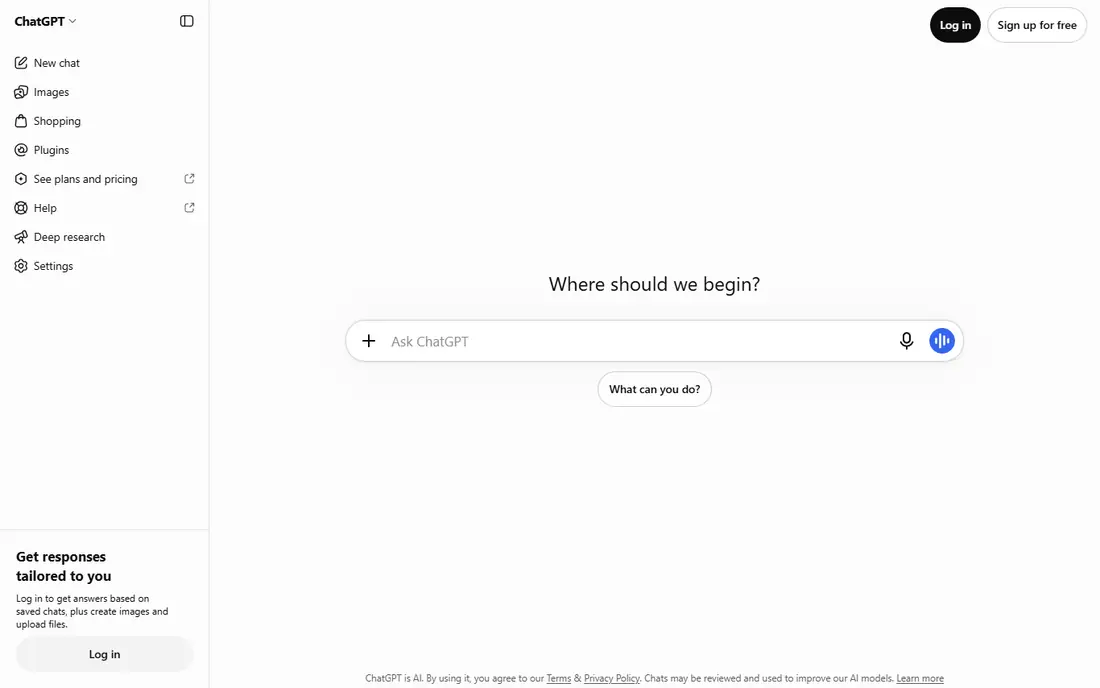
ChatGPT is the most versatile AI app for most people. It handles drafting, brainstorming, summarising, coding help, image generation, and file analysis in one place, which means one subscription can cover many daily tasks. The free tier is enough for casual use, while paid plans add stronger models, higher limits, and extra tools.
The main limit is accuracy. ChatGPT can sound confident while giving a wrong detail, so facts, prices, and dates should be checked against a trusted source. For most users, that trade-off is acceptable, because the breadth is hard to match. Start free, and upgrade only when you hit limits or need the stronger models regularly.
- Broad capability across writing, coding, images, and files
- Large ecosystem of tools
- Free tier for everyday use
- Best models and higher limits sit on paid plans
- Answers still need checking for facts
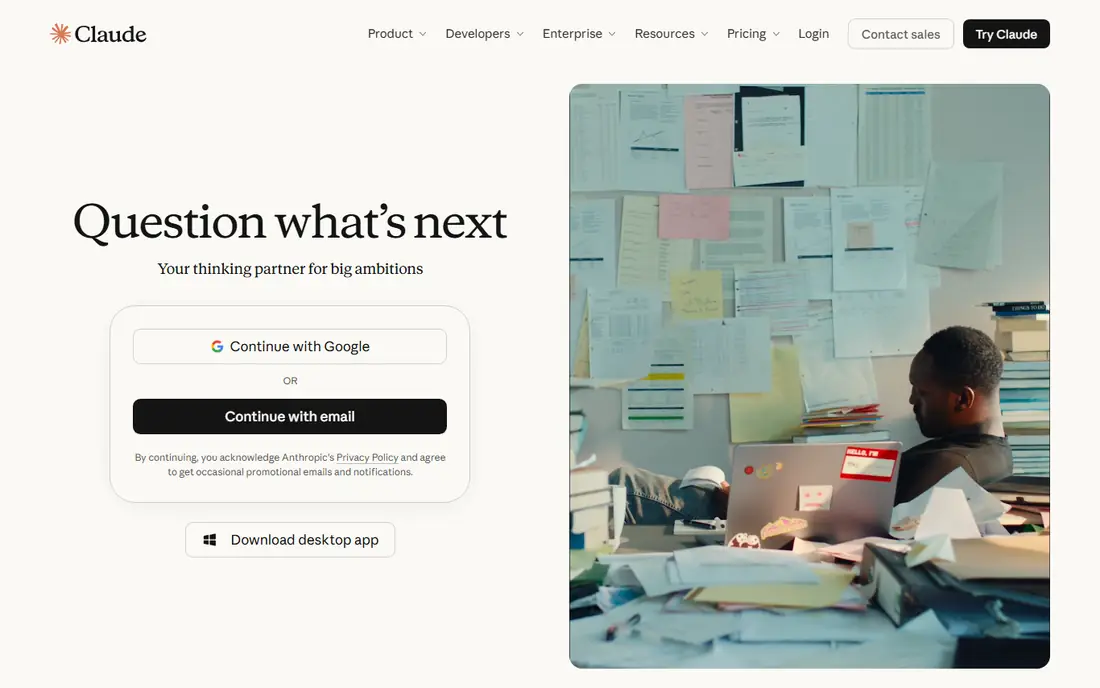
Claude, from Anthropic, is known for clear writing, careful reasoning, and handling long documents. Writers, analysts, and coders often prefer it for drafting, editing, and working through a long report or codebase, because it keeps structure and tone more consistent over a long output. The free tier lets users test that strength before paying.
Claude is less suited as a sole research tool for breaking news, since its web coverage can lag behind a search-focused tool. Pair it with Perplexity or a search engine when freshness matters. For writing and analysis, though, Claude is the strongest single choice for many professionals.
- Strong writing and reasoning
- Handles long documents well
- Careful, structured answers
- Best features sit on paid plans
- Web freshness can lag on very recent news
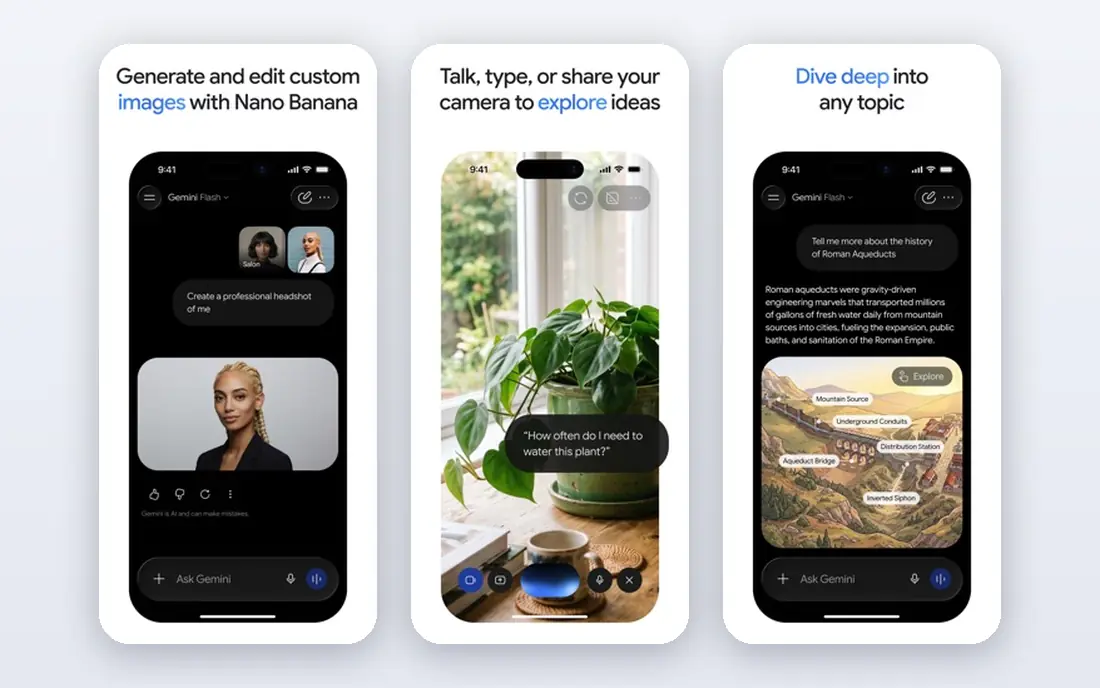
Google Gemini is Google's AI assistant, with links to Search, Gmail, Docs, Drive, and other Google services. That integration helps users who already live in Google Workspace, since Gemini can work with documents, emails, and files in that ecosystem. The free tier is generous, which makes Gemini a strong no-cost starting point.
Gemini also handles text, images, audio, and video input, which suits users who want a multimodal assistant. The paid Google AI plans add stronger models and extra storage, but the exact bundle varies, so check the current plan page before subscribing. For Google users, Gemini is often the best value, even if ChatGPT remains broader overall.
- Deep Google Search and Workspace links
- Multimodal input
- Generous free tier
- Paid plan details vary by bundle
- Some features depend on Google account setup
Microsoft Copilot is the AI assistant inside Windows, Edge, and Microsoft 365. It helps draft Word documents, summarise Outlook mail, analyse Excel data, and prepare PowerPoint material, all inside the apps many office workers already use. The free version covers general chat and web answers, while paid Microsoft 365 plans add deeper app integration.
Copilot suits users whose work already runs on Microsoft tools. Outside that ecosystem, ChatGPT or Gemini may be broader. Check which Copilot features your Microsoft plan includes, since Copilot branding covers several products with different limits. For office work, though, the in-app help is the main advantage.
- Built into Windows, Edge, and Microsoft 365 apps
- Helps with Word, Excel, and Outlook tasks
- Free tier available
- Full Microsoft 365 value needs a paid plan
- Less broad than ChatGPT outside Microsoft apps
Perplexity is an AI answer engine built for research. It searches the web, summarises findings, and links to sources, so you can check a claim rather than trust a single answer. That source-first design makes it useful for fact-checking, exploring an unfamiliar topic, and gathering background before writing. The free tier covers everyday searches, while Pro adds stronger models and more research runs.
Perplexity is not the best tool for long creative writing or for building a full document from scratch. Use it to research, then move to ChatGPT or Claude for drafting. For anyone who asks factual questions daily, Perplexity is the most trustworthy starting point among general AI apps, because checking sources is built into the workflow.
- Answers include sources you can open and check
- Strong for current topics
- Fast research workflow
- Less suited to long creative writing
- Best research features sit on paid plans
Grok, from xAI, is built for real-time and social discussion, with access to posts from X. That makes it useful for following a breaking story, a live event, or public reaction as it happens. The style is direct and conversational, and the app also handles images, files, and general questions.
Grok is less suited as a sole research tool for academic or factual work, since citations outside social topics can be looser. Paid access is tied to X plans in many cases, so check current pricing before subscribing. Use Grok for live topics, and use Perplexity or Claude when accuracy and sources matter most.
- Access to real-time posts from X
- Fast, conversational style
- Image and file features
- Paid access varies by X plan
- Source quality is weaker outside social topics
DeepSeek is known for strong reasoning and coding performance at a lower cost than many frontier models. The chat app is free to use, and developers value the API for building apps without a high per-token cost. For users who want a capable assistant without paying for a premium plan, DeepSeek is a practical option.
The trade-off is breadth. DeepSeek has fewer built-in tools, integrations, and app features than ChatGPT, Gemini, or Copilot. It suits users who mainly need reasoning, coding help, or general chat, and who do not need deep Workspace or Microsoft integration. Try it free alongside a main assistant, and keep it for tasks where its reasoning strength shows.
- Strong reasoning and coding at low cost
- Free chat access
- API pricing is competitive
- Ecosystem is smaller than ChatGPT or Gemini
- App features are less broad
Meta AI is the assistant built into Meta apps, including WhatsApp, Instagram, Facebook, and Messenger, plus a standalone app. It suits casual use: quick questions, ideas, translations, and image help without opening a separate app or paying a subscription. For many people, that convenience is the main reason to use it.
Meta AI is not the best choice for long writing, coding, or research work, where Claude, ChatGPT, or Perplexity are stronger. It also sits inside social apps, so users should check privacy settings and what data is shared. Use Meta AI for quick, everyday help, and keep a stronger assistant for work that needs depth or accuracy.
- Free and easy to reach inside WhatsApp, Instagram, and Facebook
- Good for casual questions
- No subscription needed
- Less suited to long professional work
- Fewer advanced tools than paid assistants
How we picked these
We reviewed official product pages, pricing pages, and app store listings for general AI assistants, plus public comparisons of AI apps in 2026. We kept apps that are actively available, that work as a general assistant on phone or web, and that have a free tier or a clear paid path. Where pricing varies by bundle or region, we used Free for the starting tier and See website in the table only where a single starting price could not be confirmed from the vendor page. We did not claim hands-on testing, and we focused on documented features and plan structure.
Choosing by your daily work
Start with the task you do most. If you write and edit all day, Claude is often the best fit. If you research facts, Perplexity is the best starting point. If you live in Google or Microsoft apps, Gemini or Copilot will save more time than a standalone assistant. If you want one app for everything, ChatGPT is the safest choice. That task-first approach avoids paying for features you will not use.
Try free tiers before paying
Almost every app in this guide has a free tier, so there is no need to pay before testing. Use each app for a week on real tasks: draft a document, research a topic, summarise a long file, and ask a factual question. Note where each app helps and where it frustrates you. That week of real use is more useful than any feature list.
Check privacy, data use, and accuracy
AI apps handle personal and work data, so check privacy settings, data retention, and whether chats are used for training. Avoid pasting sensitive personal, financial, or work-confidential information into any AI app unless your organisation has approved it. For facts that matter, check the answer against a trusted source, especially for dates, prices, and health or legal topics.
One paid app is usually enough
Most users do not need three paid AI subscriptions. Pick one paid app for your main work, and use free tiers for the others when you need a second view. That keeps costs down and avoids confusion about where a draft or a research note lives. Review the subscription each quarter and cancel if the free tier now covers your use.
Frequently asked questions
What is the best AI app to use?
For most people, ChatGPT is the best single AI app, because it covers writing, coding, images, and everyday questions in one place. Claude is better for long writing, Gemini is better for Google users, and Perplexity is better for research with sources. The best app is the one that fits the work you do most, not the one with the longest feature list.
What is the best AI platform to use for writing?
Claude is often the best platform for writing, thanks to its tone, structure, and long-document handling. ChatGPT is a close second for general writing and brainstorming. Try both free tiers on the same writing task and compare the draft quality, since personal taste matters as much as model strength.
What is the best AI tool to use for research?
Perplexity is the best AI tool for research, because answers include sources you can open and check. That makes it easier to verify facts and to find original material. For deeper analysis after research, move the findings into Claude or ChatGPT for drafting and structure.
Are AI apps free to use?
Yes, most major AI apps offer a free tier, including ChatGPT, Claude, Gemini, Copilot, Perplexity, Grok, DeepSeek, and Meta AI. Free tiers have limits on models, usage, and features, while paid plans add stronger models and higher limits. Start free and upgrade only when you regularly hit a limit that affects your work.
Which AI app is best for students?
Gemini and ChatGPT suit students well, because both have generous free tiers and cover writing, study help, and research. Perplexity helps with sourced research, while Claude helps with long essays and document analysis. Students should still check sources and follow school rules on AI use, since policies vary.
Can I use more than one AI app?
Yes, and many people do. A common setup is one main paid app plus free tiers for research and a second opinion. Keep notes on which app you used for which task, so you can find drafts later. Avoid paying for several premium plans unless each one clearly saves time on a different job.
Sources we checked (8)

Online Jobs is an independent blog about careers, online work, learning new skills and the tools that help people earn. More about us.
Keep reading
All posts
Best AI Chat Apps
Looking for the best ai chat app? We compared 9 chat apps and chatbot platforms, covering free plans, cited answers, voice and model choice in 2026 today.

n8n Alternatives
n8n alternatives compared for 2026, with Zapier, Make, Activepieces, and more, covering visual builders, code steps, self-hosting, and pricing models.

eBay Alternatives
Looking for ebay alternatives? We compared 9 marketplaces for sellers on fees, buyer reach, categories and ease of listing, to help you sell with confidence.