Best AI Chat Apps in 2026: 9 Apps Compared

How we put this together: we compare official feature and pricing pages, app store listings, privacy policies and public user reviews. Prices change, so check the provider's site before you pay.
Key takeaways
- ChatGPT is our pick for most people because it covers writing, images, voice and file uploads in one app.
- Claude suits long documents and careful writing, while Perplexity suits research where you want sources under each answer.
- Gemini is the natural pick if your mail, docs and photos already live with Google, and Copilot fits the same role for Microsoft 365 users.
- DeepSeek and Meta AI offer genuinely free chat, while Poe is the best way to compare many models under one subscription.
- Free plans differ a lot: check daily limits, model choice and whether web search is included before you rely on one app.
Quick comparison
| Name | Who it suits | Starting price | Free option | |
|---|---|---|---|---|
 ChatGPT ChatGPT | Everyday chat for most people | See website | Yes | Visit |
 Claude Claude | Long documents and careful writing | See website | Yes | Visit |
 Gemini Gemini | Google users and long files | See website | Yes | Visit |
 Microsoft Copilot Microsoft Copilot | Microsoft 365 users | See website | Yes | Visit |
 Perplexity Perplexity | Cited research answers | See website | Yes | Visit |
 Poe Poe | Comparing many models | See website | Yes | Visit |
 DeepSeek DeepSeek | Free reasoning and coding help | Free | Yes | Visit |
 Meta AI Meta AI | Free chat inside social apps | Free | Yes | Visit |
 Mistral Le Chat Mistral Le Chat | Fast chat with a European provider | See website | Yes | Visit |
The best ai chat apps
We compared official feature pages, pricing pages, app store listings and privacy policies for the best ai chat apps, plus public reviews of how they handle writing, research and everyday questions. The list below covers general chat, research, office work and free options.
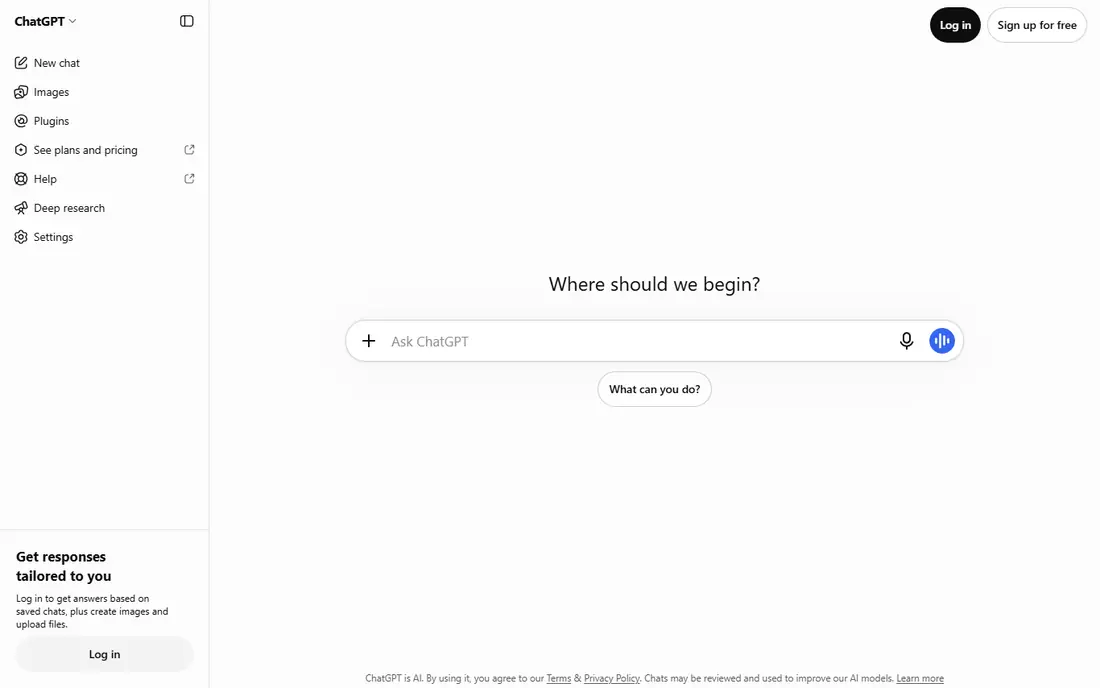
ChatGPT fits people who want one ai chat tool for many jobs. You can draft a message, brainstorm ideas, summarise a file, generate an image or talk by voice without switching apps.
The free plan covers everyday chat with limits that reset over time, while paid plans raise those limits and add newer models and tools. Recent pricing comparisons list a lower-cost Go tier and a Plus tier, but prices change often, so check the vendor pricing page for the current figure in your region before paying.
The honest catch is verification. ChatGPT gives fluent answers that can still contain errors, and it does not put sources at the centre of every reply the way Perplexity does. For facts that matter, ask for sources and check them, or run the same question through a research app.
- Broadest mix of writing, images, voice and files
- Custom GPTs on paid plans
- Large app and web presence
- Free plan has usage limits
- Cited sources are less central than in Perplexity
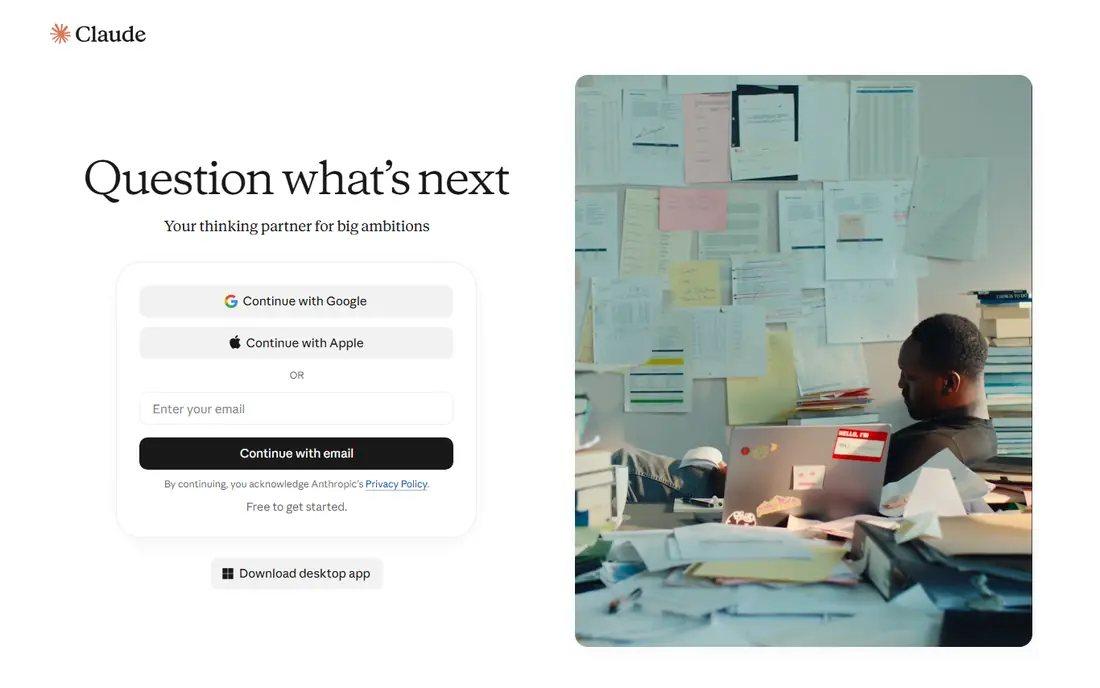
Claude fits writers, researchers and students working with long texts. It handles large uploads, keeps track of detail across a long conversation, and tends to produce structured, careful drafts that need less editing for tone. If your main job is reading papers, contracts or reports and turning them into clear summaries, Claude is a strong first choice.
The free plan covers limited chat, and the Pro plan is widely listed at $20 per month, with team plans above it. Check the vendor page before buying, since model names and limits change through the year.
The catch is media. Claude does not offer image generation in the same way ChatGPT or Gemini do, so visual work needs a second app. It is also less useful if you want a single app for both writing and image creation.
- Strong long-document analysis
- Careful, structured writing
- Projects for organising work
- No image generation in the main chat app
- Usage limits run on rolling windows on paid plans
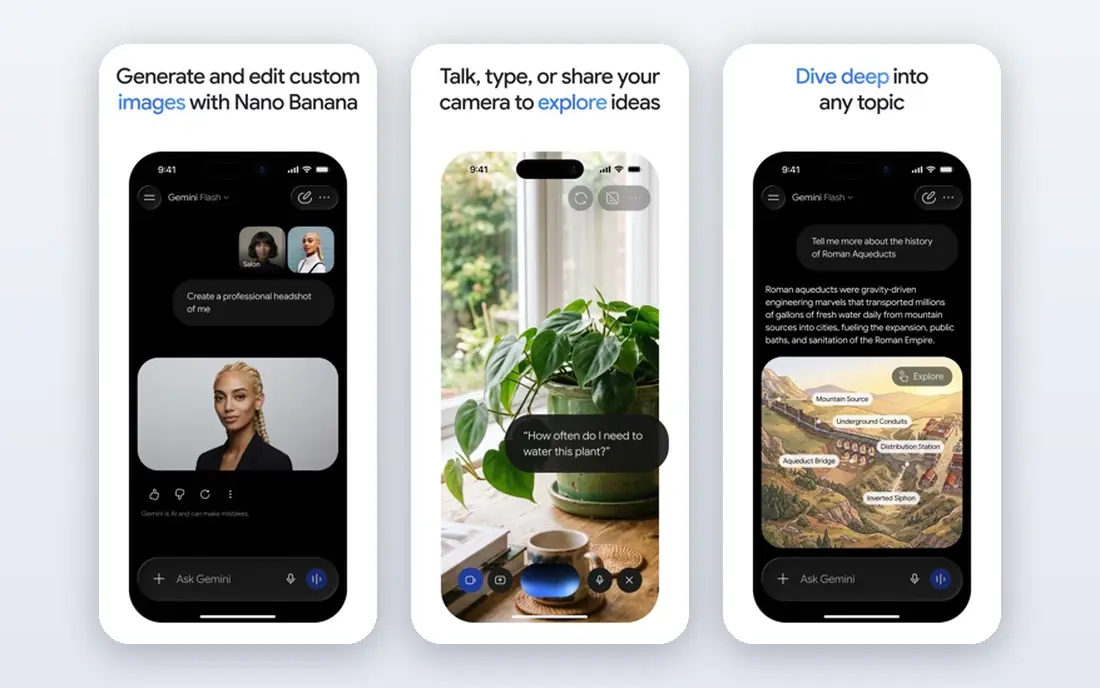
Gemini fits people whose work already lives in Google apps. It can pull context from Gmail and Drive, summarise long documents, and draft in Docs without exporting files back and forth. That link is the main reason to pick Gemini over a standalone chat app, even when another model writes slightly better on a given day.
The free plan covers everyday chat, while paid Google AI plans add stronger models, Deep Research and extra storage. Recent comparisons list a low-cost Plus tier and a Pro tier, but confirm the current price and storage bundle on the vendor page.
The catch is that the free model is not the strongest model for every task. Hard reasoning, code and nuanced writing may be better in Claude or ChatGPT on some prompts, so compare answers on your own work before committing to one app.
- Deep Gmail, Docs and Drive links
- Long context for large files
- Image and video tools on paid plans
- Best features sit behind paid plans
- Answers can vary in depth by topic
Copilot fits office workers whose documents live in Word, Excel and Outlook. On a paid plan it can draft in Word, summarise a spreadsheet, build a presentation outline and triage mail, all without leaving the Microsoft apps. That office link is its main advantage over general chat apps.
The free version covers web chat with limits, while paid access comes through Microsoft 365 Premium or business plans. Pricing comparisons put the consumer premium tier around $19.99 per month, but the exact bundle and who gets AI features in a family plan vary, so check the vendor page.
The catch is scope outside Microsoft. If you do not use Office daily, Copilot offers less than ChatGPT or Gemini for general chat, images and research. Pick it for office work, not as a general-purpose replacement for every other app here.
- Works inside Word, Excel, PowerPoint and Outlook on paid plans
- Free web chat
- Windows integration
- Full Office features need a paid Microsoft 365 plan
- AI features in shared plans may be owner-only
Perplexity fits people who use AI mainly to look things up and check them. Answers come with sources you can open, which makes it easier to verify a claim before you repeat it. That habit matters for work, study and news, where a fluent but unsourced answer is not enough.
The free plan includes a small number of Pro searches per day in recent comparisons, while the Pro plan is widely listed at $20 per month and raises that limit sharply. Paid users can also switch between underlying models on some queries.
The catch is that Perplexity is a research tool first. It will draft and brainstorm, but it is not the best ai chat tool for long creative writing, image generation or building custom assistants. Use it beside ChatGPT or Claude, not instead of them, if you do both kinds of work.
- Sources under most answers
- Pro searches for deeper research
- Model choice on paid plans
- Free Pro searches are limited each day
- Writing and coding tools are narrower than ChatGPT
Poe fits curious users who want to compare models without paying for three subscriptions. One account gives access to models from several providers, plus image and video tools, and you can run the same prompt through two models to see which answer you prefer. That comparison habit is useful when you are choosing a main app.
The free plan exists but with a limited daily points allowance, reported as roughly 300 points per day in 2026 after a cut from a much higher figure. Paid plans start around $4.99 per month for a Starter tier, with higher tiers adding far more points.
The catch is that Poe is a wrapper, not a model maker. The newest features and the highest usage caps usually live in each provider's own app, so heavy users may still need a direct subscription to their favourite model.
- Access to many models under one account
- Easy side-by-side comparison
- Prompt bots for repeated tasks
- Free daily points were cut sharply in 2026 reports
- Paid plans still cap the newest models
DeepSeek fits users who want strong reasoning without paying. Its chat app is free, with reasoning and coding help that compares well with paid apps on maths, logic and code tasks. For students and developers on a tight budget, that free access is the whole appeal.
There is no paid consumer plan for chat, though developers can pay for API access by usage. That means the chat app itself stays free, with no subscription tier for a stronger chat model.
The catch is trust and polish. Some users raise data residency questions, since the provider is based in China, and the app experience is less polished than ChatGPT or Gemini in some reviews. Check the privacy policy and your own comfort level before using it for sensitive work.
- Free chat with reasoning models
- Strong for maths, logic and code
- No paid consumer plan to upsell
- Less polished app experience in some reviews
- Data residency questions for some users
Meta AI fits people who already spend time in Meta apps and want chat without a new subscription. You can ask questions inside WhatsApp, Instagram, Facebook or Messenger, or use the standalone Meta AI app, and core chat is free. That reach makes it the easiest free ai chat app to try, since many users already have an account.
Reports in 2026 mention a paid tier in testing, but core chat remains free in the vendor's main offering. Check the app in your region for current paid options, since rollout varies.
The catch is depth. Meta AI covers everyday questions well, but it offers fewer pro writing, research and file tools than ChatGPT, Claude or Perplexity. Use it for quick answers and social chat, and keep a second app for serious work.
- Free across WhatsApp, Instagram, Facebook and Messenger
- Standalone app also available
- No subscription needed for core chat
- Paid tiers are still in testing in some reports
- Fewer pro writing tools than ChatGPT or Claude
Le Chat fits users who want a fast, simple chat app from a European provider. It covers everyday writing, questions and coding help, with a clean interface and clear pricing tiers. For users who care about where their provider is based, Mistral's French base and privacy pitch are part of the appeal.
The free plan covers everyday chat, and the Pro plan is listed at $14.99 per month in vendor and press coverage, with a team plan above it and a student discount in some reports. Confirm the current price on the vendor page before paying.
The catch is ecosystem size. Le Chat has fewer integrations, custom assistants and third-party tools than ChatGPT, Gemini or Copilot. If you need Office or Google links, another app on this list will fit better.
- Fast responses
- Clear paid tiers
- European provider with a privacy-focused pitch
- Smaller ecosystem than ChatGPT or Gemini
- Fewer integrations and custom tools
How we picked these
We compared official feature pages, pricing pages, app store listings and privacy policies, and checked public reviews for how each app handles writing, research, coding and everyday questions. We favoured apps with a real free plan or free tier, a clear paid upgrade path, and a distinct strength, rather than listing every chatbot with the same features. Prices change often in this category, so where a price was not confirmed on the vendor page at the time of writing, we marked it as See website and described the plan structure instead.
What to check before you pick an AI chat app
Start with your main job. General chat, long writing, cited research and office work point to different apps, and no single app wins on all four. Pick the app that matches the work you do most days, then add a second free app for the job it handles poorly.
Check free limits on your own prompts
Free plans look similar on a pricing page but feel different in use. One app may limit messages per day, another may limit the model you can use, and a third may limit web search. Run your real prompts for a week: a draft, a summary, a research question and a coding question. The app that handles your mix without hitting a wall is the right free pick.
Check sources for anything you will repeat
For research, news and study, sources matter more than fluency. Perplexity puts sources first, Gemini and Copilot can cite web results, and ChatGPT and Claude can provide sources on request but do not centre them in the same way. If you will quote an answer at work or in an essay, open the source and check the claim yourself.
Check privacy before you paste sensitive text
Read the privacy policy for each app you use for work. Check whether chats are used for training, how long data is kept, and whether you can turn training off or delete chats. Avoid pasting passwords, private client data or unpublished research into any chat app unless you have checked those settings and your organisation allows it.
Frequently asked questions
What is the best ai chat app?
The best ai chat app for most people is ChatGPT, because it covers writing, images, voice and files in one app with a free plan. Claude is better for long documents, Perplexity is better for cited research, and Gemini or Copilot are better if your work lives in Google or Microsoft apps. Try two free plans on your own prompts before paying.
What are the best ai chat apps that are free?
DeepSeek and Meta AI offer free chat with no paid consumer plan needed for core use, while ChatGPT, Claude, Gemini, Copilot, Perplexity, Poe and Le Chat all offer free tiers with limits. The best free ai software choice depends on limits: DeepSeek suits reasoning and code, Meta AI suits quick social chat, and Perplexity suits free research with sources.
What is the best ai chatbot platform for comparing models?
Poe is the best ai chatbot platform for comparing models, because one account gives access to many models from different providers. You can run the same prompt through two models and compare tone, detail and accuracy. For heavy use, a direct subscription to your favourite model usually gives higher limits and newer features.
Which ai chat tool is best for research?
Perplexity is the best ai chat tool for research with sources, since answers include links you can open and check. Claude is strong for reading and summarising long papers, and Gemini suits research inside Google Docs and Drive. For any important claim, open the source itself rather than trusting a summary.
Is there a best chat ai app for office work?
Microsoft Copilot is the best chat ai app for office work inside Word, Excel, PowerPoint and Outlook, on a paid Microsoft 365 plan. Gemini plays the same role for Google Workspace users. If you do not use either suite daily, a general app such as ChatGPT will be more useful.
Do AI chat apps use my chats for training?
Policies vary by provider and plan, and some apps let you turn training off or delete chats. Read the privacy policy for the app you choose, check the training setting in your account, and avoid pasting sensitive work data into any app until you have checked both. Business and enterprise plans often offer stronger data controls than free plans.
Sources we checked (9)

Online Jobs is an independent blog about careers, online work, learning new skills and the tools that help people earn. More about us.
Keep reading
All posts
Zoom Alternatives
Zoom alternatives compared for 2026: Google Meet, Microsoft Teams, Webex, Jitsi and more for free calls, large meetings and webinars for teams and classrooms.

Top Rated Poster Maker Software
Top rated poster maker software compared for 2026: Canva, Adobe Express, VistaCreate, PosterMyWall and more for events, sales and classrooms for US users.

Surfshark Alternatives
Looking for Surfshark alternatives? We compare 8 VPN services on price, privacy, streaming, and device limits to help you find a VPN that fits your needs.