8 Best Tools to Generate AI Images for Art, Marketing, and Design

How we put this together: we compare official feature and pricing pages, app store listings, privacy policies and public user reviews. Prices change, so check the provider's site before you pay.
Key takeaways
- Midjourney leads on artistic quality and cinematic style, but it has no free tier.
- ChatGPT with GPT Image leads on prompt accuracy and text inside images, plus conversational editing.
- Adobe Firefly suits commercial work, with licensed training data and Adobe app integration.
- Google Gemini with Imagen suits photorealistic images and users already in Google apps.
- Leonardo AI, Ideogram, Recraft, and Stable Diffusion cover game art, typography, vectors, and full local control.
Quick comparison
| Name | Who it suits | Starting price | Free option | |
|---|---|---|---|---|
 Midjourney Midjourney | Artistic and cinematic images | $10 per month | No | Visit |
 ChatGPT GPT Image ChatGPT GPT Image | Prompt accuracy and text in images | Free | Yes | Visit |
 Adobe Firefly Adobe Firefly | Commercial-safe marketing images | Free | Yes | Visit |
 Google Gemini Imagen Google Gemini Imagen | Photorealistic images in Google apps | Free | Yes | Visit |
 Leonardo AI Leonardo AI | Game assets and product designs | Free | Yes | Visit |
 Ideogram Ideogram | Text and typography in images | Free | Yes | Visit |
 Stable Diffusion Stable Diffusion | Free local control and customization | Free | Yes | Visit |
 Recraft Recraft | Vectors, logos, and brand sets | Free | Yes | Visit |
The best tools to generate AI images
AI image tools now specialize. One leads on art, another on accurate text, another on commercial safety, and another on full control. The picks below are grouped by that strength, so you can match the tool to the image you need rather than expecting one tool to win every job.
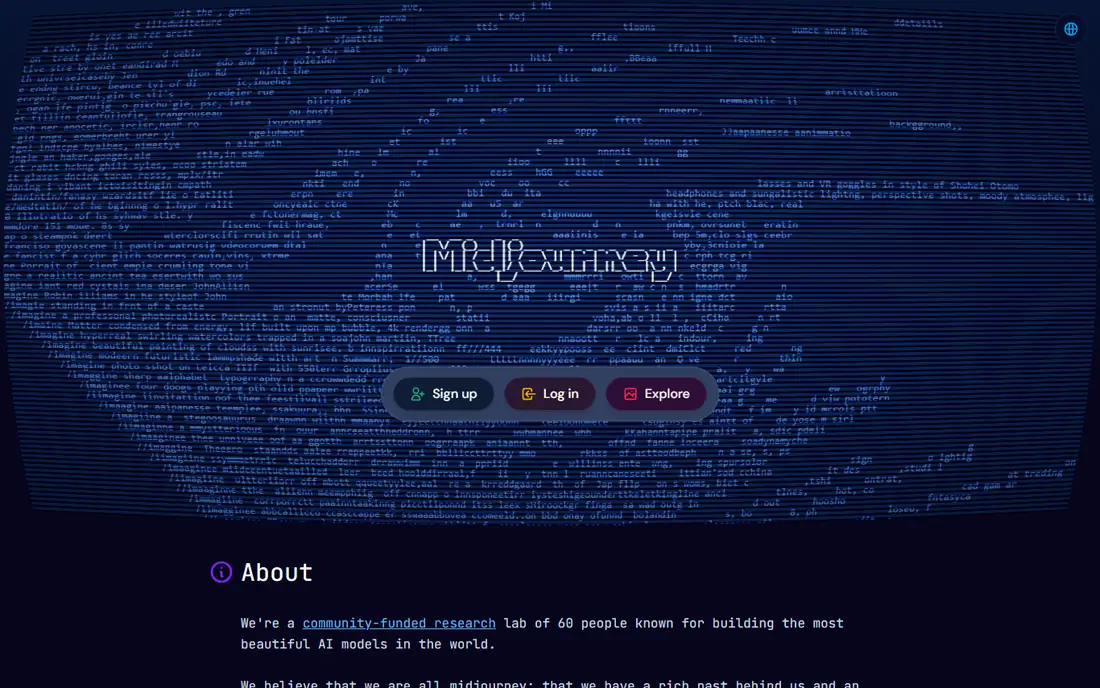
Midjourney remains the benchmark for artistic image quality. Its images have a polished, cinematic look, with strong handling of light, composition, and style, which suits concept art, posters, book covers, and social visuals where mood matters more than literal detail. The web editor has made it easier for newcomers than the early Discord-only workflow. The limits are clear: there is no free tier, so you pay from the first image, and text inside images is less reliable than in ChatGPT or Ideogram. Prompt parameters also take time to learn. For creators who prioritize visual impact and style, Midjourney is still the first tool to try, and its paid plans include commercial use rights.
- Strong artistic style and composition
- Web editor plus community gallery
- Commercial use on paid plans
- No free tier
- Text rendering is weaker than rivals
- Learning curve for parameters and styles
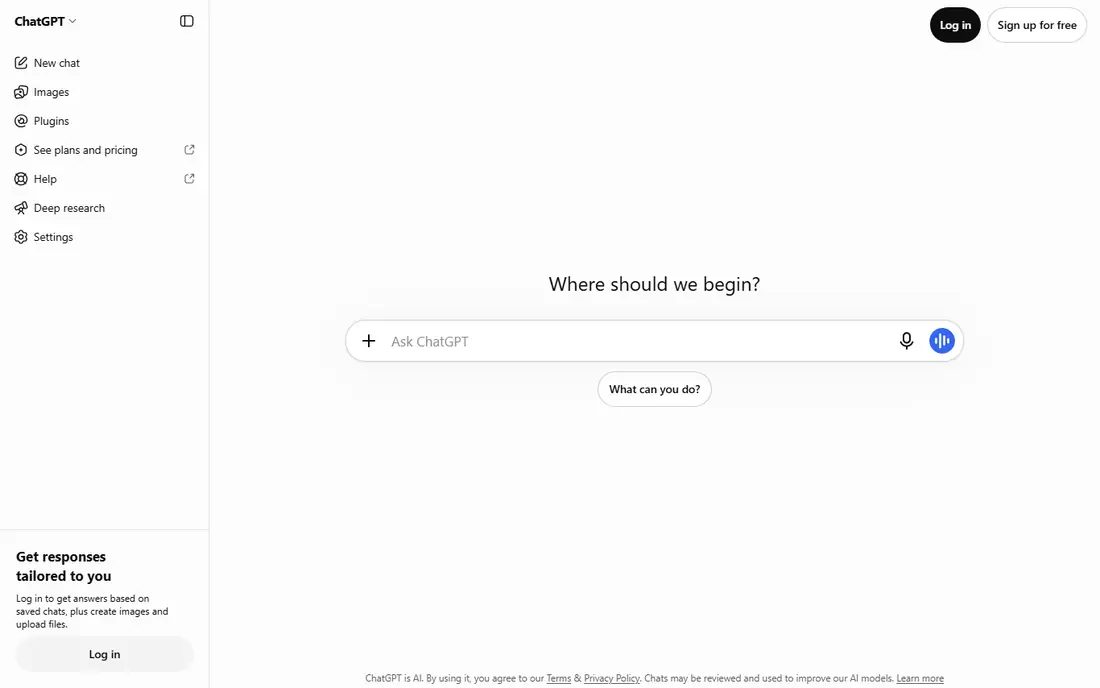
ChatGPT with GPT Image, the successor to DALL-E, is the easiest image generator for most people. You describe an image in plain language, and the model follows the prompt closely, including text on signs, posters, and labels far better than most rivals. Editing is conversational: describe the change you want, and the model revises the image, which suits iterative work. Free access covers limited image generation, with ChatGPT Plus adding more capacity. Heavy daily use can still hit caps, so high-volume creators may need another tool alongside it. For marketing graphics, product mockups, and images that must include readable text, GPT Image is the most reliable all-round choice.
- Strong prompt following
- Accurate text in images
- Conversational editing by describing changes
- Heavy use hits caps on free and paid plans
- Style range is narrower than Midjourney for pure art
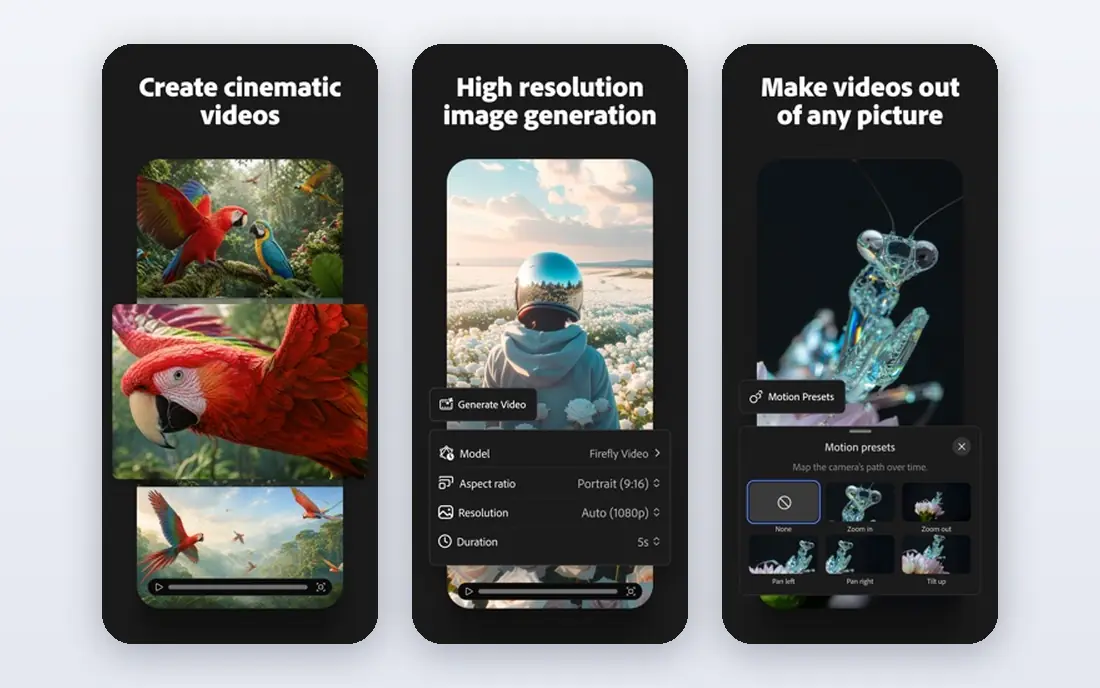
Adobe Firefly is the image generator for commercial work where rights matter. Adobe positions its training data around licensed Adobe Stock content and public domain material, which gives marketers and agencies a clearer story for client work than tools trained on broader web data. Firefly also powers generative fill in Photoshop, so you can extend, replace, and restyle parts of a photo in the app where you finish the design. The free tier includes limited generative credits, and paid plans add more. Firefly images can look more polished and safe than adventurous, so pure concept artists may prefer Midjourney. For brand and marketing teams that publish client work, Firefly is the safest, most integrated pick.
- Trained on licensed and public domain content
- Generative fill in Photoshop
- Style controls for brand consistency
- Raw artistic range trails Midjourney
- Generative credits limit monthly output
Google Gemini with Imagen, also known as Nano Banana in recent Gemini releases, is a strong choice for photorealistic images. Product shots, lifestyle scenes, and realistic people render well, and free access through Gemini makes it easy to try without a new subscription. Editing by describing changes works in a conversational way, similar to ChatGPT. Pro art controls are thinner than Midjourney, and higher limits sit behind Google AI paid plans. For users already in Google apps, or for creators who need realistic images fast without a separate subscription, Gemini is a practical, low-cost option that covers most everyday image needs.
- Strong photorealism
- Free access through Gemini
- Useful for product and lifestyle images
- Fewer pro art controls than Midjourney
- Paid plans needed for higher limits and advanced features
Leonardo AI suits game developers, product designers, and creators who need consistent character and asset styles. Fine-tuned models cover fantasy, sci-fi, product, and illustration styles, and the canvas editor lets you refine, upscale, and extend images. Daily free credits make it easy to test styles before paying. High-volume production still needs a paid plan, and the many models and settings can overwhelm a first-time user. Start with one model that matches your style, and learn its settings before you explore the full library. For game art and product visuals at a low entry cost, Leonardo is a strong pick.
- Daily free credits
- Fine-tuned models for game and product art
- Canvas editor for refining images
- Paid plans needed for high-volume work
- Interface has many options for newcomers
Ideogram is the specialist pick when an image must include words. Posters, social graphics, logos, and product labels need spelling accuracy, and Ideogram handles text placement and typography better than most general generators. That strength makes it the tool to use when a Midjourney or Firefly image keeps misspelling a headline. General artistic range is narrower, so Ideogram is best as a complement to a broader generator rather than a sole tool for concept art. The free tier covers testing and light use, with paid plans adding resolution and volume. For any image where text must be right, start with Ideogram.
- Accurate text and typography
- Good for posters, logos, and social graphics
- Free tier for testing
- Narrower general style range than Midjourney
- Paid plans needed for higher resolution and volume
Stable Diffusion is the open-source route to image generation. You can run models locally on your own computer, which gives full control over data, models, and output, with no per-image fee beyond hardware and electricity. Community models, extensions, and tools cover styles, inpainting, upscaling, and control over pose and composition. The cost is effort. Local setup needs a capable graphics card, and tuning models takes technical patience. Hosted versions remove the hardware need but add a per-image or subscription cost. For developers, researchers, and creators who want privacy and full control, Stable Diffusion is unmatched. For casual users, a hosted generator will be faster.
- Free open-source models
- Full local control and privacy
- Huge community models and tools
- Needs a capable computer or hosted setup
- Setup and tuning take technical effort
Recraft closes this list with a different output: vectors. Logos, icons, illustrations, and brand sets need clean, scalable files, and Recraft generates vector output alongside raster images, with style controls that keep a brand set consistent. That makes it useful for designers who need assets for print, web, and merch from one tool. Photorealistic scenes are not its strength, so pair Recraft with Midjourney or Gemini for photo-style work. The free tier covers testing and light use, with paid plans adding more generations. For brand and vector work, Recraft fills a gap the photo-focused generators leave open.
- Vector output for logos and icons
- Brand style controls
- Raster and vector in one tool
- Smaller community than Midjourney
- Less suited to photorealistic scenes
How we picked these
We compared generators on image quality, prompt accuracy, text rendering, style range, commercial use terms, and price. We checked each vendor's own feature pages and pricing pages, app store listings, and public reviews and benchmarks for how each model handles realism, text, and editing. Tools stayed on the list when they led on a distinct job, from art to text to vectors to local control. Prices shown are starting points, and credit or generation caps can change the real cost for heavy users.
How to choose an AI image generator
Match the tool to the image type
Use Midjourney for art and mood, GPT Image or Ideogram for text-heavy graphics, Firefly for commercial client work, and Recraft for vectors. One tool rarely wins all four jobs.
Check commercial use terms
Read the terms for the plan you buy, since commercial rights, attribution, and training data rules differ by tool and tier. Client work needs a clearer rights story than personal experiments.
Test text accuracy early
Generate a poster or label with your actual headline before you commit. Text errors are the fastest way to rule a tool out for marketing work.
Watch credit and cap limits
Free tiers and even paid plans cap generations, credits, or images per period. Estimate your weekly volume, then pick a plan whose cap covers it with room to spare.
Frequently asked questions
What is the best tool to generate AI images for free?
ChatGPT, Adobe Firefly, Google Gemini, Leonardo AI, Ideogram, Stable Diffusion, and Recraft all offer free access or free tiers. ChatGPT and Gemini suit general free use, Leonardo suits free daily credits for art, and Stable Diffusion suits fully free local use if you have the hardware.
Which AI image generator is best for realistic photos?
Google Gemini with Imagen and Midjourney both handle photorealistic images well, with Gemini offering easier free access. Flux models, available through hosted tools, also suit product photography and realistic detail, though setup varies by host.
Which AI image generator handles text best?
ChatGPT with GPT Image and Ideogram handle text in images best, with accurate spelling on posters, labels, and social graphics. Test your actual headline in each tool, since accuracy varies by font, length, and layout.
Can I use AI generated images commercially?
It depends on the tool and plan. Midjourney paid plans, Adobe Firefly, and most paid tiers include commercial use rights, while free tiers may limit commercial use. Read the terms for your specific plan before you publish client work.
Is Midjourney or DALL-E better for AI images?
Midjourney is better for artistic quality and style, while ChatGPT with GPT Image, the successor to DALL-E, is better for prompt accuracy, text, and conversational editing. Many creators use both: Midjourney for art direction and GPT Image for graphics with text.
What is the best AI image generator for logos?
Recraft suits logos and brand sets, thanks to vector output and style controls. Ideogram also suits logo drafts with accurate text. For a final brand logo, a designer review still matters, since generated marks can look generic.
Sources we checked (8)

Online Jobs is an independent blog about careers, online work, learning new skills and the tools that help people earn. More about us.
Keep reading
All posts
Zoom Alternatives
Zoom alternatives compared for 2026: Google Meet, Microsoft Teams, Webex, Jitsi and more for free calls, large meetings and webinars for teams and classrooms.

Workday Alternatives
We compared the best workday alternatives for HR, payroll, and global hiring, from BambooHR and Gusto to Rippling, Deel, and HiBob for growing teams in 2026.

WordPress Alternatives
WordPress alternatives guide: we compare 8 platforms for builders, designers, stores, and publishers to leave WordPress without losing your full site content.