Best Udemy Alternatives in 2026: 8 Learning Platforms Compared


University certificates and degrees · Starting price: $59 per month
How we put this together: we compare official feature and pricing pages, app store listings, privacy policies and public user reviews. Prices change, so check the provider's site before you pay.
Key takeaways
- Coursera and edX suit learners who want university-backed courses and certificates that employers recognise.
- Skillshare and Domestika suit creative learners who prefer short, project-based classes over long academic courses.
- LinkedIn Learning suits professionals who want workplace skills that appear directly on a LinkedIn profile.
- Pluralsight and Udacity suit tech learners who need structured paths, skill checks, and job-focused programs.
- MasterClass suits inspiration and craft from famous instructors, not formal qualifications or graded assignments.
Quick comparison
| Name | Who it suits | Starting price | Free option | |
|---|---|---|---|---|
| Coursera | University certificates and degrees | $59 per month | Yes | Visit |
 Skillshare | Creative project classes | $14 per month | Free trial (7 days) | Visit |
 LinkedIn Learning | Workplace and career skills | $39 per month | Free trial (30 days) | Visit |
 MasterClass | Learning from famous experts | $10 per month | No | Visit |
 Pluralsight | Tech and IT skill paths | $21 per month | Free trial (10 days) | Visit |
 edX | University courses with free audit | Free | Yes | Visit |
 Udacity | Tech Nanodegree programs | $249 per month | No | Visit |
 Domestika | Art, craft, and design courses | See website | No | Visit |
The best Udemy alternatives
Udemy works well for buying one course at a time, often on sale, but it is not the only model. Some platforms use subscriptions, some offer university certificates, and some focus on creative projects or deep tech training. Here are the alternatives that cover most learning goals.
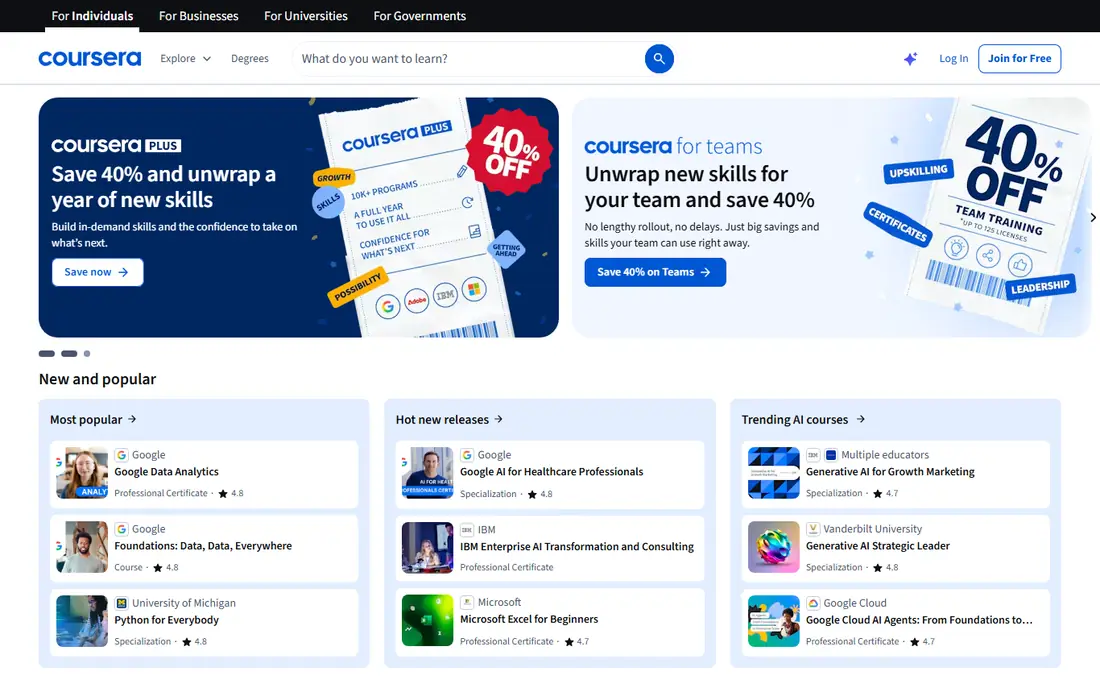
Coursera partners with universities and companies such as Google, IBM, and Microsoft to offer courses, professional certificates, specialisations, and degrees. That backing matters if you want a credential you can show an employer, rather than only a completion note. Many courses let you audit lectures for free, with payment required for graded work and certificates.
Coursera Plus, at a monthly or annual price, gives access to most of the catalogue, which can be good value if you plan to finish several courses in a year. If you only need one course, paying for that course alone may be cheaper. Check whether the certificate you want is included in Plus before you subscribe, because degree programs are priced separately.
- Courses from universities and large employers
- Certificates and degrees
- Free audit on many courses
- Plus subscription excludes degrees
- Costs add up without Plus
- Some courses feel academic
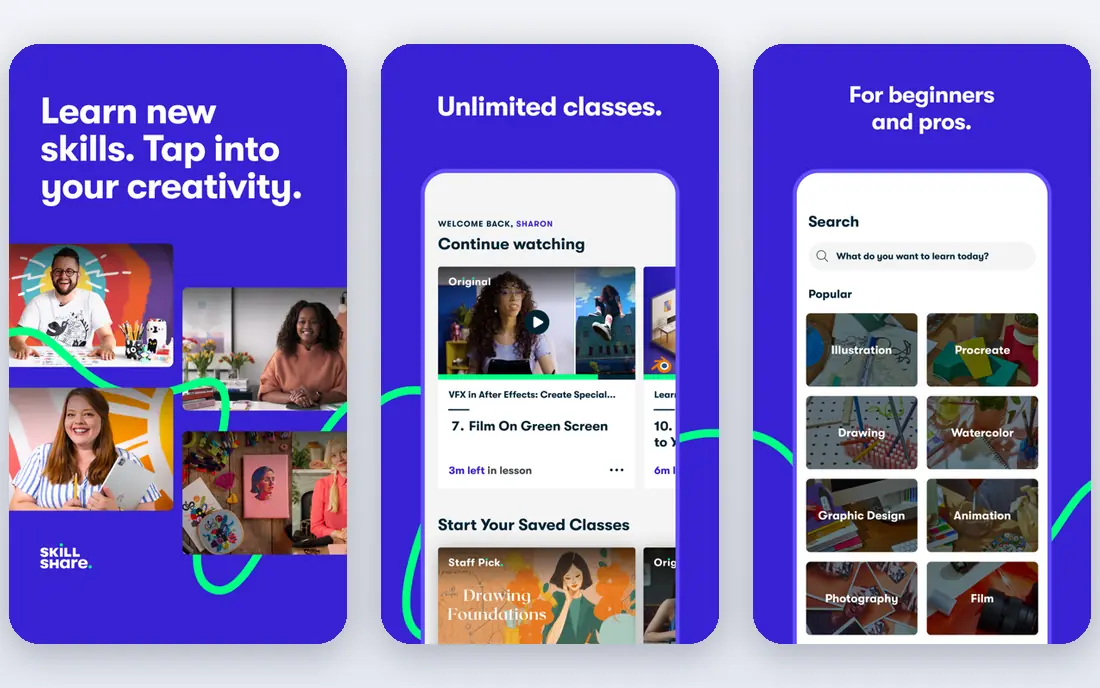
Skillshare takes a different approach from Udemy. Instead of selling single courses, it offers a subscription to thousands of short classes in design, illustration, photography, writing, video, and business creativity. Most classes end with a small project, so you practise as you learn rather than only watching videos.
That format suits hobbyists and creative professionals who want fresh ideas and practical techniques. It is less suited to learners who need a formal qualification, a graded exam, or a deep technical curriculum. If you learn best by making something, Skillshare is easy to stick with, because classes are short and the next project is always close at hand.
- Short, project-based creative classes
- Large creative catalogue
- Easy to learn in small steps
- No university credentials
- Quality varies by teacher
- Less depth for technical careers
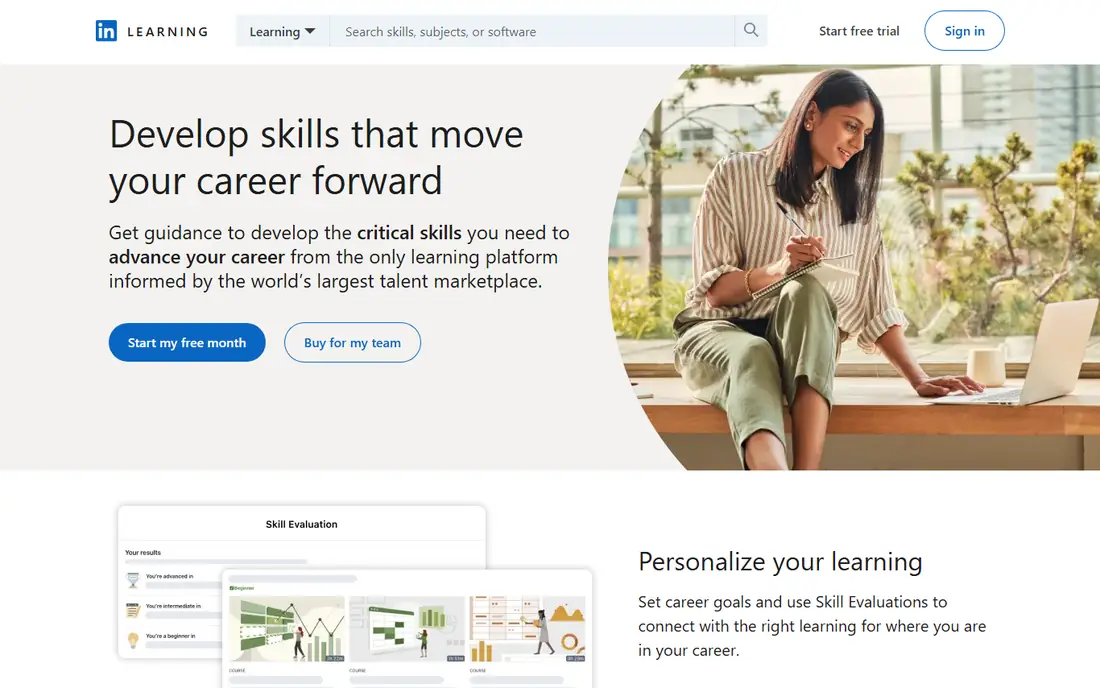
LinkedIn Learning focuses on skills people use at work, from Excel and project management to leadership, marketing, and software tools. Courses are organised into learning paths, so you can follow a sequence instead of picking random videos. When you finish a course, the certificate can appear on your LinkedIn profile, which helps recruiters see the skill.
The main drawback is price for occasional learners. A monthly subscription makes sense if you will use it every week at work, or if your employer pays for it. Many employers and libraries offer access, so check those routes before paying yourself. For a single skill, a cheaper one-off course elsewhere may be better value.
- Certificates appear on LinkedIn profiles
- Business and software courses
- Learning paths
- Monthly price is high for casual use
- Less creative depth than Skillshare
- Some courses are introductory
MasterClass is built around well-known instructors teaching their craft, from cooking and writing to music, business, and sport. The videos are polished, the lessons are structured, and the experience feels closer to a documentary than a classroom. For motivation and technique, that style works well.
It is not a replacement for a qualification. There are no graded assignments, no university certificates, and no career paths in the same sense as Coursera or Udacity. Treat MasterClass as inspiration and craft learning, and pair it with a more formal platform if you need a credential for a job application.
- High production quality
- Famous instructors
- Inspiring for creative and life skills
- No formal certificates
- No graded assignments
- Not for job qualifications
Pluralsight is designed for technology professionals and teams. It organises courses into paths for roles such as software developer, cloud engineer, and security analyst, and it includes skill assessments that show where you are strong and where you need work. That structure helps you avoid random tutorial hopping.
The catalogue is deep in technology, but narrow outside it. If you want marketing, design, or general business courses, you will need another platform. For a tech career, though, the combination of paths, labs on higher tiers, and assessments makes Pluralsight more focused than a general marketplace such as Udemy.
- Structured tech paths
- Skill assessments
- Courses for cloud, security, and software
- Tech only, so no creative or business breadth
- Higher tiers cost more
- Assessments need regular use
edX, founded by Harvard and MIT, offers university courses across computer science, business, data, humanities, and science. Many courses can be audited for free, which means you can watch lectures and read materials without paying. Payment is required for a verified certificate and for graded assignments in most cases.
That free audit option makes edX a strong choice for curious learners on a budget. If you want a credential, check the certificate price for that specific course, because prices vary by institution and program. MicroMasters programs offer a middle step between a single course and a full degree, and some universities accept them for credit toward a degree.
- Courses from Harvard, MIT, and other universities
- Free audit on many courses
- MicroMasters options
- Verified certificates cost extra
- Some courses are demanding
- Degree programs are expensive
Udacity focuses on a smaller set of intensive tech programs called Nanodegrees, covering areas such as artificial intelligence, data science, programming, and cloud computing. Each program combines lessons with hands-on projects, and mentors and reviewers give feedback on your work. That support is the main reason for the higher price.
Udacity suits career changers who can commit several hours a week for months and who want a portfolio of projects to show employers. It does not suit casual learners who want a quick introduction to a topic, because the monthly cost adds up fast if you pause. Some free courses are available, so try one before committing to a full Nanodegree.
- Job-focused Nanodegree programs
- Mentor support
- Projects reviewed by humans
- High monthly price
- Programs take months
- Catalogue is smaller than Udemy
Domestika is a creative learning community with courses in illustration, design, crafts, photography, and animation, taught by working professionals. Courses are usually bought one at a time, similar to Udemy, and they often include downloadable resources and a final project. The community aspect, with student work and feedback, adds motivation that a lone video course can lack.
Prices vary, and sales are common, so it pays to wait for a discount if you are not in a hurry. Domestika certificates confirm completion, not a formal qualification, so it fits hobbyists and creative professionals better than job seekers who need an accredited credential. For creative skills, its production quality and teacher choice are among the best available.
- Strong creative community
- Courses sold per course
- High-quality video production
- Creative focus only
- Prices vary by course and sale
- Certificates are completion based
How we picked these
We compared official course catalogues, pricing pages, certificate policies, app store listings, and public reviews for platforms that offer structured online learning as a core product. We looked at subject range, credential value, learning format, price model, and whether a free trial or free audit lets you test the platform before paying. We did not claim hands-on testing for every course, and we treated course counts as vendor claims that change over time.
We also made sure the list covers different learning goals. A single ranking would hide the fact that a creative learner and a tech career changer need very different platforms, even when both search for Udemy alternatives.
Choosing the right platform for your goal
Start with the outcome you want, not the platform name. If you need a credential for a job, look at Coursera, edX, or Udacity first. If you want to learn a creative skill for fun or freelance work, Skillshare or Domestika may keep you going longer. If your employer pays for learning, check LinkedIn Learning or Pluralsight access through work before spending your own money.
Use free trials and audits wisely
Most platforms offer a free trial, a free audit, or free introductory lessons. Use that period to finish a real lesson, try a project, and check the teaching style, not just to browse the catalogue. Set a calendar reminder before the trial ends, so you do not pay for a subscription you stopped using.
Check the certificate before you pay
Not all certificates carry the same weight. A university-backed certificate, a professional certificate from a large employer, and a simple completion certificate are different things. Read what the certificate says, whether it includes graded work, and whether employers in your field recognise it, before you choose a paid path.
Plan for finishing, not just starting
Online courses are easy to start and easy to abandon. Pick one course, set two or three study slots each week, and choose a platform whose format fits your routine. Short project classes suit busy weeks, while structured Nanodegrees suit learners who can commit to a longer program with mentor support.
Frequently asked questions
What is the best alternative to Udemy?
It depends on your goal. Coursera is the best general alternative for certificates and university courses, Skillshare is best for creative projects, and Pluralsight is best for tech careers. Udemy still suits one-off, low-cost courses bought on sale.
Are Coursera alternatives free?
Some parts are free. Coursera and edX offer free audits on many courses, Khan Academy is free, and several platforms offer free trials. Full certificates, graded assignments, and degree programs usually require payment.
Is Skillshare better than Udemy?
Skillshare is better if you prefer a subscription with many short creative classes and projects. Udemy is better if you want to buy one specific course and keep it for life, without a monthly subscription.
Do employers accept online course certificates?
It varies. Certificates from universities and large employers on Coursera and edX carry more weight than simple completion certificates. For tech roles, a portfolio of projects from Udacity or Pluralsight paths often matters as much as the certificate itself.
What is the cheapest Udemy alternative?
Free audit options on edX and Coursera, plus free platforms such as Khan Academy, are the cheapest routes. Among paid options, Skillshare and MasterClass subscriptions can be low per month when billed annually, but check the total annual cost before comparing monthly figures.
Can I learn a new career fully online?
Yes, for many fields, especially tech, data, design, and business, if you combine structured courses with real projects and practice. A single course rarely changes a career on its own, so plan a sequence of courses, build a portfolio, and seek feedback on your work.
Sources we checked (8)

Online Jobs is an independent blog about careers, online work, learning new skills and the tools that help people earn. More about us.
Keep reading
All posts
Best Tools for Virtual Tutoring
Compare the best tools for virtual tutoring, from one-to-one tutor marketplaces to free self-paced learning, with pricing, subjects and honest limits.
Best Study Apps for Young Children
Compare the best study apps for young children in 2026, from Khan Academy Kids and ABCmouse to Reading Eggs, Starfall, Duolingo ABC and PBS Kids, with prices.
Best Study Apps for Kids
Looking for the best study apps for kids? We compare Khan Academy Kids, ABCmouse, Prodigy, IXL and more on age, safety, price and subjects for home learning.