Best Childcare Software in 2026: 8 Platforms Compared

How we put this together: we compare official feature and pricing pages, app store listings, privacy policies and public user reviews. Prices change, so check the provider's site before you pay.
Key takeaways
- Brightwheel is the easiest starting point for small to mid-size centres that want strong parent communication and simple billing.
- Procare suits large centres and multi-site operators that need deep billing, payroll and centralised administration.
- Lillio, formerly HiMama, suits curriculum-led programmes that want detailed learning documentation and portfolios.
- Most childcare platforms price by quote, so compare total cost for your child count, sites and billing needs, not just a headline rate.
- A free plan or trial is worth using with real staff and parents before migrating enrolment and billing data.
Quick comparison
| Name | Who it suits | Starting price | Free option | |
|---|---|---|---|---|
 Brightwheel | Small to mid-size centres | Free | Yes | Visit |
 Procare Solutions | Large centres and franchises | See website | No | Visit |
 Lillio | Curriculum-led programmes | See website | Free trial | Visit |
 Kangarootime | Responsive support for growing centres | See website | Free trial | Visit |
 Playground | Automation-heavy operators | See website | No | Visit |
 illumine | All-in-one global centres | See website | Yes | Visit |
 Famly | Nursery communication and admin | See website | Free trial | Visit |
 ChildPilot | Hands-on onboarding and support | See website | Free trial | Visit |
The best childcare software
Childcare software, also called daycare software, replaces paper sheets, text threads and spreadsheets with one system for attendance, parent updates, billing and lesson planning. The platforms below differ in a clear way: some lead with parent communication, some with billing depth, and some with curriculum documentation. We compared them on attendance, messaging, billing, lesson planning, multi-site support and pricing transparency, so a single-site preschool and a multi-site chain can both find a relevant shortlist.
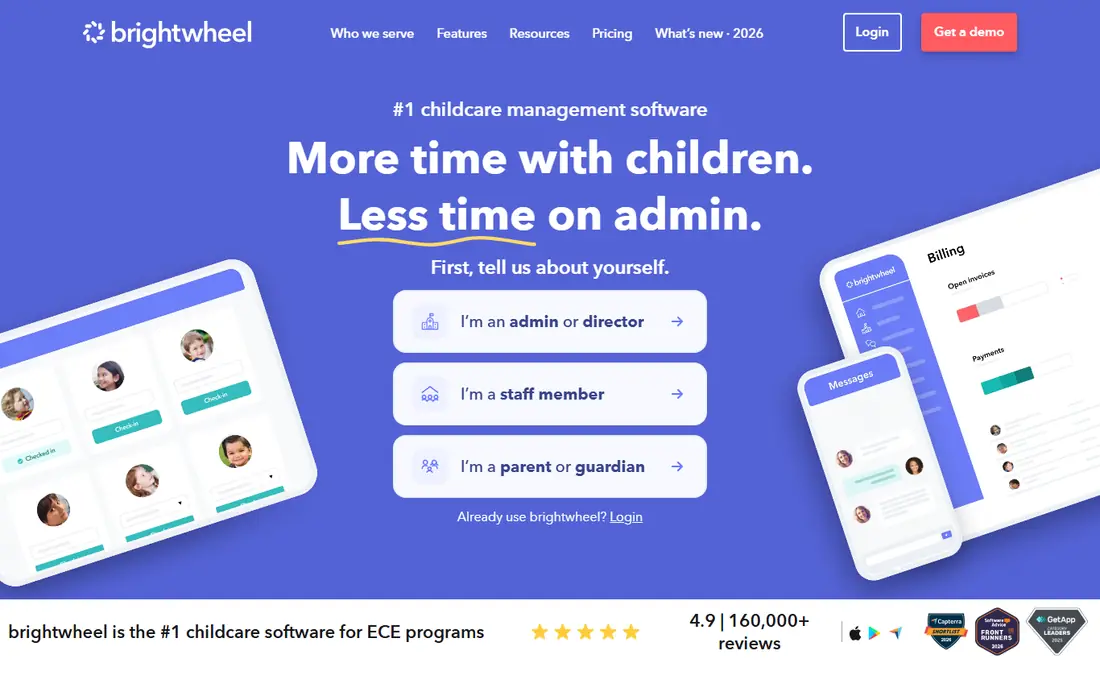
Brightwheel is the platform many small and mid-size centres adopt first, because its parent app is easy for families to use and its staff tools are easy to learn. Teachers can share photos, meal logs, naps and notes in a daily feed, while parents can message staff and see updates without a separate thread. Check-in, attendance and tuition invoicing are built in, and the basic plan is free for a small programme, which makes a trial with real families low risk. That combination of communication and billing in one place is why Brightwheel is often described as an all-in-one starter platform.
The limits appear as a centre grows. Premium features such as billing automation, lesson planning, milestones and integrations sit behind paid tiers, and pricing for those tiers is quoted per programme rather than published as a single flat rate. Centres that need deep payroll, complex subsidy tracking or multi-site finance may find Procare a better fit. Brightwheel fits best for a single centre, or a small group, that wants high parent engagement and a system staff will actually use every day.
- Strong parent messaging and daily updates
- Free basic plan for small programmes
- Simple billing and check-in
- Premium pricing is quote-based
- Advanced reporting needs higher tiers
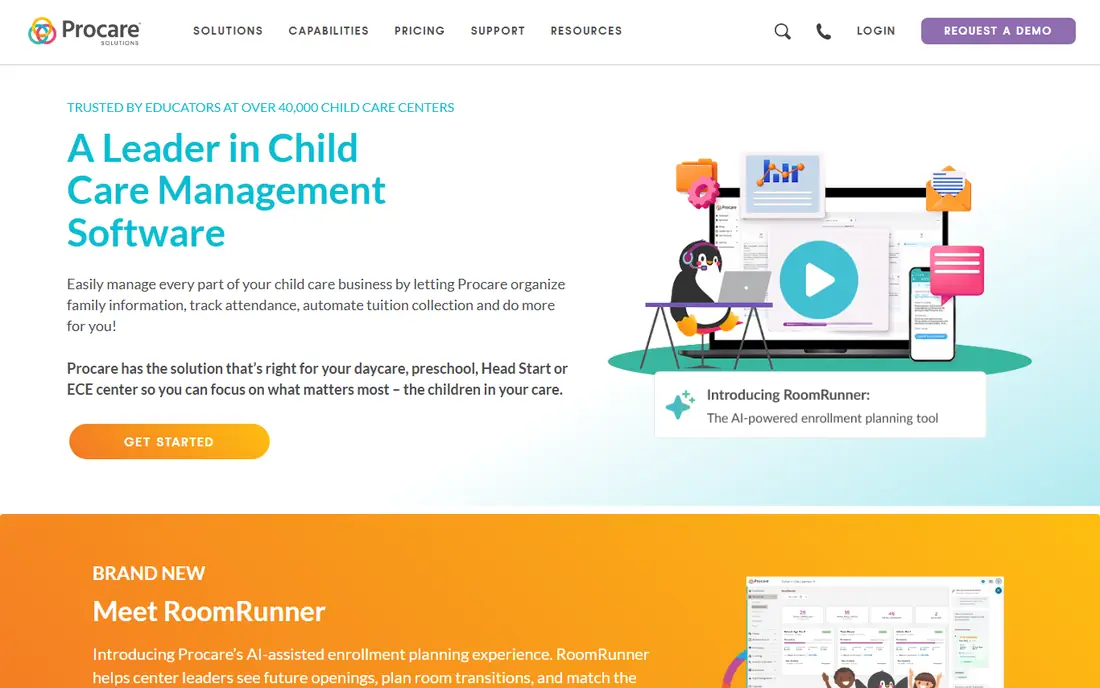
Procare Solutions is the established choice for large centres, chains and franchises that need administration depth rather than just parent messaging. It covers enrolment, attendance, tuition billing, accounting, payroll and staff scheduling, with centralised controls for multi-site operators. That depth matters when a business runs several sites, manages subsidies, or needs detailed financial reporting. Procare also offers hardware options for check-in and point-of-sale use, which suit larger front desks.
Procare is less suited to a small home-based programme. Pricing is quote-based, and the system can feel complex if you only need check-in and parent updates. Implementation also takes more time than a simple app signup, since billing rules, payroll and reporting need to be set up correctly. Choose Procare when finance, compliance and multi-site control are the priority, and when you have staff time to run a full management system.
- Deep billing, accounting and payroll tools
- Multi-site and franchise support
- Long history in childcare management
- Pricing is quote-based
- Setup can feel heavy for a small centre
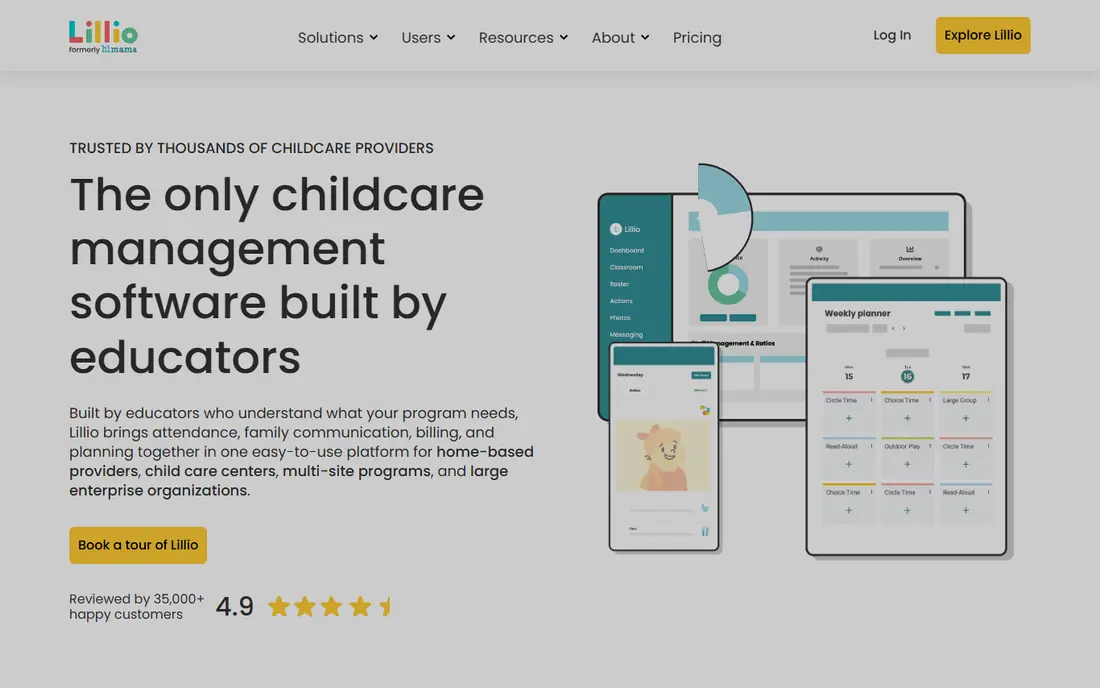
Lillio, formerly HiMama, is built around learning documentation. Educators can record observations, link them to learning frameworks, build child portfolios and share progress with parents in a structured way. That focus suits Montessori programmes, preschools and curriculum-led centres where parents expect more than a daily photo feed. Lillio also covers attendance, messaging and daily reports, so it works as a daily tool, not just a portfolio system. Its parent app is well regarded for clarity, which helps families follow development over time.
Billing and finance are present but less deep than Procare, so a centre with complex accounting needs should check that area in a demo. Pricing is also quote-based, based on package and centre size, so you will need a sales conversation for a firm figure. Lillio fits best when curriculum, assessment and parent insight into learning are the deciding factors, and when staff are willing to document observations regularly.
- Detailed learning documentation and portfolios
- Strong educator tools
- Parent engagement tied to learning
- Pricing is quote-based
- Billing is less deep than Procare
Kangarootime is an all-in-one platform for small and mid-size centres that want billing, enrolment, attendance, messaging and reporting in one system. Its appeal is balance: it covers the core daily jobs without the complexity of a large enterprise suite, and reviewers often highlight its customer support. That support matters during migration, when staff need help moving enrolment data, setting billing rules and training parents on a new app. Kangarootime also offers a free trial, so a centre can test the workflow before committing.
The main drawback is pricing transparency, since Kangarootime quotes by centre size and needs rather than publishing a single rate. It also does not match Procare on deep franchise finance. Kangarootime fits best for a growing centre that wants a single system, good support, and a manageable setup, and that plans to scale to a few sites rather than a national chain.
- All-in-one billing, attendance and messaging
- Positive support reputation
- Free trial to test with staff
- Pricing is quote-based
- Less known for large franchise finance than Procare
Playground is built for operators that want automation to reduce manual admin. It covers enrolment, attendance, billing, messaging and reporting, with dashboards that help multi-site leaders see occupancy, revenue and billing status across sites. Its modern design appeals to centres that want a clean parent app and a staff experience that feels current rather than dated. Playground is often shortlisted by operators who are replacing several separate tools with one automated system.
Pricing is quote-based, and buyers should ask how payment processing fees are handled, since that detail affects total cost. Playground is also less established for very large franchise finance than Procare, though it suits multi-site operators well. Choose Playground when automation, enrolment flow and multi-site visibility are the priority, and when you want a modern system that reduces manual chasing of payments and forms.
- Strong enrolment and billing automation
- Multi-site dashboards
- Modern parent and staff experience
- Pricing is quote-based
- Payment processing fees need checking in the quote
illumine is an all-in-one platform for single centres and groups, with enrolment CRM, parent communication, billing, attendance and learning tools in one system. Its per-student pricing model can suit centres that want costs to scale with enrolment, and its international reach helps centres outside the United States as well as those inside it. illumine also highlights AI-assisted parent communication and a migration process, which can ease the switch from paper or a legacy system. For a centre that wants enrolment marketing alongside daily operations, that CRM link is a real advantage.
Pricing varies by tier, with annual discounts reported, so a quote based on student count and sites is needed for a firm comparison. Some advanced features sit on higher tiers, so check the tier that covers your billing and reporting needs. illumine fits best for a centre or group that wants one platform for enrolment through billing, and that values a per-student model over a flat monthly fee.
- CRM, billing, learning and messaging in one platform
- Per-student pricing model
- International centre support
- Pricing varies by tier and region
- Some features need higher tiers
Famly is a nursery and early years platform that puts parent communication at the centre. Staff can share daily logs, photos, learning observations and messages, while managers handle attendance, billing and staff scheduling in the same system. The design is clean and nursery-focused, which helps staff adopt it quickly during busy days. Famly is widely used in the United Kingdom and Europe as well as in other markets, so it suits nurseries that want a system built for early years rather than adapted from general school software.
Pricing is quote-based, so a demo and a written quote are needed to compare Famly with Brightwheel or Procare. Famly is also less focused on large franchise finance, so a multi-site chain with complex accounting should test that area carefully. Famly fits best for a nursery or preschool that wants strong daily communication, simple admin and a system that staff and parents both find easy to use.
- Clear parent communication and daily logs
- Nursery-focused design
- Billing and attendance included
- Pricing is quote-based
- Strongest in nursery and early years settings
ChildPilot is an all-in-one childcare platform that covers check-in, parent messaging, billing, enrolment and reporting, with an emphasis on hands-on onboarding and support. That support focus matters, because the hardest part of switching childcare software is often migration and staff training, not the feature list. ChildPilot aims to guide centres through setup, data import and parent onboarding, which can reduce the risk of running two systems during enrolment season. Its parent app covers daily updates and payments, so families have one place for communication and billing.
ChildPilot has a smaller market presence than Brightwheel or Procare, so buyers should ask for references from centres of a similar size and check integration needs in a demo. Pricing is quote-based, so compare the total for your child count and sites. ChildPilot fits best for a growing programme that wants a guided switch, strong support, and an all-in-one system without enterprise complexity.
- All-in-one daily operations
- Hands-on onboarding
- Parent app with billing and messaging
- Pricing is quote-based
- Smaller market presence than Brightwheel or Procare
How we picked these
We looked for childcare platforms that are active in 2026, serve daycares, preschools or nurseries, and cover at least the core jobs of attendance, parent communication and billing, or a clear specialist job such as enrolment or curriculum documentation. We checked vendor homepages, recent comparisons for pricing models, and feature coverage for daily operations. We kept a mix of all-in-one platforms because enrolment is a common gap that all-in-one tools do not always solve well.
We did not claim hands-on testing in a live centre, and most pricing in this market is quote-based, so figures marked as See website should be confirmed for your child count, site count and billing needs. Where a free plan or trial was published, we noted it, since a trial with real staff and parents is the most reliable test before migration.
Choosing childcare software without a painful migration
Start by listing your must-have jobs in order: attendance and check-in, parent messaging, tuition billing, lesson planning, enrolment, or multi-site reporting. A centre that ranks billing first will shortlist Procare or Playground, while a centre that ranks parent communication first will shortlist Brightwheel or Famly. That ordering prevents a demo from steering you toward features you will rarely use. Ask each vendor to show your exact workflow, such as a late payment, a subsidy case, or a multi-child family, rather than a generic demo.
Run a pilot with one classroom
Pilot with one classroom, a small group of parents and one billing cycle before migrating the whole centre. A pilot shows whether teachers can log updates during a busy day, whether parents open the app, and whether billing reports match your existing records. It also shows training needs and support quality. Avoid migrating during peak enrolment season if you can, since running two systems at once is the most common cause of a painful switch.
Check billing, subsidies and data export
Ask how tuition plans, late fees, discounts and subsidy tracking work, and how payment processing fees are charged. Ask how you export child records, billing history and portfolios if you leave, since data portability matters over a multi-year contract. Finally, ask about data privacy and child data protections, including COPPA compliance in the United States and GDPR where relevant, and confirm where data is stored if your centre operates internationally.
Frequently asked questions
What is the best childcare software?
Brightwheel is the best starting point for most small to mid-size centres, because it combines parent communication, check-in and billing in an easy system. Procare is best for large centres and franchises, while Lillio is best for curriculum-led programmes. The best choice depends on centre size, billing complexity and whether curriculum documentation is a priority.
What is the best daycare app for parents?
Brightwheel and Lillio are both strong parent apps, with Brightwheel leading on daily updates and messaging, and Lillio leading on learning portfolios. Famly is also strong for nursery parents who want daily logs and messages in one place. Test the parent app with real families during a trial, since parent adoption decides whether the system works.
What is the best childcare app for billing?
Procare offers the deepest billing, accounting and payroll tools, while Playground and Kangarootime offer strong billing automation for mid-size operators. Brightwheel offers simple billing that suits smaller centres. Compare how each platform handles payment plans, late fees, subsidies and processing fees for your exact billing rules.
How much does childcare software cost?
Costs range from a free basic plan at Brightwheel to quote-based pricing at most other platforms. Published comparisons put many centres between 50 and 400 dollars per month depending on size, though large multi-site operators pay more. Always get a quote for your child count, sites and billing needs, and ask about processing fees separately.
Do these platforms handle lesson planning?
Yes, though depth varies. Lillio leads on curriculum and portfolios, Brightwheel offers lesson planning on premium tiers, and Famly, illumine and ChildPilot include planning tools as part of their daily systems. If lesson planning is central, ask each vendor to show how observations link to frameworks and parent reports.
Should I choose Procare or Brightwheel?
Choose Procare if you run a large centre or multiple sites and need deep billing, payroll and centralised finance. Choose Brightwheel if you want simplicity, high staff adoption and strong parent communication, especially for a small to mid-size centre. They serve different ends of the market and rarely compete for the same centre on the same priorities.
Sources we checked (8)

Online Jobs is an independent blog about careers, online work, learning new skills and the tools that help people earn. More about us.
Keep reading
All posts
n8n Alternatives
n8n alternatives compared for 2026, with Zapier, Make, Activepieces, and more, covering visual builders, code steps, self-hosting, and pricing models.

ZoomInfo Alternatives
The best ZoomInfo alternatives in 2026, compared on price, free plans, data coverage, and which tool fits small teams or large sales teams best in detail.

Yotpo Alternatives
Find cheaper alternatives to Yotpo for reviews and loyalty, with Judge.me, Loox, Stamped, and more compared for Shopify stores in 2026, all in one guide.