Shodan Alternatives in 2026: 8 Tools Compared

How we put this together: we compare official feature and pricing pages, app store listings, privacy policies and public user reviews. Prices change, so check the provider's site before you pay.
Key takeaways
- Censys is the closest general alternative to Shodan, with strong certificate and host data for attack surface work.
- GreyNoise, ZoomEye, and FOFA each add a different angle, from internet noise filtering to regional coverage.
- These tools are for security research, asset inventory, and authorized testing only, and they must never be used to target systems you do not own or have permission to test.
- Free tiers and trials vary widely, so test query syntax and data freshness on your own assets before paying.
Quick comparison
| Name | Who it suits | Starting price | Free option | |
|---|---|---|---|---|
 Censys | Certificate and host intelligence | Free | Yes | Visit |
 ZoomEye | Cyberspace mapping | See website | Free trial | Visit |
 GreyNoise | Internet noise filtering | See website | Free trial | Visit |
 FOFA | Asset search with fingerprints | See website | Free trial | Visit |
 BinaryEdge | Internet-wide data and history | See website | Free trial | Visit |
 Netlas | Asset search and monitoring | See website | Free trial | Visit |
 ONYPHE | Threat intelligence search | See website | Free trial | Visit |
 LeakIX | Exposed service discovery | Free | Yes | Visit |
The best Shodan alternatives
Shodan indexes internet-connected devices and services, and the tools below offer similar internet search, asset discovery, or threat intelligence data with different strengths. We compared them on data coverage, search features, and access models. Use them only for legitimate security work: finding your own exposed assets, researching threats, and testing systems with written permission.
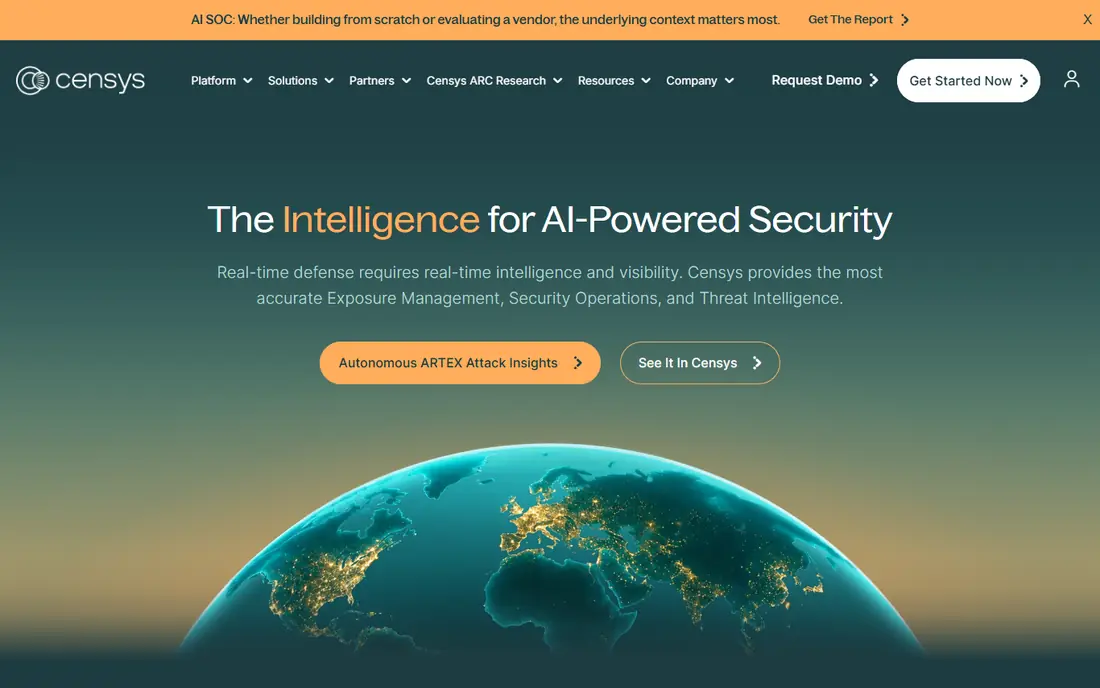
Censys is the most direct Shodan alternative for most security teams. Its internet map covers hosts, services, and certificates, with certificate transparency data that makes it strong for tracking domains, subdomains, and expiring certificates. Attack surface management tools build on that data, so a team can inventory its own exposed assets from one place.
The free tier lets researchers and small teams run real searches, while larger API and platform use moves to quoted plans. Learning the query language takes an afternoon, but the payoff is precise searches across hosts and certificates. Start here if you want one general replacement for Shodan.
- Large internet map with host and certificate data
- Strong API and attack surface tools
- Free community access tier
- Paid plans are quoted for larger use
- Query syntax takes time to learn
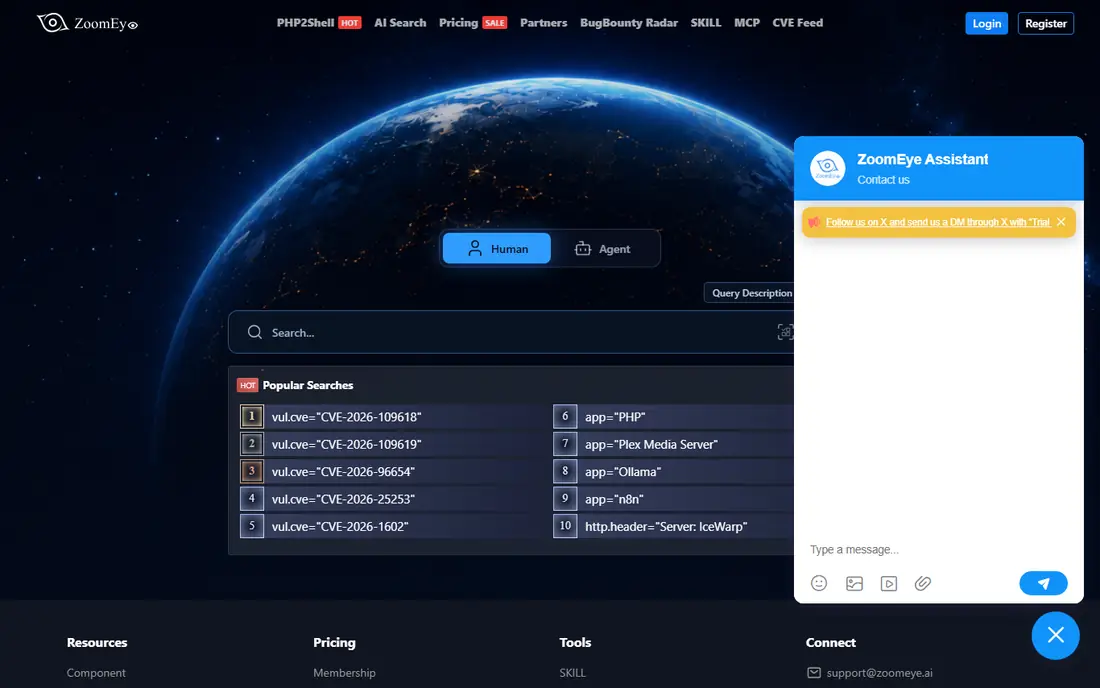
ZoomEye maps cyberspace assets with a focus on device fingerprints, open services, and web components. Security researchers use it to find exposed devices and to study how services are distributed across regions, with particular strength in Asia-Pacific coverage. That regional depth makes it a useful second source alongside Censys or Shodan.
The experience is less polished than Censys in places, and API limits vary by plan, so check the tier that matches your query volume. For authorized asset research and regional threat work, ZoomEye adds coverage that a single-source search would miss.
- Device and service fingerprinting
- Web and host search
- Strong coverage in Asia-Pacific regions
- Interface and documentation can feel less polished
- Pricing tiers need checking for API limits
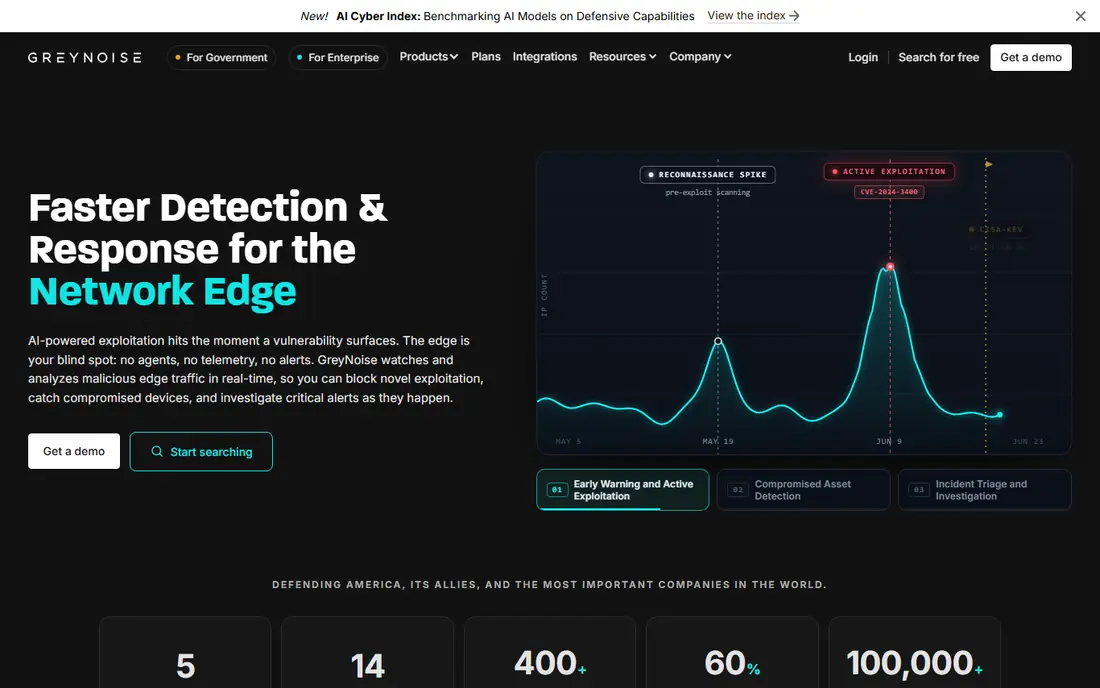
GreyNoise answers a different question from Shodan: is this scan traffic background noise or a real threat? It collects and labels mass internet scanning activity, so analysts can filter out the constant background chatter and focus on IPs that behave differently. That filtering saves real triage time in a busy SOC.
It is not a drop-in device search replacement, since its core product is noise intelligence rather than a browsable device index. Pair it with Censys or another search engine: one finds the assets, GreyNoise tells you which scanning activity around them deserves attention.
- Labels mass internet scanning versus targeted activity
- Helps analysts ignore background noise
- Strong API and integrations
- Not a general device search engine like Shodan
- Value shows mainly in SOC and threat workflows
FOFA is a cyberspace search engine with a large index of internet assets, searchable by domain, IP, port, and web fingerprint. Its fingerprinting helps researchers identify applications and components behind a web service, which is useful for asset inventory and for studying supplier exposure. Teams researching Asia-origin infrastructure often find FOFA coverage complementary to Western indexes.
Documentation quality varies, and free tier limits can bite on heavy query days, so plan API use against the tier you buy. Used for authorized research on your own assets or public threat data, FOFA is a solid second index to cross-check findings.
- Large asset index with web fingerprinting
- Domain, IP, and port search
- Useful for supply chain and regional research
- Some documentation is translated
- Free tier limits need checking before heavy use
BinaryEdge collects and classifies internet-wide data, with historical records that support trend analysis and threat actor infrastructure tracking. Beyond standard port scans, it draws on sources such as torrent data, which gives researchers angles that a pure device index lacks. That history matters when you need to know when an asset first appeared or how it changed.
Its public profile is smaller than Censys, so documentation and community examples are thinner. Check data freshness for the asset types you care about before committing, since scan cycles differ by data source. For historical and infrastructure research, it is a worthwhile addition to the toolkit.
- Historical scan data for trend work
- Torrent and datalake sources beyond standard scans
- API access for research
- Smaller profile than Censys
- Pricing and data freshness vary by plan
Netlas offers internet asset search across hosts, domains, certificates, DNS records, and response data, with monitoring that alerts when an asset changes. That monitoring angle suits teams that want to watch their own exposure over time rather than run one-off searches. API access lets researchers fold Netlas data into existing workflows.
The index is newer and smaller than Censys, so cross-check important findings against a larger source. For continuous monitoring of a defined asset list, though, Netlas is a practical and affordable option, and its free tier allows a real trial.
- Host, domain, certificate, and DNS search
- Asset monitoring and alerts
- API for automation
- Newer and smaller index than the leaders
- Free tier limits apply
ONYPHE describes itself as a cyber defense search engine, combining internet scanning with open source threat intelligence data. Researchers can search for exposed services, correlate them with vulnerability data, and pull results through an API or feed. That blend suits threat intelligence teams that want context, not just a list of open ports.
The query model differs from Shodan, so budget time to learn its syntax and data fields. Pricing tiers gate data access, so match the tier to the feeds you actually need. For threat-led research, ONYPHE adds intelligence context that a plain device index does not provide.
- Cyber defense search across open source and scan data
- Vulnerability and threat correlations
- API and data feeds
- Query model differs from Shodan, so expect a learning curve
- Pricing is tiered by data access
LeakIX indexes open ports and web services with a focus on exposed databases, misconfigured services, and leaked information. It keeps a history of connections, which helps researchers track when an exposure appeared and whether it was fixed. That focus makes it valuable for defensive teams hunting their own misconfigurations.
Scope is narrower than Censys or Shodan, and the data itself demands care: only ever investigate assets you own or have permission to test, and report exposures through proper channels rather than probing further. Used responsibly, LeakIX is a sharp tool for finding the exposures that matter most.
- Focus on exposed databases and web services
- History of successful connections
- Free access tier
- Narrower scope than a full device index
- Data is sensitive by nature, so handle it with care
How we picked these
We compared official product pages and public documentation, and we favored tools that are actively maintained, offer a real search or API, and serve defensive security work. We excluded tools that are mainly leak databases or exploit archives, since they do not replace Shodan's device search role. We did not claim hands-on testing, and we treated vendor coverage claims as claims to verify against your own assets.
How to use these tools responsibly
Only search what you are allowed to test
Internet search data is public in the sense that it is indexed, but probing, logging into, or exploiting a system you do not own is not authorized by a search result. Limit active testing to your own assets and to engagements with written permission.
Cross-check findings across two sources
No single index is complete or perfectly fresh. Confirm an important exposure in a second tool before alerting an asset owner, and note the date each source last saw the asset.
Report, do not exploit
When you find someone else's exposed asset, report it through the owner's security contact or bug bounty channel. Do not download data, change settings, or use the exposure to gain access.
Frequently asked questions
What is the best Shodan alternative?
Censys is the best general Shodan alternative, with a large host and certificate index plus attack surface tools and a free tier. For noise filtering add GreyNoise, and for regional coverage add ZoomEye or FOFA as a second source.
Are Shodan alternatives legal to use?
Searching indexed internet data for defensive research is a legitimate security activity, but the law varies by country and by what you do next. Never probe, log into, or exploit systems without permission, and follow your organization's rules and local law.
Which Shodan alternative is free?
Censys and LeakIX both offer free tiers that support real searches, and most others offer free trials. Free tiers limit query volume and API access, so check limits against your planned use before relying on them.
What is the best Shodan alternative for attack surface management?
Censys leads for attack surface management, with host, certificate, and domain data plus monitoring tools. Netlas is a lighter option for watching a defined asset list with change alerts.
How do Shodan alternatives differ from Shodan?
They differ in index size, scan frequency, regional coverage, and search syntax, and some add threat intelligence or noise filtering that Shodan does not emphasize. Cross-checking two indexes usually gives a fuller picture than any one alone.
Can I use these tools to find my own exposed devices?
Yes, and that is their best defensive use. Search for your own IPs, domains, and certificates, fix exposures you find, and re-check after remediation to confirm the change took effect.
Sources we checked (8)

Online Jobs is an independent blog about careers, online work, learning new skills and the tools that help people earn. More about us.
Keep reading
All posts
Best Cyber Security Software
Compare the best cyber security software for 2026, with antivirus suites, VPN and password tools, free options, and protection for home users. for homes
Best Cloud Security Platform Reviews
Read our best cloud security platform reviews, comparing 8 CNAPP tools on coverage, agentless scanning, runtime defense, and fit for your cloud estate.

Best Captcha Alternatives
Captcha alternatives compared for 2026: eight reCAPTCHA alternatives reviewed for friction, privacy, pricing, integration and fit for forms and logins.