Best Cyber Security Software in 2026: 8 Tools Compared


All-round home protection · Starting price: See website
How we put this together: we compare official feature and pricing pages, app store listings, privacy policies and public user reviews. Prices change, so check the provider's site before you pay.
Key takeaways
- A full security suite suits most home users, because antivirus, web protection, and a password manager in one place cover more risks than antivirus alone.
- Performance matters, because a suite that slows a PC will be turned off, which leaves the user with no protection at all.
- Free antivirus can cover basic scanning, but real-time web protection, ransomware protection, and VPN tools usually need a paid plan.
- No software stops every scam, so check links, use two-factor authentication, and keep backups alongside any security app.
- Compare device limits and renewal prices, not just the first year price, because renewal often costs more than the introductory offer.
Quick comparison
| Name | Who it suits | Starting price | Free option | |
|---|---|---|---|---|
| Bitdefender Total Security | All-round home protection | See website | No | Visit |
 Norton 360 Deluxe | Feature rich family suite | See website | No | Visit |
 Malwarebytes Premium | Second opinion scanning | See website | Yes | Visit |
 McAfee Total Protection | Homes with many devices | See website | No | Visit |
 ESET Home Security | Tech savvy users who want control | See website | No | Visit |
 Trend Micro Maximum Security | Simple protection for families | See website | No | Visit |
 Avast One | Free antivirus with extras | See website | Yes | Visit |
 Microsoft Defender | Built-in Windows protection | Free | Yes | Visit |
The best cyber security software
We focused on software that protects Windows and Mac computers, and in many cases phones, from malware, phishing, and ransomware. The eight below cover full suites, specialist scanners, and free built-in protection, so the right pick depends on device count, budget, and how many extra tools you will actually use.
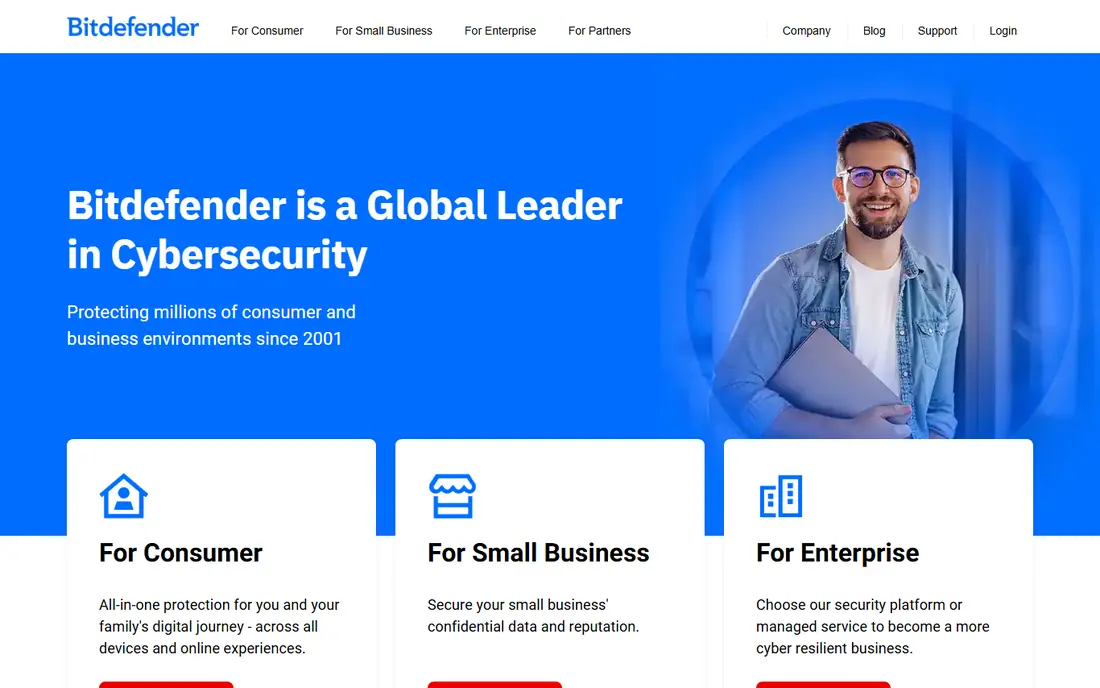
Bitdefender Total Security is a strong all-round pick for most home users. It covers Windows, Mac, Android, and iOS on higher device plans, with real-time malware protection, web protection, and ransomware safeguards. Performance impact is usually low, which matters because a suite that slows a PC gets disabled. The extras need a careful read. VPN data is limited on lower plans, and some features sit on higher tiers, so a user who wants unlimited VPN or full parental controls should check the plan in detail. For core protection across several devices, Bitdefender is hard to beat on balance.
- Strong malware protection record
- Low performance impact
- VPN and password tools on some plans
- VPN data limits on lower plans
- Renewal price needs checking
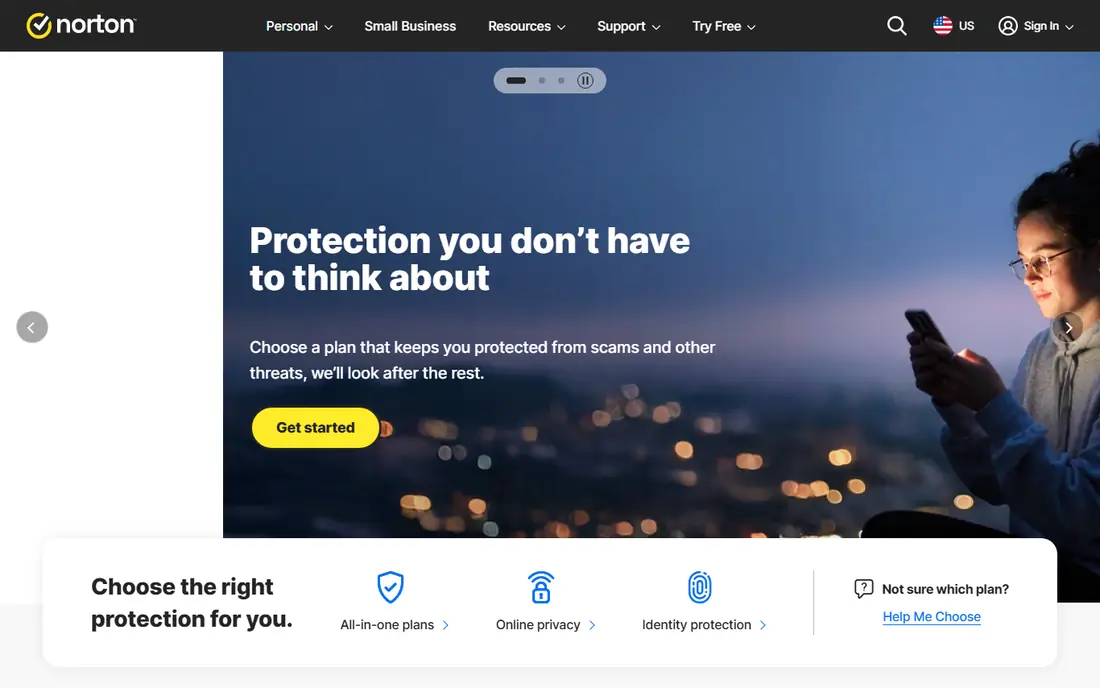
Norton 360 Deluxe suits a household that wants one subscription for several devices and several tools. Antivirus, firewall, VPN, password manager, and dark web monitoring sit in the same suite, and the Deluxe plan covers multiple devices, which helps a family with phones, laptops, and tablets. A single device user may find the suite larger than needed, and renewal pricing deserves attention, since introductory prices often rise. For a family that will use the VPN and password manager, the bundle can be good value, while a user who only needs antivirus should look at a simpler plan.
- Broad suite including VPN and password manager
- Dark web monitoring on some plans
- Family device coverage
- Higher renewal prices
- Suite can feel large for a single device user
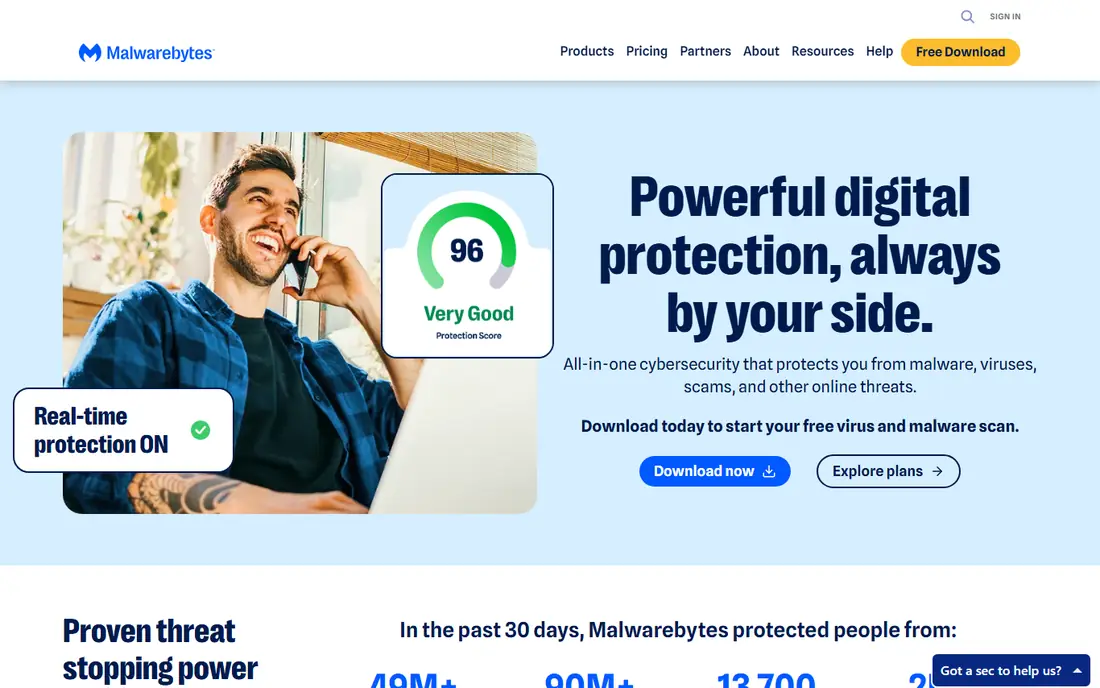
Malwarebytes Premium is best known as a second opinion scanner, and that reputation is earned. It finds adware, unwanted programs, and infections that other tools miss, and its light footprint means it can run alongside another antivirus for periodic checks. The free scanner is useful when something already feels wrong. The free version does not offer real-time protection, so it is not a full replacement for a suite on its own. Premium adds real-time protection and web blocking, but it still offers fewer extras than a full Norton or Bitdefender suite. Use it as a specialist layer, or as a main tool if you value light, focused protection.
- Strong on-demand scanning
- Light footprint
- Free scanner available
- Free version lacks real-time protection
- Fewer suite extras than Norton or Bitdefender
McAfee Total Protection suits a home with many devices, because some plans cover unlimited devices. That removes the counting problem for a household with phones, tablets, laptops, and a smart TV, and the suite adds VPN, password, and identity tools on higher tiers. Family plans add controls for younger users. Performance and interface are the trade-offs. On an older PC, the suite can feel heavier than Bitdefender, and the dashboard packs in many features. A household that values unlimited device coverage and a single bill will find it convenient, while a single PC user may prefer a lighter suite.
- Unlimited device plans on some tiers
- VPN and identity tools
- Family friendly options
- Interface can feel busy
- Performance impact varies by device
ESET Home Security appeals to users who like control. Settings for scanning, firewall, and device control are detailed, protection is consistent across tests, and system impact is usually low. That combination suits a tech savvy user who wants to tune protection rather than accept defaults. New users may find the interface less welcoming than Norton or Bitdefender, and the suite offers fewer bundled lifestyle extras. ESET is a good pick when core protection and control matter more than a VPN, password manager, or identity bundle in the same app.
- Granular settings
- Consistent protection
- Low system impact in many tests
- Fewer lifestyle extras than larger suites
- Interface feels technical to new users
Trend Micro Maximum Security
Who it suits: Simple protection for families
Trend Micro Maximum Security suits a family that wants simple, dependable protection without a complex dashboard. The interface is clean, web protection blocks scam and phishing pages in practice, and multi-device plans cover phones and computers together. That simplicity helps a household where not everyone is technical. Advanced users may miss the granular controls of ESET or the broad bundle of Norton, and VPN data limits apply on some plans. For a family that mainly needs antivirus, web protection, and ransomware safeguards, Trend Micro is a steady, easy to live with choice.
- Clean interface
- Practical web protection
- Multi-device plans
- Fewer advanced extras than some suites
- VPN limits on some plans
Avast One is a useful free starting point, because its free tier includes real-time file scanning, unlike some free scanners that only scan on demand. Setup is easy, the interface is clear, and paid plans add VPN, cleanup, and breach monitoring for users who want a fuller suite. Upgrade prompts are the annoyance, and the free tier does not include everything a paid suite offers. A budget user who wants free real-time protection should try Avast One first, while a user who dislikes prompts or wants a full bundle should compare Bitdefender or Norton paid plans.
- Free tier with real-time scanning
- VPN and cleanup tools on paid plans
- Easy setup
- Free tier prompts for upgrades
- Paid VPN and extras need a higher plan
Microsoft Defender is the built-in option for Windows users, and for many people it is enough. It offers real-time antivirus, firewall, and ransomware protection at no extra cost, with solid results in independent lab tests, and it needs no extra install or subscription. That simplicity is a real advantage. It does not bundle a VPN, password manager, or dark web monitoring in the same way as paid suites, and family management across non-Windows devices is more limited. A careful user who only installs apps from trusted sources and keeps backups may be fine with Defender alone, while a household with several devices may prefer a paid suite.
- Built into Windows at no extra cost
- Solid lab results
- No extra install for Windows users
- No VPN or password manager bundle
- Less cross-platform family management
How we picked these
We compared official feature pages, pricing pages, app store listings, and privacy policies, and we checked public reviews and independent lab results for recurring points about detection, performance, and support. We kept only software that was still offered in October 2026 and that protected home computers from malware and web threats. We did not claim hands-on testing that we did not do, and where a vendor did not publish a clear starting price, we wrote See website rather than guessing. We gave weight to real-time protection, performance impact, and device coverage, because those decide whether a suite protects a household in daily use. A suite with strong lab scores but heavy performance impact scored lower than a slightly less feature rich suite that users keep running.
Choosing cyber security software for your household
Start with device count and operating system. Count Windows PCs, Macs, phones, and tablets, then check which plans cover them all. A suite that covers five devices is poor value for one PC, while a single device plan is useless for a family of five. Check renewal price at the same time, because a cheap first year can become an expensive second year. Next, decide which extras you will use. A VPN helps on public Wi-Fi, a password manager helps if you reuse passwords, and parental controls help for younger users. Paying for extras you never open is wasteful, while buying a bare antivirus and then paying separately for a VPN and a password manager can cost more than a bundle. List the extras you used in the past month, not the ones that sound useful. Finally, keep the basics alongside any software. Use two-factor authentication on email and banking, keep the operating system and browser updated, and keep backups of important files offline or in a separate cloud account. Security software reduces risk, but it does not replace careful browsing, strong passwords, and a backup you can restore from.
Free versus paid
Free antivirus suits a careful single device user, especially Avast One or Microsoft Defender on Windows. Paid suites suit families, multi-device homes, and users who want VPN, password, and identity tools in one place. Upgrade when a specific paid feature is needed, not just for a higher score.
One suite or two tools
Many users pair a main suite with Malwarebytes as a second opinion scanner. That pairing can catch infections a single tool misses, but running two real-time antivirus engines at once can cause conflicts. Use one real-time suite, and run the second tool on demand only.
Frequently asked questions
What is the best cyber security software for home use?
Bitdefender Total Security is a strong all-round pick for most homes, because it balances protection, performance, and device coverage. Norton 360 Deluxe suits families that want a broad bundle, while Microsoft Defender suits a careful Windows user who wants no extra cost. The best pick depends on device count and which extras you will use.
Is free antivirus enough?
Free antivirus can be enough for a careful user on one device, especially with Microsoft Defender on Windows or Avast One's free tier. Free tools usually lack full web protection, ransomware safeguards, and VPN tools, so a user who banks online, uses public Wi-Fi, or shares a PC with family members should consider a paid suite.
What is the difference between antivirus and internet security software?
Antivirus focuses on detecting and removing malware, while internet security software adds web protection, firewall, anti-phishing, and often VPN and password tools. Most modern suites are internet security suites, even when they are sold under an antivirus name, so check the feature list rather than the label.
Do Macs need cyber security software?
Macs face fewer traditional viruses than Windows PCs, but adware, phishing, and scam downloads still work on Macs. A Mac user who downloads software from the web, shares files with Windows users, or keeps sensitive work data should consider protection, while a Mac user who only uses the App Store may be fine with built-in tools.
How many devices does a security suite cover?
Coverage varies by plan, from one device to five, ten, or unlimited on some McAfee plans. Count every phone, tablet, and computer you want protected, including family devices, before choosing a plan. A plan that covers fewer devices than you own will leave some devices unprotected.
Should I run two antivirus programs at once?
No, not with both running real-time protection, because they can conflict and slow the device. Use one real-time suite as your main protection, and use a second tool such as Malwarebytes free scanner on demand only, for periodic checks when something feels wrong.
Sources we checked (8)

Online Jobs is an independent blog about careers, online work, learning new skills and the tools that help people earn. More about us.
Keep reading
All posts
n8n Alternatives
n8n alternatives compared for 2026, with Zapier, Make, Activepieces, and more, covering visual builders, code steps, self-hosting, and pricing models.

eBay Alternatives
Looking for ebay alternatives? We compared 9 marketplaces for sellers on fees, buyer reach, categories and ease of listing, to help you sell with confidence.

ZoomInfo Alternatives
The best ZoomInfo alternatives in 2026, compared on price, free plans, data coverage, and which tool fits small teams or large sales teams best in detail.