Best PDF translate service in 2026: 9 Tools Compared


Natural translation for European languages · Starting price: See website
How we put this together: we compare official feature and pricing pages, app store listings, privacy policies and public user reviews. Prices change, so check the provider's site before you pay.
Key takeaways
- DeepL offers the most natural translation for European languages, while Google Translate covers the most languages for free.
- iLovePDF and Smallpdf suit users who want translation inside a wider PDF toolkit with layout preserved where possible.
- OpenL and Doclingo focus on document translation with formatting retention, which matters for reports and forms.
- Scanned PDFs need OCR first: ABBYY FineReader PDF is the strongest first step before translation.
- Machine translation is not a substitute for a professional translator for legal, medical, or certified documents.
Quick comparison
| Name | Who it suits | Starting price | Free option | |
|---|---|---|---|---|
| DeepL Translator | Natural translation for European languages | See website | Yes | Visit |
 Google Translate | Free translation in the most languages | Free | Yes | Visit |
 OpenL Doc Translator | Direct PDF translation with layout kept | See website | Yes | Visit |
 iLovePDF Translate | Translation inside a PDF suite | See website | Yes | Visit |
 Smallpdf Translate | Quick PDF translation in a browser | See website | Yes | Visit |
 Microsoft Translator | Translation for Microsoft users | Free | Yes | Visit |
 Doclingo | Layout focused document translation | See website | Yes | Visit |
 ABBYY FineReader PDF | OCR for scanned PDFs before translation | See website | Free trial | Visit |
 ChatGPT | Flexible translation with tone and context control | See website | Yes | Visit |
The best PDF translate service
Translating a PDF is harder than translating plain text. The tool must extract text, translate it, and put it back without breaking tables, columns, images, or page breaks. Some tools do that well for simple documents and badly for complex ones, and scanned PDFs add a further step, since the text must be recognised first. The tools below cover those different jobs, from a quick free translation to a layout careful document workflow.
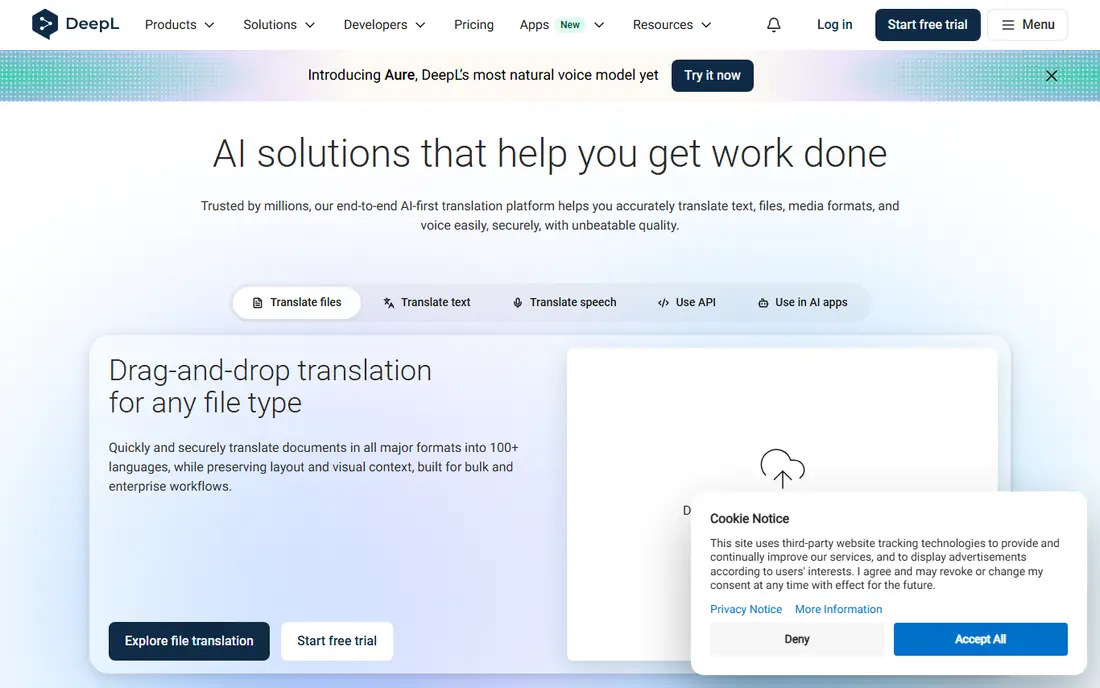
DeepL is the first recommendation when translation quality matters more than language coverage. For English, German, French, Spanish, Italian, Dutch, and Portuguese, its output usually reads more naturally than other machine translators, with fewer awkward phrases to fix. Document translation lets you upload a PDF and download a translated file, rather than copying text paragraph by paragraph.
Free use is limited to a small number of documents per month, and paid plans remove that cap while adding glossary control for consistent terminology. DeepL struggles with scanned PDFs, since it cannot read text that exists only as an image. For a clean, text based PDF in a European language, DeepL is the quality leader on this list.
- Most natural phrasing for European language pairs
- Document translation keeps much of the original layout
- Glossary support on paid plans
- Fewer languages than Google Translate
- Free document uploads are limited per month
- Scanned PDFs translate poorly without OCR
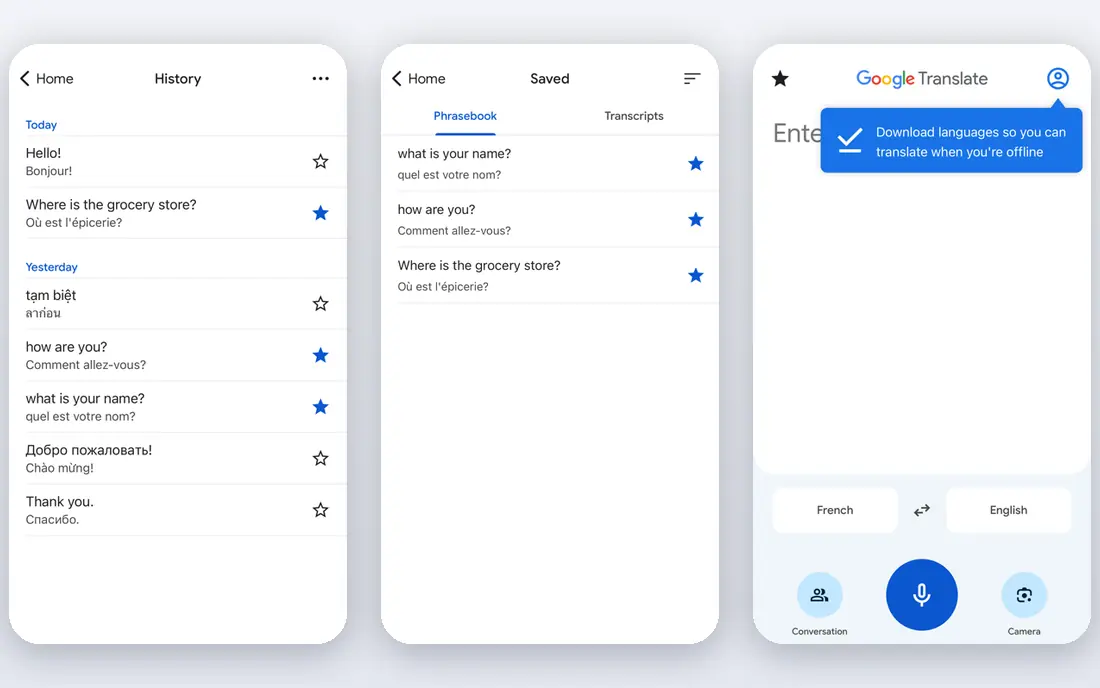
Google Translate is the most accessible PDF translator, and for many users it is enough. Upload a document in a browser, choose the target language, and download a translated version, all for free. Language coverage is unmatched, which matters for less common pairs where DeepL and other tools may not offer a language at all.
The trade off is layout and nuance. Tables, multi column pages, and forms often come back rearranged, and quality drops for language pairs that do not involve English. Google Translate also cannot read scanned PDFs, since it needs selectable text. Use it for understanding a document quickly, and use a layout focused tool when the translated file will be sent to someone else.
- Free and fast
- Covers more than 200 languages
- No account needed for document translation in a browser
- Layout preservation is weak on complex documents
- Quality varies by language pair
- No OCR for scanned PDFs
OpenL Doc Translator
Who it suits: Direct PDF translation with layout kept
OpenL Doc Translator is built around one job: upload a document, translate it, and download a file that still looks like the original. That focus shows in its handling of formatting, which is stronger than a general translator for reports, contracts, and academic papers. It also supports image based files, which helps with scanned pages that other translators reject outright.
OpenL is less well known than the market leaders, so check its language list and free quota before relying on it for a large project. For a direct PDF in, PDF out workflow where layout matters, it is a strong alternative to DeepL, especially when DeepL's free document limit has run out.
- Built for document translation with formatting retention
- Handles PDF and image based files
- Straightforward upload workflow
- Smaller brand than DeepL or Google
- Free quota is limited
- Quality varies by language pair
iLovePDF Translate suits people who already use iLovePDF for other PDF jobs. Translate a document, then compress it, split it, or merge it with another file without switching services. That continuity saves time when translation is one step in preparing a document for sharing.
Translation quality depends on the engine behind the tool, and iLovePDF is not a specialist language company in the way DeepL is. For general documents, it performs well and keeps layout reasonably intact. For a high stakes translation where wording matters, compare its output with DeepL or a professional translator before sending the file.
- Translation sits alongside merge, split, and edit tools
- Layout handling is better than plain text translation
- Familiar interface for existing users
- Free translations are limited per day
- Not a specialist translation engine on its own
Smallpdf Translate is the quick option for a short document that needs translating now. Upload, choose languages, and download, all in a browser, with no software to install. The interface is clean, which helps when you are working on a shared computer or a phone.
Free limits apply, so Smallpdf is not the tool for translating a 200 page report every week. For a one off contract summary, a certificate, or a short report, it is fast and reliable. As with other browser translators, check the translated layout before sending, especially for tables and forms.
- Fast browser workflow with no install
- Polished interface
- Other PDF tools available after translation
- Free translations are limited
- Layout on complex documents can shift
Microsoft Translator is a practical choice for users already in the Microsoft ecosystem. It translates text and documents, works in Edge and Office apps, and covers a wide range of languages for free. For a Word document that will later be exported as a PDF, it is particularly convenient, since formatting survives better in Word than in a direct PDF translation.
For a standalone PDF, Microsoft Translator is less focused than DeepL or OpenL. Layout may shift, and scanned PDFs need OCR first. Use it when you work in Office and want translation without a new subscription, and use a document specialist when the PDF itself is the final deliverable.
- Free text and document translation
- Integrates with Microsoft Office and Edge
- Broad language coverage
- PDF formatting is best preserved when the file is already in Word
- Standalone PDF layout handling is weaker
Doclingo is a document translation service that puts layout first. It aims to keep tables, columns, and formatting intact, which matters for business reports, forms, and academic papers where a rearranged table changes the meaning. Some workflows also offer bilingual review, so you can compare original and translated text side by side.
Doclingo is less widely reviewed than DeepL or Google Translate, so test it on a sample document before committing to a large project. For a layout heavy PDF where DeepL or Google Translate keeps breaking tables, Doclingo is worth trying as a specialist alternative.
- Focus on preserving tables and layout
- Bilingual review options in some workflows
- Useful for business documents
- Smaller user base and fewer public reviews
- Pricing and limits vary by plan
ABBYY FineReader PDF
Who it suits: OCR for scanned PDFs before translation
ABBYY FineReader PDF is not a translator, but it belongs on this list because it solves the problem that blocks most PDF translation: scanned pages. A scanned PDF contains images, not text, so translators cannot read it. FineReader uses optical character recognition to turn those images into selectable, searchable text, which can then be translated by DeepL, Google Translate, or another tool.
That two step workflow takes longer, but it is the only reliable route for contracts, forms, and academic records that exist only as scans. FineReader is paid software, with a trial available, so it suits users who handle scans regularly. For a single scanned page, a free OCR tool or a phone scanning app may be enough, but for a batch of scans, FineReader is the strongest first step.
- Strong OCR for scanned and image based PDFs
- Converts scans to searchable text
- Full PDF editing alongside OCR
- Not a translator itself
- Paid software, so it adds cost before translation even starts
ChatGPT translates differently from a document tool. Upload a PDF and ask for a translation, and you can specify tone, formality, and target audience, or ask it to explain a difficult passage. That flexibility helps with marketing text, creative writing, and documents where literal translation would sound stiff.
The limit is format. ChatGPT returns translated text, not a PDF with the original layout, so you will need to rebuild the document if layout matters. It can also make mistakes or smooth over uncertain passages, so check its output against the original, especially for numbers, names, and legal terms. Use ChatGPT for understanding and drafting, and a document translator or human translator for a final file.
- Can adjust tone, formality, and audience
- Explains translation choices on request
- Handles uploaded PDFs for text translation
- Output is text, not a layout preserved PDF
- Needs careful checking for accuracy and invented details
How we picked these
We compared official product pages, pricing pages, and public comparisons of PDF translators still available in October 2026. We favoured tools that accept a PDF upload directly, tools with a clear free route, and tools that address layout or OCR, since those are the two problems that matter most in practice. We excluded tools that only translate pasted text, tools that are no longer maintained, and tools that promise certified translation without human review. Prices and free limits change often, so confirm them on the vendor site before a large project.
Choosing by document type
A short, text based PDF in a European language points to DeepL. A document in a less common language points to Google Translate. A layout heavy report points to OpenL or Doclingo. A scanned document points to ABBYY FineReader first, then a translator. A document that will be published or used legally points to a professional translator, with machine translation only as a first draft.
That last point needs emphasis. Machine translation is excellent for understanding, drafting, and internal use, but it is not reliable enough on its own for legal contracts, medical instructions, immigration documents, or certified translations. For those, use a qualified human translator, and check whether your authority requires a certified or sworn translation. A fast machine translation that misstates a date, a dose, or an obligation can cause real harm.
Protect private documents
Translation tools upload your file to a server, unless they run locally. Do not upload contracts, medical records, or personal data to a free translator without checking its privacy policy and retention period. For sensitive documents, use a paid plan with clear data handling, a local OCR tool, or a professional translator bound by confidentiality. Deleting a file after processing helps, but it does not remove the risk of uploading it in the first place.
Frequently asked questions
What is the best PDF translate service overall?
DeepL is the best overall choice for European languages, because its translations read most naturally and its document mode keeps much of the layout. Google Translate is the best free choice for the widest language coverage. For a layout heavy document, OpenL or Doclingo may beat both, so test your actual document type before choosing.
Can I translate a PDF for free?
Yes. Google Translate offers free document translation with no account needed in a browser, and DeepL, OpenL, iLovePDF, and Smallpdf all offer free tiers with limits. Free tiers usually cap documents per month or per day, and layout handling may be weaker than on paid plans. For a single short document, a free tier is usually enough.
Can I translate a scanned PDF?
Yes, but only after OCR. A scanned PDF contains images, not text, so a translator cannot read it directly. Use ABBYY FineReader PDF or another OCR tool to convert the scan to searchable text, then translate the resulting file. Check the OCR output for errors first, since a misread number or name will carry through into the translation.
Will translation keep my PDF layout?
It depends on the tool and the document. Simple documents with plain paragraphs usually translate cleanly. Tables, multi column layouts, forms, and embedded images often shift, especially in free tools. DeepL, OpenL, and Doclingo handle layout better than most, but always check the translated file page by page before sending it.
Is machine translation safe for legal documents?
No, not on its own. Machine translation can misstate legal terms, dates, and obligations, and it does not provide a certified translation where one is required. Use machine translation to understand a legal document, then use a qualified human translator for any version that will be signed, filed, or relied upon.
How many languages do PDF translators support?
It varies widely. Google Translate supports more than 200 languages, Microsoft Translator covers a broad range, and DeepL covers a smaller set focused on European and major world languages. Check the vendor language list for your exact pair before starting, especially for less common languages or regional variants.
Sources we checked (9)

Online Jobs is an independent blog about careers, online work, learning new skills and the tools that help people earn. More about us.
Keep reading
All posts
n8n Alternatives
n8n alternatives compared for 2026, with Zapier, Make, Activepieces, and more, covering visual builders, code steps, self-hosting, and pricing models.

eBay Alternatives
Looking for ebay alternatives? We compared 9 marketplaces for sellers on fees, buyer reach, categories and ease of listing, to help you sell with confidence.

ZoomInfo Alternatives
The best ZoomInfo alternatives in 2026, compared on price, free plans, data coverage, and which tool fits small teams or large sales teams best in detail.