Best Quizlet Alternatives in 2026: 8 Apps Compared

How we put this together: we compare official feature and pricing pages, app store listings, privacy policies and public user reviews. Prices change, so check the provider's site before you pay.
Key takeaways
- Knowt is the closest free switch from Quizlet, with a learn mode, practice tests and a direct import route for Quizlet sets.
- Anki is the strongest choice for long-term memory, but it takes more setup than the other apps here.
- Brainscape and RemNote suit learners who want confidence ratings or notes and flashcards in one place.
- Gimkit and Kahoot are better for classroom games and live review than for solo revision.
- Free plans vary a lot, so check card limits, AI limits and export options before you rebuild a large deck.
Quick comparison
| Name | Who it suits | Starting price | Free option | |
|---|---|---|---|---|
 Knowt Knowt | Switching from Quizlet | See website | Yes | Visit |
 Anki Anki | Long-term spaced repetition | Free | Yes | Visit |
 Brainscape Brainscape | Confidence-based revision | See website | Yes | Visit |
 RemNote RemNote | Notes plus flashcards | See website | Yes | Visit |
 Gimkit Gimkit | Classroom games | See website | Yes | Visit |
 Kahoot Kahoot | Live class quizzes | See website | Yes | Visit |
 StudySmarter StudySmarter | All-in-one study plans | See website | Yes | Visit |
 Cram Cram | Simple free flashcards | Free | Yes | Visit |
The best quizlet alternatives
We compared official feature pages, pricing pages, app store listings and public reviews, focusing on study modes, spaced repetition, import options and what the free plan actually allows.
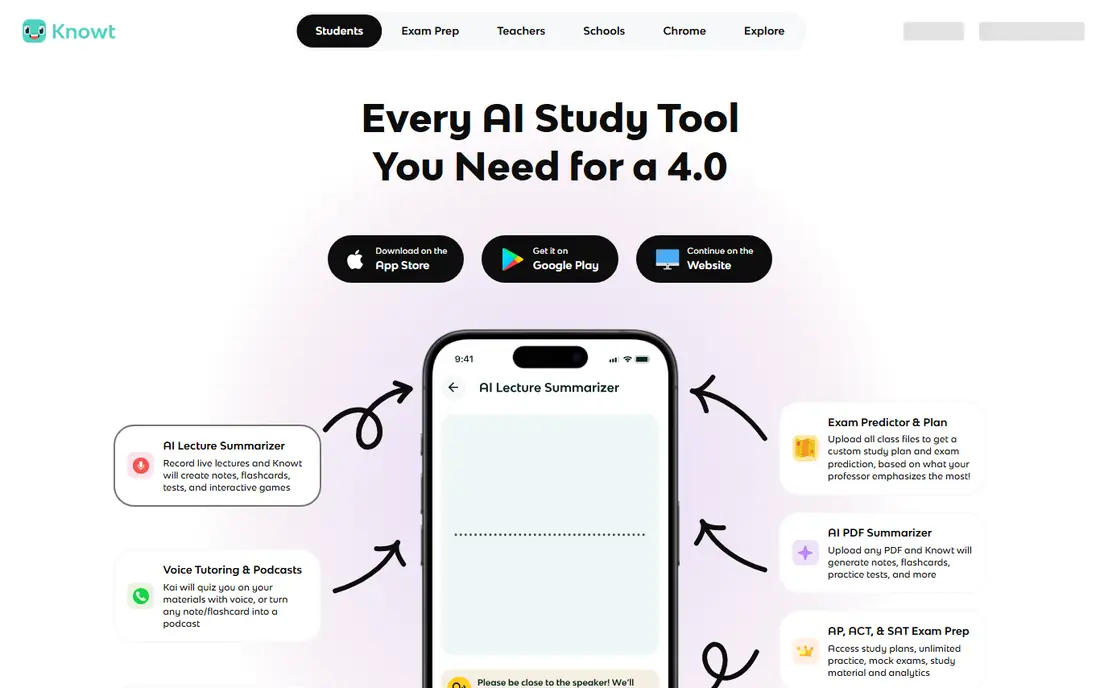
Knowt is our pick for most Quizlet users who want to move without starting again. Its free plan includes learn mode, practice tests and spaced repetition, which covers the daily revision loop that Quizlet now limits for free users. You can import Quizlet sets directly, so a class deck does not need to be retyped card by card. The interface feels familiar too, with sets, folders and study modes in the places you would expect.
The catch is that Knowt is not fully free for every job. Teacher tools and some advanced features sit behind a paid plan, and free users will see ads. If you only study alone, that trade is easy to accept. If you teach a class or need detailed tracking for many students, check the paid plan before you commit. For a solo student, Knowt gives the closest Quizlet-like experience at no cost, and that makes it the easiest first alternative to try.
- Free learn mode, practice tests and spaced repetition
- Direct Quizlet import
- AI tools to turn notes into flashcards
- Some teacher tools sit behind a paid plan
- Ads appear on the free plan
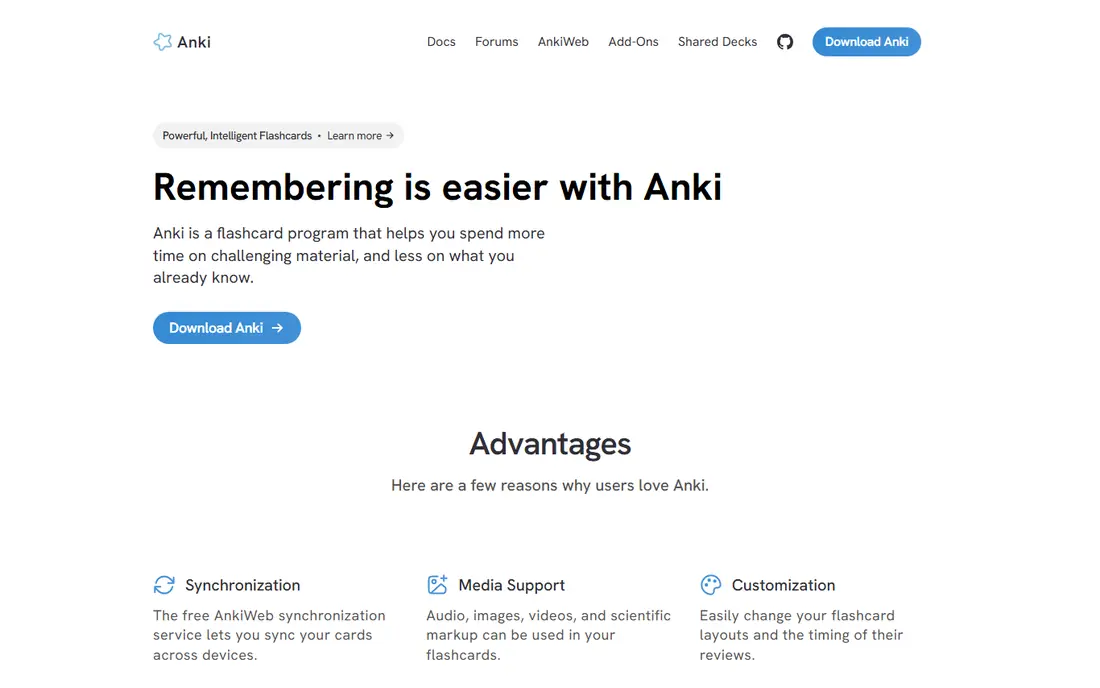
Anki is the app serious students return to when they need to remember material for months, not just for one test. Its spaced repetition system schedules each card at the right interval, and you can adjust intervals, card types and review steps in fine detail. The desktop app, Android app and web sync are free, and shared decks cover medicine, law, languages and many school subjects. Once a deck is set up well, daily reviews take only a few minutes.
The honest weakness is setup. Anki looks plain, and new users often need an evening to learn decks, note types and scheduling options. The iPhone app is paid, which surprises some users who expect everything to be free. If you want a polished app that works straight away, Knowt or Brainscape will feel easier. If you want the strongest memory system and you are willing to learn it, Anki is hard to beat, and it stays free for most platforms.
- Free on desktop, Android and the web
- Highly configurable spaced repetition
- Huge library of shared decks
- Plain interface and a learning curve
- IPhone app is a paid one-time purchase
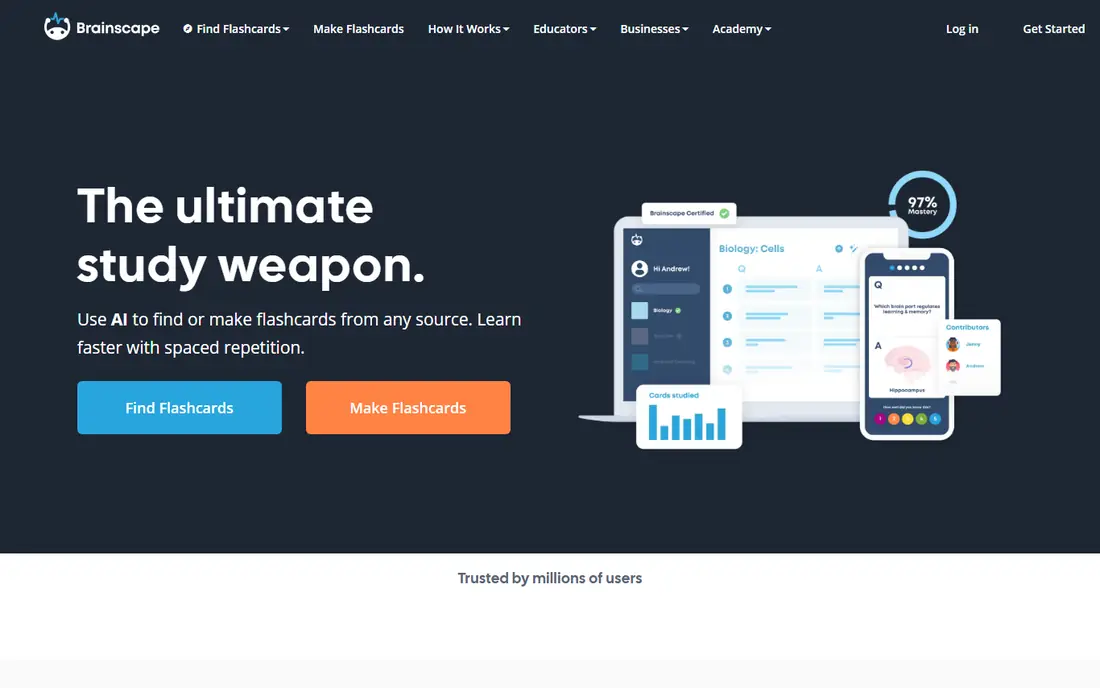
Brainscape takes a different approach from Anki: after each card, you rate how well you knew the answer, from one to five. That rating drives the next review, and it forces an honest check on what you really know, rather than a quick flip through a deck. The free plan allows unlimited cards of your own, which is generous, and curated decks are available for many exams and professional topics. The apps are clean and easy to use on a phone, which helps with short daily sessions.
The limit is on the paid side. AI card creation is limited on the free plan, and the full set of features needs a subscription. Importing from Quizlet also takes more steps than Knowt, usually through a file export. Brainscape suits a learner who likes a simple rating system and a tidy interface, and who does not want to configure scheduling settings. It is less suited to a student who wants to move a large Quizlet library in one click.
- Simple confidence rating on each card
- Curated decks for exams and professional study
- Clean mobile apps
- Unlimited AI cards and extra features need a paid plan
- Quizlet import is less direct than Knowt
RemNote is for students whose flashcards should come from their notes, not from a separate deck. You write notes in an outline, turn key points into flashcards as you go, and review those cards with built-in spaced repetition. That link between notes and cards saves retyping, and it works well for lecture notes, textbook chapters and revision summaries. The free plan includes unlimited notes and flashcards, with caps on annotated PDFs, image occlusion cards and AI credits.
The trade-off is complexity. RemNote has more features than a basic flashcard app, and new users can feel lost among outlines, documents and review queues. If you only need quick cards for a test next week, a simpler app will be faster. If you take notes every day and want those notes to become revision material without extra work, RemNote is a strong pick. Start with one subject first, so you learn the outline system before you move a whole course into it.
- Notes and flashcards in one document
- Built-in spaced repetition
- Quizlet and Anki import options
- More complex than a simple flashcard app
- AI credits are capped on the free plan
Gimkit turns revision into a game, and that is why teachers like it. Students answer questions to earn in-game money, buy upgrades and compete, which holds attention far better than a plain deck for a whole class. Teachers can run live games or set kits as homework, and they can use kits made by other teachers as a starting point. The game formats change often enough that a class does not tire of the same quiz each week.
For solo study, Gimkit is a weaker fit. It is designed around a teacher and a group, and a single student will get more from Knowt or Anki. The free plan also limits some features, so a teacher who wants every game mode will need to check the paid plan. Gimkit earns its place here for classrooms and study groups, where energy and competition help. For quiet, daily revision alone, pick a spaced repetition app instead.
- Game modes that keep classes engaged
- Live and homework modes
- Teachers can use kits made by others
- Built for classrooms, not solo study
- Some game modes and features need a paid plan
Kahoot is the best-known live quiz tool in classrooms, and its strength is simplicity at scale. A teacher shows a question, students answer on their phones, and a leaderboard keeps the room engaged. The library of ready-made quizzes is huge, covering school subjects, training and trivia, and joining a game needs only a code. For a quick review at the end of a lesson, few tools are faster to set up.
The weakness is depth. Kahoot does not schedule spaced repetition, and it does not replace a flashcard system for long-term learning. Free plans limit the number of players and some features, so a large class or a school may need a paid plan. Kahoot is best used beside a flashcard app: use Kahoot for a lively class review, then use Anki, Knowt or Brainscape for the daily revision that builds lasting memory. Used alone, it will not carry a whole revision plan.
- Very easy live quizzes for large groups
- Huge library of ready-made quizzes
- Works on almost any device
- Not a spaced repetition tool
- Free plan limits player numbers and features
StudySmarter, also known as Vaia in some regions, tries to cover the whole study process in one app. It combines flashcards, summaries, study plans and shared learning material, so a student can plan a week, revise cards and read notes without switching apps. That breadth helps when a course has many topics and deadlines, and the shared content library can save time on common subjects. The free plan gives access to core study tools, which is enough to test whether the system fits your habits.
The catch is that breadth can feel busy. Students who only want flashcards may find extra menus and features in the way, and some content varies by subject and region. StudySmarter suits a learner who wants one home for planning and revision, and who will use the study plan features, not just cards. If you want a single-purpose flashcard app, Knowt or Anki will feel cleaner and faster for daily reviews.
- Flashcards, summaries, study plans and shared notes in one app
- Large content library
- Good for organising a course
- Some content and features vary by subject and region
- Interface can feel busy
Cram is the simplest free option on this list, and sometimes simple is enough. You can browse millions of shared flashcards, make your own sets in minutes and study with card flip or memorisation modes. There is no setup puzzle, no scheduling system to learn and no paywall for basic use. For a student who needs a set for a test this week and does not want to learn a new system, Cram does the job with little friction.
The honest limits are clear. Cram looks dated, ads appear on the free service, and it does not offer the spaced repetition, AI generation or classroom tools of the newer apps. Shared sets also vary in quality, so check a set before you trust it for an exam. Cram is best as a quick, free backup, or for a younger student who needs a plain flashcard site. For a long revision plan, pair it with, or replace it by, a spaced repetition app from higher up this list.
- Free to use with a large library of shared sets
- Simple creation and browsing
- Two study modes for cards and memorisation
- Dated design and ads
- No advanced spaced repetition or AI card creation
How we picked these
We compared official feature pages, pricing pages, app store listings and public reviews for each app. We checked study modes, spaced repetition, import routes, free plan limits and classroom features, and we favoured apps that a real student can use without a paid plan first. We did not claim hands-on testing that did not happen, and we did not invent prices, user counts or ratings. Where a price was not clear on the vendor site at the time of checking, we marked it as See website.
How to choose a Quizlet alternative
Start with how you actually study, not with the longest feature list. If you have Quizlet sets to move, import options matter most, and Knowt wins on that point. If you study for months for a professional exam, spaced repetition matters most, and Anki or Brainscape will serve you better. If you teach, classroom games matter most, and Gimkit or Kahoot will engage a group in a way a solo app cannot.
Check the free plan before you rebuild
Free plans hide limits in card counts, AI credits, player numbers and export options. Make a small test deck first, try learn mode or a review session, and check whether you can export your cards. A free app that locks your work behind a paid export is a poor long-term home. Also check privacy settings for classroom use, especially if students are under 18, and keep personal notes out of public shared decks.
Keep one system for daily revision
Switching apps every week breaks the habit that makes flashcards work. Pick one app for daily reviews, set a short daily session, and use other tools only for class games or one-off quizzes. A simple system used every day will beat a powerful system opened once a month. Review your deck quality too: clear, short cards with one fact each work better than long cards that try to hold a whole paragraph.
Frequently asked questions
What are the best free Quizlet alternatives?
Knowt, Anki and Cram are the strongest free starting points. Knowt gives a free learn mode and practice tests, Anki gives free spaced repetition on desktop and Android, and Cram gives free shared sets with little setup. Brainscape and RemNote also have useful free plans, but with limits on AI features. Try a small deck in each before you move a full course.
Are there Quizlet alternatives with learn mode?
Yes, Knowt is the closest match, because its free plan includes a learn mode, practice tests and spaced repetition. Brainscape and RemNote offer review modes that serve a similar purpose, though they use confidence ratings or note-linked cards rather than a Quizlet-style learn session. If learn mode is your main reason to switch, start with Knowt and test it with your own sets.
What is the best alternative to Quizlet for students?
For most students, Knowt is the best first alternative, because it is free, familiar and imports Quizlet sets directly. For long-term exams, Anki is stronger, because its spaced repetition is more configurable and its shared decks are deeper. For classroom fun, Gimkit or Kahoot work better. The best choice depends on whether you study alone, for a long exam or with a class.
Can I import my Quizlet sets into another app?
Yes, in most cases, but the route differs. Knowt offers a direct import, RemNote offers built-in import options, and Anki and Brainscape usually work through a file export. Check the import steps before you cancel a Quizlet plan, and keep a backup export of your sets. Some formatting, images and special card types may not transfer perfectly, so review imported decks after the move.
Is Anki really free?
Anki is free on desktop, Android and the web, with free sync through AnkiWeb. The iPhone and iPad app is a paid one-time purchase, which supports development of the free versions. There is no subscription for the core desktop app. If you study mainly on a computer or Android phone, Anki costs nothing to use for daily revision.
Do these alternatives work for teachers?
Yes, but in different ways. Gimkit and Kahoot are built for live classroom games, StudySmarter helps with planning and shared material, and Knowt, Brainscape and RemNote work for setting revision for students. Check each app for classroom privacy rules, player limits on free plans and whether student data is kept separate from public shared content. A school should confirm data handling before rolling an app out to a whole class.
Sources we checked (8)

Online Jobs is an independent blog about careers, online work, learning new skills and the tools that help people earn. More about us.
Keep reading
All posts
Best Spanish Learning Apps
Looking for the best Spanish learning app? We compared eight leading apps for beginners, travelers, and serious learners to help you choose with confidence.

Best Online Learning Platforms
We compared 9 best online learning platforms on price, certificates, and free access, so you can learn a new skill fast without paying for the wrong plan.
Best Audiobook Apps
Looking for the best audiobook apps? We compared eight audiobook platforms for price, library size, free options, and listening features and trial options.