Proxmox Alternatives in 2026: 8 Products Compared

How we put this together: we compare official feature and pricing pages, app store listings, privacy policies and public user reviews. Prices change, so check the provider's site before you pay.
Key takeaways
- XCP-ng is the closest open source match for teams that want Xen-based pools with central management.
- Hyper-V suits Windows-focused teams that already license Windows Server.
- Nutanix AHV suits teams that want a turnkey hyperconverged stack with vendor support.
- OpenStack suits large teams that need cloud-style infrastructure at scale.
- For desktop tests and learning, VirtualBox remains the simplest free starting point.
Quick comparison
| Name | Who it suits | Starting price | Free option | |
|---|---|---|---|---|
 XCP-ng | Open source Xen pools | Free | Yes | Visit |
 Microsoft Hyper-V | Windows Server teams | See website | No | Visit |
 Nutanix AHV | Turnkey hyperconverged stack | See website | No | Visit |
 OpenStack | Large cloud-style infrastructure | Free | Yes | Visit |
 Harvester | Kubernetes-based HCI | Free | Yes | Visit |
 VirtualBox | Desktop tests and learning | Free | Yes | Visit |
 XenServer | Commercial Xen platform | See website | Free trial | Visit |
 Red Hat OpenShift Virtualization | VMs beside containers | See website | No | Visit |
The best proxmox alternatives
Proxmox VE combines KVM virtual machines, LXC containers, clustering, storage and backup in one web-managed platform. The alternatives below differ in hypervisor type, management style and support model. Some are closer for home labs, some for Windows estates, and some for large cloud builds. Judge them by your team skills, your existing licences, and how much vendor support you need.
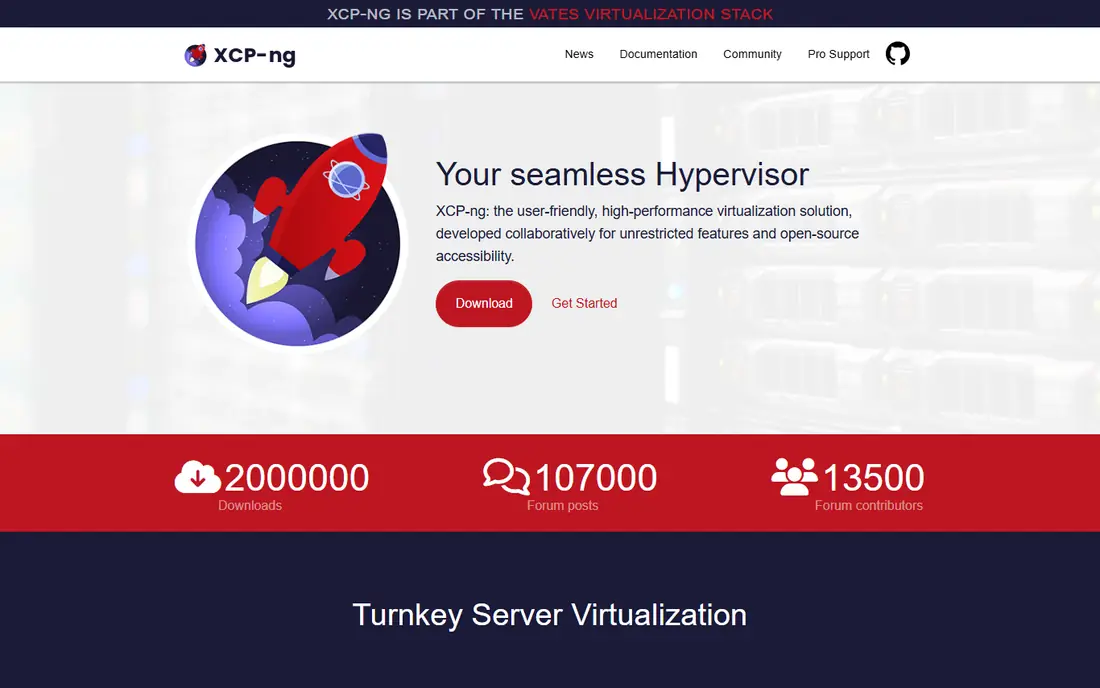
XCP-ng is a Xen-based virtualisation platform that many Proxmox users consider first, because it offers a similar self-hosted, open source path with pooled hosts. You install XCP-ng on each host, join hosts into a pool, and manage them through Xen Orchestra, which provides a web interface, backups and migration tools. The main difference from Proxmox is the hypervisor and container model. Proxmox gives you KVM virtual machines and LXC containers side by side. XCP-ng is VM-focused, so container workloads usually run inside a virtual machine. If your estate is VM-heavy and you like the Xen model, XCP-ng is a strong fit. If you rely on LXC daily, test that workflow before you migrate.
- Free and open source Xen hypervisor
- Pool management through Xen Orchestra
- Live migration and backup tools in the wider stack
- No native LXC container support, so containers run inside VMs
- Full management features depend on Xen Orchestra setup
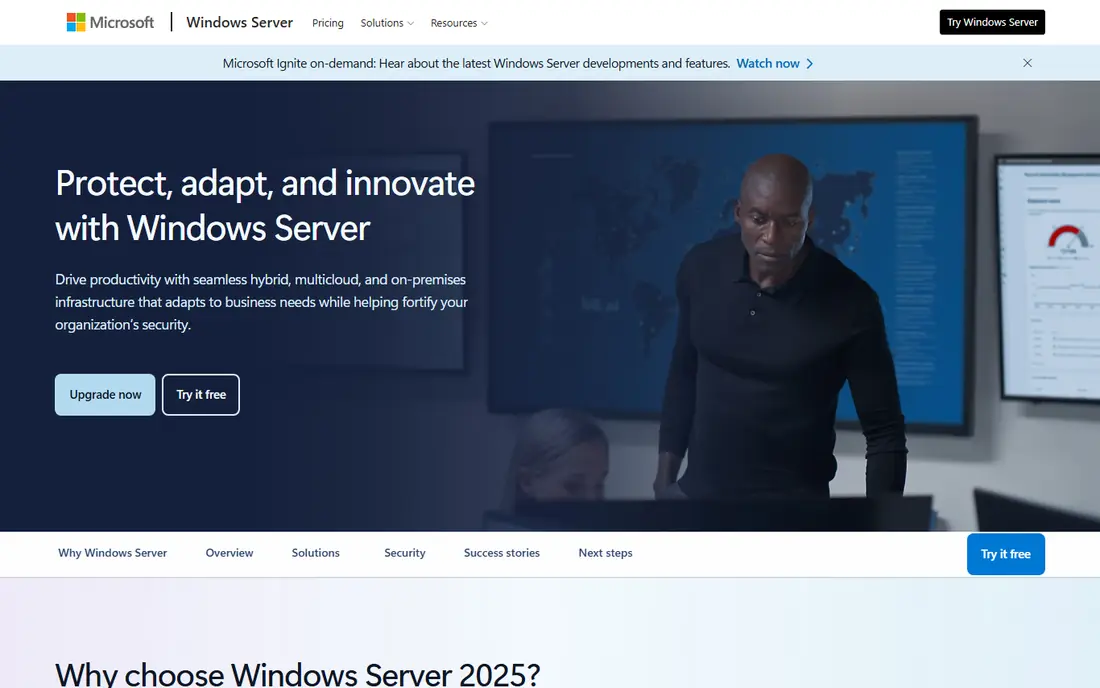
Hyper-V is the natural alternative for teams already standardised on Microsoft. It is a type-1 hypervisor included with Windows Server, and it pairs with Failover Clustering, shared storage and System Center or Azure management tools. Windows virtual machines, domain services and Microsoft workloads tend to run with the least friction here. The limit is fit. Hyper-V works, and works well, for Windows-heavy estates, but teams with mostly Linux guests may prefer a Linux-first platform such as XCP-ng or OpenStack. Price also depends on your Windows Server licensing, so compare the full licence cost, not just the hypervisor feature list, before you decide.
- Built into Windows Server
- Strong Windows guest support
- Failover Clustering for high availability
- Deep integration with Active Directory and Azure tools
- Linux guest management can feel less smooth than a Linux-first platform
- Licensing costs depend on Windows Server editions
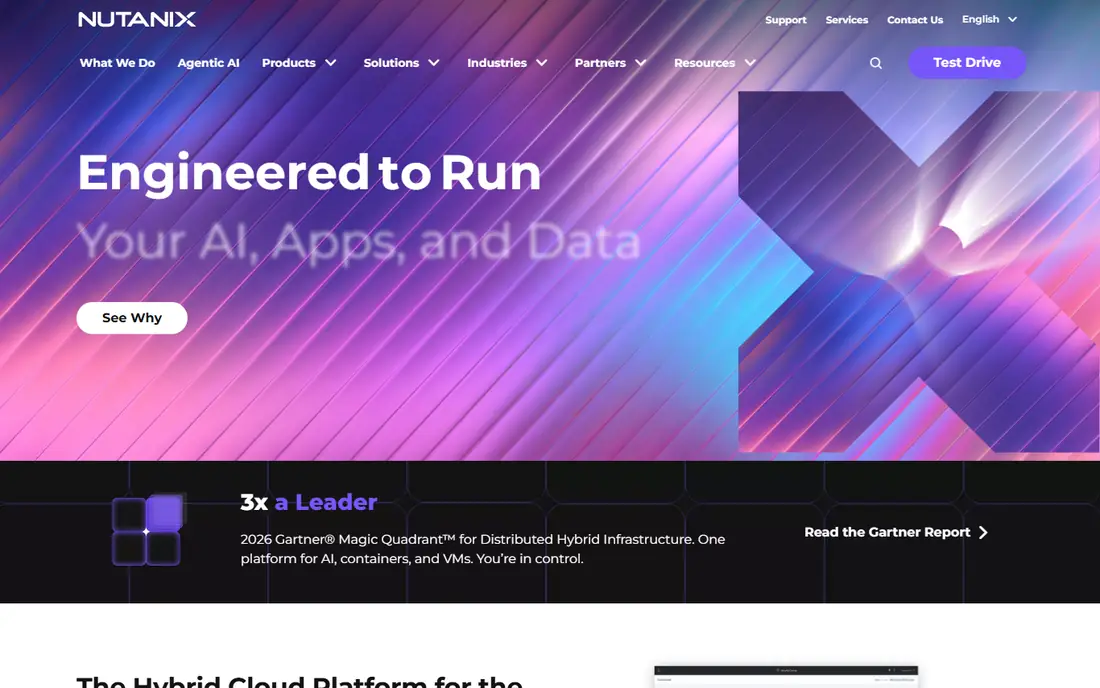
Nutanix AHV is the hypervisor inside the Nutanix hyperconverged platform, which combines compute, storage and virtualisation on clustered nodes. Management happens through Prism, and teams can run virtual machines, manage storage and handle lifecycle tasks from one console. For teams that want a single vendor to support the whole stack, that integration is the main draw. The trade-off is cost and flexibility. AHV is not sold as a standalone free hypervisor in the way XCP-ng or Proxmox are, and total cost depends on node hardware and Nutanix licensing. It suits larger teams that value support and a tested stack over the lowest licence cost. Smaller labs should test the Community Edition limits first, if available in your region.
- Hypervisor included with the Nutanix stack
- Prism management for hosts, storage and VMs
- One-click style operations and vendor support
- Pricing is quote-based for most buyers
- Stack lock-in is higher than with a standalone open source hypervisor
OpenStack is not a single hypervisor. It is a set of open source services for compute, networking, storage, images and identity that together provide cloud-style infrastructure. Underneath, it commonly runs KVM, and it can manage large fleets of virtual machines across many hosts. That scale is also its cost. A small team with a few hosts will find OpenStack heavy compared with Proxmox or XCP-ng. A large team that needs self-service, multi-tenant projects, software-defined networking and API-driven provisioning will find OpenStack far more suitable. Budget for operations staff or a supported distribution, since the software itself being free does not make running it free.
- Open source cloud platform with modular services
- Scales to many hosts and regions
- Wide vendor and community support
- Complex to deploy and operate
- Needs staff time or a vendor distribution for production use
Harvester is an open source hyperconverged platform built on Kubernetes. It uses KubeVirt to run virtual machines as Kubernetes workloads, Longhorn for storage, and a Rancher-style interface for management. That design appeals to teams already moving toward Kubernetes who still need virtual machines for legacy or Windows workloads. The catch is the learning curve. Harvester assumes comfort with Kubernetes concepts, and troubleshooting can cross VM, storage and Kubernetes layers. If your team already runs Kubernetes, Harvester can unify VMs and containers nicely. If your team has no Kubernetes experience, XCP-ng or Hyper-V will be easier to operate day to day.
- Open source hyperconverged infrastructure
- Runs VMs with KubeVirt beside containers
- Rancher-based management interface
- Best suited to smaller and mid-size clusters
- Kubernetes knowledge helps a lot in daily operation
VirtualBox is a type-2 hypervisor that runs as an application on a desktop operating system. You can create virtual machines, take snapshots, test operating systems and learn networking without dedicated server hardware. For students, testers and developers, that low barrier is hard to beat. Do not mistake ease for production fit. VirtualBox lacks the clustering, high availability and central management of Proxmox, XCP-ng or Hyper-V, and it depends on a desktop host staying up. Use it to learn and test, then move production workloads to a bare-metal platform once you need uptime, pooled hosts and proper backup.
- Free and easy to install on Windows, macOS and Linux
- Good for tests, learning and single-machine labs
- Snapshots for quick rollbacks
- Not designed for always-on production servers
- Performance and clustering features lag behind bare-metal hypervisors
XenServer, formerly known as Citrix Hypervisor, is the commercial Xen platform from which XCP-ng forked. It offers pooled hosts, central management, live migration and support options that suit teams needing a vendor contract. For organisations with existing Citrix estates, XenServer can fit existing support and tooling. The key check is licensing. XenServer editions and trial limits have changed over time, and the free tier that older users remember is not the same as current terms. Confirm edition, host limits and support pricing on the XenServer site before you plan a migration, and compare it directly with XCP-ng, which offers a free open source path for a similar Xen stack.
- Mature Xen-based platform with commercial support
- Central pool management
- Migration and backup tools in the wider Citrix ecosystem
- Current editions are paid, with trial limits, so check terms carefully
- Smaller open source community than XCP-ng
Red Hat OpenShift Virtualization
Who it suits: VMs beside containers
Red Hat OpenShift Virtualization lets teams run virtual machines as workloads inside OpenShift, alongside container applications. Virtual machines are managed through Kubernetes objects and the OpenShift console, which suits platform teams that already standardise on OpenShift for application delivery. That fit is also its limit. OpenShift Virtualization is not a quick drop-in replacement for a small Proxmox cluster. It makes sense when you already run, or plan to run, OpenShift at scale, and when you want one platform team to manage both VMs and containers. Smaller teams without OpenShift experience should shortlist XCP-ng, Hyper-V or Proxmox itself before committing to this path.
- Runs VMs beside containers on OpenShift
- KVM-based virtualisation with Kubernetes management
- Red Hat support and migration tooling
- Needs serious Kubernetes and OpenShift skills
- Subscription pricing, so total cost depends on cluster size and support tier
How we picked these
We reviewed official product sites and public documentation, and we compared each platform on hypervisor type, management model, container support, clustering, and support options. We favoured platforms with a clear official homepage and a distinct role, and we left out discontinued products and desktop-only tools except for VirtualBox, which we include for learning and testing. Where pricing is quote-based or licence-dependent, we show See website rather than a guessed figure.
What to check before you switch
Start with an inventory. List your virtual machines, containers, storage types, backup tools and network setup, then check each shortlisted platform for gaps. Pay special attention to LXC use, GPU passthrough, live migration, backup integration and guest operating systems, since a gap in any of those can block a migration. Next, test migration on a copy, not on production. Move one non-critical workload, check performance, backup and restore, and confirm monitoring and patching workflows. Also confirm support: who fixes a host failure at night, how fast patches arrive, and what a support contract costs. A free hypervisor with no support plan can still be the right choice, but that choice should be deliberate, with staff time budgeted for it. Also check storage and network details before you commit. Confirm that your chosen platform supports your storage type, whether that is local disks, network shares, or a clustered file system, and that your network switches and cards support the features you plan to use. A platform that looks good on a single host can still disappoint when you add a second host, shared storage, or a backup server, so test those pieces together in the trial.
Frequently asked questions
Is XCP-ng a good Proxmox alternative?
Yes, for VM-focused teams. XCP-ng offers a free open source Xen stack with pooled hosts, live migration and Xen Orchestra management. It lacks native LXC support, so teams that rely on LXC containers should test that workflow first.
Which Proxmox alternative is best for Windows teams?
Hyper-V is the most natural fit for Windows-focused teams, since it is built into Windows Server and integrates with Active Directory, Failover Clustering and Azure tools. Total cost depends on Windows Server licensing, so price the full estate, not just the hypervisor.
Is there a free alternative to Proxmox?
Yes. XCP-ng, OpenStack, Harvester and VirtualBox all offer free paths, though OpenStack and Harvester need more operations effort. Free software still needs hardware, storage, backup and staff time, so budget for those costs too.
Can I run containers and VMs on the same platform?
Proxmox does this with KVM and LXC. Among alternatives, Harvester and OpenShift Virtualization run VMs beside containers on Kubernetes, while XCP-ng runs containers inside VMs. Pick the model that matches how your team already builds and runs workloads.
Is Nutanix AHV free?
AHV is included with the Nutanix stack rather than sold as a standalone free hypervisor for most buyers, and pricing is generally quote-based. Check the Nutanix site for Community Edition availability and limits in your region before planning around a free tier.
Should I migrate off Proxmox at all?
Only if Proxmox fails a specific need, such as Windows integration, Kubernetes-native VM management, or a vendor support contract your organisation requires. For many small and mid-size teams, Proxmox remains a sound choice, and a migration should be driven by a gap, not by novelty.
Sources we checked (8)

Online Jobs is an independent blog about careers, online work, learning new skills and the tools that help people earn. More about us.
Keep reading
All posts
n8n Alternatives
n8n alternatives compared for 2026, with Zapier, Make, Activepieces, and more, covering visual builders, code steps, self-hosting, and pricing models.

iPhone Alternatives
Looking for iPhone alternatives in 2026? Compare 9 Android phones from Samsung, Google, OnePlus, and more, with cameras, battery life, and honest trade-offs.

eBay Alternatives
Looking for ebay alternatives? We compared 9 marketplaces for sellers on fees, buyer reach, categories and ease of listing, to help you sell with confidence.