Pinterest Alternatives in 2026: 9 Products Compared

How we put this together: we compare official feature and pricing pages, app store listings, privacy policies and public user reviews. Prices change, so check the provider's site before you pay.
Key takeaways
- Cosmos is the closest Pinterest-like experience, with ad-free collections, color search, and Pinterest board imports.
- Are.na suits deep research, with an ad-free, algorithm-free space for connecting ideas across topics.
- Behance and Dribbble are the professional picks, built for portfolios and design work rather than casual saving.
- Milanote is the best mood board tool for client and team projects, with visual boards that combine images, notes, and tasks.
- No single app replaces every part of Pinterest, so pick one tool for discovery and one for organizing if you need both.
Quick comparison
| Name | Who it suits | Starting price | Free option | |
|---|---|---|---|---|
 Cosmos Cosmos | Closest Pinterest feel | Free | Yes | Visit |
 Are.na Are.na | Research collections | Free | Yes | Visit |
 Mix Mix | Serendipitous discovery | Free | Yes | Visit |
 Pearltrees Pearltrees | Structured organizing | Free | Yes | Visit |
 We Heart It We Heart It | Aesthetic image saving | Free | Yes | Visit |
 Behance Behance | Professional portfolios | Free | Yes | Visit |
 Dribbble Dribbble | Design community | Free | Yes | Visit |
 Milanote Milanote | Project mood boards | Free | Yes | Visit |
 Designspiration Designspiration | Design discovery | Free | Yes | Visit |
The best pinterest alternatives
Pinterest does three jobs: discovery, saving, and shopping. No alternative does all three equally well, so this list is organized by which job each tool does best. Start with the job you miss most, and you will find the right replacement faster.
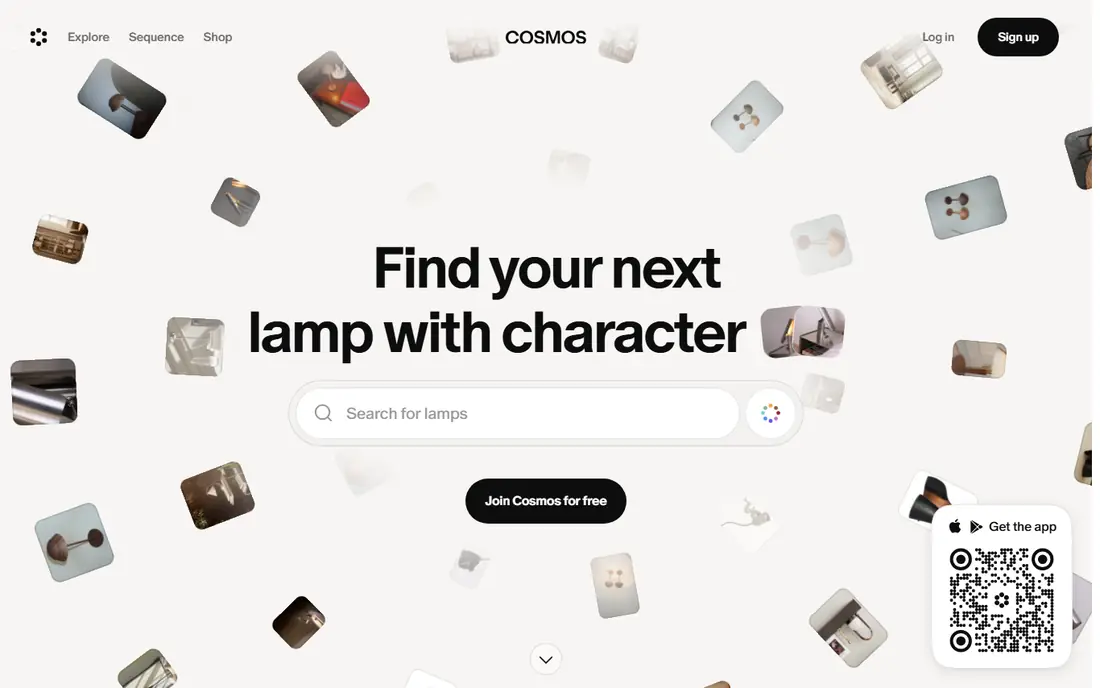
Cosmos is the first tool to try if you want Pinterest without the ads, the algorithm, and the clutter. You save images, links, videos, and text into collections, search by color, and find visually similar items from anything you like. The interface is calm and elegant, and you can import existing Pinterest boards to get started quickly.
The trade is scale. Cosmos has a smaller community and less shopping depth than Pinterest, so it works better as a personal inspiration library than as a traffic source or store. For creatives who want a clean place to gather references for a project, a room, or an outfit, Cosmos is the closest and calmest replacement here.
- Ad-free visual collections
- Search by color and similar images
- Pinterest board imports
- Smaller community than Pinterest
- Shopping features are thinner
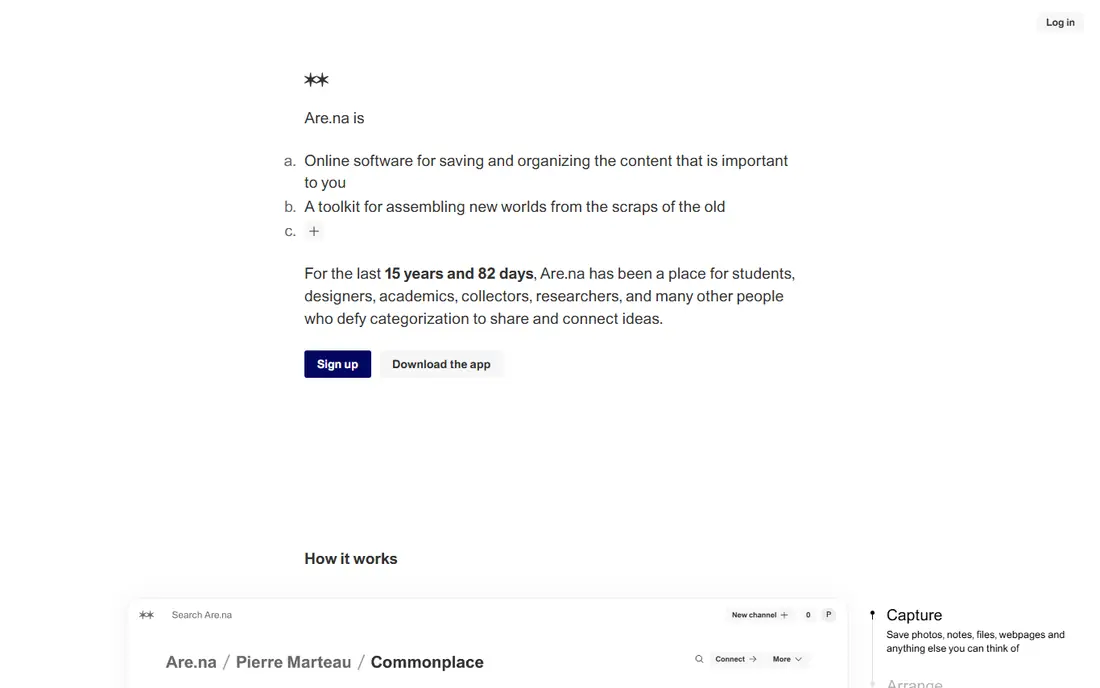
Are.na is a minimalist platform for creative research, built around blocks of images, links, text, and files that you connect into channels. There are no ads and no algorithm deciding what you see, which makes it a favorite for designers, researchers, and students who think in connections rather than feeds. The open API also lets builders create tools on top of it.
Are.na is not pretty in the Pinterest sense, and its social features are quieter. Premium subscriptions support the independent company and open up extra features for heavy users. If your goal is deep research and idea development rather than casual browsing, Are.na is the most thoughtful tool on this list.
- Ad-free and algorithm-free
- Block-based collections connect ideas
- Open API
- Plain visual design
- Premium features need a paid subscription
- Smaller social community
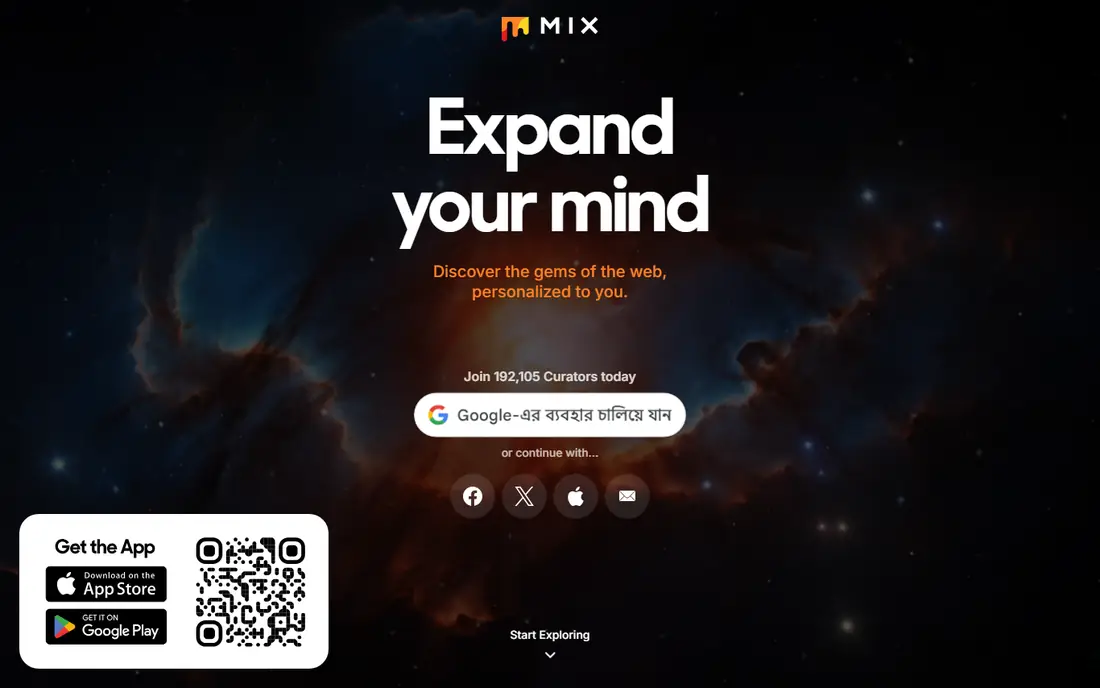
Mix, the successor to StumbleUpon, is built for discovering things you would not have searched for. You follow interests, and Mix surfaces articles, images, and pages matched to your taste, which you can save into collections. The curator community is large, and the feed rewards curiosity over a fixed plan.
Organizing is secondary here. Collections exist, but Mix is not the tool for carefully structured mood boards or client presentations. It is the tool for the discovery half of Pinterest: open it when you want fresh ideas, then save the best finds into Cosmos, Are.na, or Milanote for real projects.
- Personalized discovery feed
- Large curator community
- Easy saving into collections
- Discovery first, organizing second
- Less visual polish than Cosmos
- No shopping depth
Pearltrees organizes saved content into trees of pearls, where each pearl can hold links, images, files, or notes, and trees can branch into sub-collections. That structure suits meticulous organizers, researchers, and teams who need more hierarchy than flat boards offer. Collaboration features let groups build collections together.
The interface feels older than Cosmos or Milanote, and the free plan limits some advanced features. But if your Pinterest boards grew into sprawling messes, Pearltrees gives you the structure to fix that. It is a librarian's tool more than a browser's toy, and for research-heavy users that is a strength.
- Tree-style organization with sub-collections
- Collaboration features
- Saves any content type
- Interface feels older than rivals
- Free plan has limits on advanced features
We Heart It is the simplest aesthetic alternative, built around hearting images into collections. It leans toward fashion, beauty, and lifestyle imagery, with a young creative community and a browsing experience that stays visual. If you used Pinterest mainly to collect pretty images, We Heart It recreates that feeling with less noise.
The platform is smaller and quieter than it once was, and its organizing tools are thinner than Pearltrees or Milanote. Treat We Heart It as a casual inspiration feed and collection tool, not as a professional portfolio or project workspace. For pure aesthetic saving, its simplicity is the appeal.
- Simple image collections
- Aesthetic and fashion focus
- Easy to browse
- Smaller and quieter than in its peak years
- Fewer organizing tools than rivals
Behance, owned by Adobe, is the professional pick for designers, illustrators, and photographers. Instead of pinning other people's images, you present your own finished projects as case studies, with process shots, descriptions, and client context. Integration with Creative Cloud makes publishing easy, and the platform doubles as a job and client discovery channel.
Behance is not a casual saving tool. Private mood boards and quick inspiration browsing are not its strengths, and building a good profile takes effort. If your Pinterest use was professional, showing work and finding clients, Behance is the right replacement. If it was personal, start with Cosmos instead.
- Full project case studies
- Adobe Creative Cloud integration
- Strong job and client visibility
- Built for finished work, not casual saving
- Less useful for private mood boards
Dribbble is the design community's answer to Pinterest, built around shots of UI design, branding, illustration, and motion work. Designers share work, get feedback, follow trends, and find jobs or clients through the same platform. The feed is a fast way to see what is current in digital design.
Lifestyle, home, and fashion content are thin here, so Dribbble only replaces Pinterest if your interests are design-led. Some hiring and pro features need a paid plan, though browsing and basic sharing are free. For designers who used Pinterest for visual trends, Dribbble offers a more focused and professional feed.
- Large design community
- Shots, jobs, and hiring tools
- Trend discovery for UI and branding
- Focused on design work
- Casual lifestyle content is thin
- Some features need a paid plan
Milanote is the best mood board tool for real projects. You arrange images, notes, links, sketches, and tasks on visual boards, share them with clients or teams, and keep everything for one project in one place. Creative teams use it for brand work, interior projects, and campaign planning, where a board needs to persuade as well as inspire.
The free plan limits how many boards you can create, and Milanote is not a discovery feed, so you bring your own references or find them elsewhere. Pair it with Cosmos or Mix for discovery, then build the client-facing board in Milanote. For project work, that combination beats Pinterest alone.
- Visual boards for images, notes, and tasks
- Client and team collaboration
- Works on desktop and mobile
- Free plan limits board numbers
- Built for projects, not casual browsing
Designspiration is a focused design discovery platform with a clean feed of art, photography, typography, and graphic design. You can search by color, save inspiration with the browser extension, and build collections around visual themes. The minimalist interface keeps attention on the work rather than on engagement features.
The scope is narrow by design. If your Pinterest boards covered recipes, weddings, and home decor alongside design, Designspiration will feel thin. If your boards were mostly design, it is one of the cleanest discovery tools available, and it pairs well with Are.na or Milanote for organizing what you find.
- Clean design-focused feed
- Color-based search and saving
- Browser extension for saving
- Design only, so lifestyle content is absent
- Community features are limited
How we picked these
We compared official product pages, feature lists, and app listings for tools that save, organize, or discover visual content in 2026. We favored tools that are live, actively maintained, and genuinely usable without Pinterest, and we split the list across discovery, organizing, portfolios, and project boards rather than listing nine near-identical pin boards. All nine offer free access, though some reserve advanced features for paid plans.
Choosing the right Pinterest alternative
Start with the job, not the app. Pinterest bundled discovery, saving, and shopping, and splitting those jobs across two tools usually works better than hunting for one perfect clone.
If you want to browse and discover
Cosmos and Mix are the best starting points, with Designspiration and Dribbble for design-specific feeds. Cosmos gives you collections and color search, Mix gives you serendipity, and Designspiration keeps the feed focused on design work. Try two for a week and keep the one whose feed you actually open.
If you want to organize a project
Milanote is best for client and team boards, Are.na is best for research, and Pearltrees is best for deep hierarchy. Raindrop-style bookmark tools can also help if most of what you save is links rather than images. Export your Pinterest boards where imports are supported, and rebuild only the boards you still use.
If you want professional visibility
Behance and Dribbble are the picks, since clients and employers actually look there. Publish finished work with context, not just images, and treat your profile as a portfolio rather than a pin board. For traffic back to a blog or shop, none of these alternatives replaces Pinterest itself, so keep Pinterest for that job if it still performs.
Frequently asked questions
What is the best alternative to Pinterest?
Cosmos is the closest overall replacement, with ad-free collections, color search, and Pinterest board imports. Are.na suits research, Milanote suits project mood boards, and Behance suits professional portfolios, so the best pick depends on which Pinterest job you miss most.
What are the best Pinterest alternatives for mood boards?
Milanote is best for client and team mood boards, Cosmos is best for personal inspiration boards, and Are.na is best for research mood boards that connect ideas across topics. All three are free to start, and all three support collaboration in some form.
Is there a free alternative to Pinterest?
Yes. All nine tools on this list offer free access, including Cosmos, Are.na, Mix, Pearltrees, We Heart It, Behance, Dribbble, Milanote, and Designspiration. Paid plans add extra boards, storage, or pro features, but basic saving and browsing are free.
Can I import my Pinterest boards into an alternative?
Cosmos supports Pinterest board imports, which makes switching easier. Other tools generally require manual rebuilding or browser-extension saving, so export anything important before closing a Pinterest account. Check each tool's import page for current support.
What is the best Pinterest alternative for designers?
Behance is best for portfolios and client work, Dribbble is best for community trends and hiring, and Designspiration is best for pure visual discovery. Many designers use Dribbble or Designspiration for discovery and Behance for presenting finished work.
Why leave Pinterest at all?
Common reasons include ad-heavy feeds, algorithm-driven recommendations, shopping content crowding out inspiration, and a desire for calmer, more private tools. Alternatives like Cosmos and Are.na remove ads and algorithms, but they have smaller communities, so the trade is quiet versus scale.
Sources we checked (9)

Online Jobs is an independent blog about careers, online work, learning new skills and the tools that help people earn. More about us.
Keep reading
All posts
Zoom Alternatives
Zoom alternatives compared for 2026: Google Meet, Microsoft Teams, Webex, Jitsi and more for free calls, large meetings and webinars for teams and classrooms.

Workday Alternatives
We compared the best workday alternatives for HR, payroll, and global hiring, from BambooHR and Gusto to Rippling, Deel, and HiBob for growing teams in 2026.

WordPress Alternatives
WordPress alternatives guide: we compare 8 platforms for builders, designers, stores, and publishers to leave WordPress without losing your full site content.