PandaDoc Alternatives in 2026: 8 Tools Compared

How we put this together: we compare official feature and pricing pages, app store listings, privacy policies and public user reviews. Prices change, so check the provider's site before you pay.
Key takeaways
- DocuSign, Adobe Sign, Dropbox Sign, and SignNow suit teams that mainly need to sign documents that are already prepared.
- Proposify, Qwilr, and Better Proposals suit teams that still build proposals, quotes, and pricing inside the tool.
- BoldSign is the lowest-cost starting point in this list, with a free plan and paid plans that stay modest for small teams.
- Split your decision in two: proposal building first, then signing, because few tools lead on both jobs at the same price.
Quick comparison
| Name | Who it suits | Starting price | Free option | |
|---|---|---|---|---|
 DocuSign | Business e-signatures | $30 per month | Free trial | Visit |
 Adobe Acrobat Sign | PDF and signature workflows | $16.99 per month | Free trial | Visit |
 Dropbox Sign | Simple business signing | $15 per month | Free trial | Visit |
 SignNow | Low-cost signing | $8 per month | Free trial | Visit |
 Proposify | Proposal creation | $19 per month | Free trial | Visit |
 Qwilr | Interactive web proposals | $35 per month | Free trial | Visit |
 Better Proposals | Simple proposal builder | $13 per month | Free trial | Visit |
 BoldSign | Low-cost signing for small teams | Free | Yes | Visit |
The best pandadoc alternatives
PandaDoc combines proposal creation, quotes, contracts, e-signatures, and payments in one place. That breadth is useful, but it can be more than a team needs, or more than a team wants to pay for. The alternatives below split into two groups: signing tools for prepared documents, and proposal tools for building the document itself.
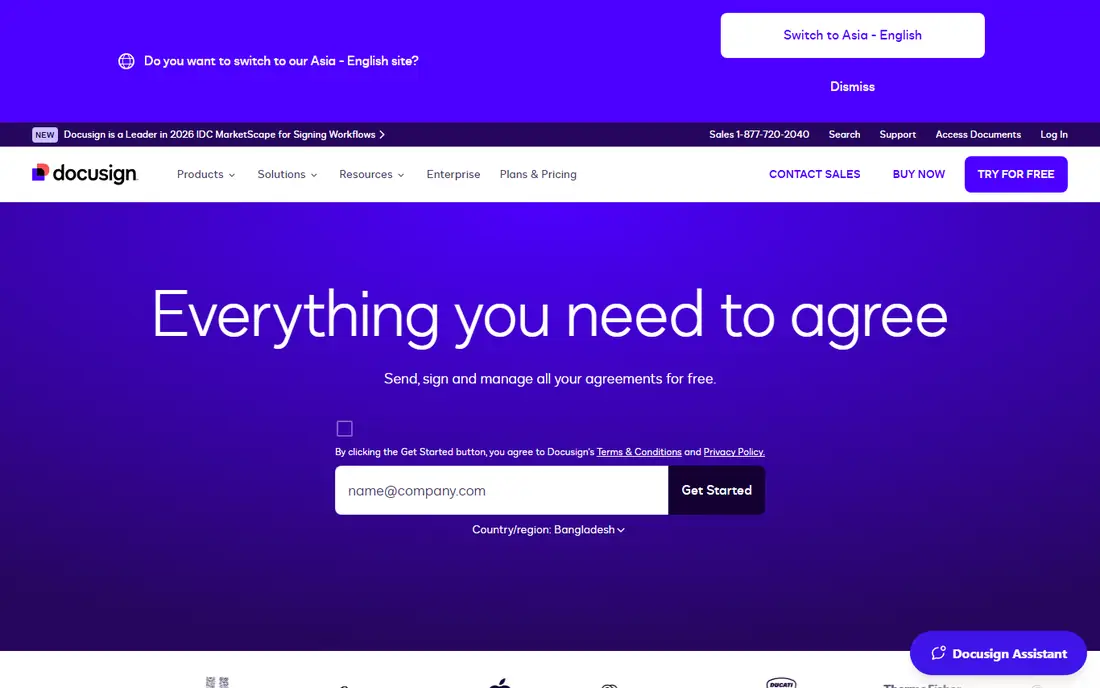
DocuSign suits a team that sends contracts, NDAs, and agreements that are already written and mainly need a trusted signature. Clients recognize the signing flow, which cuts friction, and templates with signer order and reminders keep multi-signer deals moving. Audit records give a clear trail for compliance checks. The price is the catch. At $30 per user per month for Standard on annual commitment, DocuSign costs more than simpler signing tools. Pick DocuSign when clients, legal teams, or partners expect it, or when you need its integrations and compliance depth. Pick a cheaper signer when you only need basic signatures.
- Widely recognized signing standard
- Templates, signer order, and reminders
- Strong integrations and audit records
- Standard plan starts at $30 per user per month on annual commitment
- Proposal building is not its main strength
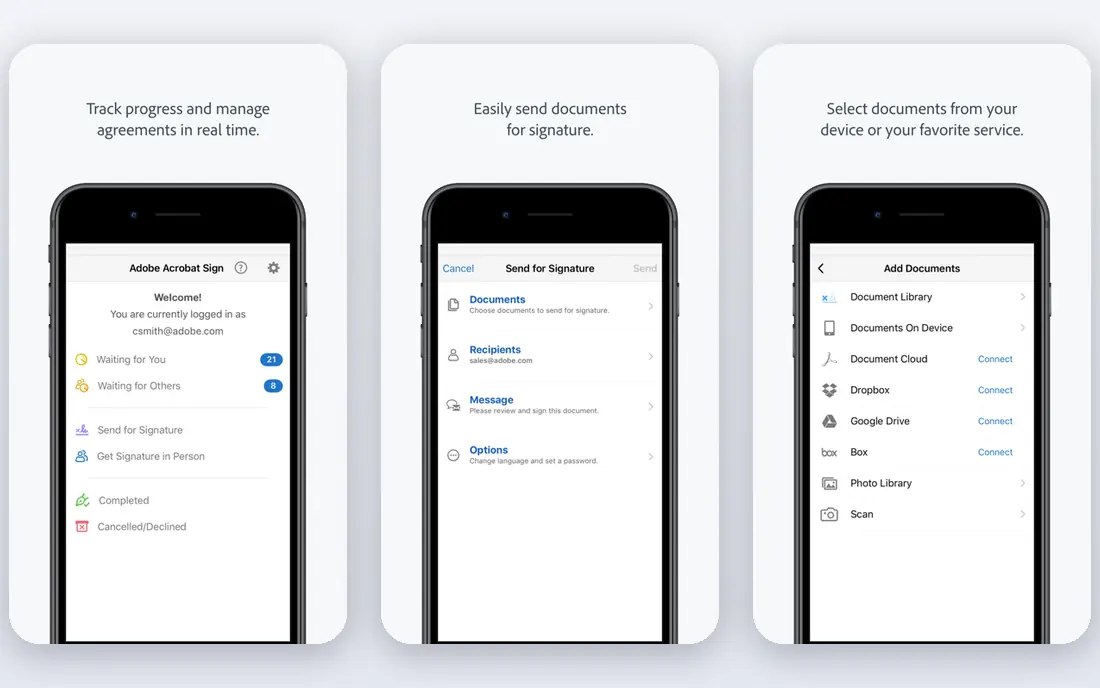
Adobe Acrobat Sign fits a team that lives in PDFs. You can edit a PDF, add signature fields, send it for signing, and track status without leaving the Adobe workflow. For teams that already use Acrobat, that single workflow saves time and avoids file conversion errors. Acrobat Standard for teams is listed at $16.99 per licence per month in recent guides. That figure covers Acrobat plus Sign features on that plan, so check what is included on the plan you pick. Adobe Sign is a signing tool first. If you need interactive proposals with pricing tables and buyer analytics, pair it with a proposal tool or pick Proposify or Qwilr instead.
- Strong PDF editing and signing in one place
- Acrobat integration
- Team controls for larger groups
- Proposal design is not the focus
- Team plan pricing is per licence, so seat costs add up
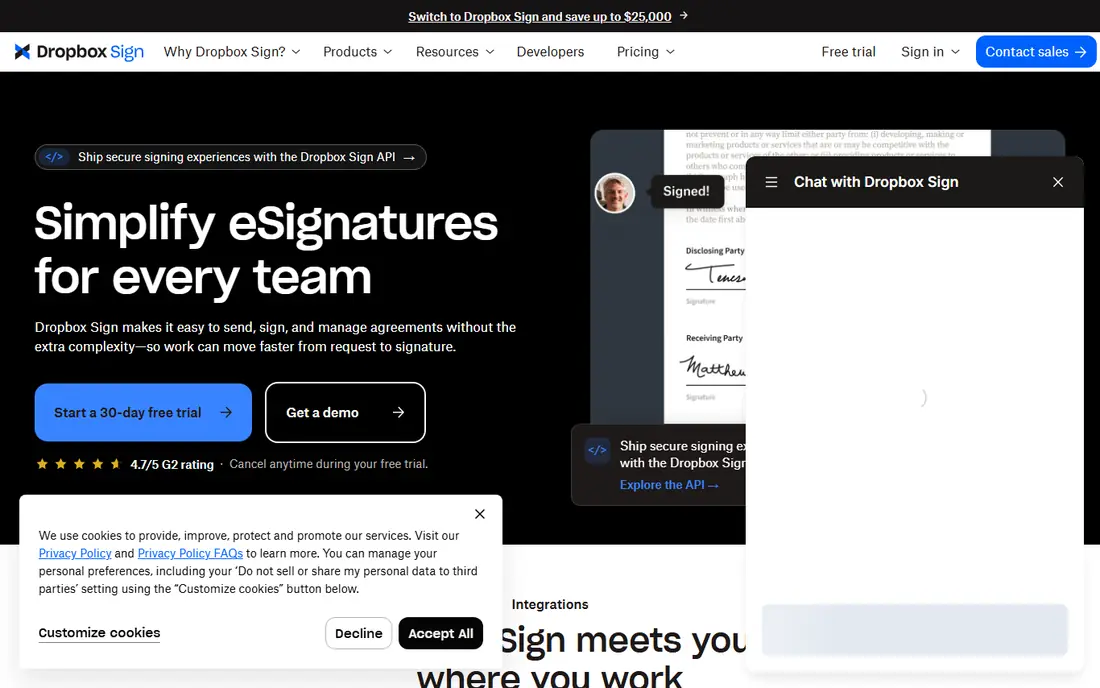
Dropbox Sign suits a small team that wants signing to be simple. Upload a document, add fields, send it, and track when each signer opens and signs. Templates cover repeat documents like NDAs and service agreements, and Dropbox storage keeps signed files organized. Essentials is listed at $15 per month on annual billing in recent guides. That price suits a team with regular signing volume. A team that signs only a few documents a month may find a free plan elsewhere cheaper. Dropbox Sign wins on simplicity, not on proposal design or advanced sales features.
- Simple sending and signing flow
- Templates and reminders
- Dropbox integration for storage
- Essentials plan starts at $15 per month on annual billing
- Proposal building is limited
SignNow fits a team that needs solid signing at a low price. The Business plan at $8 per user per month on annual billing covers templates, signing, and team controls that cost far more elsewhere. That value matters for agencies, accountants, and service firms that send many documents but do not need a premium brand name on the signing page. The trade-off is polish. SignNow is functional rather than beautiful, and its proposal tools are basic compared with Proposify. If your main job is to get documents signed fast and cheap, SignNow is hard to beat. If your main job is to win deals with a designed proposal, look at the proposal tools below.
- Low Business plan price at $8 per user per month on annual billing
- Templates and team features
- API for integrations
- Interface is plainer than DocuSign
- Proposal features are basic
Proposify suits a sales team that builds proposals every week and wants control over design, content, and pricing. You create reusable sections, lock pricing tables, track when a client opens each section, and send reminders when a proposal stalls. That visibility helps a rep follow up at the right moment with the right detail. The Basic plan at $19 per user per month on annual billing is the entry point in recent guides. That price is fair for a proposal-led team, but high for a team that only signs PDFs. Pick Proposify when proposal quality and tracking drive wins. Pick a signing tool when proposals are already built in another system.
- Purpose-built proposal builder
- Content library and pricing tables
- Client engagement analytics
- Basic plan starts at $19 per user per month on annual billing
- Signing alone is cheaper elsewhere
Qwilr fits a team that wants proposals to feel like a modern web page, not a PDF attachment. Clients open a link, read interactive sections, accept pricing options, and sign in the same place. Analytics show which sections hold attention and where buyers drop off, which helps a team improve proposals over time. The Starter plan at $35 per user per month on annual billing makes Qwilr the priciest proposal tool in this list. That cost suits a design-led agency, consultancy, or SaaS team where proposal quality directly affects deal size. A freelancer with simple proposals may get equal results from Better Proposals at a lower price.
- Interactive web-based proposals that look like web pages
- Strong analytics
- Good for design-led sales teams
- Starter plan starts at $35 per user per month on annual billing
- Higher price than simpler proposal tools
Better Proposals suits a freelancer, agency, or small service team that wants a clean proposal fast. Templates cover common services, pricing tables are easy to edit, and clients can sign online without extra tools. Automatic formatting helps a proposal look polished even when the writer is not a designer. The Starter plan at $13 per user per month on annual billing keeps costs low for a small team. The limit is depth: larger teams that need digital sales rooms, video, or complex approvals may need a broader tool. For a small team that sends proposals weekly, Better Proposals hits the balance of price and polish well.
- Simple proposal builder with templates
- Pricing tables and e-signatures included
- Low Starter price
- Starter plan starts at $13 per user per month on annual billing
- Fewer advanced sales features than Qwilr or GetAccept
BoldSign fits a small team or freelancer that needs real signing workflows on a tight budget. The free Essential plan covers basic signing, and paid Growth and Business plans add team features at prices that stay below DocuSign in recent guides. Custom branding on the free plan is a rare plus at this price. The catch is scope. BoldSign is a signing tool, not a proposal builder, so pair it with a proposal tool if you build complex quotes. For signing alone, BoldSign is our low-cost pick. Check envelope limits and user counts on the plan page, because those limits drive the real cost as volume grows.
- Free Essential plan
- Custom branding even on free plan in published guides
- Paid plans stay modest
- Proposal building is not the focus
- Advanced enterprise features sit on higher plans
How we picked these
We compared official feature pages, pricing pages, and public reviews, and we checked that each homepage loads and matches the product named. We kept tools that cover either proposal building or e-signatures well, and we left out generic PDF viewers without signing workflows and generic CRMs without document tools. Prices are starting list prices from recent published guides where vendors publish them, and we advise checking the vendor pricing page before purchase because plan names and limits change.
What to check before you switch
Start by listing what PandaDoc does for you today: proposal building, pricing, signing, payments, or all four. A signing-only tool will disappoint a team that relies on proposal building, and a proposal tool will disappoint a team that only needs cheap signing.
Test the client signing step
Send a test document to yourself and to a colleague. Check the signing flow on a phone, the reminder emails, and the final signed copy. A signing flow that confuses clients will delay deals, even if the back-end features look strong.
Check templates and integrations
List your repeat documents and your CRM, payment, and storage tools. Test one template and one integration in a trial before you migrate. A tool that cannot import your templates or sync with your CRM will create manual work that erases the price saving.
Compare envelope and user limits
Read the limits for envelopes, senders, and templates on each plan. A low monthly price with a tight envelope cap can cost more than a higher plan with generous limits once volume grows. Ask for a quote tied to your monthly document volume and sender count.
Frequently asked questions
What are the alternatives to pandadoc for proposals?
Proposify, Qwilr, and Better Proposals are the strongest proposal-led alternatives. Proposify suits structured proposal teams, Qwilr suits design-led interactive proposals, and Better Proposals suits small teams that want a simple builder at a low price.
What is the cheapest PandaDoc alternative for signing?
BoldSign and SignNow are the cheapest signing options in this list. BoldSign offers a free plan, and SignNow Business starts at $8 per user per month on annual billing in recent guides. Compare envelope limits before you choose on price alone.
Is DocuSign a good alternative to PandaDoc?
DocuSign is a good alternative when signing is the main job and clients expect a widely recognized signing flow. It is less strong as a proposal builder, so a team that builds proposals daily may prefer Proposify or Qwilr alongside or instead of DocuSign.
Can I get a free PandaDoc alternative?
BoldSign offers a free plan for basic signing. Other tools in this list offer free trials rather than permanent free plans. If you need free proposals as well as signing, test the trial of Better Proposals or Proposify and check what remains usable after the trial ends.
Do PandaDoc alternatives include e-signatures?
Yes, every tool in this list includes e-signatures, though depth varies. Signing tools focus on templates, signer order, and audit records, while proposal tools add signatures to a proposal workflow. Check signer order, reminders, and audit features for your compliance needs.
Which alternative suits a small agency best?
Better Proposals suits a small agency that sends designed proposals weekly, while SignNow or BoldSign suits an agency that mainly signs contracts. Many small agencies use one proposal tool plus one signing tool, or a single tool that covers the job they do most often.
Sources we checked (8)

Online Jobs is an independent blog about careers, online work, learning new skills and the tools that help people earn. More about us.
Keep reading
All posts
n8n Alternatives
n8n alternatives compared for 2026, with Zapier, Make, Activepieces, and more, covering visual builders, code steps, self-hosting, and pricing models.

ZoomInfo Alternatives
The best ZoomInfo alternatives in 2026, compared on price, free plans, data coverage, and which tool fits small teams or large sales teams best in detail.
Yotpo Alternatives
Find cheaper alternatives to Yotpo for reviews and loyalty, with Judge.me, Loox, Stamped, and more compared for Shopify stores in 2026, all in one guide.