Best Miro Alternatives in 2026: 8 Tools Compared

How we put this together: we compare official feature and pricing pages, app store listings, privacy policies and public user reviews. Prices change, so check the provider's site before you pay.
Key takeaways
- FigJam is the cheapest paid whiteboard for Figma teams, while Mural leads for structured workshops with voting and facilitation controls.
- Lucidspark and Whimsical suit teams that need to turn rough boards into clean diagrams, flowcharts, or wireframes.
- Microsoft Whiteboard and Excalidraw are the strongest free starts, with Whiteboard free inside Microsoft 365 and Excalidraw free and open source.
- ClickUp suits teams that want boards to become tasks, but it needs more setup than a simple canvas tool.
Quick comparison
| Name | Who it suits | Starting price | Free option | |
|---|---|---|---|---|
 FigJam | Figma design teams | $3 per month | Yes | Visit |
 Mural | Facilitated workshops | $12 per month | Yes | Visit |
 Lucidspark | Brainstorms to diagrams | $7.95 per month | Yes | Visit |
 Microsoft Whiteboard | Microsoft 365 teams | Free | Yes | Visit |
 Excalidraw | Free sketching | Free | Yes | Visit |
 ClickUp | Boards to tasks | $7 per month | Yes | Visit |
 Whimsical | Fast diagrams and wireframes | $10 per month | Yes | Visit |
 Conceptboard | Privacy focused workshops | See website | Yes | Visit |
The best Miro alternatives
We kept tools that offer a real shared canvas for brainstorming, workshops, or diagrams, and we mixed free options with paid tools for larger teams.
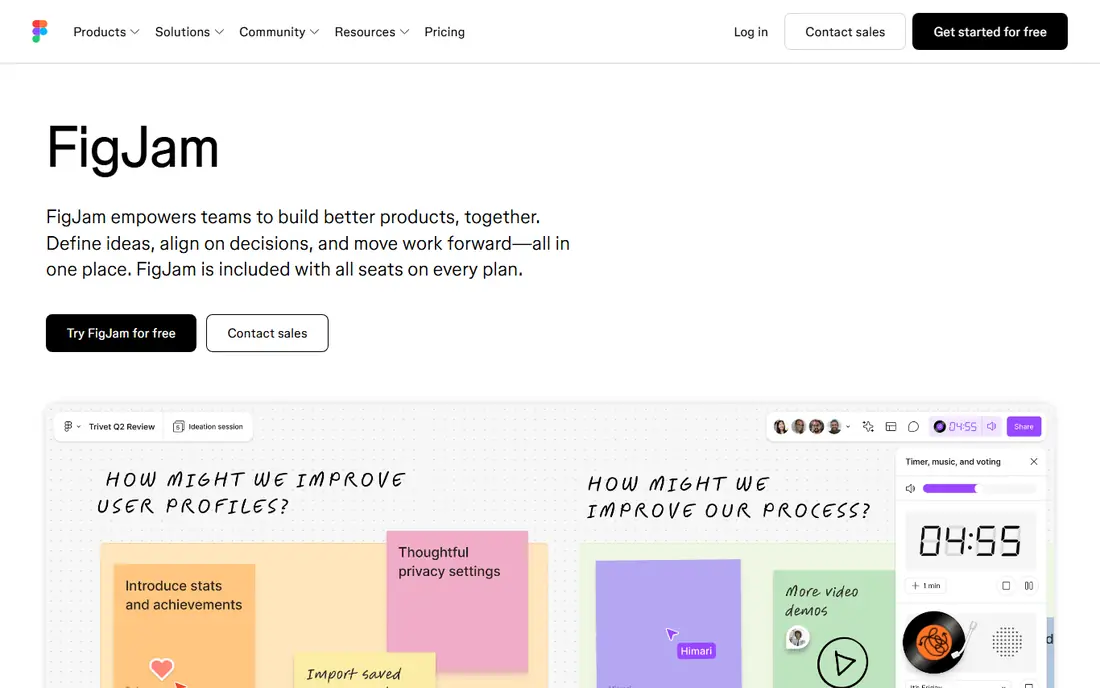
FigJam fits a design team that already lives in Figma and wants brainstorming close to finished design files. You can move from a rough board to a design file without exporting and reimporting work, and the editor based pricing keeps costs down when many people only view boards. Its templates cover retros, brainstorms, and planning sessions well. The catch is scope. FigJam is a brainstorming canvas first, not a full workshop platform or a precise diagram tool. Teams that run large facilitated sessions or need complex diagrams will still need Mural, Lucidspark, or a dedicated diagram app beside it.
- Tight Figma Design handoff
- Low editor based pricing
- Simple sticky notes, stamps, and voting
- Lighter workshop governance than Mural
- Less useful for teams outside Figma
- Diagram depth is limited
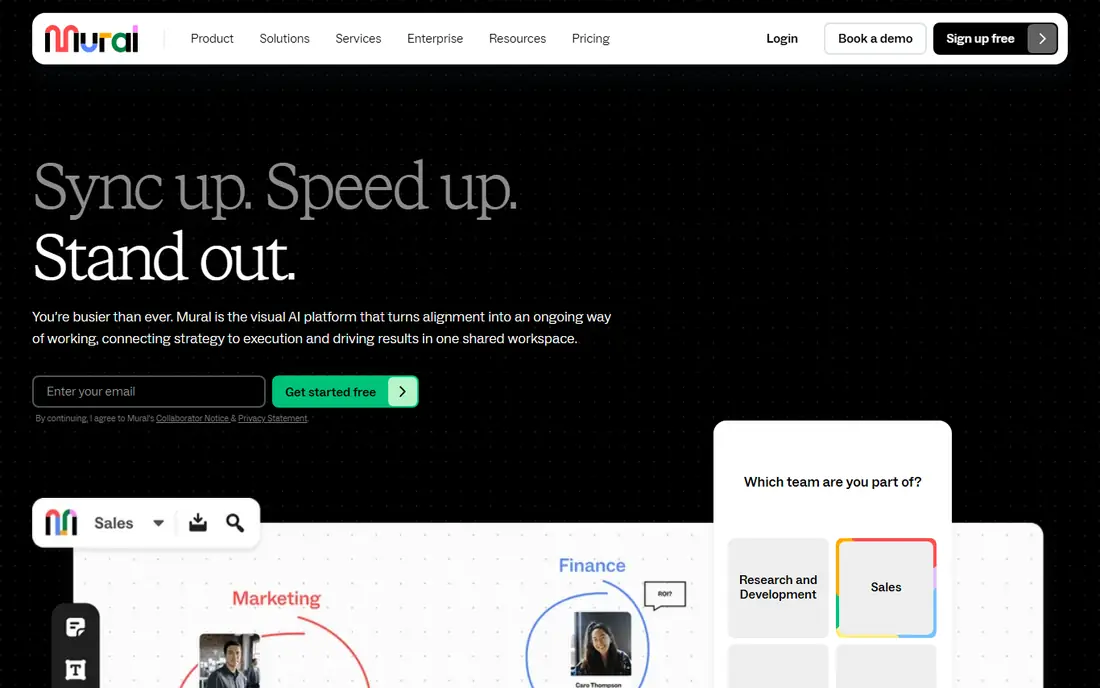
Mural fits trainers, consultants, and product teams that run structured workshops and need control over the room. Facilitators can guide participants, run private voting, set timers, and keep everyone on the same frame, which helps when a session has many people and a tight agenda. Its templates for design thinking and agile rituals are a real time saver. The trade-off is price and formality. Mural is more than a casual team needs for a quick brainstorm, and its diagram tools do not match Lucidchart. Choose Mural when facilitation quality matters more than the lowest price, and when sessions repeat often enough to justify the plan.
- Strong facilitation tools including timers, voting, and summon
- Deep template library
- Private mode for sensitive sessions
- Paid plans cost more than FigJam
- Diagramming is weaker than a dedicated diagram tool
- Casual users may find it formal
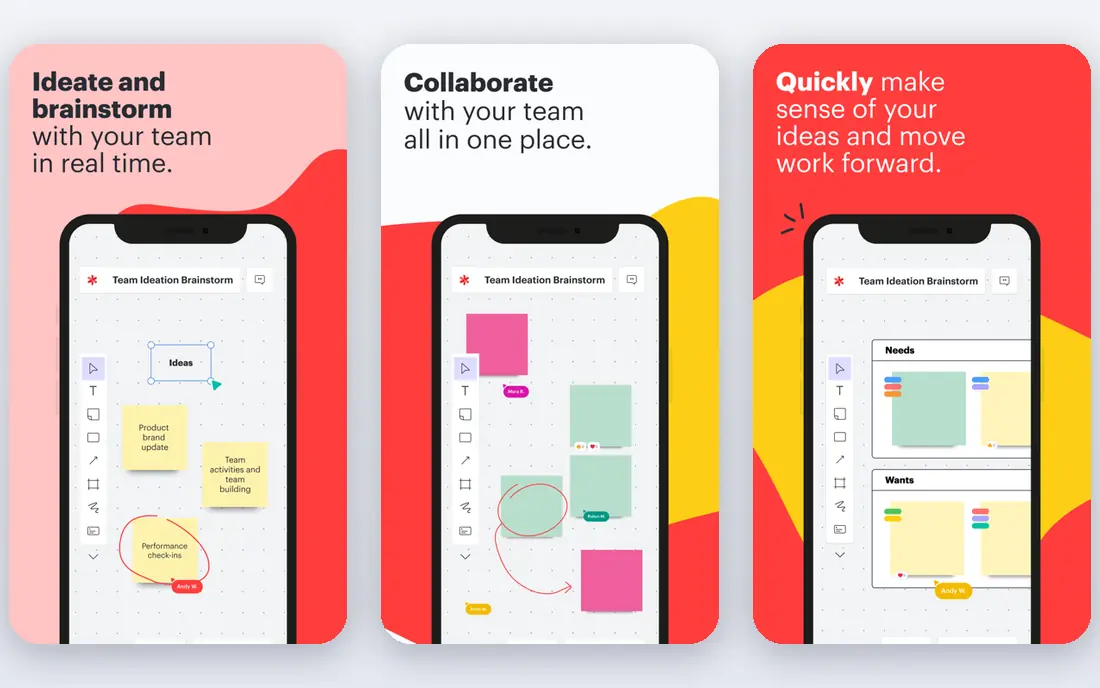
Lucidspark fits a team that starts with sticky notes and ends with a process map, org chart, or system diagram. Its brainstorming tools support group work, and the Lucidchart connection lets you turn a rough idea into a precise diagram without starting over. That path suits product, operations, and engineering teams that document decisions as they go. The catch is that you may need two Lucid products to get the full value, which adds cost and learning time. If you only need a freeform canvas, FigJam or Excalidraw will feel lighter. If you need diagrams that survive beyond the workshop, Lucidspark is the stronger pick.
- Breakout boards and visual activities
- Clean handoff to Lucidchart
- Facilitation tools for group work
- Best value inside the Lucid suite
- Rough boards still need cleanup before they become formal diagrams
Microsoft Whiteboard fits a team already paying for Microsoft 365 that wants a no extra cost canvas inside Teams. You can open a board during a call, add notes and drawings, and keep working after the meeting without buying another tool. For everyday brainstorms and class or team sessions, that simplicity is enough. The honest limit is depth. Whiteboard does not offer the facilitation controls, template depth, or third party integrations of Mural or Miro. Use it for simple collaboration, and move to a dedicated whiteboard when you run large workshops or need complex diagrams and follow up tasks.
- Included with most Microsoft 365 plans
- Works inside Teams meetings
- Simple notes, ink, and shapes
- Template and integration range is thinner than Miro
- Advanced facilitation tools are limited
- Personal account support is changing
Excalidraw fits developers, students, and small teams that want a fast, free canvas for sketches, system diagrams, and rough ideas. Its hand drawn style keeps diagrams readable, and its open source nature means you can use it in a browser or host it yourself. For technical sketching, it is often faster than a heavier whiteboard. The trade-off is structure. Excalidraw does not offer the templates, voting, timers, or enterprise controls of Mural or Miro, and large workshops can feel unstructured. Pair it with a meeting tool and a notes doc, or pick a paid whiteboard when facilitation and follow up matter.
- Free and open source
- Hand drawn look
- Fast for diagrams and sketches
- Self hosting option
- Few templates
- Light collaboration controls
- No built in task or workshop management
ClickUp fits a team that already tracks work in ClickUp and wants whiteboards to feed directly into tasks. A sticky note can become a task with an owner and a due date, which removes the usual step of copying workshop output into another tool. That connection is valuable for product and operations teams that run boards weekly. The catch is setup time. If you only need an occasional brainstorm, ClickUp asks for more configuration than FigJam or Excalidraw. Choose ClickUp when task follow through is the main goal, not when you want the simplest possible canvas for a one off session.
- Whiteboards convert to tasks
- Docs, tasks, and boards in one workspace
- Generous free plan for small teams
- More setup than a standalone canvas
- Interface can feel busy
- Whiteboard alone is not its main strength
Whimsical fits product managers and engineers who need clean diagrams fast, without fighting a canvas. Its flowcharts, wireframes, and mind maps look tidy with little effort, and its docs let you explain a diagram in the same place. That focus makes it a good Miro alternative when diagrams, not open ended brainstorming, are the main job. The limit is workshop depth. Whimsical does not match Mural for large facilitated sessions, and its free plan will feel tight for a busy team. Use it for diagrams and early product planning, and keep a workshop tool beside it if you run frequent large sessions.
- Clean flowcharts, wireframes, and mind maps
- Fast auto layout
- Docs beside diagrams
- Lighter for large facilitated workshops
- Free plan limits boards and collaborators
- Less freeform than Miro
Conceptboard fits European teams and privacy conscious organizations that want workshop boards with traceable follow up. Its board tasks, Kanban widgets, and moderator tools help a session end with clear owners, and its German hosting is a selling point for teams with strict data rules. Presentation mode also helps when a board must be shown to stakeholders. The trade-off is ecosystem size. Conceptboard has fewer templates and integrations than Miro, Mural, or FigJam, so check that your core tools connect before you commit. For teams where data location and workshop follow through matter most, those limits are worth accepting.
- Board tasks and Kanban widgets
- Moderator tools and presentation mode
- Data hosting in Germany
- Smaller template library than Miro
- Smaller app ecosystem
- Paid pricing in euros can vary by plan
How we picked these
We compared official pricing pages, feature pages, and app listings, plus public reviews, and we kept tools with a shared canvas that teams use in real time. We favored a mix of free, low cost, and workshop focused tools, so readers can match price and facilitation needs, not just pick the most popular name. Prices change often, so we used entry prices where vendors publish them and marked other cases as See website.
What to check before you leave Miro
Start by naming why Miro is not working: cost, seat sprawl, performance on large boards, or a missing integration. Then check viewer pricing on the replacement, since many teams pay for viewers who never edit. Test a real board with your largest team, check import of your Miro boards, and confirm that guests can join without a paid seat. Finally, check export options, so a future move does not lock your workshop history inside one vendor.
Frequently asked questions
What is the best free alternative to Miro?
Excalidraw is the best free option for sketching and diagrams, while Microsoft Whiteboard is the best free option inside Microsoft 365. FigJam, Lucidspark, and Whimsical also offer free plans with limits. Pick Excalidraw for simple diagrams and Whiteboard for Teams based collaboration.
What are the best alternatives to Miro for workshops?
Mural leads for structured workshops, thanks to timers, voting, private mode, and facilitator controls. Lucidspark suits workshops that end in diagrams, and Conceptboard suits workshops that need board tasks and privacy focused hosting. Test facilitation tools with a real group before you buy.
Is FigJam a good Miro alternative?
Yes, for Figma teams. FigJam is cheaper per editor, simple to use, and hands work straight to Figma Design. It is less strong for large facilitated workshops or precise diagrams, so teams with those needs should pair it with Mural or Lucidspark.
Can I import Miro boards into another tool?
Some tools support import from Miro or from common formats, but the transfer is rarely perfect. Complex boards, comments, and integrations may not carry across. Export key boards as images or PDFs first, and rebuild your most important templates in the new tool before you cancel Miro.
Which Miro alternative is best for diagrams?
Lucidspark and Whimsical are the strongest diagram focused options on this list. Lucidspark pairs with Lucidchart for precise diagrams, while Whimsical makes clean flowcharts and wireframes fast. For free diagramming, Excalidraw is a solid start.
Sources we checked (11)
- https://clickup.com/blog/miro-alternatives/
- https://resources.rework.com/tools/design-creative/best-miro-alternatives
- https://lucid.co/alternative/miro/best-miro-alternatives
- https://www.figma.com/figjam
- https://www.mural.co
- https://www.lucid.co/products/lucidspark
- https://www.microsoft.com/microsoft-365/whiteboard
- https://excalidraw.com
- https://clickup.com
- https://whimsical.com
- https://conceptboard.com

Online Jobs is an independent blog about careers, online work, learning new skills and the tools that help people earn. More about us.
Keep reading
All posts
n8n Alternatives
n8n alternatives compared for 2026, with Zapier, Make, Activepieces, and more, covering visual builders, code steps, self-hosting, and pricing models.

eBay Alternatives
Looking for ebay alternatives? We compared 9 marketplaces for sellers on fees, buyer reach, categories and ease of listing, to help you sell with confidence.

ZoomInfo Alternatives
The best ZoomInfo alternatives in 2026, compared on price, free plans, data coverage, and which tool fits small teams or large sales teams best in detail.