LastPass Alternatives in 2026: 9 Password Managers Compared

How we put this together: we compare official feature and pricing pages, app store listings, privacy policies and public user reviews. Prices change, so check the provider's site before you pay.
Key takeaways
- Bitwarden gives full sync free, which makes it the default low-cost pick.
- 1Password has no free tier, but its design and Travel Mode suit many families.
- Dashlane has dropped its free plan, so judge it on its bundled monitoring and VPN.
- Proton Pass adds email aliases to a genuinely useful free tier.
- Team buyers should weigh Keeper and Zoho Vault for sharing and audit trails.
Quick comparison
| Name | Who it suits | Starting price | Free option | |
|---|---|---|---|---|
 Bitwarden | Full sync on a free plan | $1.65 per month | Yes | Visit |
 1Password | Polished apps and family sharing | $3.99 per month | Free trial (14 days) | Visit |
 Dashlane | Built-in VPN and dark web monitoring | $4.99 per month | No | Visit |
 NordPass | Simple design with modern encryption | $1.49 per month | Yes | Visit |
 Keeper | Business-grade controls for families and teams | $2.92 per month | Yes | Visit |
 RoboForm | Strong form filling on many browsers | See website | Yes | Visit |
 Proton Pass | Privacy plus built-in email aliases | See website | Yes | Visit |
 Enpass | Offline-first vaults you control | $1.99 per month | Yes | Visit |
 Zoho Vault | Password sharing for small teams | See website | Yes | Visit |
The best LastPass alternatives
Switching password managers feels like a chore, yet it is mostly a matter of picking one vault, importing your items, and checking that autofill works on your main devices. The nine options below cover free plans, family sharing, and team controls, so you can match the tool to your budget instead of paying for features you will never use.
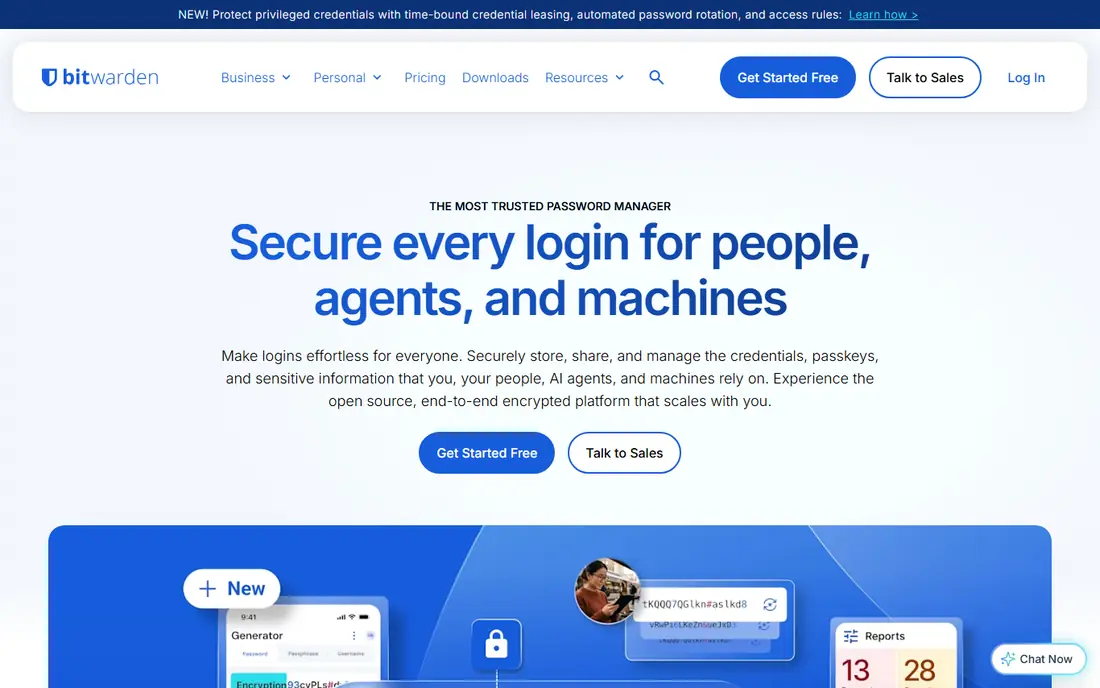
Bitwarden is the calm, low-cost starting point for anyone leaving LastPass behind. Its free plan covers unlimited passwords and devices, and its open source code can be inspected by anyone, which gives cautious buyers a concrete reason to trust it. Paid Premium adds items such as file attachments and a built-in authenticator, while keeping the yearly cost low.
The catch is polish rather than safety. The apps look plain, and some settings take a few extra clicks to find. If you want the cheapest plan that still syncs everywhere, Bitwarden is hard to beat.
- Open source code
- Unlimited devices on the free plan
- Self-hosting option
- Paid features sit behind Premium
- Interface is plain next to pricier rivals
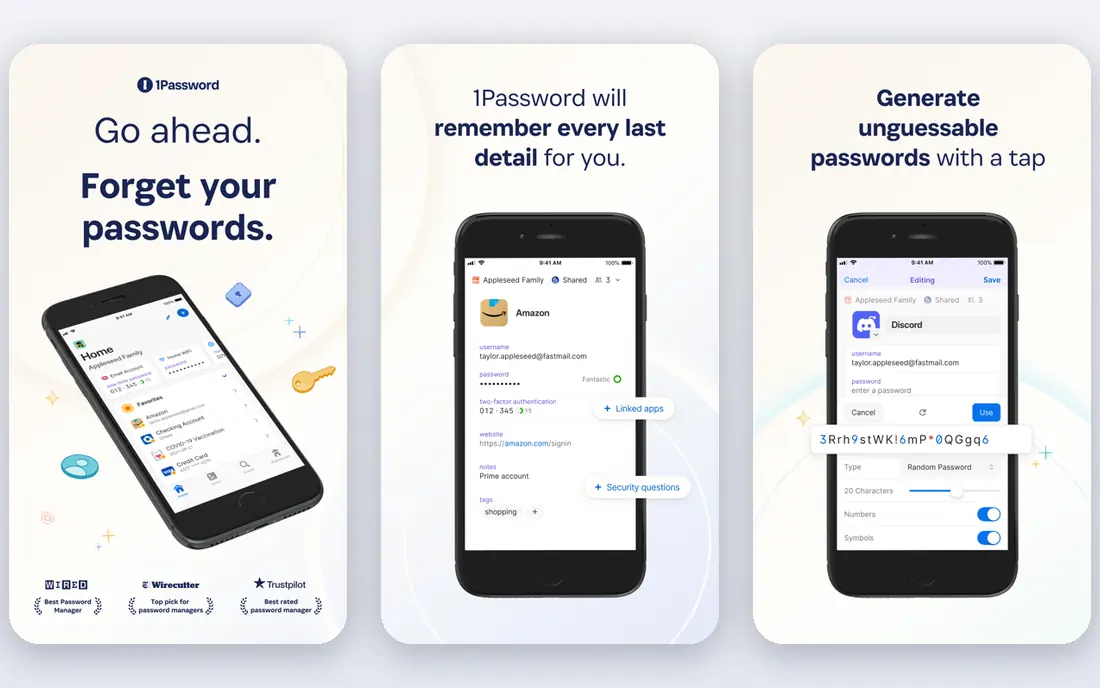
1Password suits people who want the smoothest daily experience and are willing to pay for it. Watchtower flags weak, reused, and compromised passwords, and Travel Mode can remove selected vaults from a device while you travel. Family sharing is straightforward, with a shared vault and individual vaults side by side.
The catch is cost and the lack of a free tier. You get a trial, then a subscription, and the price has risen over time. For many households, the time saved and the clearer design justify that price, but budget buyers should start with Bitwarden.
- Watchtower health checks
- Travel Mode
- Strong family sharing
- No free tier
- Higher price than Bitwarden
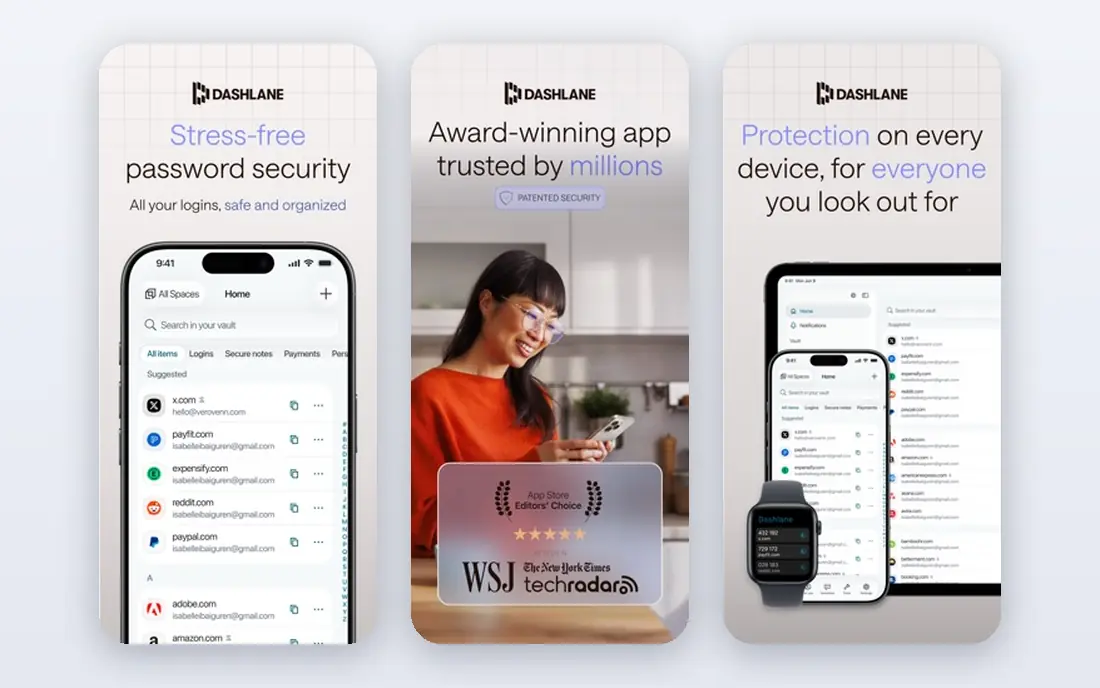
Dashlane fits users who want monitoring and a VPN bundled with their passwords. Its paid plan pairs password storage with dark web monitoring and a VPN, so one subscription covers several privacy jobs. Autofill is reliable in browsers and on phones, and the dashboard keeps health alerts in one place.
The catch is that the free plan is gone, so there is no way to try the full service for free over a long period. Dashlane makes most sense if you will actually use the bundled extras, not if you only need a vault.
- Dark web monitoring
- Bundled VPN on paid plans
- Clean autofill
- No free plan
- Family plan options are limited for personal users
NordPass is a good match for people who found other managers fussy. The interface stays out of the way, and the breach scanner points to accounts that need a new password. It also works across the main desktop and mobile platforms, so switching devices is not a chore.
The catch is the free plan, which is limited to one device at a time. That is fine for a single phone or laptop, but anyone with several devices will need a paid plan. Paid prices are still competitive on longer terms.
- Simple interface
- XChaCha20 encryption
- Breach scanner
- Free plan is limited to one device
- Longer plans give the lowest prices
Keeper works well for households and small teams that want control as well as storage. Admin controls, shared folders, and emergency access make it easier to hand over access safely when someone is away or leaves a team. Secure file storage adds room for documents that do not fit in a normal password entry.
The catch is choice overload at setup. There are many settings and add-ons, and the best plan is not always obvious at first glance. Take time on the pricing page, and check family pricing before you commit.
- Strong admin controls
- Secure file storage
- Emergency access
- Family pricing is higher than some rivals
- Setup has many options
RoboForm is the practical pick for people who fill in long forms all day. It has filled forms for years, and that experience shows in how it handles addresses, payment cards, and custom fields. It also runs on a wide range of browsers, which helps on shared or older machines.
The catch is the look and feel, which is less modern than 1Password or Proton Pass. If you care more about getting forms filled correctly than about a pretty app, that trade is easy to accept.
- Long history in form filling
- Works on older browsers
- Affordable paid plans
- Design feels dated
- Some features are buried in menus
Proton Pass appeals to privacy-minded users who also want to hide their real email address. Its built-in aliases let you give each site a different address, which cuts spam and makes a breach easier to contain. The free tier covers unlimited logins, which is more useful than many free plans.
The catch is that the full value shows up when you also use other Proton services. On its own, it is still a strong manager, but compare its paid price with Bitwarden before you pay for a bundle you may not need.
- Email aliases built in
- End-to-end encryption
- Generous free tier
- Paid plan is best inside the wider Proton bundle
- Some business features are newer
Enpass suits users who want to choose where their vault lives. Instead of forcing one cloud, Enpass lets you store your vault in a cloud account you already use, or keep it local. That control matters to people who are uneasy about handing a vault to one more company.
The catch is setup. You have to pick a sync method and understand it, and the interface is not identical on every platform. If you are comfortable with that choice, Enpass gives you rare control at a fair price.
- Store vaults in your own cloud
- Offline access
- One-time purchase option in the past
- Sync setup needs more thought
- Interface varies by platform
Zoho Vault is a sensible choice for small teams already using Zoho tools. Sharing and permissions are built for teams, with audit trails that show who accessed what. If your business already runs on Zoho, adding Vault keeps passwords inside a system staff already know.
The catch is that solo users get less sparkle than with 1Password or Proton Pass. It is a work tool first, and it shows. For a team that needs clean sharing and oversight, that focus is a strength.
- Team sharing and permissions
- Part of the Zoho suite
- Audit trails
- Best value is inside Zoho
- Solo users may find it plain
How we picked these
We compared official feature pages, pricing pages, and app store listings, and we checked that each vendor homepage loads and matches the product named. We favored tools that are still offered in October 2026, that fit the topic without stretching the definition, and that publish clear pricing or a clear route to a quote. Where a price was not published on the vendor site, we wrote See website instead of guessing. We did not claim hands-on testing we did not do, and we treated public reviews as background only, not as proof of a feature.
How to choose a LastPass alternative
Start with your device count. A free plan that covers one device only will frustrate a household with phones, laptops, and tablets, so check sync limits before you import anything.
Next, check import and export. Every manager on this list can import from LastPass, and you should also confirm you can export your own data later. A vault you cannot leave is a trap, not a tool.
Finally, test autofill on the sites you use most. Passwords, passkeys, and payment cards all need to work in your browser and on your phone. If autofill fails on your bank or email, that manager is not the right pick, however good its pricing looks.
Frequently asked questions
What is the best free alternative to LastPass?
Bitwarden is our pick for most free users, because its free plan syncs across unlimited devices. Proton Pass is close behind, thanks to its email aliases and unlimited logins on the free tier.
Is 1Password better than Bitwarden?
1Password is more polished and adds Travel Mode and a clearer family setup. Bitwarden is cheaper and open source. Pick 1Password for polish, Bitwarden for price.
Can I import my passwords from LastPass?
Yes. Each manager here offers an import tool for LastPass exports. Export from LastPass, import into the new vault, then check a few logins before you delete anything.
Do I still need a password manager if my browser saves passwords?
A dedicated manager gives you sharing, health checks, secure notes, and cross-browser sync that a single browser cannot match. It also makes moving between browsers far easier.
Are free password managers safe?
A free plan from a known vendor with end-to-end encryption can be safe, but check what is limited. Free plans may limit devices, sharing, or support, so read the plan details before you rely on one.
Sources we checked (8)

Online Jobs is an independent blog about careers, online work, learning new skills and the tools that help people earn. More about us.
Keep reading
All posts
Telegram Alternatives
Compare the best telegram alternatives in 2026 for private, group, and team messaging, with encryption, features, and pricing for each app in this guide.
Surfshark Alternatives
Looking for Surfshark alternatives? We compare 8 VPN services on price, privacy, streaming, and device limits to help you find a VPN that fits your needs.
NordPass Alternatives
We compared NordPass alternatives for families, solo users and teams, checking pricing, free plans, passkeys and sharing, so you can switch safely today.