Kodi Alternatives in 2026: 8 Products Compared

How we put this together: we compare official feature and pricing pages, app store listings, privacy policies and public user reviews. Prices change, so check the provider's site before you pay.
Key takeaways
- Jellyfin is the clear pick if you want a full media server with no paid tier for core features.
- Plex is the easiest choice for households with many different devices and a mixed library.
- Stremio suits viewers who want add-ons and a single watchlist more than a server they manage.
- Emby sits between Plex and Jellyfin, with polished apps and a paid Premiere tier for extra features.
- If you only need local playback on one computer, a lighter player can beat a full server setup.
Quick comparison
| Name | Who it suits | Starting price | Free option | |
|---|---|---|---|---|
 Plex | Widest device support | Free | Yes | Visit |
 Jellyfin | Free self-hosted server | Free | Yes | Visit |
 Emby | Live TV and user controls | Free | Yes | Visit |
 Stremio | Add-ons and discovery | Free | Yes | Visit |
 Infuse | Apple devices and direct playback | See website | Free trial | Visit |
 MediaPortal | Windows home theatre PCs | Free | Yes | Visit |
 Universal Media Server | Simple DLNA streaming | Free | Yes | Visit |
 Serviio | Lightweight DLNA streaming | Free | Yes | Visit |
The best kodi alternatives
Kodi is a strong local media centre, but it is not the right fit for every home. Some people want a server that streams to phones and TVs, some want simpler setup, and some want a player that just plays files well. The options below cover those needs without forcing one approach on every reader.
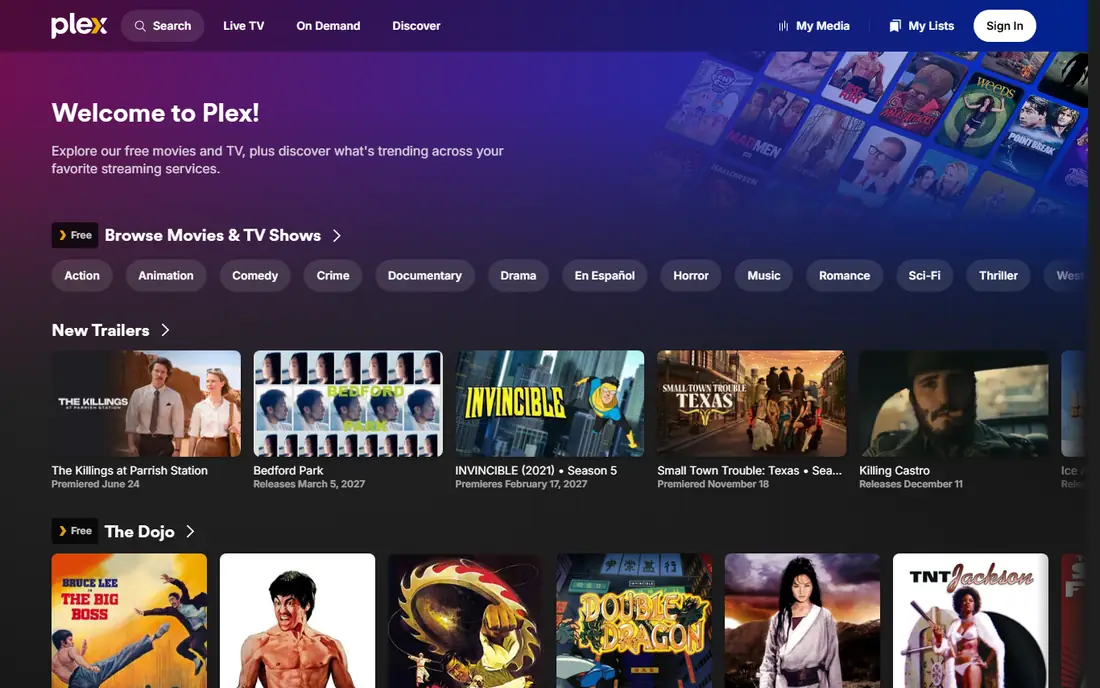
Plex turns a computer or network storage device into a media server that can send your own library to other screens in your home and, subject to current plan terms, beyond it. Setup is guided, and for most users the main work is pointing Plex at the right folders and letting it match titles, posters and episode details. That ease of setup is why we place it first for mixed-device homes, even though it is not free in every respect. The catch is the split between free and paid features. Basic local streaming works without payment for many users, but features such as offline mobile downloads, hardware transcoding and skip-intro tools sit behind Plex Pass. If you only watch on one TV in one room, that extra cost may add little value. If you watch on phones, tablets and TVs, and you want downloads for travel, the paid tier is worth pricing before you commit.
- Broad app support across TVs, phones and consoles
- Automatic metadata and artwork
- Free ad-supported streaming library
- Some features need a paid Plex Pass
- Remote access terms have changed over time, so check current terms before you rely on it
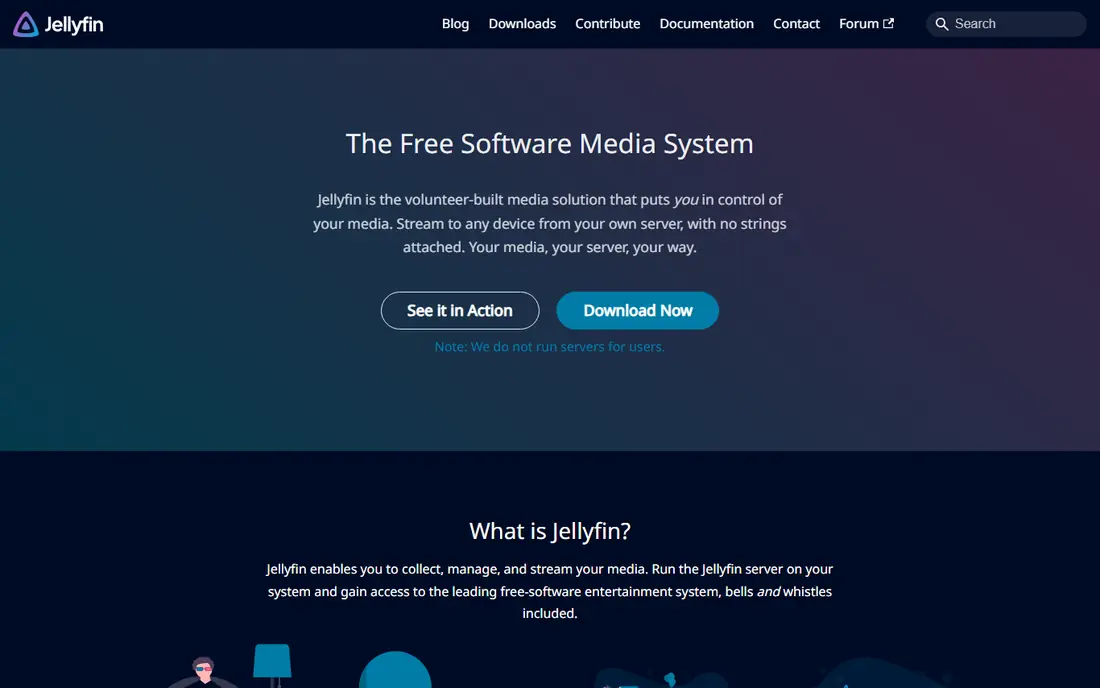
Jellyfin is a free and open source media server that you run on your own hardware. You install the server, add libraries for films, shows, music and photos, and then use Jellyfin apps or a web browser to watch. There is no premium tier that holds back transcoding, user accounts or basic DVR features, which makes the total cost easier to predict: your cost is mainly hardware, storage and electricity. The trade-off is polish and setup time. Some Jellyfin clients feel less finished than Plex apps, and you may need to spend time on permissions, library matching and remote access settings. For readers who enjoy that control, and who want to avoid subscription fees, that work pays off. For readers who want the shortest path from install to watching, Plex or Emby may feel smoother on day one.
- No paid tier for core server features
- No account needed for local use in the usual setup
- Supports users, libraries and live TV
- Client polish varies by device
- Setup needs more patience than Plex for some users
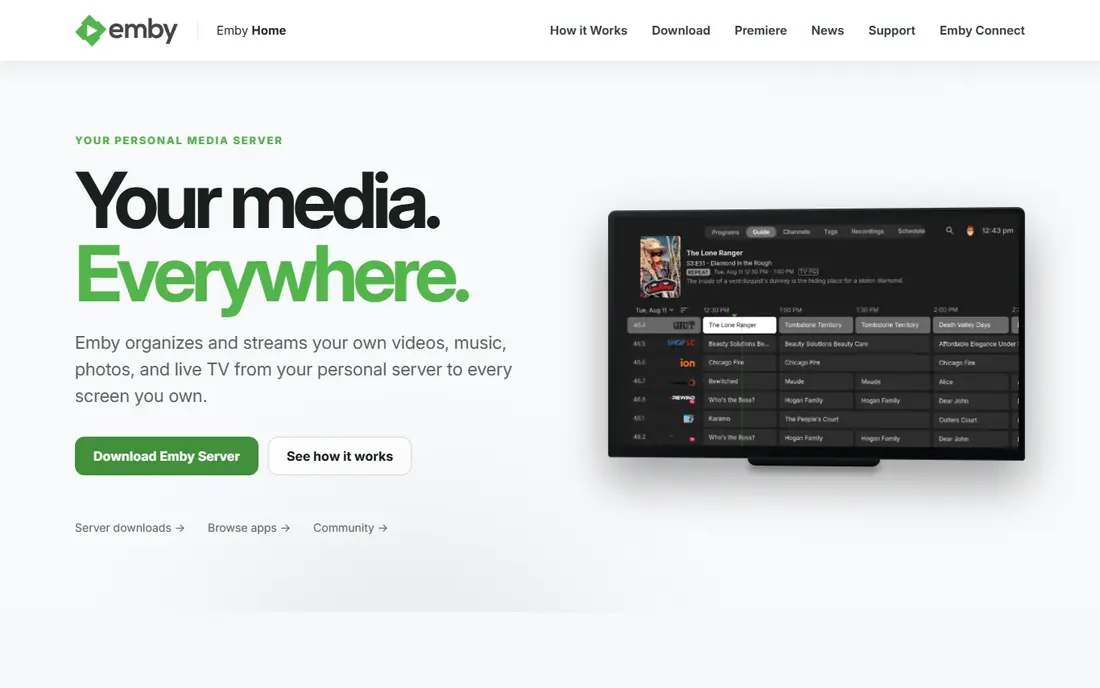
Emby is a media server with a familiar structure: a server at home, libraries for your media, and apps for viewing. It works well for families because user profiles, access limits and watch states are central to the design. If different people in a home want separate progress, restrictions and libraries, Emby handles that clearly. Emby also suits homes that use live TV. With a tuner and guide data where supported, you can watch and record broadcast TV alongside your own files. The free tier covers core server use, while Emby Premiere adds features such as offline downloads, hardware transcoding and some DVR extras. Check the current Premiere price on the Emby site before you buy, since paid terms can change.
- Strong user profiles and parental controls
- Live TV and DVR options
- Apps for many TVs and mobile devices
- Premiere features need payment
- Some advanced features are easier to find in Plex guides and forums
Stremio is the closest match in this list to the Kodi habit of browsing catalogues through add-ons. You install Stremio, add the add-ons you want, and build a library and watchlist that follows you between devices. For viewers who spend more time deciding what to watch than managing files, that model feels natural. The limit to keep in mind is that Stremio does not replace a server for your own large local library in the same way Jellyfin or Emby does. It works best as a discovery and playback front end, paired with the services and add-ons you already use lawfully. If your main goal is to organise thousands of your own files, start with a server first and treat Stremio as a second option.
- Add-on system for catalogues and services
- Watchlist syncs across devices
- Simple interface that is easy to browse
- It is not a personal media server in the same way as Plex or Jellyfin
- Add-on quality varies, so choose sources with care
Infuse is a player, not a server. It connects to files stored on a computer, network drive or media server and presents them as a tidy library with artwork and progress tracking. Its strength is direct playback: in many cases it can play a file as stored, which reduces the need for a server to transcode video on the fly. That focus makes Infuse a strong pick for Apple households. If everyone watches on Apple TV, iPhone, iPad or Mac, Infuse can feel faster and simpler than running a full server app. If your home mixes Apple, Android, Roku and game consoles, a server with wider apps, such as Plex, Jellyfin or Emby, will cover more screens.
- Plays many formats without manual conversion
- Clean library view on Apple TV, iPhone, iPad and Mac
- Works with files on a server or shared folder
- Apple only, so it does not help Android TV or Windows households
- Pro features need payment
MediaPortal is a free media centre for Windows that is designed for a PC connected to a TV. It can organise films, shows, music and pictures, and with a TV tuner it can handle live TV and recordings. For a dedicated home theatre PC, that all-in-one design is appealing, since one program can cover viewing, recording and library browsing from a remote control. The cost is effort. MediaPortal rewards users who are happy to configure codecs, tuners, skins and plugins. If you want a quick install on a phone or a smart TV, this is not the right tool. If you already run a Windows PC under the TV and want full control over that setup, MediaPortal remains a practical free option.
- Built for a TV-connected Windows PC
- TV and recording support with suitable hardware
- Highly configurable interface
- Windows only
- Setup and tuning take more time than a simple streaming app
Universal Media Server takes a simpler path: it shares media from your computer over your home network using DLNA, and your TV, console or player finds it. There is no account, no large client library to maintain, and no server dashboard to learn. For a small library and a TV that already handles DLNA well, that simplicity is a real benefit. The limit is the viewing experience. You get folders and files through the receiving device, not the rich posters, progress tracking and user profiles of a full media server. If you want that richer library view, Jellyfin or Emby will suit you better. If you want to play files on the TV with the least setup, Universal Media Server is hard to beat.
- Free and open source
- Streams to many DLNA devices with little setup
- Runs on Windows, macOS and Linux
- No polished library apps like Plex or Jellyfin
- Browsing depends on the DLNA player on each device
Serviio is another DLNA media server, and its appeal is a small footprint. It runs quietly on a home computer, detects many TVs and players, and serves files in a format each device can handle. For older hardware or a computer that also does other work, that light load matters. As with Universal Media Server, the trade-off is the interface. You browse through the player on your TV or device, so the experience varies. Serviio Pro adds features for some users, so check the Serviio site if you need more than basic streaming. For a simple, low-cost way to get files onto a TV, the free tier is a sensible starting point.
- Light on system resources
- Automatic device profiles for many TVs and players
- Free tier covers basic streaming
- DLNA browsing is plainer than a full media app
- Pro features need payment
How we picked these
We reviewed official product sites and public documentation for each option, and we compared them on the same points: what kind of product it is, which devices it supports, whether core features need payment, and what setup work it asks of the user. We favoured products with a clear official homepage, a current release or maintained project, and a distinct role, so this list does not repeat the same server eight times. Prices shown as Free reflect a free tier or free project on the vendor site at the time of review; where paid terms vary by plan, we show See website and direct you to the vendor pricing page.
What to check before you switch
Start with your devices, not with a feature list. Write down the TVs, phones, tablets and consoles you actually watch on, then check that your shortlist has a working app for each one. A server that lacks an app for your main TV will frustrate you daily, even if it wins on price. Next, check your library and your network. A large library benefits from a server with good metadata matching and user profiles. A small library on one TV may only need a player or a DLNA server. Also confirm how remote access works for any server you pick, since terms and paid requirements for watching away from home differ between products. Finally, test with a small folder first. Add a few films and shows, check artwork, subtitles and playback on each device, and only then move the full library across.
Frequently asked questions
Is Jellyfin a good Kodi alternative?
Yes, if you want a media server rather than a local player. Jellyfin organises your own files, serves them to many devices, and has no paid tier for core features. It needs more setup patience than Plex, but it suits users who want full control and no subscription for basic server use.
Is Plex free?
Plex has a free tier for core media server use and for its ad-supported streaming library, while Plex Pass adds paid features such as offline downloads and hardware transcoding. Check the Plex site for current Pass terms, since remote access and paid features have changed over time.
What is the closest alternative to Kodi add-ons?
Stremio is the closest match in this list for add-on browsing and a synced watchlist. It is not a full personal media server, so pair it with lawful sources and, if you have a large local library, a server such as Jellyfin or Emby for file organisation.
Can I use these alternatives without a server?
Yes. Infuse plays files from a shared folder or server without running its own server, and DLNA tools such as Universal Media Server and Serviio share files from a computer. MediaPortal also runs locally on a Windows home theatre PC. A full server helps most when you watch on many devices or away from home.
Do I need to pay to watch my own files?
No, not in general. Jellyfin, MediaPortal, Universal Media Server and the free tiers of Plex, Emby and Serviio let you play your own files without payment. Paid tiers mainly add convenience features, transcoding help, downloads or DVR extras, so check which of those you actually need.
Which Kodi alternative is best for Apple TV?
Infuse is a strong pick for Apple TV because it is built for Apple devices and plays many formats directly. Plex, Jellyfin and Emby also have Apple TV apps, so if your home mixes Apple and non-Apple devices, a server option may cover more screens than Infuse alone.
Sources we checked (8)

Online Jobs is an independent blog about careers, online work, learning new skills and the tools that help people earn. More about us.
Keep reading
All posts
n8n Alternatives
n8n alternatives compared for 2026, with Zapier, Make, Activepieces, and more, covering visual builders, code steps, self-hosting, and pricing models.

iPhone Alternatives
Looking for iPhone alternatives in 2026? Compare 9 Android phones from Samsung, Google, OnePlus, and more, with cameras, battery life, and honest trade-offs.

eBay Alternatives
Looking for ebay alternatives? We compared 9 marketplaces for sellers on fees, buyer reach, categories and ease of listing, to help you sell with confidence.