Best Google Sheets Alternatives in 2026: 8 Tools Compared

How we put this together: we compare official feature and pricing pages, app store listings, privacy policies and public user reviews. Prices change, so check the provider's site before you pay.
Key takeaways
- Microsoft Excel is the closest replacement for heavy formulas, pivot tables, and macros, with a free web version for basic use.
- LibreOffice Calc and Zoho Sheet are the strongest free spreadsheet starts, with Calc best offline and Zoho Sheet best online.
- Airtable and Smartsheet suit teams that need linked records, project tracking, and views beyond a simple grid.
- Check Excel file support, row limits, and collaboration features before you move, since those three items decide most migrations.
Quick comparison
| Name | Who it suits | Starting price | Free option | |
|---|---|---|---|---|
 Microsoft Excel | Heavy analysis and macros | Free | Yes | Visit |
 LibreOffice Calc | Free offline spreadsheets | Free | Yes | Visit |
 Zoho Sheet | Free online spreadsheets | Free | Yes | Visit |
 Airtable | Linked team databases | $20 per month | Yes | Visit |
 Smartsheet | Project linked sheets | $9 per month | Free trial | Visit |
 ONLYOFFICE Sheets | Excel faithful editing | Free | Yes | Visit |
 WPS Office Spreadsheets | Free suite on many devices | Free | Yes | Visit |
 Apple Numbers | Apple device users | Free | Yes | Visit |
The best Google Sheets alternatives
We kept tools that handle real spreadsheet work, from simple budgets to team databases, and we mixed free desktop apps with paid cloud platforms.
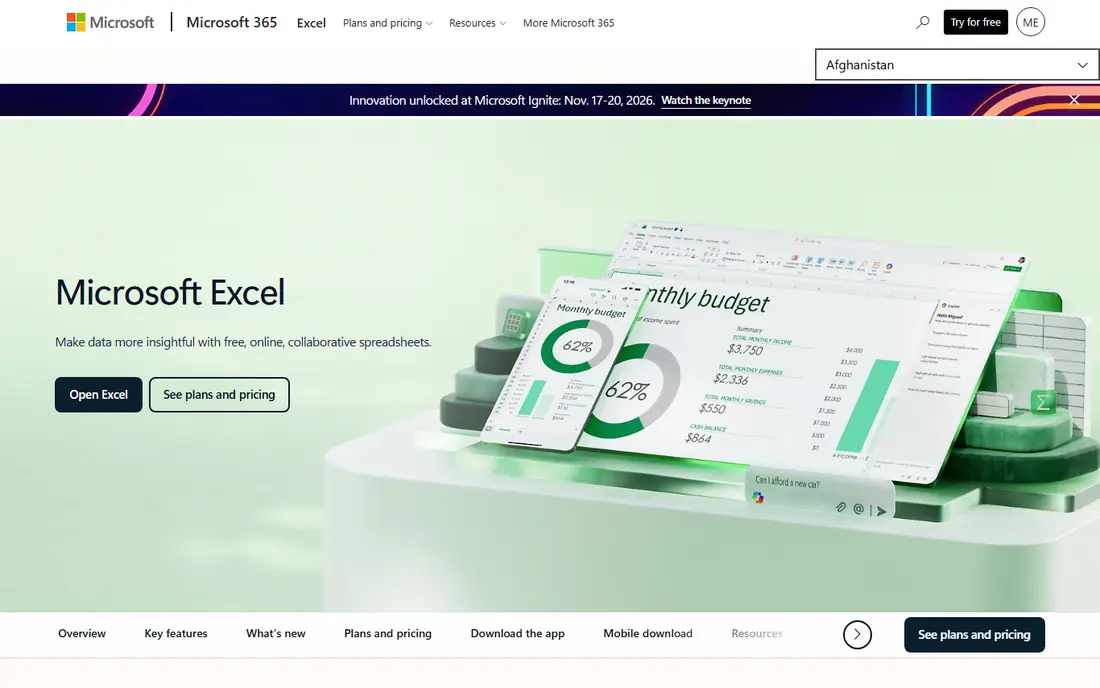
Excel fits a user who needs heavy analysis, large models, or macros that Google Sheets handles poorly. Its formula range, pivot tables, and Power Query tools suit finance, data, and operations work, and its file format is the standard most other tools must support. The free web version covers basic editing, while paid plans add desktop apps and more storage. The catch is collaboration and cost. Real time co-editing in Excel is good, but it is not as simple as Google Sheets for casual sharing, and the desktop apps require a subscription. Use Excel when analysis depth matters most, and use a free web version first to test whether your files and formulas transfer cleanly.
- Best formula, pivot table, and macro support
- Strong Excel file compatibility
- Desktop and web versions
- Full desktop apps need a paid Microsoft 365 plan
- Collaboration is less simple than Google Sheets
- Some features are Windows focused
LibreOffice Calc fits a user who wants a free, offline spreadsheet without a subscription or a cloud account. It opens and saves Excel files, handles formulas and charts well, and runs on almost any desktop. For personal budgets, school work, and small business books, it covers most daily needs at no cost. The trade-off is collaboration. Calc is a desktop app first, so real time co-editing and cloud sharing need extra steps. If you work alone or share files by email, Calc is an excellent Google Sheets alternative. If several people must edit one sheet at once, a cloud tool such as Zoho Sheet or Excel on the web will serve you better.
- Free on Windows, Mac, and Linux
- Opens and saves Excel files
- Works offline without an account
- Collaboration is weaker than cloud tools
- Interface feels older
- Some Excel features may not transfer perfectly
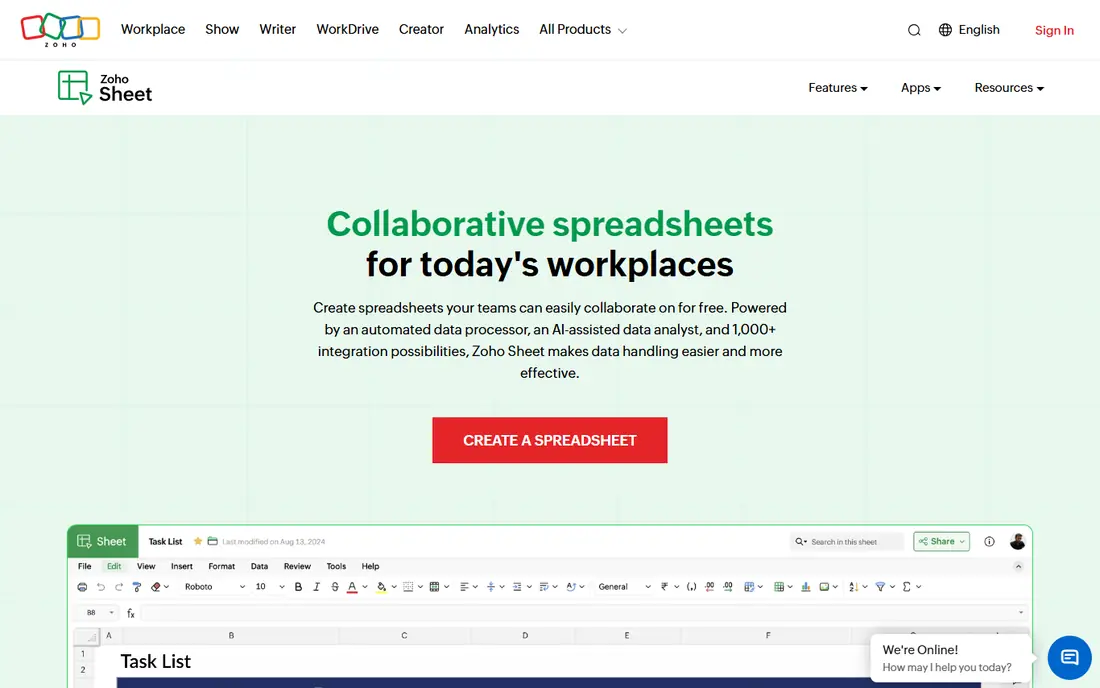
Zoho Sheet fits a user who wants a free online spreadsheet that feels close to Google Sheets, without a Google account. It supports collaboration, comments, and Excel imports and exports, and its desktop apps help when you work offline. For teams already using Zoho Workplace, Sheet fits naturally beside mail, docs, and CRM tools. The limit is depth. Zoho Sheet does not match Excel for heavy models, macros, or advanced data tools, and its template range is smaller than Google Sheets. Use it for everyday team sheets, budgets, and trackers, and move to Excel when a file needs advanced formulas or large scale analysis.
- Free online spreadsheets with desktop apps
- Imports and exports Excel files
- Collaboration and comments
- Advanced features are fewer than Excel
- Some users prefer Google Sheets sharing
- Zoho ecosystem works best together
Airtable fits a team that has outgrown a flat sheet and needs linked data, such as a content calendar tied to authors, or a product list tied to suppliers. Its grid, calendar, Kanban, and gallery views let different people see the same data in the way that suits their job, and its automations reduce manual updates. That structure is why many teams use Airtable as a light database, not just a spreadsheet. The catch is limits and learning time. Free and entry plans limit records per base, and new users need time to learn linked records and field types. Check your record count, your view needs, and your team size before you commit, and start with a template that matches your workflow.
- Linked records and multiple views
- Templates for content, projects, and CRM
- Automations and integrations
- Record limits on lower plans
- Database concepts can confuse new users
- Price rises fast for large teams
Smartsheet fits a team that runs projects in a sheet and needs dates, owners, and progress in one place. Its grid looks like a spreadsheet, but it adds Gantt charts, dependencies, and resource views that Google Sheets lacks. Dashboards and reports help managers track many sheets at once, which suits operations and marketing teams. The trade-off is price and polish. Smartsheet has no free plan, and its interface is more functional than modern. If you need project tracking with a spreadsheet feel, Smartsheet is a strong pick. If you only need a simple shared sheet, Zoho Sheet or Excel on the web will cost less and feel simpler.
- Familiar grid with Gantt, card, and calendar views
- Project tracking and resource tools
- Dashboards and reports
- No free plan, only a trial
- Interface feels dated to some users
- Full features need higher tiers
ONLYOFFICE Sheets fits a user or team that shares files with Excel users and wants faithful formatting. Its desktop editors are free, and its spreadsheet tools handle Excel files well, which helps when a file must look the same after it returns from a colleague. Its cloud option, DocSpace, adds sharing and collaboration for teams that need it. The limit is ecosystem. ONLYOFFICE does not match Google Sheets for templates, add-ons, or simple sharing, and its best collaboration features depend on your setup. Use it when Excel compatibility is the top need, and test a complex file with charts and formulas before you move a whole team.
- Free desktop editors
- Strong Excel file compatibility
- Cloud workspace option with DocSpace
- Collaboration features vary by setup
- Smaller template range than Google Sheets
- Some features need paid cloud plans
WPS Office Spreadsheets fits a user who wants one free office suite across a computer and a phone. Its spreadsheet app opens and saves Excel files, covers formulas and charts for everyday work, and sits beside word processing and slides in the same suite. That breadth helps students and small businesses that need a full office set at no cost. The catch is ads and upsells. The free version includes prompts to upgrade, and some advanced features sit behind a paid plan. If ads bother you, LibreOffice Calc is a cleaner free desktop option. If you want a free suite on many devices, WPS is a practical Google Sheets alternative.
- Free suite on Windows, Mac, Linux, phones, and web
- Opens and saves Excel files
- Docs, sheets, and slides in one app
- Free version shows ads and prompts
- Some features need a paid plan
- Interface can feel busy
Apple Numbers fits a user on a Mac, iPhone, or iPad who wants a polished, free spreadsheet without a subscription. Its templates and charts look clean, and its iCloud web version lets you edit sheets in a browser. For personal finance, school projects, and small team trackers on Apple devices, Numbers is easy to recommend. The limit is platform. Numbers is free on Apple devices, but Windows and Android users must use the iCloud web version, and complex Excel files may need cleanup after import. If your team mixes devices, Excel on the web or Zoho Sheet will be a safer shared choice. If your team is all Apple, Numbers is a strong free pick.
- Free on Mac, iPhone, and iPad
- Polished charts and templates
- Imports and exports Excel files
- ICloud web access
- Only free on Apple devices
- Excel compatibility is good but not perfect
- Collaboration is best inside Apple ecosystem
How we picked these
We compared official pricing pages, feature pages, and app listings, plus public reviews, and we kept tools that handle real spreadsheet files, not just tables inside a notes app. We favored a mix of free desktop apps, free cloud sheets, and paid team platforms, so readers can match cost, file support, and collaboration needs. Prices change often, so we used entry prices where vendors publish them and marked other cases as See website.
What to check before you leave Google Sheets
Start by listing your most complex sheets: formulas, pivot tables, scripts, and add-ons. Then test those sheets in the replacement, since a simple budget may transfer well while a script heavy sheet may not. Check real time collaboration, comment history, and sharing controls, and confirm Excel import and export for files you share outside your team. Finally, export your Google Sheets as Excel files first, so you keep a usable copy even if the new tool needs cleanup.
Frequently asked questions
What is the best Google Sheets alternative for free?
LibreOffice Calc is the best free offline option, while Zoho Sheet is the best free online option. Excel on the web is also free for basic editing. Pick Calc for offline work, Zoho Sheet for online collaboration, and Excel on the web for Excel file compatibility.
What are the best alternatives to Google Sheets for teams?
Airtable suits teams that need linked records and multiple views, while Smartsheet suits teams that run projects in a grid. Excel on the web suits teams that share Excel files, and Zoho Sheet suits teams that want a free cloud sheet. Pick based on whether you need a database, a project tracker, or a simple shared sheet.
Is Excel better than Google Sheets?
Excel is better for heavy formulas, pivot tables, macros, and large models. Google Sheets is simpler for real time collaboration and sharing. If analysis depth matters most, Excel wins. If several people must edit one sheet at once with simple formulas, Google Sheets remains hard to beat.
Can I open Google Sheets in Excel?
Yes, you can download a Google Sheet as an Excel file and open it in Excel, LibreOffice Calc, or WPS Office. Some formulas, scripts, and add-ons may not transfer perfectly, so check complex sheets after import. For ongoing sharing, use a cloud tool that both sides can edit.
Which Google Sheets alternative is best for databases?
Airtable is the best spreadsheet style database on this list, thanks to linked records, views, and automations. Smartsheet suits project data with dates and owners. For a pure database with many records, a dedicated database tool may serve you better than any spreadsheet.
Sources we checked (10)
- https://goodtaco.ai/blog/excel-alternatives
- https://www.flozic.ai/blog/alternatives/excel-alternatives
- https://www.microsoft.com/microsoft-365/excel
- https://www.libreoffice.org
- https://www.zoho.com/sheet
- https://www.airtable.com
- https://www.smartsheet.com
- https://www.onlyoffice.com
- https://www.wps.com
- https://www.apple.com/numbers

Online Jobs is an independent blog about careers, online work, learning new skills and the tools that help people earn. More about us.
Keep reading
All posts
n8n Alternatives
n8n alternatives compared for 2026, with Zapier, Make, Activepieces, and more, covering visual builders, code steps, self-hosting, and pricing models.

eBay Alternatives
Looking for ebay alternatives? We compared 9 marketplaces for sellers on fees, buyer reach, categories and ease of listing, to help you sell with confidence.

ZoomInfo Alternatives
The best ZoomInfo alternatives in 2026, compared on price, free plans, data coverage, and which tool fits small teams or large sales teams best in detail.