Free Alternatives to After Effects in 2026: 9 Tools Compared


Editing plus Fusion compositing · Starting price: Free
How we put this together: we compare official feature and pricing pages, app store listings, privacy policies and public user reviews. Prices change, so check the provider's site before you pay.
Key takeaways
- DaVinci Resolve with Fusion is our pick for most users, since it covers editing, compositing, colour and audio in one free app.
- Blender suits 3D motion graphics, animation and compositing, but it takes longer to learn than a simple editor.
- Natron is the closest free match for node-based compositing, while Synfig Studio suits 2D animation and motion design.
- Kdenlive, Shotcut and OpenShot cover timeline editing with titles and effects, but they are not full compositing suites.
- No single free tool copies After Effects exactly, so pick by job: compositing, 3D, 2D animation or simple titles.
Quick comparison
| Name | Who it suits | Starting price | Free option | |
|---|---|---|---|---|
| DaVinci Resolve | Editing plus Fusion compositing | Free | Yes | Visit |
 Blender Blender | 3D motion graphics and VFX | Free | Yes | Visit |
 Natron Natron | Node-based compositing | Free | Yes | Visit |
 Kdenlive Kdenlive | Timeline editing and titles | Free | Yes | Visit |
 Shotcut Shotcut | Multi-format editing | Free | Yes | Visit |
 OpenShot OpenShot | Simple editing and animation | Free | Yes | Visit |
 Synfig Studio Synfig Studio | 2D animation | Free | Yes | Visit |
 Olive Olive | Editing with compositing tools | Free | Yes | Visit |
 Flowblade Flowblade | Linux timeline editing | Free | Yes | Visit |
The best free alternatives to after effects
We compared official feature pages, download pages and public reviews to find free after effects alternatives that truly cover motion graphics, compositing or animation. The list below separates full compositing tools from editors and animation tools, so you can pick by the job you need to do.
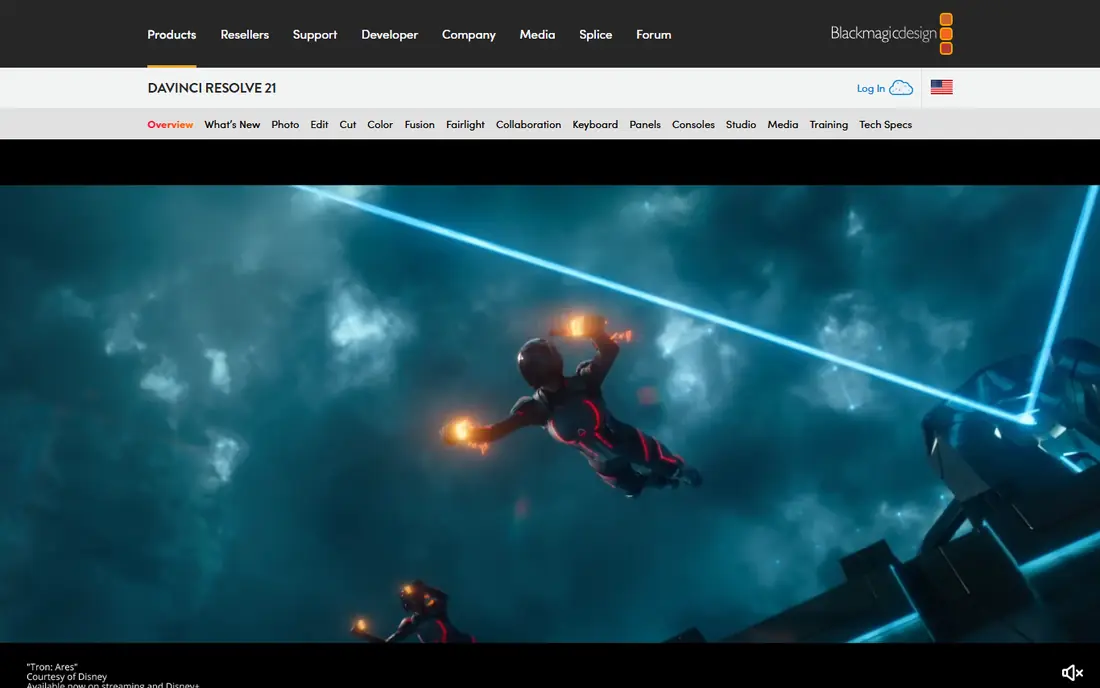
DaVinci Resolve fits creators who want one free app for editing, effects, colour and audio. Its Fusion page provides node-based compositing for titles, motion graphics and visual effects, inside the same timeline you edit in. That all-in-one design is why Resolve tops most after effects alternatives free lists.
The free version is production-ready for most freelance work in vendor and review comparisons, with a paid Studio version adding extra tools for $295 in those comparisons. Check the vendor page for the current Studio price, since it can change, but the free version remains the starting point for most users.
The honest catch is hardware and learning time. Resolve and Fusion demand more from your computer than a simple editor, and Fusion's node workflow feels different from After Effects layers at first. Use proxy editing on older machines, and learn Fusion on a short title project before a client job.
- Fusion compositing inside a full editor
- Professional colour tools
- Free version covers most freelance work in reviews
- Needs a capable computer for heavy projects
- Fusion has a learning curve for After Effects users
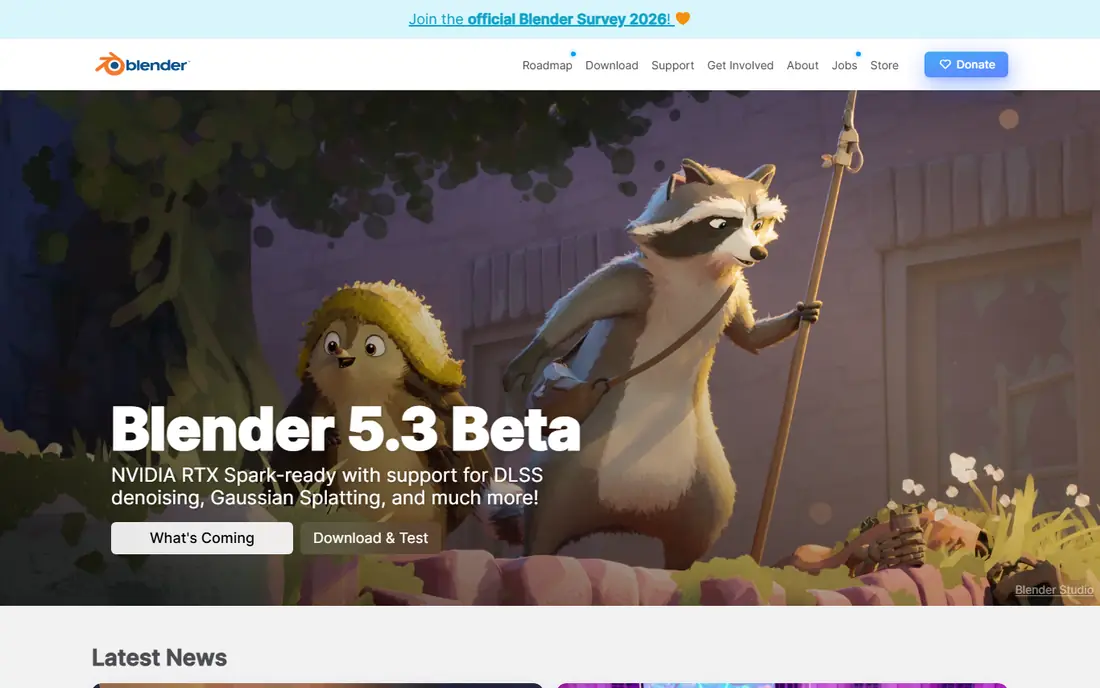
Blender fits 3D artists and motion designers who want a free suite for modelling, animation, tracking and compositing. Its compositor uses nodes for effects work, its 3D tools cover titles and animated scenes, and its video sequencer can assemble a finished edit. That breadth makes Blender the strongest free alternative when your work is 3D first.
The software is completely free, with no paywall, watermark or feature limit, and it runs on Windows, Mac and Linux. Regular updates add tools, and the large community means you can find tutorials for most techniques.
The catch is time. Blender takes weeks to learn well, and a simple title that takes minutes in After Effects may take longer while you learn the interface. If you only need titles and simple effects, start with Resolve or Kdenlive, and keep Blender for 3D work.
- Free and open source with no limits
- 3D modelling, animation and compositing
- Large tutorial community
- Steep learning curve
- Interface is dense for motion graphics beginners
Natron fits compositors who want a free, node-based tool for visual effects. You build effects as a graph of nodes, which mirrors professional VFX workflows and makes complex composites easier to follow than a long layer stack. Keying, 2D tracking, rotoscoping and colour tools cover the core compositing jobs that After Effects users know well.
The software is free and open source on Windows, Mac and Linux, with OpenFX support for extra plugins. That plugin support helps extend Natron beyond its built-in tools, though the plugin library is smaller than commercial rivals.
The catch is scope and support. Natron is not a video editor, so you still need an editor for cutting and finishing, and its ecosystem is smaller than Fusion or Blender. Pick Natron when compositing is the main job, and pair it with Kdenlive or Shotcut for editing.
- Node-based compositing like professional VFX pipelines
- Keying, tracking and rotoscoping
- OpenFX plugin support
- Smaller ecosystem than Fusion or Blender
- Not a full video editor
Kdenlive fits editors who need timeline animation, titles and effects without paying. Its titler tool creates dynamic titles and lower thirds, keyframes animate position, scale and opacity, and multi-track editing handles layered projects. That combination covers many everyday motion graphics jobs, from social videos to short films.
The software is free and open source on Windows, Mac and Linux, with proxy editing to help older machines. Render profiles cover common delivery formats, and the community provides templates and guides.
The catch is compositing ceiling. Kdenlive does basic and intermediate effects well, but it is not a node compositor, so complex VFX work belongs in Natron or Fusion. Use Kdenlive for editing and titles, and export to a compositor when a shot needs deeper effects.
- Multi-track timeline with keyframe animation
- Titler for titles and lower thirds
- Proxy editing for weaker machines
- Compositing depth is thinner than Fusion or Natron
- Interface can feel busy
Shotcut fits editors who work with mixed footage and want a free, no-fuss timeline. It supports hundreds of formats without import steps, lets you mix formats on one timeline, and covers filters, transitions and keyframe animation for titles and simple effects. That format freedom saves time when footage comes from phones, cameras and screen recordings in one project.
The software is free and cross-platform, with a straightforward download and no account needed. It runs on modest machines better than Resolve, which makes it a good pick for older hardware.
The catch is motion graphics depth. Shotcut handles simple titles and effects, but it does not offer the compositing or 3D tools of Fusion, Blender or Natron. If your project is mostly titles over edited footage, Shotcut is enough; if it is effects-heavy, use a compositor beside it.
- Supports many formats without conversion
- Multi-format timelines
- Frame-accurate editing in vendor descriptions
- Motion graphics tools are basic
- Interface is less polished than Resolve
OpenShot fits beginners and social creators who want simple motion graphics fast. Its timeline is easy to learn, its animated title templates cover common social formats, and its effects and transitions handle basic motion work. That simplicity makes OpenShot a good first step from a phone editor to desktop software.
The software is free and open source on Windows, Mac and Linux, with a community forum and guides for new users. You can cut, add titles, add music and export for social platforms without learning a node system.
The catch is scale. OpenShot is not built for complex compositing or large, effects-heavy projects, and performance can suffer as timelines grow. Move to Resolve or Blender when a project outgrows simple titles and transitions.
- Beginner-friendly timeline
- Animated titles and 3D title templates
- Free and cross-platform
- Advanced compositing is limited
- Performance can lag on large projects
Synfig Studio fits animators who want free 2D motion graphics. It is built for vector animation, with tweening that fills in frames between key poses, bone systems for character movement, and layers for building animated scenes. That focus makes it stronger for 2D animation than a general editor with a few title templates.
The software is free and open source on Windows, Mac and Linux. You can create animated titles, explainer graphics and short 2D films, then export them to an editor for finishing.
The catch is that Synfig is not an editor. You cannot cut a full video project in it, and it does not composite live-action footage like Natron or Fusion. Use Synfig for animation, then assemble the result in Kdenlive, Shotcut or Resolve.
- Dedicated 2D animation tools
- Vector-based motion graphics
- Bone and tweening systems in vendor descriptions
- Not a video editor or compositor
- Learning curve for vector animation
Olive fits early adopters who want an editor with compositing ambition. It combines timeline editing with node-based compositing tools, aiming to cover both cutting and effects in one free app. That design is close to what After Effects users want, but in a single open source project.
The software is free on Windows, Mac and Linux, with development builds that add features over time. Check the vendor download page for the current stable or development version before starting a paid project.
The catch is maturity. Olive is still in active development, so stability, documentation and tutorial coverage lag behind Resolve, Blender and Kdenlive. Try it on a personal project first, and keep a stable editor as backup for deadline work.
- Timeline editing with node compositing in development versions
- Free and open source
- Cross-platform
- Still in active development
- Stability and features vary by version
Flowblade fits Linux editors who want timeline editing with motion graphics tools. It offers a multi-track timeline, compositors for layered effects, and a dedicated motion graphics module for titles and animated elements. That module sets it apart from simpler Linux editors.
The software is free and open source, with Linux as its main platform. It suits users who already run Linux and want a native editor without switching systems for a simple effects job.
The catch is platform and community. Flowblade is Linux focused, so Windows and Mac users should pick Kdenlive or Shotcut instead, and its smaller community means fewer tutorials. On Linux, though, it is a solid free option for editing with motion graphics.
- Free Linux editor with a motion graphics module in vendor descriptions
- Multi-track timeline
- Compositors and effects
- Linux only in main builds
- Smaller community than Kdenlive or Shotcut
How we picked these
We compared official feature pages, download pages and public reviews, and favoured tools that are free in their core form for motion graphics, compositing or animation. We separated compositors such as Natron and Fusion from editors such as Kdenlive and Shotcut, since they answer different parts of an After Effects workflow. Paid tools with only a trial were not ranked as free alternatives, and we noted where a tool is still in development.
What to check before you pick a free After Effects alternative
Start with the part of After Effects you actually use. Compositing, 3D animation, 2D animation and simple titles point to different tools, and no free tool copies all four equally well. Pick the tool that covers your main job, then add a second tool for the rest.
Check your computer first
Resolve and Blender need a capable computer with enough RAM and a decent graphics card, especially for Fusion and 3D work. Shotcut, Kdenlive and OpenShot run better on older machines, and proxy editing helps further. If your machine struggles, start with a lighter editor and move effects work to Natron for single shots.
Check the workflow, not just the feature list
Node compositing in Natron and Fusion feels different from layers in After Effects, and 3D work in Blender feels different again. Try a short project in each candidate: a title, a keyed shot or a simple animation. The tool that feels clearest on that small project is the one you will actually finish work in.
Plan for two tools, not one
Many professionals mix tools: Resolve for editing and colour, Blender for 3D, and Natron for final compositing. Free tools export in standard formats that other tools can import, so a two-tool workflow is normal. Do not wait for one perfect replacement; build a small stack that covers editing, effects and finishing.
Frequently asked questions
What are the best free alternatives to After Effects?
DaVinci Resolve with Fusion, Blender and Natron are the strongest free alternatives to After Effects, since they cover editing, 3D and node-based compositing. Kdenlive and Shotcut suit timeline editing with titles, while Synfig Studio suits 2D animation. The best pick depends on whether you need compositing, 3D, animation or simple titles.
Is DaVinci Resolve really free?
Yes, DaVinci Resolve offers a free version that covers editing, Fusion compositing, colour and audio for most freelance work. A paid Studio version adds extra tools, listed at $295 in vendor and review comparisons, but the free version remains the starting point for most users. Check the vendor page for the current Studio price.
Can free software replace After Effects completely?
For many jobs, yes, especially with a two-tool workflow such as Resolve for editing and Blender or Natron for effects. The main gaps are tutorial coverage, plugin libraries and some advanced After Effects integrations. If you rely on a specific After Effects plugin or template library, check whether a free equivalent exists before switching a paid project.
What is the best free After Effects alternative for beginners?
Kdenlive and OpenShot are the best free After Effects alternatives for beginners who mainly need titles and simple effects over edited footage. Resolve is better once you are ready for Fusion compositing, and Blender suits beginners only if they want to learn 3D. Start simple, then move to a compositor when titles alone are not enough.
Which free alternative is best for motion graphics?
For motion graphics, Resolve with Fusion covers titles and effects in an editor, Blender covers 3D motion graphics, and Synfig Studio covers 2D animation. If your motion graphics are mostly titles and lower thirds, Kdenlive's titler and keyframes may be enough. Pick by style: 2D, 3D or composited titles.
Do free alternatives work on Mac, Windows and Linux?
Most tools on this list run on Windows, Mac and Linux, including Blender, Natron, Kdenlive, Shotcut, OpenShot, Synfig and Resolve. Flowblade is Linux focused, so Windows and Mac users should pick another editor. Check the vendor download page for your system before installing, since builds vary by version.
Sources we checked (9)

Online Jobs is an independent blog about careers, online work, learning new skills and the tools that help people earn. More about us.
Keep reading
All posts
Best Recording Software for PC
Looking for the best recording software for pc? We compared 9 screen recorders for tutorials, games, work videos and quick sharing for everyone in 2026.

Zoom Alternatives
Zoom alternatives compared for 2026: Google Meet, Microsoft Teams, Webex, Jitsi and more for free calls, large meetings and webinars for teams and classrooms.

Top Rated Poster Maker Software
Top rated poster maker software compared for 2026: Canva, Adobe Express, VistaCreate, PosterMyWall and more for events, sales and classrooms for US users.