Best Recording Software for PC in 2026: 9 Tools Compared

How we put this together: we compare official feature and pricing pages, app store listings, privacy policies and public user reviews. Prices change, so check the provider's site before you pay.
Key takeaways
- OBS Studio is our pick for most PC users, since it is free, open source and handles recording and live streaming.
- Camtasia suits tutorials and training videos that need editing, annotations and a polished finish in one app.
- ShareX suits Windows users who want free capture with screenshots, uploads and custom workflows.
- Bandicam suits game and high-frame-rate capture on Windows, while Loom and ScreenPal suit quick work videos with a share link.
- The best screen recording software for pc depends on whether you need editing, streaming, games or fast sharing.
Quick comparison
| Name | Who it suits | Starting price | Free option | |
|---|---|---|---|---|
 OBS Studio OBS Studio | Recording and streaming | Free | Yes | Visit |
 Camtasia Camtasia | Tutorials with editing | See website | Free trial | Visit |
 ShareX ShareX | Free Windows capture | Free | Yes | Visit |
 Bandicam Bandicam | Game capture on Windows | See website | Free trial | Visit |
 Snagit Snagit | Screenshots plus quick video | See website | Free trial | Visit |
 Movavi Screen Recorder Movavi Screen Recorder | Simple capture and trimming | See website | Free trial | Visit |
 Loom Loom | Quick work videos with links | Free | Yes | Visit |
 ScreenPal ScreenPal | Short narrated recordings | Free | Yes | Visit |
 FlashBack Express FlashBack Express | Windows capture with editing | Free | Yes | Visit |
The best recording software for pc
We compared official feature pages, pricing pages and public reviews to find the best recording software for pc for different jobs. The list covers free recorders, editors, game capture and quick-share tools, for Windows and, where noted, Mac.
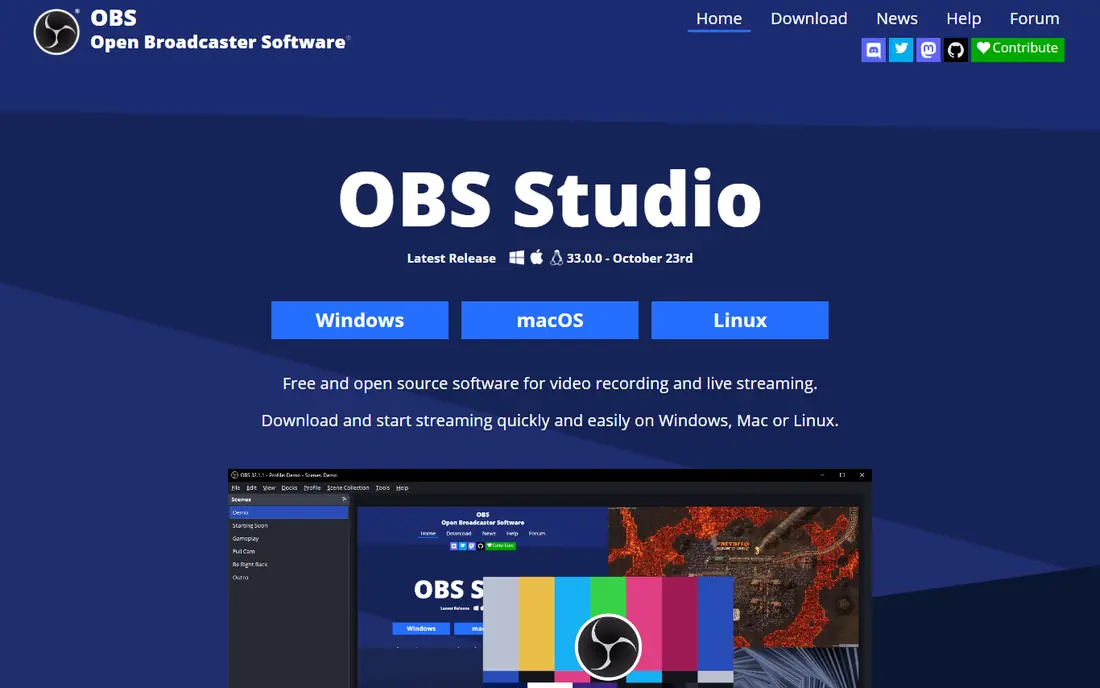
OBS Studio fits creators who want a free, powerful recorder and streamer on PC. You can capture screens, windows, webcams and capture cards, build scenes with multiple sources, mix audio with filters, and switch scenes live. That production control is why OBS remains the best pc recording software for streamers and advanced creators.
The software is free and open source on Windows, Mac and Linux, with no watermark, trial limit or paid tier. Plugins and scripts extend it further, from extra sources to automation, though most users will not need them at first.
The honest catch is editing. OBS records and streams, but it does not edit video, so you need a separate editor such as DaVinci Resolve or Camtasia for cutting and polishing. If you want record and edit in one app, Camtasia or Movavi will suit you better.
- Free and open source
- Unlimited scenes and sources
- High-performance capture and audio mixing
- No built-in video editor
- Setup takes time for beginners
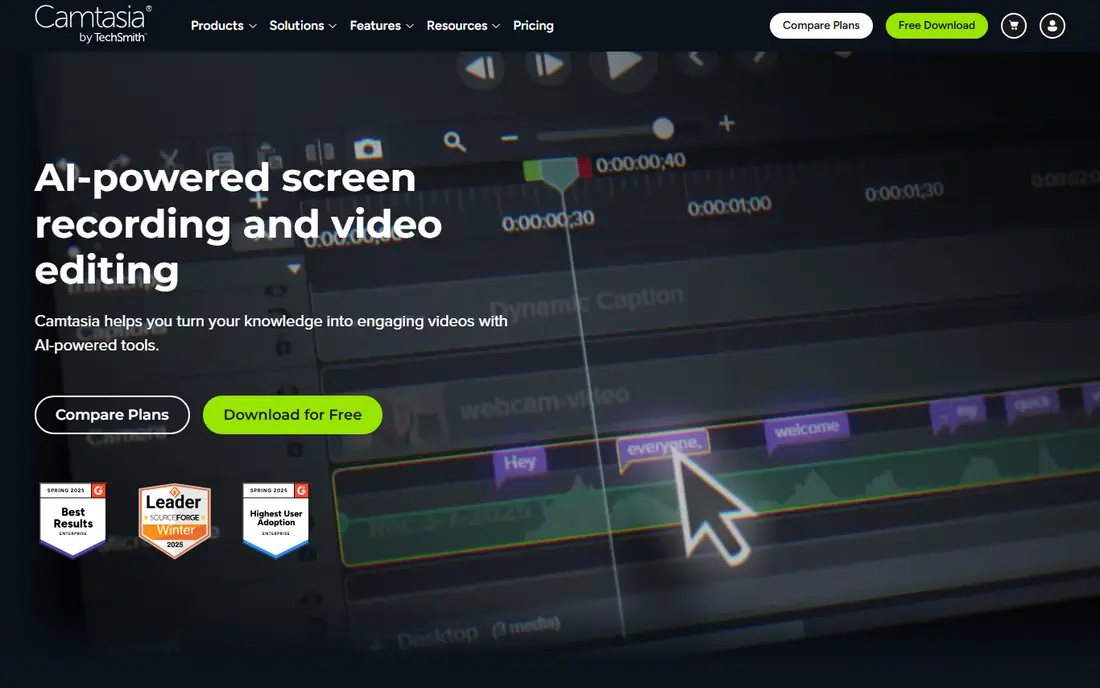
Camtasia fits trainers, teachers and teams who make tutorials and software demos. You record your screen and webcam, then edit on a timeline with annotations, callouts, transitions, cursor smoothing and voice narration, all in one app. That record-to-polished-video path is why Camtasia is often named the best screen recording software for pc for training content.
Pricing comparisons in 2026 list Camtasia around $179.88 per year for an individual subscription in one guide, and around $299 for a one-time option with a year of updates in another, so check the vendor pricing page for the current model in your region. A free trial lets you test recording and editing before paying, though trial exports may carry a watermark.
The catch is price and scope. Camtasia costs real money, and it does not live stream, so streamers should use OBS instead. For polished tutorials, though, the editor saves enough time to justify the cost for many teams.
- Recorder plus full timeline editor in one app
- Annotations, callouts and cursor effects
- Asset library
- Paid subscription or licence
- No live streaming
- Heavier than a quick recorder
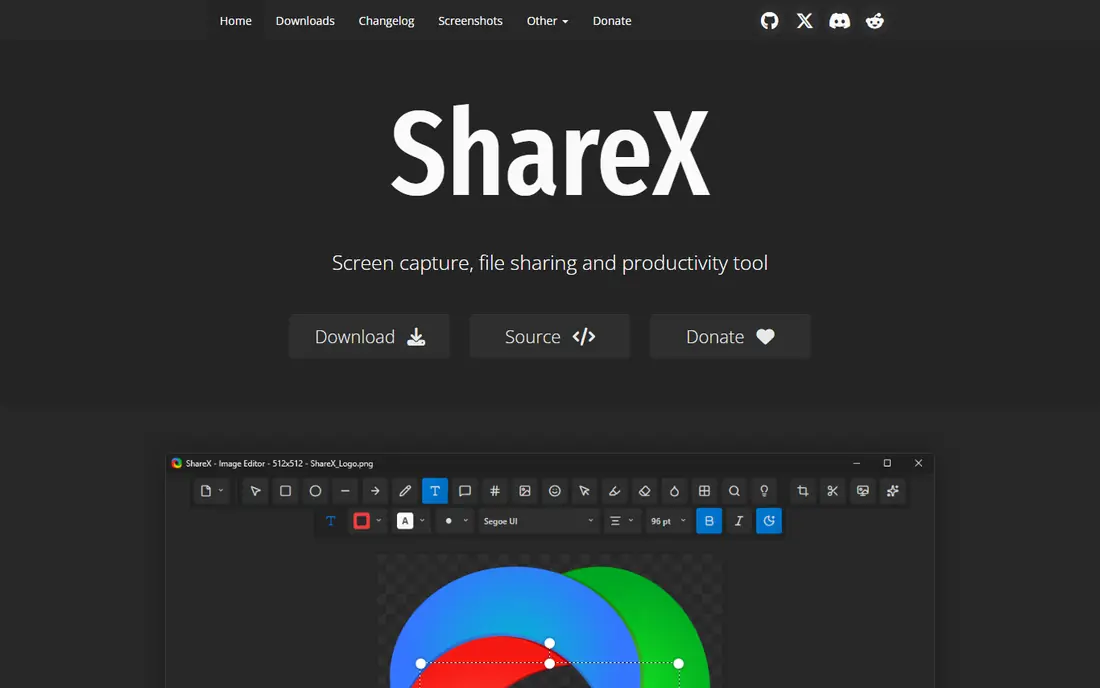
ShareX fits Windows power users who want free capture with control. It records screen video, captures screenshots with annotation, and lets you set up after-capture tasks and upload destinations, from cloud storage to image hosts. That workflow depth makes it the best free screen capture software for users who capture all day for support, documentation or bug reports.
The software is free and open source, with no paid tier or watermark. You can customise hotkeys, capture regions, and output formats, and you can keep everything local if you prefer not to upload.
The catch is learning curve. ShareX offers many settings, and a beginner who only needs a quick video may find Loom or ScreenPal faster. Use ShareX when you want control and you capture often enough to learn its settings once.
- Free and open source
- Screenshots plus screen recording
- Custom upload and workflow options
- Windows only
- Interface and settings can overwhelm beginners
Bandicam fits gamers and Windows users who record gameplay, apps or external devices. It captures DirectX and OpenGL games, records at high frame rates, and supports webcam overlay, real-time drawing and scheduled recording. That game focus sets it apart from general recorders such as Loom or ScreenPal.
The software offers a free version with limits, and paid licences for full use, with pricing on the vendor page varying by licence type. Check the current free limits and commercial terms before using it for client work.
The catch is platform and free limits. Bandicam runs on Windows only, and the free version limits recording length and adds a watermark in vendor and review descriptions. Gamers on Windows will still find it strong, but Mac users need OBS or Camtasia instead.
- Strong game and device capture on Windows
- High frame rates
- Webcam overlay and drawing tools
- Windows only
- Free version has limits
- Commercial use needs a licence check
Snagit fits support teams, technical writers and anyone who explains with images first. Its screenshot capture, annotation, templates and stamps are stronger than any other tool here, and its quick video mode covers short screen explanations without opening a full editor. That image-first strength is why many teams pair Snagit with a fuller recorder.
Pricing comparisons list Snagit around $69.99 for a one-time perpetual licence in one 2026 guide, with a free trial available. Check the vendor pricing page for the current licence model, since TechSmith has changed pricing over time.
The catch is video depth. Snagit records video, but it is not a timeline editor, so longer tutorials belong in Camtasia or OBS plus an editor. Pick Snagit for screenshots and short clips, not for full courses.
- Best screenshot capture and annotation on this list
- Quick video for short explanations
- Templates and stamps
- Video editing is light
- Paid licence needed for full use
Movavi Screen Recorder fits PC users who want a simple recorder that also trims. You can capture the full screen or a region, record webcam and system audio, schedule a recording, and trim the result before sharing. That simplicity suits office workers and casual creators who do not want OBS setup or Camtasia depth.
The software offers a free trial, with paid licences for full use, and pricing on the vendor page varies by plan and region. Check whether you need the recorder alone or the wider Movavi video editor bundle before buying, since the two products differ.
The catch is trial limits. Review comparisons note a watermark on trial exports, so test the workflow, not the export quality, during the trial. If you record often, the paid licence is the honest price for watermark-free use.
- Simple capture with scheduling
- Webcam and audio capture
- Trimming and basic editing
- Trial exports carry a watermark in reviews
- Full features need a paid licence
Loom fits teams that explain work by video instead of meetings. Record your screen and webcam, get a shareable link instantly, and let viewers comment at a timestamp. That record-and-share loop is faster than recording, exporting and uploading a file by hand, which is why Loom is popular for feedback, onboarding and async updates.
The free tier covers basic recording, with guides listing limits such as storage and 720p resolution, while Pro is listed around $12.50 per user per month in a 2026 guide. Check the vendor pricing page for current free limits, since Loom has changed them over time.
The catch is that Loom is a hosted sharing tool first. If you need local files, deep editing or game capture, OBS, Camtasia or Bandicam will serve you better. Use Loom when a link and a comment thread matter more than a polished edit.
- Record and share with a link in minutes
- Webcam bubble and transcript tools
- Team comments and analytics on paid plans
- Free tier limits storage and resolution in guides
- Downloads and advanced features need paid plans
ScreenPal fits teachers, support staff and casual creators who want a short narrated video fast. Its free recorder needs no account for basic recording, covers screen and camera capture, and offers simple trimming and hosting. That low friction makes it a good first recorder for users who find OBS too complex.
Comparison guides list a 15-minute limit on free recordings, with paid plans adding system audio, longer recordings and more editing. Check the vendor pricing page for current free limits before planning a long tutorial in the free tier.
The catch is length and audio. A 15-minute free limit rules out long lessons, and system audio on Windows and Mac sits behind a paid plan in comparisons. For short explanations, ScreenPal is excellent; for long courses, use Camtasia or OBS.
- Free recorder with no account needed for basic recording
- Simple narration and trimming
- Hosting and sharing tools
- Free recordings limited to 15 minutes in comparisons
- System audio on Windows and Mac needs a paid plan
FlashBack Express fits Windows users who want a free recorder with a clear upgrade to editing. The free version records screen, webcam and audio, while the paid Pro version adds a fuller editor for trimming, annotations and publishing. That free-to-Pro path suits users who want to start free and pay only when editing matters.
The vendor site lists Express as free, with Pro as a paid upgrade, and pricing on the vendor page varies by licence. Check the current Pro price and whether you need its editor or whether a free editor elsewhere covers your needs.
The catch is platform and free editing. FlashBack runs on Windows only, and the free version is a recorder first, not an editor. If you need editing on day one, Camtasia is stronger, and if you need streaming, OBS wins. FlashBack suits simple Windows capture with an optional paid editor later.
- Free Windows recorder with webcam and audio capture
- Paid Pro adds editing
- Simple interface
- Windows only
- Free version lacks the full editor
- Smaller community than OBS or Camtasia
How we picked these
We compared official feature pages, pricing pages and public reviews, and favoured tools with a clear PC recording job: free capture, tutorials, games, screenshots or quick sharing. We included both free and paid tools, and noted where a free version limits length, adds a watermark or lacks editing. Prices in this category change often, so where a price was not confirmed on the vendor page at the time of writing, we marked it as See website.
What to check before you pick a screen recorder
Start with the output you need. A tutorial, a game clip, a bug report and a quick work update need different tools, and the best video recording software for pc for one job may be wrong for another. Pick for your main output first, then check price and platform.
Check editing, streaming and sharing separately
OBS streams and records but does not edit. Camtasia records and edits but does not stream. Loom and ScreenPal record and share by link but edit lightly. List which of the three you need, then pick the tool that covers at least two of them, and add a second tool for the third if needed.
Check free limits on a real recording
Free tiers limit length, resolution, watermark or system audio in different ways. Record a real example at your usual length, with the audio source you need, and export it before you decide. A free recorder that blocks your audio source or watermarks your export is not free for your job.
Check performance on your PC
Game and high-resolution capture need CPU and disk headroom, especially at high frame rates. Close heavy apps, record to a fast drive, and test a short clip at your target resolution and frame rate. If the recording stutters, lower the frame rate or resolution before blaming the software.
Frequently asked questions
What is the best recording software for pc?
The best recording software for pc for most users is OBS Studio, because it is free, open source and handles recording and streaming on Windows, Mac and Linux. Camtasia is better for tutorials with editing, ShareX is better for free Windows capture, and Loom is better for quick work videos with a link. Pick by job, not by price alone.
What is the best free screen capture software?
OBS Studio and ShareX are the best free screen capture software options, since both are free and open source with no watermark. OBS suits recording and streaming, while ShareX suits Windows screenshots plus video with custom workflows. ScreenPal and Loom also offer free tiers, but with length and feature limits.
What is the best screen recording software for pc for tutorials?
Camtasia is the best screen recording software for pc for tutorials, because it records and edits in one app with annotations, callouts and cursor effects. OBS plus a separate editor is a strong free alternative, while ScreenPal suits short tutorials under its free length limit. For long courses, a timeline editor matters more than a quick recorder.
What is the best video capture software for games?
Bandicam and OBS Studio are strong video capture software options for games on Windows. Bandicam focuses on game and device capture with high frame rates, while OBS offers free capture, scenes and streaming for gamers who also stream. Check frame rate, audio source and file size on a test clip before a long session.
Can I record my screen for free on Windows?
Yes, OBS Studio and ShareX record for free on Windows with no watermark, and ScreenPal and Loom offer free tiers with limits. Windows also includes a built-in Game Bar for basic capture, but a dedicated recorder gives you more control over region, audio and output. For professional work, check free limits on length, audio and watermark first.
Do I need a paid screen recorder?
Most users do not need a paid recorder at first. Free tools cover recording, streaming and basic capture well, and paid tools earn their price when you need a timeline editor, longer recordings, system audio or an ad-free hosted link. Pay when you hit a clear limit in a free tool you already use weekly.
Sources we checked (9)

Online Jobs is an independent blog about careers, online work, learning new skills and the tools that help people earn. More about us.
Keep reading
All posts
Free Alternatives to After Effects
Looking for free alternatives to After Effects? We compared 9 free tools for motion graphics, VFX, compositing and 2D animation in 2026 for creators today.

Zoom Alternatives
Zoom alternatives compared for 2026: Google Meet, Microsoft Teams, Webex, Jitsi and more for free calls, large meetings and webinars for teams and classrooms.

Top Rated Poster Maker Software
Top rated poster maker software compared for 2026: Canva, Adobe Express, VistaCreate, PosterMyWall and more for events, sales and classrooms for US users.