Dialpad Alternatives in 2026: 9 Phone Systems Compared

How we put this together: we compare official feature and pricing pages, app store listings, privacy policies and public user reviews. Prices change, so check the provider's site before you pay.
Key takeaways
- The best Dialpad alternative depends on whether you need a simple second line, a full office phone system, or video plus phone together.
- Business texting in the US needs carrier registration, so confirm texting setup and timing before you switch.
- Per-user pricing adds up fast, so compare total cost for your team size, not just the headline monthly rate.
- AI transcription and call summaries are now common, but accuracy and included minutes vary by plan.
- Test calling, texting, and voicemail with your real team before you port a main business number.
Quick comparison
| Name | Who it suits | Starting price | Free option | |
|---|---|---|---|---|
 RingCentral | Full office phone and video | See website | Free trial | Visit |
 Zoom Phone | Phone inside Zoom | See website | Free trial | Visit |
 Nextiva | Small business phone and CRM tools | See website | Free trial | Visit |
 8x8 | Global calling and contact centre | See website | Free trial | Visit |
 Vonage | Flexible business communications | See website | Free trial | Visit |
 Ooma | Simple office phone for small firms | See website | Free trial | Visit |
 GoTo Connect | Phone and meetings together | See website | Free trial | Visit |
 Grasshopper | Solo business phone number | See website | Free trial | Visit |
 OpenPhone | Shared team business numbers | See website | Free trial | Visit |
The best Dialpad alternatives
We compared these systems by calling, texting, video, integrations, and fit for solo users, small teams, and larger offices. Pricing is per user per month on most plans and varies by features, so field lines use See website where a single figure would mislead. Confirm current pricing, trial terms, and texting registration steps on the vendor site.
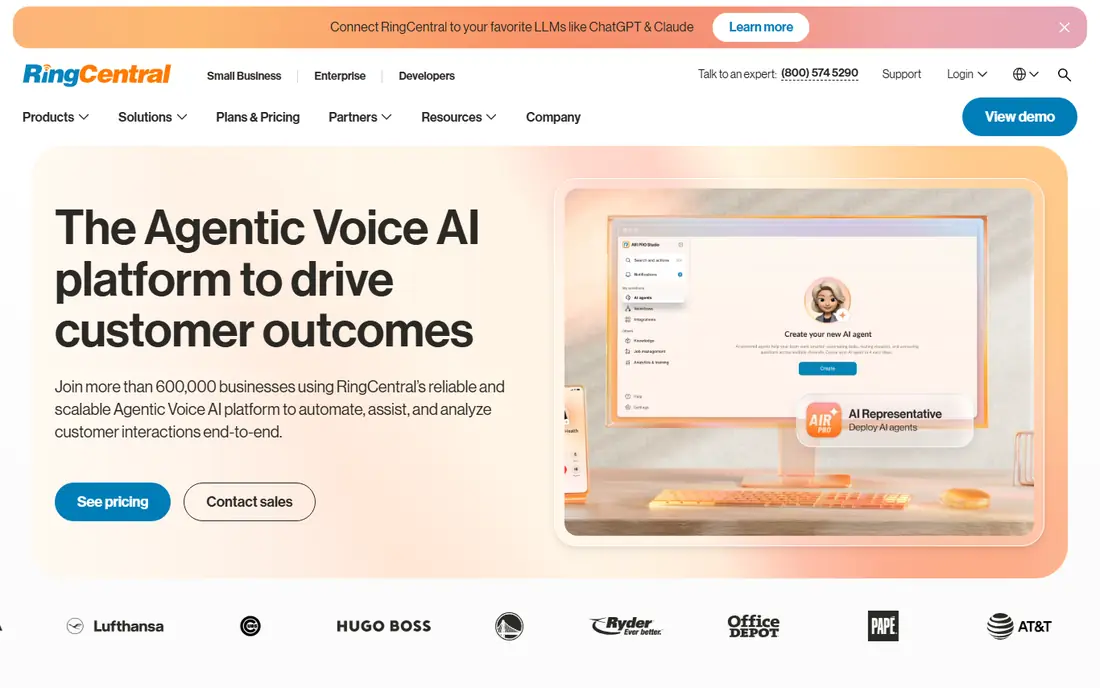
RingCentral is our pick for businesses that want a complete office phone system, because it combines calling, video meetings, team messaging, and fax with a large integration library. Admins can manage numbers, call routing, and user permissions from one dashboard, which helps as a team grows. That breadth is why many small and mid-size firms choose it over a simple second-line app. The trade-off is cost and setup. Per-user pricing adds up, and small solo users may find OpenPhone or Grasshopper simpler and cheaper. Choose RingCentral when you need a real office system, not just a second number.
- Phone, video, messaging, and fax in one system
- Many integrations
- Strong admin controls
- Pricing rises with team size and features
- Setup can feel heavy for a solo user
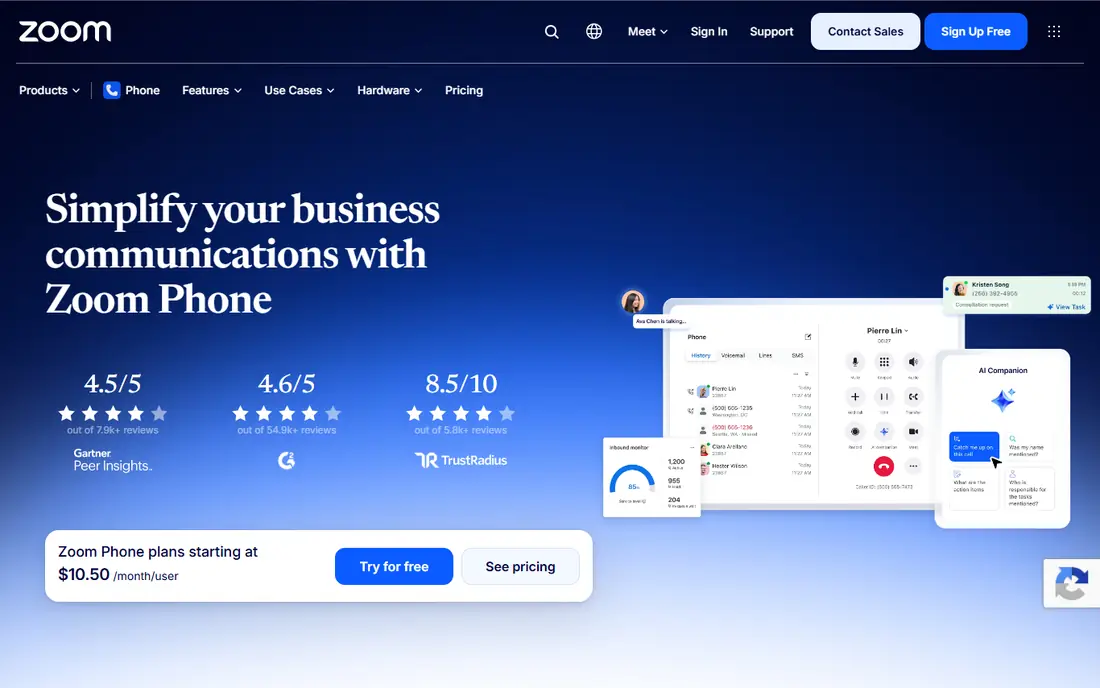
Zoom Phone suits teams that already meet on Zoom and want calling in the same app. Staff can switch from a video meeting to a phone call without changing tools, and admins manage phone users alongside meeting users. That single-app habit is a real time saver for remote and hybrid teams. The catch is fit. If your team rarely uses Zoom, a phone-first system such as RingCentral or Nextiva may be a better home for calling, and you should compare per-user phone pricing with your current Zoom plan before you add it.
- Phone calls inside the Zoom app staff already use
- Video and phone in one place
- Clear call management
- Best value if you already use Zoom
- Standalone phone users may prefer a phone-first system
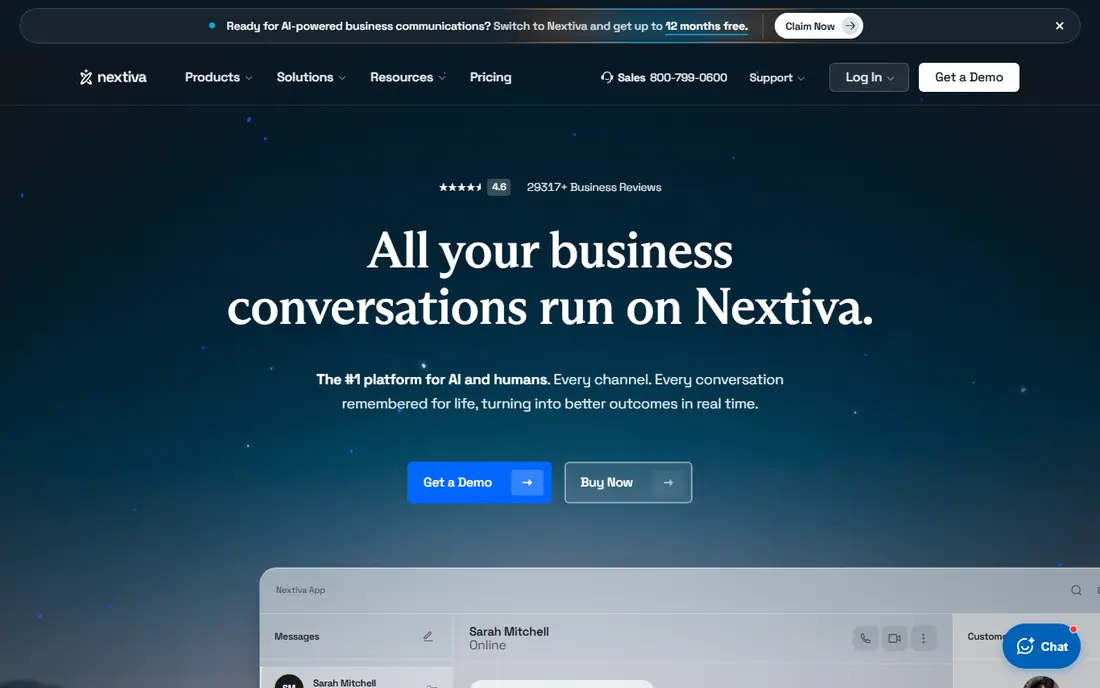
Nextiva fits small businesses that want a phone system plus customer tools in one place. Core plans cover calling, texting, and voicemail transcription, while higher plans add CRM features, customer surveys, and team collaboration. That path suits firms that want to grow from a simple phone system into a fuller customer platform without switching vendors. The weakness is tier complexity. The features you want may sit on a higher plan, so list your must-haves, such as texting, transcription, and integrations, and check each tier line by line before you buy.
- Business phone with voicemail transcription
- CRM and customer tools on higher plans
- US based support claims
- Feature depth varies by plan
- Pricing needs careful comparison across tiers
8x8 suits businesses with international callers or customers, and firms that may need a contact centre later. It offers global calling, video, and chat, plus contact centre tools for larger support teams, all under one vendor. That global scope helps firms with staff or customers in several countries. The trade-off is complexity. Contact centre features are enterprise leaning, and pricing varies by region, so small US-only teams may find RingCentral or Nextiva simpler. Choose 8x8 when global reach or contact centre growth is part of your plan.
- Global calling plans
- Contact centre options
- Phone, video, and chat in one platform
- Enterprise leaning for contact centre use
- Pricing varies by region and plan
Vonage fits businesses that want a standard phone system, plus the option to build custom voice, video, or messaging features through APIs. Non-technical teams can use its business phone plans for calling and texting, while developer teams can use the same vendor for custom apps. That flexibility is useful for firms that may need both paths over time. The catch is that API depth does not help a team that only needs a simple phone system, and plan names can confuse comparison. Focus on the business phone plans first, and treat APIs as a future option, not a reason to choose Vonage alone.
- Business phone with API options
- Video and messaging APIs for developers
- Flexible plans
- API strength matters less for non-technical teams
- Plan comparison needs care
Ooma suits small offices that want a straightforward phone system without a long setup project. It supports desk phones and a mobile app, so staff can answer office calls at a desk or on the road, and its small business plans are easy to understand. That simplicity is the point for firms with a handful of staff and one location. The limitation is scale. Larger teams that need deep CRM integrations, contact centre tools, or complex call routing may find RingCentral or 8x8 stronger. Start with Ooma if simplicity matters more than advanced features.
- Simple setup for small offices
- Desk phone and mobile app options
- Clear small business plans
- Fewer advanced integrations than RingCentral
- Larger teams may outgrow it
GoTo Connect, from the makers of GoTo Meeting, combines phone, video meetings, and messaging in one platform. That suits small teams that meet often and want calling in the same system, without buying separate meeting and phone tools. Admin controls are clear for small teams, and webinar options help firms that run online events. The weakness is phone-first reputation. Buyers who only need a phone system may compare RingCentral first, because its phone feature set is more widely known. Choose GoTo Connect when meetings and phone together matter more than phone alone.
- Phone, meetings, and messaging in one system
- Easy admin for small teams
- Webinar options
- Less well known for phone alone than RingCentral
- Feature tiers need checking
Grasshopper suits solo business owners who want a professional number, greetings, and extensions without a full office system. You keep your existing phone, add a business number, and set up call forwarding and voicemail for a polished first impression. That simplicity and low entry cost made it popular with freelancers and one-person firms. The catch is texting and scale. Business texting rules can affect sole proprietors, and Grasshopper is less suited to shared team inboxes than OpenPhone. Use it for a solo line, and move to a team system when staff need shared access.
- Simple virtual number for solo owners
- Extensions and greetings
- Works on your existing phone
- Per-account pricing with limits
- Business texting registration can affect sole proprietors
OpenPhone is the best Dialpad alternative for small teams that need a shared number, because several staff can answer the same line and see the same call and message history. It includes calling, texting, voicemail, and AI summaries on some plans, and it works across phone, web, and desktop. That shared inbox prevents missed messages when one person is away, which is a common failure of solo-number apps. The trade-off is scale. It is not a full contact centre system, so larger support teams should compare RingCentral or 8x8. For teams of one to twenty, OpenPhone is a clean, focused choice.
- Shared numbers and team inbox
- AI call summaries on some plans
- Phone, web, and desktop apps
- Priced per user
- Advanced call centre features are limited compared with 8x8
How we picked these
We compared official vendor pages for calling, texting, video, integrations, admin controls, and pricing models, and we grouped tools by their strongest fit: full office system, phone plus meetings, solo line, or shared team number. We favoured systems with current documentation, free trials, and real use by small and mid-size businesses, and we left out consumer-only apps that do not support business texting or team use. Pricing is per user and tier based, so we did not invent a single monthly figure.
How to switch phone systems safely
Do not port your main number on day one. Set up the new system with a temporary number, test calling, texting, voicemail, and call routing with your team, and confirm that business texting registration is complete. Porting too early can leave customers unable to reach you if setup is incomplete, and porting back takes time. Keep the old system running until the new one passes a full week of real use.
Next, compare total cost for your actual team, including per-user fees, texting fees, and any add-ons for transcription or integrations. A low headline rate can hide costs for extra users or features, so ask for a quote for your exact headcount and feature list. Finally, train staff on the new app, set up shared inboxes and greetings, and update your website, email signatures, and listings with the new number only after the port is confirmed. A short checklist for that week will prevent the missed calls that usually follow a rushed switch.
Frequently asked questions
What are the best alternatives to Dialpad for a small business?
RingCentral, Nextiva, and OpenPhone lead for small businesses, with RingCentral best for a full office system, Nextiva best for phone plus customer tools, and OpenPhone best for a shared team number. Choose by team size and whether you need video and integrations as well as calling.
Is there a Dialpad alternative with a free plan?
Most business phone systems offer a free trial rather than a free plan, including RingCentral, Zoom Phone, Nextiva, and OpenPhone. For a free personal second number, Google Voice is the closest free option, but it is not a full business phone system.
Which Dialpad alternative is best for a solo business owner?
Grasshopper and OpenPhone suit solo owners, with Grasshopper best for a simple virtual number and OpenPhone best if you may add team members later. Compare texting needs first, because business texting setup differs by provider and business type.
What is the best Dialpad alternative for teams that already use Zoom?
Zoom Phone is the natural choice, because calling lives inside the Zoom app staff already use for meetings. Check whether your current Zoom plan already includes phone credits or whether phone is a separate per-user add-on.
Do Dialpad alternatives support business texting?
Yes, most systems in this list support business texting, but US carrier registration is now required for many local numbers, and approval can take time. Confirm registration steps, timelines, and any fees with the vendor before you promise texting to customers.
Which alternative is best for a call centre?
8x8 and RingCentral offer the strongest contact centre paths in this list, with 8x8 best for global and larger support teams and RingCentral best for mid-size firms that also need video and messaging. OpenPhone and Grasshopper are not contact centre systems.
Sources we checked (9)

Online Jobs is an independent blog about careers, online work, learning new skills and the tools that help people earn. More about us.
Keep reading
All posts
n8n Alternatives
n8n alternatives compared for 2026, with Zapier, Make, Activepieces, and more, covering visual builders, code steps, self-hosting, and pricing models.

ZoomInfo Alternatives
The best ZoomInfo alternatives in 2026, compared on price, free plans, data coverage, and which tool fits small teams or large sales teams best in detail.

Yotpo Alternatives
Find cheaper alternatives to Yotpo for reviews and loyalty, with Judge.me, Loox, Stamped, and more compared for Shopify stores in 2026, all in one guide.