Home / Artificial Intelligence
Best Claude Alternatives in 2026: 8 Tools Compared

How we put this together: we compare official feature and pricing pages, app store listings, privacy policies and public user reviews. Prices change, so check the provider's site before you pay.
Key takeaways
- ChatGPT is the closest all-round swap for Claude, with strong writing, coding help and image tools in one app.
- Gemini fits best inside Google Workspace, while Microsoft Copilot fits best inside Microsoft 365.
- Perplexity is the strongest pick when you need cited web research rather than open-ended drafting.
- DeepSeek and Meta AI give you a low-cost or free starting point before you pay for a premium plan.
- No single model wins on every task, so match the tool to writing, coding, research or office work.
Quick comparison
| Name | Who it suits | Starting price | Free option | |
|---|---|---|---|---|
 ChatGPT | All-round writing and coding | $20 per month | Yes | Visit |
 Gemini | Google Workspace users | $19.99 per month | Yes | Visit |
 Microsoft Copilot | Microsoft 365 work | See website | Yes | Visit |
 Perplexity | Cited web research | $20 per month | Yes | Visit |
 DeepSeek | Low-cost reasoning and coding | Free | Yes | Visit |
 Le Chat | European privacy focus | See website | Yes | Visit |
 Grok | Real-time social context | See website | Yes | Visit |
 Meta AI | Free chat in Meta apps | Free | Yes | Visit |
The best claude alternatives
Claude is known for careful writing, long documents and steady coding help. The tools below do not copy Claude exactly, but each one covers a real reason people look elsewhere, from price and image tools to office integration and web research. Use this list to find a closer fit for your daily work, not just a second chatbot.
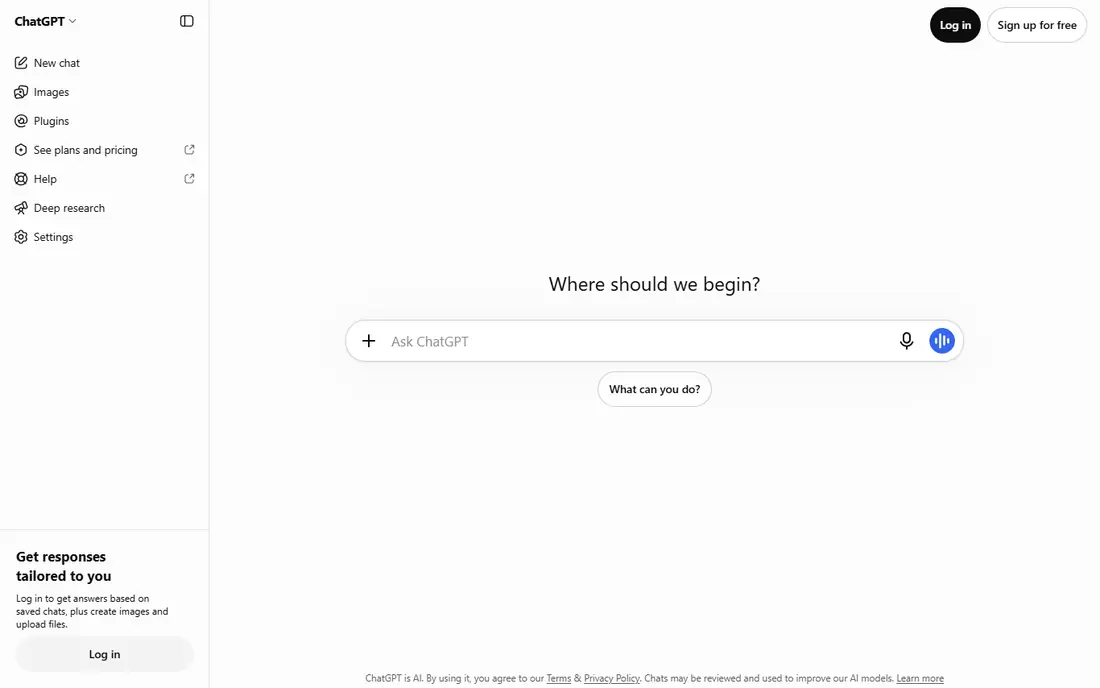
ChatGPT is the easiest first alternative to try, because it covers so many jobs in one place. You can draft an email, outline a report, debug a short script and generate an image without switching apps. The paid Plus plan raises limits and gives access to newer models, which helps if you use AI every day. The interface is simple, and the memory and file upload features make longer projects easier to manage. You can upload a document, ask for a summary, then ask follow-up questions about specific sections. That workflow is close to how many people use Claude for document work. The catch is accuracy. ChatGPT can sound confident while getting a detail wrong, so check facts, quotes and code before you publish or ship anything. The free plan also limits heavy use, so power users will likely need the paid plan for consistent access.
- Strong general writing
- Image generation
- Voice and coding help
- Free plan has usage limits
- Answers still need fact checking
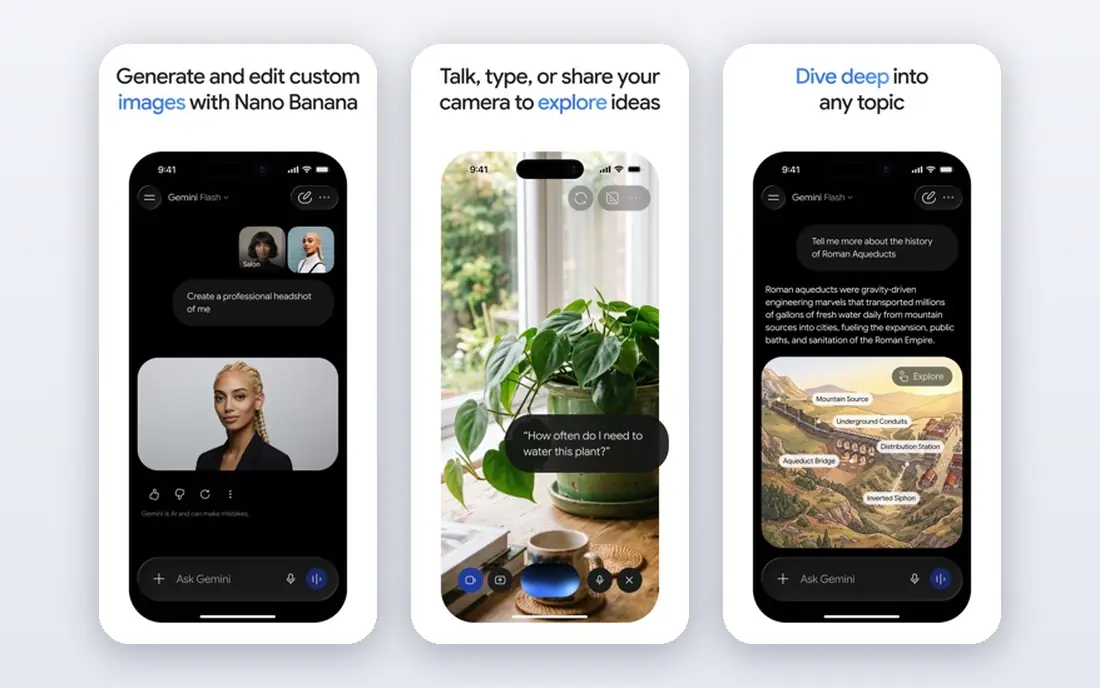
Gemini makes the most sense if your work already lives in Google apps. Inside Gmail, Docs, Sheets and Meet, Gemini can draft, summarize and find information without a separate workflow. That saves the copy-and-paste steps that slow down a standalone chatbot. The app also handles long documents and mixed inputs well, including text, images and audio. You can ask about a PDF, a spreadsheet or a set of notes, and get a structured answer you can edit further. For research and planning, that breadth is useful. The limit is ecosystem fit. If you work mainly in Microsoft tools or in local files, much of the Gemini advantage fades. Check which Workspace features are included in your plan, since AI access and limits differ between personal and business plans.
- Deep Gmail, Docs and Drive integration
- Long context
- Strong multimodal input
- Best value depends on Google apps
- Some features vary by region
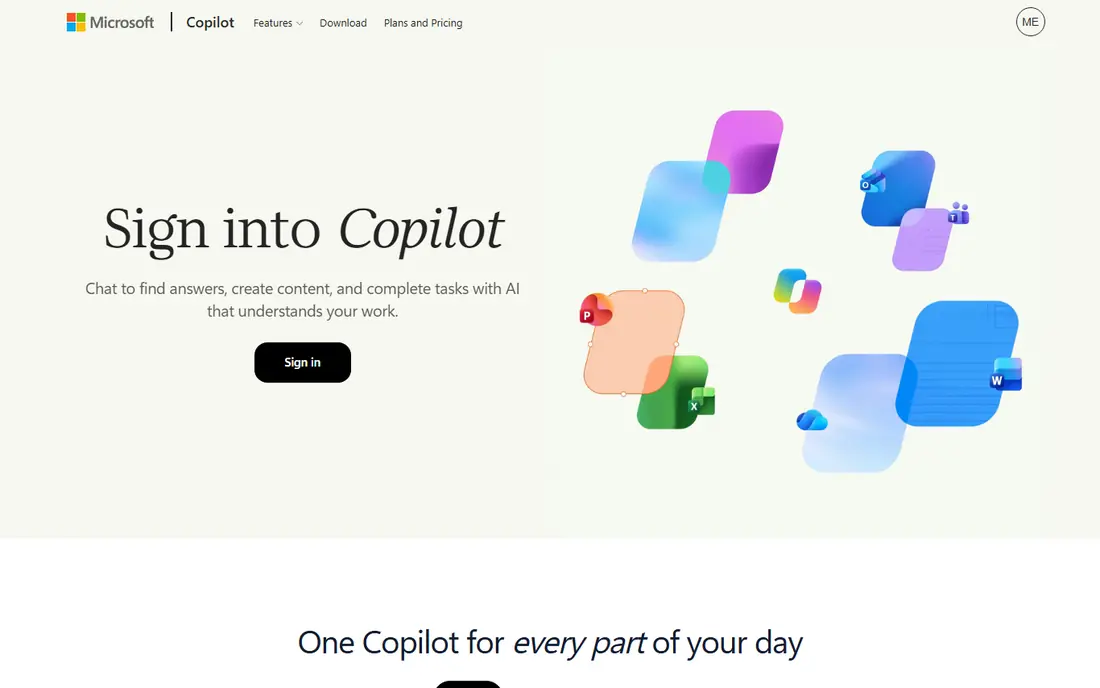
Microsoft Copilot is the natural Claude alternative for office teams. In Word it can draft and rewrite, in Excel it can explain formulas and summarize data, and in Outlook it can triage a crowded inbox. When the work is already in Microsoft 365, Copilot stays inside that flow. The free web chat gives a low-risk way to test the model before paying. Business plans add admin controls, data protection settings and deeper app integration, which matter for teams handling internal documents. That governance layer is a real reason many firms choose Copilot over a consumer chatbot. The downside is cost clarity. Copilot pricing has changed as Microsoft bundled AI into Microsoft 365 plans, so the right plan depends on your existing subscription. Check the current Microsoft pricing page for your account type before you compare it with Claude Pro.
- Word, Excel and Outlook integration
- Business controls
- Web chat included
- Full value needs a Microsoft 365 plan
- Pricing varies by plan type
Perplexity answers a different question than Claude. Instead of drafting from training alone, it searches the web and shows sources for its claims. That makes it easier to verify a fact, trace a quote, or check a recent event. For research, news and market checks, that transparency is a clear advantage. The follow-up flow works well for narrowing a topic. You can start broad, ask for a specific angle, then open the cited pages to confirm the details. The Pro plan raises search limits and gives access to stronger models for deeper research tasks. The trade-off is writing style. Perplexity is less polished for long-form creative work or nuanced drafting, where Claude often reads more naturally. Use Perplexity to find and check facts, then move the draft to a writing-focused tool if the tone needs more work.
- Sources shown for answers
- Fast web research
- Clean follow-up flow
- Less suited to long creative writing
- Paid plan needed for heavy research use
DeepSeek is the budget pick on this list, and it earns that place on merit, not just price. The chat app is free, and the models handle coding, math and logic tasks well for a low-cost service. For students, solo developers and small teams, that combination is hard to ignore. The API pricing is also low compared with larger providers, which makes DeepSeek useful for building small tools or running repeated tasks without a large bill. You can test ideas in chat first, then move to the API only if the workflow proves useful. The limits are ecosystem and support. DeepSeek does not offer the same office integrations, voice features or third-party app range as ChatGPT, Gemini or Copilot. If you need those extras, a larger platform may save more time than the price saving is worth.
- Free chat access
- Strong coding and math help
- Low API costs
- Smaller ecosystem
- Fewer app integrations than larger rivals
Le Chat, from Mistral AI, is a good alternative for users who want a European provider with a clear focus on open-weight models. The chat app covers writing, coding and document questions in a clean interface, without the extra layers found in larger suites. That simplicity suits people who want a chatbot, not a platform. Mistral models are known for speed, and Le Chat feels responsive for everyday questions. The company also publishes open-weight models that developers can run or build on, which gives technical teams more choice than a closed-only provider. The catch is breadth. Le Chat does not match ChatGPT on image tools, voice features or app integrations, and its ecosystem is smaller. If your main need is strong chat and coding with a European base, it fits well. If you need a full suite, pair it with a specialist tool.
- European provider
- Open-weight models
- Fast chat and coding help
- Smaller feature set than ChatGPT
- Fewer integrations
Grok, from xAI, stands out for real-time context from X. When a topic is breaking or tied to social discussion, Grok can surface recent posts and reactions faster than a model trained only on older data. That makes it useful for trend checks, public reaction and fast-moving stories. The conversational style is direct and informal, which some users prefer for brainstorming and quick answers. Image generation is also included, so you can move from a text idea to a visual draft without leaving the app. For casual and social use, that mix is appealing. The risk is source bias. Social posts are not a neutral record, and Grok answers can reflect the tone and slant of the posts it draws on. Treat Grok as a starting point for current discussion, then verify key facts with a cited source like Perplexity or a primary page.
- Real-time X context
- Strong conversational style
- Image tools included
- Social data can skew answers
- Pricing and access vary by account
Meta AI is the most accessible alternative here, because it is already inside apps many people use daily. You can ask a question in WhatsApp, Instagram or Facebook Messenger without installing a new app or creating a separate account. That low friction makes it a good first step into AI chat. The assistant handles everyday tasks well, including drafting messages, explaining topics, planning ideas and generating images. For quick help, it is often fast enough, and the free price removes the trial barrier completely. The limit is depth. Meta AI is not built for long professional documents, complex coding projects or strict business controls in the same way as Claude, Copilot or Gemini. Use it for everyday questions and social tasks, and move to a paid specialist when a project needs more structure or privacy controls.
- Free to use
- Built into WhatsApp, Instagram and Facebook
- Voice and image help
- Tied to Meta apps
- Less suited to long professional documents
How we picked these
We compared official feature pages, pricing pages, app store listings, privacy policies and public reviews for each tool. We looked for a real alternative to Claude, not just any chatbot, so each pick had to cover writing, coding, research or office work at a usable level. We checked free plans and starting prices on vendor pages, and used See website where pricing varied by plan, region or bundling. We did not claim hands-on testing of every feature, and we did not invent ratings, user counts or benchmark scores. Where a feature or price was unclear, we said so in the write-up rather than filling the gap with a guess. Check the vendor page for your region before you pay, since AI pricing and limits change often.
How to choose without paying twice
Start by naming the job you do most. If you write and edit all day, pick the tool with the best drafting and document handling for your files. If you code, pick the tool that fits your editor and repo workflow. If you research, pick the tool that shows sources. One strong tool for your main job beats three overlapping subscriptions. Next, test the free plan on real work for a week. Upload a real document, draft a real email, or debug a real script, and see where the tool helps and where it stalls. Free plans reveal limits quickly, including caps, slower responses and missing features, before you spend anything. Finally, check the ecosystem cost. A tool that is cheap on its own can become costly if you need extra apps for images, voice or office integration. Add up the full monthly cost for your actual workflow, and cancel the tools you do not use weekly. Most people need one main assistant and one specialist, not a shelf of chatbots.
Watch the privacy settings
AI chats can include sensitive work, so check data controls before you upload internal documents. Look for business plans with data protection settings, retention controls and admin options if you handle client or company material. For personal use, check whether chats are used for training and turn off that setting where the tool allows it.
Frequently asked questions
Is ChatGPT the best Claude alternative?
ChatGPT is the closest all-round alternative for most people, because it covers writing, coding, images and voice in one app. Claude still has an edge for some long, nuanced writing tasks, so the best choice depends on your work. Try both free plans on the same task and compare the drafts.
What is the cheapest Claude alternative?
DeepSeek and Meta AI are the cheapest starting points, since both offer free chat access. DeepSeek also offers low API pricing for developers. If you need office integration, the cheapest useful option may be the AI plan already bundled with Google Workspace or Microsoft 365.
Which Claude alternative is best for coding?
ChatGPT, DeepSeek and Le Chat all handle coding well, and Microsoft Copilot fits teams already using GitHub and Microsoft tools. The right pick depends on your editor, language and repo setup. Test the tool on a real bug or feature, and check whether the suggested code runs and passes your tests.
Can I use a Claude alternative for free?
Yes, every tool on this list offers a free plan or free access at some level. Free plans usually limit heavy use, advanced models or file uploads. For daily professional use, a paid plan is often needed, but free access is enough to test fit before you commit.
Is Perplexity better than Claude for research?
Perplexity is better when you need cited, current web answers you can verify quickly. Claude is better for drafting, analysis and long-form writing from documents you provide. Many researchers use both, with Perplexity for facts and Claude or ChatGPT for the draft.
Do these tools replace Claude Code?
No single chat app fully replaces Claude Code for every developer, since Claude Code is built for agentic coding in a terminal and editor workflow. ChatGPT, DeepSeek and Le Chat cover much of the same coding help, and GitHub Copilot covers editor integration. Pick based on your coding workflow, not on the brand name alone.
Sources we checked (8)

Online Jobs is an independent blog about careers, online work, learning new skills and the tools that help people earn. More about us.
Keep reading
All posts
eBay Alternatives
Looking for ebay alternatives? We compared 9 marketplaces for sellers on fees, buyer reach, categories and ease of listing, to help you sell with confidence.

ZoomInfo Alternatives
The best ZoomInfo alternatives in 2026, compared on price, free plans, data coverage, and which tool fits small teams or large sales teams best in detail.

Zoom Alternatives
Zoom alternatives compared for 2026: Google Meet, Microsoft Teams, Webex, Jitsi and more for free calls, large meetings and webinars for teams and classrooms.