8 Best Calendly Alternatives for Booking Without the Extra Cost


Open-source scheduling for solo users and teams · Starting price: Free
How we put this together: we compare official feature and pricing pages, app store listings, privacy policies and public user reviews. Prices change, so check the provider's site before you pay.
Key takeaways
- Cal.com has the most generous free plan in this list, with unlimited event types for one user.
- TidyCal suits solo workers who want a one-off payment instead of a monthly bill.
- Acuity Scheduling fits appointment businesses that need intake forms, packages, and payments.
- If you already pay for Google Workspace or Microsoft 365, check the booking tools bundled with those plans first.
- Per-seat pricing adds up fast, so price the plan for your full team, not just one user.
Quick comparison
| Name | Who it suits | Starting price | Free option | |
|---|---|---|---|---|
| Cal.com | Open-source scheduling for solo users and teams | Free | Yes | Visit |
 TidyCal TidyCal | Solo workers who want a one-off price | Free | Yes | Visit |
 Acuity Scheduling Acuity Scheduling | Appointment businesses with intake forms | $16 per month | Free trial | Visit |
 SavvyCal SavvyCal | A polished booking page for one-to-one calls | $10 per month | No | Visit |
 Zoho Bookings Zoho Bookings | Teams already using Zoho apps | $6 per month | Yes | Visit |
 Doodle Doodle | Group scheduling and polls | $6.95 per month | Yes | Visit |
 HubSpot Meetings HubSpot Meetings | Scheduling inside a CRM | Free | Yes | Visit |
 Microsoft Bookings Microsoft Bookings | Staff booking inside Microsoft 365 | See website | No | Visit |
The best Calendly alternatives
Calendly made the booking link normal, but its free plan covers only one event type, and paid plans are priced per seat. The tools below cover different needs, from a free solo page to a full appointment business setup.
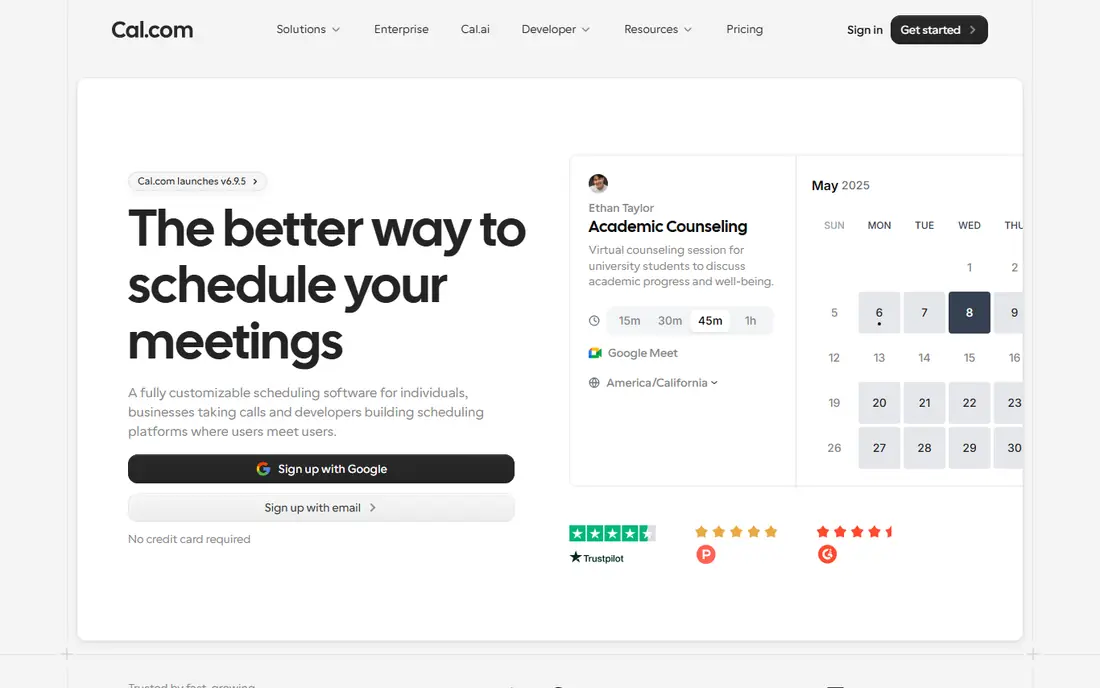
Cal.com is our first pick for most people leaving Calendly, because the free plan does not feel like a demo. One user can create unlimited event types, connect calendars, add workflows, and take payments through Stripe, all without paying. That matters for freelancers who run a free intro call, a paid session, and a group workshop from the same page. The booking pages are clean, and the calendar sync helps stop double bookings when a visitor picks a time. For teams, Cal.com adds round-robin scheduling, shared availability, and team workflows on its Teams plan. The open-source side will appeal to technical teams who want to self-host or shape the tool to their own setup, though most readers will simply use the hosted version. The catch is choice: with many settings and integrations, the first setup takes longer than a tool with fewer options. If you want the lowest effort start, a simpler tool below may suit you better, but if you want value and room to grow, Cal.com is hard to beat.
- Unlimited event types on the free plan
- Open-source code and self-hosting option
- Payments, workflows, and video options included
- Team setup takes more care than a simple link tool
- Some advanced routing sits on paid team plans
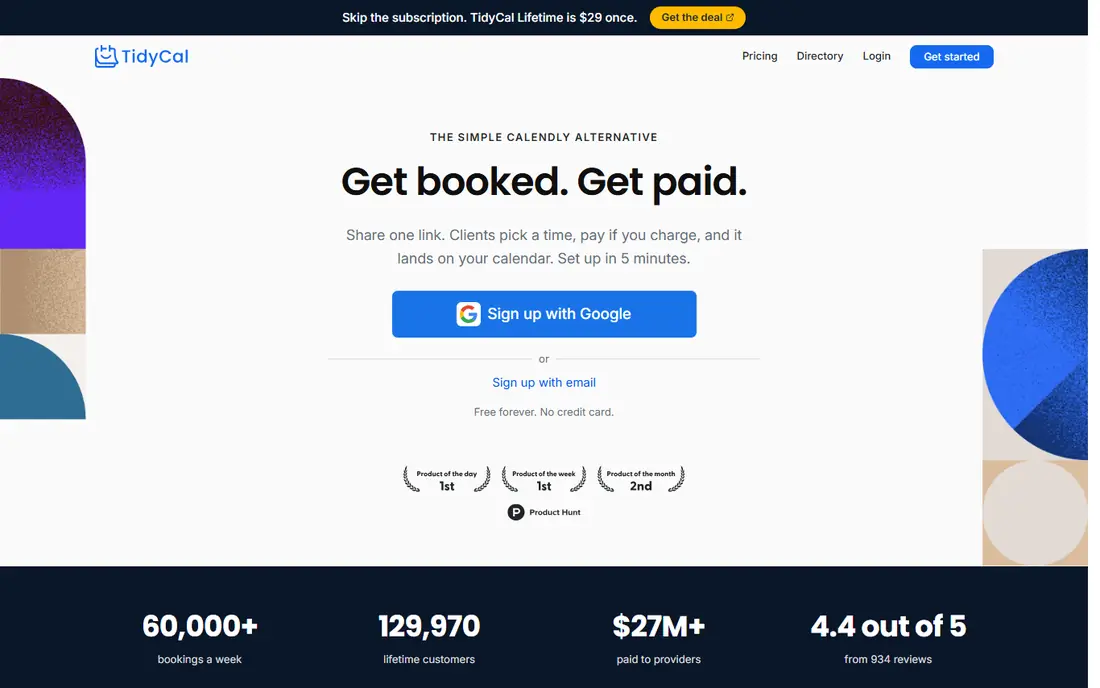
TidyCal keeps the whole job small: a booking page, a set of booking types, and payment collection when you need it. The free plan covers the basics for one calendar connection, and the lifetime option costs $29 once for an individual, which removes the monthly bill entirely for solo users. That pricing model is the main reason it appears here, since most rivals charge every month for the same core job. The trade-off is scope. TidyCal does not try to be a full appointment platform with staff rotas, intake workflows, and class schedules. It is a link tool done well, with a tidy page and a short setup. For coaches, consultants, and freelancers who book one-to-one calls and paid sessions, that focus is a strength. For larger teams that need routing rules and shared pools, Cal.com or SavvyCal will fit better.
- Free plan with booking types and payments
- Lifetime plan for a one-off payment
- Simple setup
- Fewer team routing features than larger tools
- Less suited to complex appointment businesses
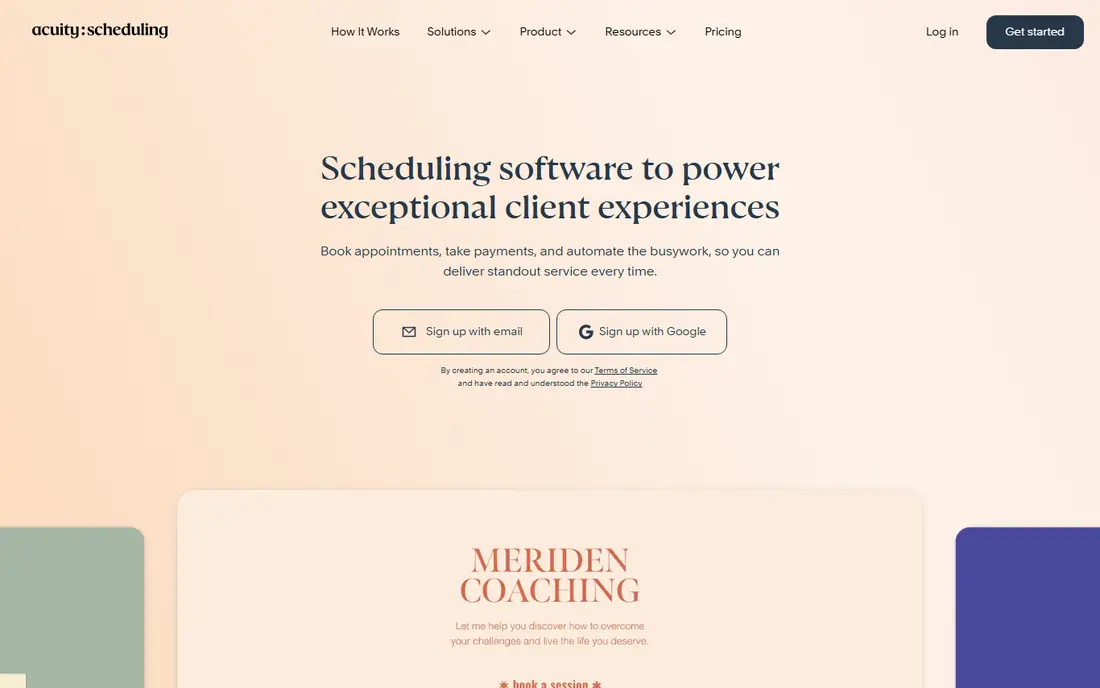
Acuity Scheduling, part of Squarespace, is built for businesses where the appointment is the product. Clients can pick a service, answer intake questions, pay or leave a deposit, and reschedule on their own. Packages, gift certificates, and group classes sit in the same system, which suits salons, clinics, studios, and coaching practices far better than a plain meeting link. That depth comes with a learning curve. If you only need a link for occasional calls, Acuity will feel heavy, and the paid-only plans mean there is no free tier to fall back on. But for a service business, the intake forms alone can save real admin time, because the details you need arrive before the appointment starts. Check the plan limits on bookings and staff seats before you commit, since the right tier depends on how many people take bookings.
- Intake forms, packages, and class scheduling
- Payment collection at booking
- Strong client self-service options
- No permanent free plan
- Setup takes longer for simple meeting links
SavvyCal puts the visitor first. Instead of a bare list of times, the booking page shows your availability in a way that is easy to read, and visitors can overlay their own calendar to find a slot that works. For consultants and sales staff who book many one-to-one calls, that small difference cuts down on back-and-forth messages and no-shows. The tool also handles team scheduling, with shared links that show combined availability. It is not an appointment platform for classes or packages, and there is no free plan, so the value case rests on how many calls you book each week. If your calendar is full of one-to-one meetings and you want the booking step to feel effortless for guests, SavvyCal earns its place. If you book rarely, a free tool will do the same job for less.
- Clear availability overlay for visitors
- Team scheduling pools
- A calm, professional booking page
- No free plan
- Less suited to class or package bookings
Zoho Bookings is the sensible pick for teams that already live in Zoho. The free plan covers one staff member, and paid plans start at a low per-user price, which keeps a small team bill modest. Bookings can feed into Zoho CRM, so a booked meeting can sit next to the contact record without manual copying. Outside the Zoho world, the case is weaker, since rival tools offer similar booking pages with broader integrations. Inside it, though, the joined-up setup is a real plus: customer details, meetings, and follow-up tasks share one system. The booking pages are functional rather than flashy, and you should check which features your tier includes before you rely on team routing or payments. For a Zoho team on a budget, it is a strong, low-cost alternative.
- Low entry price
- Free plan for one staff member
- Links with Zoho CRM and other Zoho apps
- Best value sits inside the Zoho system
- Some features need a higher tier
Doodle solves a different problem from the rest of this list: getting a group to agree on a time. You propose options, everyone votes, and the winning slot becomes the meeting. That poll format is ideal for team calls, interviews with several panel members, and social events where a one-to-one link would mean a chain of messages. Doodle also offers standard booking pages for one-to-one meetings, so it can cover simple scheduling as well. It is not the tool for paid appointments with intake forms, and its team controls are lighter than those of Cal.com or Acuity. Use Doodle when the hard part is agreement, not payment or client management, and keep a second tool in mind if your business later needs packages and deposits.
- Group polls that settle a time fast
- Simple booking pages
- Useful when many people must agree
- Less depth for paid appointments and intake forms
- Team features are basic
HubSpot Meetings is the obvious choice if your contacts already live in HubSpot. The free tools include meeting links that write bookings straight to the contact timeline, so sales staff can see past meetings, notes, and deals in one place. That link between booking and record is the point: no copying times into a CRM by hand. On its own, HubSpot Meetings is a competent link tool, but it is not the cheapest or simplest option for someone who only wants a booking page. Its strength shows when the team also uses HubSpot for email, deals, and follow-up, because the booking becomes one step in a longer sales workflow. If you do not use HubSpot, pick a standalone tool instead. If you do, the free meeting links are a genuine saving.
- Free meeting links inside HubSpot CRM
- Bookings land on contact records
- Group and round-robin options on paid tiers
- Full value needs HubSpot adoption
- Advanced routing sits on paid Sales Hub plans
Microsoft Bookings often gets overlooked because it arrives as part of a Microsoft 365 plan rather than as a standalone purchase. For a business already paying for Microsoft 365, that makes it effectively free at the margin, with booking pages for the business and for individual staff members, plus Outlook calendar sync. The honest catch is the setup and the look. Configuring services, staff, and business hours takes patience, and the resulting pages are functional rather than polished. For a small service business that already uses Outlook and Teams, those limits may not matter, since clients get a working booking page and staff get bookings in calendars they already check. If you do not use Microsoft 365, there is no reason to buy it for Bookings alone.
- Included with eligible Microsoft 365 plans
- Staff pages and business booking pages
- Outlook calendar sync
- Setup is fiddly
- Booking pages look plain next to rivals
How we picked these
We started from the reason people leave Calendly: a limited free plan, per-seat pricing, or a need for appointment features such as intake forms and payments. We then checked each vendor's own feature pages and pricing pages, app store listings where relevant, and public reviews for how each tool handles calendar sync, booking types, payments, and team scheduling. Tools stayed on the list only when they offered a clear advantage for a specific kind of user, whether that was a free plan, a one-off price, or a feature set for service businesses. Prices change often, so we show the starting point from the vendor's published plans and note where a price depends on seats or billing period.
What to check before you switch
Booking types and limits
Count the event types you actually use. A free plan with one event type will force an upgrade as soon as you add a second kind of meeting, while a plan with unlimited types keeps a solo setup free for longer.
Payments and intake
If clients pay when they book, confirm that your payment provider is supported and whether deposits, packages, or intake questions are included in your tier. These features often sit one plan higher than the headline price.
Team pricing
Multiply the per-seat price by your full team before you compare totals. A tool that looks cheap for one user can cost several times more for five, while a flat monthly plan or a lifetime deal may stay cheaper as you grow.
Calendar sync and buffers
Check two-way calendar sync, buffer times between meetings, and limits on how far ahead visitors can book. These small settings prevent double bookings and back-to-back calls with no break.
Frequently asked questions
What is the best free alternative to Calendly?
Cal.com is our pick for a free alternative, because one user gets unlimited event types, calendar sync, workflows, and Stripe payments without paying. TidyCal and Zoho Bookings also offer free plans, but with narrower limits on calendars or staff.
Are there free alternatives to Calendly with payments?
Yes. Cal.com includes Stripe payments on its free plan, and TidyCal includes payments on its free plan as well. Check the payment provider each tool supports, since some tools only work with specific providers.
Which Calendly alternative is best for small business appointments?
Acuity Scheduling fits appointment businesses best, thanks to intake forms, packages, classes, and payment collection. Cal.com and Zoho Bookings suit smaller teams that mainly book meetings rather than sell appointment slots.
Is there a Calendly alternative with a one-time payment?
Yes, TidyCal offers a lifetime plan for individuals at a one-off price, which suits solo workers who want to avoid a monthly bill. Check what the lifetime plan includes, since team features may still need a separate plan.
Can I use Google Calendar or Microsoft Bookings instead of Calendly?
Yes, if you already pay for Google Workspace or Microsoft 365. Google Calendar appointment schedules give you a basic booking page, and Microsoft Bookings gives staff booking pages inside Microsoft 365. Both are functional, but neither matches the polish or routing depth of the dedicated tools above.
Do Calendly alternatives work with Zoom and Google Meet?
Most of the tools in this list connect with Zoom, Google Meet, and Microsoft Teams, either directly or through calendar invites. Confirm the video option you use is included in your plan, since some tools reserve certain integrations for paid tiers.
Sources we checked (8)

Online Jobs is an independent blog about careers, online work, learning new skills and the tools that help people earn. More about us.
Keep reading
All posts
Zoom Alternatives
Zoom alternatives compared for 2026: Google Meet, Microsoft Teams, Webex, Jitsi and more for free calls, large meetings and webinars for teams and classrooms.

Workday Alternatives
We compared the best workday alternatives for HR, payroll, and global hiring, from BambooHR and Gusto to Rippling, Deel, and HiBob for growing teams in 2026.

WordPress Alternatives
WordPress alternatives guide: we compare 8 platforms for builders, designers, stores, and publishers to leave WordPress without losing your full site content.