BrowserStack Alternatives in 2026: 9 Tools Compared


budget teams wanting a full cloud grid · Starting price: $15 per month
How we put this together: we compare official feature and pricing pages, app store listings, privacy policies and public user reviews. Prices change, so check the provider's site before you pay.
Key takeaways
- TestMu AI, formerly LambdaTest, is the lowest priced direct cloud grid in this list, with a free tier and a paid plan from 15 dollars per month.
- Sauce Labs and TestingBot suit teams that need a clear split between virtual devices and physical devices, with published prices for each.
- Browserling and CrossBrowserTesting work best for quick manual checks, while Kobiton, BitBar, HeadSpin, and Perfecto focus more on mobile devices.
- Always compare plans on parallel sessions and device type, because a low headline price may cover only manual testing or only virtual devices.
Quick comparison
| Name | Who it suits | Starting price | Free option | |
|---|---|---|---|---|
| TestMu AI | budget teams wanting a full cloud grid | $15 per month | Yes | Visit |
 Sauce Labs | enterprises needing compliance and analytics | $39 per month | Free trial | Visit |
 TestingBot | European teams wanting a unified platform | See website | Yes | Visit |
 CrossBrowserTesting | quick manual browser checks | See website | Free trial | Visit |
 Browserling | instant manual checks with no setup | See website | Yes | Visit |
 Kobiton | mobile teams needing physical devices | See website | Free trial | Visit |
 BitBar | teams testing on many mobile devices | See website | Free trial | Visit |
 HeadSpin | teams needing device and network insight | See website | Free trial | Visit |
 Perfecto | large teams testing web and mobile at scale | See website | Free trial | Visit |
The best browserstack alternatives
BrowserStack set the standard for cloud browser and device testing, but it is not the only way to cover that matrix. The options below range from low cost grids to mobile focused device clouds, so start with the kind of testing you run most often.
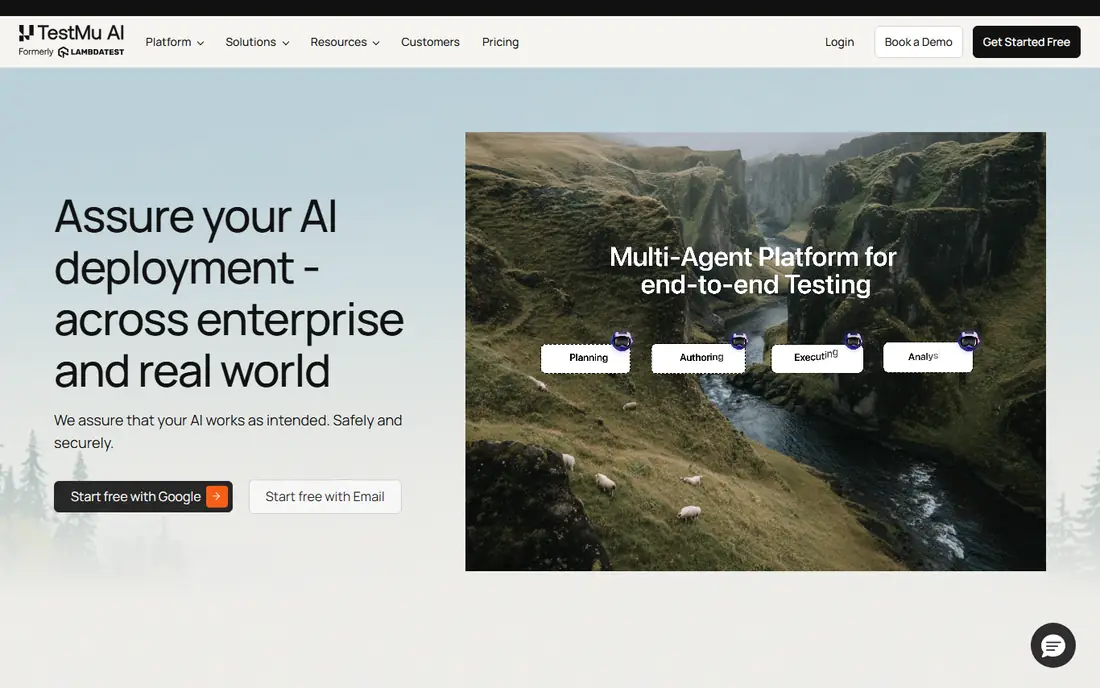
TestMu AI is the closest direct replacement for BrowserStack in this list, and it is also the cheapest place to start. It covers desktop browsers, mobile browsers, and real devices through one dashboard, with integrations for common test frameworks and continuous integration tools. For a small team that runs manual checks plus a modest automation suite, that breadth at this price is hard to beat.
The catch is in the tier structure. The entry plan covers virtual live testing, while real device automation sits on a higher tier, so check the plan that matches your actual suite before you compare headline prices. The rebrand from LambdaTest can also cause confusion in older guides, so confirm the current plan names on the vendor site. If your main need is broad coverage on a tight budget, this is our first pick to try.
- Low entry price
- Broad browser and device coverage
- Free tier for trying the platform
- Higher tiers are needed for real device automation
- Plan names changed with the rebrand from LambdaTest
Sauce Labs has been a mainstay of cloud testing for years, and it shows in the way its platform handles large, long running suites. Live testing starts at 39 dollars per month, virtual device cloud sits higher, and real device cloud higher again, so the pricing is transparent about what each tier actually buys. Teams in regulated industries also value its compliance documentation and detailed test reporting.
That structure means a small team can easily pay for more than it uses if it picks a tier based on the brand name alone. Manual testing alone does not need the real device plan, and virtual devices cover many web cases well. Pick Sauce Labs when you need proven scale, clear reporting, and support for a large existing Selenium or Appium estate.
- Long track record with large test suites
- Clear virtual and real device plans
- Strong reporting and analytics
- Real device cloud costs more than the entry plan
- Enterprise features may be more than a small team needs
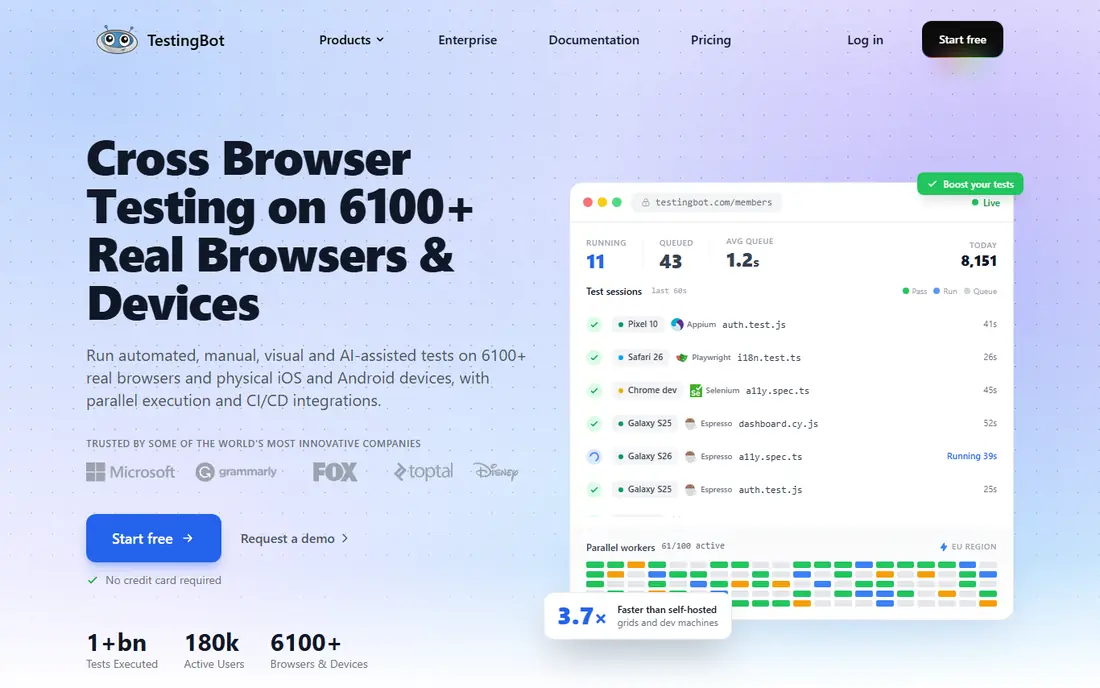
TestingBot takes a different approach by putting manual testing, automation, visual checks, and accessibility scans behind one endpoint. That matters for teams that currently stitch together several tools to get the same coverage. Its European hosting is also a real advantage for teams with strict data location requirements, since test data and logs stay in Europe.
The trade off is scale and price clarity for US buyers. Prices are published in euros, so convert before you budget, and check whether the device models you need are in its catalog. For a team that values a single platform and European hosting over the widest possible catalog, TestingBot is a strong alternative.
- Manual, automated, visual, and accessibility testing in one place
- European hosting
- Free minutes to evaluate
- Pricing is listed in euros, which complicates dollar budgeting
- Smaller device catalog than the largest grids
CrossBrowserTesting is built around a simple job: open a site in a browser and operating system combination you do not own, and see what breaks. Manual live testing, screenshots across browsers, and visual comparisons are its core strengths, and they work well for design and front end teams. Being part of SmartBear also gives it a natural fit for teams already using that family of tools.
It is not the best first choice if your main workload is a large automated suite running on every commit. In that case, a grid built around parallels and automation minutes will serve you better. Use CrossBrowserTesting when manual verification and visual checks are the daily work, and pair it with an automation tool if needed.
- Fast manual sessions on many browsers
- Screenshot and visual comparison tools
- Part of the SmartBear testing family
- Less suited as a sole automation grid for large suites
- Pricing requires checking the current SmartBear pages
Browserling is the lightest option here, and that is its point. You pick a browser, open a session, and check a page, with no project setup or test framework to configure. For a freelancer or a small team that needs to confirm a bug in an older browser version, that speed beats a full platform.
The limit is equally clear. Browserling does not offer the automation depth, parallel runs, or reporting that a continuous integration pipeline needs. Treat it as a handy manual tool alongside a grid, not as the grid itself. If most of your testing is occasional manual verification, it may be all you need.
- No install and very fast to start
- Simple browser sessions
- Useful for one off checks
- Limited automation and reporting
- Not a full replacement for a test grid
Kobiton is a mobile first device cloud, and it is best judged on that basis. It gives teams access to physical phones and tablets for manual and automated mobile testing, with session replays and device logs that help debug failures. Teams that need a private device lab or on premises devices can also explore those options with Kobiton.
Web teams should look elsewhere first, since desktop browser grids cover that work better. Pricing also requires a conversation for larger volumes, so get a written quote against your expected device hours before committing. For mobile app teams, Kobiton is one of the most focused alternatives on this list.
- Focus on real mobile devices
- Scriptless and scripted mobile testing
- Options for private device labs
- Web browser coverage is not its main strength
- Pricing is quote based for larger use
BitBar, from SmartBear, centers on real device testing for mobile apps, with support for frameworks such as Appium, Espresso, and XCUITest. That makes it a practical choice for teams that already test Android and iOS apps and need more devices than they can keep in a drawer. Cloud devices cover most cases, while private devices suit teams with security or availability requirements.
The honest catch is that BitBar is not a general web testing grid, so a team that mainly tests desktop browsers will find better value elsewhere. Setup also rewards a little patience, especially around device selection and test configuration. For mobile heavy teams, it earns a close look.
- Broad real device access
- Support for common mobile frameworks
- Cloud and private device options
- Interface and setup take time to learn
- Web testing is secondary
HeadSpin stands out for the data around the test, not just the pass or fail result. Because it runs real devices in different locations, it can show how network conditions and device performance affect an app, which matters for apps used around the world. That depth helps teams chase performance problems that only appear on certain networks or devices.
That depth comes with enterprise style pricing and a platform that can feel large for a team that only needs basic device access. Get a quote tied to your device and location needs, and compare it against a simpler device cloud. Choose HeadSpin when performance and network insight are part of the testing job, not just an extra.
- Real devices in many locations
- Network and performance data alongside test results
- Useful for global apps
- Quote based pricing
- More platform than a small team may need
Perfecto is built for large organizations that run web and mobile tests continuously and need governance, reporting, and scale to match. It covers browsers and real mobile devices, supports major automation frameworks, and fits into enterprise pipelines. For a team with a large suite and strict process requirements, that combination is valuable.
Smaller teams should weigh that against cost and complexity. Pricing is quote based, and the platform assumes a certain scale of use. If your team is small and your suite is modest, a self serve grid will be cheaper and faster to adopt. Pick Perfecto when scale, control, and combined web and mobile coverage justify an enterprise conversation.
- Web and mobile testing in one platform
- Strong enterprise controls
- Automation at scale
- Quote based pricing
- Likely too much for a solo tester or tiny team
How we picked these
We compared official feature pages, pricing pages, and app and platform documentation for cloud testing services that truly replace BrowserStack for manual testing, automated testing, or both. We kept only services that are available today and that offer cloud access to browsers, devices, or both, and we left out pure test frameworks that require you to run your own grid. Prices shown are starting prices from vendor pages or third party pricing checks where the vendor uses quote based pricing, and we marked those as See website rather than guessing a number.
What to check before you switch
Start with the kind of testing you actually run. Manual checks, automated web tests, and automated mobile tests each point to a different platform, and a tool that excels at one may be weak at another. List your must have browser versions, operating systems, and device models first, then check each shortlisted platform against that list.
Count parallels, not just seats
Cloud grids bill mainly on parallel sessions, meaning how many tests run at the same time. A plan with one parallel will feel slow for a team that runs a suite on every pull request, even if the monthly price looks low. Estimate your peak concurrency, then compare plans at that level, not at the entry level.
Check device type in the plan
Virtual devices and emulators cover many cases, but they do not always match real device behavior, especially for mobile apps that use cameras, sensors, or specific hardware. Confirm whether your plan includes physical devices, and whether automation on those devices costs extra. That single check prevents the most common surprise bill in this category.
Trial the migration, not just the dashboard
Most platforms support standard frameworks, so migration often means changing an endpoint and a few settings. Still, run a slice of your real suite on a trial before you move everything. Watch for flaky tests, slow sessions, and gaps in device coverage, and confirm reporting gives your team the failure detail it needs.
Frequently asked questions
What is the best BrowserStack alternative for a small team?
TestMu AI is a strong starting point for a small team because it pairs a low entry price with broad browser and device coverage and a free tier. Sauce Labs and TestingBot are also worth a trial if you need deeper reporting or European hosting. Run your real suite on a trial before you commit, since plan limits differ.
Are there free BrowserStack alternatives?
Yes, in a limited sense. TestMu AI and TestingBot offer free tiers or free minutes, and Browserling offers free manual sessions. Free tiers suit evaluation and occasional checks, but regular automation usually needs a paid plan with enough parallels and device access.
Is LambdaTest still available?
LambdaTest rebranded as TestMu AI, and its site now uses the TestMu AI name. Older guides that mention LambdaTest refer to the same platform family, but plan names and prices should be checked on the current TestMu AI site.
Do I need real devices or are virtual devices enough?
Virtual devices and emulators are enough for many web tests and early mobile checks. Real devices matter more for mobile apps that depend on hardware features, performance on actual phones, or behavior across specific models. If your app is mobile first, put real device access at the top of your checklist.
How much does a BrowserStack alternative cost?
Entry prices in this list range from 15 dollars per month for TestMu AI to 39 dollars per month for Sauce Labs live testing, with several platforms using quote based pricing. Your total depends on parallels, device type, and volume, so compare plans at your expected concurrency rather than at the headline price.
Sources we checked (9)

Online Jobs is an independent blog about careers, online work, learning new skills and the tools that help people earn. More about us.
Keep reading
All posts
n8n Alternatives
n8n alternatives compared for 2026, with Zapier, Make, Activepieces, and more, covering visual builders, code steps, self-hosting, and pricing models.

ZoomInfo Alternatives
The best ZoomInfo alternatives in 2026, compared on price, free plans, data coverage, and which tool fits small teams or large sales teams best in detail.

Workday Alternatives
We compared the best workday alternatives for HR, payroll, and global hiring, from BambooHR and Gusto to Rippling, Deel, and HiBob for growing teams in 2026.