Best White Noise App in 2026: 8 Apps Compared

How we put this together: we compare official feature and pricing pages, app store listings, privacy policies and public user reviews. Prices change, so check the provider's site before you pay.
Key takeaways
- Dark Noise is the best pick for iPhone users who want clean design, timers and automation, while White Noise Lite is the simplest free starting point.
- myNoise offers the most detailed control, letting you shape individual frequency bands instead of just picking a preset sound.
- Noisli and BetterSleep are best for mixing several sounds at once, such as rain plus a fan plus a low rumble.
- Try a free tier first, because the right sound is personal, and a mixer that suits one sleeper can annoy another.
Quick comparison
| Name | Who it suits | Starting price | Free option | |
|---|---|---|---|---|
 Dark Noise | iPhone design and automation | Free | Yes | Visit |
 White Noise Lite | Simple free sounds | Free | Yes | Visit |
 myNoise | Detailed sound control | Free | Yes | Visit |
 Noisli | Mixing sounds for focus | $10 per month | Yes | Visit |
 BetterSleep | Sleep sounds and stories | Free | Yes | Visit |
 Rain Rain Sleep Sounds | Rain sounds | Free | Yes | Visit |
 Atmosphere | Nature and city mixes | Free | Yes | Visit |
 Coffitivity | Coffee shop background sound | Free | Yes | Visit |
The best white noise app
White noise apps do one job well: they mask sudden sounds, such as a door closing or a car passing, with a steady background sound that helps you fall asleep or stay focused. Some apps play a single loop, some let you mix layers, and some add timers, alarms and offline playback. We compared official app store listings, pricing pages and feature pages, and we focused on sound quality, mixing, timers and what the free tier actually gives you.
A short note on sleep: these apps are comfort tools, not medical treatment. If sleep problems last for weeks, affect your daytime functioning or include loud snoring and pauses in breathing, talk to a doctor rather than relying on an app alone.
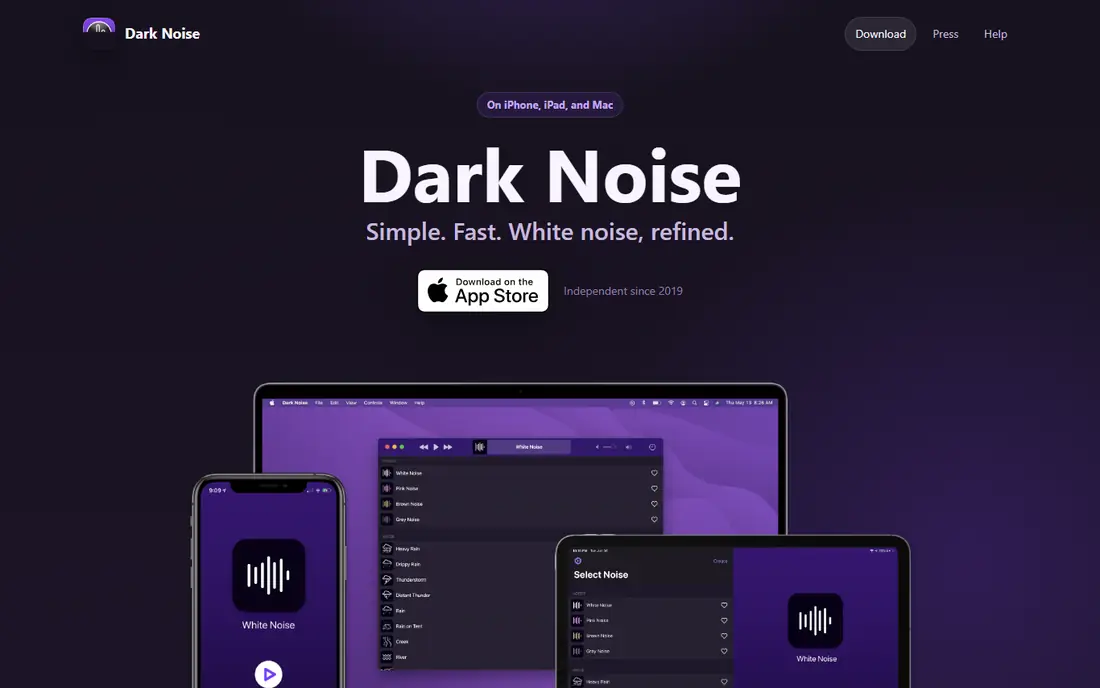
Dark Noise is the most polished white noise app for Apple devices. Each sound has its own animated icon, the interface stays out of the way, and you can start a favourite mix from a widget, a shortcut or Siri without opening the app and hunting through menus. That matters at bedtime, when you want sound in two taps, not a settings project.
The app includes a set of free sounds, with more sounds and mixes behind a paid plan. Timers let a sound fade out after you fall asleep, and background playback keeps it running while you use other apps. If you use Android, Dark Noise will not help you, but for iPhone, iPad and Mac users, it is our first pick for ease of use.
- Clean design with animated sound icons
- Timers, Siri shortcuts and widgets
- Mixes sounds and plays in the background
- Apple devices only
- Full sound library needs a paid plan
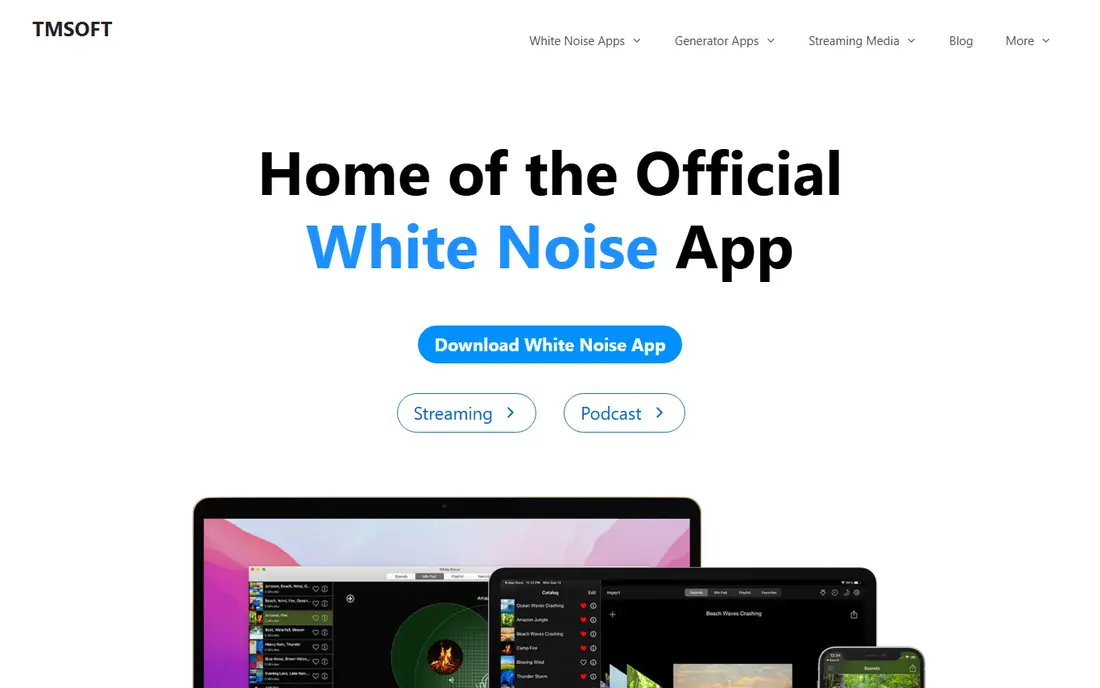
White Noise Lite, from TMSoft, is the app to try if you want sound fast and nothing else. Open it, pick a sound such as a fan, rain or ocean waves, set a timer and sleep. There is no account to create and no course or story library to scroll past. That simplicity is a strength, especially for older phones or for a bedroom device you do not want to manage.
The free version includes ads, with a small one-off payment to remove them in many stores, and paid versions add more sounds and mixing. It does not match myNoise for fine control or BetterSleep for sleep content, but for a free white noise app that just works, it is hard to fault. Start here if you are unsure what kind of sound helps you sleep.
- Very simple to use
- Large set of classic sounds
- Free with an option to remove ads
- Less mixing depth than myNoise or Noisli
- Design looks dated next to Dark Noise
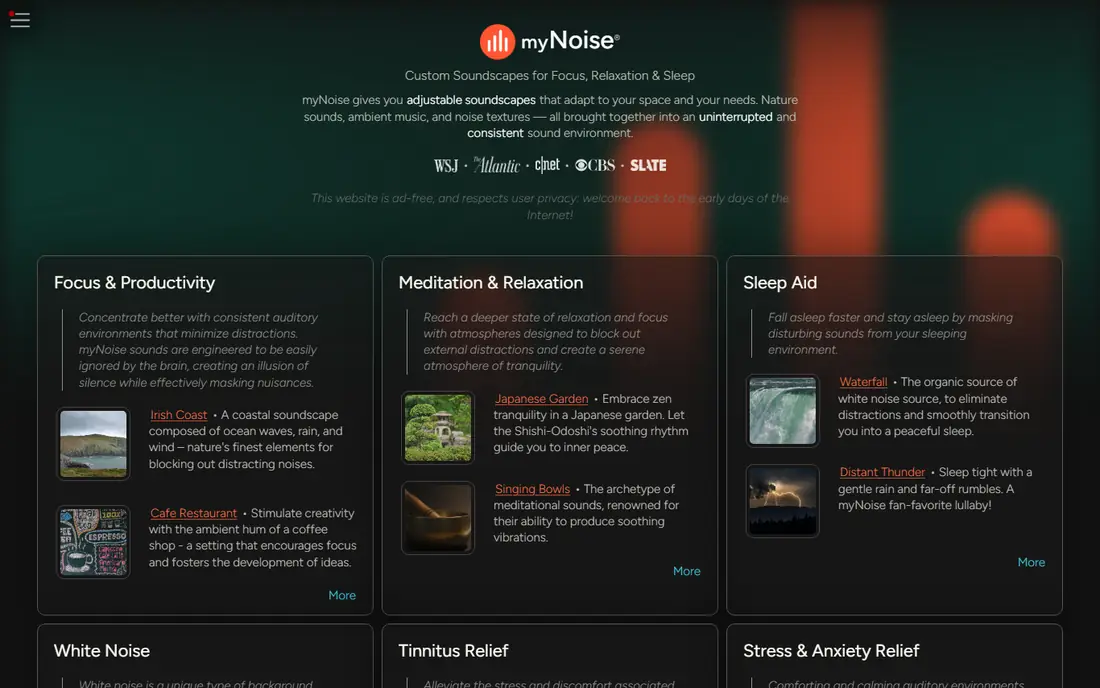
myNoise is for listeners who know what they want and want to shape it precisely. Instead of a single volume slider, each soundscape has sliders for different frequency bands, so you can raise low rumble, lower hiss or bring out birdsong in a forest mix. It also offers calibration tools that aim to match sound to your hearing, which some people with tinnitus find helpful for masking.
The website is free to use, and the mobile apps are free with a donation giving access to extra libraries and offline features. The interface is not pretty, and a first-time user can feel lost among dozens of sound generators. If you want a simple fan sound, pick White Noise Lite. If you want to build an exact masking sound for a noisy office or a light sleeper, myNoise has no equal on this list.
- Frequency sliders shape each soundscape in detail
- Huge library of nature, industrial and tonal sounds
- Web version works without an app
- Interface is dense and takes time to learn
- Donation opens up extra features in the app
Noisli is built for mixing. Pick rain, add a crackling fire, layer in a coffee shop murmur and set each layer to its own volume until the blend feels right. You can save that blend as a favourite and return to it the next day, which is useful for both sleep and focused work. The web app, mobile apps and browser extension share the same idea, so you can start a mix at your desk and continue it on your phone.
The free plan gives a set of sounds and a limited amount of streaming each day, which is enough to test the mixer but not enough for all-night playback every night. Paid plans open up the full library and longer streaming. For sleep alone, a simpler app may be cheaper. For people who also want focus sounds during the day, Noisli earns its price.
- Mix several sounds at once with individual volumes
- Works on web, mobile and as a browser extension
- Timers and saved favourites
- Free plan limits daily streaming time
- Paid plan costs more than a simple one-off app
BetterSleep, formerly Relax Melodies, goes beyond a single sound. Its mixer lets you layer rain, noise, tones and gentle melodies, and it adds sleep stories, breathing exercises and meditations for people whose minds race at bedtime. A sleep tracker can log your night, although its results are estimates, not medical measurements.
The free tier gives a useful set of sounds and some content, with the full library behind a subscription. That breadth is a plus if you want one app for wind-down, sleep sounds and morning routines, but it is also a minus if you only want a fan sound. For readers who want sleep content as well as noise, BetterSleep is the most complete option here.
- Powerful mixer plus sleep stories, meditations and a sleep tracker
- Large sound library
- Good for people who want more than a loop
- Subscription needed for full content
- App is larger and busier than a simple noise app
Rain Rain does one thing and does it well. If rain is the sound that helps you sleep, this app gives you far more rain options than a general noise app, including rain on a tent, rain on leaves and distant thunder. You can mix in thunder or other sounds in some versions, set a timer and save favourites, all without a complicated setup.
The narrow focus is also its limit. People who want fan noise, brown noise or city sounds will need another app. But rain lovers often know exactly what they want, and Rain Rain serves that preference better than a jack-of-all-trades mixer. It is free to start, with an upgrade for extra sounds and features.
- Many rain variations, from light drizzle to heavy storms
- Fast to start
- Timers and favourites
- Narrower range than a general mixer
- Some sounds need a paid upgrade
Atmosphere lets you build a scene from individual sounds, such as a forest, a beach, a fireplace or a busy street, and adjust each one until the scene feels right. The visual mixer is easy to grasp: tap a sound to add it, slide to set its volume, save the result. That makes it a good middle ground between a single-sound app and the detailed sliders of myNoise.
The free set covers the most popular scenes, with extra sounds behind a paid plan. It is a good choice for people who want variety without a steep learning curve, and for households where different people want different scenes. If you need very precise frequency control, myNoise still wins, but Atmosphere is easier to enjoy on the first night.
- Mix nature, city and home sounds into custom scenes
- Simple, visual mixer
- Good free starting set
- Sound library is smaller than myNoise
- Some mixes need a paid plan
Coffitivity is not a sleep app, and we include it for focus rather than bedtime. It plays the background murmur of a coffee shop, with cups, chatter and movement at a low level, which some people find helps them concentrate more than silence or steady white noise. It is simple to use on the web or on a phone, and it starts quickly.
The free tier includes a small set of tracks, with a yearly plan adding more. If you need sleep sounds, pick another app on this list. If you work from home and miss the hum of a shared space, Coffitivity offers a specific, pleasant alternative to a fan loop, and it is cheap to try.
- Coffee shop murmur can aid focus for some people
- Very simple web and mobile use
- Free tracks to try
- Not a sleep app
- Limited free tracks, with more sounds behind a yearly plan
How we picked these
We compared official app store listings, pricing pages and feature pages, and we checked that each homepage loads and belongs to the product named. We favoured apps with a genuine free tier, a timer, background playback and a clear mixing or sound model, because those features decide whether an app is useful night after night. We also included both simple apps and detailed mixers, because the best white noise app for sleep is often the one you can start half-asleep.
How to choose the right sound
Start by deciding when you will use the app. For sleep, pick a steady, low sound such as brown noise, a fan or rain, and avoid sounds with sudden changes, such as sharp thunder cracks or birdsong that rises and falls. For focus, a coffee shop murmur or a layered nature mix often works better, because it masks office noise without feeling monotonous. Set a timer so the sound fades after you fall asleep, and keep the volume low enough to hear a smoke alarm or a baby monitor.
Test two or three apps for a few nights each, rather than judging one night. Note which sound you return to, whether the loop has an audible repeat point and whether the app restarts cleanly after a phone call or alarm. If a loop clicks or repeats obviously, it can wake a light sleeper, so a longer, well-made loop or a generated sound from myNoise may help. Keep the phone on charge and on do-not-disturb, except for alarms you need.
A note on volume and hearing
Keep white noise at a comfortable, low volume, especially for children and for all-night use. Place the phone or speaker away from your head, and do not use the highest volume to block very loud outside noise. If ringing in your ears is new, persistent or only on one side, talk to a doctor or hearing specialist.
Frequently asked questions
What is the best white noise app for sleep?
Dark Noise is our pick for iPhone users, White Noise Lite is the simplest free option, and myNoise is best for detailed control. The best free white noise app depends on your device and your sound preference, so try two free tiers for a few nights. A steady fan, rain or brown noise sound usually works better for sleep than a busy nature scene.
What is the best free white noise app?
White Noise Lite and myNoise both offer strong free tiers, and Dark Noise and Rain Rain also start free. White Noise Lite is simplest, myNoise offers the most control, and Rain Rain is best if rain is your sound. Check the free tier in your app store, because free limits can differ between iPhone and Android.
What is the best noise app for sleep with a mixer?
Noisli and BetterSleep are the best mixers on this list. Noisli lets you layer several sounds with individual volumes and save favourites, while BetterSleep adds sleep stories and a larger sound library. myNoise offers deeper frequency control, but its interface takes longer to learn.
Is white noise good for babies and children?
Many parents use white noise to mask household sounds, but keep the volume low and the speaker away from the cot or bed. Use a timer or a low, steady sound, and do not rely on an app to replace safe sleep practices. If you are unsure, ask a paediatrician for guidance on volume and distance.
Can a white noise app help with tinnitus?
A steady masking sound can make tinnitus less noticeable for some people, and myNoise in particular offers calibration and frequency control that some users find helpful. Apps are not a treatment for tinnitus, and new, one-sided or sudden ringing should be checked by a doctor or hearing specialist.
Do white noise apps work offline?
Many do, once sounds are downloaded, but it depends on the app and plan. Dark Noise, White Noise Lite and Rain Rain generally support offline playback for downloaded or built-in sounds, while web-based mixers may need a connection. Check offline playback in the app before a flight or a trip with poor signal.
Sources we checked (8)

Online Jobs is an independent blog about careers, online work, learning new skills and the tools that help people earn. More about us.
Keep reading
All posts
Best workout apps for women
Compare the best workout apps for women in 2026, from free guided classes to structured strength plans, with current prices, free plans and honest trade-offs.

Best Yoga App
Find the best yoga app for home practice in 2026, with verified prices, free options, class styles, trials and honest limits for 10 yoga apps compared.

Best Workout Tracker App
We compared the best workout tracker app options for gym, home, and running training, checking prices, free plans, and logging tools in detail. See inside.