Best Weight Loss Tracker App in 2026: 9 Apps Compared

How we put this together: we compare official feature and pricing pages, app store listings, privacy policies and public user reviews. Prices change, so check the provider's site before you pay.
Key takeaways
- MyFitnessPal suits users who want the largest food database, while Lose It suits beginners who want a simpler daily routine.
- Cronometer suits users who want detailed micronutrient data, and MacroFactor suits users who want adaptive calorie targets.
- Noom and WW add coaching and structure, but they cost more and suit users who want guidance rather than a simple log.
- Free plans vary a lot, with barcode scanning and advanced tools often sitting behind paid plans in 2026.
- Trackers give general information only and do not replace medical advice, so talk to a clinician about safe targets, especially with a health condition.
Quick comparison
| Name | Who it suits | Starting price | Free option | |
|---|---|---|---|---|
 MyFitnessPal | Largest food database | $19.99 per month | Yes | Visit |
 Lose It! | Simple beginner tracking | See website | Yes | Visit |
 Noom | Behaviour coaching and lessons | See website | Free trial | Visit |
 Cronometer | Detailed nutrient tracking | $10.99 per month | Yes | Visit |
 Yazio | Simple calorie counting | See website | Yes | Visit |
 WW | Points system and community | See website | No | Visit |
 FatSecret | Free tracking with community | Free | Yes | Visit |
 Lifesum | Polished meal and habit tracking | See website | Yes | Visit |
 MacroFactor | Adaptive targets for experienced users | $11.99 per month | Free trial | Visit |
The best weight loss tracker app
Weight loss trackers help by making food, activity and weight visible over time, but no app can replace personal medical advice. The apps below differ on database size, ease of logging, coaching and price, so choose by how you will actually log each day.
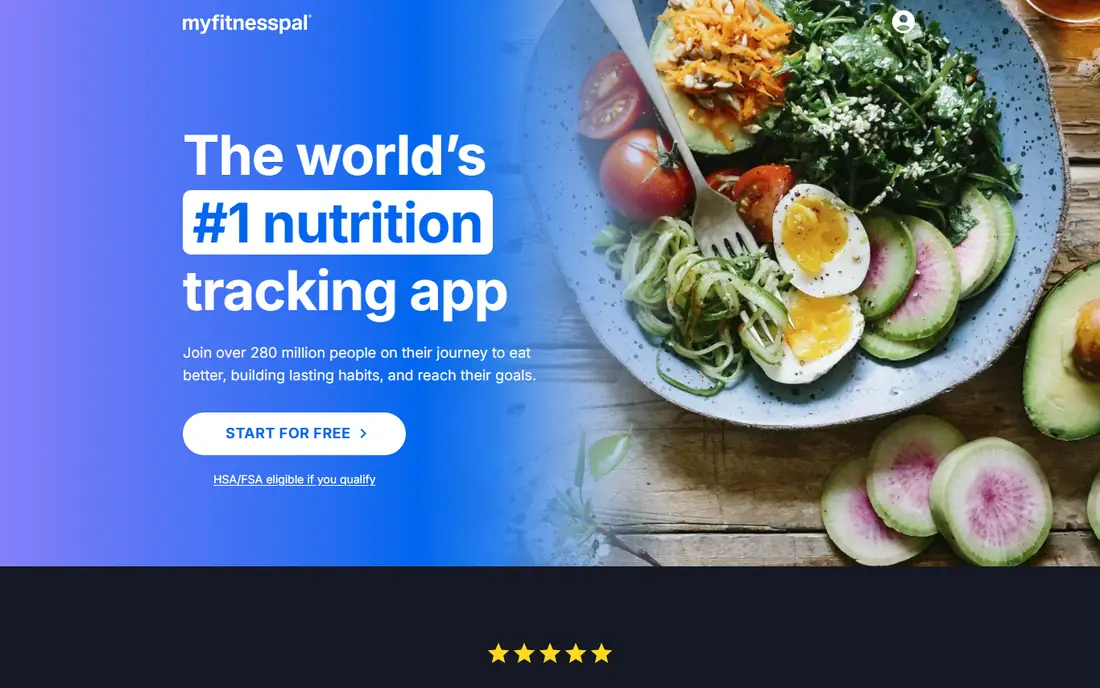
MyFitnessPal remains the default tracker for many users because its food database covers a huge range of branded foods, restaurant items and recipes. That breadth saves time when logging meals that other apps miss, and its integrations with wearables and fitness apps keep activity and weight in one view. For users who eat varied foods and want fast search, that database is a real daily advantage. The free tier is less generous than it once was. Barcode scanning and some faster logging tools now require Premium, which changes the value calculation for new users. MyFitnessPal still works free for basic manual logging, but users who scan most meals should budget for Premium or choose a rival with free scanning.
- Very large food database
- Broad wearable and app integrations
- Long history and large user community
- Barcode scanning now sits behind Premium
- Free tier feels limited compared with earlier versions
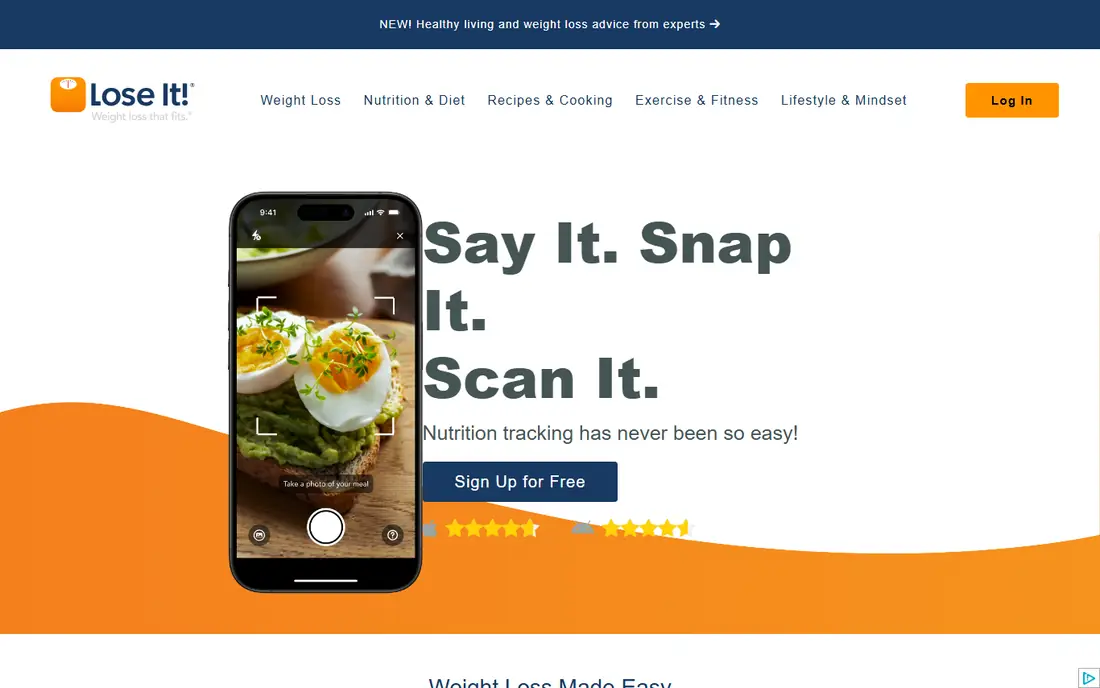
Lose It! wins on simplicity. Its logging flow is quick, its goal setting is clear, and its progress charts help beginners see a trend without getting lost in nutrient detail. For users who have tried trackers before and given up because logging felt like work, that simplicity can be the difference between a week of use and a habit that lasts. The trade off is depth and scanning access. New accounts face limits on scan features that older users may remember as free, so check the current plan page before you rely on scanning. Lose It! is best for users who want a straightforward calorie and weight log, not for users who want detailed micronutrient analysis.
- Clean and simple logging flow
- Weight goal and progress charts
- Snap It photo logging on paid plans
- Scan features are moving behind Premium for new accounts
- Database is smaller than MyFitnessPal
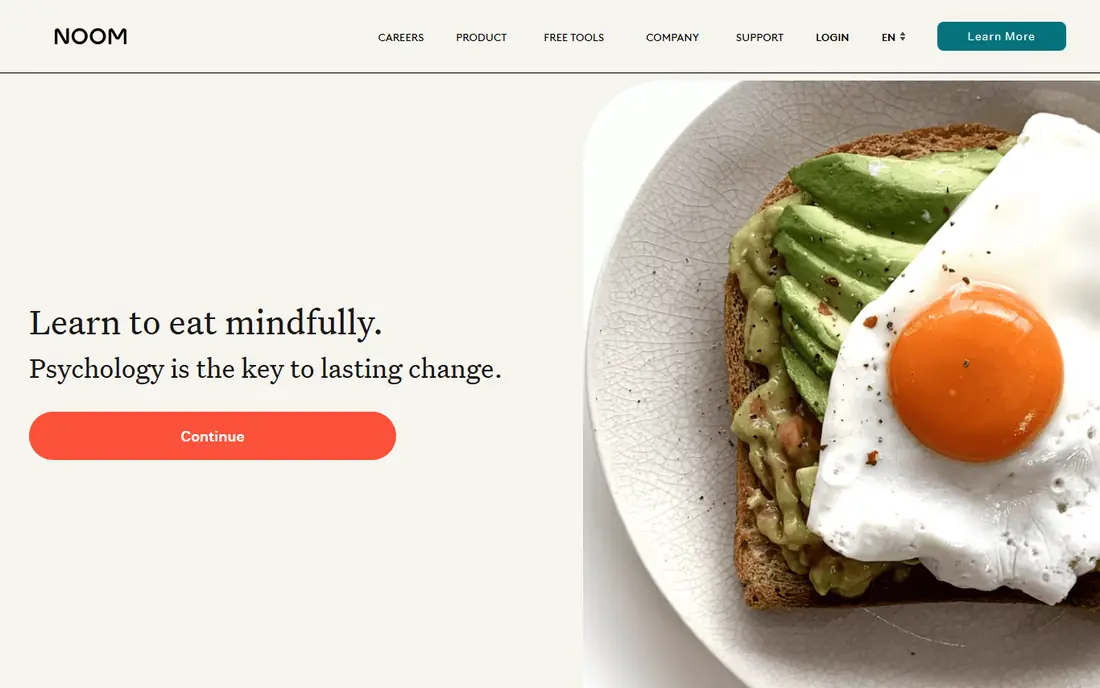
Noom takes a different approach from a pure tracker, because it pairs logging with daily lessons, habit coaching and messaging support. That structure suits users who know what to eat in theory but struggle with consistency, portion habits and emotional eating triggers. The programme format gives a daily task and a sense of progress beyond the scale. Cost and logging depth are the limits. Noom costs more than a simple tracker, and its food log is less detailed than specialist nutrition apps. Users who mainly want a fast, detailed food database may find Noom slow, while users who want coaching and structure may find the extra cost worthwhile for a set period.
- Daily lessons on habits and psychology
- Coach messaging
- Structured programme rather than a bare log
- Higher cost than simple trackers
- Food logging is less detailed than Cronometer or MyFitnessPal
Cronometer is the tracker for users who care about nutrient detail, not just calories. It tracks vitamins, minerals and other nutrients from lab verified sources, which helps users with specific dietary goals or clinician guided plans. Its free plan still includes barcode scanning, which makes it unusually generous in 2026 compared with rivals that moved scanning behind a paywall. The interface is the price of that detail. Casual users may find Cronometer dense at first, with more numbers and settings than a simple calorie log. It is best for users who want accuracy and nutrient depth and who are willing to spend a little more time per meal to get it.
- Tracks up to 84 nutrients with lab verified data
- Free barcode scanner
- Strong data accuracy focus
- Interface feels dense for casual users
- Food database is smaller for branded restaurant items
Yazio suits users who want a tidy, calm tracker without a crowded dashboard. Its daily view shows calories, macros and weight progress clearly, and its fasting tools appeal to users who combine tracking with time restricted eating. Meal plans and recipes on paid plans add structure for users who want ideas as well as a log. Database breadth is weaker than MyFitnessPal, so users who eat many branded or restaurant foods may need to add items manually more often. Yazio is best for users who eat mostly home cooked meals, want a simple routine, and prefer a clean interface over the largest possible database.
- Clean design and simple daily view
- Fasting tracker options
- Meal plans on paid plans
- Database and integrations are smaller than MyFitnessPal
- Advanced features sit behind Pro
WW, formerly WeightWatchers, replaces calorie counting with a Points system that scores foods by nutritional profile. That simplification helps users who find calorie numbers stressful or hard to sustain, and its workshops and community add accountability that a solo log cannot offer. For users who want structure plus social support, WW is distinct from every pure tracker on this list. The cost and learning curve are real. WW has no permanent free plan, and new users must learn how Points work before logging feels natural. Users who want exact calorie and micronutrient numbers may prefer Cronometer or MyFitnessPal, while users who want a guided programme with other people may prefer WW.
- Points system simplifies food choices
- Workshops and community support
- Long running programme structure
- No permanent free plan
- Points system takes time to learn and may not suit detailed nutrient trackers
FatSecret is the strongest free option for users who do not want to pay for basic tracking. Its free plan includes barcode scanning and access to its food database, which many rivals now charge for, and its community journals and challenges add motivation without a subscription. For budget conscious users, that combination is hard to beat. Polish is where FatSecret trails. Its design feels older than MyFitnessPal, Lose It! or Lifesum, and it lacks the coaching depth of Noom or WW. Users who value a modern interface and guided plans may prefer a paid app, but users who value free core tracking will find FatSecret unusually complete.
- Free barcode scanning and full food database
- Community journals and challenges
- Simple tracker
- Design feels less polished than rivals
- Advanced coaching and meal plans are limited
Lifesum appeals to users who want tracking to feel pleasant rather than clinical. Its design is polished, its meal plans and recipes help with planning, and its habit tracking covers water, exercise and other routines alongside food. For users who need a nudge to plan meals as well as log them, Lifesum offers a broader daily routine than a bare calorie counter. The free tier is the limit. Many of the features that make Lifesum attractive, including meal plans, life score detail and advanced tracking, sit behind Premium, so free users get a preview rather than a full tool. Lifesum is best for users who plan to pay for Premium and who value design and meal planning as much as logging speed.
- Attractive design and meal plans
- Habit and water tracking
- Life score overview
- Free tier is limited, with many features behind Premium
- Database is smaller than MyFitnessPal
MacroFactor is built for experienced trackers who want targets that adapt. Instead of a fixed calorie goal, it adjusts expenditure estimates based on logged intake and weight trend over time, which helps users who plateau on a static plan. Its macro tracking and programme tools suit lifters and users with precise nutrition goals. Beginners may find MacroFactor more complex than they need, and the lack of a permanent free plan means a trial is the only free test. It is not the best first tracker for a new user, but it is a strong upgrade for users who already log consistently and want smarter targets rather than a simpler log.
- Adaptive calorie targets based on logged data and weight trend
- Strong macro tracking
- Detailed expenditure estimates
- No permanent free plan
- Best for users already comfortable with macro tracking
How we picked these
We compared official feature pages, pricing pages, app store listings and public reviews, and we kept only apps that are actively available in October 2026 for food, weight and activity tracking. We looked for a real difference between apps, whether that was database size, nutrient depth, coaching, points structure, free scanning or adaptive targets, rather than listing nine similar calorie counters. Pricing was checked against vendor pages and recent public comparisons, and we used See website where a price varies by plan, billing period or region. We also noted where a feature that used to be free, such as barcode scanning, has moved behind a paid plan, because that change affects the real value of a free tier in 2026.
Using a tracker safely and well
A tracker works best when logging is honest, consistent and sustainable, not perfect. Log most meals, weigh regularly at the same time of day, and judge progress by a trend over weeks rather than a single day. A single high day does not undo progress, and a single low day does not prove a plan is working, so look at the pattern. Trackers give general information only and do not replace medical advice. Talk to a clinician or registered dietitian before setting a large calorie deficit, starting a new eating pattern, or using a tracker with a health condition, medication, pregnancy, or a history of disordered eating. If tracking increases anxiety around food, or leads to very low intake, stop and seek professional support rather than pushing through.
Choosing by logging style
If you scan most meals, prioritise free scanning in Cronometer or FatSecret, or budget for Premium elsewhere. If you log manually, prioritise database size in MyFitnessPal or simplicity in Lose It!. If you want guidance, prioritise Noom or WW, and if you want adaptive targets, prioritise MacroFactor after you have a consistent logging habit.
Keeping the habit going
Set a realistic daily target, log at set times, and use reminders sparingly so they help rather than annoy. Connect a wearable or scale if that reduces manual entry, and review your trend weekly instead of checking the scale several times a day. A tracker that you actually use for three months beats a more detailed tracker that you abandon in week two.
Frequently asked questions
What is the best weight loss tracker app?
MyFitnessPal is the best general pick for database size, Lose It! is best for simple beginner tracking, and Cronometer is best for detailed nutrient data. Noom and WW suit users who want coaching and structure, while MacroFactor suits experienced users who want adaptive targets. The best free weight loss app for many users is FatSecret or Cronometer, because both keep barcode scanning free.
What is the best free weight loss app?
FatSecret offers free barcode scanning and a full food database, and Cronometer offers free barcode scanning with detailed nutrient tracking. MyFitnessPal and Lose It! also offer free basic logging, but key scanning tools now sit behind paid plans. Try a free plan for a week with your real meals before you pay, because database fit matters more than feature lists.
Is MyFitnessPal or Lose It better?
MyFitnessPal is better for users who eat varied branded and restaurant foods and want the largest database and widest integrations. Lose It! is better for beginners who want a simpler, cleaner logging flow and clear progress charts. Both work for basic tracking, so choose MyFitnessPal for breadth and Lose It! for simplicity.
Do weight loss tracker apps really work?
Trackers help by making intake, activity and weight visible, which supports awareness and consistency, but they do not cause weight loss on their own. Results depend on sustained habits, sleep, activity and overall eating pattern, not on the app alone. A tracker is a tool for a plan you can sustain, and professional advice helps when you have a health condition or a large weight goal.
Should I talk to a doctor before using a weight loss app?
Yes, if you have a health condition, take medication, are pregnant, have a history of disordered eating, or plan a large calorie deficit. Trackers give general information only and do not replace medical advice, and a clinician or registered dietitian can help set a safe target for your situation. Seek support promptly if tracking leads to very low intake, anxiety around food, or other worrying symptoms.
Which tracker is best for macros and nutrients?
Cronometer is best for detailed micronutrient tracking, with lab verified data and a wide nutrient range. MacroFactor is best for adaptive macro targets based on logged intake and weight trend. MyFitnessPal also covers macros well, but its nutrient detail is less deep than Cronometer for users who want full vitamin and mineral tracking.
Sources we checked (9)

Online Jobs is an independent blog about careers, online work, learning new skills and the tools that help people earn. More about us.
Keep reading
All posts
Best Sleep Tracker Apps
Compare the best sleep tracker apps in 2026, with phone-only and watch tracking, smart alarms, sleep scores, snoring checks and debt tracking in one guide.

n8n Alternatives
n8n alternatives compared for 2026, with Zapier, Make, Activepieces, and more, covering visual builders, code steps, self-hosting, and pricing models.

eBay Alternatives
Looking for ebay alternatives? We compared 9 marketplaces for sellers on fees, buyer reach, categories and ease of listing, to help you sell with confidence.