Best Water Tracker App in 2026: 9 Compared

How we put this together: we compare official feature and pricing pages, app store listings, privacy policies and public user reviews. Prices change, so check the provider's site before you pay.
Key takeaways
- WaterMinder is the best all-round water tracker, with personalised goals, Apple Watch logging, widgets and detailed history.
- Hydro Coach suits Android and iOS users who want goals adjusted for activity, weather and other factors, with a clean tracker.
- Plant Nanny and Waterllama suit users who need motivation, growing a plant or a character as they meet daily goals.
- Aqualert and Drink Water Reminder suit users who want simple, customisable reminders without a complex dashboard.
- This article gives general information only and does not replace medical advice; water needs vary by health, activity, climate and medical conditions.
Quick comparison
| Name | Who it suits | Starting price | Free option | |
|---|---|---|---|---|
 WaterMinder | All-round water tracking | Free | Yes | Visit |
 Hydro Coach | Adjusted goals and clean tracking | Free | Yes | Visit |
 Plant Nanny | Gamified plant growing | Free | Yes | Visit |
 Waterllama | Cute characters and motivation | Free | Yes | Visit |
 Aqualert | Simple reminders and quotes | Free | Yes | Visit |
 Drink Water Reminder | Simple Android reminders | Free | Yes | Visit |
 My Water Balance | Detailed intake and history | Free | Yes | Visit |
 HidrateSpark | Smart bottle and manual tracking | Free | Yes | Visit |
 Water Reminder Daily Tracker | Simple daily goal tracking | Free | Yes | Visit |
The best water tracker apps
We compared apps that track water intake, set daily goals and send reminders in 2026, and are actively maintained on iOS or Android. We weighted goal calculation, logging speed, reminders, widgets, wearable support and price, because a tracker that takes too long to log a drink will be abandoned.
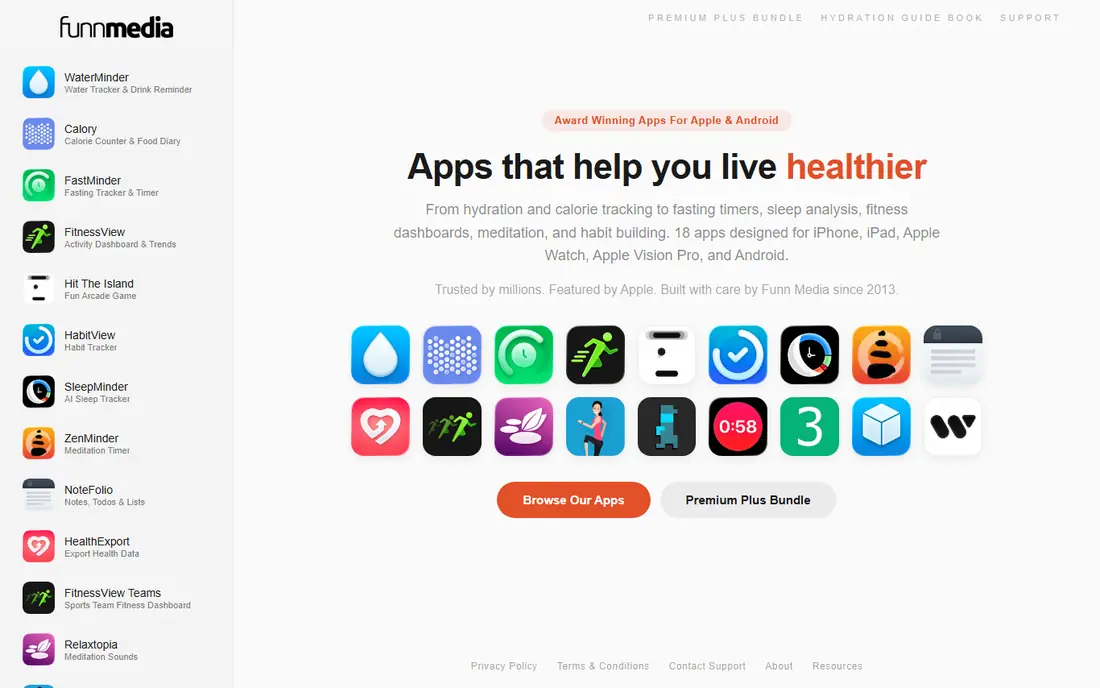
WaterMinder calculates a daily target from weight, activity level and local weather, rather than using a generic eight glasses rule. Logging takes one tap from a phone or Apple Watch, with custom cup sizes, drink types and hydration values, so coffee and tea count differently from water. Widgets, streaks, history charts and Apple Health sync help users see progress over weeks and months.
Premium pricing varies, with app store listings showing monthly and yearly options, including a bundle with other FunnMedia apps, so check the current listing. The free version covers basic tracking but limits some features. For users who want the most complete tracker, with data they can actually review, WaterMinder is our first pick.
- Personalised goals from weight, activity and weather
- Apple Watch logging
- Widgets and history
- Drink type hydration values
- Premium needed for full features
- Free version is limited compared with Premium
Hydro Coach offers a clean water tracker with a daily goal that can be adjusted for body weight, activity and other factors, plus reminders that adapt to progress through the day. Logging is quick, with custom drinks and cup sizes, and history views show intake trends without clutter. Apple Watch support, widgets and Google Fit sync cover most users, while the interface stays focused on one job: drinking enough water.
App store listings show monthly, yearly and lifetime Premium options, with prices varying by region, so check the current listing before upgrading. Free tracking covers the core experience well. Hydro Coach suits users who want a clean, data aware tracker without gamification or a complex dashboard.
- Goals adjusted for activity and other factors
- Clean interface
- Apple Watch and widget support
- Google Fit sync
- Premium needed for full features
- Some features vary by platform
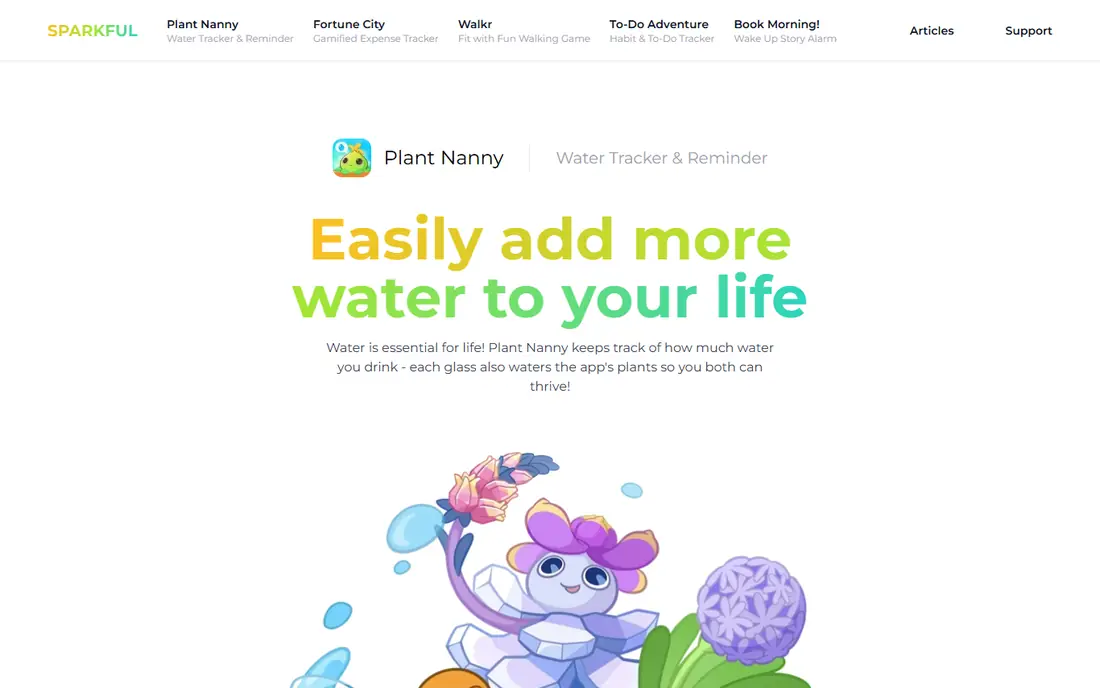
Plant Nanny turns hydration into a game: each glass of water helps a virtual plant grow, and missing goals leaves the plant thirsty. That emotional link motivates many users who forget to drink, especially younger users and users who find plain trackers dull. Animations, sounds, reminders and a range of plants to collect add charm, while Apple Health and Google Fit sync keep data connected.
The free version includes ads and frequent prompts to upgrade, which some users find distracting, and Premium pricing varies by platform. Plant Nanny also requires manual logging, like most trackers in this list. It suits users who need a fun, visual reason to drink, and who will enjoy caring for a virtual plant each day.
- Virtual plants grow as you drink
- Cute animations and sounds
- Reminders and Apple Health sync
- Free version includes ads and prompts to upgrade
- Premium subscription can feel costly for a simple tracker
Waterllama uses cute animal characters that grow as you meet hydration goals, with custom themes, sounds and challenges to keep the habit engaging. That playful design suits users who want motivation without a complex dashboard, and who like personalising the app to their taste. Widgets, Apple Health sync and custom drink types cover practical tracking alongside the characters.
Premium, listed at around $3.99 per month in some guides, adds extra characters, themes and features, with a free tier for core tracking. Android features can lag iOS in some updates, so Android users should check the current listing. Waterllama suits users who want a cheerful, motivating tracker and who will log drinks to grow their character.
- Animal characters that grow with hydration
- Custom themes and sounds
- Apple Health sync
- Widgets
- Premium needed for full characters and themes
- IOS focus is stronger than Android in some features
Aqualert focuses on reminders: custom times, tones and motivational messages that nudge users to drink through the day, without a heavy dashboard. That simplicity suits users who already know their goal and just need a reliable nudge, plus a quick log for each drink. Sync with Apple Health and Samsung Health keeps intake data in a wider health picture, while bedtime mode pauses reminders overnight.
Premium, listed at a low one-time or subscription price in some guides, adds extra features, with a free tier for core reminders. The design is functional rather than playful, so users who want gamification should choose Plant Nanny or Waterllama. Aqualert suits practical users who want dependable reminders and a simple log, nothing more.
- Customisable reminders and tones
- Motivational quotes
- Apple Health and Samsung Health sync
- Simple interface
- Premium needed for full features
- Design is simpler than WaterMinder or Waterllama
Drink Water Reminder, from Leap Fitness Group, offers a straightforward Android focused tracker with reminders, custom cup sizes and a weight based daily goal. Users set a wake and sleep time, choose reminder intervals, and log drinks with one tap, while history charts show daily and weekly intake. That simplicity makes it easy to start, especially for users who find larger health apps overwhelming.
The free version includes ads, and Premium removes ads and adds extra features, with pricing varying by platform. The app is less polished on iOS than on Android in some listings, so iOS users should test it first. Drink Water Reminder suits Android users who want a simple, reliable reminder app with a clear daily goal.
- Simple reminder schedule
- Custom cup sizes
- Weight based goal calculation
- History charts
- Free version includes ads
- Premium features vary by platform
My Water Balance offers detailed intake tracking, with drink types, custom volumes, history charts and statistics that show patterns over time. That depth suits users who want to review hydration alongside other health data, and who like seeing weekly averages, best days and trends. Custom goals based on weight and activity help personalise the target, while reminders keep logging on track.
The interface is more data heavy than Aqualert or Drink Water Reminder, which can feel busy for users who only want a reminder. Premium adds full statistics and extra features, with a free tier for core tracking. My Water Balance suits data focused users who want a detailed hydration record, not just a daily reminder.
- Detailed drink logging
- History and statistics
- Custom goals
- Health app sync in many versions
- Interface is data heavy
- Premium needed for full statistics and features
HidrateSpark is unique in this list because it pairs with HidrateSpark smart bottles, which track sips automatically and sync intake to the app. That automation removes manual logging, which is the main reason many trackers are abandoned, and glow reminders on the bottle prompt users to drink. Manual logging is also available for users without a bottle, with widgets, Apple Watch support and goal tracking.
The catch is cost: automatic logging requires buying a HidrateSpark bottle, on top of any app Premium features. Without a bottle, HidrateSpark is a solid but standard manual tracker, similar to WaterMinder or Hydro Coach. It suits users who want automation, who are willing to buy a smart bottle, and who struggle with manual logging.
- Syncs with HidrateSpark smart bottles for automatic logging
- Manual logging also available
- Apple Watch and widgets
- Automatic logging needs a HidrateSpark bottle purchase
- App alone is a standard manual tracker
Water Reminder Daily Tracker
Who it suits: Simple daily goal tracking
Water Reminder Daily Tracker offers a simple, focused tracker: set a daily goal, receive reminders through the day, log drinks quickly, and review history. That low learning curve suits first-time tracker users, older users, and anyone who wants hydration tracking without a game, a dashboard or a smart bottle. Reminders can be customised by time, and the history view shows whether goals were met.
Advanced features, such as detailed statistics, extra widgets and full customisation, may need Premium, with pricing varying by platform. Users who want personalised goals from weather or activity, or gamified motivation, should choose WaterMinder, Hydro Coach or Plant Nanny instead. For simple, dependable daily tracking, this app is a clean starting point.
- Simple daily goal and reminders
- Quick logging
- History view
- Low learning curve
- Fewer advanced features than WaterMinder
- Premium needed for some widgets and features
How we picked these
We compared app store listings, vendor pages and recent water tracker guides in October 2026, and we kept only apps that are actively maintained, offer a free tier, and track water intake with goals and reminders. We weighted goal personalisation, logging speed, reminder flexibility, widgets, wearable support and price, because a tracker must be fast enough to use several times a day. We used Free for starting prices where a free tier covers core tracking, and we noted Premium pricing only where app store listings were consistent.
We did not claim that any app guarantees hydration or health outcomes, and we treated water needs as individual. General guidance to drink regularly does not replace advice from a clinician, especially for users with kidney, heart or other medical conditions that affect fluid intake.
How to choose and use a water tracker
Start with logging speed and reminders, because those two features decide whether you will still use the app in a month.
Pick a goal method you trust
WaterMinder and Hydro Coach calculate goals from weight, activity and weather, while simpler apps use a fixed daily target you set yourself. Either method works if you log consistently, but a personalised goal helps users who are very active, live in hot climates, or have larger body weights. Review the goal after a week: if you always miss it by a large amount, lower it and build up gradually, rather than abandoning the app.
Make logging take two seconds
Use widgets, Apple Watch logging, or a smart bottle if manual logging fails. Place a widget on your home screen, set a standard cup size for your usual glass or bottle, and log immediately after drinking, not at the end of the day. If you drink from different containers, add two or three custom cup sizes at setup, so logging never requires mental maths.
Use reminders wisely, not constantly
Set reminders for times you actually forget, such as mid-morning and mid-afternoon, and pause them overnight with bedtime mode where available. Too many reminders lead to ignoring them, while too few lead to forgetting. Review reminder times weekly, and adjust them to your routine, work schedule and activity, rather than accepting the default schedule unchanged.
Frequently asked questions
What is the best water tracker app?
WaterMinder is our all-round pick, with personalised goals, fast logging, widgets and detailed history. Hydro Coach suits clean, data aware tracking, while Plant Nanny and Waterllama suit users who need gamified motivation. The best app depends on whether you want data, reminders, motivation or automation.
What is the best water reminder app?
Aqualert and Drink Water Reminder are the best simple reminder apps, with custom times, tones and bedtime modes. WaterMinder and Hydro Coach also offer smart reminders that adapt to progress, while Plant Nanny uses plant care as a reminder. Choose a reminder app with times you will actually follow, not the most reminders.
What is the best water drinking app for iPhone?
WaterMinder, Waterllama and Plant Nanny are strong iPhone choices, with Apple Watch logging, widgets and Apple Health sync. WaterMinder suits data focused users, Waterllama suits playful motivation, and Plant Nanny suits plant growing motivation. Test the free tier for a week and keep the app you log in most often.
What are the best water tracking apps for Android?
Hydro Coach, Plant Nanny, Drink Water Reminder and Aqualert all work well on Android, with Google Fit or Samsung Health sync in many versions. Hydro Coach suits clean tracking, Plant Nanny suits gamification, and Drink Water Reminder suits simple reminders. Check widget and reminder support on your specific Android device, because features can vary.
What is the best water drinking reminder app free?
WaterMinder, Hydro Coach, Aqualert and Drink Water Reminder all offer free tiers that cover core tracking and reminders. Free tiers may include ads or limit premium features, but they are enough to test whether tracking helps you drink more regularly. Upgrade only if a premium feature, such as extra widgets or statistics, solves a real limit.
How much water should I drink each day?
Water needs vary by body size, activity, climate, diet and health conditions, so there is no single target for everyone. Apps like WaterMinder and Hydro Coach estimate a goal from weight and activity, which is a useful starting point. Speak to a clinician if you have a medical condition that affects fluid intake, or if you are unsure about your target.
Sources we checked (9)

Online Jobs is an independent blog about careers, online work, learning new skills and the tools that help people earn. More about us.
Keep reading
All posts
Leg Extension Alternatives
We compare leg extension alternatives that build quad strength at home or in the gym, with honest notes on form, equipment, and knee comfort. for 2026.
Best workout apps for women
Compare the best workout apps for women in 2026, from free guided classes to structured strength plans, with current prices, free plans and honest trade-offs.
Best app for counting calories
Find the best app for counting calories in 2026. We compare MyFitnessPal, Cronometer, Lose It and more on food databases, free plans and ease of use today.