Best Vulnerability Scanning Tool in 2026: 8 Tools Compared


Standard network scanning · Starting price: $4,790 per year
How we put this together: we compare official feature and pricing pages, app store listings, privacy policies and public user reviews. Prices change, so check the provider's site before you pay.
Key takeaways
- No scanner finds every weakness, so coverage matters more than a headline count: network, web app, cloud and container scanning are different jobs.
- A scanner that only lists flaws without ranking them by exploitability will bury a small team in tickets that do not matter yet.
- Free tools such as OpenVAS and OWASP ZAP are genuine options for small environments, but they need more setup and care than paid cloud tools.
- Enterprise pricing is often quote based and tied to asset count, so get a scoped quote for your actual hosts, not a generic estimate.
- Scanning is only useful if findings are fixed and rescanned, so pick a tool whose reports your team will actually act on.
Quick comparison
| Name | Who it suits | Starting price | Free option | |
|---|---|---|---|---|
| Tenable Nessus | Standard network scanning | $4,790 per year | Yes | Visit |
 Qualys VMDR Qualys VMDR | Enterprise continuous monitoring | See website | Free trial | Visit |
 Rapid7 InsightVM Rapid7 InsightVM | Risk based prioritization | See website | Free trial | Visit |
 Intruder Intruder | Cloud teams without infrastructure | See website | Free trial | Visit |
 ManageEngine Vulnerability Manager Plus ManageEngine Vulnerability Manager Plus | Budget on premises scanning | See website | Yes | Visit |
 Detectify Detectify | Web app and attack surface checks | See website | Free trial | Visit |
 Greenbone OpenVAS Greenbone OpenVAS | Free open source network scanning | Free | Yes | Visit |
 OWASP ZAP OWASP ZAP | Free web app testing | Free | Yes | Visit |
The best vulnerability scanning tools
A vulnerability scanner checks systems, apps and cloud settings for known weaknesses, misconfigurations and exposed services, then reports what needs fixing first. We compared official feature and pricing pages, deployment options and remediation workflows, with extra weight for tools that are still maintained and that explain their limits plainly.
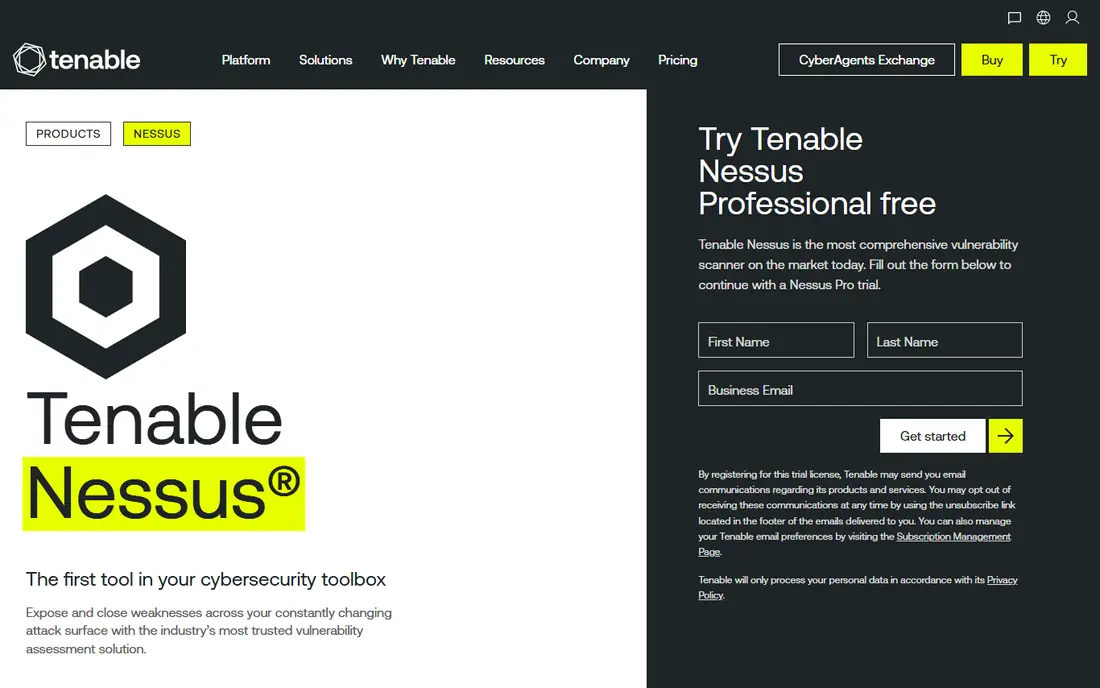
Nessus is the scanner most security teams know first, and for good reason. It scans networks for known vulnerabilities, misconfigurations and missing patches, and its reports are familiar to auditors and clients. For a consultant or a small IT team, Nessus Professional gives a capable scanner without building a full vulnerability management platform.
The limit is scope. Nessus Professional scans, but the wider Tenable platform adds continuous monitoring, asset inventory and exposure management that larger firms need. Nessus Essentials, the free tier, covers a small number of hosts, which is enough to learn the tool or protect a home lab, but not enough for a growing company. Buy Nessus for scanning depth, and budget for the platform if you need ongoing management.
- Long track record and broad plugin coverage
- Nessus Essentials is free for small use
- Clear reports for auditors
- Professional tier is a single scanner, not a full platform
- Larger deployments need Tenable Vulnerability Management
- Pricing rises with added modules
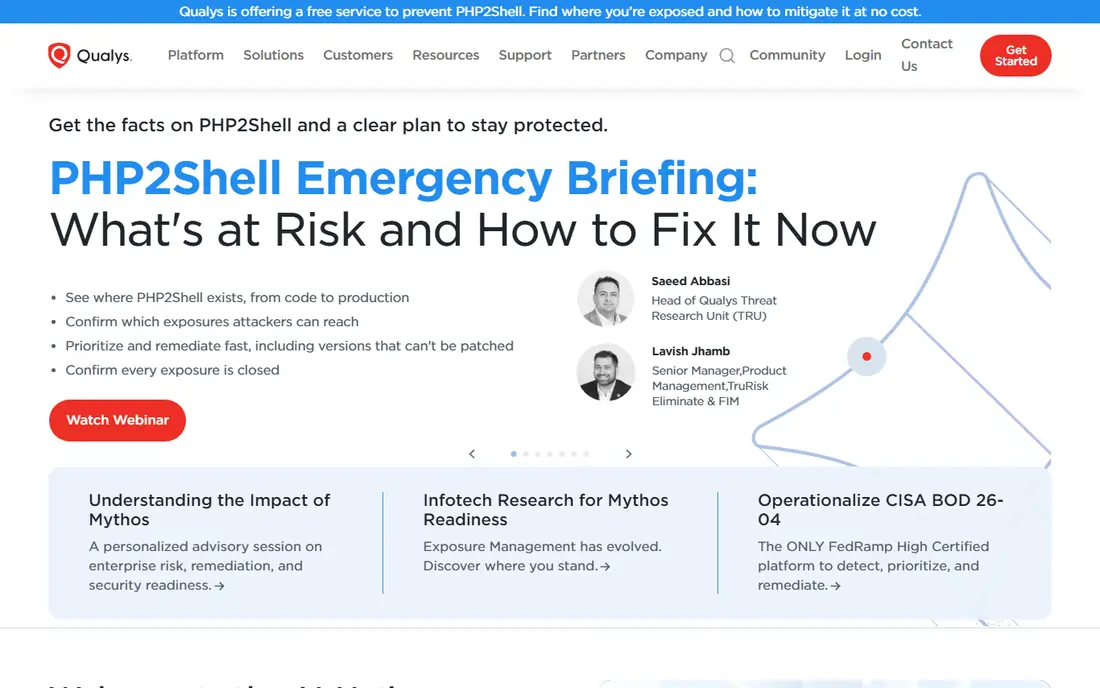
Qualys VMDR combines vulnerability detection, prioritization and patching in one cloud platform, which is why large firms with hybrid networks choose it. It can scan on premises systems, cloud workloads and remote endpoints, and it links a finding to the patch that fixes it, which shortens the gap between report and repair.
That breadth comes with complexity. Pricing depends on asset count and modules, so a small team will need a scoped quote and a clear list of what is included. Implementation also takes planning, especially for authenticated scans and patch approvals. For enterprises that need continuous monitoring and audit evidence, Qualys is a strong pick. For a team of two, it is often more platform than they need.
- Continuous scanning with patch workflows
- Broad asset coverage including cloud
- Strong compliance reporting
- Pricing is quote based and complex
- Smaller teams may find it heavy
- Module costs add up
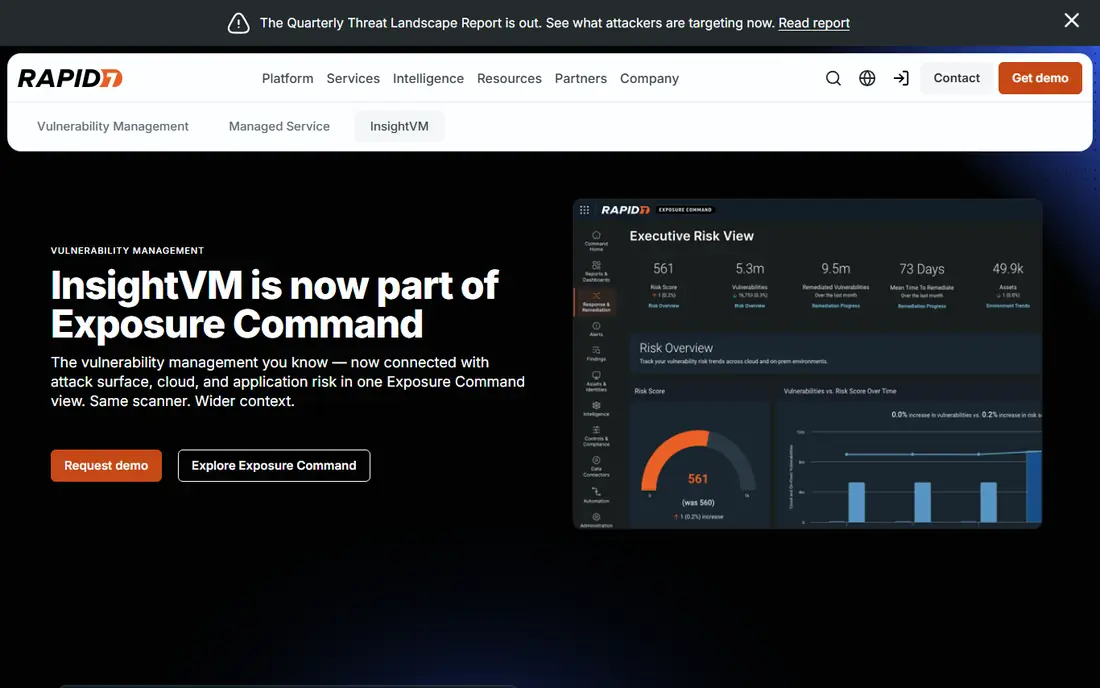
InsightVM stands out for prioritization. Instead of handing you a flat list of thousands of flaws, it scores risk based on exploitability, exposure and asset value, so a team can fix the ten issues that matter this week before the thousand that can wait. Its dashboards make that progress visible to managers without a weekly spreadsheet.
The catch is cost modeling. Per asset pricing means your bill grows with every server, laptop and cloud instance you add, so count assets honestly before you sign. InsightVM also needs tuning in the first weeks, because default scans can produce noise in varied networks. Once tuned, it is one of the clearest tools for turning scan results into a fix list.
- Active risk scoring that ranks exploitable flaws first
- Live dashboards and remediation tracking
- Good integrations
- Pricing is per asset and quote led for larger estates
- Needs tuning to avoid noise
- Cloud and container depth varies by plan
Intruder suits teams that want scanning without running their own infrastructure. You add your external targets, cloud accounts and web apps, and Intruder scans on a schedule and alerts you to new issues. For a startup or a small SaaS firm, that low maintenance model is a real advantage over a tool that needs a dedicated server and regular upkeep.
Larger or heavily on premises networks may find Intruder thinner than Nessus or Qualys, especially for internal authenticated scans across many segments. Check whether your internal hosts, cloud accounts and web apps are all covered by your plan, and run a trial scan before committing. For cloud first teams, Intruder is a clean, practical choice.
- Cloud based, so no scanner to maintain
- Continuous scanning and alerting
- Simple setup for small teams
- Less depth for complex on premises networks
- Pricing depends on targets
- Web app scanning depth varies by plan
ManageEngine Vulnerability Manager Plus
Who it suits: Budget on premises scanning
ManageEngine Vulnerability Manager Plus is the budget pick for firms that prefer on premises tools. It scans for vulnerabilities and missing patches, and it can deploy patches from the same console, which closes the loop that many scanners leave open. For IT teams already using ManageEngine products, the shared console is a plus.
The trade off is polish and cloud depth. The interface is functional rather than modern, and cloud native scanning is less central than in Qualys or InsightVM. Firms with strict data residency rules or air gapped networks will value on premises control enough to accept that. Teams that want a sleek cloud dashboard should look at Intruder or InsightVM instead.
- Free edition for smaller environments
- Patch management included
- On premises control for regulated firms
- Interface feels dated next to cloud rivals
- Setup needs Windows infrastructure knowledge
- Advanced features need paid tiers
Detectify is a web specialist, not a general network scanner. It monitors your domains and subdomains for exposed services and misconfigurations, and it tests web apps for common flaws, with research drawn from a community of security researchers. For a company whose main risk is its public web presence, that focus is exactly right.
Do not buy Detectify expecting it to replace Nessus for internal servers. It complements a network scanner, and its findings often need developer work to fix, such as header changes, input handling or authentication fixes. If your estate is mostly web apps and APIs, Detectify earns its place. If it is mostly internal servers, start with a network scanner.
- Strong web app and surface monitoring
- Crowdsourced research adds fresh checks
- Clear reports for developers
- Not a full network scanner
- Pricing is annual and higher for small firms
- Needs developer time to fix web findings
OpenVAS, maintained through the Greenbone project, is the free network scanner that many professionals learn on. It runs a large set of vulnerability tests against hosts on your network and reports findings with severity ratings. For a small firm, a lab or a security student, it gives real scanning capability at no license cost.
The cost is time and skill. You must install it, keep its feeds updated, tune scans and interpret results without vendor support. That is fine for a skilled admin, but a team without Linux or networking experience will struggle. If you have the skills, OpenVAS is a strong free option. If you do not, a paid cloud scanner will save more time than the license costs.
- Free and open source
- Capable network vulnerability tests
- Self hosted control
- Setup and feed updates need technical care
- Reporting is less polished
- Support is community led unless you pay for Greenbone products
OWASP ZAP, known as ZAP, is the standard free tool for testing web applications. It can crawl a site, probe for common flaws and test APIs, and its add ons extend it for authentication, automation and reporting. Developers and testers use it in pipelines and in manual testing alike, and its community keeps it current.
ZAP is not a network vulnerability scanner, so it will not check your servers, printers or cloud settings in the way Nessus or OpenVAS will. It also rewards skill: a quick unauthenticated scan finds surface issues, while a well configured authenticated scan finds far more. Pair ZAP with a network scanner for full coverage, and use it as your web app testing core.
- Free and open source
- Strong for web app testing and API checks
- Large community and add ons
- Web only, not a network scanner
- Needs skill to run authenticated scans well
- Results need manual review
How we picked these
We compared official feature pages, pricing pages, deployment models and remediation features, and we favored tools that are actively maintained and that cover a clear part of the scanning job. We did not claim hands on testing, and we did not treat a vendor plugin count as proof of better detection, because coverage depends on your systems and on how scans are configured.
We also kept free tools in the list on merit, not as filler. OpenVAS and ZAP are widely used in real security work, and a list that only included paid enterprise platforms would mislead small teams about what they can do on a tight budget.
What to check before you buy
Match the scanner to your estate
List your systems first: internal servers, cloud workloads, containers, web apps and remote laptops. A network scanner covers servers, a web scanner covers apps, and a cloud tool covers cloud settings. Most firms need at least two types, so do not expect one product to cover everything well.
Ask how findings are ranked
A scanner that returns ten thousand critical findings is not helpful. Ask how it scores exploitability, exposure and asset importance, and whether it links findings to patches or fix guidance. A short, ranked fix list that your team clears each week beats a long report that nobody opens.
Plan for authenticated scans
Unauthenticated scans see only what an outsider sees. Authenticated scans, with credentials, find missing patches and misconfigurations inside the system. Check whether your plan supports authenticated scanning, and plan credential storage and rotation before your first full scan.
Budget for fixing, not just scanning
Scanning is cheap compared with fixing. Leave time for patching, web fixes and retesting, and schedule rescans to confirm fixes worked. A tool with good remediation tracking and ticketing integrations will help here, because findings that live only in a PDF tend to stay unfixed.
Frequently asked questions
What is the best vulnerability scanning tool for small business?
Nessus Essentials or OpenVAS suit very small environments, while Intruder suits cloud first small firms that want low maintenance scanning. The right pick depends on whether your systems are mostly on premises, cloud based or web apps. Trial a scan on your real estate before paying.
How often should I run vulnerability scans?
Most teams scan at least monthly, and many scan weekly or continuously for internet facing systems. Scan again after major changes, new services or a patch cycle, so you can confirm fixes and catch new exposures. Compliance rules for your industry may set a minimum frequency.
What is the difference between vulnerability scanning and penetration testing?
Scanning is automated and checks for known flaws across many systems, while penetration testing is a focused, human led attempt to exploit weaknesses in a specific target. Scanning gives breadth, testing gives depth, and mature security programs use both.
Are free vulnerability scanners safe to use?
Yes, if you download them from official sources and keep them updated. OpenVAS and OWASP ZAP are respected open source tools. The risk is not the tool itself, but running scans without permission: only scan systems you own or have written permission to test.
Do scanners replace patching?
No. A scanner finds and ranks issues, but patches, configuration changes and code fixes are what reduce risk. Choose a tool that links findings to patches and tracks remediation, and make fixing and rescanning part of your regular routine.
Sources we checked (8)

Online Jobs is an independent blog about careers, online work, learning new skills and the tools that help people earn. More about us.
Keep reading
All posts
Surfshark Alternatives
Looking for Surfshark alternatives? We compare 8 VPN services on price, privacy, streaming, and device limits to help you find a VPN that fits your needs.
NordPass Alternatives
We compared NordPass alternatives for families, solo users and teams, checking pricing, free plans, passkeys and sharing, so you can switch safely today.
Best background check app
We compared the best background check app options in 2026 for employers, landlords and individuals, with published prices, coverage and compliance notes.