Best Vulnerability Management Tools in 2026: 8 Tools Compared


Standard network scanning · Starting price: See website
How we put this together: we compare official feature and pricing pages, app store listings, privacy policies and public user reviews. Prices change, so check the provider's site before you pay.
Key takeaways
- Tenable Nessus remains the standard starting scanner for small teams, while Tenable One, Qualys, and Rapid7 suit larger estates.
- Wiz and Orca suit cloud-first teams that need to link vulnerabilities to real exposure, not just a long list of findings.
- Intruder and Greenbone suit smaller teams that want continuous scanning without running a large enterprise platform.
- Pricing is often per asset and quote-based, so count your assets, cloud workloads, and web apps before requesting quotes.
- Prioritisation matters more than scan count, because a small set of exploitable, internet-facing flaws usually deserves attention first.
Quick comparison
| Name | Who it suits | Starting price | Free option | |
|---|---|---|---|---|
| Tenable Nessus | Standard network scanning | See website | Yes | Visit |
 Qualys VMDR | Enterprise continuous monitoring | See website | Free trial (30 days) | Visit |
 Rapid7 InsightVM | Risk-based remediation tracking | See website | Free trial (30 days) | Visit |
 Wiz | Cloud exposure prioritisation | See website | No | Visit |
 Orca Security | Agentless cloud assessment | See website | No | Visit |
 Intruder | Continuous scanning for small teams | See website | Free trial (14 days) | Visit |
 ManageEngine Vulnerability Manager Plus | Budget on-premises scanning | See website | Yes | Visit |
 Greenbone OpenVAS | Self-hosted open source scanning | Free | Yes | Visit |
The best vulnerability management tools
Vulnerability management is more than running a scan. It means finding flaws across servers, endpoints, cloud workloads, and web apps, ranking them by real risk, assigning fixes, and checking that fixes worked. The tools below cover different estates, budgets, and team sizes.
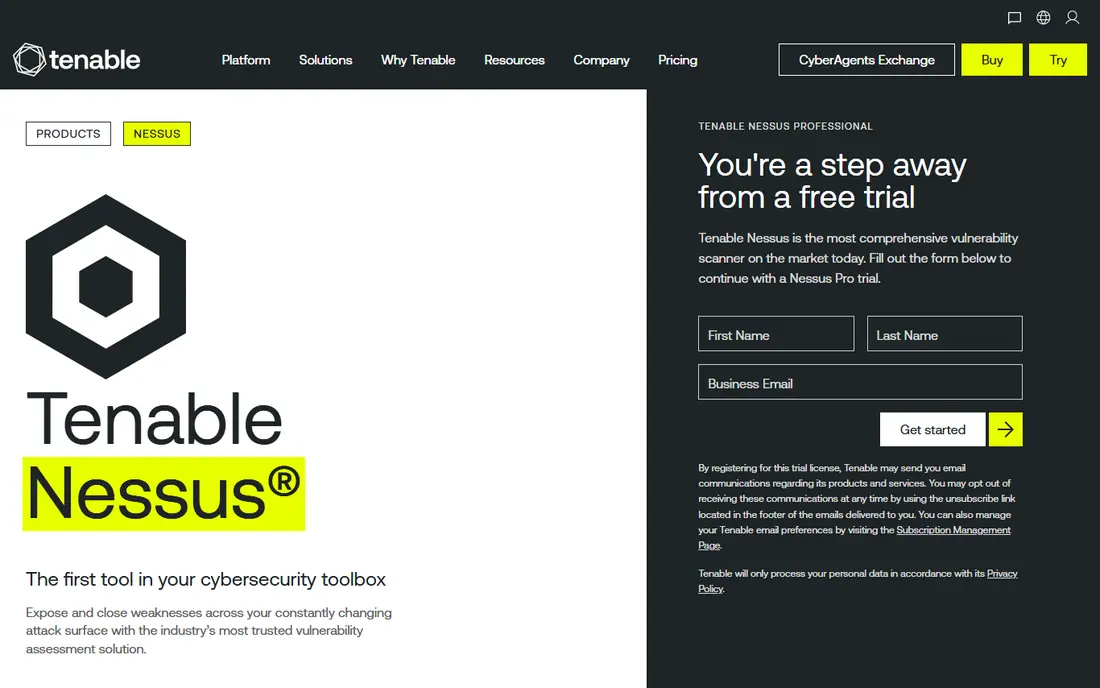
Nessus is the scanner many security professionals learn first, and that familiarity is a practical advantage. It covers a wide range of network services, operating systems, and configurations, and its plugin updates keep pace with new disclosures. For a small team, Nessus Professional gives a capable scanner without the complexity of a full enterprise platform.
The free Essentials tier suits very small environments and learning, with limits on the number of IP addresses. Larger teams usually move to Tenable Vulnerability Management or Tenable One, which add asset inventory, prioritisation, and dashboards. Nessus alone does not manage remediation workflows, so pair it with a clear ticket process if you use it on its own.
- Wide plugin coverage
- Long industry history
- Essentials free tier for small use
- Professional pricing is per scanner
- Full platform needs a separate product
- Reporting needs tuning
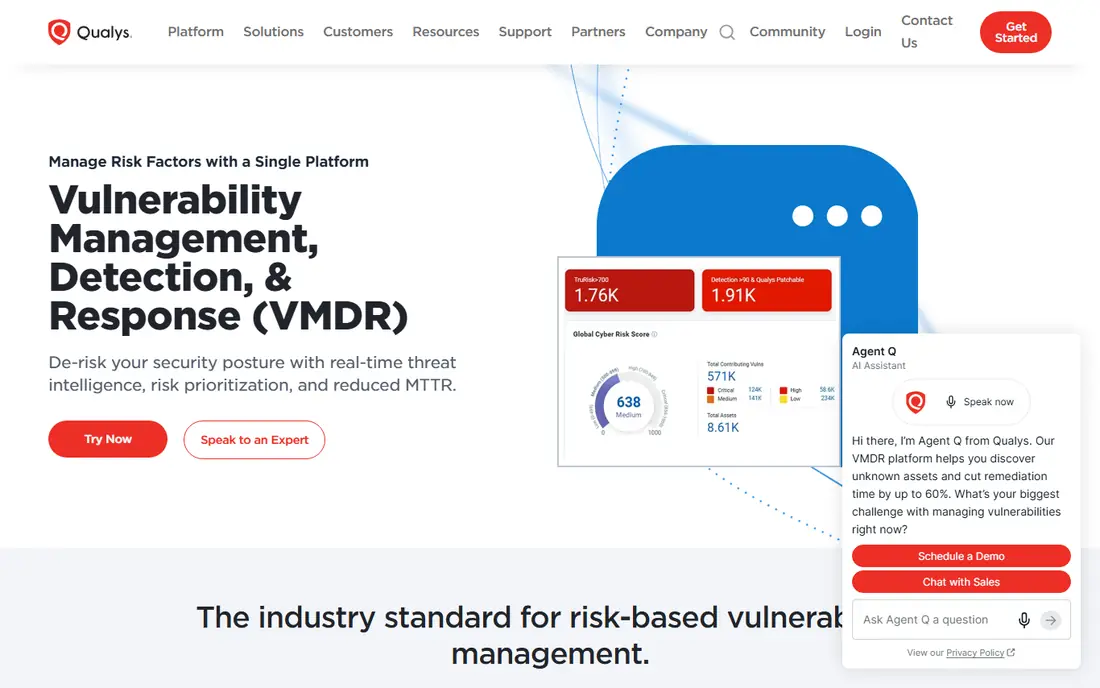
Qualys VMDR combines discovery, assessment, prioritisation, and patching in one cloud platform. Agents on endpoints, network scanners, and cloud connectors feed into a single asset view, so teams can see which systems are missing patches and which flaws matter most. Its TruRisk scoring aims to rank findings by exploit likelihood and business impact, rather than by severity alone.
The platform suits hybrid estates with on-premises servers, laptops, and cloud workloads, and it scales to large asset counts. The trade-off is complexity and cost. Pricing is quote-based and depends on assets and modules, and new users may need time to learn the interface and reporting. For teams that already use Qualys for compliance or patching, VMDR fits naturally into that workflow.
- Cloud platform with agents and scanners
- Patch workflow
- Broad asset coverage
- Quote-based pricing
- Interface can feel dense
- Module costs add up
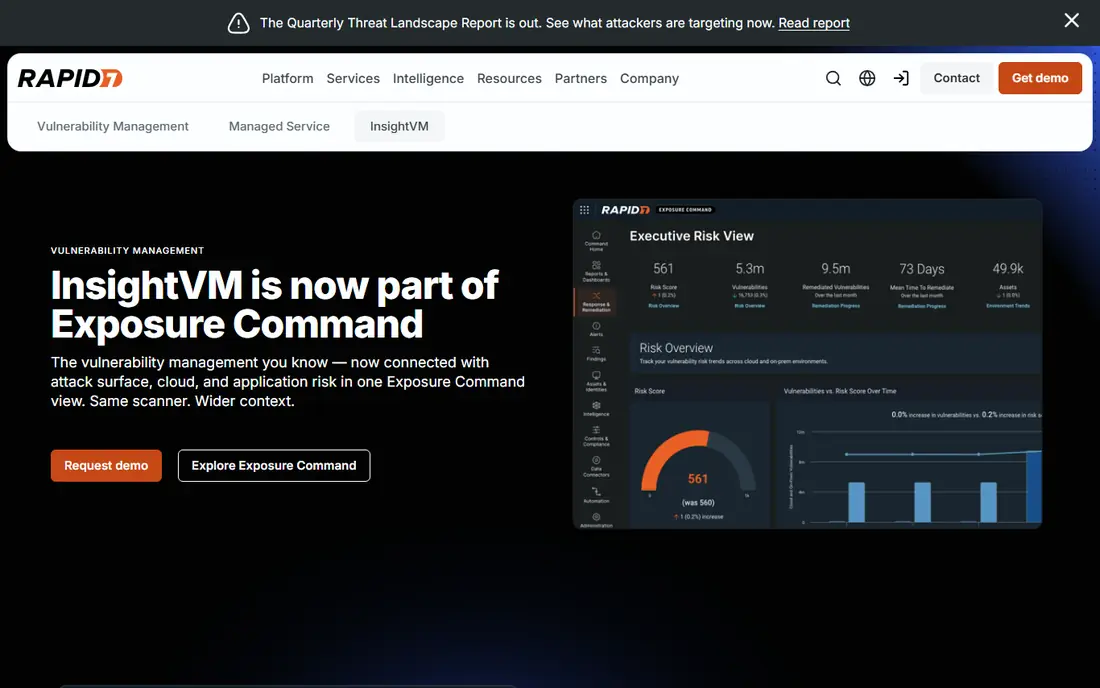
InsightVM focuses on turning scan results into fixable work. It groups findings into remediation projects, tracks progress by team or asset group, and shows risk trends over time. That project view helps security teams work with IT owners who need a short, clear list, not a thousand-row export.
Rapid7 publishes a per-asset starting price on its pricing page, which makes early budgeting easier than with purely quote-based rivals. Actual cost still depends on asset count, contract length, and add-ons, so treat the published figure as a starting point. For mid-size teams that want strong remediation tracking without a full exposure platform, InsightVM is a balanced choice.
- Clear remediation projects
- Published per-asset pricing
- Good dashboards
- Pricing still varies by asset count
- Some cloud depth needs higher tiers
- Agent rollout takes planning
Wiz is built for cloud estates. It connects to AWS, Azure, Google Cloud, and other cloud accounts, scans workloads without agents where possible, and builds a graph that shows how a vulnerability connects to internet exposure, identities, and sensitive data. That context helps teams ignore flaws that are not reachable and fix the ones that create a real attack path first.
Onboarding can be fast compared with agent rollouts, because cloud APIs do much of the discovery work. The platform is aimed at larger cloud teams, and pricing is quote-based, so small teams may find it out of reach. If most of your risk lives in cloud workloads, containers, and identities, Wiz gives a clearer picture than a traditional network scanner alone.
- Cloud security graph links flaws to exposure
- Agentless scanning
- Fast cloud onboarding
- Enterprise pricing
- Less focus on traditional on-premises scanning
- Needs cloud access setup
Orca Security also takes an agentless approach to cloud security. Its SideScanning reads workload snapshots from outside the workload, which avoids installing agents on every virtual machine and container. It then combines vulnerability data with cloud configuration, identity, and network exposure to rank risks.
That model suits teams that want broad cloud coverage without agent maintenance, and it works well for fast-changing cloud estates. Like Wiz, Orca is priced for enterprises and is less suited to traditional data centre scanning. If your estate is mostly cloud, compare Orca and Wiz on the cloud platforms you use, the integrations you need, and the remediation workflows your team will actually follow.
- Agentless SideScanning
- Contextual risk scoring
- Broad cloud coverage
- Enterprise pricing
- Cloud focused
- On-premises coverage is limited
Intruder is designed for teams that want continuous vulnerability scanning without running a large platform. It scans external attack surface and internal systems, checks for new exposures as they appear, and presents findings in plain language with fix guidance. Setup is simpler than enterprise tools, which helps small security teams and managed service providers.
The trade-off is depth. Intruder does not replace a full enterprise platform for very large, complex estates with many compliance modules. For small and mid-size companies, startups, and agencies that need regular scans, alerting, and evidence for customers or auditors, it offers a practical balance of cost, speed, and clarity.
- Continuous external and internal scanning
- Simple setup
- Clear reports
- Less depth than enterprise platforms
- Pricing varies by target count
- Advanced features need higher tiers
ManageEngine Vulnerability Manager Plus
Who it suits: Budget on-premises scanning
ManageEngine Vulnerability Manager Plus suits teams that want scanning and patching in one on-premises tool at a lower price than the big enterprise platforms. It discovers endpoints, scans for missing patches and misconfigurations, and deploys patches for Windows, macOS, Linux, and common third-party apps. That combined workflow reduces the gap between finding a flaw and fixing it.
A free edition covers small environments, which makes it easy to test in a lab before buying. The interface is more functional than polished, and cloud workload coverage is not its main strength. For Windows-heavy estates and teams that prefer on-premises control, it is a strong budget option.
- Patching built in
- On-premises deployment
- Free edition for small use
- Interface feels dated
- Cloud depth is limited
- Scaling needs planning
Greenbone OpenVAS, formerly OpenVAS, is the open source scanner behind Greenbone products. The community edition is free and self-hosted, which gives teams full control over scan data and infrastructure. It covers network vulnerability testing with a large feed of checks, and it suits labs, universities, and teams with strong Linux skills.
Self-hosting brings responsibility. You must install, update, tune, and maintain the scanner, and you will not get the polished dashboards or support of a commercial platform unless you pay for a Greenbone enterprise product. For teams that can run their own tools and want no per-asset licence cost, OpenVAS remains a credible, if hands-on, choice.
- Free community edition
- Self-hosted control
- Long open source history
- Needs technical setup and maintenance
- Commercial features are paid
- Reporting needs work
How we picked these
We reviewed official product documentation, pricing pages, app store and marketplace listings, and public reviews for tools that cover vulnerability discovery, prioritisation, and remediation tracking. We looked at scan coverage, agent and agentless options, cloud support, patch workflows, reporting, and total cost for different estate sizes. We did not claim hands-on testing for every platform, and we treated vendor asset counts and coverage claims as vendor claims.
We also kept the list practical. A tool that only scans web apps, or only checks code dependencies, was left out in favour of tools that manage vulnerabilities across infrastructure and cloud, because that is what most buyers mean by this keyword.
Choosing the right tool for your estate
Count what you need to scan before you shortlist. List servers, laptops, cloud workloads, containers, network devices, and web apps, and note which ones are internet-facing. That count drives pricing for most tools here, and it stops you from buying a platform built for ten thousand assets when you have two hundred.
Prioritise by exposure, not just severity
A critical flaw on an isolated internal test server is less urgent than a high flaw on an internet-facing server with a public exploit. Use exploit availability, internet exposure, and asset importance to order fixes, and use the scoring in your chosen tool as a guide, not as a final judgement. Review the top risks weekly until the backlog is under control.
Build remediation into the workflow
Scanning without fixing creates a growing list that no one trusts. Assign each finding to an owner, set a deadline based on risk, and rescan after the fix to confirm it worked. Tools with remediation projects, such as InsightVM and Qualys VMDR, help here, but even a simple ticket queue works if owners and deadlines are clear.
Test scans in a safe window first
New scanners can generate traffic and, in rare cases, disrupt fragile systems. Start with a small, non-production set of targets, check for false positives, and agree on scan windows with IT owners. Once tuning is stable, expand coverage in stages rather than scanning everything at once.
Frequently asked questions
What is the best vulnerability management tool?
For small teams, Tenable Nessus or Intruder are strong starting points. For large enterprises, Qualys VMDR, Rapid7 InsightVM, and Tenable One cover broad estates. For cloud-first teams, Wiz and Orca Security offer better cloud context and prioritisation.
How is vulnerability management different from a vulnerability scan?
A scan finds flaws at a point in time. Vulnerability management is the ongoing cycle of discovery, prioritisation, remediation, verification, and reporting. A scan is one step in that cycle, not the whole process.
Do I need agents on every device?
Not always. Agents give deep endpoint detail and work well for laptops that leave the office. Agentless network scanning and cloud API scanning cover servers and cloud workloads without agents. Most large estates use a mix of both.
How often should I scan?
External, internet-facing systems should be scanned continuously or at least weekly, because new flaws and exposures appear often. Internal systems are commonly scanned monthly, with extra scans after major changes. Critical disclosures may require an urgent, targeted scan outside the normal cycle.
Is open source vulnerability scanning good enough?
For skilled teams with time to maintain it, Greenbone OpenVAS can be good enough for network scanning. Commercial tools add easier reporting, patch workflows, cloud coverage, and support, which matter more as estate size and compliance needs grow.
What does vulnerability management cost?
Costs vary widely by asset count and product. Small scanners can start free or at a few thousand dollars per year, while enterprise platforms can cost tens of thousands per year or more. Always get a quote based on your actual asset count, not a headline figure.
Sources we checked (8)

Online Jobs is an independent blog about careers, online work, learning new skills and the tools that help people earn. More about us.
Keep reading
All posts
Surfshark Alternatives
Looking for Surfshark alternatives? We compare 8 VPN services on price, privacy, streaming, and device limits to help you find a VPN that fits your needs.
NordPass Alternatives
We compared NordPass alternatives for families, solo users and teams, checking pricing, free plans, passkeys and sharing, so you can switch safely today.
Best background check app
We compared the best background check app options in 2026 for employers, landlords and individuals, with published prices, coverage and compliance notes.