Best VPN Service in 2026: 9 Services Compared

How we put this together: we compare official feature and pricing pages, app store listings, privacy policies and public user reviews. Prices change, so check the provider's site before you pay.
Key takeaways
- NordVPN and Surfshark offer the lowest long-term introductory prices in this list, but both renew at higher standard rates, so the first-term price is not the long-term price.
- Proton VPN is the only major service here with a genuinely useful free plan that has no data limit, though it is limited to one device and medium speeds.
- Mullvad keeps one flat monthly price with no email account and no renewal jump, which suits privacy-first buyers who dislike discount games.
- ExpressVPN costs more than most rivals, and its case rests on polished apps and broad streaming support rather than price.
- A VPN protects traffic on untrusted networks and hides your IP address from sites, but it does not make you anonymous to services you sign in to.
Quick comparison
| Name | Who it suits | Starting price | Free option | |
|---|---|---|---|---|
 NordVPN NordVPN | All-round privacy and streaming | $3.49 per month | Free trial | Visit |
 ExpressVPN ExpressVPN | Polished apps and streaming | $2.99 per month | Free trial | Visit |
 Surfshark Surfshark | Households with many devices | $2.49 per month | Free trial | Visit |
 Proton VPN Proton VPN | A trustworthy free plan | Free | Yes | Visit |
 Mullvad Mullvad | Privacy without an email account | See website | No | Visit |
 CyberGhost CyberGhost | Beginners who want simple profiles | See website | Free trial | Visit |
 Private Internet Access Private Internet Access | Custom settings at a low price | See website | No | Visit |
 Windscribe Windscribe | A generous free tier | Free | Yes | Visit |
 TunnelBear TunnelBear | First-time VPN users | Free | Yes | Visit |
The best VPN services
We looked at official feature pages, pricing pages, privacy policies and public reviews, and we compared what each service actually includes at its entry price. The picks below cover a range of budgets and priorities, from a free plan you can keep to a flat-rate service with no discount cycle.
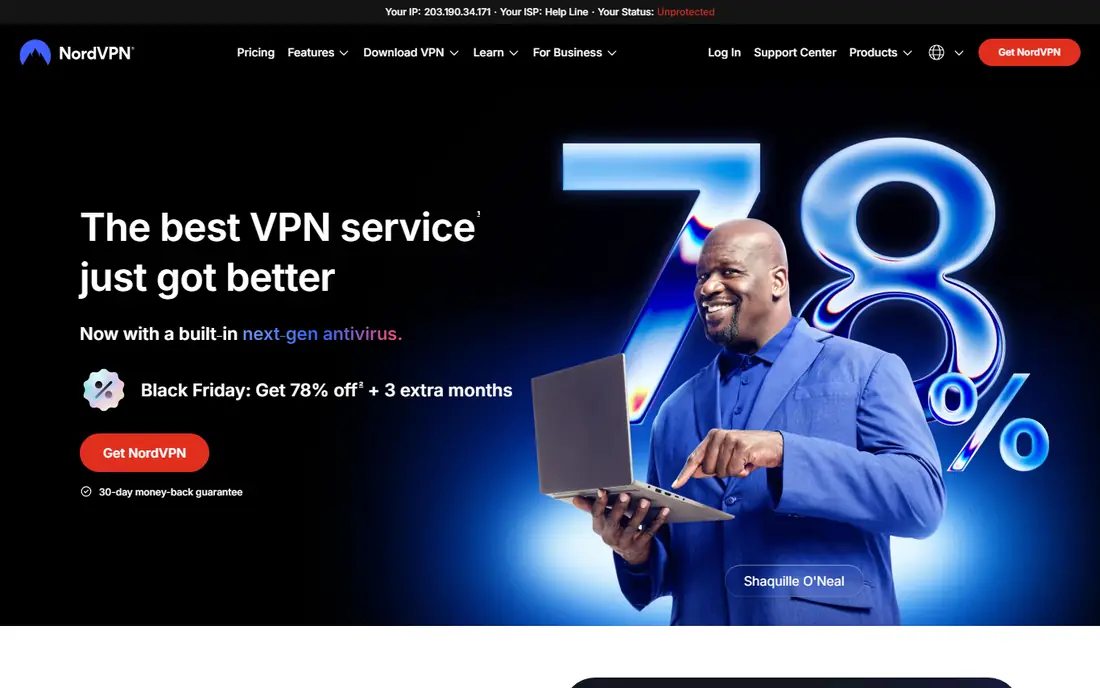
NordVPN is our pick for most people because it pairs a large network with clear, well documented privacy practices and apps that are easy to use on phones and computers. Its NordLynx protocol, kill switch and threat protection tools cover the basics well, and streaming support is among the strongest in this group. The main catch is price over time. The $3.49 per month figure is an introductory two-year rate, and the Basic plan renews at a much higher annual rate, so set a reminder before renewal or be ready to switch.
The bundle structure also deserves a close read. Every tier includes the same core VPN, while Complete and Prime add antivirus tools, a password manager, storage and identity protection. If you only want a VPN, Basic is enough, and paying more for extras you already own elsewhere adds little. For households, the 10-device limit is generous, though it still falls short of Surfshark for very large device counts.
- Large server network
- Audited no-logs policy
- 10 simultaneous connections
- Renewal price is much higher than the introductory price
- Higher tiers add bundles many people will not use
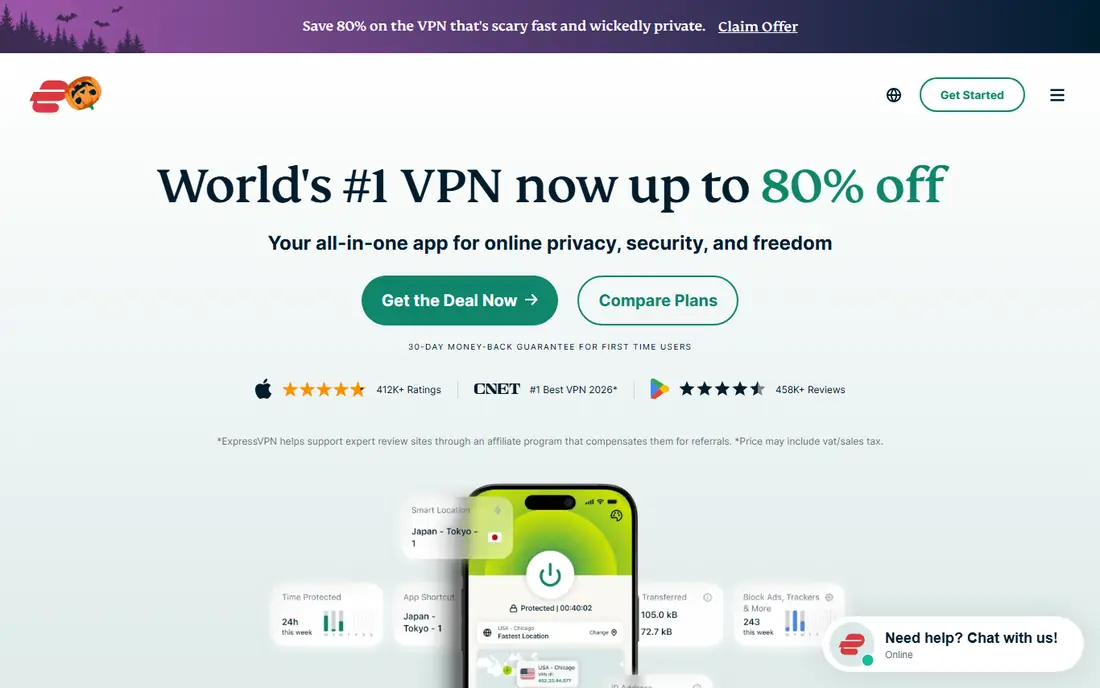
ExpressVPN earns its place through polish rather than price. Its apps connect quickly, settings are kept simple, and support is easy to reach when a server stops working for a streaming service. The Lightway protocol and RAM-only server design are documented in its own materials and in independent audits, which gives its no-logs claim more weight than a bare policy statement. For a first VPN, that simplicity matters, because a tool you avoid using protects nothing.
The price is the honest drawback. The entry rate applies to a long introductory term, and renewal moves closer to the monthly rate. There is no free tier, only a short mobile trial and a 30-day money-back guarantee. If budget is the priority, Surfshark or Proton VPN will serve you better.
- Simple, fast apps
- Strong streaming support
- Audited no-logs claims
- No free plan
- Renewal price rises sharply after the introductory term
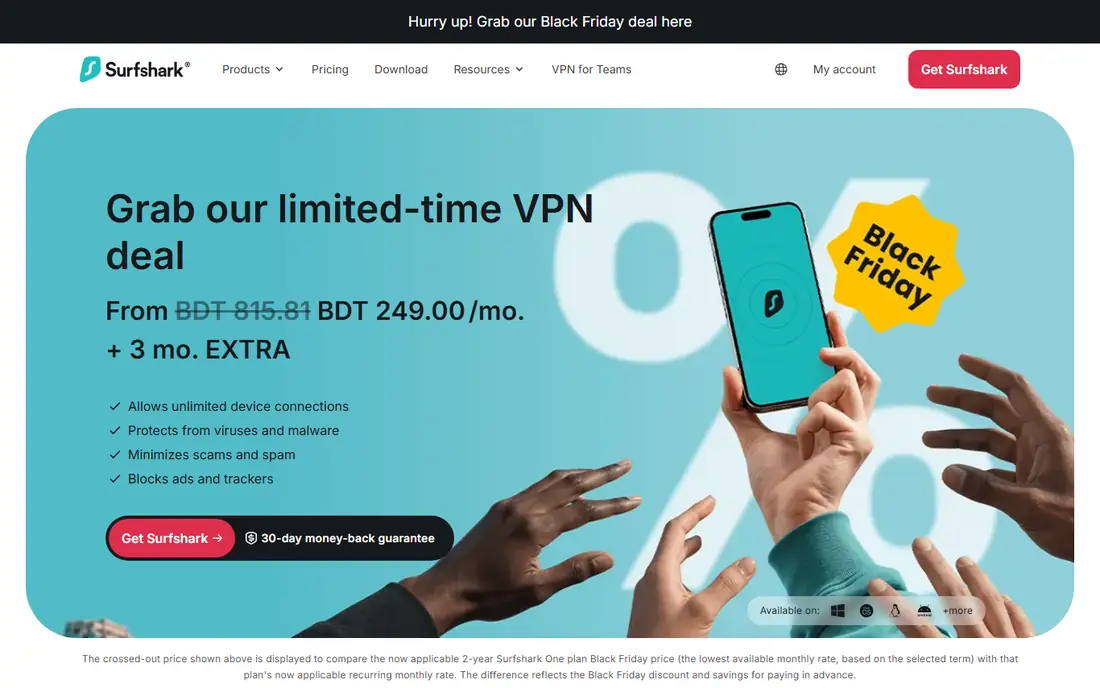
Surfshark is the value pick for a household that has lost count of its phones, laptops, tablets and TVs. One subscription covers unlimited devices, which removes the usual arithmetic about who gets cut off, and the Starter plan includes the full VPN plus ad blocking and cookie pop-up blocking. Speeds on the WireGuard protocol are strong in public reviews, and the apps are consistent across platforms.
The trade-off sits in the renewal terms. The two-year Starter rate is low, but the plan then renews yearly at a higher standard rate, and Surfshark notes that displayed renewal prices can change. That makes Surfshark a good first-term buy and a service to review before it renews. The monthly plan is also poor value, so this is a service to buy on a long term or not at all.
- Unlimited simultaneous connections
- Low introductory price
- Ad and tracker blocking included
- Renewal price is not fixed in advance
- Monthly plan is expensive
Proton VPN stands apart because its free plan is funded by paying users rather than by ads or data sales, according to its own statements. That matters, because many free VPNs pay their bills in ways that work against privacy. The free tier gives unlimited data with no credit card required, which is enough for protecting email and browsing on public Wi-Fi. Paid Plus adds the fastest speeds, streaming support, 10 devices and the NetShield ad and malware blocker.
The limits of the free plan are plain. You get one device at a time, medium speeds and a smaller set of countries, and the app picks a server for you. Secure Core multi-hop routing is also a paid feature. If you need streaming, torrenting support or full speed, the paid plan is the real product, and its two-year introductory price is competitive with NordVPN.
- Free plan with no data limit and no ads
- Open-source apps
- Swiss base and audited no-logs policy
- Free plan is limited to one device and medium speeds
- Streaming and faster servers need a paid plan
Mullvad is built for people who care more about how little a company knows about them than about how many servers it lists. You create an account with a random number, not an email address, and you can pay by card, cryptocurrency or cash by mail. The price does not change with the length of your subscription, so there is no introductory rate to expire and no renewal surprise. That honesty is rare in this market, and it is the main reason Mullvad stays on this list despite a smaller network.
The compromises are real. There is no free plan, support is by email rather than live chat, and streaming services are less reliably unblocked than with NordVPN or ExpressVPN. Speeds are fine nearby but can fall on distant servers in public reviews. If streaming is your main job for a VPN, look elsewhere, but if privacy is the job, Mullvad is hard to beat.
- Flat price with no renewal jump
- No email needed, just an account number
- Accepts cash and cryptocurrency
- No free plan
- Weaker streaming support than the big brands
CyberGhost suits a newcomer who wants the app to make the choice. Dedicated profiles label servers for streaming, torrenting and gaming, so you do not need to learn which server type fits which task. The server list is large, apps cover every major platform, and long plans come with a longer money-back window than the usual 30 days. For a family member setting up a VPN for the first time, that guidance reduces the chance of a wrong server pick.
The app itself is less tidy than ExpressVPN, with more menus and options on screen, and distant server speeds can be uneven in public tests. Privacy documentation is solid, with a Romania base and published transparency reports, but the experience is less refined than the top three here. Check the current price on the vendor site before buying, since long-term discounts change often.
- Profiles for streaming, torrenting and gaming
- Large server list
- Long money-back period on long plans
- Interface can feel busy
- Speeds vary more across distant servers
Private Internet Access, often shortened to PIA, is the pick for people who like to adjust things. Its apps expose protocol choices, encryption levels, port settings and split tunneling in a way that most rivals hide, and the code is open source for inspection. The server network is large, and long-term pricing is usually among the lowest for a paid service. If you know what a kill switch, a custom DNS setting and a multi-hop connection do, PIA gives you room to use them.
That depth is also the drawback for beginners, since the settings screen can look dense on a first open. Streaming support is workable but less consistent than NordVPN or ExpressVPN in public reviews, so a streaming-first buyer should test during the money-back period. There is no free plan, only a money-back guarantee, so use that window properly.
- Deep settings for advanced users
- Large server network
- Open-source apps
- Interface can overwhelm beginners
- Streaming support is less consistent
Windscribe is a useful middle step between a fully free VPN and a paid subscription. The free plan includes a monthly data allowance that covers light browsing and email protection, plus the R.O.B.E.R.T. ad and tracker blocker, and you can add locations or unlimited data through a paid plan. The apps are clear, the privacy policy is written in plain language, and the company publishes transparency reports.
Heavy use will hit the free data cap quickly, and video streaming on the free tier is limited, so this is not a replacement for a paid service if you stream daily. The paid network is also smaller than NordVPN or PIA. For a student, a traveller or anyone who only needs protection on public Wi-Fi a few days a month, the free tier is a sensible start.
- Free plan with a monthly data allowance
- Ad and tracker blocking
- Flexible build-a-plan option
- Free data cap limits heavy use
- Smaller network than the leaders
TunnelBear is the friendliest introduction to VPNs we found. Its apps use plain language, a simple map interface and a clear on-off switch, and the company publishes independent security audits of its apps and infrastructure. The free plan is enough to learn how a VPN works and to protect a short session on public Wi-Fi, and paid plans remove the data cap and add unlimited devices in practice through a per-account model.
The free allowance is small, so regular use will need a paid plan, and advanced users will miss the deep settings found in PIA or Mullvad. TunnelBear also has a smaller server network than the leaders. If you are buying a first VPN for a parent or a friend who finds tech settings stressful, that simplicity is worth more than a longer feature list.
- Friendly, simple apps
- Independently audited
- Free plan for light use
- Free plan has a small data allowance
- Fewer advanced settings
How we picked these
We compared official feature pages, pricing pages, app store listings, privacy policies and public reviews, and we checked renewal terms as well as headline prices, since the gap between the two is where most buyers get caught out. We favoured services with audited no-logs claims, clear free or trial terms and apps on Windows, macOS, Android and iOS, and we kept a mix of large brands and smaller privacy-first options so the list is not just the three names every other guide repeats.
We did not run hands-on speed tests for this guide, and we say so plainly. Our comparisons rest on vendor documentation and published independent reviews, not on lab results of our own. Where a price could not be verified on the vendor site at the time of writing, we wrote See website rather than repeating a figure from a review site.
What to check before you pay
Start with the job, not the brand. A VPN for public Wi-Fi needs a kill switch and a trustworthy free or cheap plan, while a VPN for streaming needs a provider with a record of working with the services you watch, and a VPN for privacy needs audited policies and minimal account data. Check how many devices your household actually uses, since a 5-device cap can be a real limit in a family home.
Read the renewal price
Introductory prices are first-term prices. Open the pricing page, find the renewal rate, and note it in your calendar a week before it applies. If the renewal rate is not shown, treat that as a warning sign and ask support before you pay.
Test during the refund window
Use the money-back period to try the servers you will actually use, on the devices you actually own, at the times you normally go online. If streaming or a work tool fails, that is the time to find out, not after the refund window closes.
Keep expectations honest
A VPN does not stop phishing, malware on your device or tracking by accounts you sign in to. Pair it with updated software, strong passwords and a password manager, and keep backups of files that matter. For safety, never use a VPN to access content in a way that breaks a service terms or local law, and check the rules that apply where you live.
Frequently asked questions
What is the best VPN service overall?
For most people, NordVPN is the strongest all-round choice because it combines a large network, audited privacy claims and strong streaming support. Surfshark is better for large households thanks to unlimited devices, and Proton VPN is better if you want a free plan you can keep.
Is there a best free VPN service that is actually safe?
Proton VPN has the most trustworthy free plan in this list, with no data limit and no ads, funded by paying users. Windscribe and TunnelBear also offer free tiers, but both cap monthly data, so they suit light use rather than daily streaming.
Do I need a VPN at home?
On a trusted home network, a VPN is less urgent than on public Wi-Fi, but it still hides your browsing from your internet provider and can help you reach services while travelling. It is not a replacement for antivirus software, updates or careful password habits.
Will a VPN slow down my connection?
Some slowdown is normal, since traffic is encrypted and routed through another server, but a nearby server on a modern protocol usually keeps the loss small for browsing and video. Distant servers, overloaded servers and older protocols cause larger drops, so test a few locations before judging a service.
Can a VPN keep me completely anonymous online?
No. A VPN hides your IP address and encrypts traffic between your device and the VPN server, but sites you sign in to, browser fingerprinting and malware can still identify you. Treat a VPN as one layer of privacy, not as full anonymity.
Which VPN service is best for streaming?
NordVPN and ExpressVPN have the strongest public record for streaming in this list, with Surfshark close behind. No provider can guarantee access all the time, since streaming services actively block VPN servers, so use the refund window to test the services you watch.
Sources we checked (12)
- https://nordvpn.com/blog/how-much-does-a-vpn-cost/
- https://surfshark.com/blog/surfshark-vpn-plans
- https://surfshark.com/blog/surfshark-vs-nordvpn
- https://www.nordvpn.com
- https://www.expressvpn.com
- https://surfshark.com
- https://protonvpn.com
- https://mullvad.net
- https://www.cyberghostvpn.com
- https://www.privateinternetaccess.com
- https://windscribe.com
- https://www.tunnelbear.com

Online Jobs is an independent blog about careers, online work, learning new skills and the tools that help people earn. More about us.
Keep reading
All posts
Surfshark Alternatives
Looking for Surfshark alternatives? We compare 8 VPN services on price, privacy, streaming, and device limits to help you find a VPN that fits your needs.
NordPass Alternatives
We compared NordPass alternatives for families, solo users and teams, checking pricing, free plans, passkeys and sharing, so you can switch safely today.
Best Password Manager Apps
Compare the best password manager apps in 2026 for families, teams, and privacy, with pricing, free plans, passkeys, and honest trade-offs for US users today.