Home / Business communications
Best VoIP Service in 2026: 9 Providers Compared


Growing teams needing voice, video and messaging · Starting price: $20 per month
How we put this together: we compare official feature and pricing pages, app store listings, privacy policies and public user reviews. Prices change, so check the provider's site before you pay.
Key takeaways
- RingCentral is the safest all-round pick for growing teams that need voice, video, messaging and many integrations.
- Zoom Phone is the cheapest route to voice for teams already using Zoom every day.
- Nextiva suits teams that value support and a combined voice, video and messaging plan from the start.
- Dialpad suits teams that want AI call summaries and transcription built into every plan.
- Solo users should look at Grasshopper or Google Voice first, because per-user team pricing can be wasteful for one line.
Quick comparison
| Name | Who it suits | Starting price | Free option | |
|---|---|---|---|---|
| RingCentral | Growing teams needing voice, video and messaging | $20 per month | Free trial | Visit |
 Nextiva Nextiva | Reliable service with strong human support | $15 per month | No | Visit |
 Zoom Phone Zoom Phone | Teams already living in Zoom | $10.50 per month | No | Visit |
 Dialpad Dialpad | AI call transcription and summaries | $15 per month | Free trial | Visit |
 Vonage Vonage | Businesses that may build on APIs later | $13.99 per month | No | Visit |
 Ooma Office Ooma Office | Small teams wanting simple, no-contract pricing | $19.95 per month | Free trial | Visit |
 Grasshopper Grasshopper | Solo users and very small teams | $14 per month | Free trial | Visit |
 Google Voice Google Voice | Google Workspace teams needing simple voice | $10 per month | No | Visit |
 OpenPhone OpenPhone | Text-heavy small teams and startups | $15 per month | Free trial | Visit |
The best VoIP service
We compared official feature pages, pricing pages and public reviews for the best VoIP services, the best VoIP service provider options and the best voice over IP phone service for business use. The list covers full team systems, solo business lines and low-cost add-ons, so you can match the provider to team size and existing tools.
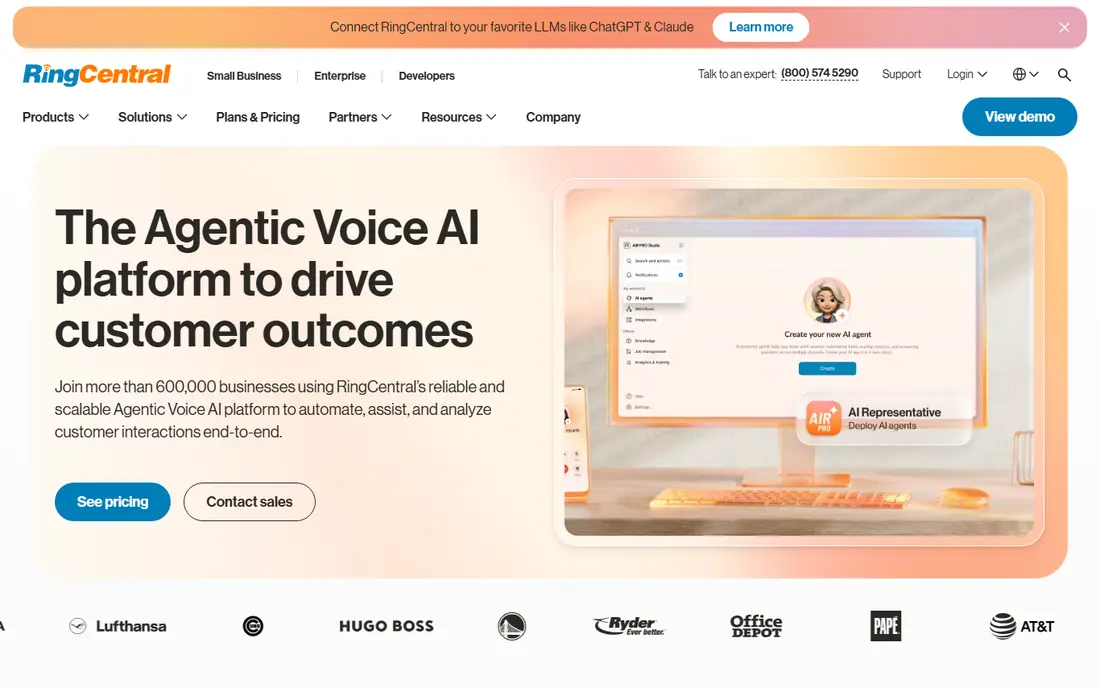
RingCentral fits teams that want one system for calls, meetings and messages rather than three separate tools. It handles extensions, call queues, voicemail, video meetings and team messaging, with integrations for CRM and productivity tools that many growing businesses already use. That breadth is why it is often the default recommendation for a team phone system.
The catch is cost and complexity. At $20 per user per month on annual billing for the entry plan, a team of twenty pays a meaningful monthly bill before taxes and fees. Small teams with simple needs may get the same result from a cheaper, narrower tool, so compare the features you will actually use each week.
- Voice, video, messaging and team chat in one platform
- A very wide integration range
- Strong admin and call handling tools
- Per-user pricing adds up for larger teams
- The full feature set can feel complex for very small teams
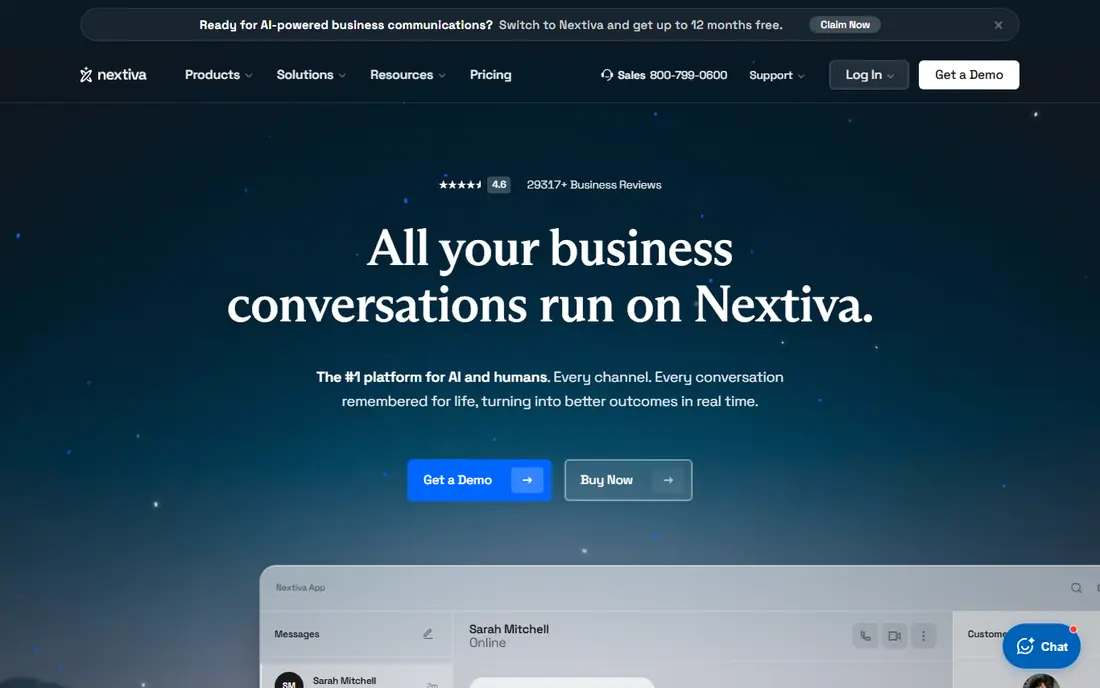
Nextiva fits sales and support teams that need a phone system that works on day one and support when it does not. Its entry plan already combines voice, video meetings, team chat and SMS, which avoids buying add-ons for basic unified communications. That combination suits teams that talk to customers across calls and messages all day.
The catch is the lack of a free tier. You need to trial or buy to test it properly, and the monthly price is higher than the annual price, so budget on the billing term you will actually choose. If support quality matters as much as features, Nextiva is still a strong pick.
- Voice, video, team chat and business SMS from the entry plan
- A reputation for support
- Call analytics and CRM links
- No free plan, only paid plans and trials where offered
- Entry pricing depends on billing term
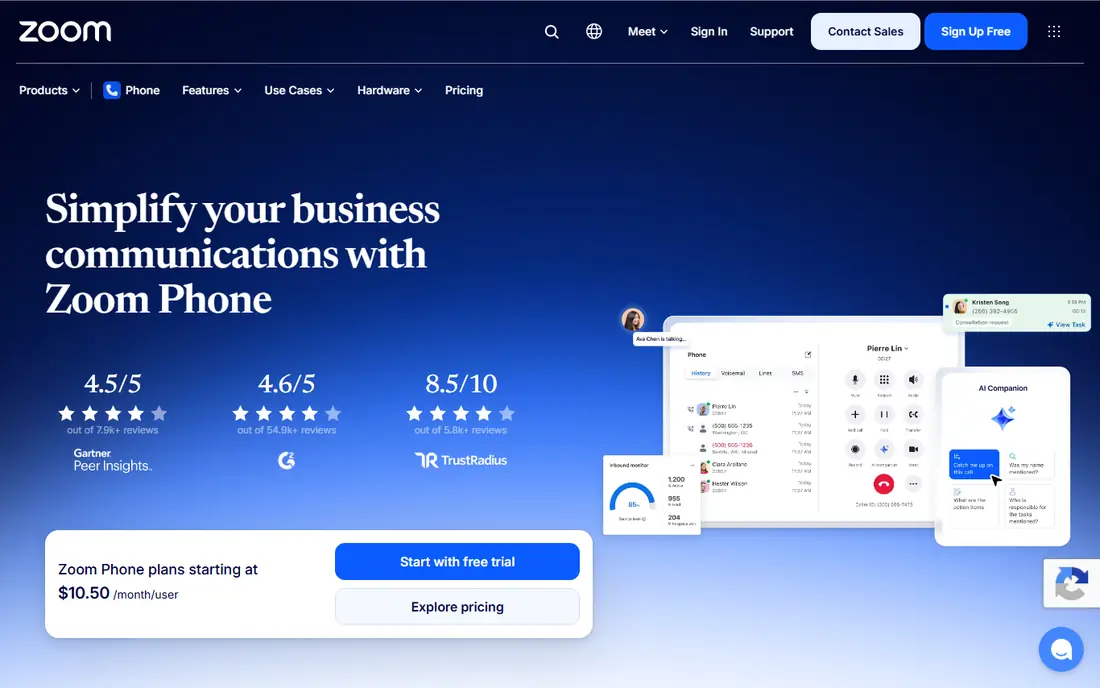
Zoom Phone fits teams that already run meetings in Zoom and want voice in the same app. Staff do not need to learn a new phone tool, and admins manage users in a system they already know. The metered entry plan keeps the starting price low for teams with modest call volume.
The catch is the meter. Low per-user pricing looks cheap until call charges are added, so check whether your team needs an unlimited plan instead. Teams that do not use Zoom for meetings may also get better value from a standalone VoIP provider with a broader app.
- Low entry price for Zoom users
- Voice inside the familiar Zoom app
- Metered and unlimited plan options
- Best value depends on already paying for Zoom
- Metered plans need care with call volume
Dialpad fits remote and hybrid teams that want meeting and call notes without extra software. Its AI features transcribe calls, summarise them and pull out action items, which helps managers review calls and helps staff follow up without replaying recordings. The app covers voice, video and messaging, so it can replace a patchwork of tools.
The catch is tiering. Basic AI is included, but deeper analytics, advanced integrations and enterprise controls sit higher up. Check which tier includes the CRM links and reporting your team needs, and compare annual versus monthly pricing before you sign a team up.
- AI transcription, summaries and action items built in
- Voice, video and messaging in one app
- A modern interface
- Higher tiers needed for advanced analytics and integrations
- Monthly billing is notably higher than annual billing
Vonage fits businesses that want a phone system now and the option to build custom voice, messaging or verification workflows later. Its API platform is a real strength for teams with developers, and its business phone plans cover the standard call handling, messaging and mobile app features most teams need.
The catch is add-on pricing. A low entry price can rise once you add the features a team actually uses, so build the full quote, not just the headline plan. If you never plan to use APIs, a simpler all-in-one provider may be easier to budget.
- A flexible plan structure with add-ons
- Strong API options for custom workflows
- CRM integrations
- The best features often need add-ons or higher tiers
- Pricing varies by plan and add-on mix
Ooma Office fits very small teams that want a proper business phone system without a complex rollout. It includes a virtual receptionist, extensions, voicemail and call handling in a package that is easy to set up. For a shop, clinic or small office, that simplicity matters more than a long integration list.
The catch is price and depth. At $19.95 per user per month, Ooma is not the cheapest option, and teams that need deep CRM or analytics integrations may find it thin. If your team is small and your needs are straightforward, the ease of setup can outweigh those limits.
- Simple setup with a virtual receptionist
- No long contracts on standard plans
- Desk phone and mobile options
- Higher entry price than some rivals
- Fewer advanced integrations than RingCentral
Grasshopper fits solos and micro-teams who need a business number that sounds professional without paying per user. Flat pricing covers the account rather than each seat, which makes it much cheaper than a team system for one or two people. Call forwarding, extensions and voicemail give a small business a polished front without desk phones.
The catch is scale. Grasshopper is a virtual phone system, not a full collaboration platform, so growing teams that need team chat, video meetings and deep CRM links will outgrow it. For a solo consultant, freelancer or two-person business, it is often the right size.
- Flat monthly pricing rather than per-user pricing
- A professional business number with extensions
- Call forwarding to personal phones
- No full team collaboration suite
- Limited integrations compared with full UCaaS platforms
Google Voice fits teams already using Google Workspace that need a simple business number per user. Setup is quick, the price is low, and staff get voicemail transcription, call forwarding and basic call handling without a separate system to learn. For small teams with straightforward calling needs, that is enough.
The catch is depth and dependency. Google Voice needs Workspace, and it lacks the call queues, analytics and advanced routing that larger support or sales teams need. If your team runs a call centre or needs complex routing, a full VoIP provider is a better fit.
- Low entry price
- Simple setup inside Workspace
- Voicemail transcription and call handling for basic needs
- Requires a Workspace plan
- Fewer advanced call centre features than full VoIP platforms
OpenPhone fits startups and small teams that do most customer contact by text and phone, not video meetings. Shared numbers let a team answer messages from one inbox, and the app feels modern on mobile and desktop. That focus suits service businesses, agencies and remote teams that live in messages.
The catch is scope. OpenPhone does not try to replace a full meeting and collaboration suite, so teams that also need video meetings will pair it with another tool. If texting and calling are the core job, that focus is a strength rather than a gap.
- A modern app built around calls and business texting
- Shared numbers and team inboxes
- Simple setup
- Fewer video and meeting features than full UCaaS tools
- Pricing is per user
How we picked these
We compared official feature pages, pricing pages and public reviews, with weight given to entry price, billing term, call features, AI tools, integrations and support. We included full team systems and solo business lines, because the best VoIP company for a twenty-person team is not the best VoIP company for a solo freelancer. Prices shown are entry annual prices where the vendor lists them, and taxes and regulatory fees can add to the monthly bill.
What to check before you buy
Start with how your team actually talks to customers. A sales team needs queues, CRM links and call recording. A solo business needs a professional number and reliable forwarding. A support team needs analytics and routing. Buying a full platform for a simple need wastes money, while buying a simple line for a complex team creates workarounds.
Call quality, number porting and fees
Test call quality on your own internet connection during a trial, and check the upload and download headroom for concurrent calls. Confirm you can port your existing numbers, check porting fees and timing, and ask for the full monthly bill including taxes, E911 and regulatory fees. A low headline price can look different once those charges are added.
Security and recording consent
Check admin controls, access permissions and call recording options, and tell callers when calls are recorded in line with local law. Some regions require consent from all parties, while others require one-party consent, so confirm the rule for your location and your callers before you turn recording on.
Frequently asked questions
Which VoIP service is best for a small business?
RingCentral is the safest all-round pick for a growing small business, while Nextiva suits teams that value support and a combined plan. Solo businesses should start with Grasshopper or Google Voice, because per-user team pricing is often wasteful for a single line.
What is the best VoIP service provider for Zoom users?
Zoom Phone is the best pick for teams already using Zoom, because voice sits inside the same app and the entry price is low. Check whether a metered or unlimited plan fits your call volume, because metered charges can change the monthly total.
Is VoIP cheaper than a traditional phone line?
In most cases, yes, especially for teams that need multiple lines, extensions and remote working. VoIP uses your internet connection, avoids separate line rental for each desk, and includes features such as voicemail transcription and call forwarding that cost extra on traditional lines. Add taxes and fees to the comparison before you decide.
Do I need special hardware for VoIP?
No, most VoIP services work on a computer, a mobile app or a browser, and desk phones are optional. A good headset and a stable internet connection matter more than hardware, though larger offices may still want desk phones for shared spaces.
Can I keep my existing business number with VoIP?
Yes, most VoIP providers support number porting, so you can move an existing business number to the new service. Confirm porting support, timing and any fee before you sign, and do not cancel the old service until the port is confirmed complete.
What internet speed do I need for VoIP?
A single call needs only a small amount of bandwidth, but concurrent calls, video meetings and other office traffic add up. A stable connection with headroom for peak use matters more than a high headline speed, so test call quality during a trial at your busiest time of day.
Sources we checked (9)

Online Jobs is an independent blog about careers, online work, learning new skills and the tools that help people earn. More about us.
Keep reading
All posts
Zoom Alternatives
Zoom alternatives compared for 2026: Google Meet, Microsoft Teams, Webex, Jitsi and more for free calls, large meetings and webinars for teams and classrooms.

Top Rated Poster Maker Software
Top rated poster maker software compared for 2026: Canva, Adobe Express, VistaCreate, PosterMyWall and more for events, sales and classrooms for US users.

Surfshark Alternatives
Looking for Surfshark alternatives? We compare 8 VPN services on price, privacy, streaming, and device limits to help you find a VPN that fits your needs.