Best Voice Cloning Tools in 2026: 8 Tools Compared


Natural narration plus instant and professional cloning · Starting price: $6 per month
How we put this together: we compare official feature and pricing pages, app store listings, privacy policies and public user reviews. Prices change, so check the provider's site before you pay.
Key takeaways
- ElevenLabs is the strongest all-round pick for natural narration plus instant and professional cloning.
- Murf suits video and e-learning teams that want a timeline studio more than raw cloning depth.
- Resemble AI and Cartesia suit developers who need an API, low latency, or watermarking and detection tools.
- Only clone a voice with clear permission from the speaker, and keep a record of that consent before publishing.
- Credit and minute billing differ widely, so model your monthly script length before choosing a plan.
Quick comparison
| Name | Who it suits | Starting price | Free option | |
|---|---|---|---|---|
| ElevenLabs | Natural narration plus instant and professional cloning | $6 per month | Yes | Visit |
 Murf | Scripted video and e-learning voiceover in a studio editor | $29 per month | Yes | Visit |
 Resemble AI | Developers needing API cloning, watermarking, and detection | See website | No | Visit |
 WellSaid Labs | Consistent English brand narration for professional teams | See website | No | Visit |
 Descript | Creators who edit audio and video by editing a transcript | See website | Yes | Visit |
 Cartesia | Real-time voice agents and low-latency API work | $5 per month | Yes | Visit |
 Smallest.ai | Low-cost cloning for creators and small teams | $5 per month | Yes | Visit |
 Speechify Studio | Voiceover and dubbing for video and course teams | See website | Yes | Visit |
The best voice cloning tools
Voice cloning turns a short sample of a permitted voice into a model that can read new scripts in that voice. Tools differ in cloning quality, language coverage, latency, and how credits or minutes are counted. Some suit narration and audiobooks, others suit video studios or developer APIs. Consent is not optional in this category: clone only voices you own or have clear permission to use, and check each vendor policy before publishing cloned audio.
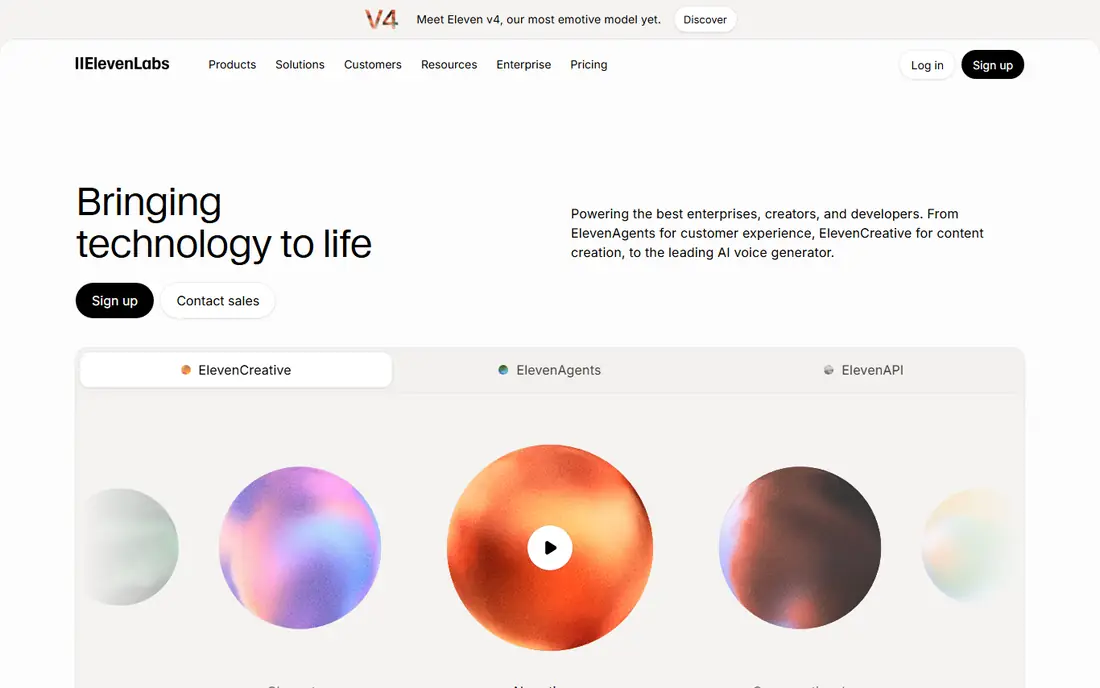
ElevenLabs sets the benchmark for voice plus cloning together. Instant cloning creates a usable voice from a short sample, while professional cloning, available on Creator plans and above, uses a longer sample for closer results. The free plan offers a monthly credit allowance for testing, Starter at $6 per month adds commercial rights and instant cloning, and Creator adds professional cloning and a larger credit pool. Multilingual support and dubbing workflows extend the tool beyond single-language narration.
Credit maths matters. Credits cover characters generated, so a long audiobook or course needs a larger plan than a short weekly video. Credits are also shared across ElevenLabs products, which can drain a plan faster than expected if several tools run at once. Model script length first, then pick the plan that covers a normal month with headroom.
- Strong voice quality, instant cloning from Starter, professional cloning on higher plans, broad language support
- Credits are shared across products, professional cloning is gated to higher plans
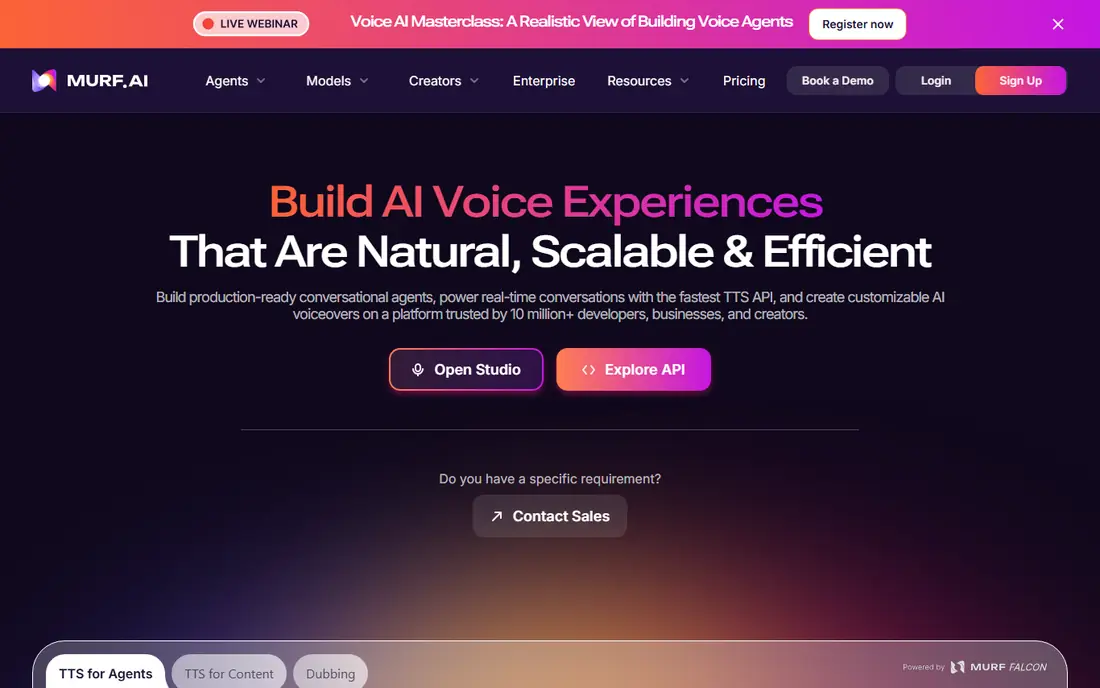
Murf is a studio first and a cloning tool second. The timeline editor lets a creator align voiceover with slides, video, and background music, which suits e-learning, training, and explainer videos. Minute-based billing makes costs predictable for teams that know how many minutes they generate each month. Integrations with presentation tools help teams that build courses from decks.
Cloning is the limit. Self-serve cloning is not the core Murf offer, and full cloning sits at enterprise level. A team that needs a cloned brand voice should check enterprise terms early, rather than assuming a standard plan covers it. For scripted narration with stock or licensed voices, Murf remains a strong, creator-friendly studio.
- Timeline studio editor, slide sync for presentations, music and media controls
- Voice cloning is an enterprise add-on, raw realism trails ElevenLabs for narration
Resemble AI
Who it suits: Developers needing API cloning, watermarking, and detection
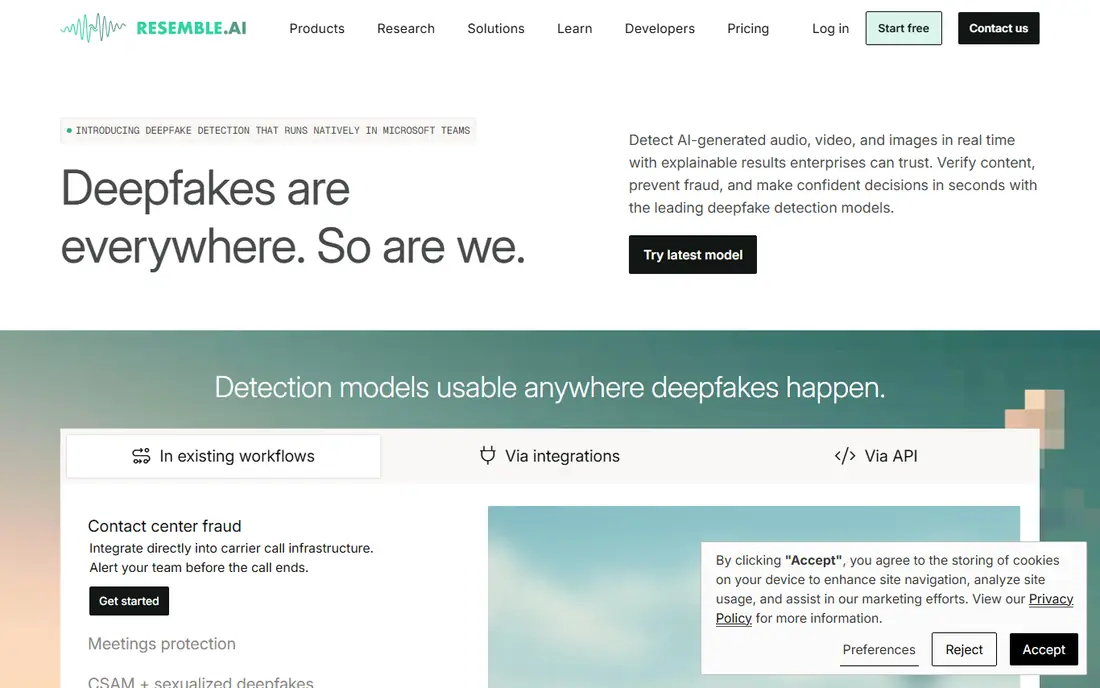
Resemble AI suits product teams that build voice features into apps. The Flex option offers pay-as-you-go text-to-speech with credits that do not expire, which helps irregular workloads. Watermarking and detection tooling address provenance, letting a team mark generated audio and check for cloned content. API access covers cloning, generation, and voice management without a studio workflow.
Creator polish is thinner than ElevenLabs or Murf, and clone seat add-ons can lift the bill for teams with many voices. A solo creator who wants a simple studio will likely prefer a different tool. A developer who needs API control, watermarking, and flexible billing will find Resemble AI a practical fit. Confirm current Flex rates on the vendor site before building against them.
- Pay-as-you-go Flex option, PerTh watermarking, detection tooling, clone management by API
- Dashboard feels less polished for creators, clone seat add-ons add cost
WellSaid Labs
Who it suits: Consistent English brand narration for professional teams
WellSaid Labs focuses on professional English voiceover with consistent quality across long scripts. Download-minute metering suits teams that generate many drafts but download only finished takes, because generation itself is less constrained on paid plans. The voice library uses consented voices, which matters for brands that must show clear rights for every voice they publish.
Language coverage beyond English is fuller on enterprise plans, so multilingual teams should check the current catalogue before committing. Custom brand voices also sit at enterprise level, similar to Murf. For an English-language brand that values consistency and clear rights over the widest language list, WellSaid Labs is a solid choice. Check the current starter price on the vendor site, because annual and monthly figures differ.
- Consistent voice quality, download-minute metering, consented voice library
- Language range is fuller on enterprise plans, cloning is enterprise focused
Descript changes editing itself: a creator edits audio and video by editing the transcript, deleting words to delete the corresponding audio. Overdub creates a clone of the creator voice for fixing mistakes without re-recording, which saves time on podcasts and tutorials. Screen recording, captions, and publishing tools round out a workflow for creators who publish often.
Overdub fidelity trails specialist cloning platforms for long-form narration, and it is best seen as a correction and pick-up tool rather than a full narration voice. Plan limits around transcription and generation also vary, so a heavy user should confirm them on the pricing page. For creators who already edit in Descript, Overdub adds real value without a second subscription.
- Text-based editing, Overdub voice cloning, screen recording and publishing tools
- Voice cloning fidelity trails specialist cloning tools, plan limits vary
Cartesia targets real-time use: voice agents, conversational apps, and interactive products where delay breaks the experience. Latency is notably low, and the Pro plan at $5 per month offers a low-cost entry with a credit allowance and instant cloning. Pay-as-you-go options suit developers whose usage spikes unevenly across months.
The creator studio is smaller than ElevenLabs, and the voice library is narrower, so a narration-only buyer may prefer a studio-first tool. Cartesia wins when the product is the voice interaction itself, such as an agent that must answer in real time. Developers should test latency and voice quality on their own prompts during the free tier before building a launch plan around it.
- Low latency, pay-as-you-go flexibility, instant cloning on Pro plans
- Smaller creator studio than ElevenLabs, voice library is narrower
Smallest.ai stands out on price. The free tier offers a monthly allowance for testing, and the $5 per month entry plan includes cloning, which many rivals gate to higher tiers. That makes it a practical test bed for creators who want to try cloning without a $20-plus commitment. Real-time API options also suit small developers building voice features on a budget.
Library size and studio depth trail ElevenLabs and Murf. A creator who needs a large stock voice catalogue or a full video timeline will find gaps. A creator who needs one or two cloned voices for regular narration, at low cost, will find the trade acceptable. Confirm credit and minute limits on the vendor site, because low prices often pair with tighter caps.
- Low entry price, cloning from the entry paid plan, real-time API options
- Smaller voice library than the largest platforms, studio features are basic
Speechify Studio
Who it suits: Voiceover and dubbing for video and course teams
Speechify Studio covers voiceover and dubbing for teams that publish video and courses. A creator can generate narration, dub existing video into other languages, and manage voices from a studio workflow. The free tier offers a limited Studio credit allowance for testing, which helps a team judge voice quality before paying.
Pricing confusion is the main caution. Speechify Reader, the separate reading app, carries different plans, and buyers sometimes compare the wrong price list. Studio cloning and commercial use also need paid plans, so a buyer should confirm the Studio pricing page specifically. For teams that need dubbing alongside narration, Speechify Studio offers a useful combined workflow.
- Studio voiceover workflow, dubbing tools, credit-based generation
- Easy to confuse with the separate Reader app pricing, cloning and commercial use need paid plans
How we picked these
We compared official feature pages, pricing pages, app listings, and public documentation for tools that offer voice cloning, not just stock text-to-speech. We checked cloning type, credit or minute billing, language support, API access, and consent policies, and we left out tools whose official sites no longer serve a live product. We did not claim hands-on testing. Prices and credit allowances change, so the vendor page on the day you buy is the final source.
What to check before you buy
Start with consent and rights. Confirm you have permission to clone each voice, keep that permission in writing, and check whether the plan allows commercial use of cloned output. Some free tiers allow testing only, while commercial rights start on paid plans. Publishing cloned audio without permission risks legal and platform action, however good the tool sounds.
Next, model usage in characters or minutes, whichever the vendor bills. A 10-minute narration, a 60-minute course, and a real-time agent produce very different bills on credit versus minute plans. Generate a test script at your normal length, note the cost, and multiply by monthly output before choosing.
Finally, verify the product is still live and supported. Older comparison lists still name voice tools that have since closed or changed hands, and their pricing no longer applies. Open the vendor site, check the pricing page, and confirm cloning is listed on the plan you intend to buy. A tool that looks cheap on an old list can cost a migration if it no longer exists.
Frequently asked questions
Sources we checked (8)

Online Jobs is an independent blog about careers, online work, learning new skills and the tools that help people earn. More about us.
Keep reading
All posts
n8n Alternatives
n8n alternatives compared for 2026, with Zapier, Make, Activepieces, and more, covering visual builders, code steps, self-hosting, and pricing models.

eBay Alternatives
Looking for ebay alternatives? We compared 9 marketplaces for sellers on fees, buyer reach, categories and ease of listing, to help you sell with confidence.

ZoomInfo Alternatives
The best ZoomInfo alternatives in 2026, compared on price, free plans, data coverage, and which tool fits small teams or large sales teams best in detail.